
 15
15presentation
Indie Magazine Startup Pitch Deck
Shape your publishing concept with an indie magazine startup pitch deck featuring pastel gradients, bold collage layouts, and editable planning slides.
Google SlidesPowerPoint
spreadsheet · English
Coordinate owners, milestones, budgets, and deadlines with this project execution planner spreadsheet for clear delivery in Excel and Google Sheets.
Design notes
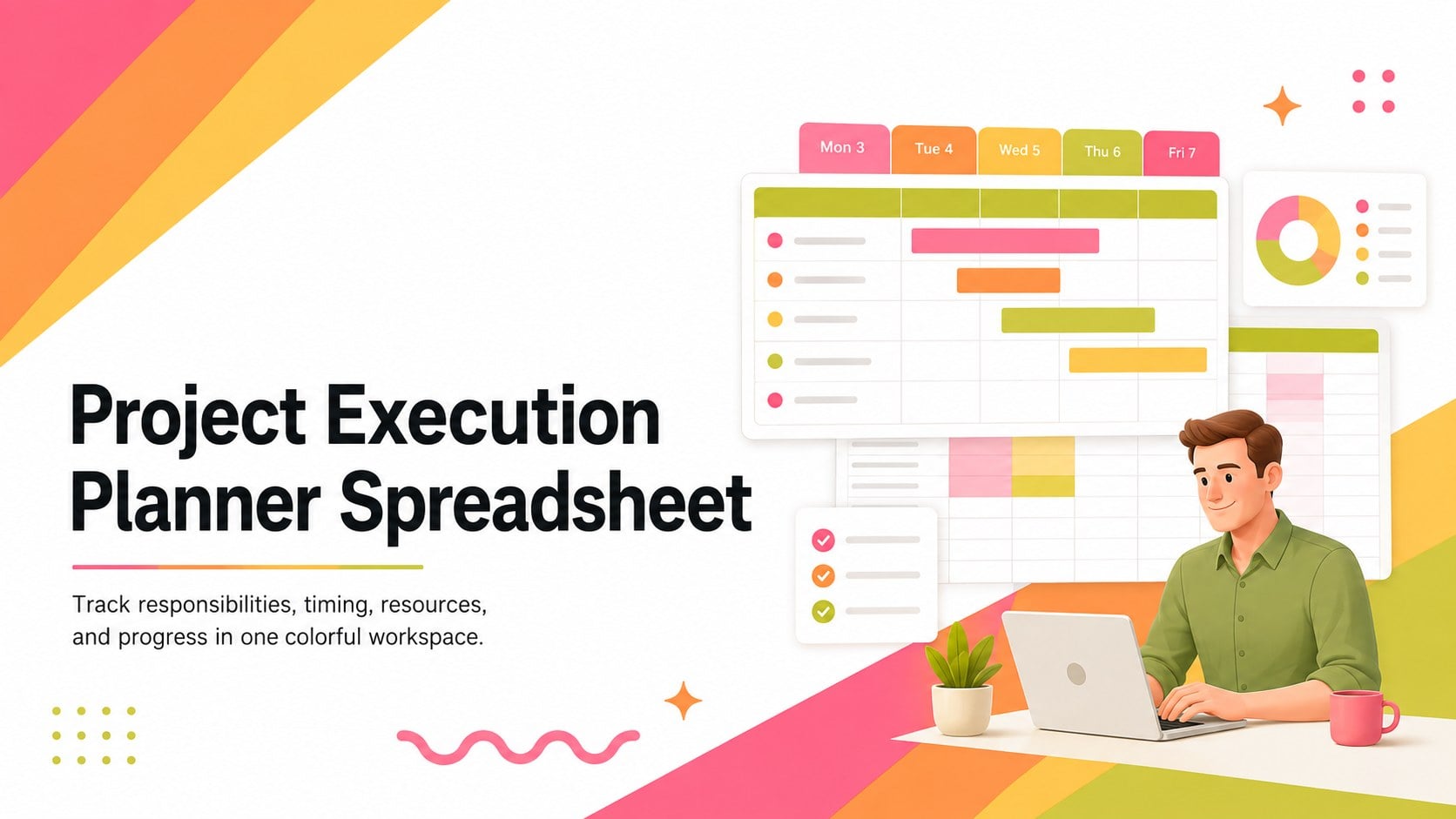
Bring structure to active initiatives with the Project Execution Planner Spreadsheet, a colorful workspace for turning goals into assigned, measurable work. Its lively pink, orange, yellow, and green accents make important details easy to scan, while white space and black text preserve a polished corporate feel. Use it to clarify responsibilities, monitor due dates, and keep delivery priorities visible.
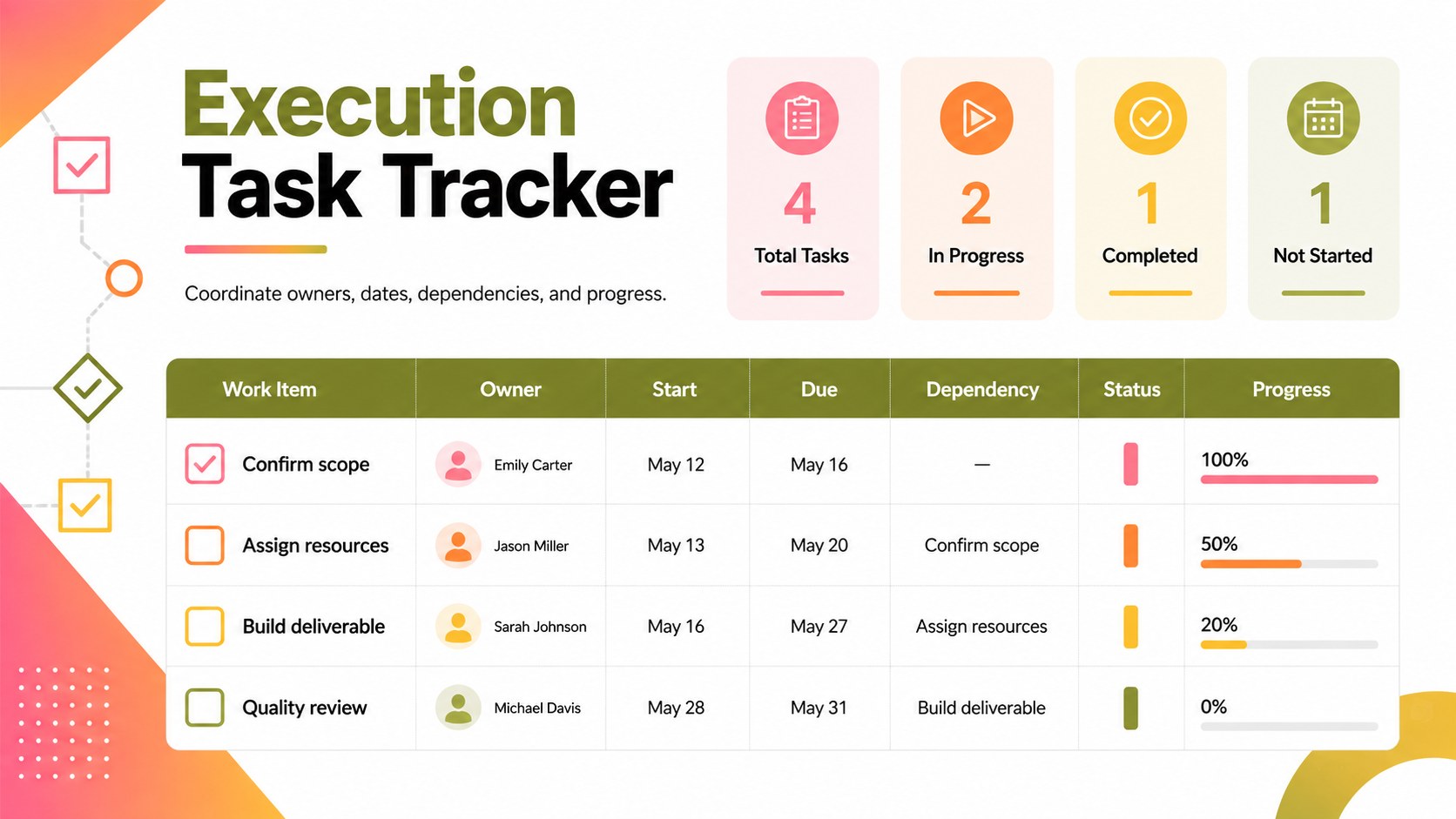
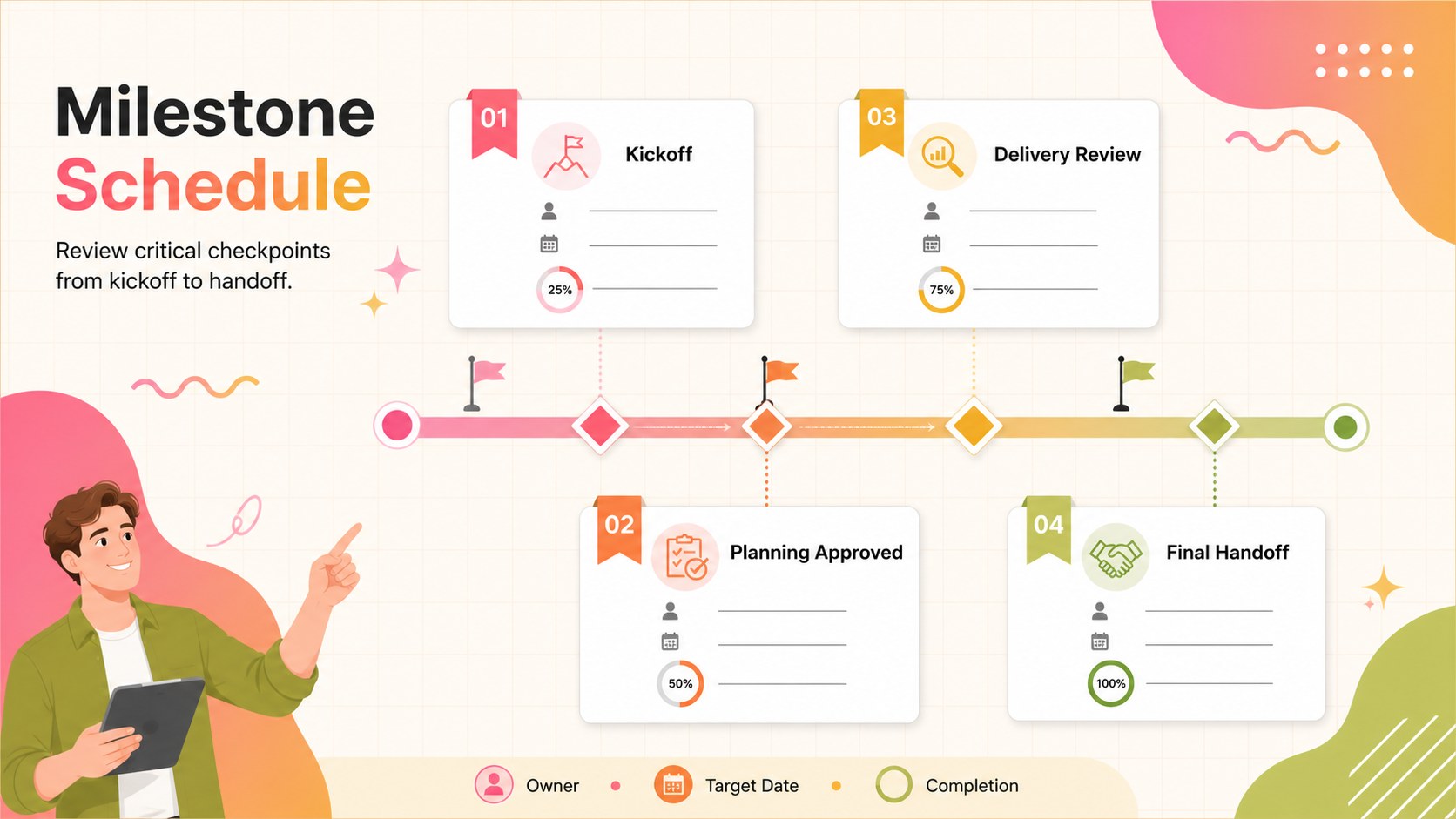
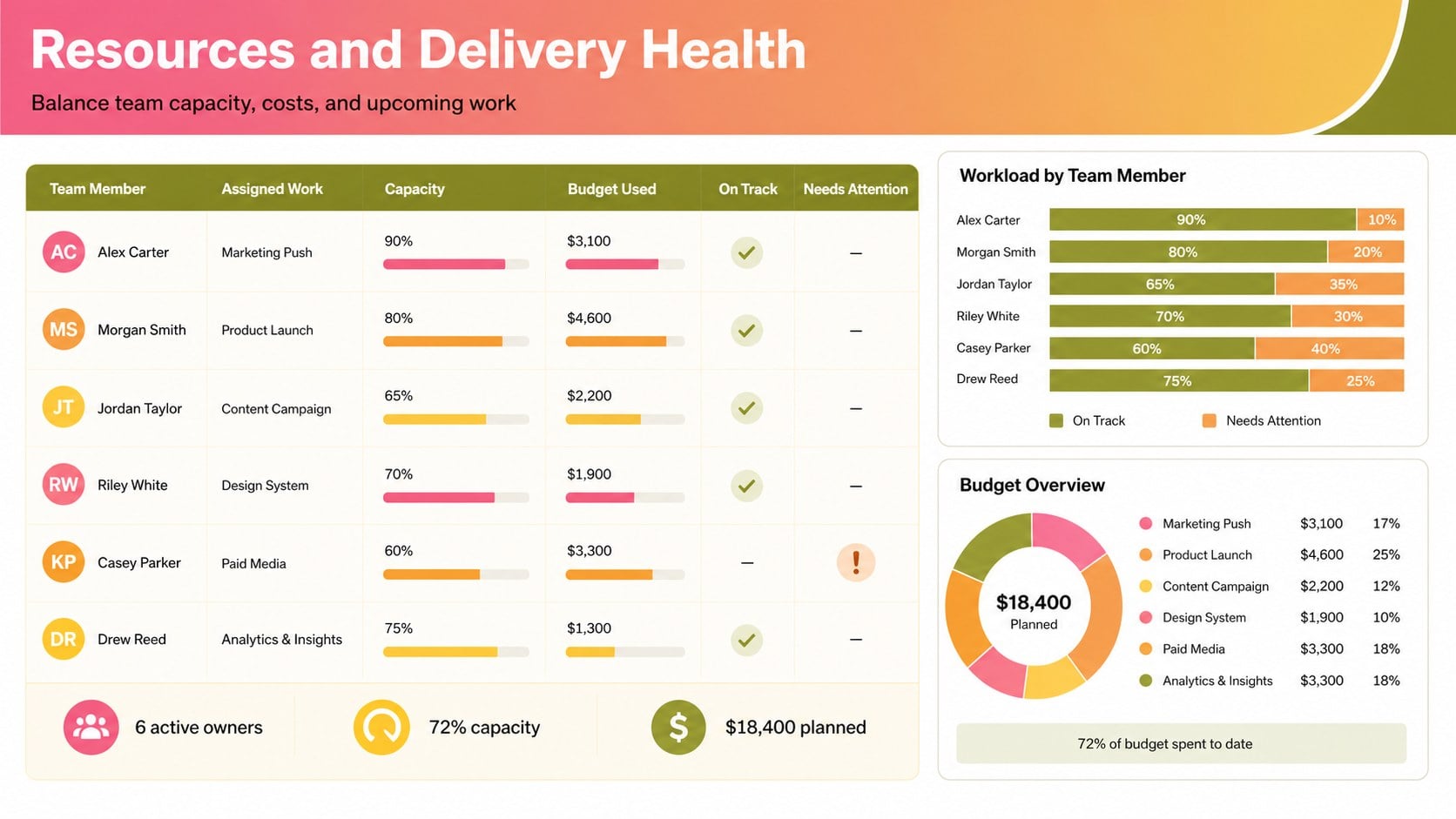
Inside, you will find organized areas for project phases, task owners, start and finish dates, status, dependencies, budget notes, and completion percentages. The layout can serve as a project task dependency tracker when activities must happen in sequence, or as a project milestone schedule template for reviewing key checkpoints with stakeholders. Dedicated resource fields also support team resource allocation spreadsheet workflows across departments or concurrent workstreams.
This template is designed for project managers, operations leads, agency teams, consultants, startup coordinators, and anyone responsible for moving work from kickoff to completion. Customize the labels, colors, formulas, and status options in Excel or Google Sheets to match your process. Whether you are coordinating a product launch, internal improvement program, client engagement, or event, the spreadsheet creates a reliable shared view of scope, timing, ownership, and progress.
Perfect for: product launch coordination; client project delivery; cross-team initiative tracking; event production planning; operations improvement program.
Frequently asked questions
Can I edit this spreadsheet in Excel and Google Sheets? Yes. The template is designed for Microsoft Excel and can also be uploaded to Google Drive for editing in Google Sheets. Review formulas and dropdown settings after importing to ensure they behave as expected.
Practical details
Yes. The template is designed for Microsoft Excel and can also be uploaded to Google Drive for editing in Google Sheets. Review formulas and dropdown settings after importing to ensure they behave as expected.
Rename phases, task categories, status labels, and owner fields to reflect your process. You can also add rows, adjust formulas, and change the color coding without rebuilding the core layout.
Yes. Duplicate the planning tab for separate initiatives or add a project-name column to maintain a combined portfolio view. Consistent status values will make filtering and progress reviews easier.
Yes. It includes space for deadlines, ownership, dependencies, progress, and resource notes. These fields can be expanded with budget amounts, workload estimates, or approval checkpoints.
Keep exploring
15Shape your publishing concept with an indie magazine startup pitch deck featuring pastel gradients, bold collage layouts, and editable planning slides.
 16
16Build clear project stories with the Icon Grid Teamwork Theme, a flexible blue illustrated deck for proposals, strategy updates, and team meetings.
 3
3Turn priorities into an actionable plan with an annual goals roadmap infographic, featuring editable orange and teal layouts for PowerPoint and Google Slides.
 15
15Create an Annual Achievement Report Presentation with colorful geometric layouts for milestones, results, lessons, and priorities in PowerPoint or Google Slides.
 15
15Turn results into a focused annual performance evaluation report with dark 3D slides for KPIs, achievements, feedback, and next-step goals for teams.
 15
15Guide a focused annual recap with Business Results Retrospective Slides, a muted brown-and-blue template for PowerPoint and Google Slides.
 6
6Turn complex plans into clear visual stories with Color-Coded Workflow Path Slides, an editable set for project updates, roadmaps, and team briefings.
 6
6Compare regional performance at a glance with Global Data Heatmap Slides, a clean multicolor deck designed for editable PowerPoint and Google Slides.