
 15
15presentation
Indie Magazine Startup Pitch Deck
Shape your publishing concept with an indie magazine startup pitch deck featuring pastel gradients, bold collage layouts, and editable planning slides.
Google SlidesPowerPoint
spreadsheet · English
Build reliable forecasts with a project cost planning workbook that organizes estimates, actual spending, variances, and category totals in one bright view.
Design notes
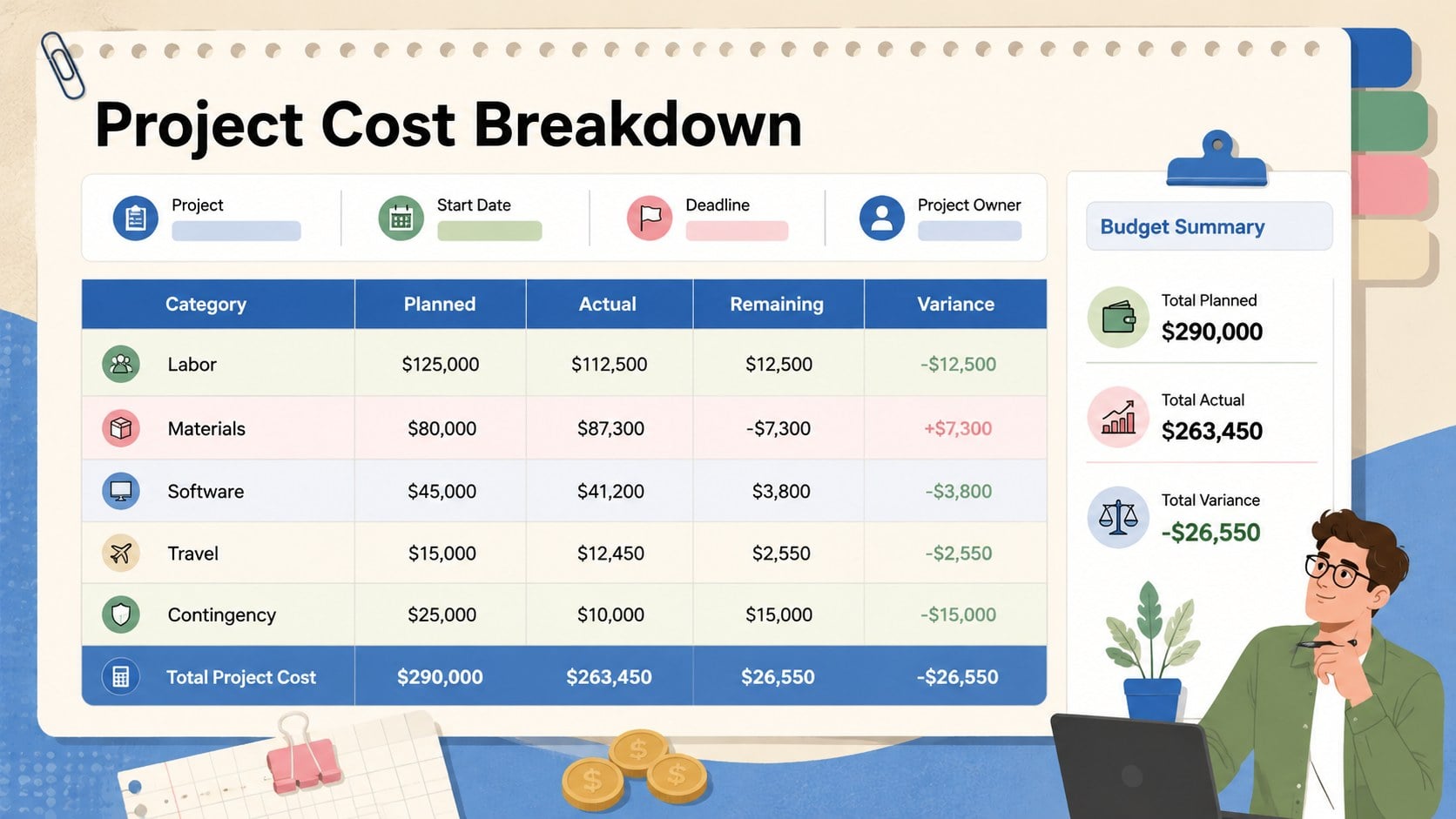
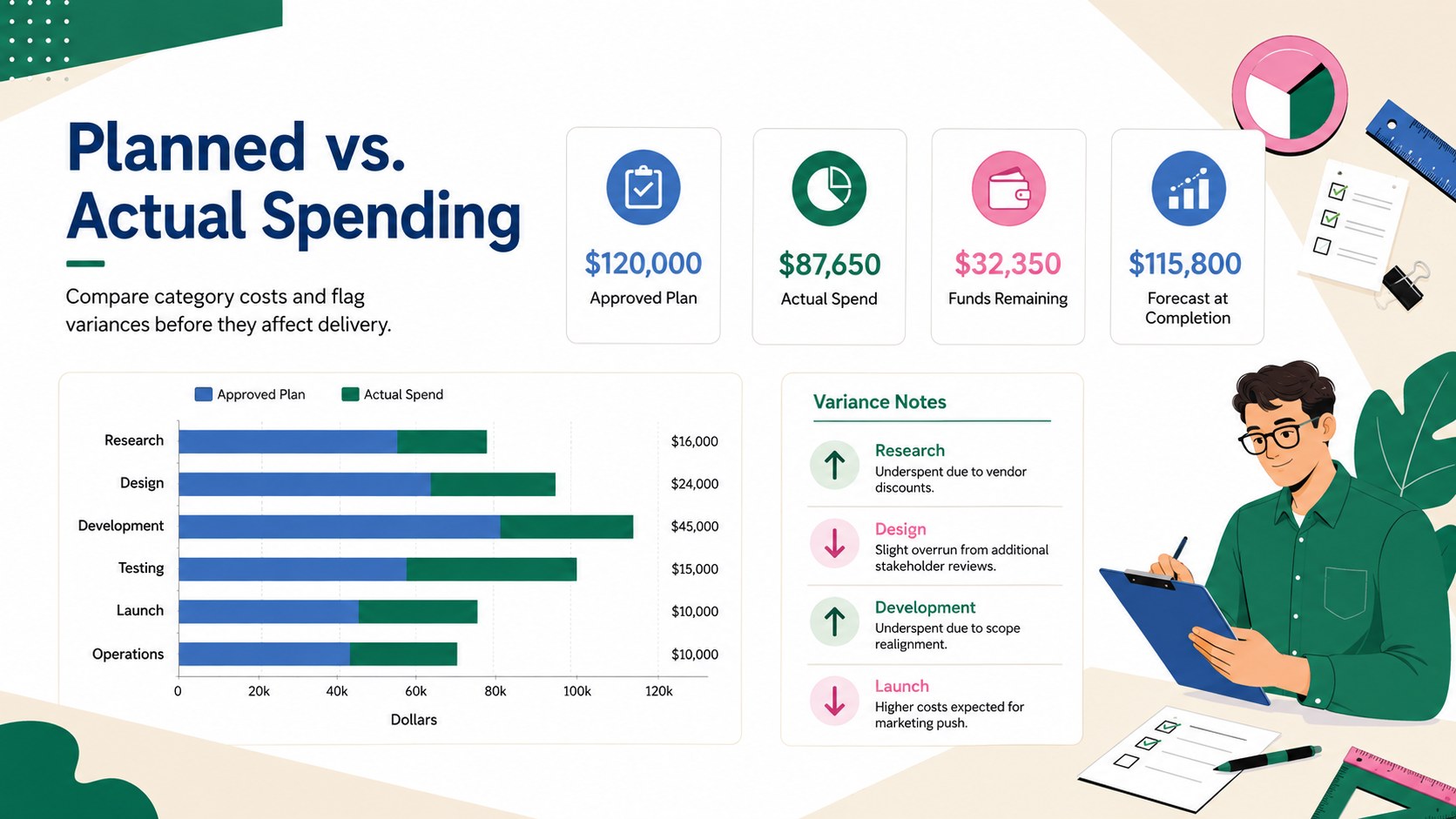
Give every phase of your initiative a clear financial framework with this project cost planning workbook. The structured layout helps teams establish cost estimates, record committed and paid expenses, and identify differences before they affect delivery. Its colorful illustrated design uses beige, blue, green, pink, white, and black to make detailed financial information approachable without losing a professional tone.
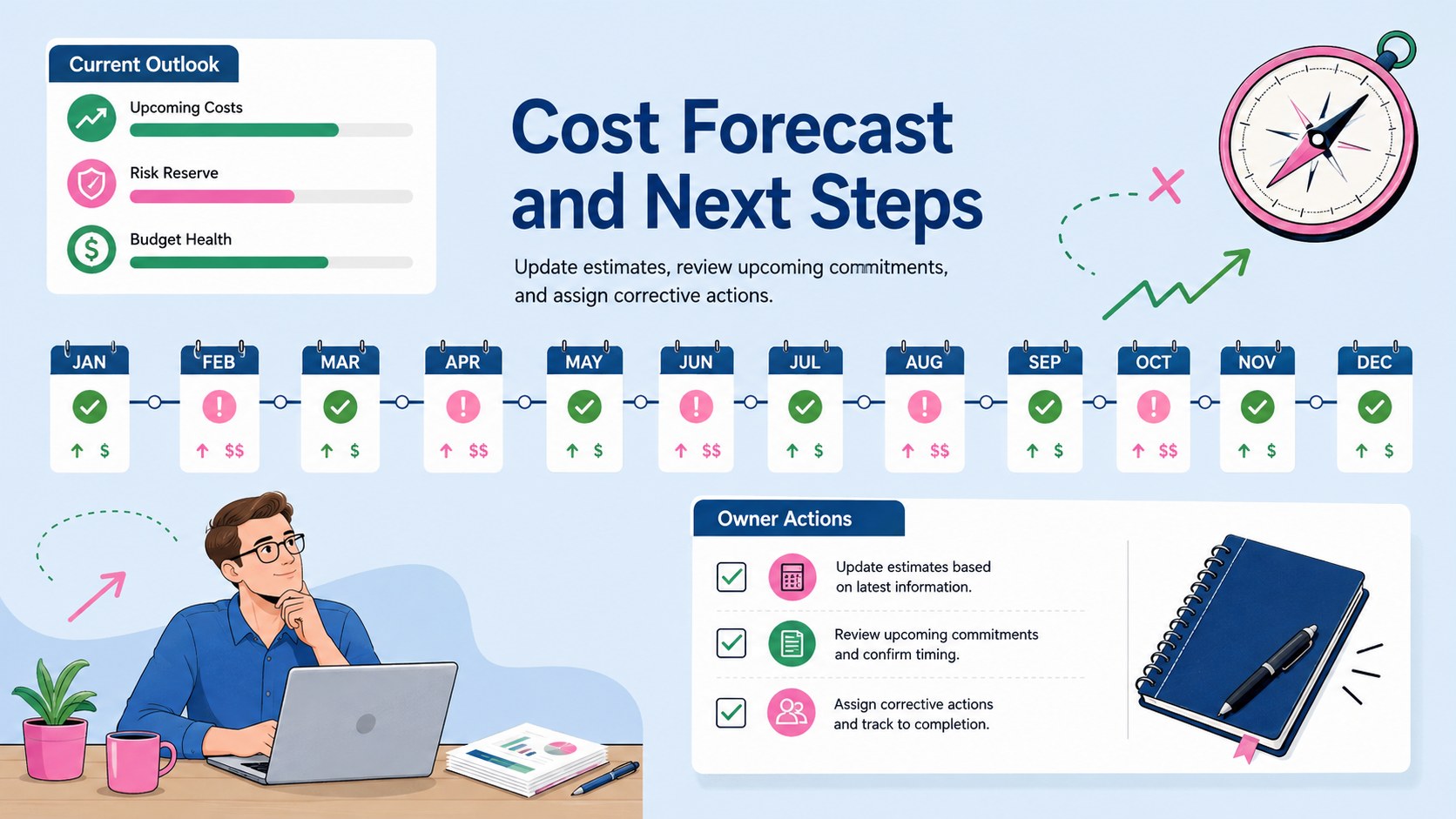
Inside, you will find dedicated areas for project details, expense categories, planned amounts, actual costs, remaining funds, and variance calculations. Use it as a project expense forecast template during kickoff, a planned versus actual cost tracker during delivery, or a project budget variance worksheet when preparing status updates. Summary totals and visual indicators provide a quick view of overall financial health, while editable fields let you adapt the structure to labor, materials, software, travel, vendor fees, or contingency reserves.
This workbook is designed for project managers, operations leads, consultants, agency teams, nonprofit coordinators, and small business owners who need a practical way to communicate costs. Customize the labels, colors, categories, and figures in Excel or Google Sheets, then use PowerPoint or Google Slides to present key findings to clients and stakeholders. The 16:9 format keeps financial reviews clear on screen and easy to discuss in meetings.
Perfect for: project kickoff cost estimate; monthly spending review; client budget status update; vendor expense monitoring; project closeout analysis.
Frequently asked questions
Which applications can I use to edit this workbook? You can edit the financial data in Microsoft Excel or Google Sheets. Key summaries can also be presented or adapted in PowerPoint and Google Slides.
Practical details
You can edit the financial data in Microsoft Excel or Google Sheets. Key summaries can also be presented or adapted in PowerPoint and Google Slides.
Yes, the labels, amounts, categories, colors, and calculation fields can be adjusted for your project. You can add rows for labor, materials, subscriptions, travel, contractors, or other cost groups.
Yes, the layout includes planned amounts, actual spending, remaining funds, and variance fields. These sections help teams spot overspending and revise forecasts during delivery.
Yes, the professional 16:9 layout is designed for clear on-screen review. Its summary sections and visual indicators make detailed project costs easier to discuss with clients, managers, and delivery teams.
Keep exploring
15Shape your publishing concept with an indie magazine startup pitch deck featuring pastel gradients, bold collage layouts, and editable planning slides.
 16
16Build clear project stories with the Icon Grid Teamwork Theme, a flexible blue illustrated deck for proposals, strategy updates, and team meetings.
 3
3Turn priorities into an actionable plan with an annual goals roadmap infographic, featuring editable orange and teal layouts for PowerPoint and Google Slides.
 15
15Create an Annual Achievement Report Presentation with colorful geometric layouts for milestones, results, lessons, and priorities in PowerPoint or Google Slides.
 15
15Turn results into a focused annual performance evaluation report with dark 3D slides for KPIs, achievements, feedback, and next-step goals for teams.
 15
15Guide a focused annual recap with Business Results Retrospective Slides, a muted brown-and-blue template for PowerPoint and Google Slides.
 6
6Turn complex plans into clear visual stories with Color-Coded Workflow Path Slides, an editable set for project updates, roadmaps, and team briefings.
 6
6Compare regional performance at a glance with Global Data Heatmap Slides, a clean multicolor deck designed for editable PowerPoint and Google Slides.