
 15
15presentation
Indie Magazine Startup Pitch Deck
Shape your publishing concept with an indie magazine startup pitch deck featuring pastel gradients, bold collage layouts, and editable planning slides.
Google SlidesPowerPoint
presentation · English
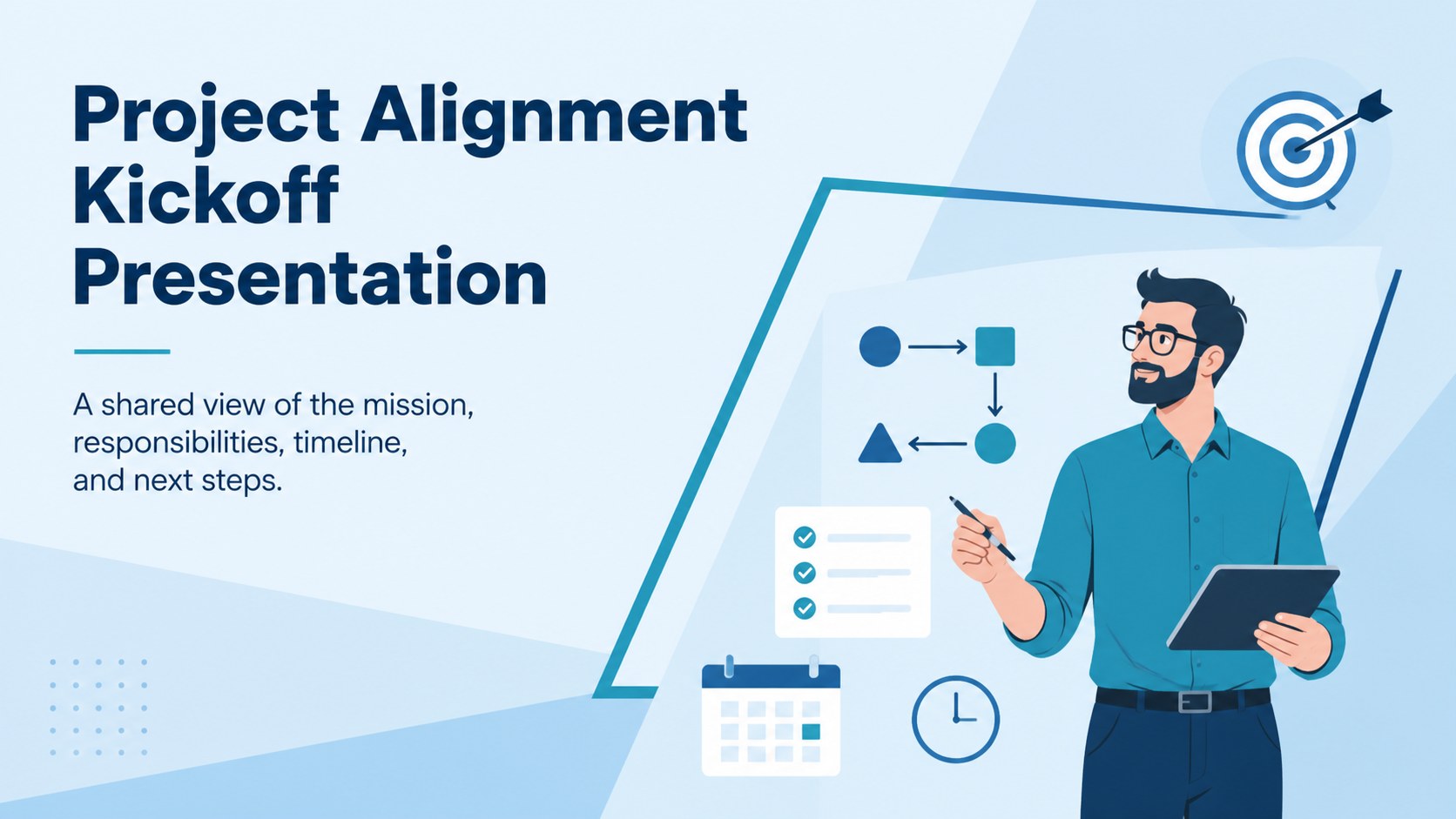
Use this project alignment kickoff presentation to define goals, clarify roles, map milestones, and begin stakeholder conversations with confidence.

Design notes
Build early agreement with a project alignment kickoff presentation created for clear, productive conversations. Its minimal blue design and subtle animation help project leaders introduce the mission, establish expectations, and give every participant a practical understanding of how the work will move forward.
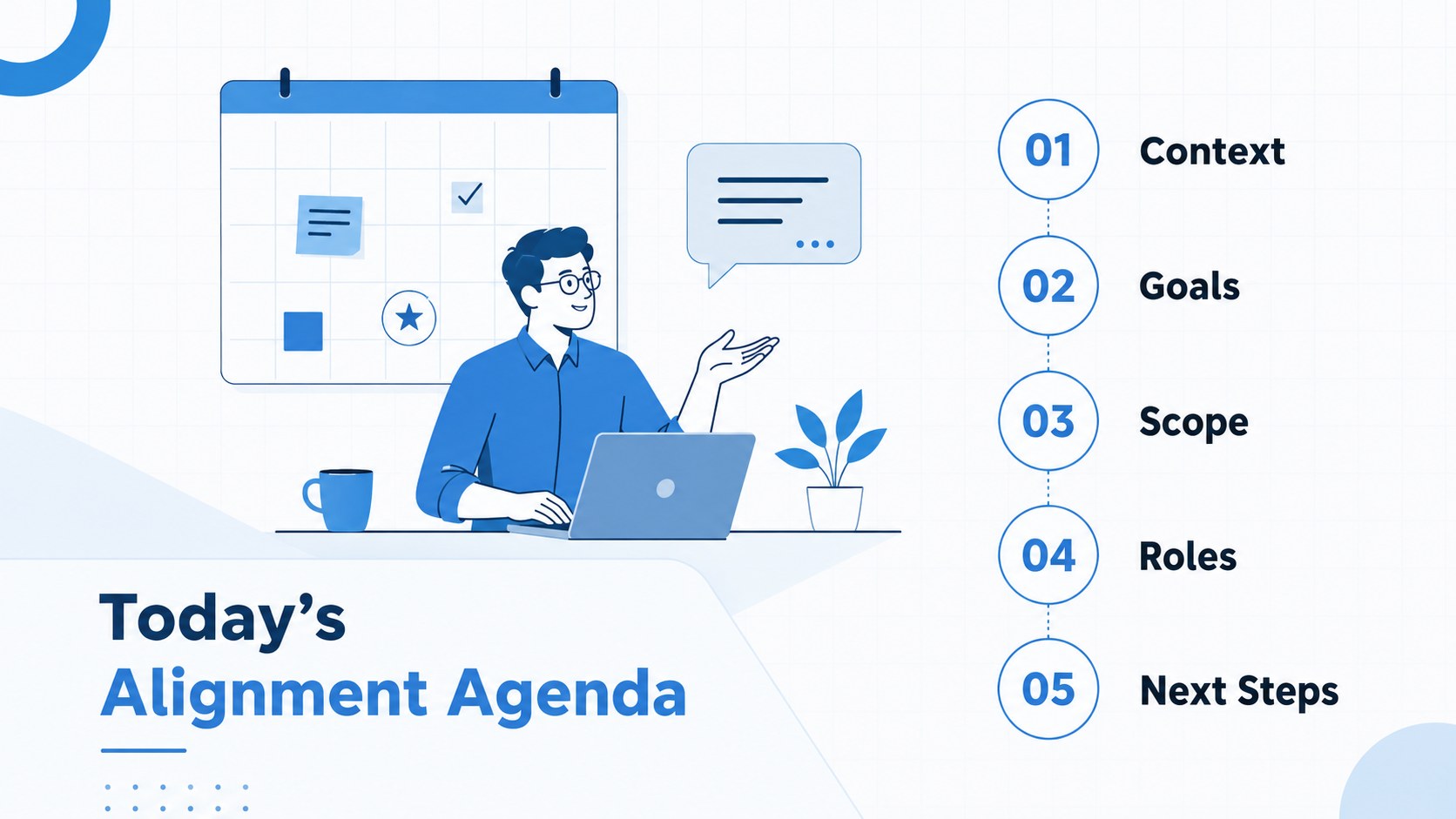
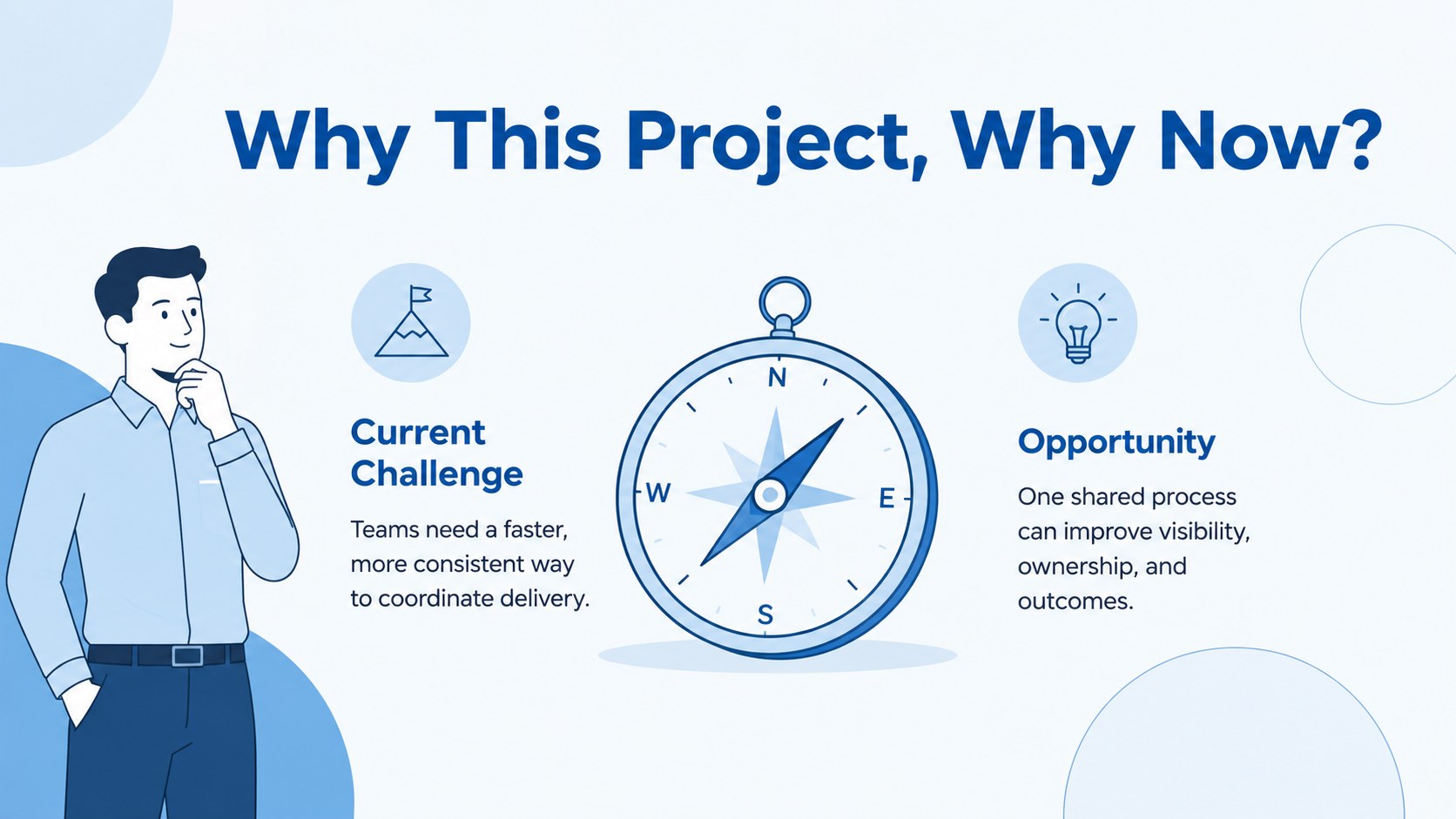
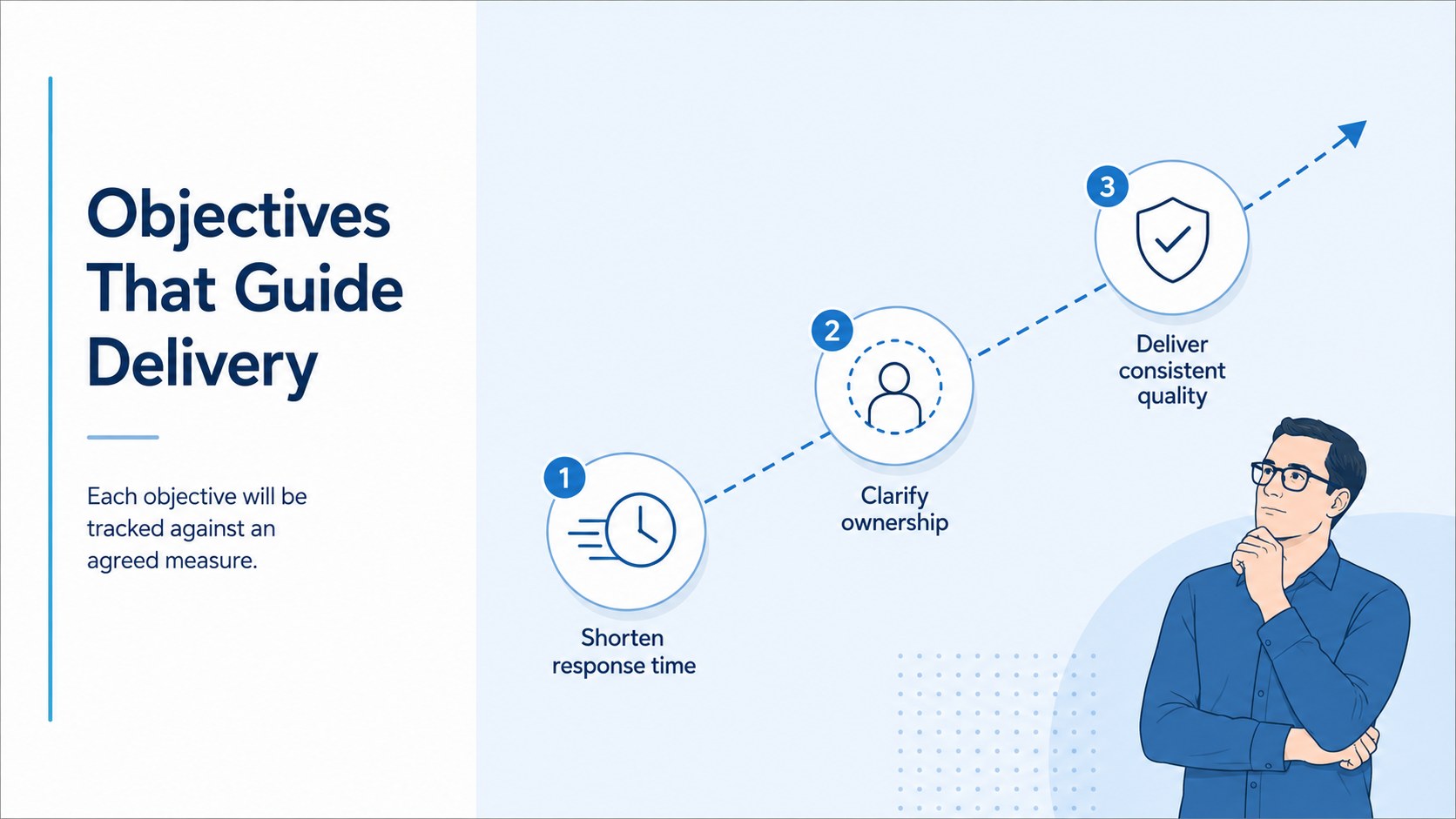
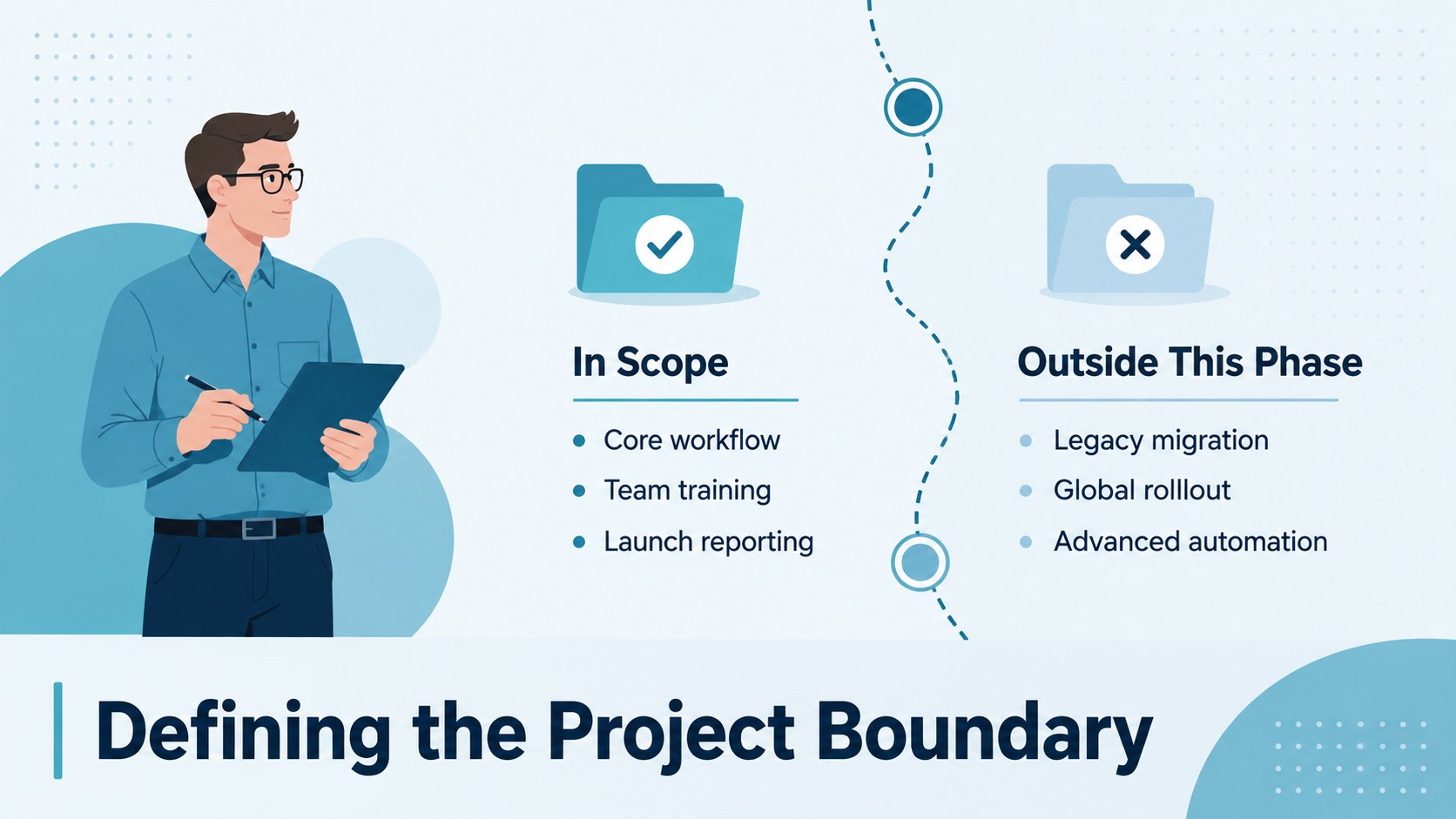
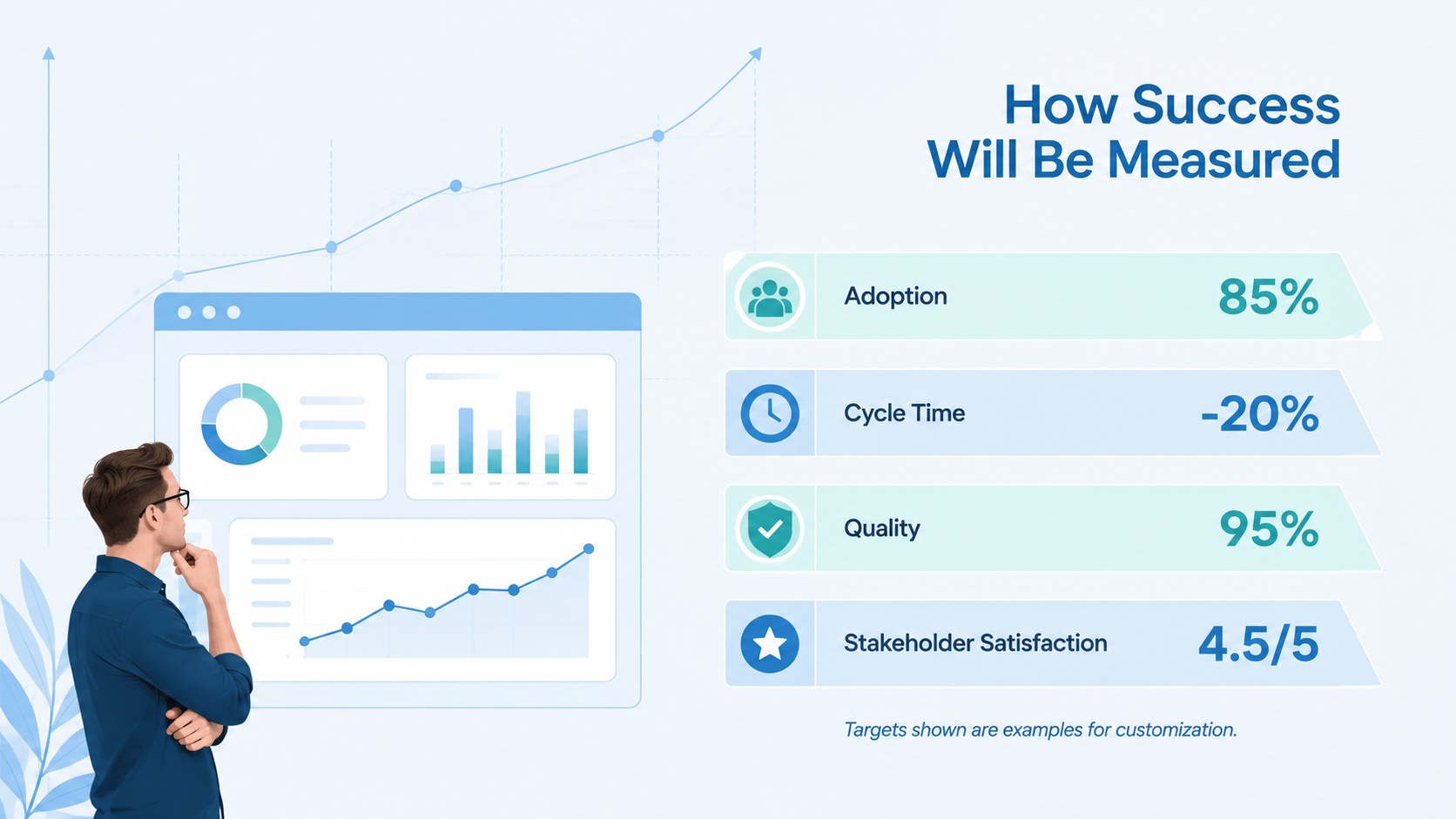
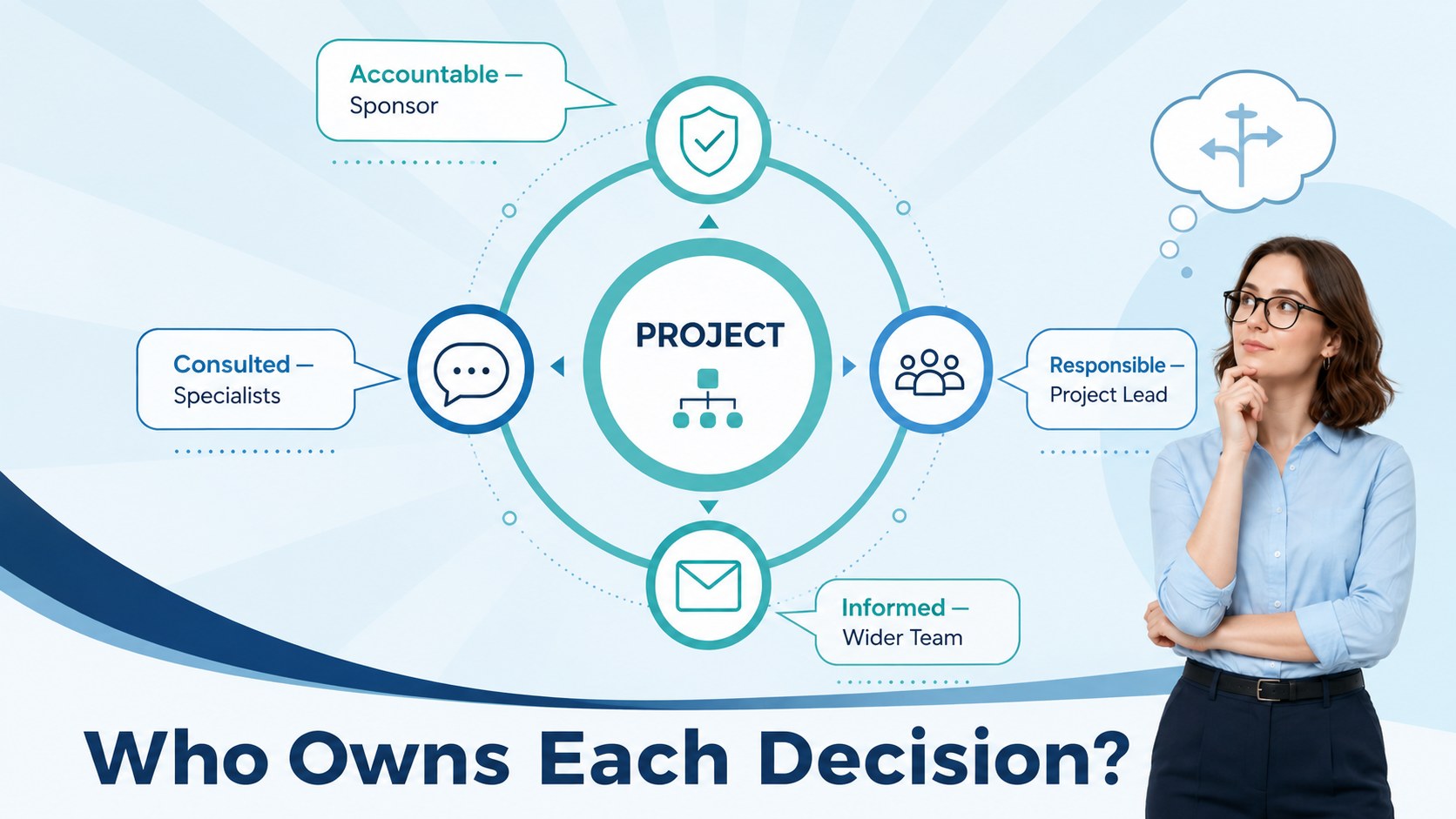
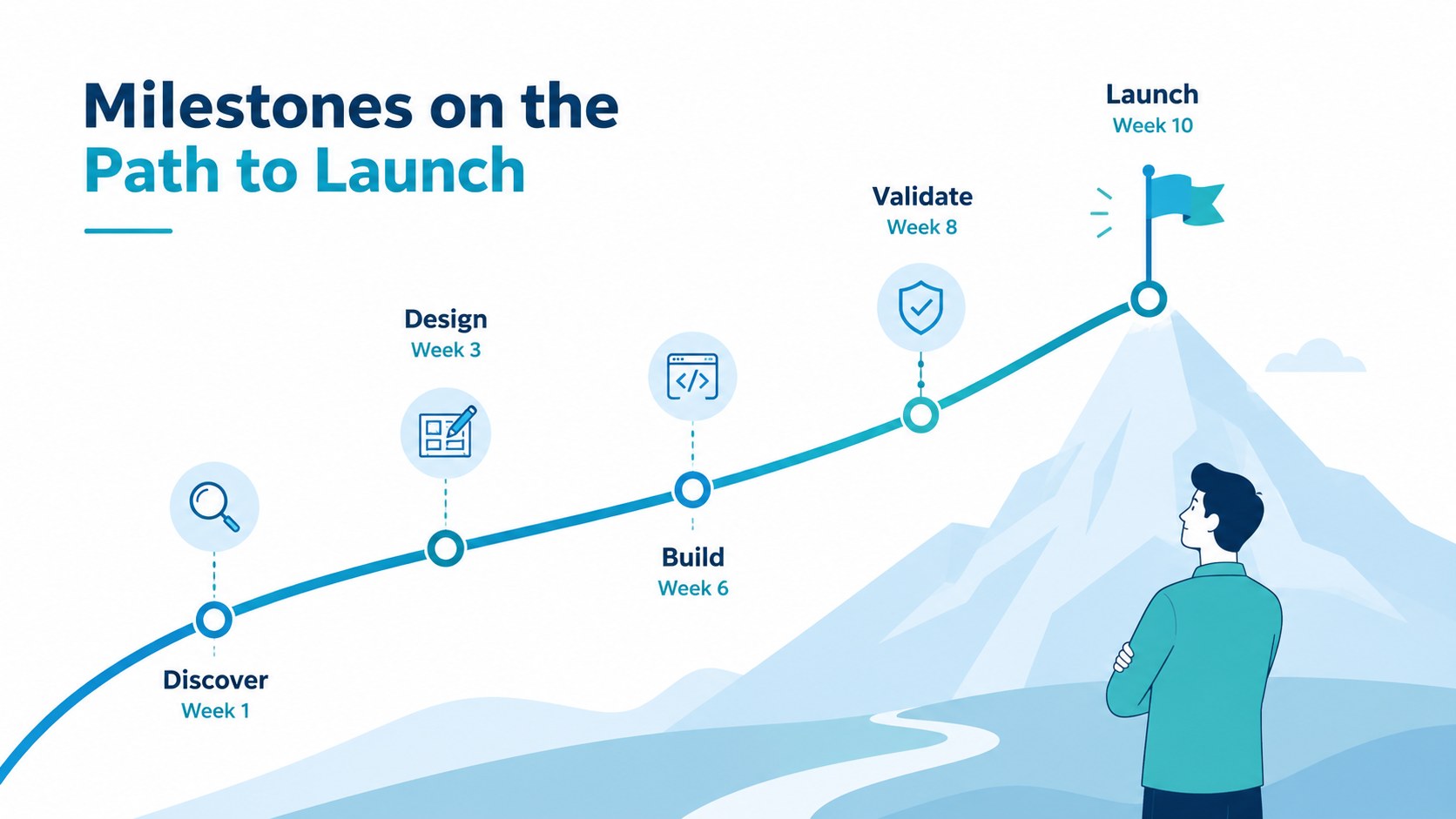
The 15-slide deck includes layouts for the meeting agenda, project background, objectives, scope boundaries, success measures, team introductions, stakeholder roles, milestone planning, communication routines, risk review, and immediate action items. Use the project kickoff meeting agenda slide to structure the session, then complete the team roles and responsibilities presentation with names, ownership details, and decision-making duties. A project goals and milestones template makes key outcomes and delivery dates easy to scan without overloading the audience.
Designed for project managers, consultants, operations teams, agency leads, and client-facing professionals, the presentation works for internal launches, cross-functional initiatives, implementation programs, and external onboarding meetings. Every layout is editable in PowerPoint and Google Slides, allowing you to replace text, adjust colors, add charts, update timelines, and apply your own visual identity. The coordinated layouts provide enough structure for efficient preparation while remaining flexible for projects of different sizes, industries, and delivery methods.
Perfect for: cross-functional project launch; client onboarding meeting; internal implementation kickoff; agency campaign handoff; stakeholder alignment workshop.
Frequently asked questions
Can I edit every element in this presentation? Yes. Text, colors, shapes, charts, timelines, and image placeholders can be customized to match your project and organization.
Practical details
Yes. Text, colors, shapes, charts, timelines, and image placeholders can be customized to match your project and organization.
The template is designed for PowerPoint and Google Slides. Some fonts, transitions, or animations may render slightly differently between the two platforms.
Keep the cover, agenda, objectives, scope, roles, milestones, and next steps slides. Hide or delete the remaining layouts without disrupting the visual consistency of the deck.
Yes. Replace the blue accents with your brand colors, update the fonts, and add approved logos or imagery using the master layout or theme controls.
Keep exploring
15Shape your publishing concept with an indie magazine startup pitch deck featuring pastel gradients, bold collage layouts, and editable planning slides.
 16
16Build clear project stories with the Icon Grid Teamwork Theme, a flexible blue illustrated deck for proposals, strategy updates, and team meetings.
 3
3Turn priorities into an actionable plan with an annual goals roadmap infographic, featuring editable orange and teal layouts for PowerPoint and Google Slides.
 15
15Create an Annual Achievement Report Presentation with colorful geometric layouts for milestones, results, lessons, and priorities in PowerPoint or Google Slides.
 15
15Turn results into a focused annual performance evaluation report with dark 3D slides for KPIs, achievements, feedback, and next-step goals for teams.
 15
15Guide a focused annual recap with Business Results Retrospective Slides, a muted brown-and-blue template for PowerPoint and Google Slides.
 6
6Turn complex plans into clear visual stories with Color-Coded Workflow Path Slides, an editable set for project updates, roadmaps, and team briefings.
 6
6Compare regional performance at a glance with Global Data Heatmap Slides, a clean multicolor deck designed for editable PowerPoint and Google Slides.