
 15
15presentation
Indie Magazine Startup Pitch Deck
Shape your publishing concept with an indie magazine startup pitch deck featuring pastel gradients, bold collage layouts, and editable planning slides.
Google SlidesPowerPoint
presentation · English
Build rapport from day one with a professional new hire intro deck in crisp orange and blue, ready to edit in PowerPoint and Google Slides for work.





Design notes
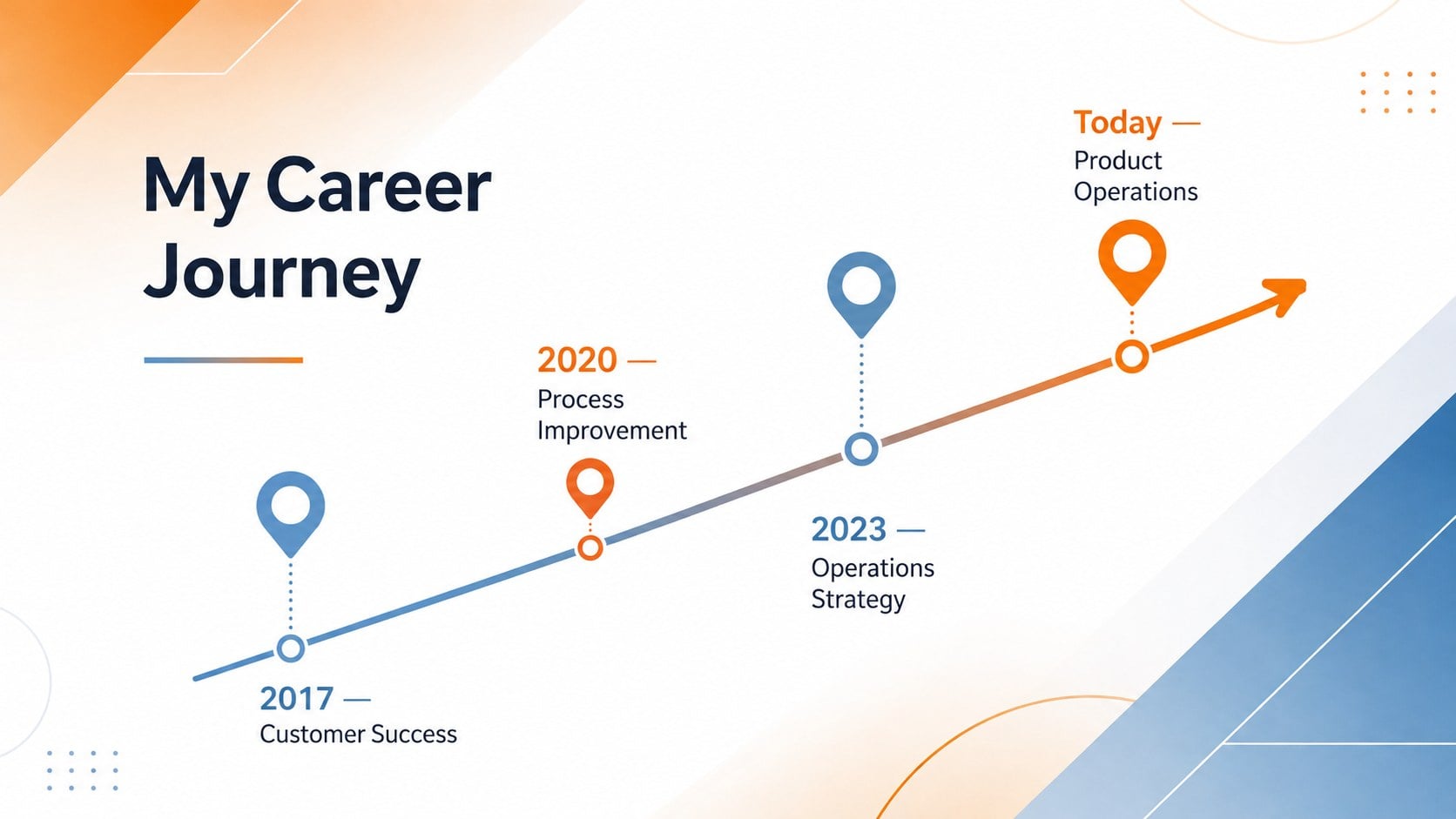
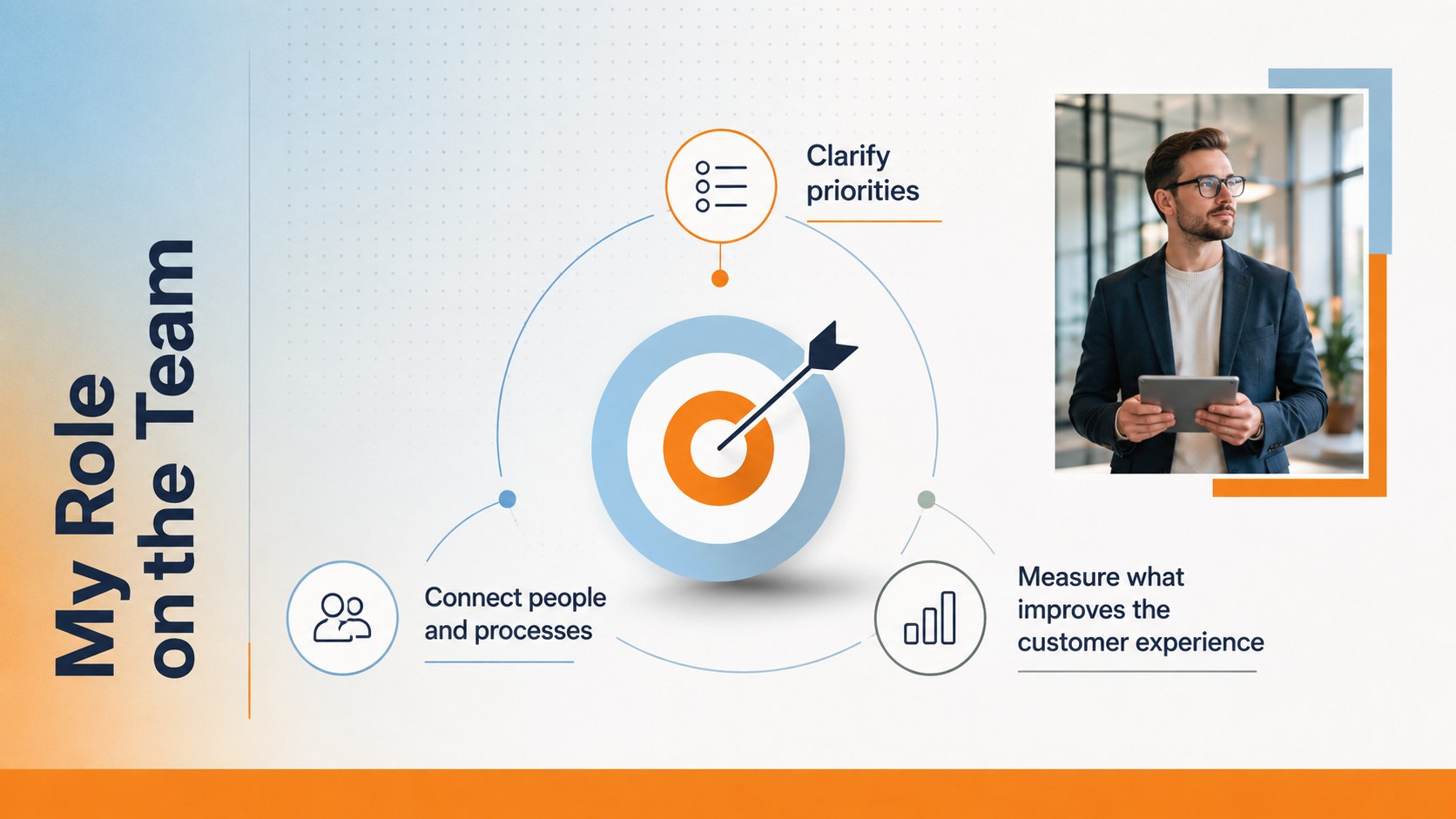
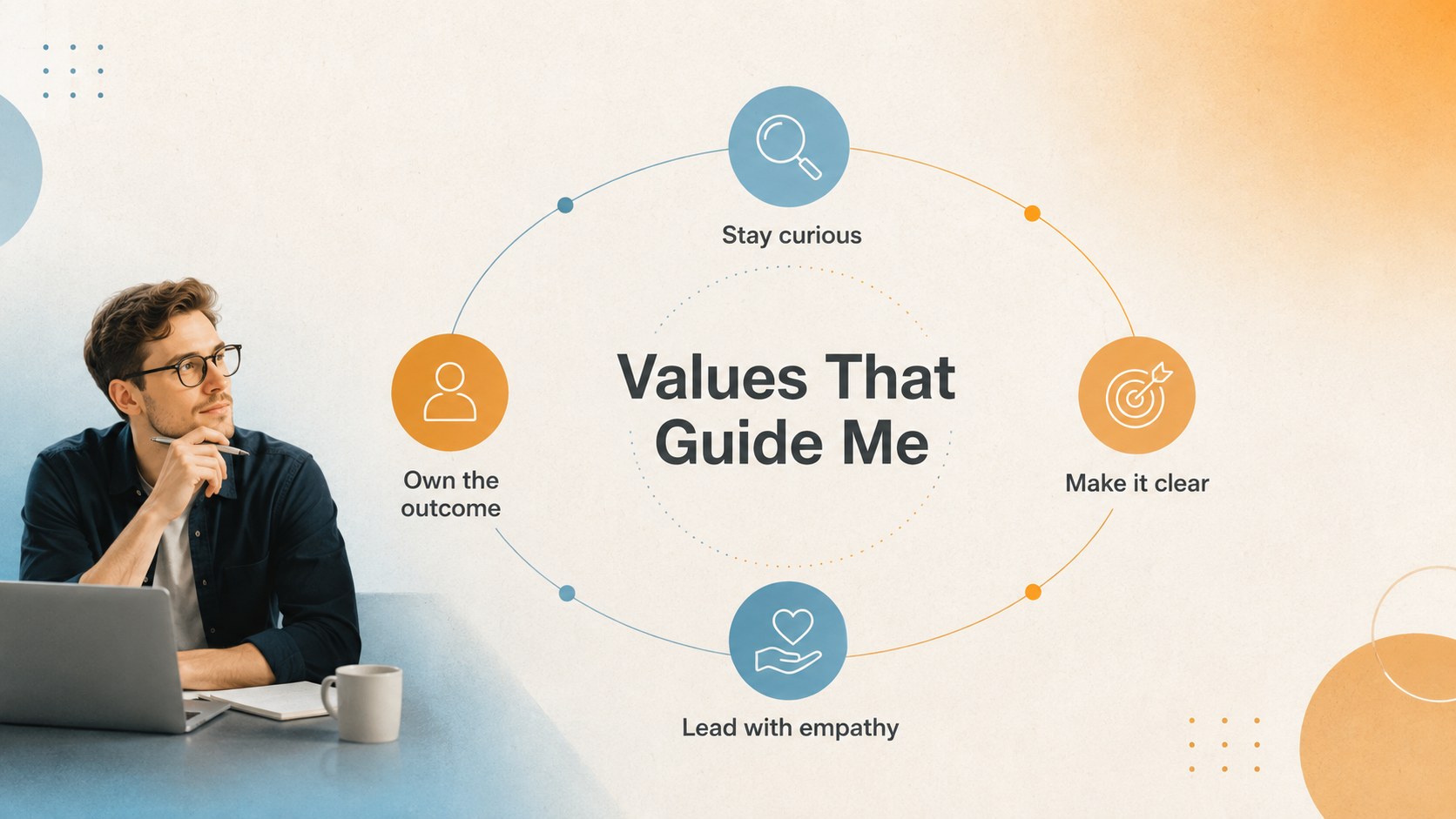
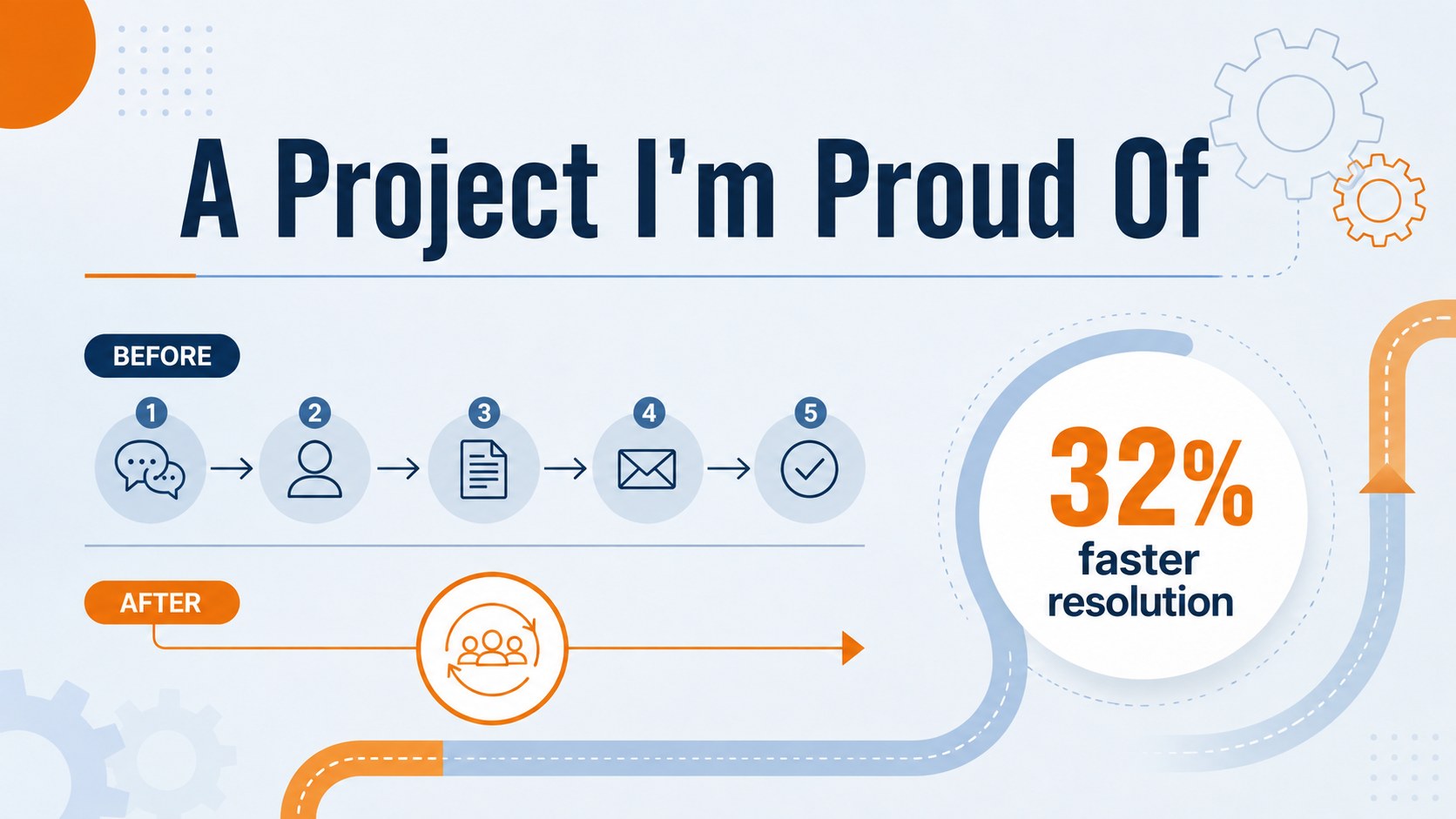
Start workplace conversations with a professional new hire intro deck designed to make your first meeting feel focused, personable, and polished. The crisp orange-and-blue palette brings energy to a clean minimalist layout, while textured details and modern typography keep the presentation approachable. Personalize every page in PowerPoint or Google Slides to match your role, experience, and communication style.
The 15-slide structure covers your background, career journey, core skills, current responsibilities, working preferences, values, notable projects, short-term priorities, and personal interests. It also includes an agenda, a practical 30-60-90 day plan, contact details, and a closing question slide. Flexible layouts support photos, timelines, progress indicators, diagrams, and concise talking points without making the presentation feel crowded.
Use it as a new employee introduction presentation during onboarding, adapt it into first day team introduction slides, or shape it into a professional about me deck for work events and cross-functional meetings. It suits new hires, internal transfers, consultants, project leads, managers, and remote employees who want to establish credibility while showing some personality. Replace the sample wording, adjust the colors or fonts, and reorder the slides to create a concise introduction that feels relevant to your audience.
Perfect for: first-day team introduction; remote employee onboarding; internal role transition; cross-functional project kickoff; consultant client introduction.
Frequently asked questions
Can I edit every part of the introduction deck? Yes. You can replace the sample text, photos, colors, fonts, shapes, and diagrams to reflect your background and role. Slides can also be reordered or removed to suit the time available.
Practical details
Yes. You can replace the sample text, photos, colors, fonts, shapes, and diagrams to reflect your background and role. Slides can also be reordered or removed to suit the time available.
The deck is designed for PowerPoint and Google Slides. Review font availability after opening the file and substitute a similar typeface if your preferred font is not installed.
Focus on your role, relevant experience, working preferences, and immediate priorities. Keep personal details brief, choose one or two memorable facts, and finish with a clear invitation for questions or collaboration.
Yes. Its concise layouts work well for live video meetings and asynchronous introductions. Add contact channels, time-zone information, and collaboration preferences for distributed teams.
Keep exploring
15Shape your publishing concept with an indie magazine startup pitch deck featuring pastel gradients, bold collage layouts, and editable planning slides.
 16
16Build clear project stories with the Icon Grid Teamwork Theme, a flexible blue illustrated deck for proposals, strategy updates, and team meetings.
 3
3Turn priorities into an actionable plan with an annual goals roadmap infographic, featuring editable orange and teal layouts for PowerPoint and Google Slides.
 15
15Create an Annual Achievement Report Presentation with colorful geometric layouts for milestones, results, lessons, and priorities in PowerPoint or Google Slides.
 15
15Turn results into a focused annual performance evaluation report with dark 3D slides for KPIs, achievements, feedback, and next-step goals for teams.
 15
15Guide a focused annual recap with Business Results Retrospective Slides, a muted brown-and-blue template for PowerPoint and Google Slides.
 6
6Turn complex plans into clear visual stories with Color-Coded Workflow Path Slides, an editable set for project updates, roadmaps, and team briefings.
 6
6Compare regional performance at a glance with Global Data Heatmap Slides, a clean multicolor deck designed for editable PowerPoint and Google Slides.