
 15
15presentation
Indie Magazine Startup Pitch Deck
Shape your publishing concept with an indie magazine startup pitch deck featuring pastel gradients, bold collage layouts, and editable planning slides.
Google SlidesPowerPoint
presentation · English
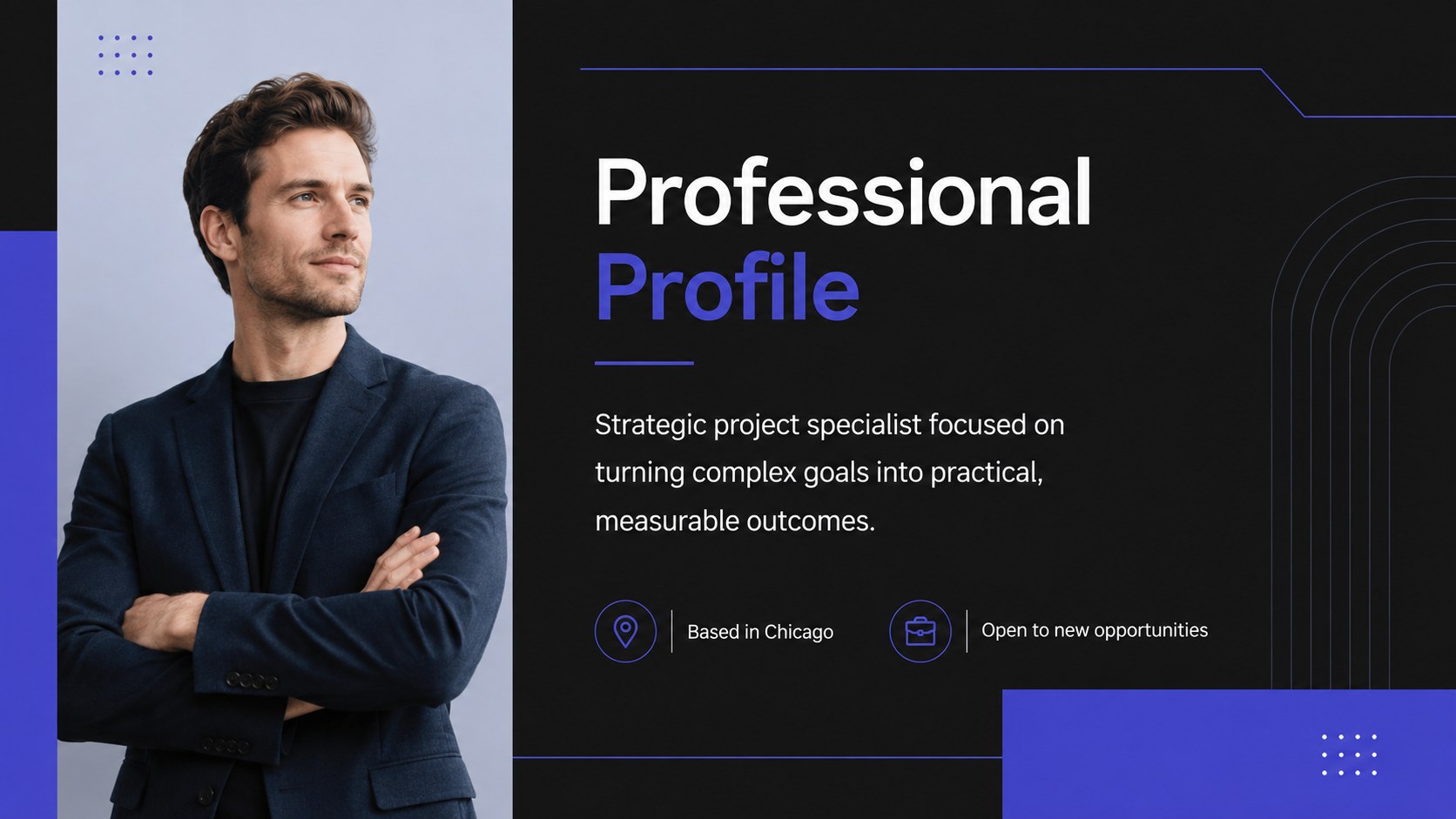
Present your experience with a professional CV portfolio deck featuring sleek black-and-blue layouts for skills, education, projects, and career goals.



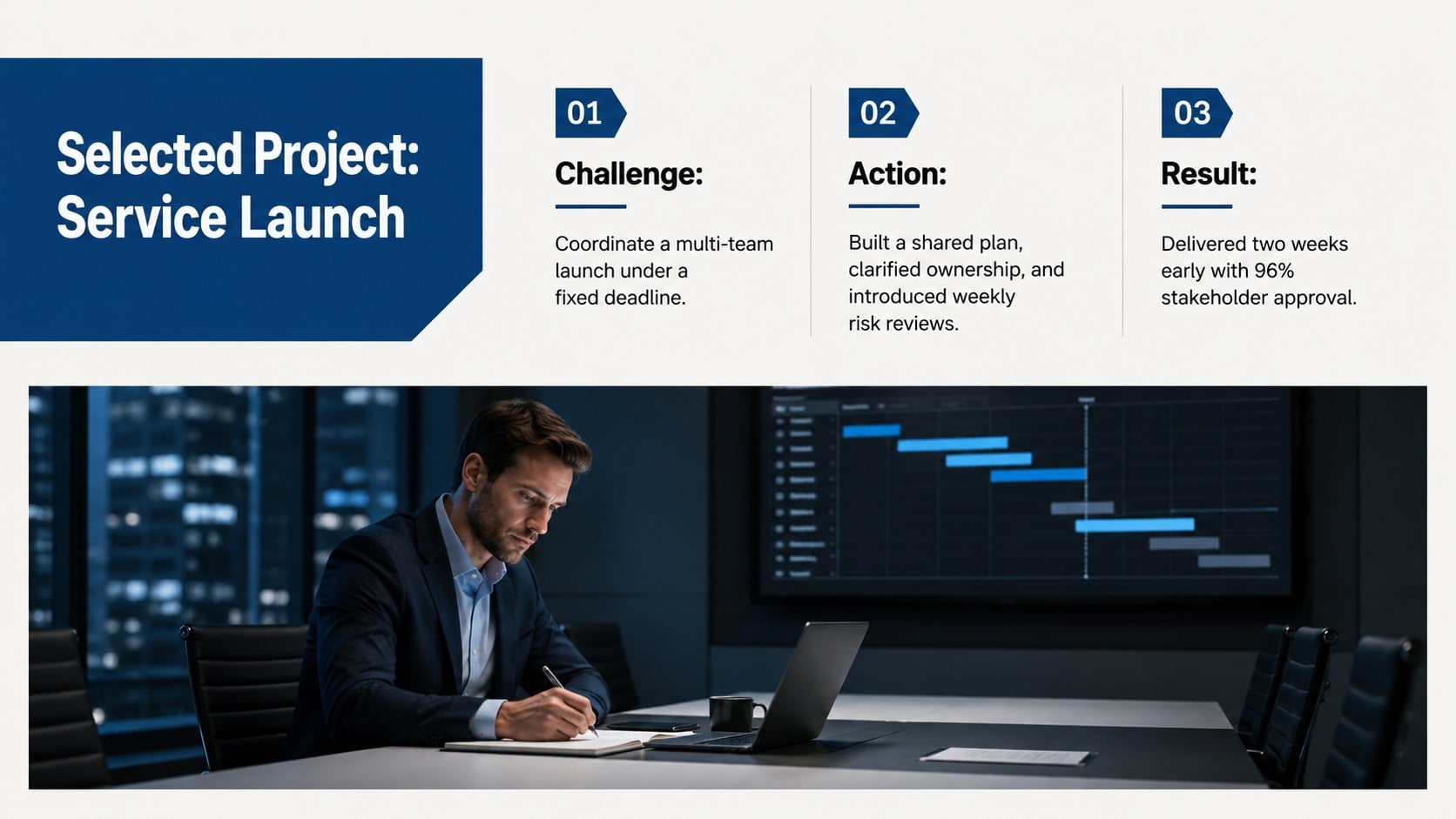
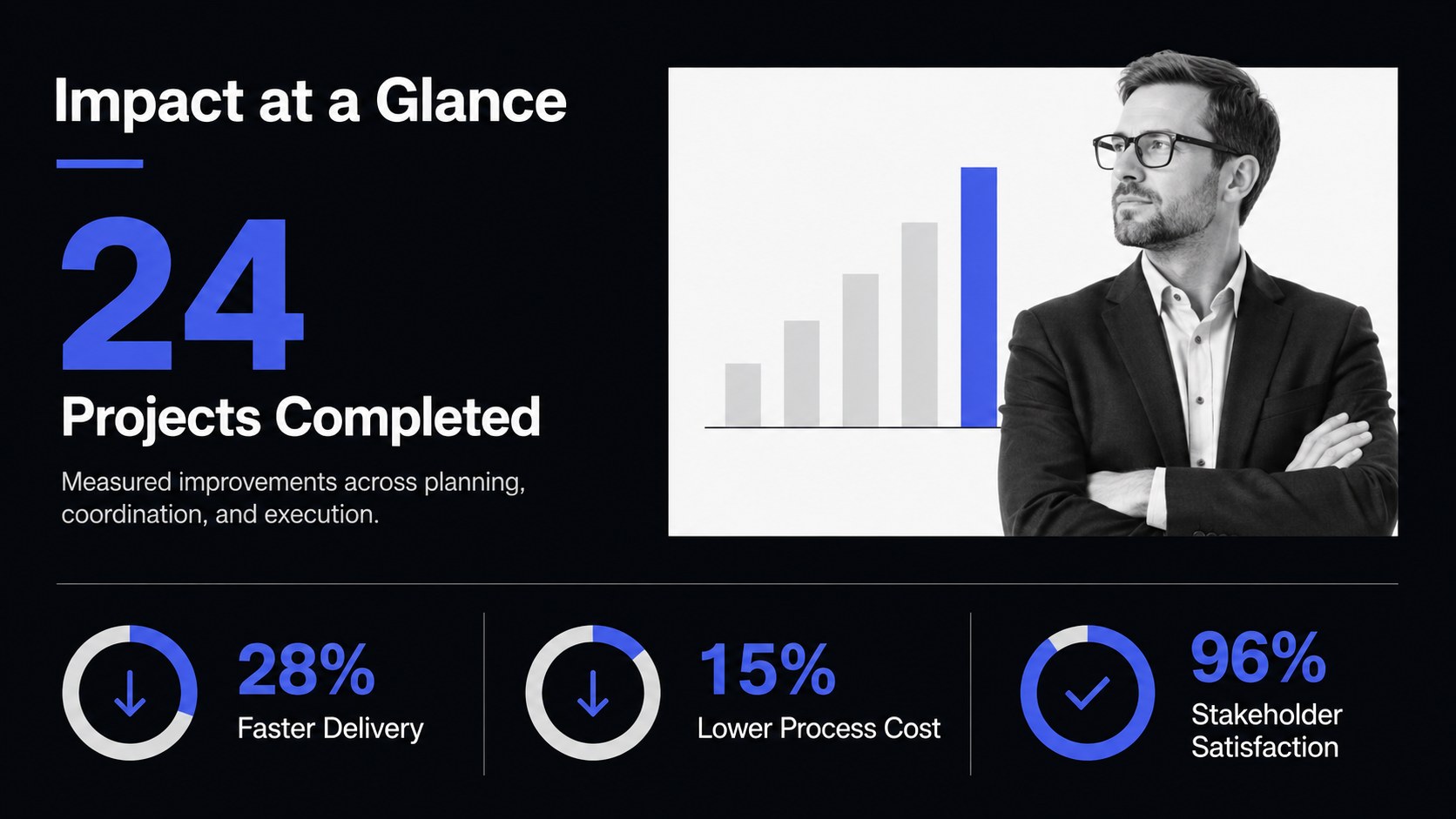
Design notes
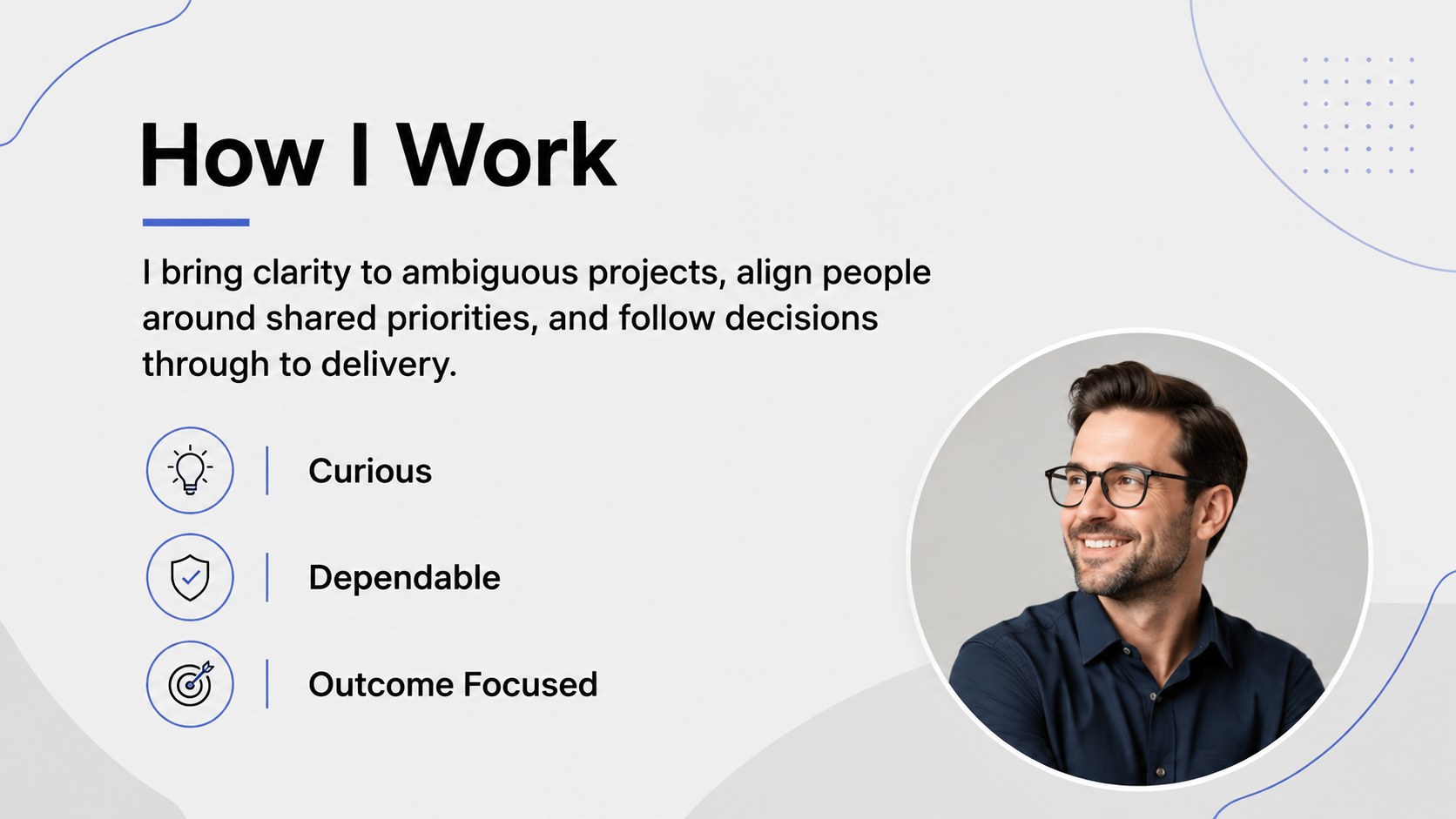
Make a confident introduction with a professional CV portfolio deck designed to present your background as a clear, memorable story. Its sleek black-and-blue visual system, clean Roboto typography, and structured layouts give your accomplishments room to speak without unnecessary decoration. Edit every page in PowerPoint or Google Slides to match your role, experience level, and personal style.
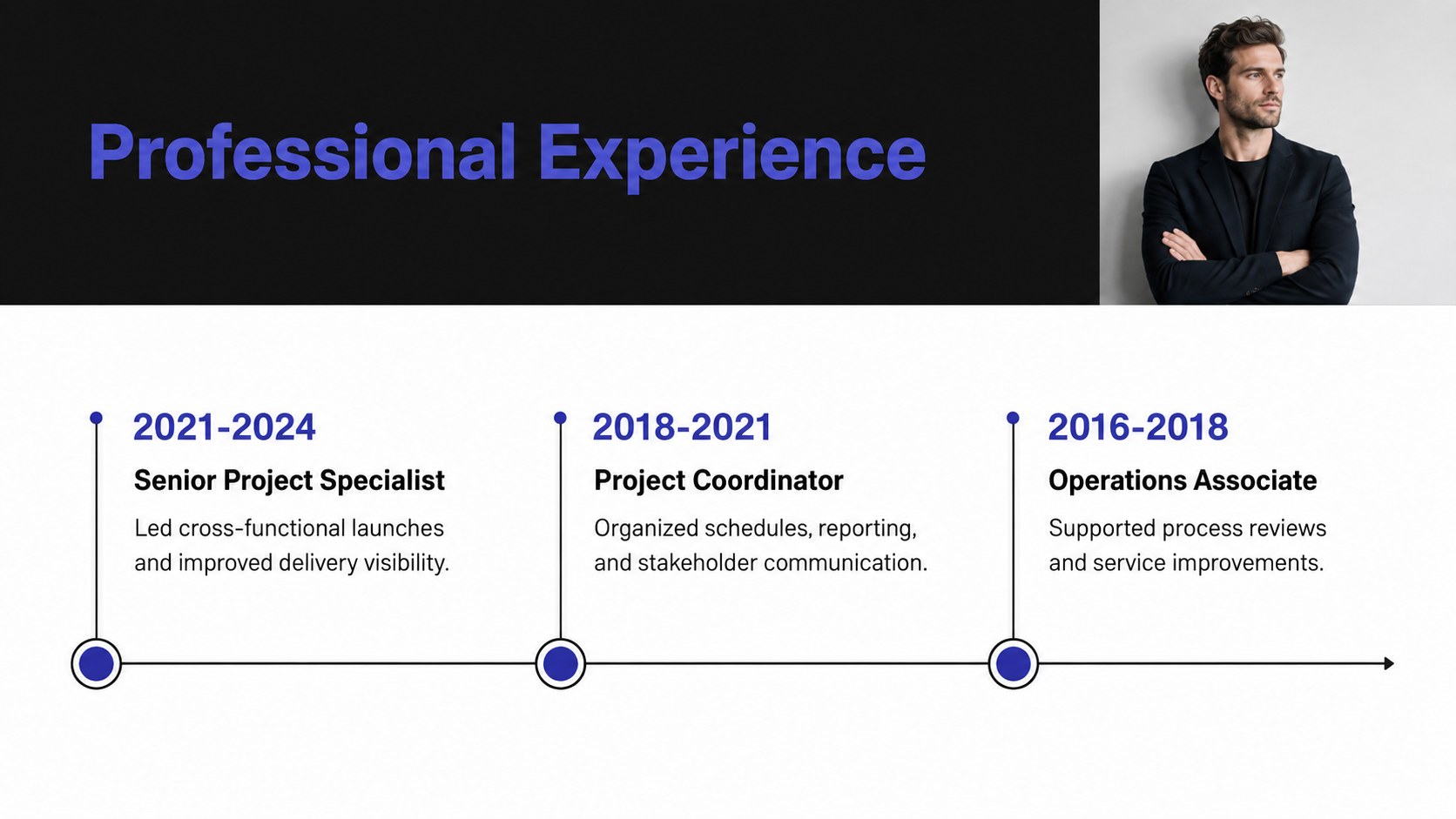
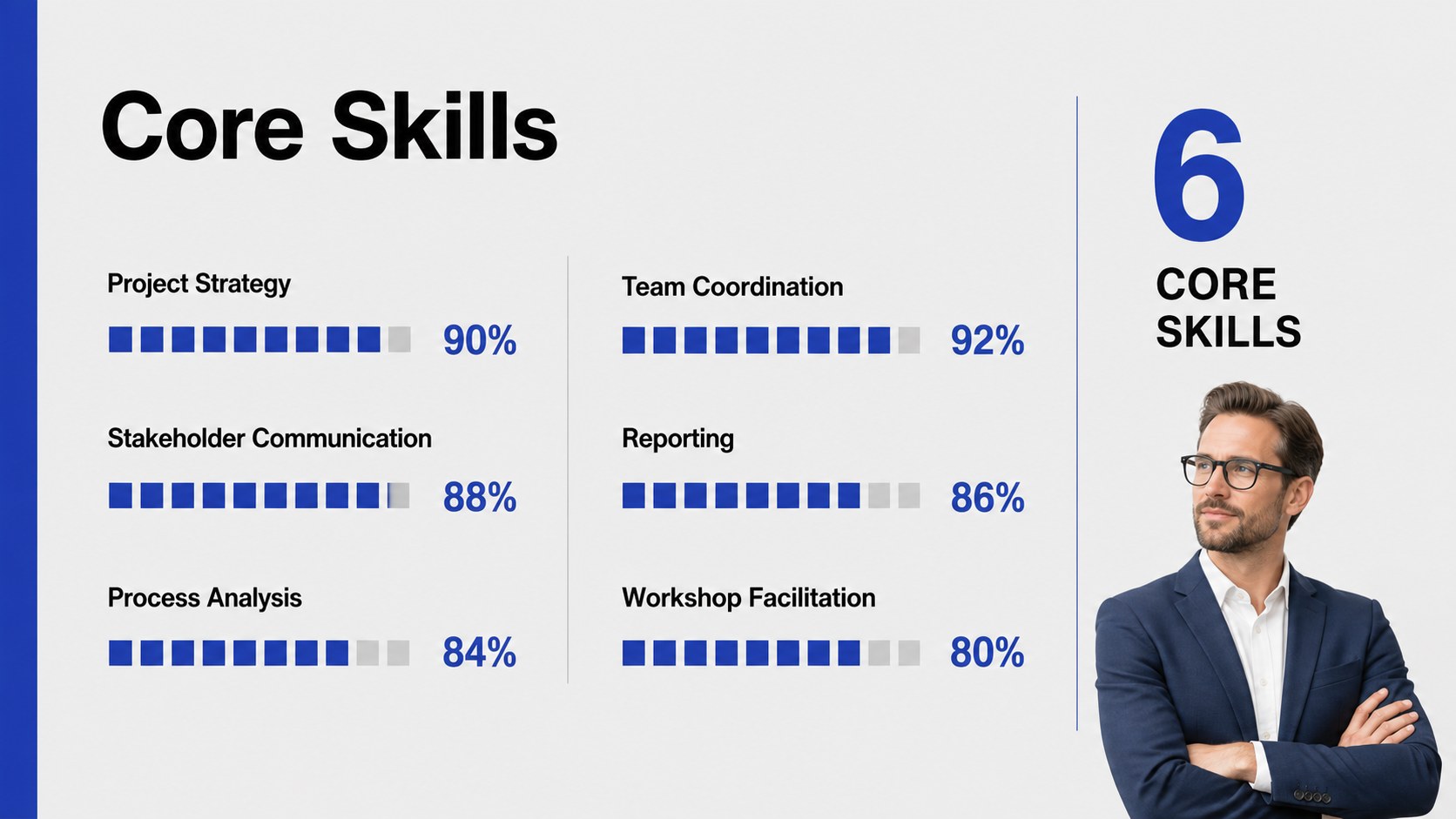
The 16-slide deck includes layouts for a profile summary, professional experience, education, core skills, selected projects, measurable results, certifications, career goals, references, and contact details. A dedicated work experience timeline presentation helps recruiters understand your progression at a glance, while charts and skill indicators turn detailed information into accessible visual evidence. Image placeholders, icons, and flexible content blocks make it easy to balance concise writing with relevant photography.
Use these career portfolio slides for interviews, graduate applications, internal promotions, networking events, or freelance introductions. The format also works as a job application pitch deck when a conventional one-page document cannot fully communicate your projects or impact. Replace the sample copy, adjust the blue accents, add your own images, and reorder sections to build a presentation that fits your professional narrative.
Perfect for: job interview introduction; graduate program application; internal promotion review; freelance client introduction; professional networking event; career portfolio showcase.
Frequently asked questions
Can I edit this CV portfolio in PowerPoint? Yes. You can replace the sample text, rearrange sections, update colors, and insert your own images directly in PowerPoint. The layouts are designed to remain consistent while you customize the content.
Practical details
Yes. You can replace the sample text, rearrange sections, update colors, and insert your own images directly in PowerPoint. The layouts are designed to remain consistent while you customize the content.
Yes. Open the template in Google Slides to edit it online, collaborate with others, and present from a browser. Review font sizing and image placement after importing to ensure everything matches your preferences.
Prioritize experience, skills, projects, and results that relate directly to the position. Remove less relevant sections and reuse the available layouts when you need additional project examples or evidence.
Yes. Replace the accent blue and background colors with tones that suit your industry or personal brand. Maintain strong contrast between text and backgrounds so the presentation remains readable.
Keep exploring
15Shape your publishing concept with an indie magazine startup pitch deck featuring pastel gradients, bold collage layouts, and editable planning slides.
 16
16Build clear project stories with the Icon Grid Teamwork Theme, a flexible blue illustrated deck for proposals, strategy updates, and team meetings.
 3
3Turn priorities into an actionable plan with an annual goals roadmap infographic, featuring editable orange and teal layouts for PowerPoint and Google Slides.
 15
15Create an Annual Achievement Report Presentation with colorful geometric layouts for milestones, results, lessons, and priorities in PowerPoint or Google Slides.
 15
15Turn results into a focused annual performance evaluation report with dark 3D slides for KPIs, achievements, feedback, and next-step goals for teams.
 15
15Guide a focused annual recap with Business Results Retrospective Slides, a muted brown-and-blue template for PowerPoint and Google Slides.
 6
6Turn complex plans into clear visual stories with Color-Coded Workflow Path Slides, an editable set for project updates, roadmaps, and team briefings.
 6
6Compare regional performance at a glance with Global Data Heatmap Slides, a clean multicolor deck designed for editable PowerPoint and Google Slides.