
 15
15presentation
Indie Magazine Startup Pitch Deck
Shape your publishing concept with an indie magazine startup pitch deck featuring pastel gradients, bold collage layouts, and editable planning slides.
Google SlidesPowerPoint
presentation · English
Build a polished product reveal with product launch bento slides, modular layouts, and editable visuals for Google Slides, PowerPoint,, and Keynote.



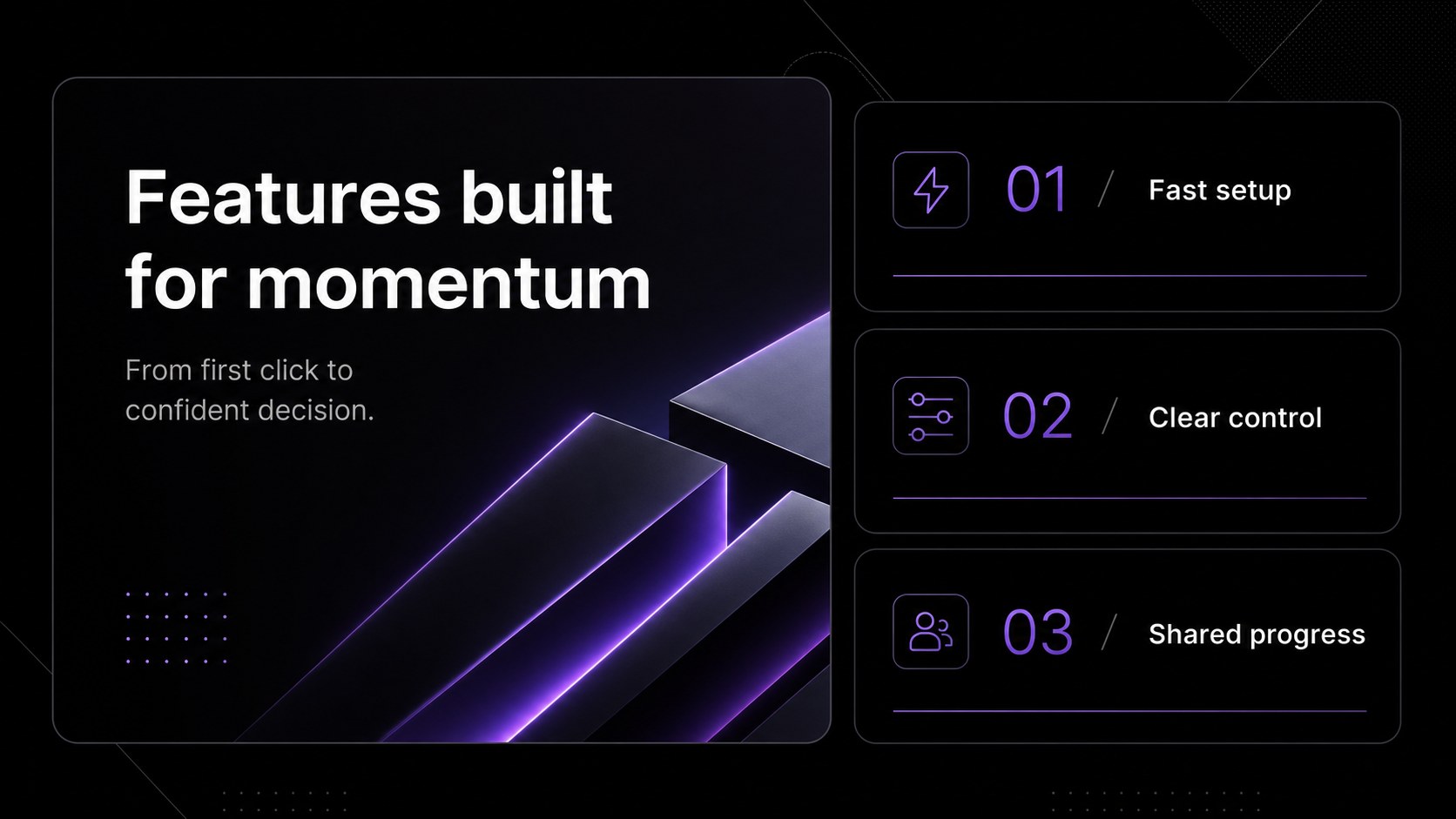
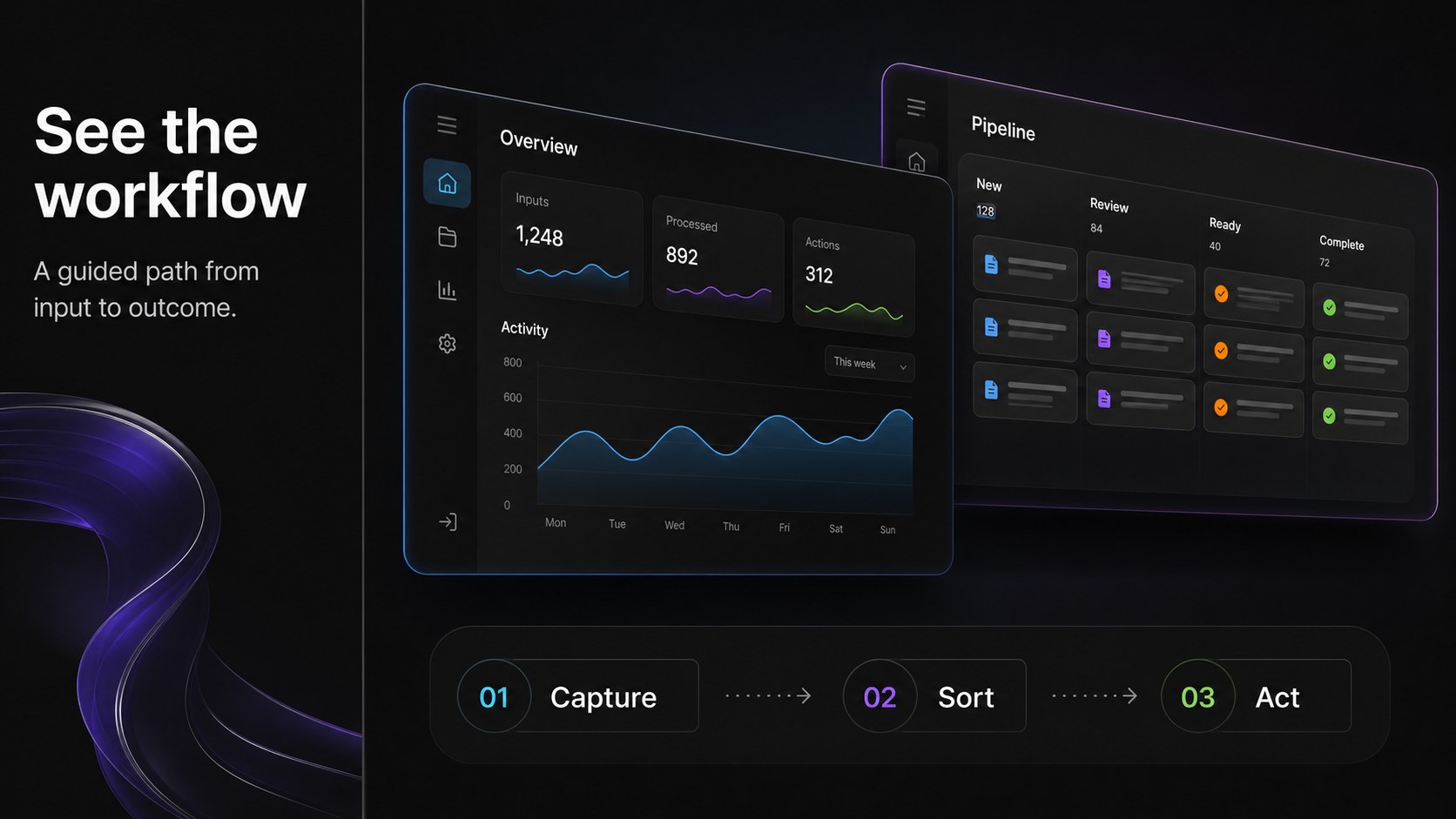
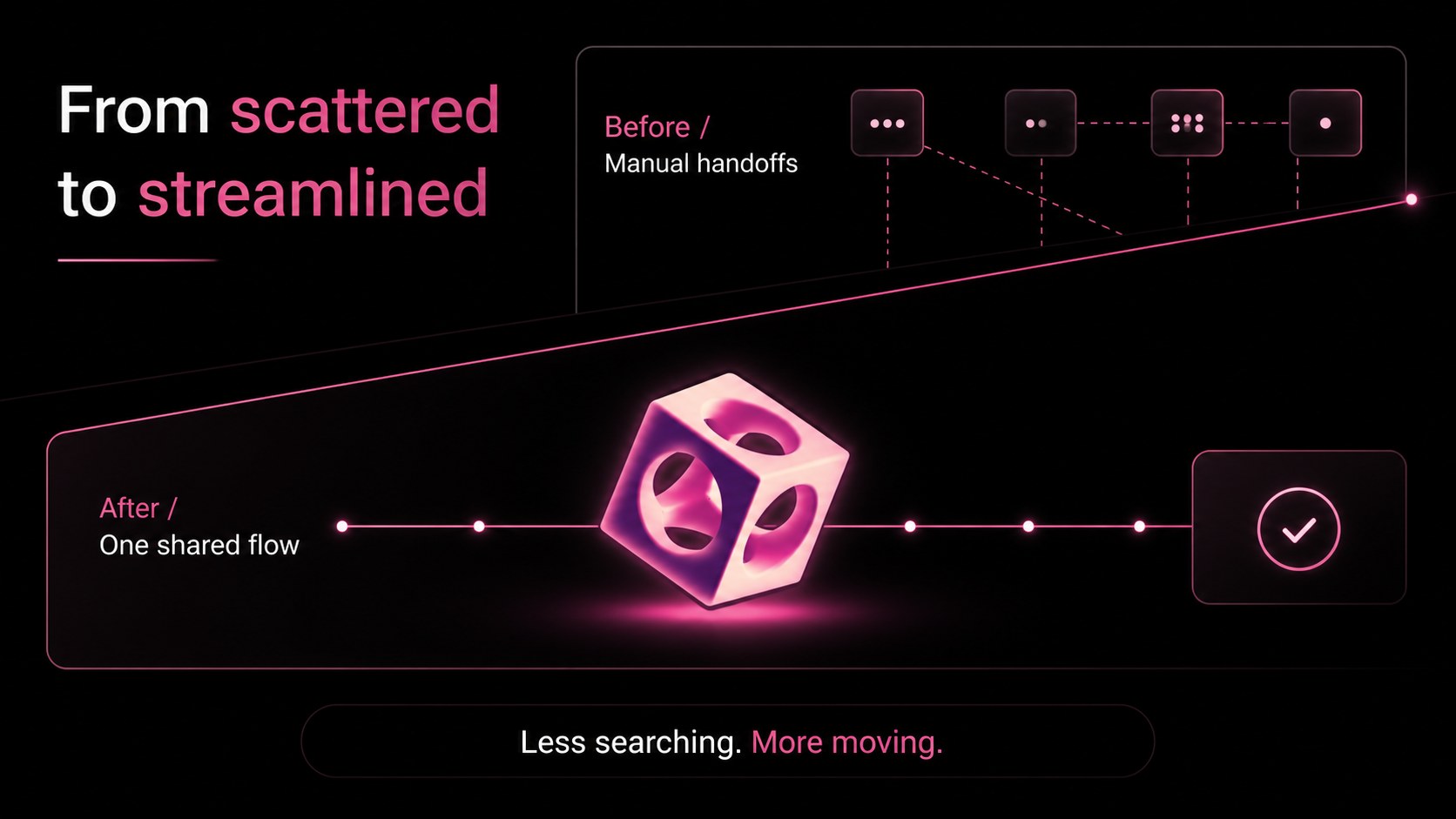



Design notes
Product Launch Bento Slides is a sleek presentation system for teams that need to explain a product clearly and make a memorable visual impression. Its dark black palette, compact content panels, and refined Inter typography create a focused stage for product stories without distracting from the message. Use this product launch bento slides template for a new feature announcement, app walkthrough, technology demo, or internal roadmap review.
Inside, you will find 15 editable 16:9 layouts for a cover, agenda, product overview, feature highlights, interface showcase, comparison, customer evidence, launch timeline, metrics, pricing, team introduction, and closing statement. Modular cards make it easy to reorganize information, while charts, device frames, lines, and geometric accents help turn complex details into concise visuals. The deck works across Google Slides, PowerPoint,, and Keynote, with adaptable elements for images, screenshots, diagrams, and data.
It is designed for startup founders, product marketers, designers, consultants, educators, and technology teams. Replace the sample copy, adjust the panels, and add your own brand assets to create a polished tech product presentation, investor demo, or release briefing in less time.
Perfect for: startup product launch; app feature demo; software release briefing; technology investor presentation; internal product roadmap; customer onboarding presentation.
Frequently asked questions
Can I edit these product launch slides in Google Slides? Yes. The deck is designed for Google Slides, PowerPoint,, and Keynote. Text, colors, images, charts, shapes, and layout elements can be adjusted in the supported editor.
Practical details
Yes. The deck is designed for Google Slides, PowerPoint,, and Keynote. Text, colors, images, charts, shapes, and layout elements can be adjusted in the supported editor.
Yes. Replace the sample screens with product screenshots, wireframes, diagrams, or marketing imagery. You can also resize, duplicate, rearrange, or remove the modular panels.
Yes. The layouts support product overviews, differentiators, traction metrics, customer proof, pricing, and roadmaps. Rewrite the sample copy to match your audience and presentation goal.
Yes. Several slides include flexible chart, comparison, metric, and timeline structures. Update the labels and values with your own data while preserving the dark bento design system.
Keep exploring
15Shape your publishing concept with an indie magazine startup pitch deck featuring pastel gradients, bold collage layouts, and editable planning slides.
 16
16Build clear project stories with the Icon Grid Teamwork Theme, a flexible blue illustrated deck for proposals, strategy updates, and team meetings.
 3
3Turn priorities into an actionable plan with an annual goals roadmap infographic, featuring editable orange and teal layouts for PowerPoint and Google Slides.
 15
15Create an Annual Achievement Report Presentation with colorful geometric layouts for milestones, results, lessons, and priorities in PowerPoint or Google Slides.
 15
15Turn results into a focused annual performance evaluation report with dark 3D slides for KPIs, achievements, feedback, and next-step goals for teams.
 15
15Guide a focused annual recap with Business Results Retrospective Slides, a muted brown-and-blue template for PowerPoint and Google Slides.
 6
6Turn complex plans into clear visual stories with Color-Coded Workflow Path Slides, an editable set for project updates, roadmaps, and team briefings.
 6
6Compare regional performance at a glance with Global Data Heatmap Slides, a clean multicolor deck designed for editable PowerPoint and Google Slides.