
 15
15presentation
Indie Magazine Startup Pitch Deck
Shape your publishing concept with an indie magazine startup pitch deck featuring pastel gradients, bold collage layouts, and editable planning slides.
Google SlidesPowerPoint
presentation · English
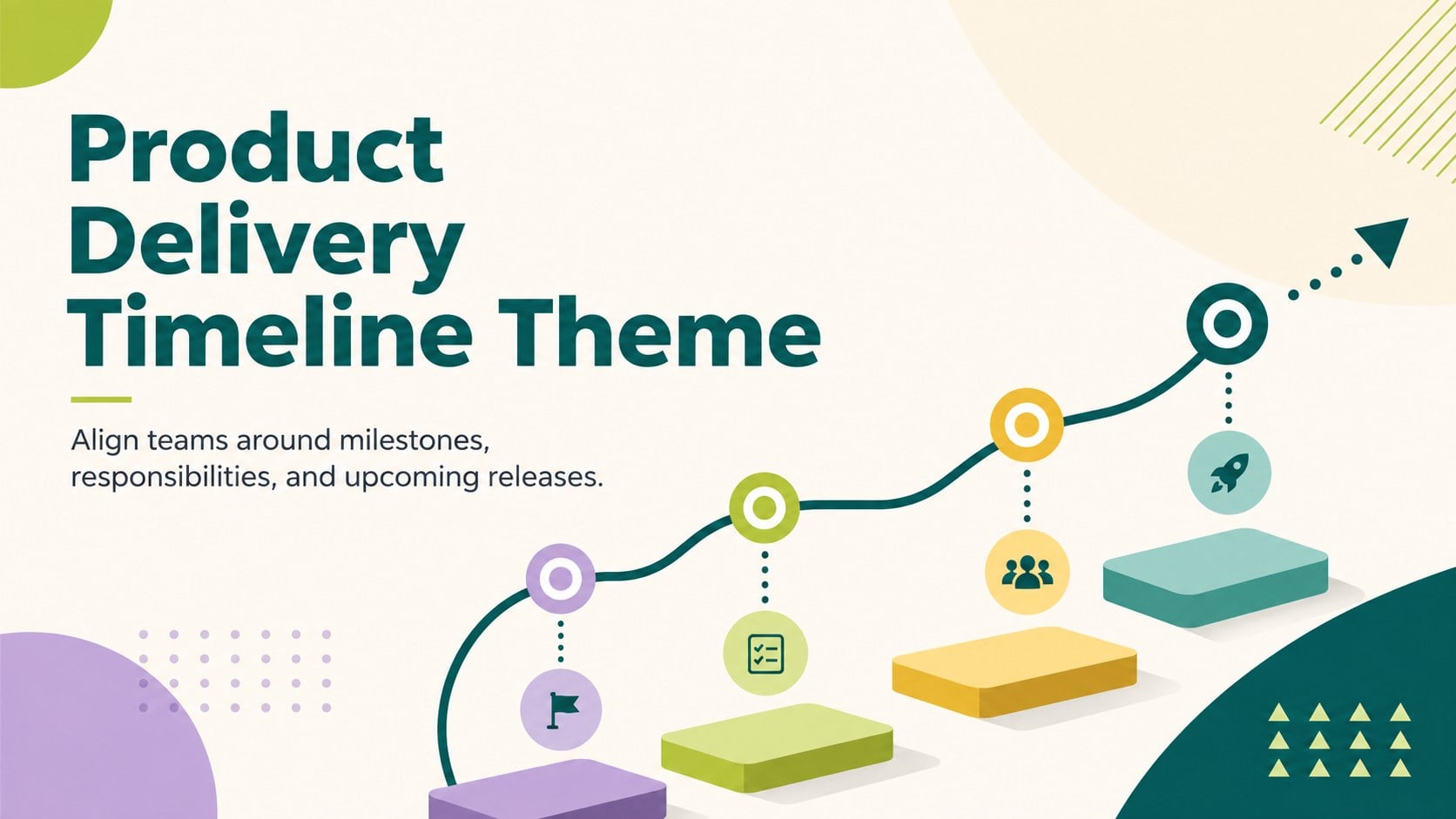
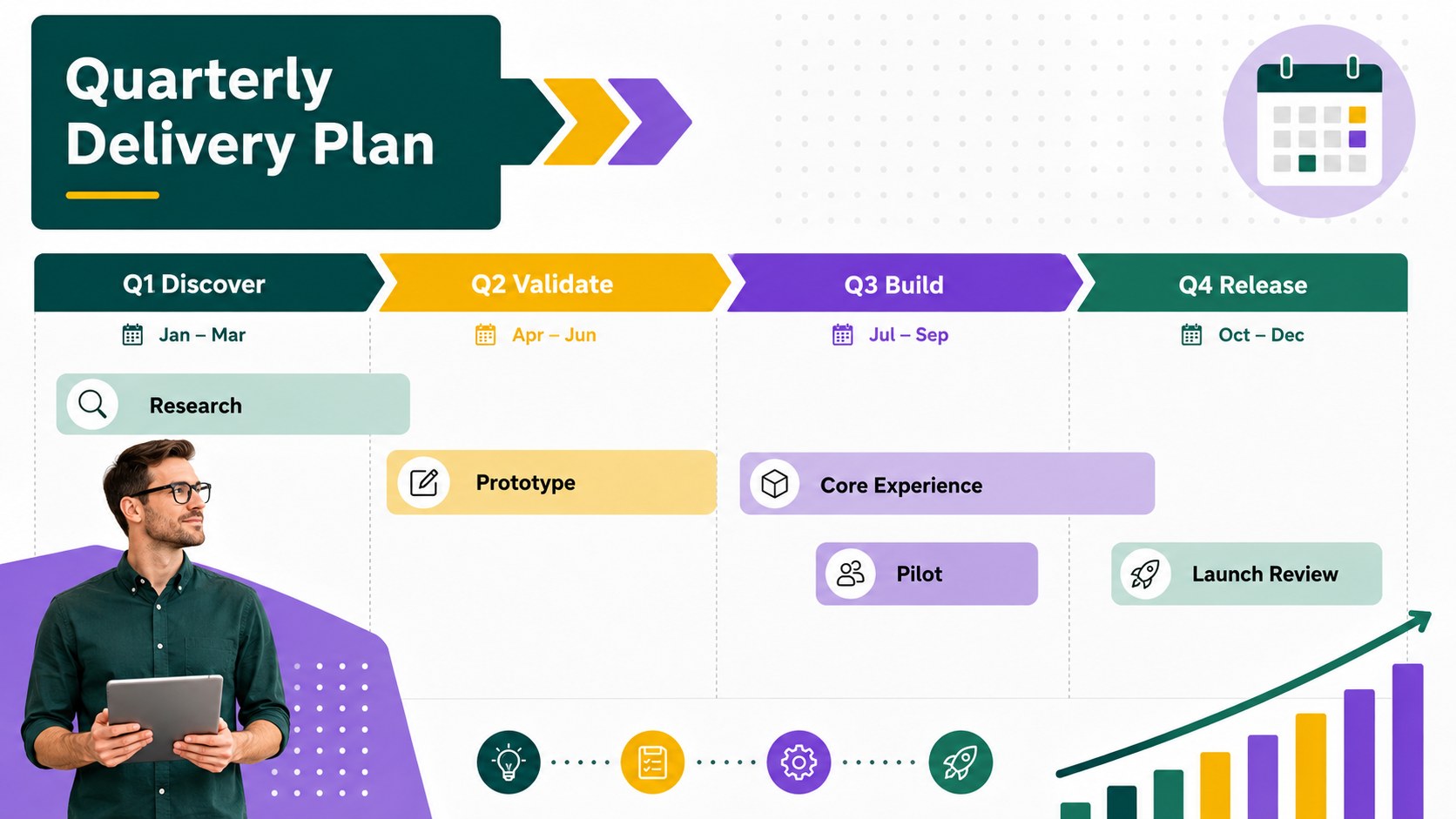
Turn priorities into a clear delivery plan with this product delivery timeline theme for PowerPoint and Google Slides, featuring editable milestones and…
Design notes
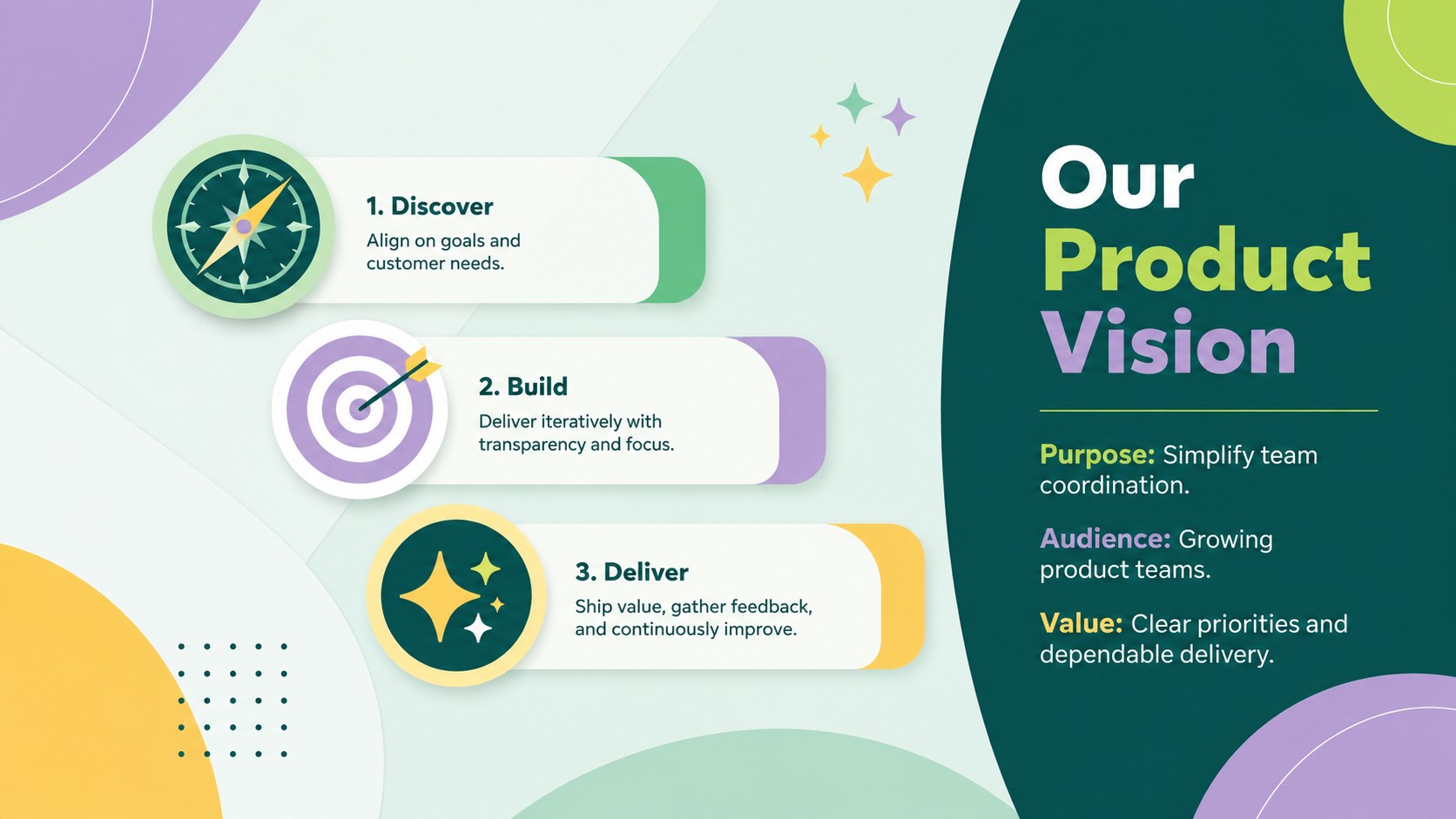
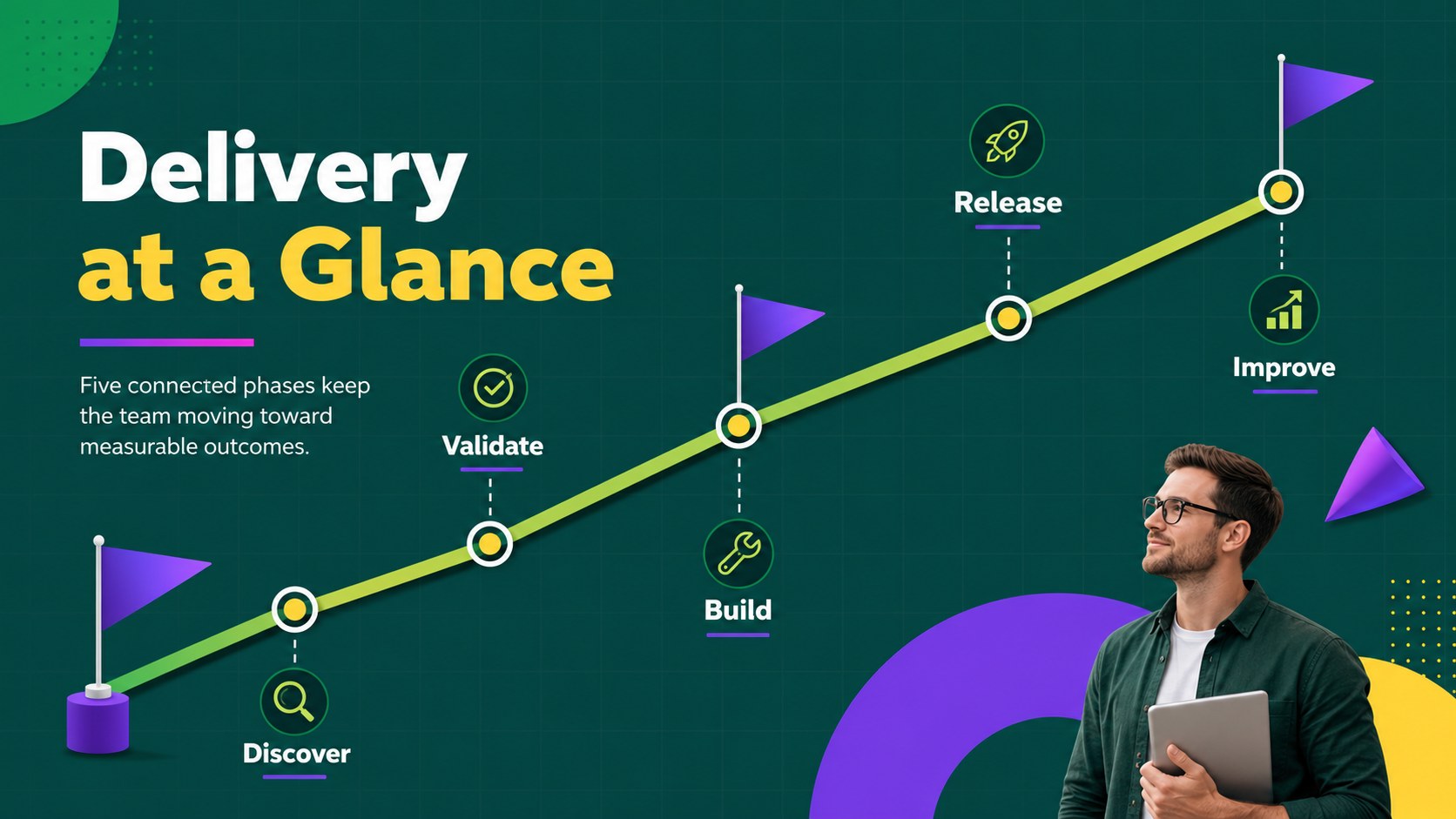
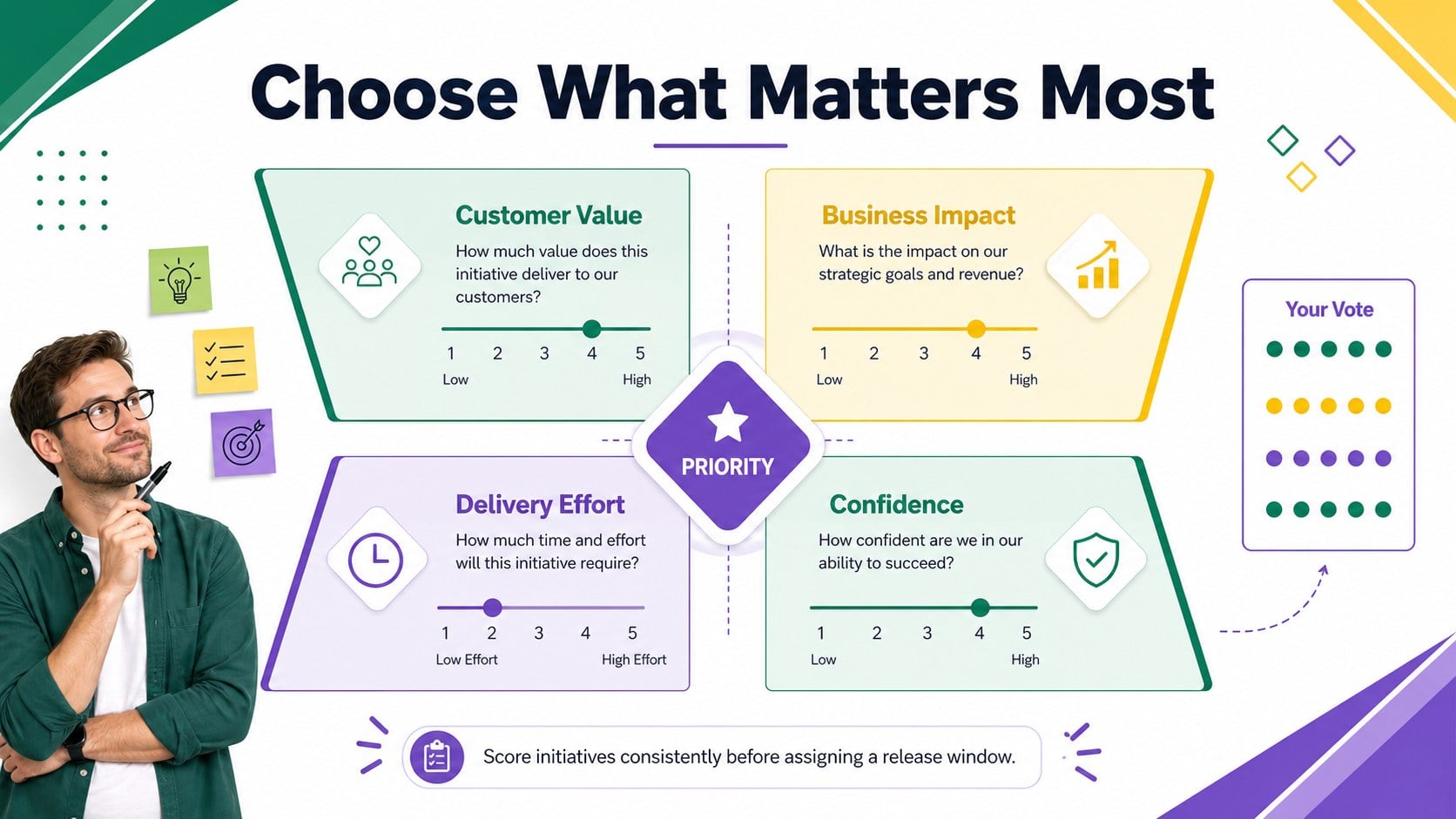
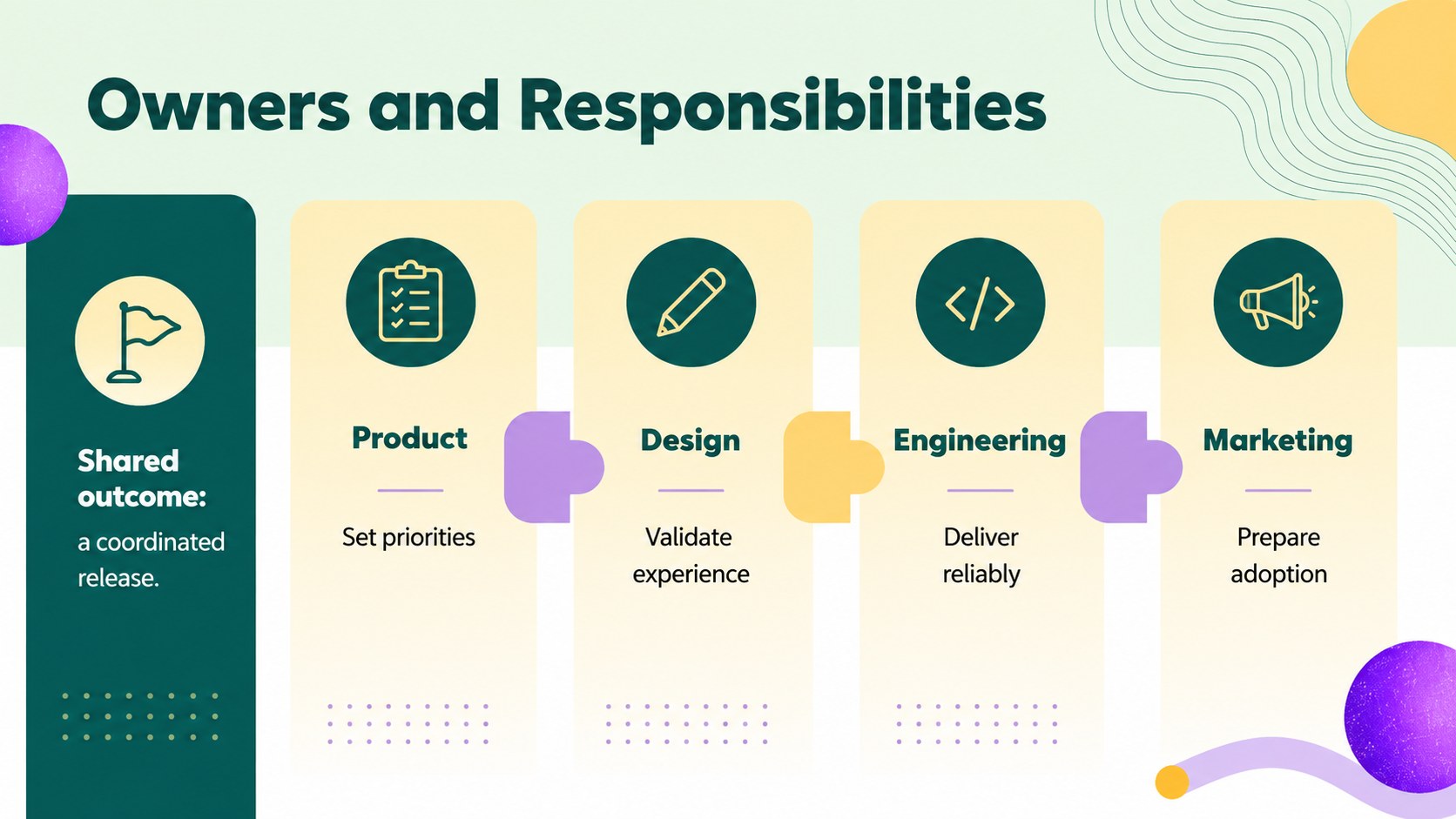
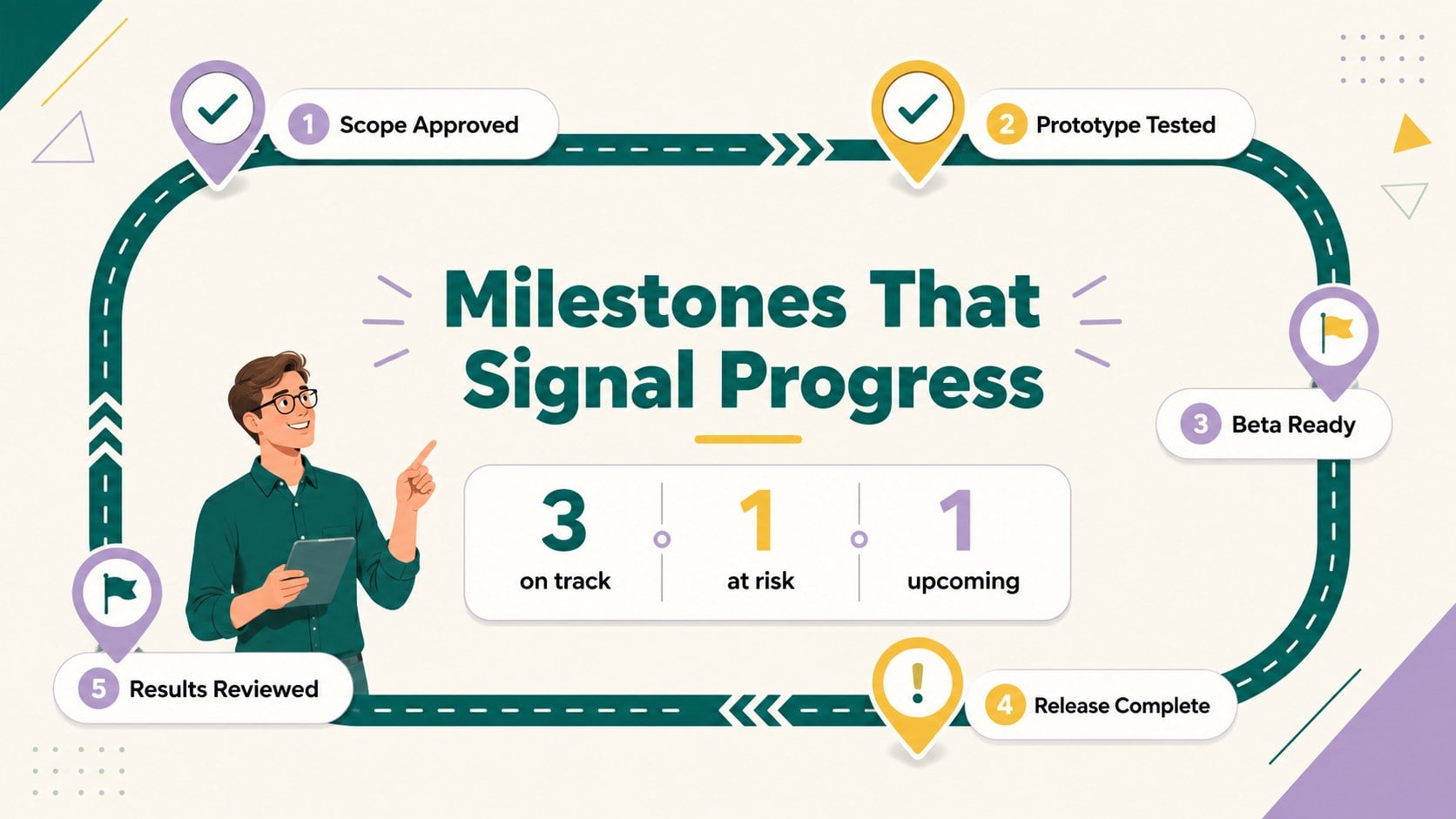
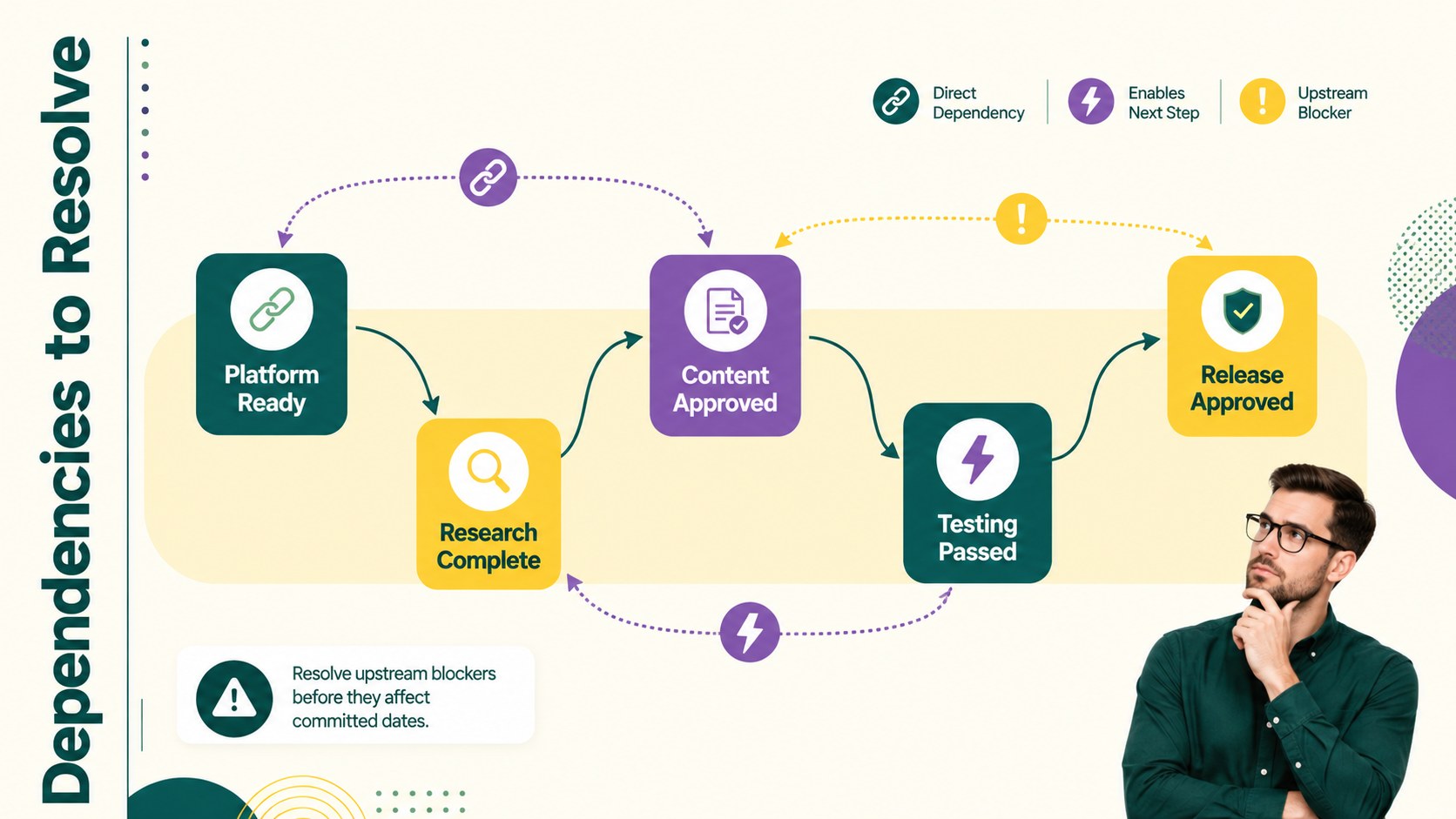
Build shared understanding from early discovery through release with this product delivery timeline theme. Designed for PowerPoint and Google Slides, the deck gives teams a practical way to connect strategic priorities with milestones, owners, dependencies, and measurable outcomes. Its energetic green, yellow, and purple palette combines clean typography with playful geometric details, keeping planning sessions focused without making the presentation feel overly formal.
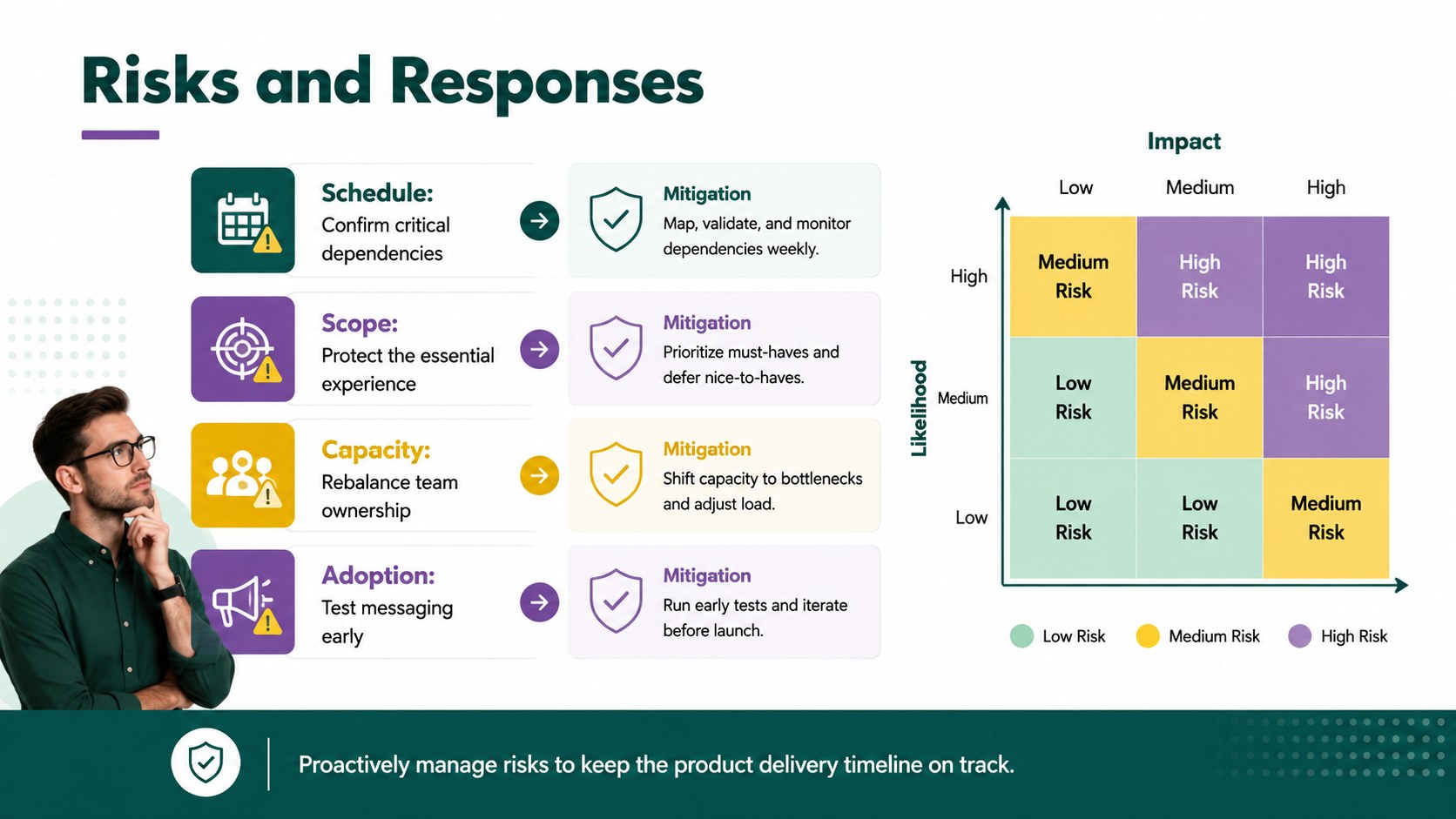
Inside, you will find layouts for a product vision, phased delivery schedule, feature prioritization, team responsibilities, release milestones, dependency mapping, risk tracking, success metrics, and next steps. Use the product delivery timeline template to present work by quarter, sprint, workstream, or development stage. Editable charts, tables, diagrams, icons, and text areas make it easy to adapt the structure to your process while preserving a consistent visual system.
This deck works well for product managers, startup founders, designers, engineering leads, operations teams, and cross-functional stakeholders. It can support a quarterly product planning presentation, an agile release timeline, or an internal alignment workshop. Replace the sample content with your own initiatives, apply company fonts or colors, and reorder sections to match the level of detail your audience needs. Whether you are reviewing progress with leadership or coordinating delivery teams, the slides help clarify what is happening, when it matters, and who is responsible.
Perfect for: quarterly product planning; software release review; cross-functional alignment workshop; feature prioritization meeting; executive milestone update.
Frequently asked questions
Can I edit every part of the presentation? Yes. Text, colors, shapes, charts, icons, and timeline elements can be adjusted to fit your delivery process. You can also duplicate, remove, or reorder slides without disrupting the visual style.
Practical details
Yes. Text, colors, shapes, charts, icons, and timeline elements can be adjusted to fit your delivery process. You can also duplicate, remove, or reorder slides without disrupting the visual style.
The template is designed for Microsoft PowerPoint and Google Slides. Some font rendering, transitions, or spacing may vary slightly between the two platforms, so review the final deck before presenting.
Rename the phases, move milestone markers, and replace the sample dates with quarters, months, sprints, or target release windows. The layouts can support both high-level executive plans and more detailed team schedules.
Yes. Replace the sample palette, typography, and visual elements with your approved brand assets. Add a logo to the slide master or recurring footer if your organization requires consistent identification.
Keep exploring
15Shape your publishing concept with an indie magazine startup pitch deck featuring pastel gradients, bold collage layouts, and editable planning slides.
 16
16Build clear project stories with the Icon Grid Teamwork Theme, a flexible blue illustrated deck for proposals, strategy updates, and team meetings.
 3
3Turn priorities into an actionable plan with an annual goals roadmap infographic, featuring editable orange and teal layouts for PowerPoint and Google Slides.
 15
15Create an Annual Achievement Report Presentation with colorful geometric layouts for milestones, results, lessons, and priorities in PowerPoint or Google Slides.
 15
15Turn results into a focused annual performance evaluation report with dark 3D slides for KPIs, achievements, feedback, and next-step goals for teams.
 15
15Guide a focused annual recap with Business Results Retrospective Slides, a muted brown-and-blue template for PowerPoint and Google Slides.
 6
6Turn complex plans into clear visual stories with Color-Coded Workflow Path Slides, an editable set for project updates, roadmaps, and team briefings.
 6
6Compare regional performance at a glance with Global Data Heatmap Slides, a clean multicolor deck designed for editable PowerPoint and Google Slides.