
 15
15presentation
Indie Magazine Startup Pitch Deck
Shape your publishing concept with an indie magazine startup pitch deck featuring pastel gradients, bold collage layouts, and editable planning slides.
Google SlidesPowerPoint
presentation · English
Use Priority Mapping Quadrant Slides to compare initiatives, align teams, and turn impact-versus-effort discussions into a focused action plan.

Design notes
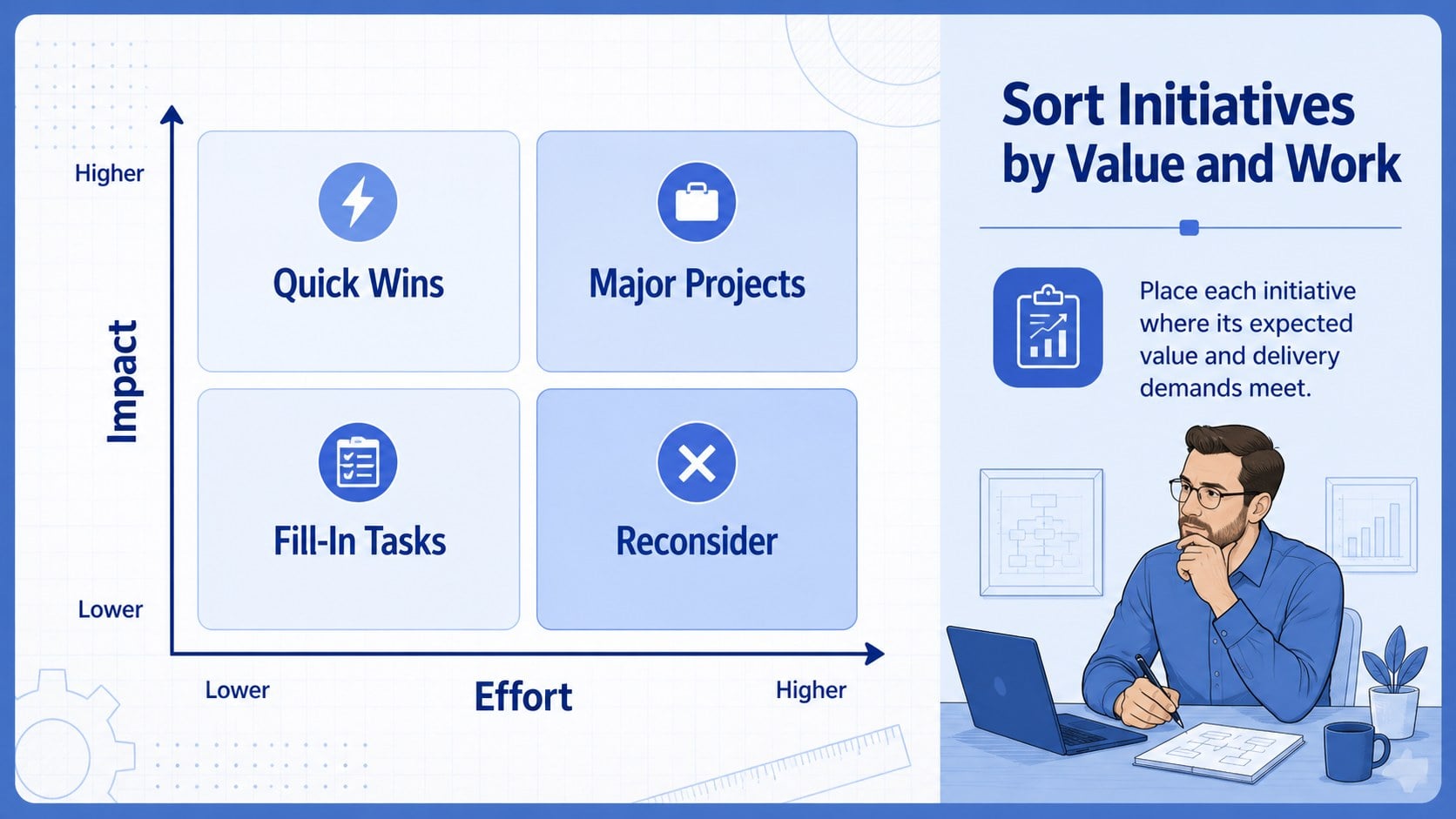
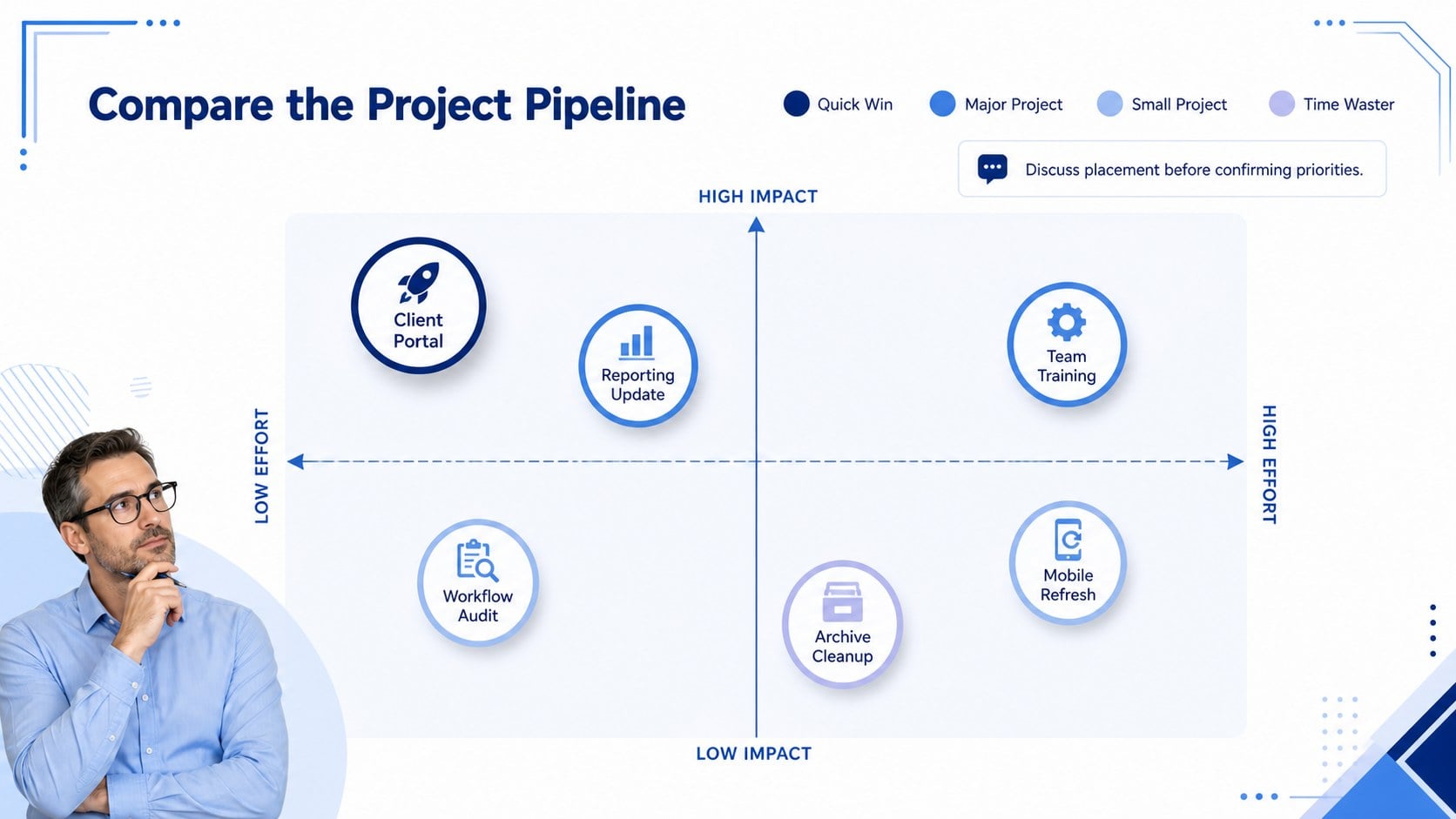
Priority Mapping Quadrant Slides help teams evaluate ideas, tasks, and projects according to their expected value and required work. The clean blue corporate design keeps attention on the decision, making this deck a practical choice for planning sessions, portfolio reviews, and stakeholder discussions in PowerPoint or Google Slides.
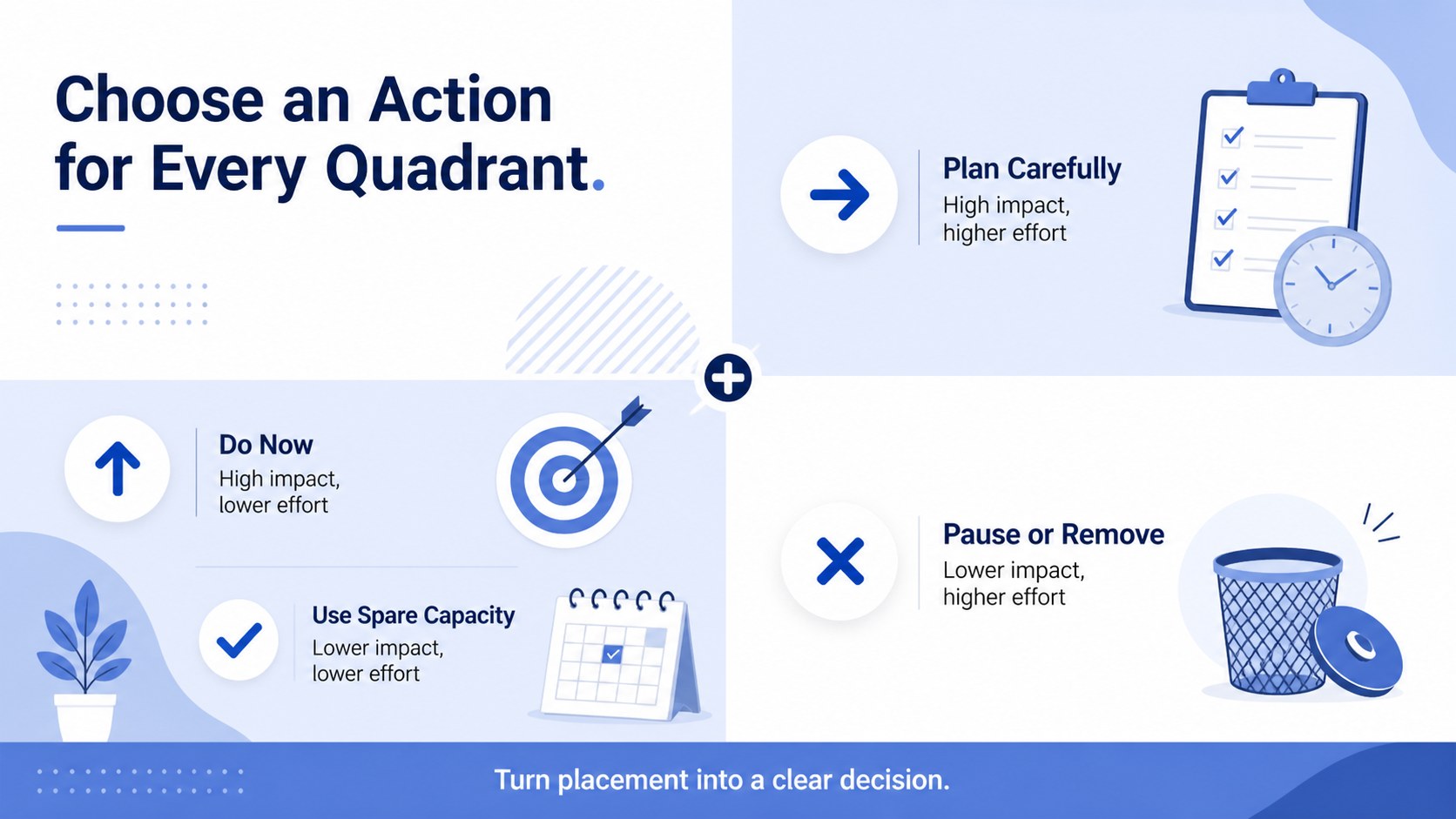
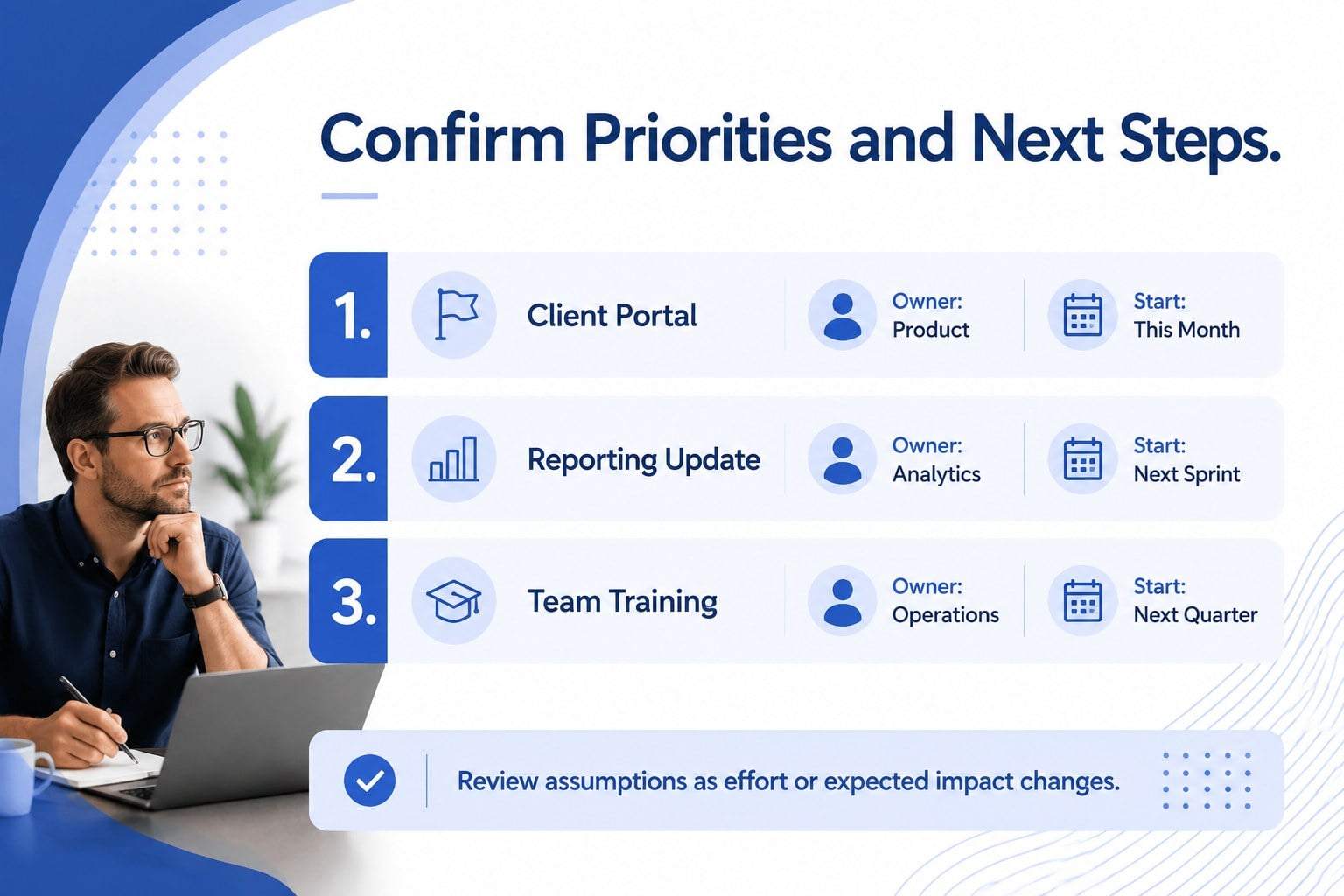
Inside are five coordinated layouts for organizing priorities and communicating next steps. Use the impact versus effort quadrant template to separate quick wins from major projects, low-value tasks, and longer-term opportunities. Alternative arrangements provide space for initiative labels, brief supporting notes, category definitions, and recommended actions. Every page can be adapted with your own wording, colors, icons, shapes, and scoring criteria, while the consistent visual hierarchy helps audiences understand the analysis at a glance.
This project prioritization matrix slides deck is designed for project managers, product teams, consultants, operations leaders, and business educators. It also works well as an initiative scoring workshop slides resource when participants need to discuss tradeoffs and agree on where to invest time. Use the layouts to prepare sprint plans, compare campaign ideas, review process improvements, or explain a proposed roadmap. The restrained blue palette, minimal typography, and spacious composition support professional presentations without distracting from the priorities being evaluated.
Perfect for: product roadmap planning; sprint priority workshop; project portfolio review; process improvement meeting; campaign idea evaluation.
Frequently asked questions
Can I edit every section of the quadrant? Yes. You can change the quadrant labels, initiative names, notes, colors, icons, and scoring language to match your planning method.
Practical details
Yes. You can change the quadrant labels, initiative names, notes, colors, icons, and scoring language to match your planning method.
The deck is designed for PowerPoint and Google Slides. Both platforms let you adjust the text, shapes, layout elements, and presentation order.
Replace the example categories with your preferred measures, such as customer value, urgency, cost, or implementation complexity. Then position each initiative according to your team's agreed scoring criteria.
Yes. Add participant ideas to the matrix as they are discussed, then use the action-focused layouts to record decisions, owners, and next steps.
Keep exploring
15Shape your publishing concept with an indie magazine startup pitch deck featuring pastel gradients, bold collage layouts, and editable planning slides.
 16
16Build clear project stories with the Icon Grid Teamwork Theme, a flexible blue illustrated deck for proposals, strategy updates, and team meetings.
 3
3Turn priorities into an actionable plan with an annual goals roadmap infographic, featuring editable orange and teal layouts for PowerPoint and Google Slides.
 15
15Create an Annual Achievement Report Presentation with colorful geometric layouts for milestones, results, lessons, and priorities in PowerPoint or Google Slides.
 15
15Turn results into a focused annual performance evaluation report with dark 3D slides for KPIs, achievements, feedback, and next-step goals for teams.
 15
15Guide a focused annual recap with Business Results Retrospective Slides, a muted brown-and-blue template for PowerPoint and Google Slides.
 6
6Turn complex plans into clear visual stories with Color-Coded Workflow Path Slides, an editable set for project updates, roadmaps, and team briefings.
 6
6Compare regional performance at a glance with Global Data Heatmap Slides, a clean multicolor deck designed for editable PowerPoint and Google Slides.