
 15
15presentation
Indie Magazine Startup Pitch Deck
Shape your publishing concept with an indie magazine startup pitch deck featuring pastel gradients, bold collage layouts, and editable planning slides.
Google SlidesPowerPoint
presentation · English
Build a sharper client conversation with this policyholder coverage review deck, a black-and-orange corporate template for comparing plans, risks, benefits,…


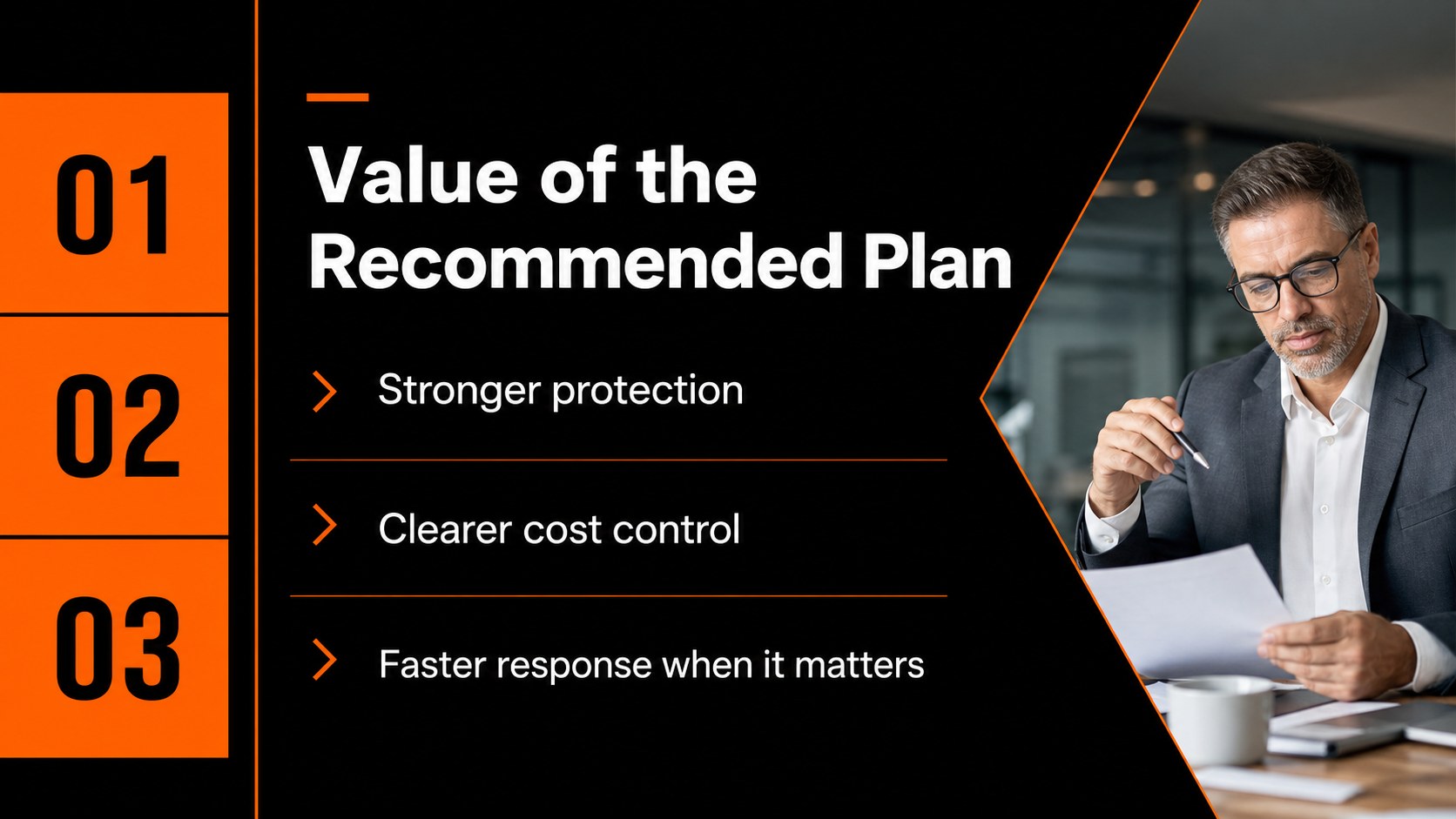
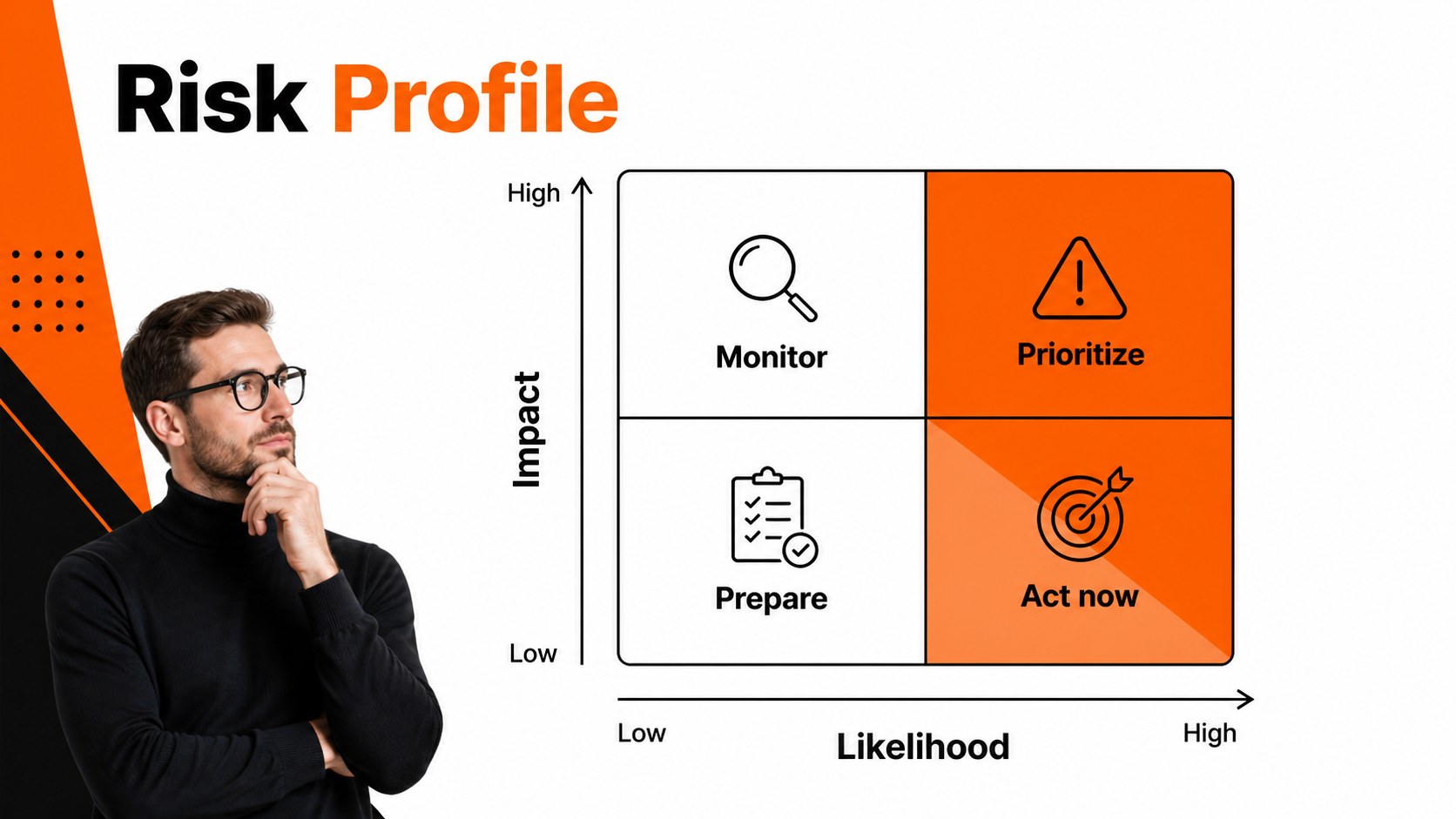
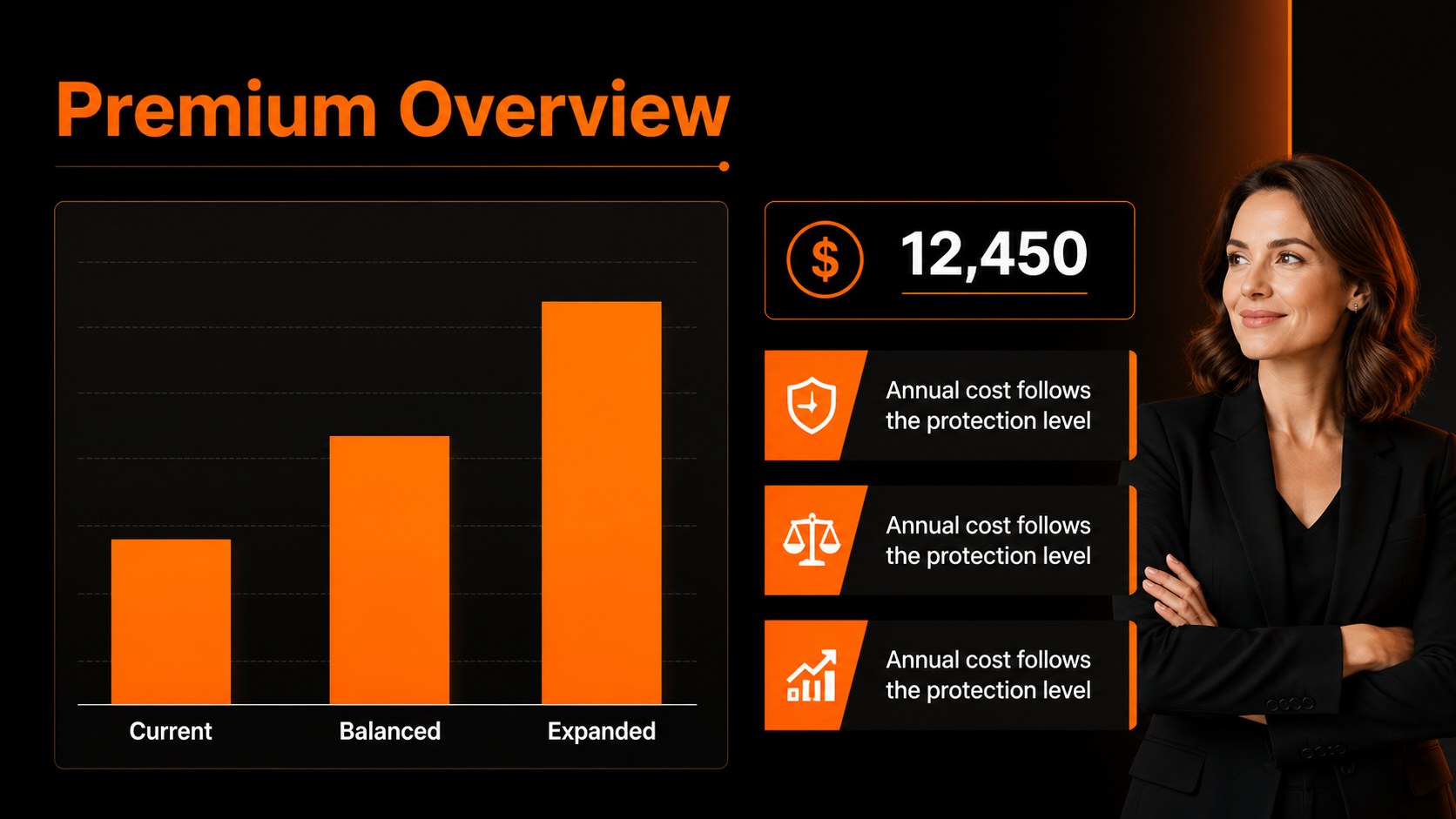
Design notes
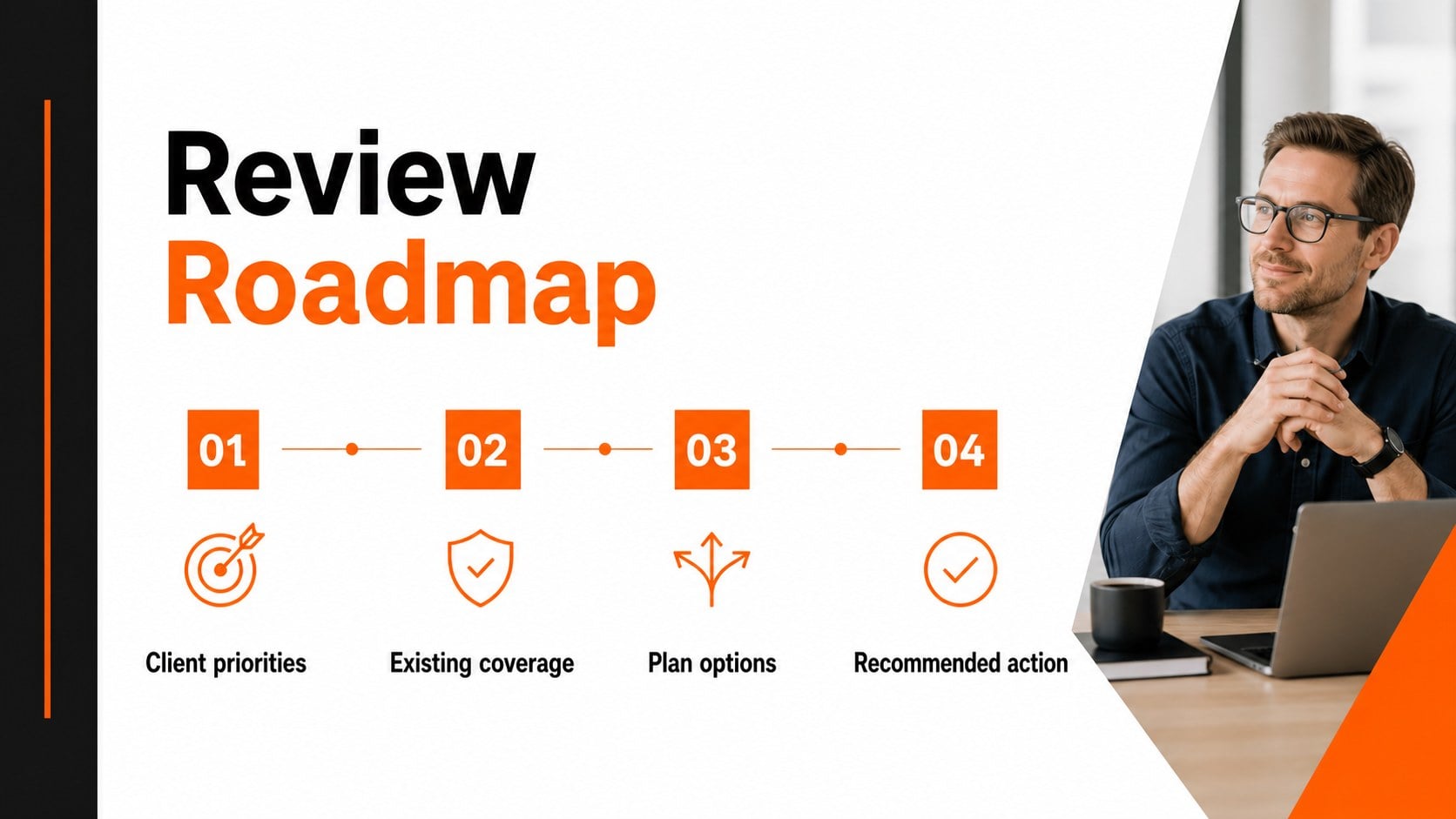
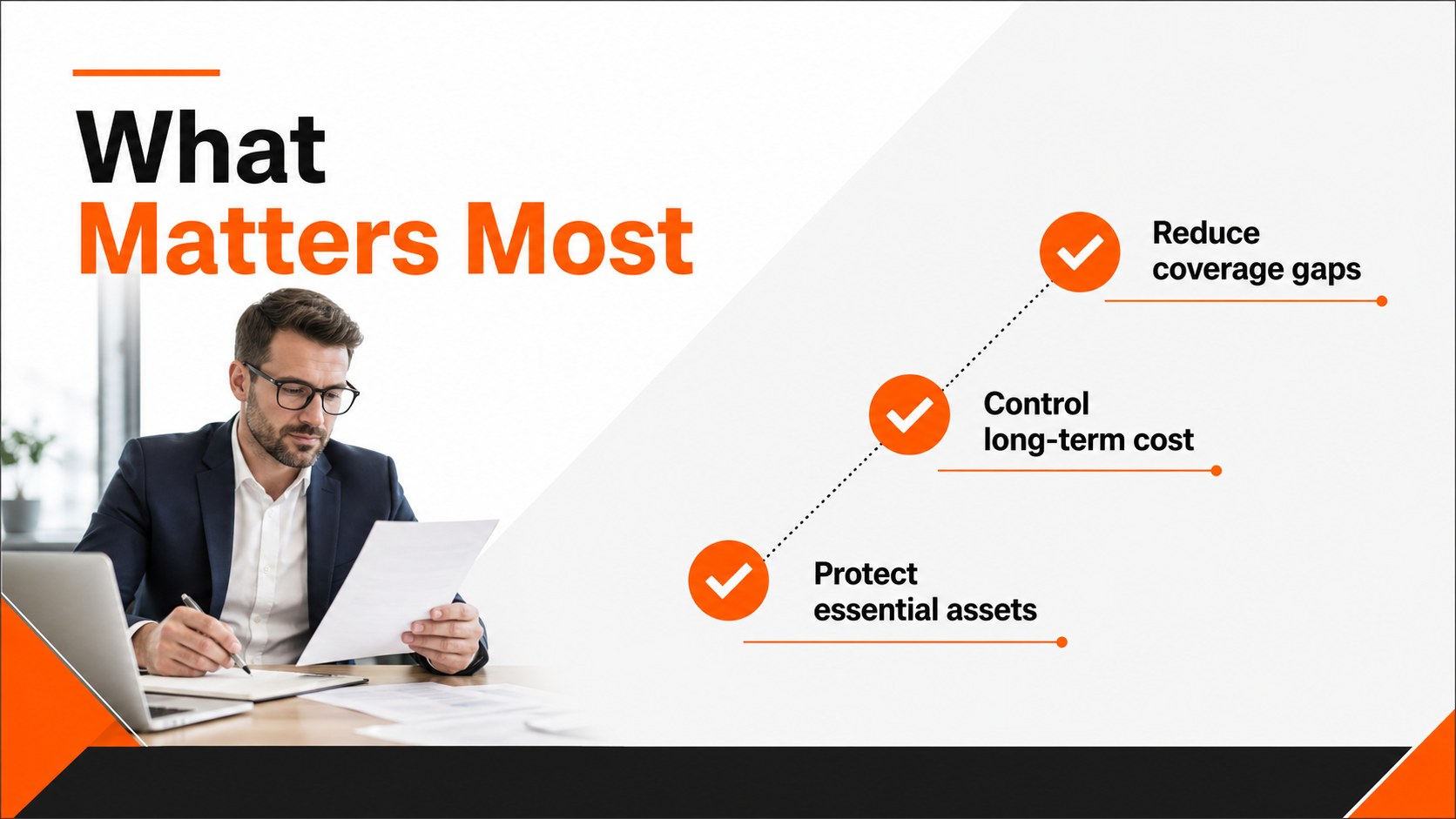
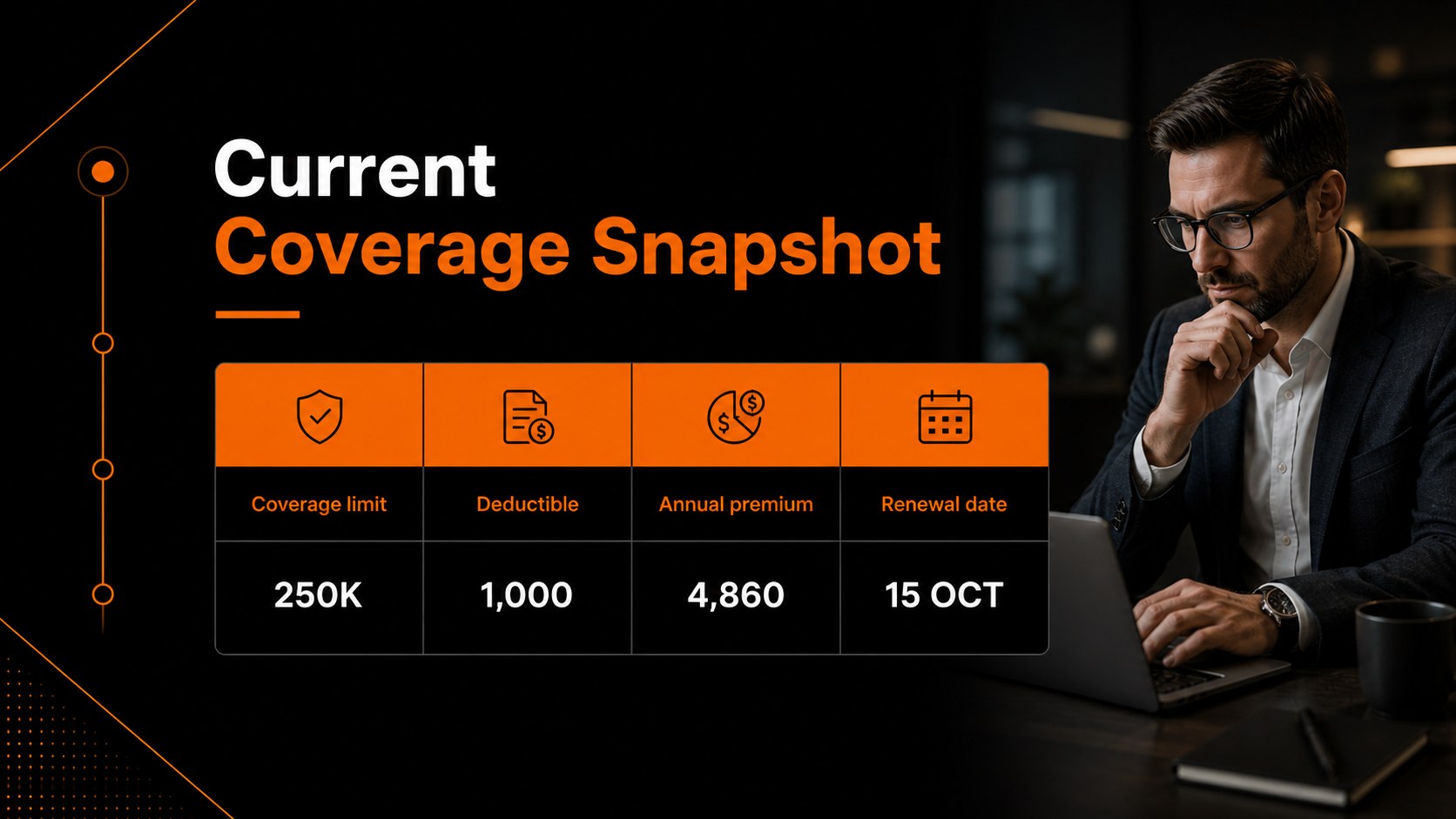
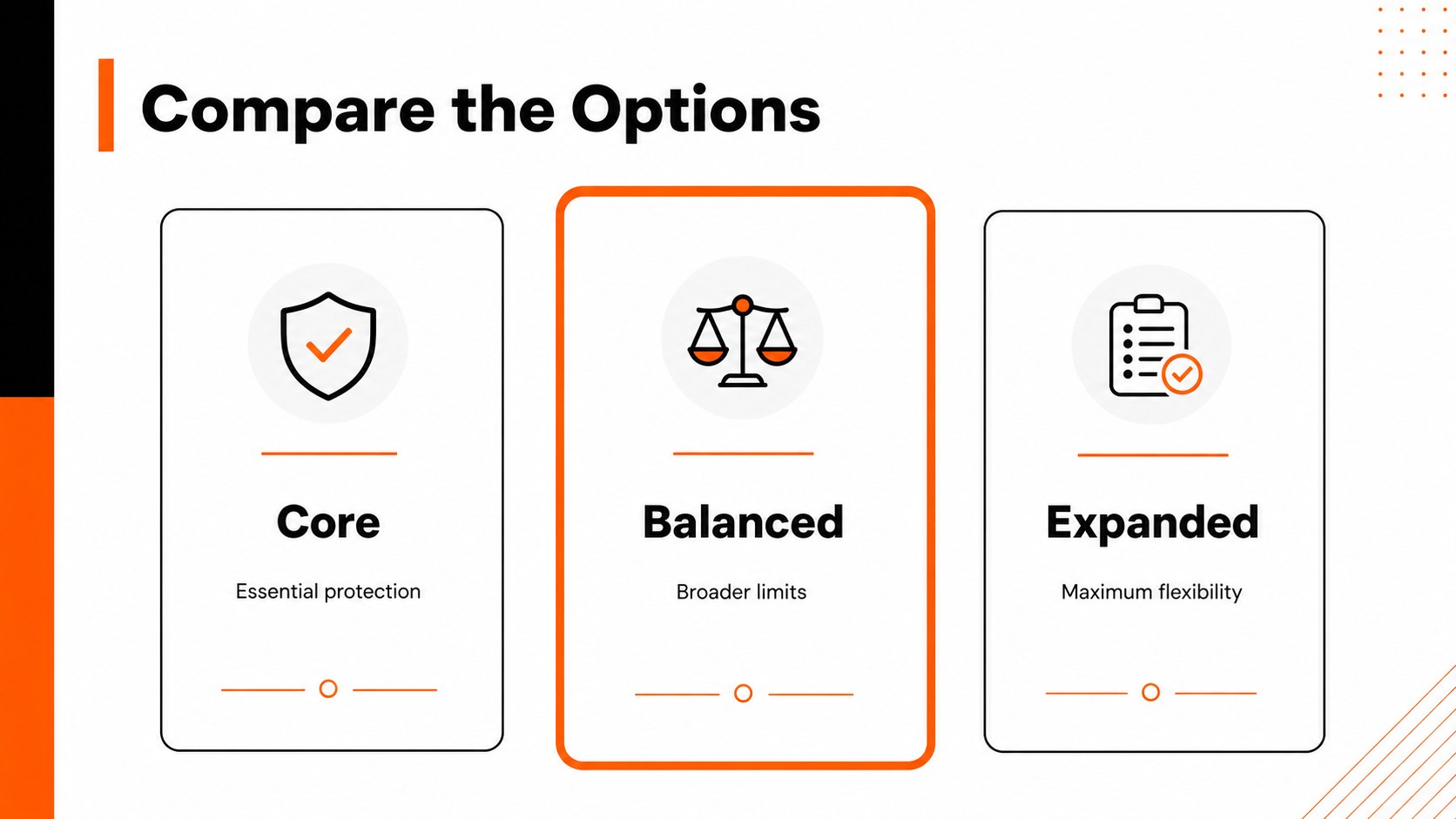
Turn complex policy details into a clear, confident client conversation with this policyholder coverage review deck. Its modern corporate design pairs a crisp black foundation with orange accents, structured lines, and restrained typography so benefits, exclusions, costs, and recommendations remain easy to scan.
Inside, you’ll find 15 editable 16:9 slides for introducing a coverage review, outlining client priorities, comparing plan options, mapping risks, presenting pricing, and summarizing recommended next steps. Use the layouts for side-by-side comparisons, data highlights, process diagrams, timelines, charts, and concise talking points. The visual system is designed to support an insurance advisor presentation without making the information feel dense or overly technical.
This template is useful for insurance brokers, account managers, benefits consultants, agency teams, and financial services professionals preparing a client coverage comparison presentation. Adapt it for annual policy reviews, renewal meetings, new-business proposals, employee benefits discussions, or internal approval briefings. Every element can be edited in PowerPoint or Google Slides, making it straightforward to update figures, replace labels, add brand-neutral imagery, and tailor the narrative to each audience.
Perfect for: annual policy renewal meeting; client coverage comparison; employee benefits consultation; insurance broker new-business pitch; internal plan approval briefing.
Frequently asked questions
Can I edit the policy details and pricing? Yes. Text, charts, tables, shapes, colors, and figures are editable, so you can replace sample coverage information with current policy data. Keep the concise layout to make comparisons easy to follow.
Practical details
Yes. Text, charts, tables, shapes, colors, and figures are editable, so you can replace sample coverage information with current policy data. Keep the concise layout to make comparisons easy to follow.
The deck works with Microsoft PowerPoint and Google Slides. Download the presentation, open it in your preferred editor, and update the content for your meeting.
Yes. The structure supports a professional flow from client priorities and current coverage through plan comparisons, risks, pricing, and recommendations. You can remove any sections that do not apply to a specific policy review.
Yes. You can customize the palette and typography while retaining the black-and-orange visual direction or adapting it to your organization’s identity. Recheck chart labels and contrast after making visual changes.
Keep exploring
15Shape your publishing concept with an indie magazine startup pitch deck featuring pastel gradients, bold collage layouts, and editable planning slides.
 16
16Build clear project stories with the Icon Grid Teamwork Theme, a flexible blue illustrated deck for proposals, strategy updates, and team meetings.
 3
3Turn priorities into an actionable plan with an annual goals roadmap infographic, featuring editable orange and teal layouts for PowerPoint and Google Slides.
 15
15Create an Annual Achievement Report Presentation with colorful geometric layouts for milestones, results, lessons, and priorities in PowerPoint or Google Slides.
 15
15Turn results into a focused annual performance evaluation report with dark 3D slides for KPIs, achievements, feedback, and next-step goals for teams.
 15
15Guide a focused annual recap with Business Results Retrospective Slides, a muted brown-and-blue template for PowerPoint and Google Slides.
 6
6Turn complex plans into clear visual stories with Color-Coded Workflow Path Slides, an editable set for project updates, roadmaps, and team briefings.
 6
6Compare regional performance at a glance with Global Data Heatmap Slides, a clean multicolor deck designed for editable PowerPoint and Google Slides.