
 15
15presentation
Indie Magazine Startup Pitch Deck
Shape your publishing concept with an indie magazine startup pitch deck featuring pastel gradients, bold collage layouts, and editable planning slides.
Google SlidesPowerPoint
document · English
Build point of sale receipt slides for clean transaction records, daily cash reviews, and client handoffs. Edit the purple-red layout in PowerPoint or…
Design notes
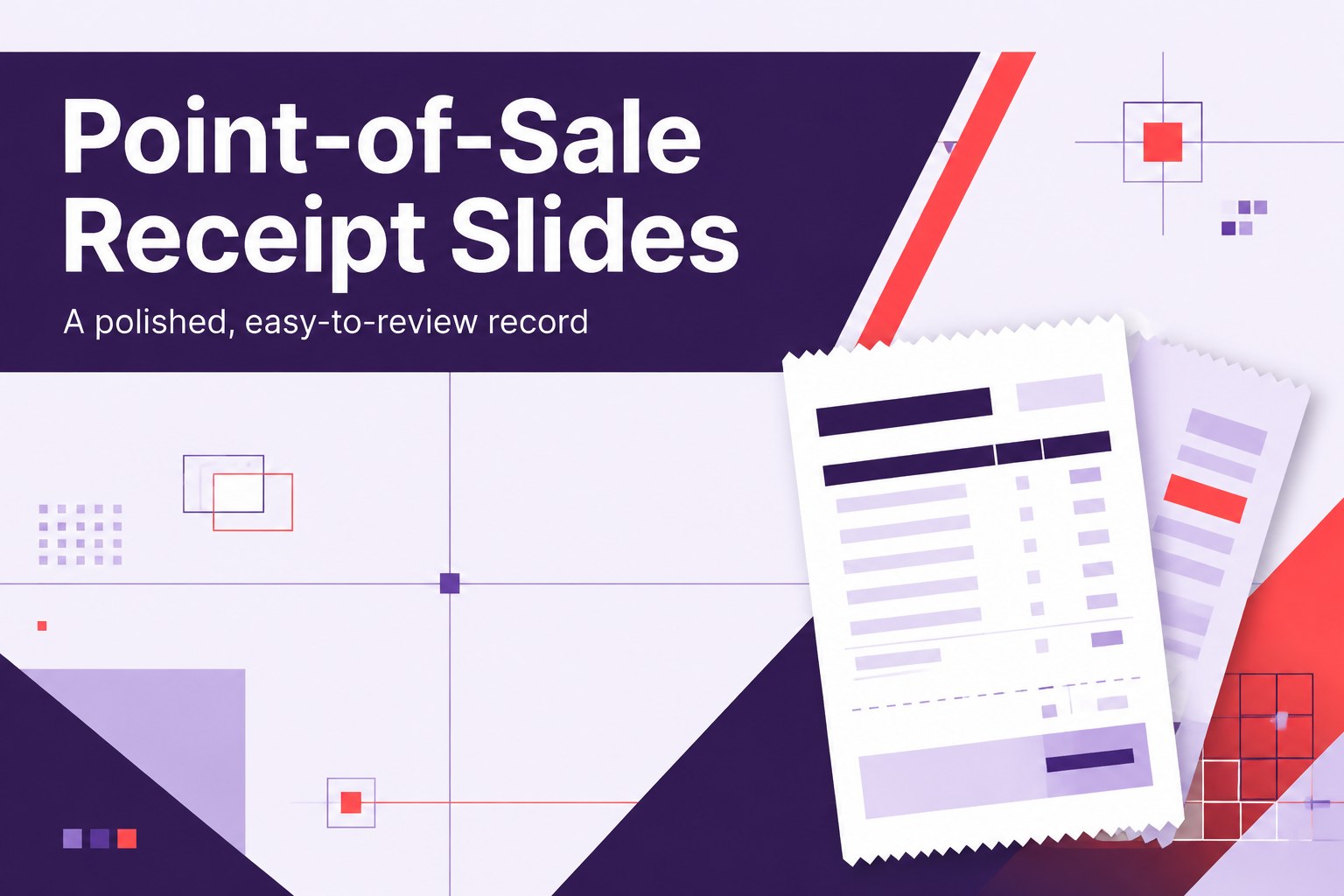
Point of sale receipt slides give small businesses and operations teams a clear way to present transaction details, payment summaries, and cash-handling records. The compact portrait-inspired layouts use vibrant purple and red accents with geometric detailing, creating a professional visual system that is easy to scan during a busy sales day.
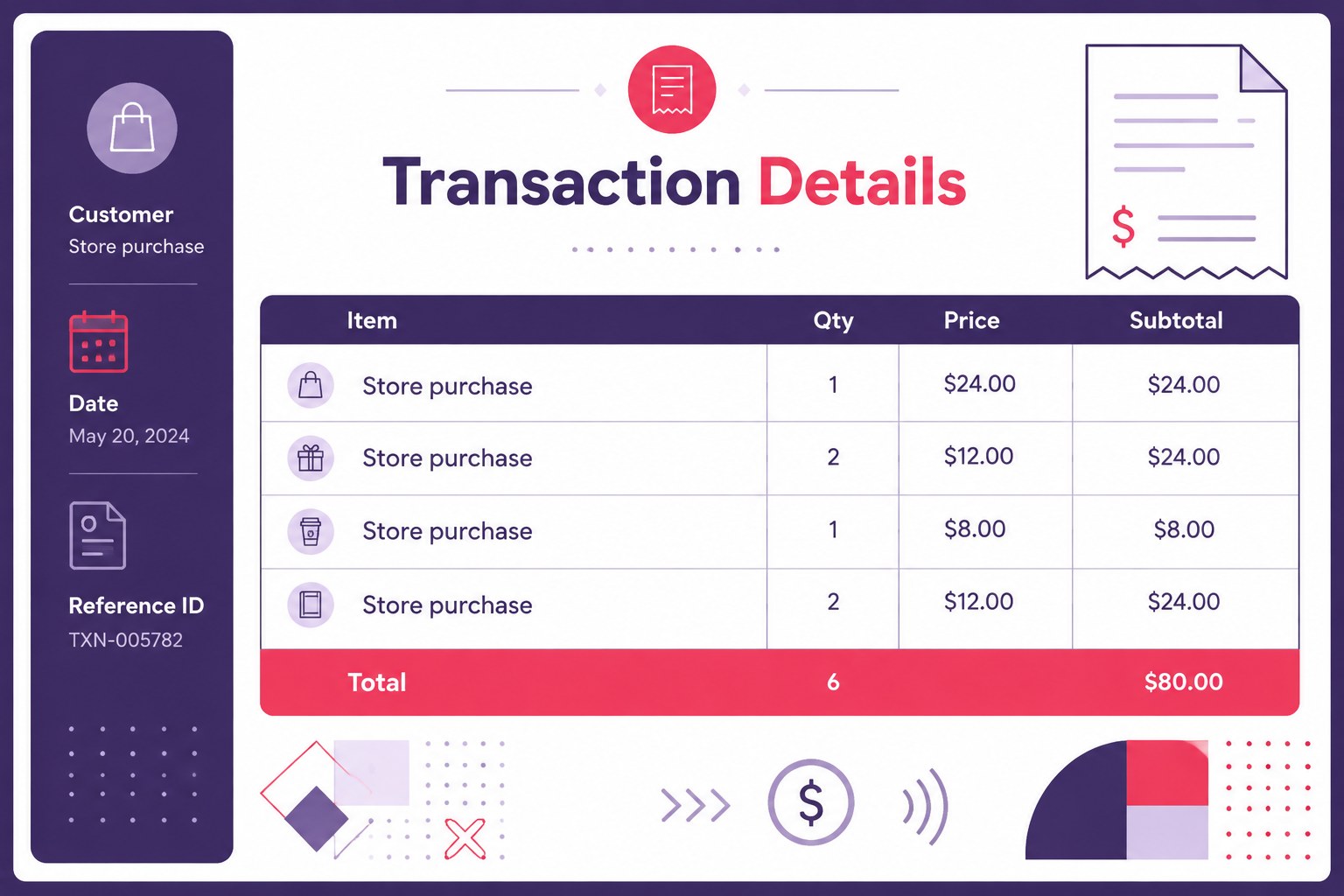
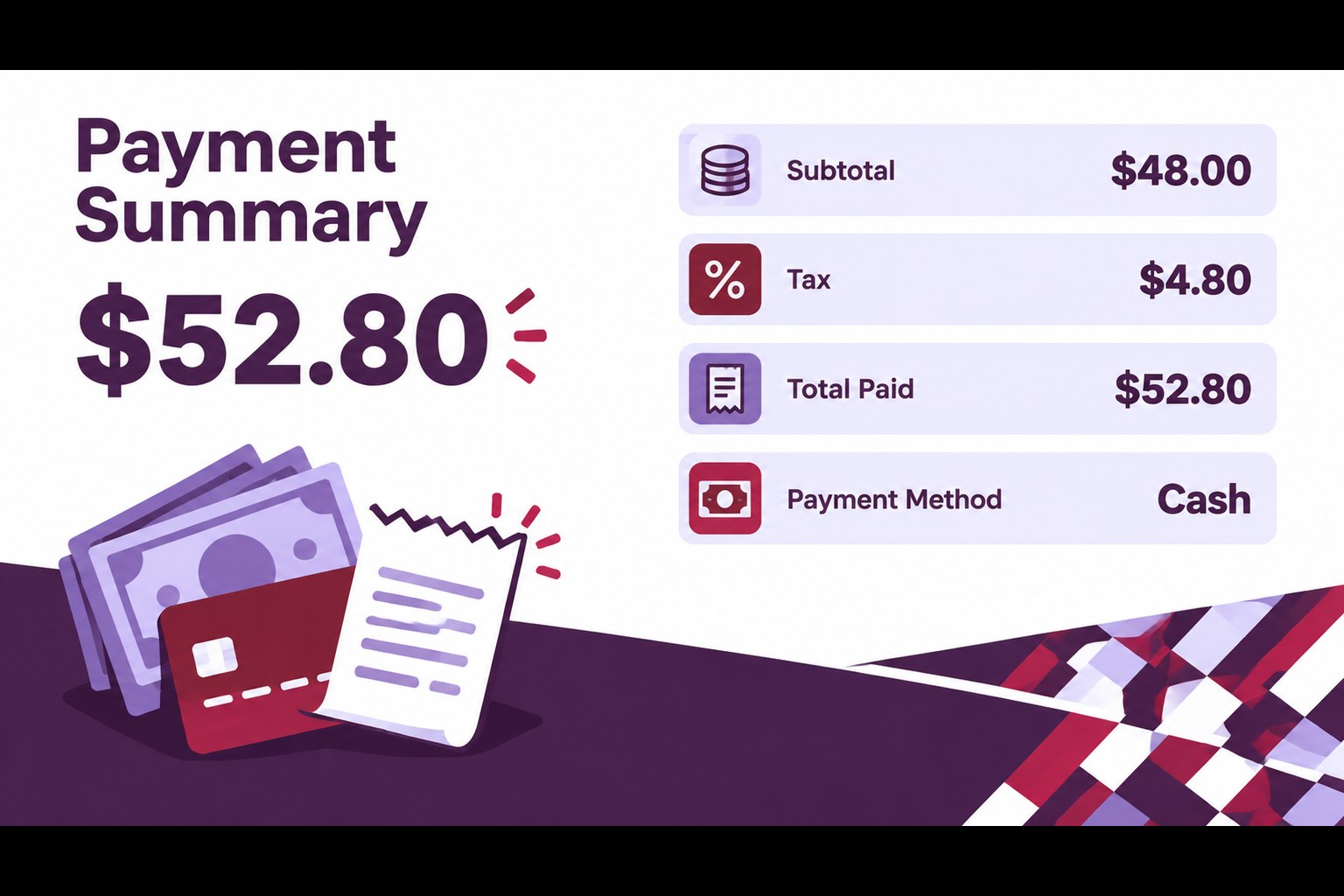
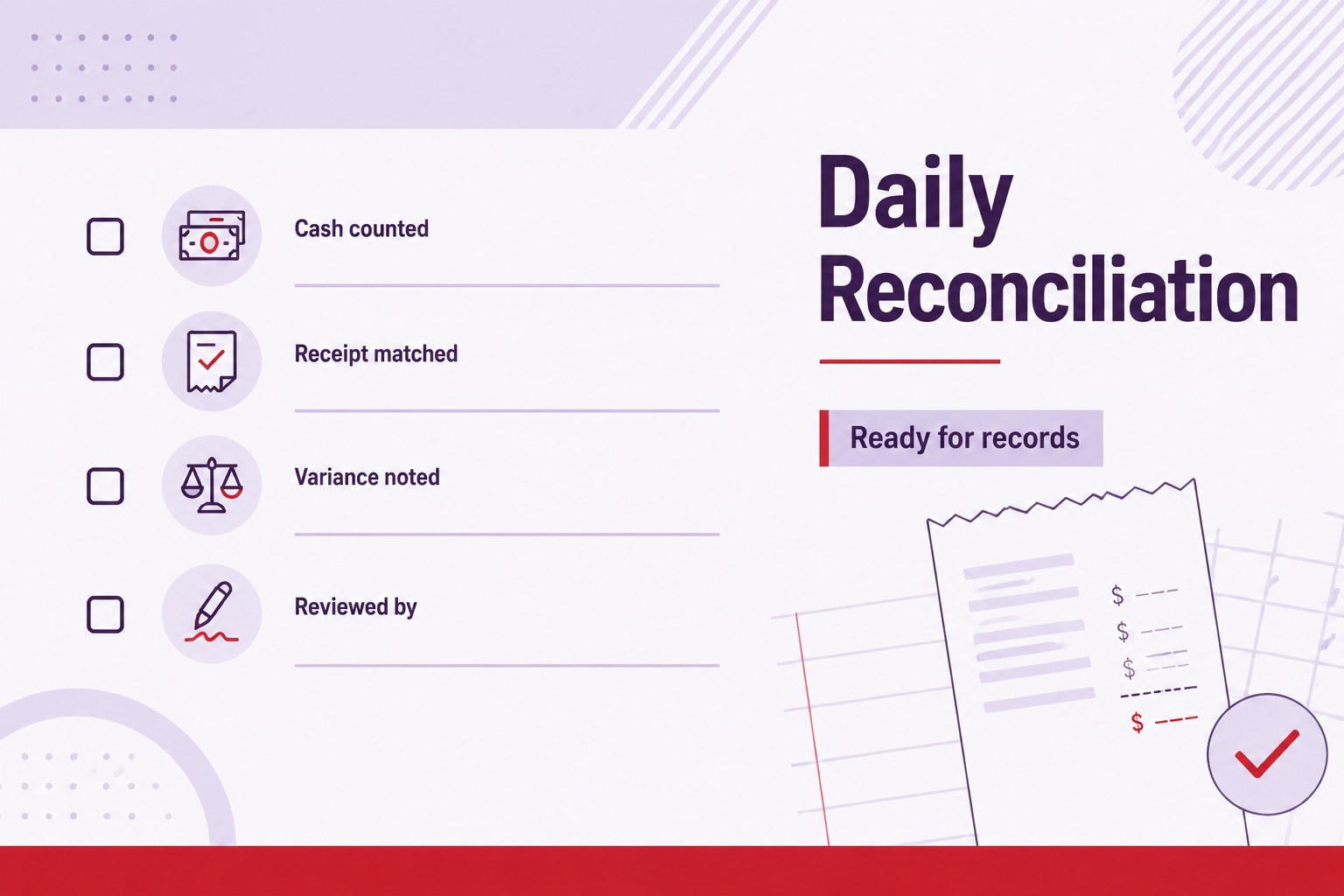
Inside the deck, you’ll find a cover for the transaction record, a structured receipt-detail layout, a payment summary view, and a closing reconciliation slide. Each page is designed for quick editing, with dedicated areas for customer information, purchased items, quantities, prices, taxes, payment method, totals, and staff notes. The point of sale receipt slides can also support daily cash review meetings, internal handoffs, and finance documentation.
This template is suitable for retail teams, independent sellers, service providers, office administrators, and small finance departments. Customize colors, typography, logos, line items, and totals in PowerPoint or Google Slides. Use the finished deck as a digital receipt record, a transaction presentation, or a supporting document for routine bookkeeping and operational reporting.
Perfect for: retail checkout documentation; daily cash reconciliation; service payment handoff; small business bookkeeping; sales operations reporting.
Frequently asked questions
Can I edit this template in PowerPoint? Yes. The layouts are designed for editing in PowerPoint, including text, tables, colors, totals, and branding elements.
Practical details
Yes. The layouts are designed for editing in PowerPoint, including text, tables, colors, totals, and branding elements.
Yes, you can open and customize the deck in Google Slides. Review imported fonts and spacing after upload so the receipt details remain aligned.
You can add customer details, item descriptions, quantities, prices, taxes, discounts, payment methods, transaction IDs, and final totals. There is also room for staff notes or reconciliation comments.
Yes. Replace the accent colors with your brand palette while keeping the geometric structure intact. You can also adjust typography, borders, icons, and table styling.
Keep exploring
15Shape your publishing concept with an indie magazine startup pitch deck featuring pastel gradients, bold collage layouts, and editable planning slides.
 16
16Build clear project stories with the Icon Grid Teamwork Theme, a flexible blue illustrated deck for proposals, strategy updates, and team meetings.
 3
3Turn priorities into an actionable plan with an annual goals roadmap infographic, featuring editable orange and teal layouts for PowerPoint and Google Slides.
 15
15Create an Annual Achievement Report Presentation with colorful geometric layouts for milestones, results, lessons, and priorities in PowerPoint or Google Slides.
 15
15Turn results into a focused annual performance evaluation report with dark 3D slides for KPIs, achievements, feedback, and next-step goals for teams.
 15
15Guide a focused annual recap with Business Results Retrospective Slides, a muted brown-and-blue template for PowerPoint and Google Slides.
 6
6Turn complex plans into clear visual stories with Color-Coded Workflow Path Slides, an editable set for project updates, roadmaps, and team briefings.
 6
6Compare regional performance at a glance with Global Data Heatmap Slides, a clean multicolor deck designed for editable PowerPoint and Google Slides.