
 15
15presentation
Indie Magazine Startup Pitch Deck
Shape your publishing concept with an indie magazine startup pitch deck featuring pastel gradients, bold collage layouts, and editable planning slides.
Google SlidesPowerPoint
presentation · English
Turn rapid concepts into a clear team story with a pixel game jam pitch deck for planning, prototyping, demos, and judging in PowerPoint or Google Slides.

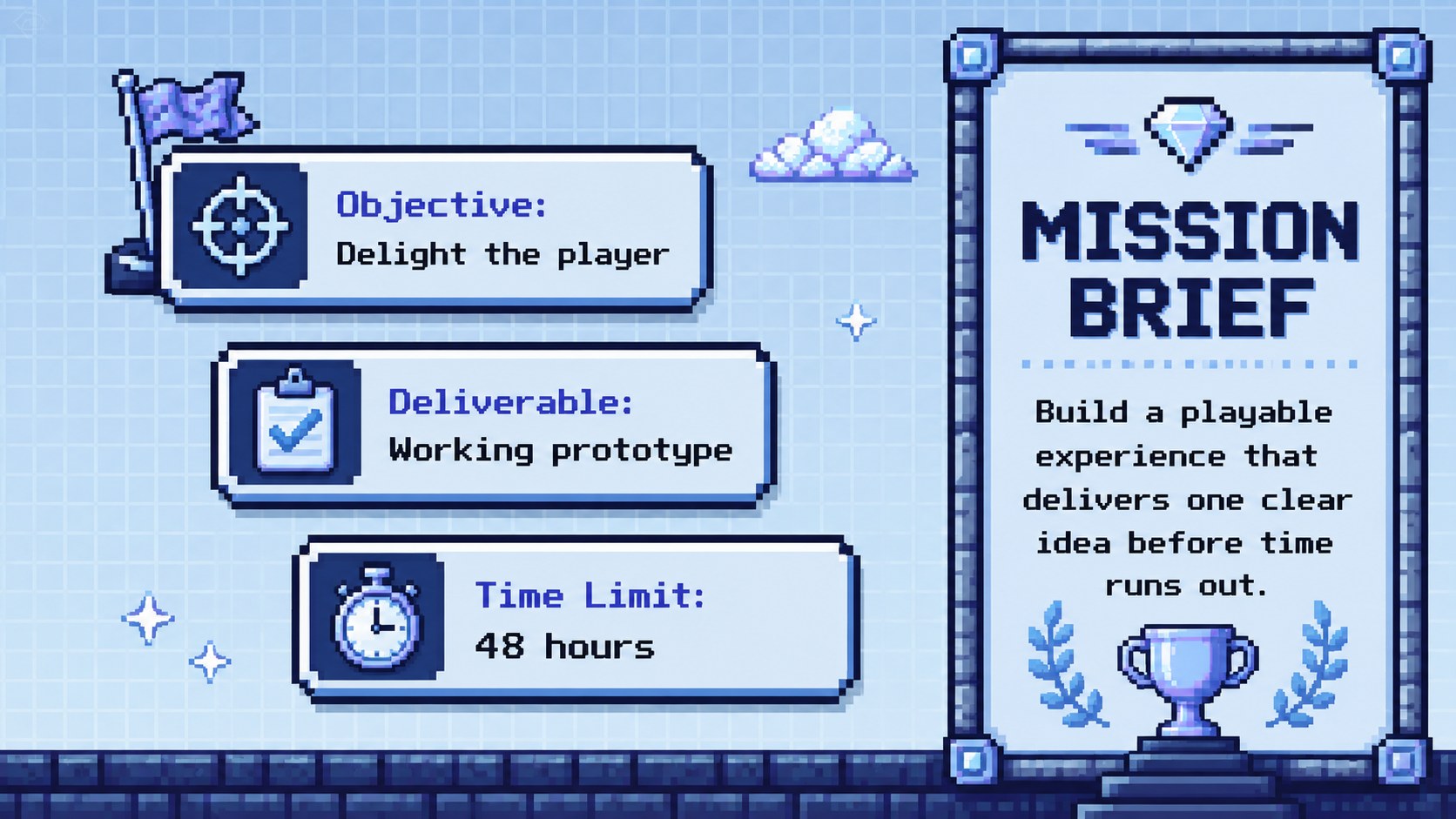
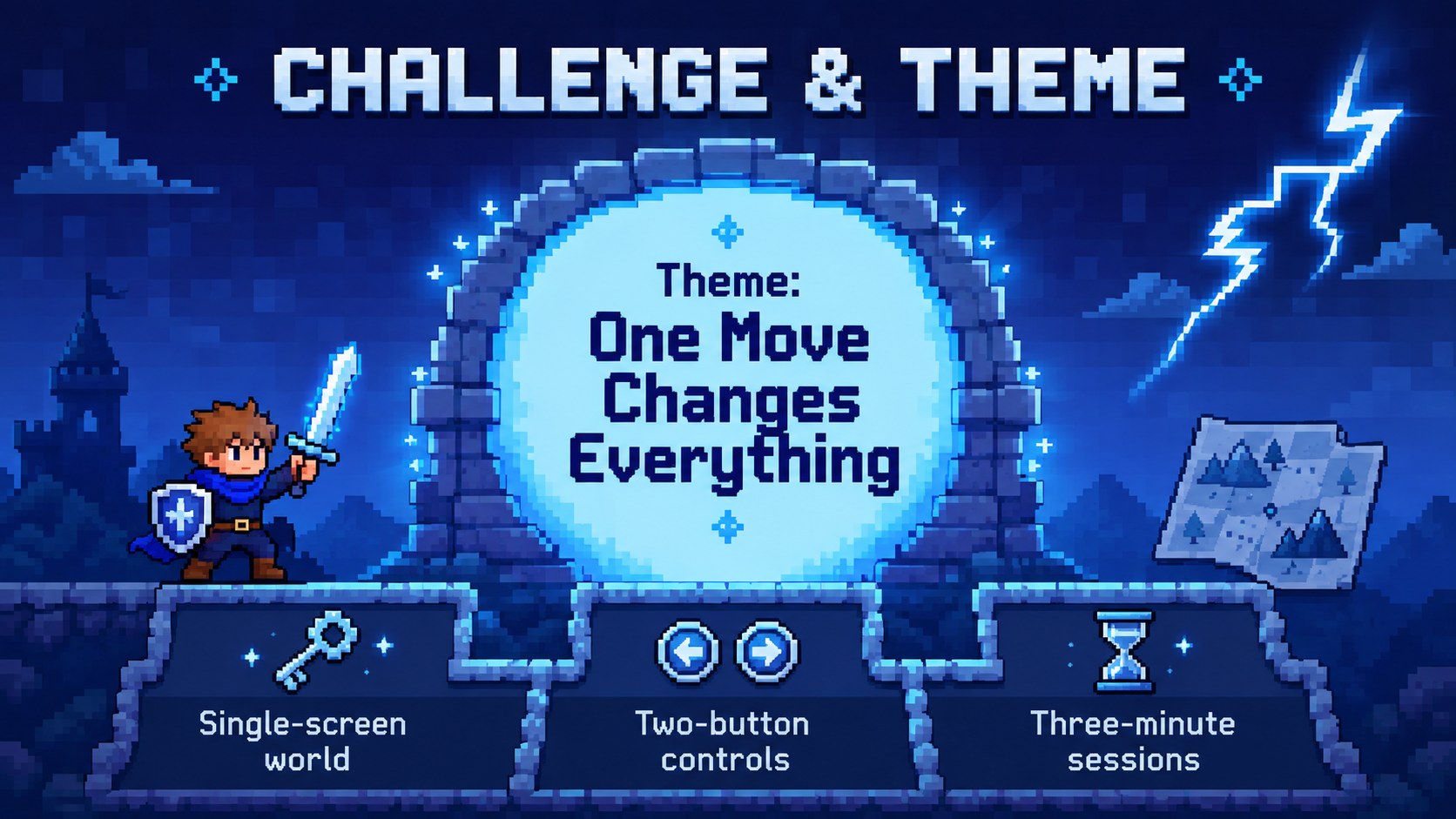
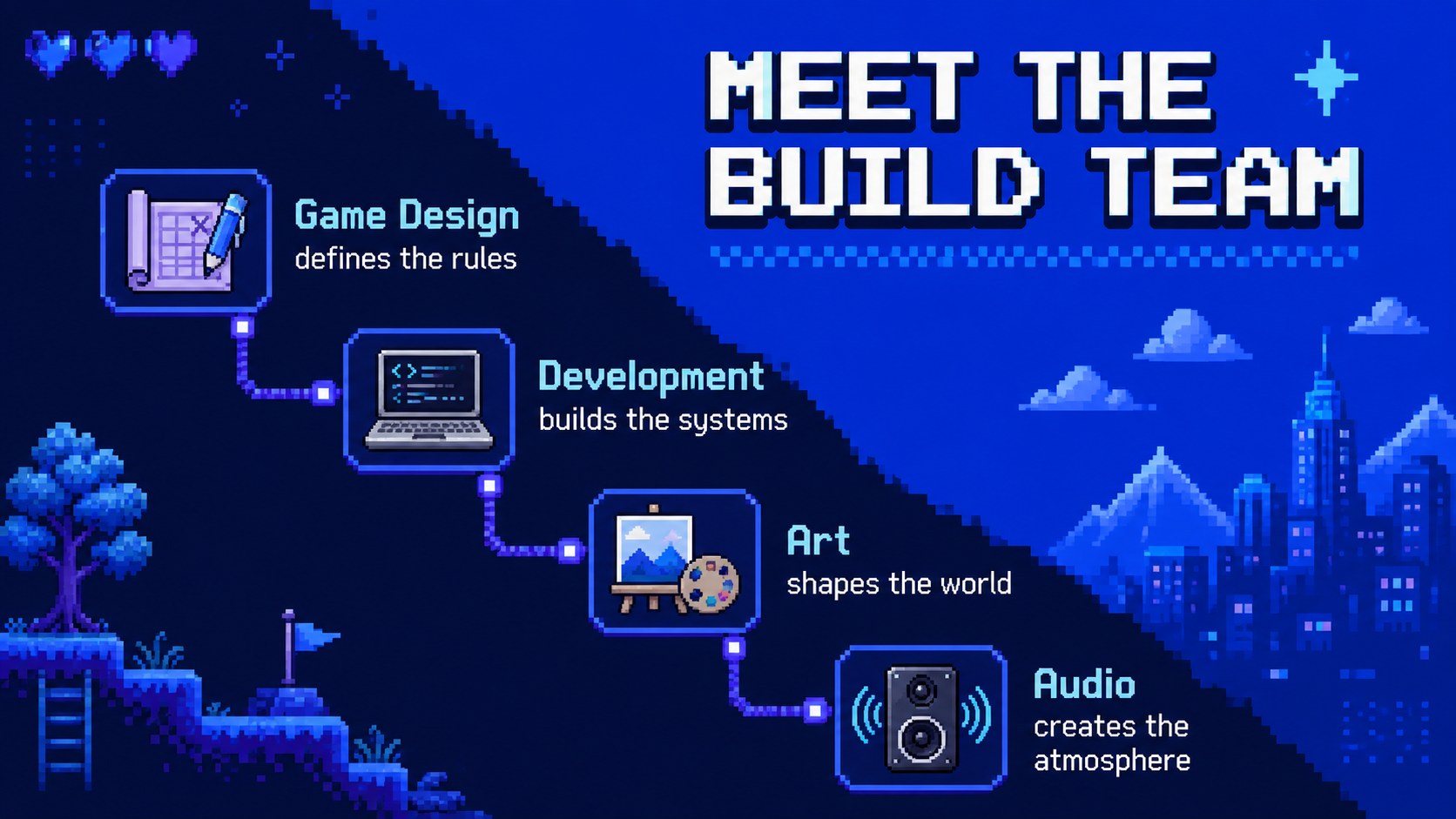
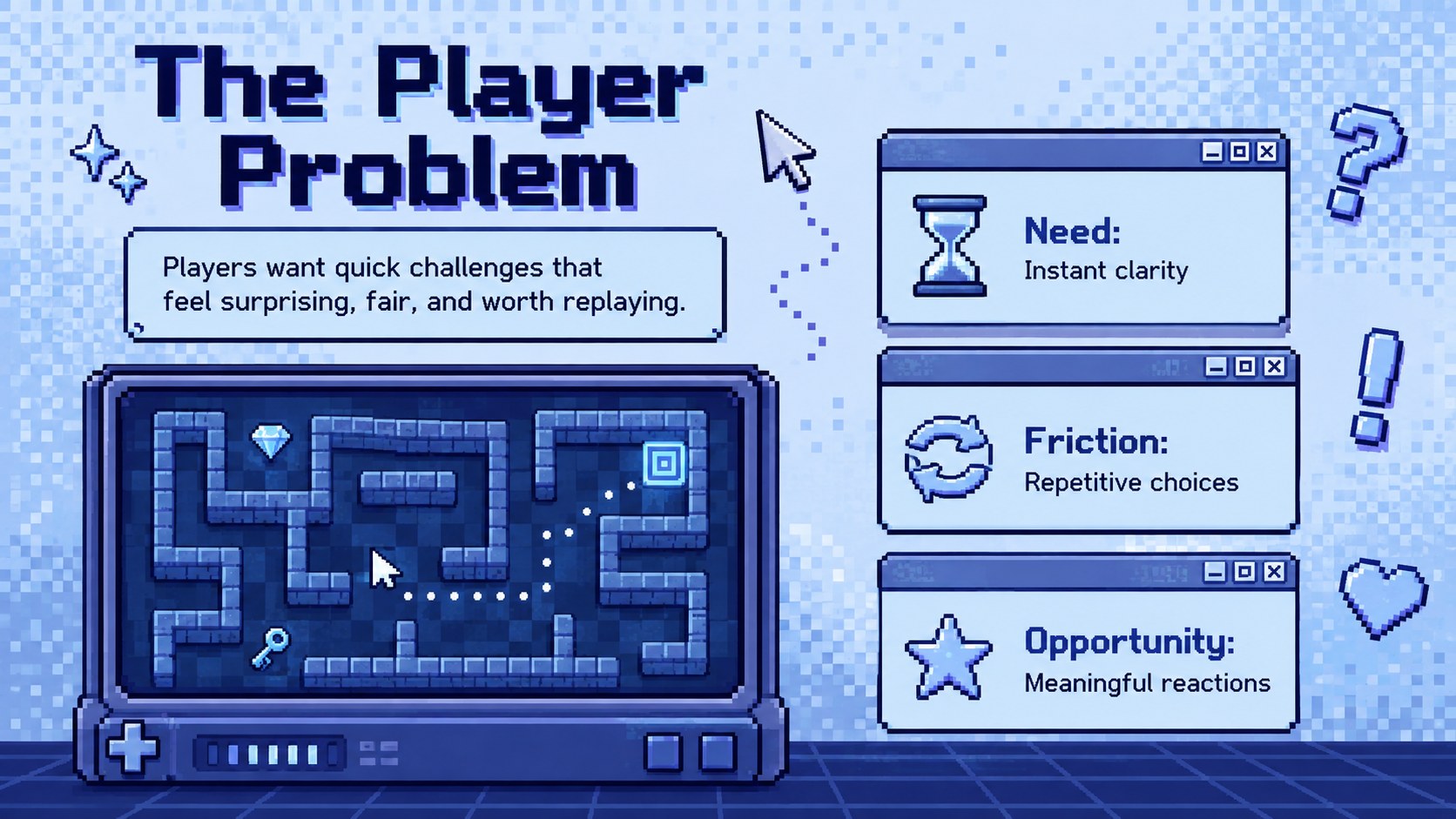
Design notes
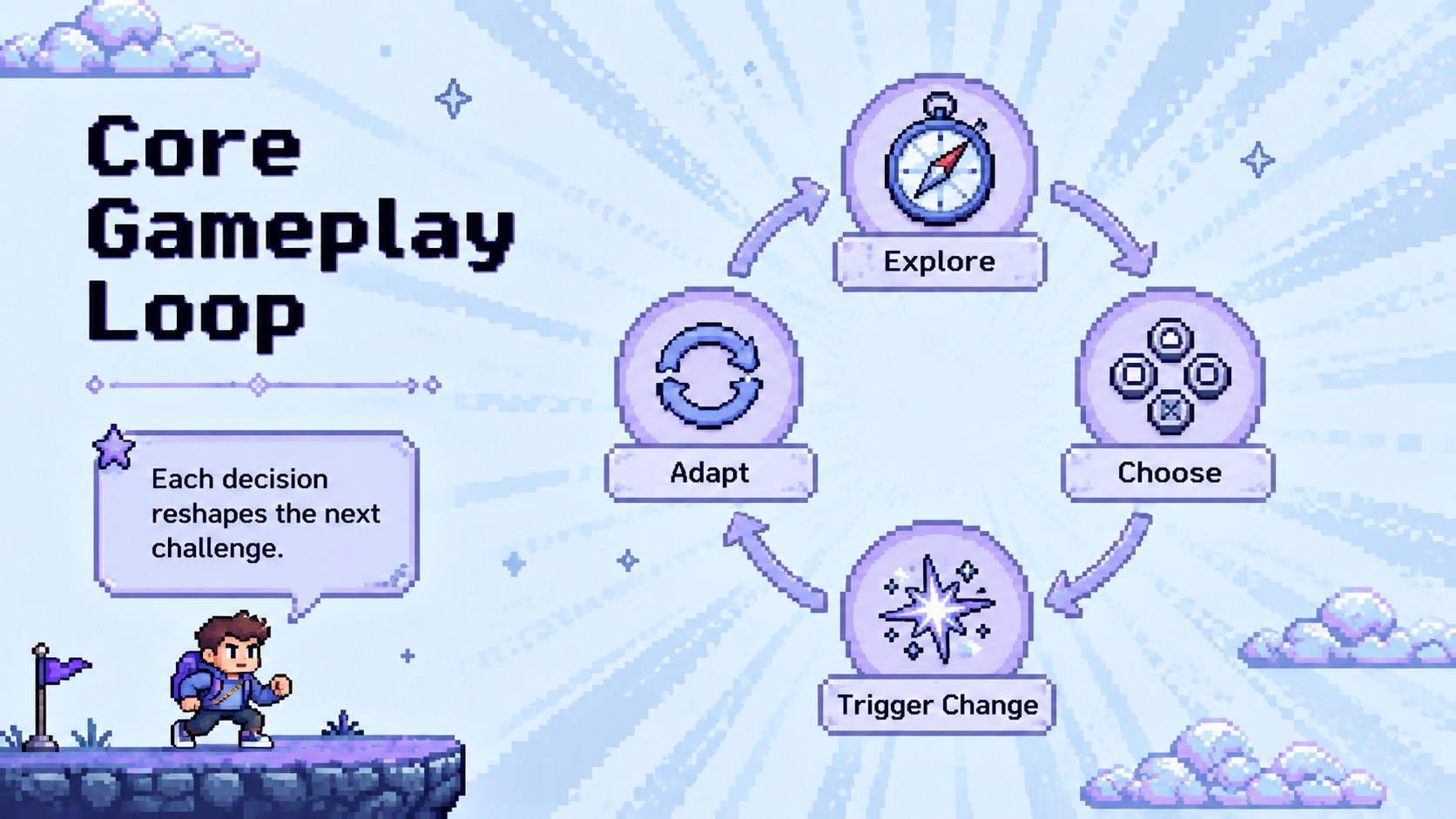
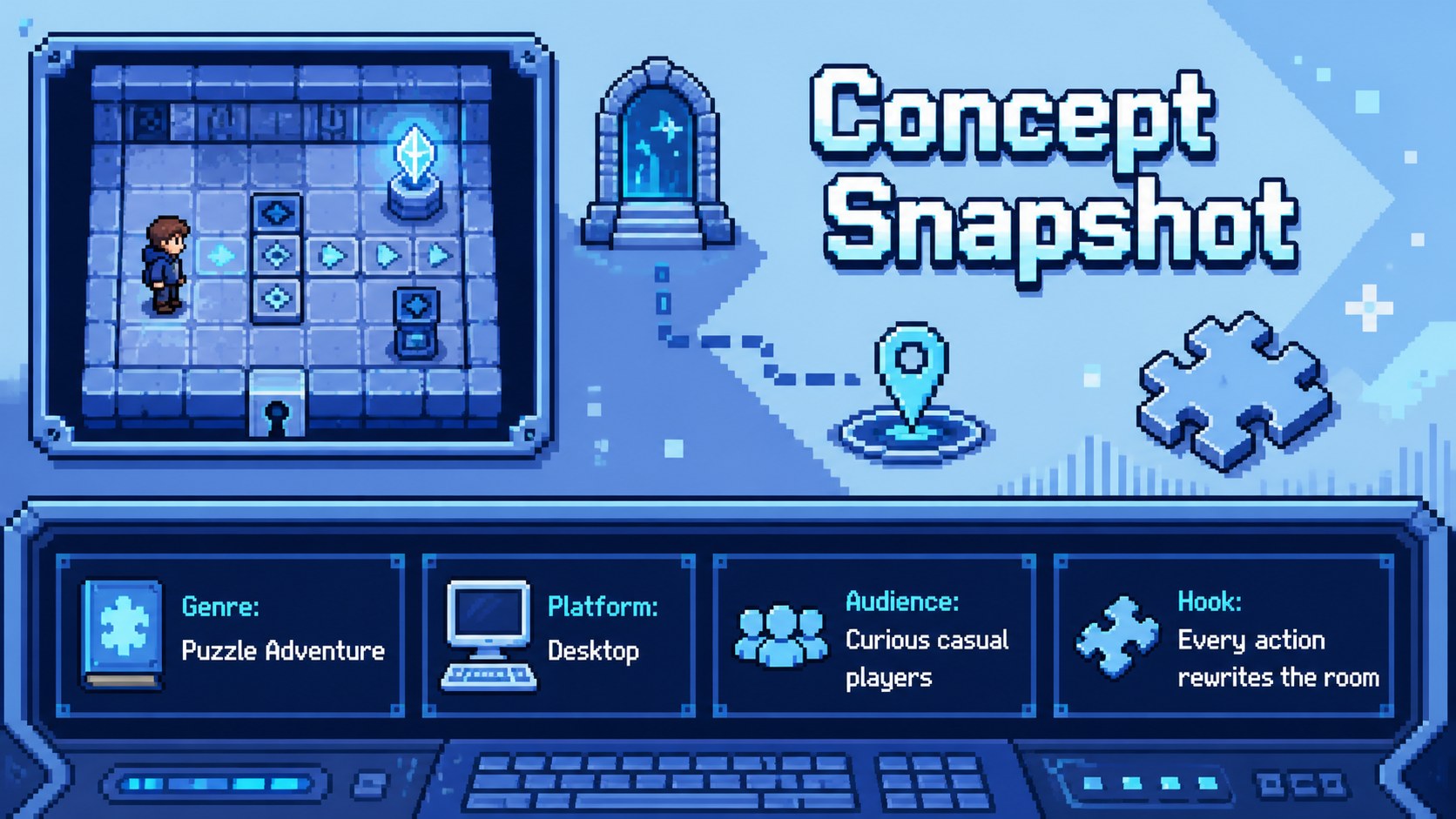
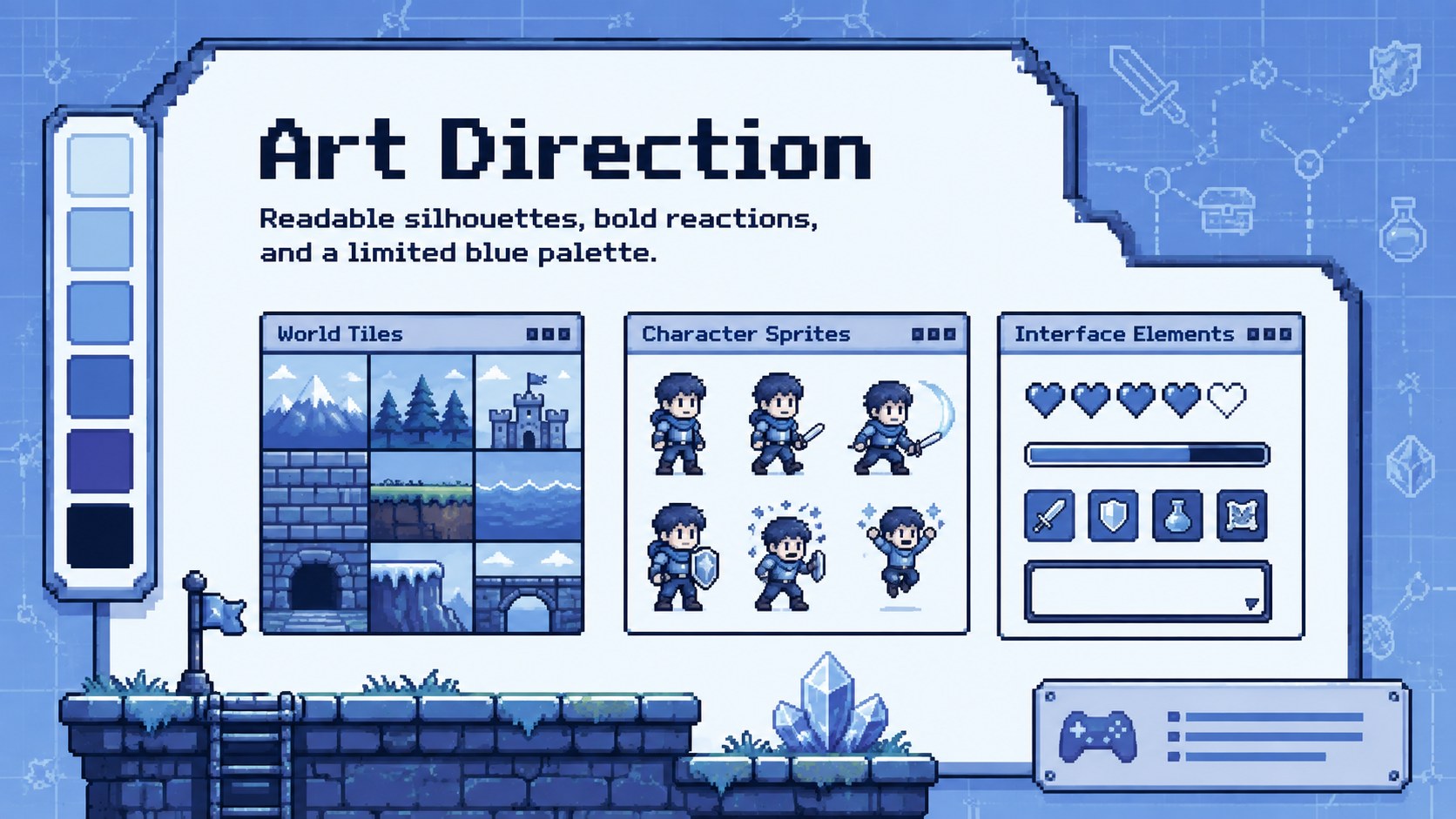
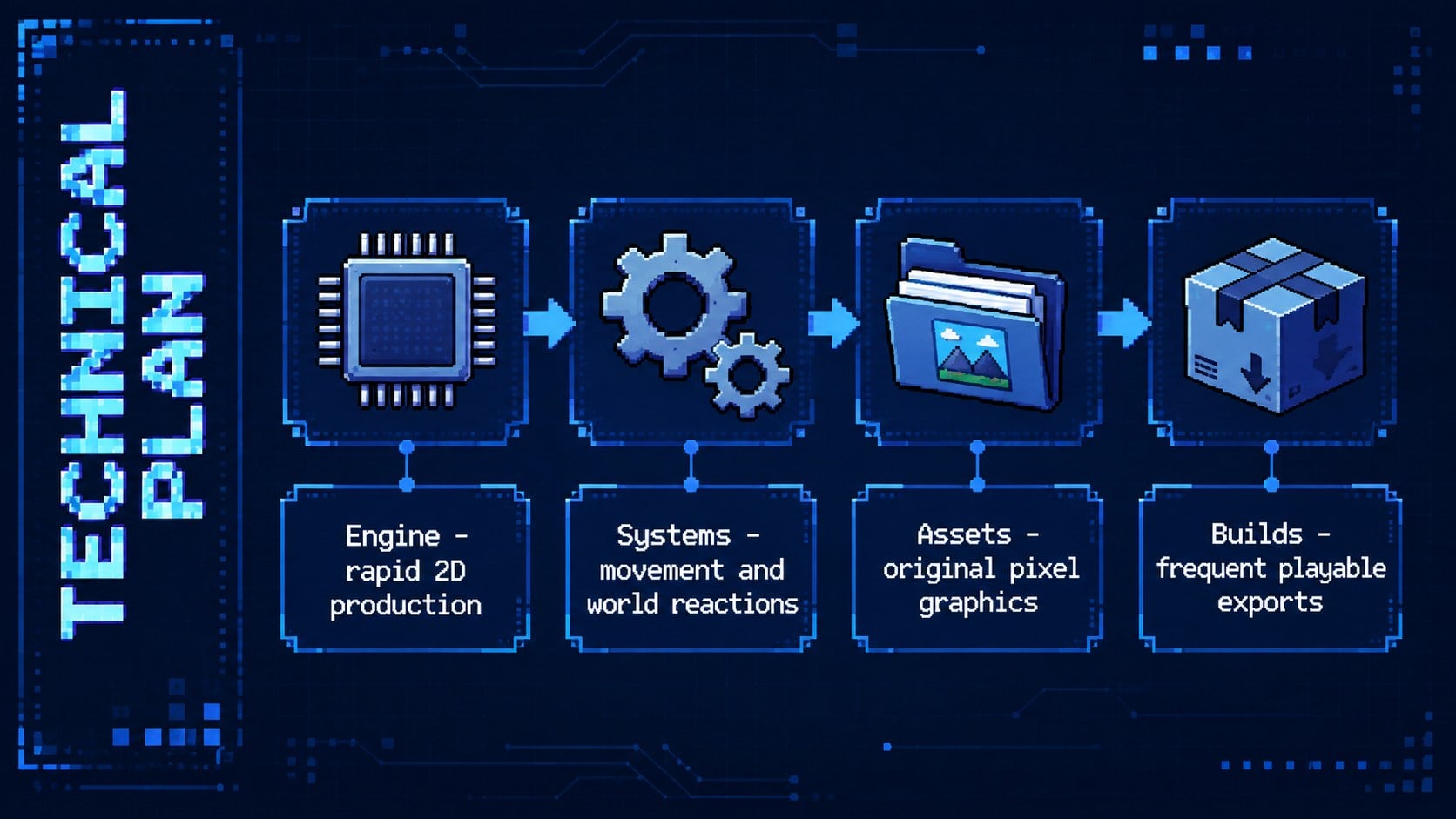
Move from first concept to final demo with a pixel game jam pitch deck built for fast decisions and memorable storytelling. Its cool blue palette, crisp pixel graphics, and arcade-inspired details create a playful setting without distracting from your team's ideas. Use it to define the challenge, explain the player experience, and keep collaborators aligned throughout a short development sprint.
Inside, you will find layouts for the game premise, audience, core gameplay loop, team roles, visual direction, technical plan, sprint schedule, prototype checkpoints, playtest findings, and judging criteria. The structure works as both a game jam presentation template and a practical game development sprint deck. Charts, timelines, scorecards, image frames, and editable text areas help turn rough notes into a clear narrative.
This deck is suited to student developers, indie teams, coding clubs, design workshops, educators, and event organizers. Present an original concept, document a weekend build, or adapt the layouts as an indie game pitch deck template for internal reviews. Every slide is editable in PowerPoint and Google Slides, making it easy to update colors, type, diagrams, screenshots, and project details before the countdown reaches zero.
Perfect for: weekend game jam pitch; student coding competition; indie game concept review; prototype demo session; game design workshop; hackathon judging presentation.
Frequently asked questions
Can I edit every element in this deck? Yes. Text, colors, shapes, charts, image frames, and diagrams can be customized to match your game concept and team identity. You can also duplicate or remove layouts as your project develops.
Practical details
Yes. Text, colors, shapes, charts, image frames, and diagrams can be customized to match your game concept and team identity. You can also duplicate or remove layouts as your project develops.
The template is designed for PowerPoint and Google Slides. Font rendering, image placement, and animations may vary slightly between the two platforms, so review the final deck before presenting.
Replace the sample image areas with screenshots, gameplay captures, character art, or interface mockups. For video, insert a local clip in PowerPoint or link supported online media in Google Slides.
Yes. Update the theme colors to reflect your game's world while retaining enough contrast for readable text. Pixel decorations can be recolored, repositioned, or replaced with original assets from your project.
Keep exploring
15Shape your publishing concept with an indie magazine startup pitch deck featuring pastel gradients, bold collage layouts, and editable planning slides.
 16
16Build clear project stories with the Icon Grid Teamwork Theme, a flexible blue illustrated deck for proposals, strategy updates, and team meetings.
 3
3Turn priorities into an actionable plan with an annual goals roadmap infographic, featuring editable orange and teal layouts for PowerPoint and Google Slides.
 15
15Create an Annual Achievement Report Presentation with colorful geometric layouts for milestones, results, lessons, and priorities in PowerPoint or Google Slides.
 15
15Turn results into a focused annual performance evaluation report with dark 3D slides for KPIs, achievements, feedback, and next-step goals for teams.
 15
15Guide a focused annual recap with Business Results Retrospective Slides, a muted brown-and-blue template for PowerPoint and Google Slides.
 6
6Turn complex plans into clear visual stories with Color-Coded Workflow Path Slides, an editable set for project updates, roadmaps, and team briefings.
 6
6Compare regional performance at a glance with Global Data Heatmap Slides, a clean multicolor deck designed for editable PowerPoint and Google Slides.