
 15
15presentation
Indie Magazine Startup Pitch Deck
Shape your publishing concept with an indie magazine startup pitch deck featuring pastel gradients, bold collage layouts, and editable planning slides.
Google SlidesPowerPoint
presentation · English
Build clearer HR reports with a people analytics scorecard for workforce metrics, performance trends, and team reviews in PowerPoint or Google Slides.
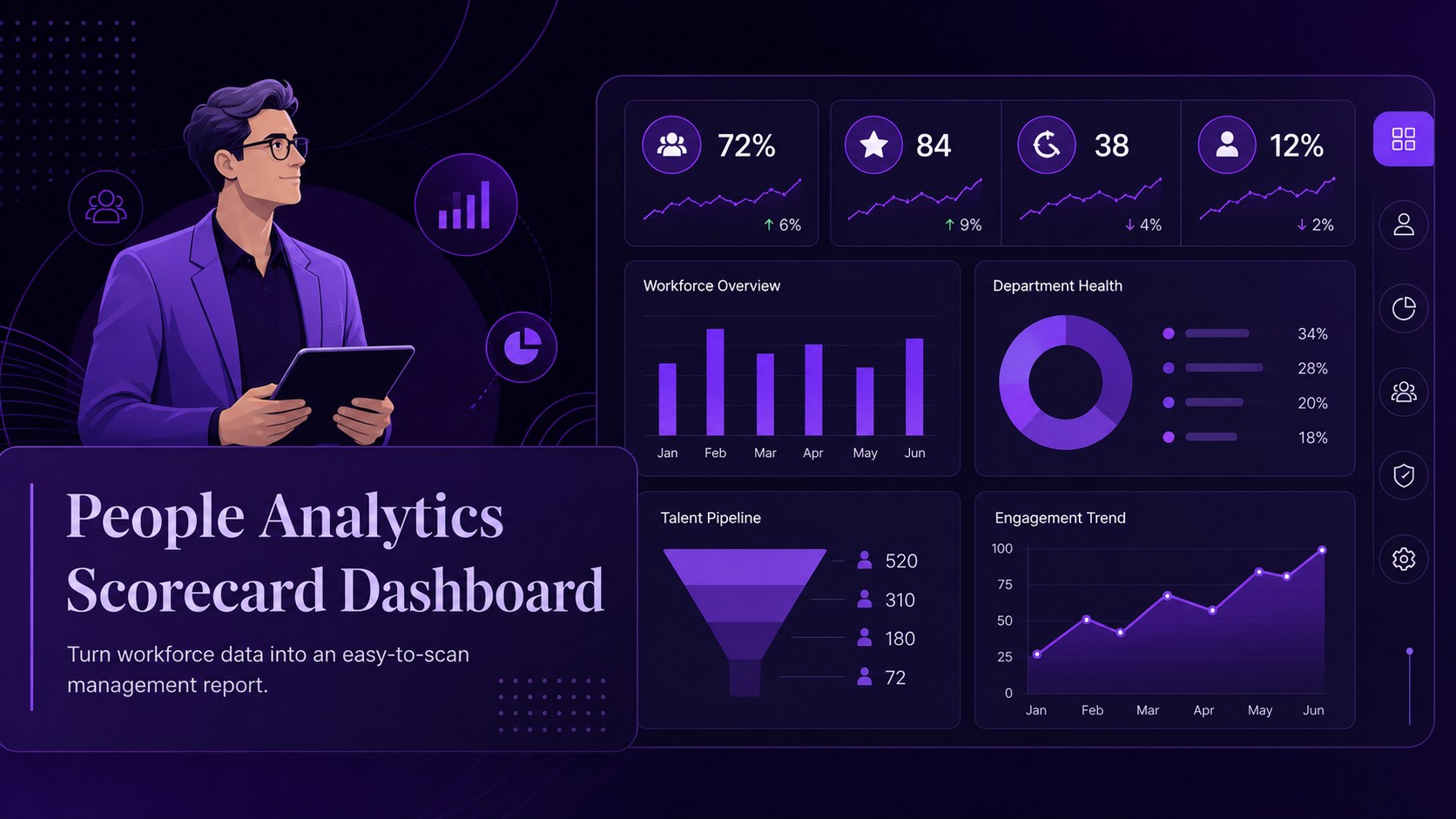
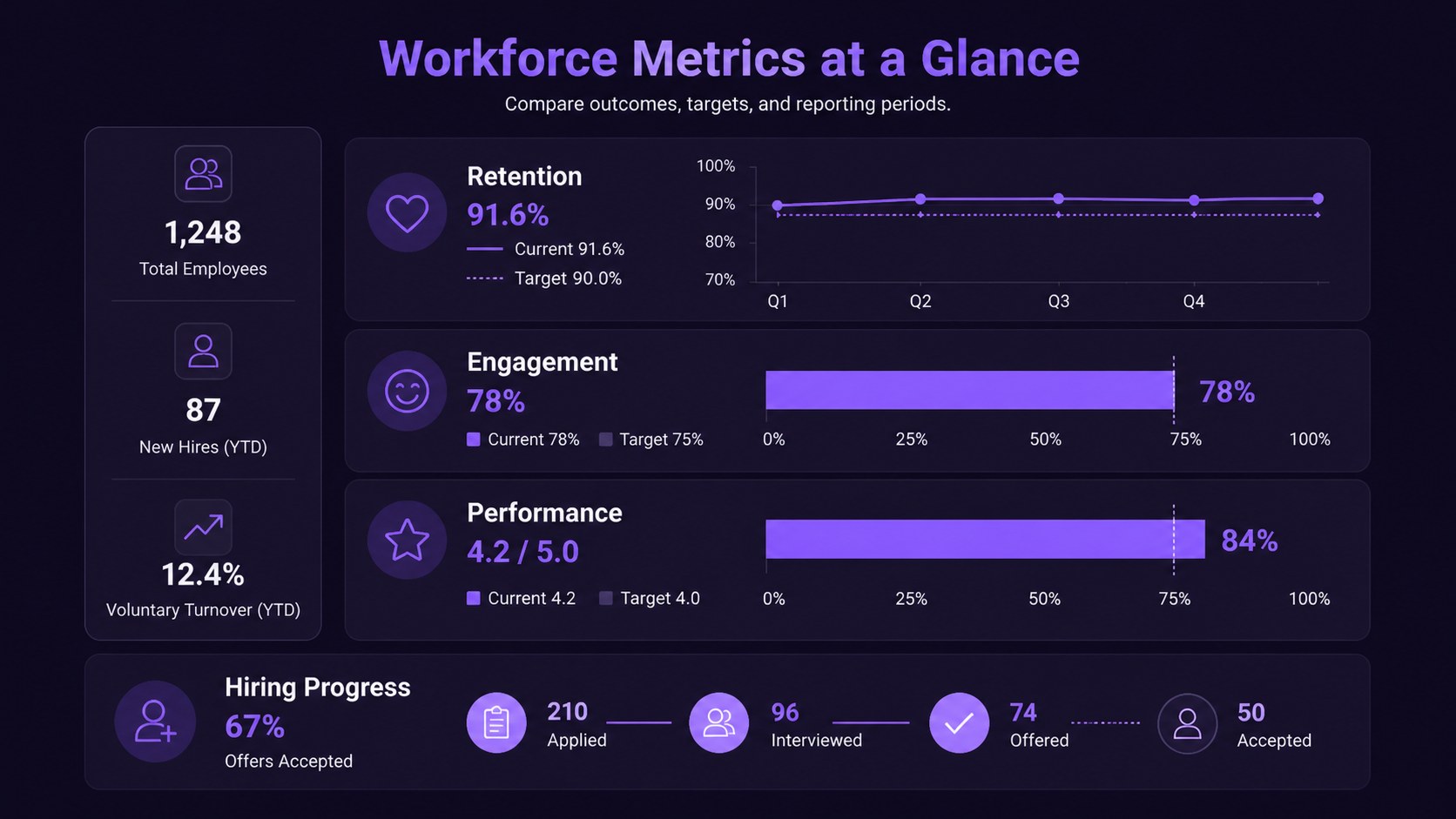
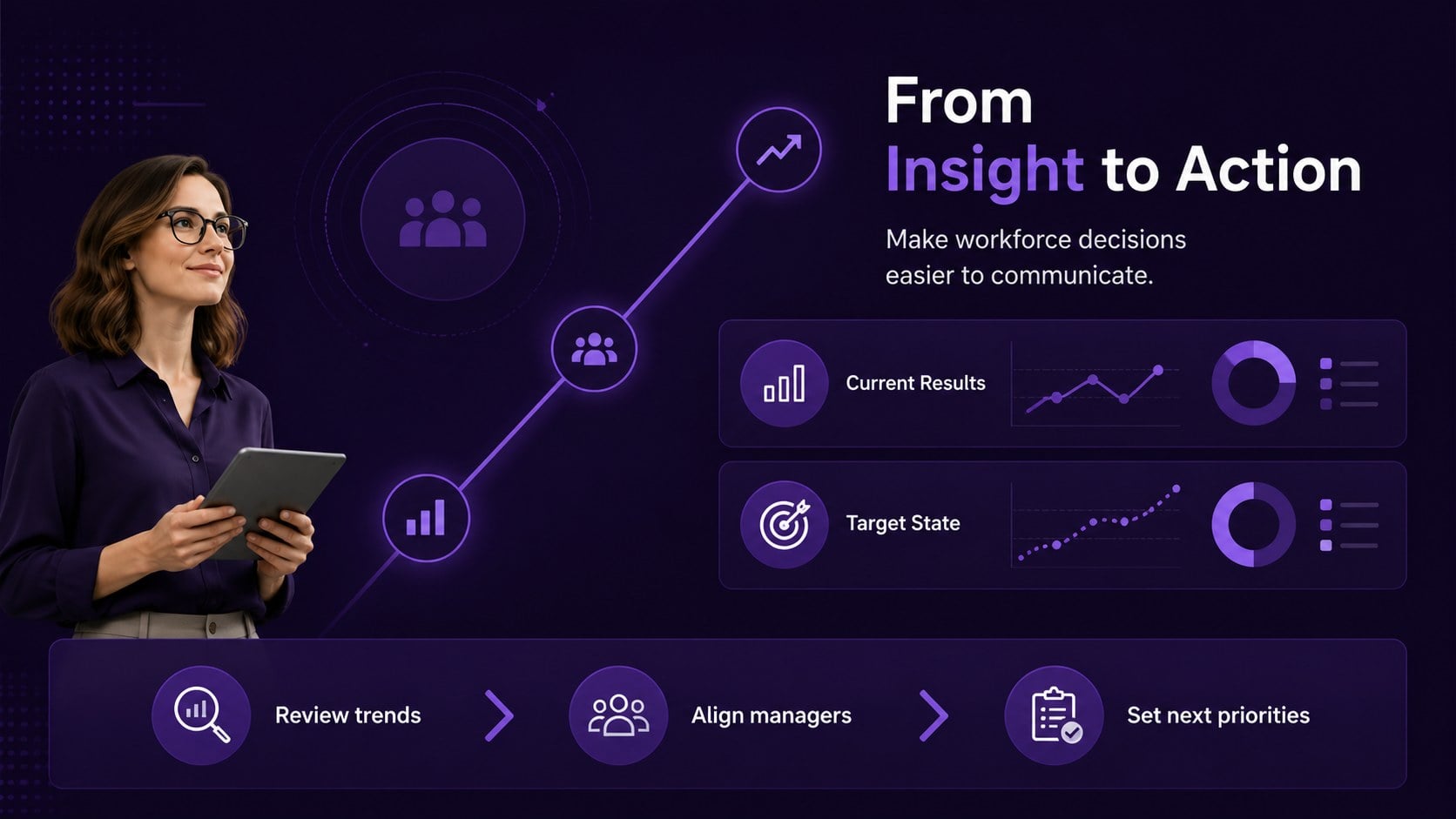
Design notes
Turn workforce data into an easy-to-scan management report with a people analytics scorecard. This dark, minimal presentation design gives HR professionals a focused way to organize employee metrics, performance trends, and departmental outcomes without overwhelming the audience. Purple accents, clean typography, and structured visual blocks create a polished setting for leadership updates and people-focused decisions.
Inside, you will find three editable A4 infographic layouts adapted for presentation use, along with flexible charts, frames, lines, and shapes for building custom reports. Use the layouts to compare workforce indicators, summarize review results, highlight progress, or set priorities for the next reporting period. The people analytics scorecard works well for quarterly business reviews, annual talent planning, HR leadership meetings, and executive workforce updates.
Edit the deck in PowerPoint or Google Slides, adjust colors and type, and replace the sample content with your own figures. The visual language is especially useful for teams seeking a workforce KPI presentation template that feels professional, concise, and modern. It also supports clear employee performance dashboard slides when data needs to be understood quickly by managers, executives, or cross-functional partners.
Perfect for: quarterly HR leadership review; annual talent planning meeting; executive workforce update; employee performance reporting; department KPI briefing.
Frequently asked questions
Can I edit this people analytics scorecard in PowerPoint? Yes. The layouts are designed for PowerPoint editing, including text, charts, shapes, and color elements. Replace the sample metrics with your own workforce data and adjust the visual hierarchy to match your report.
Practical details
Yes. The layouts are designed for PowerPoint editing, including text, charts, shapes, and color elements. Replace the sample metrics with your own workforce data and adjust the visual hierarchy to match your report.
Yes, you can use the presentation in Google Slides. Edit the text, update charts, reposition objects, and customize the purple color accents directly in your browser.
Use it for headcount, retention, engagement, performance, hiring progress, training completion, or departmental KPIs. Each infographic layout can be adapted to compare periods, teams, targets, and outcomes.
Yes. The dark purple design system can be refined with your organization’s brand colors and preferred fonts while keeping the clean, minimal structure. You can also add or remove charts, frames, and data blocks as needed.
Keep exploring
15Shape your publishing concept with an indie magazine startup pitch deck featuring pastel gradients, bold collage layouts, and editable planning slides.
 16
16Build clear project stories with the Icon Grid Teamwork Theme, a flexible blue illustrated deck for proposals, strategy updates, and team meetings.
 3
3Turn priorities into an actionable plan with an annual goals roadmap infographic, featuring editable orange and teal layouts for PowerPoint and Google Slides.
 15
15Create an Annual Achievement Report Presentation with colorful geometric layouts for milestones, results, lessons, and priorities in PowerPoint or Google Slides.
 15
15Turn results into a focused annual performance evaluation report with dark 3D slides for KPIs, achievements, feedback, and next-step goals for teams.
 15
15Guide a focused annual recap with Business Results Retrospective Slides, a muted brown-and-blue template for PowerPoint and Google Slides.
 6
6Turn complex plans into clear visual stories with Color-Coded Workflow Path Slides, an editable set for project updates, roadmaps, and team briefings.
 6
6Compare regional performance at a glance with Global Data Heatmap Slides, a clean multicolor deck designed for editable PowerPoint and Google Slides.