
 15
15presentation
Indie Magazine Startup Pitch Deck
Shape your publishing concept with an indie magazine startup pitch deck featuring pastel gradients, bold collage layouts, and editable planning slides.
Google SlidesPowerPoint
presentation · English
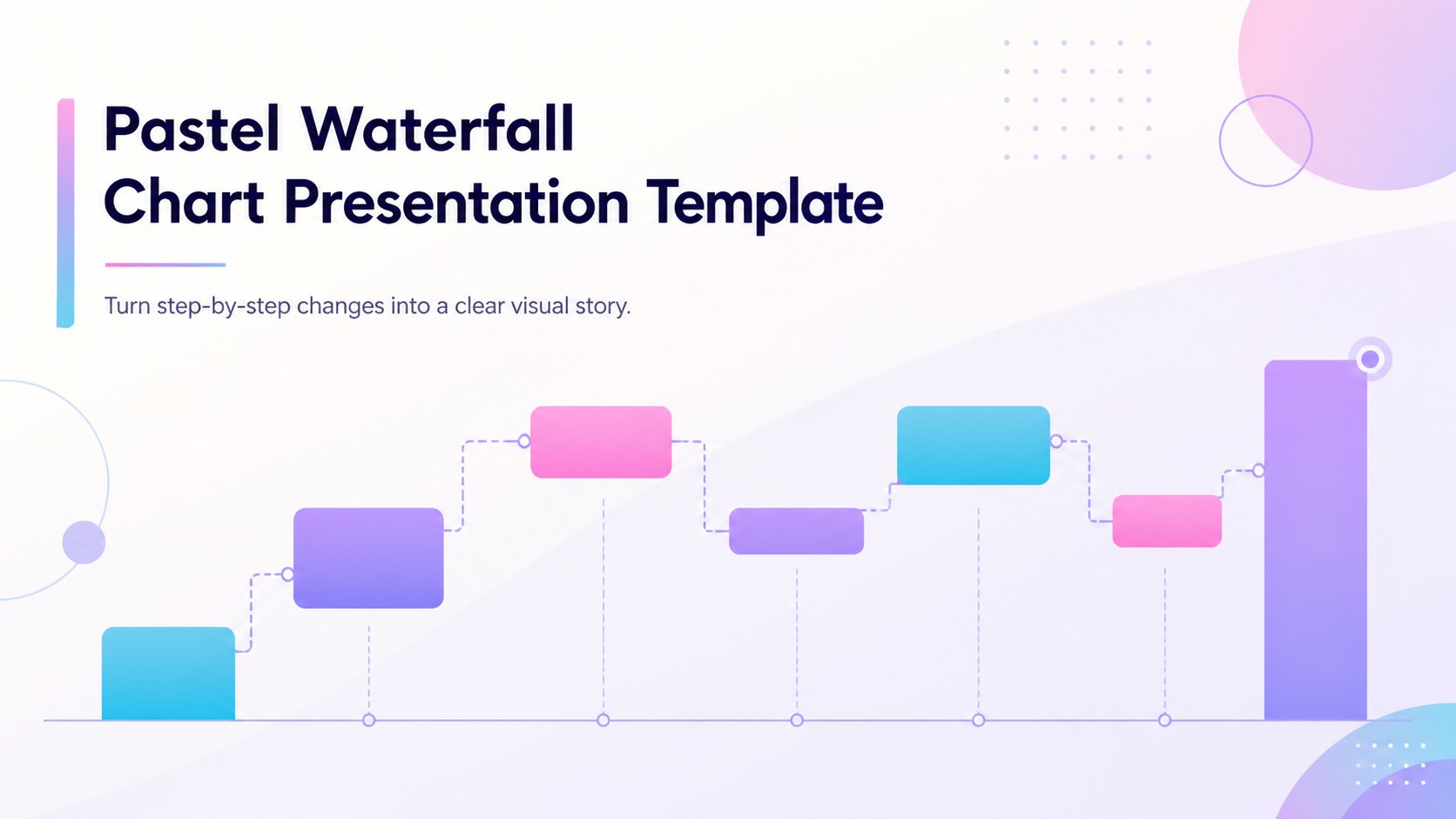
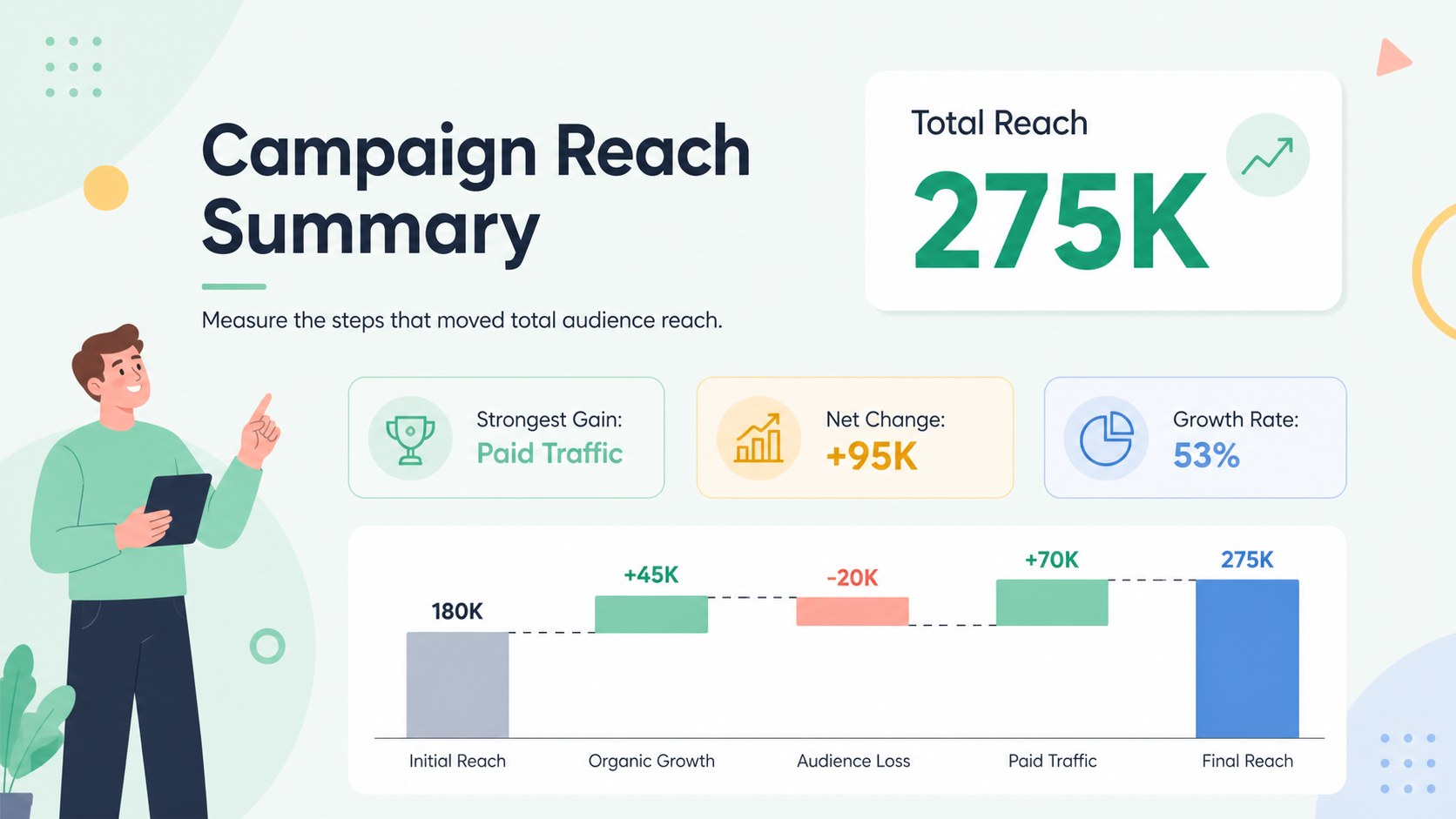
Explain cumulative gains and losses clearly with a pastel waterfall chart presentation template, ready to customize in PowerPoint or Google Slides.
Design notes
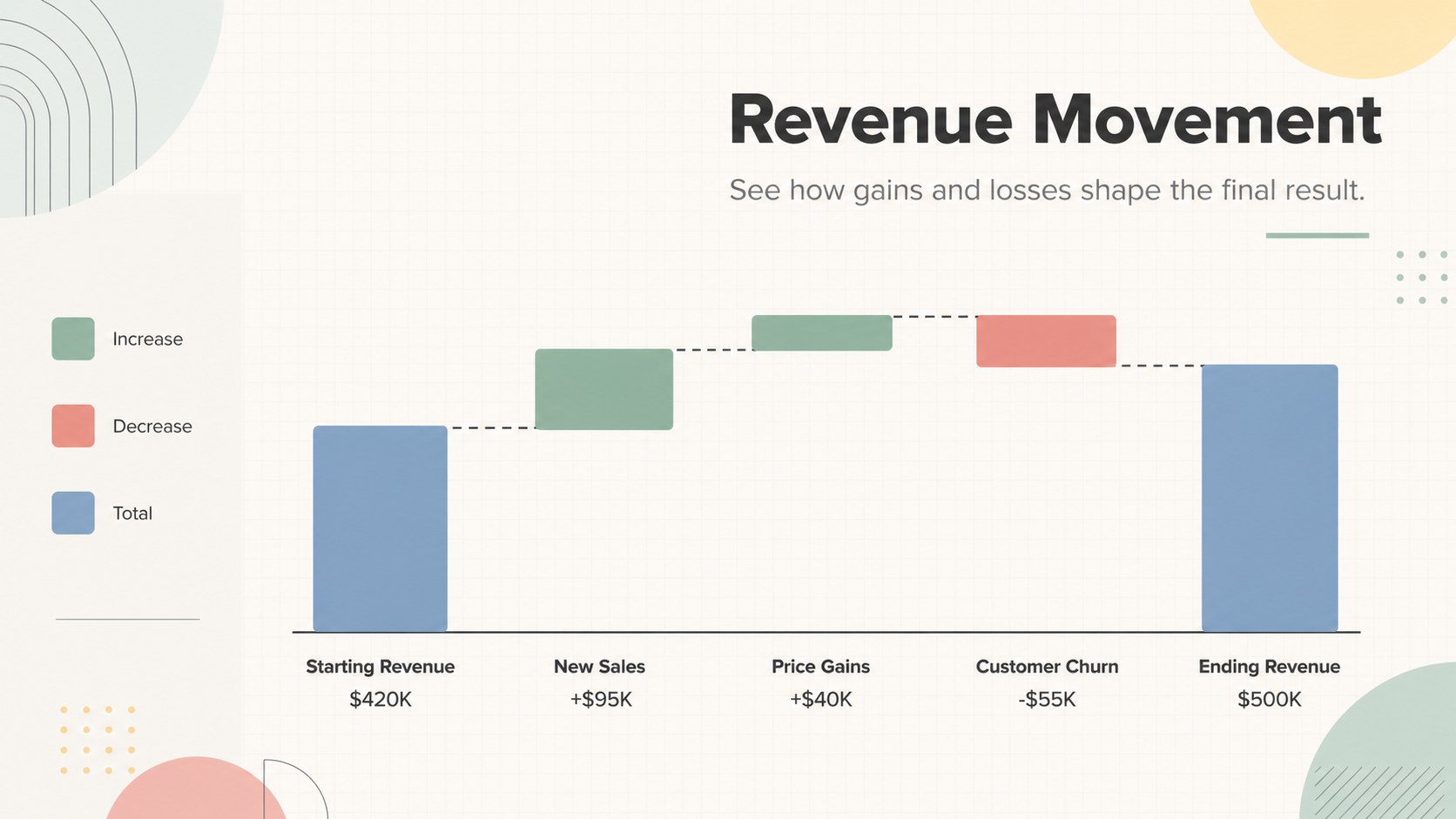
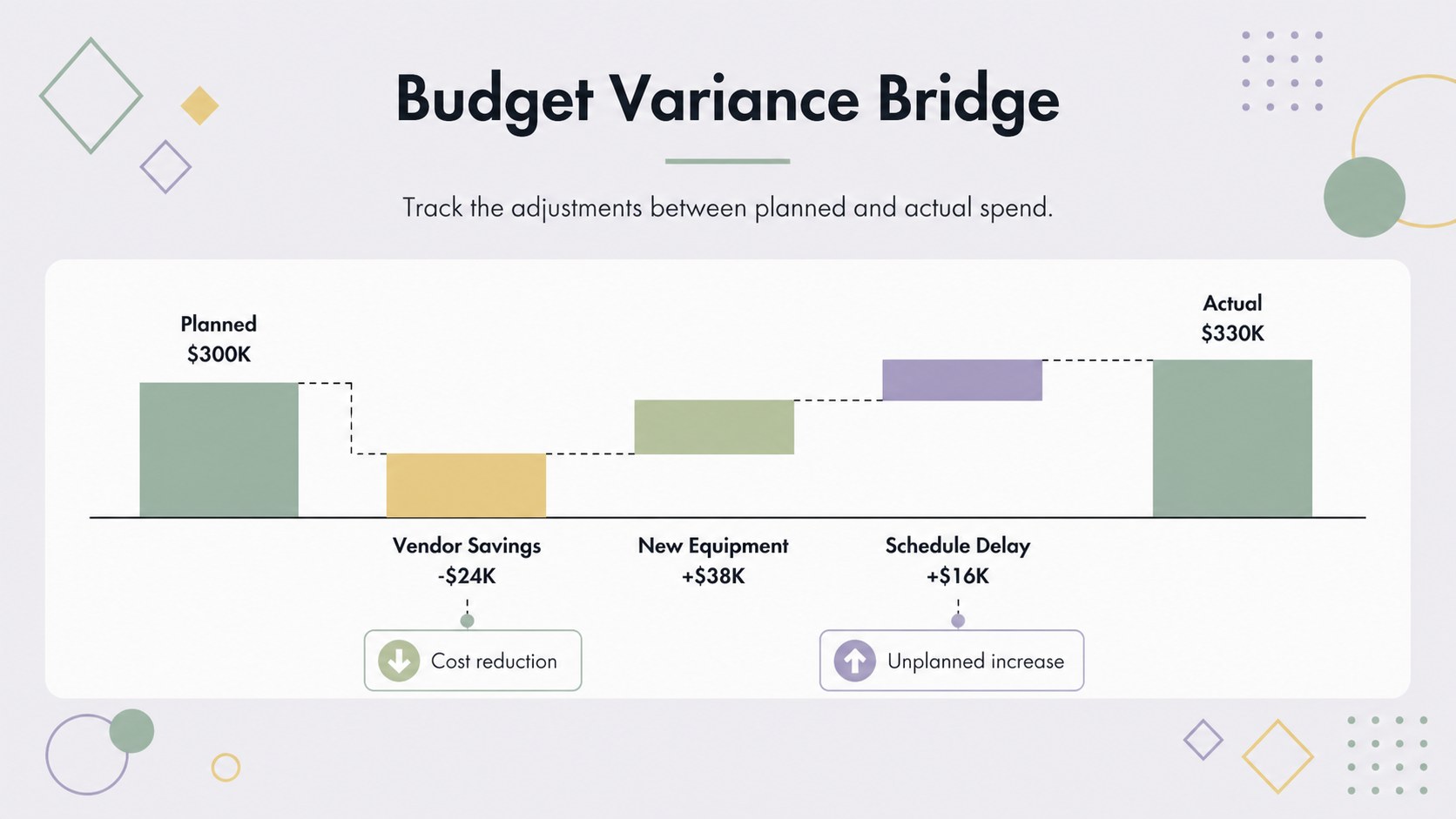
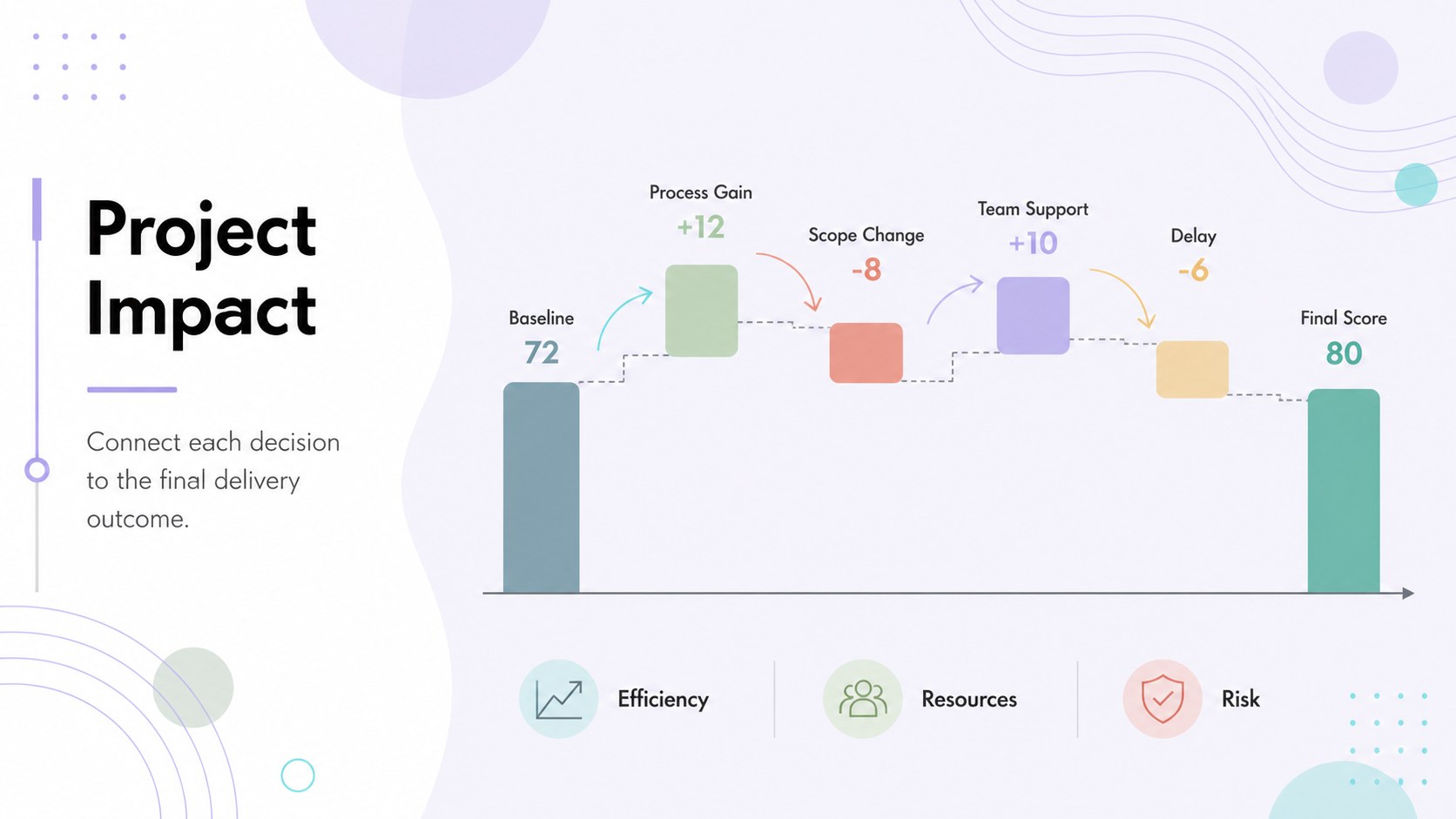
Turn complex changes into an easy-to-follow narrative with this pastel waterfall chart presentation template. Designed around horizontal data flows, the deck shows how positive and negative values connect a starting point to a final total. Its multicolored pastel palette, crisp typography, and restrained geometric details keep detailed information approachable without sacrificing a professional finish.
Inside, you will find five coordinated layouts for building an editable waterfall chart, explaining financial variance, comparing project costs, and highlighting campaign impact. Use the ready-made structures as a profit and loss bridge chart, a budget reconciliation graphic, or a cumulative change infographic template. Clear labels, directional connectors, and distinct color coding help viewers identify increases, decreases, milestones, and totals at a glance.
The template is suited to financial analysts, consultants, project managers, sales teams, educators, and operations leaders. It works well for quarterly reviews, budget proposals, performance reports, strategy meetings, and classroom demonstrations. Every slide can be adapted in PowerPoint or Google Slides, including the text, figures, colors, fonts, shapes, and chart labels. Add your own data, reorder the stages, or duplicate sections to accommodate a longer sequence while preserving the deck's clean visual rhythm.
Perfect for: quarterly financial review; budget variance analysis; sales performance report; project cost reconciliation; campaign impact summary.
Frequently asked questions
Can I edit the waterfall values and labels? Yes. Replace the sample figures, category names, totals, and supporting notes with your own data. You can also add, remove, or reorder stages to match the sequence you need to explain.
Practical details
Yes. Replace the sample figures, category names, totals, and supporting notes with your own data. You can also add, remove, or reorder stages to match the sequence you need to explain.
Yes. The slides are designed for editing in both PowerPoint and Google Slides. Minor font substitutions may occur if a typeface installed on one platform is unavailable on the other.
Yes. Recolor the bars, connectors, backgrounds, and accent shapes to match your organization or reporting categories. Keep increases, decreases, and totals visually distinct so the chart remains easy to interpret.
Yes. The layouts can visualize any cumulative sequence, including staffing changes, inventory movement, project scope adjustments, emissions reductions, or campaign performance. Update the terminology and units to fit your subject.
Keep exploring
15Shape your publishing concept with an indie magazine startup pitch deck featuring pastel gradients, bold collage layouts, and editable planning slides.
 16
16Build clear project stories with the Icon Grid Teamwork Theme, a flexible blue illustrated deck for proposals, strategy updates, and team meetings.
 3
3Turn priorities into an actionable plan with an annual goals roadmap infographic, featuring editable orange and teal layouts for PowerPoint and Google Slides.
 15
15Create an Annual Achievement Report Presentation with colorful geometric layouts for milestones, results, lessons, and priorities in PowerPoint or Google Slides.
 15
15Turn results into a focused annual performance evaluation report with dark 3D slides for KPIs, achievements, feedback, and next-step goals for teams.
 15
15Guide a focused annual recap with Business Results Retrospective Slides, a muted brown-and-blue template for PowerPoint and Google Slides.
 6
6Turn complex plans into clear visual stories with Color-Coded Workflow Path Slides, an editable set for project updates, roadmaps, and team briefings.
 6
6Compare regional performance at a glance with Global Data Heatmap Slides, a clean multicolor deck designed for editable PowerPoint and Google Slides.