
 15
15presentation
Indie Magazine Startup Pitch Deck
Shape your publishing concept with an indie magazine startup pitch deck featuring pastel gradients, bold collage layouts, and editable planning slides.
Google SlidesPowerPoint
presentation · English
Build clear comparisons with Pastel Tiered Structure Slides, a customizable 3D pyramid layout for priorities, roles, processes, and business analysis.
Design notes
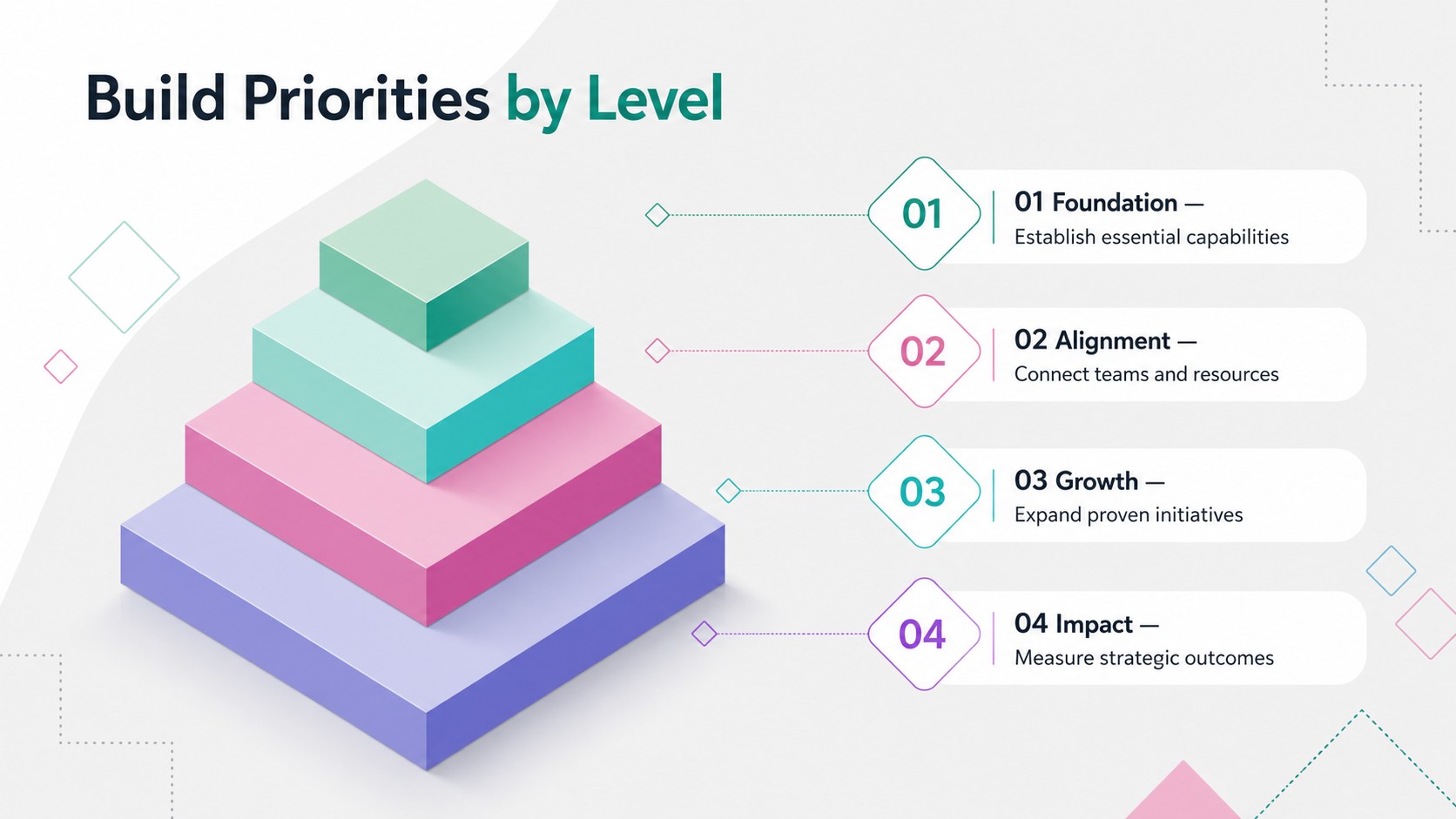
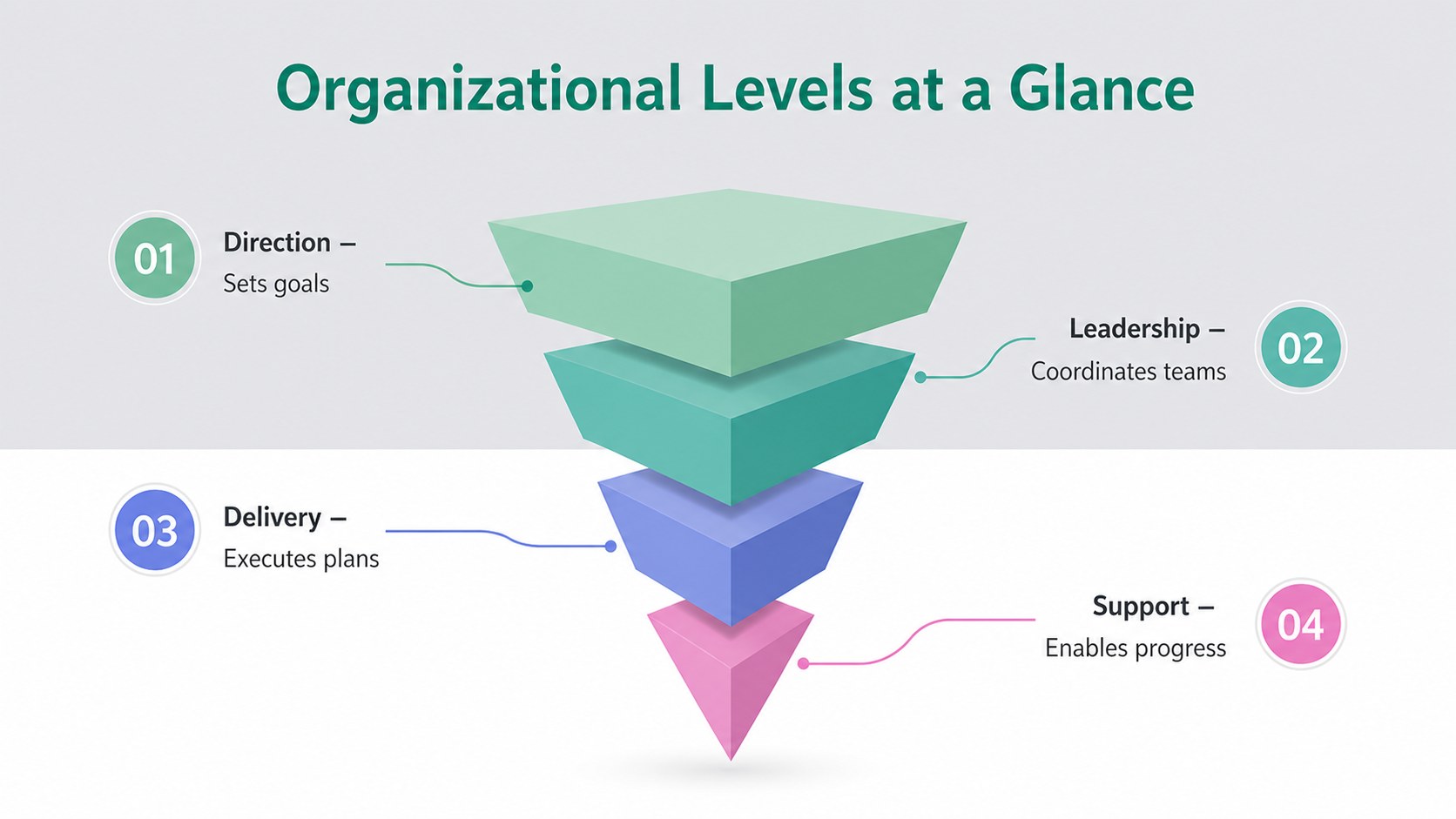
Pastel Tiered Structure Slides help you explain layered ideas without overwhelming your audience. Soft multicolor sections, dimensional pyramid forms, and a professional grey foundation give complex information a clear visual order. Use the layouts to show how priorities build on one another, compare organizational levels, map decision stages, or summarize a strategic framework.
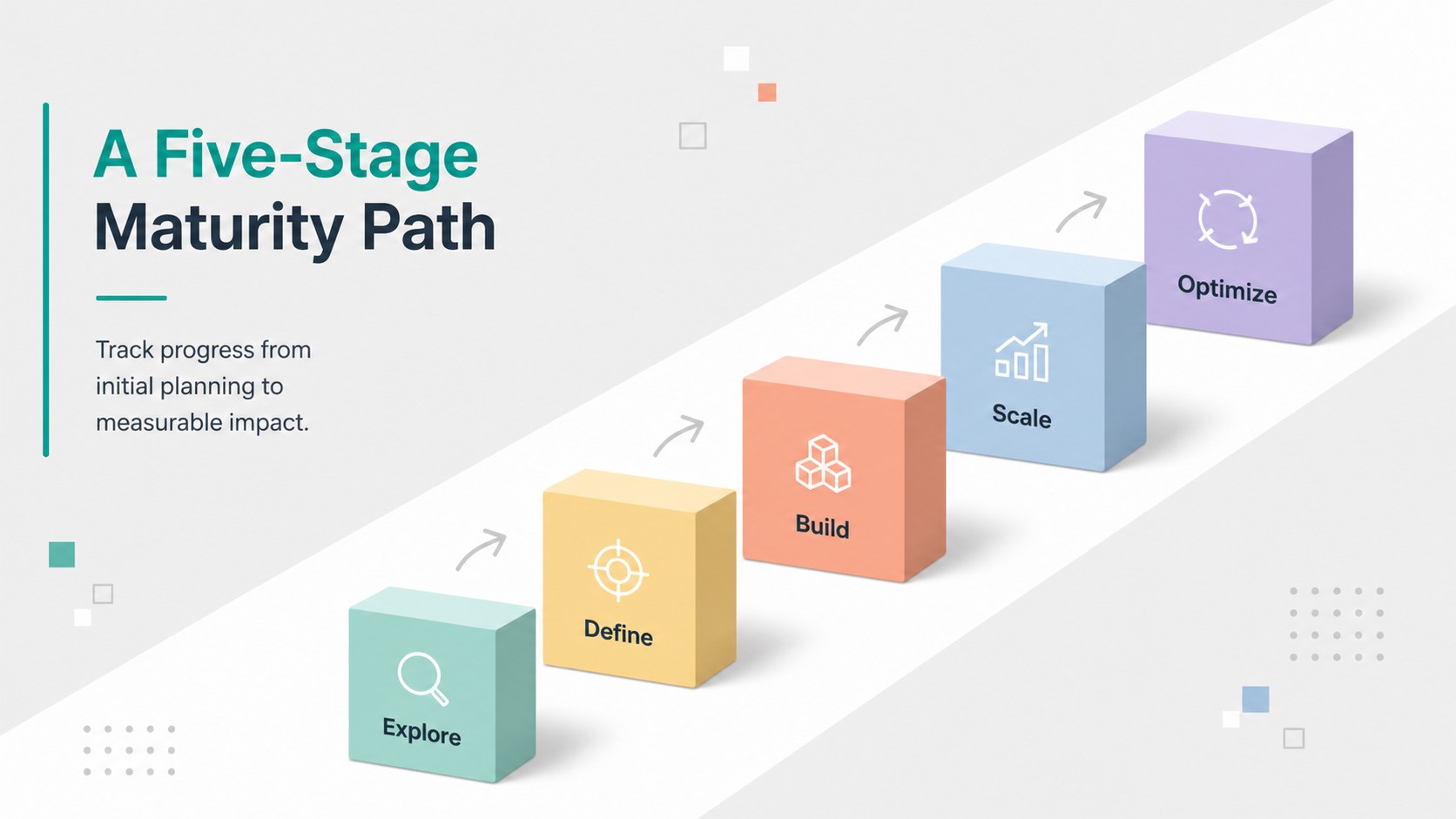
Inside the deck are four coordinated 16:9 designs, including a title slide and three adaptable infographic arrangements. The pastel 3D pyramid slides provide space for concise labels, supporting details, category comparisons, and level-by-level analysis. Every element can be adjusted to match your content: change the tier count, edit wording, recolor shapes, reposition labels, or add icons and animations. The balanced geometric style remains engaging while keeping attention on the information.
This tiered business framework template is suited to consultants, project managers, educators, analysts, and team leaders. It works especially well for an organizational levels presentation, a needs hierarchy, a product maturity model, or a phased planning discussion. Customize the slides, then present there or export the finished deck for PowerPoint and Google Slides. The flexible structure also supports handouts, reports, and one-page summaries when you need a consistent visual across multiple formats.
Perfect for: organizational level overview; strategic priority mapping; product maturity model; needs hierarchy analysis; phased process explanation; consulting framework summary.
Frequently asked questions
Can I change the number of pyramid tiers? Yes. Duplicate, remove, resize, or regroup the tier shapes to fit your framework, then update the labels and spacing. Keep the visual order consistent so the hierarchy remains easy to scan.
Practical details
Yes. Duplicate, remove, resize, or regroup the tier shapes to fit your framework, then update the labels and spacing. Keep the visual order consistent so the hierarchy remains easy to scan.
The template is designed for editing and can be exported as a PowerPoint file. You can also save an editable version to Google Drive for use with Google Slides.
Yes. Each tier, label, background, and decorative shape can be recolored independently. Apply a consistent sequence of light-to-dark shades if the levels need to communicate progression.
Use short tier names with one supporting statement per level. The layouts are most effective for ranked priorities, organizational structures, maturity stages, needs hierarchies, and step-based business frameworks.
Keep exploring
15Shape your publishing concept with an indie magazine startup pitch deck featuring pastel gradients, bold collage layouts, and editable planning slides.
 16
16Build clear project stories with the Icon Grid Teamwork Theme, a flexible blue illustrated deck for proposals, strategy updates, and team meetings.
 3
3Turn priorities into an actionable plan with an annual goals roadmap infographic, featuring editable orange and teal layouts for PowerPoint and Google Slides.
 15
15Create an Annual Achievement Report Presentation with colorful geometric layouts for milestones, results, lessons, and priorities in PowerPoint or Google Slides.
 15
15Turn results into a focused annual performance evaluation report with dark 3D slides for KPIs, achievements, feedback, and next-step goals for teams.
 15
15Guide a focused annual recap with Business Results Retrospective Slides, a muted brown-and-blue template for PowerPoint and Google Slides.
 6
6Turn complex plans into clear visual stories with Color-Coded Workflow Path Slides, an editable set for project updates, roadmaps, and team briefings.
 6
6Compare regional performance at a glance with Global Data Heatmap Slides, a clean multicolor deck designed for editable PowerPoint and Google Slides.