
 15
15presentation
Indie Magazine Startup Pitch Deck
Shape your publishing concept with an indie magazine startup pitch deck featuring pastel gradients, bold collage layouts, and editable planning slides.
Google SlidesPowerPoint
presentation · English
Build a pastel root cause analysis deck for clear team discussions, issue mapping, and action planning in PowerPoint or Google Slides.
Design notes
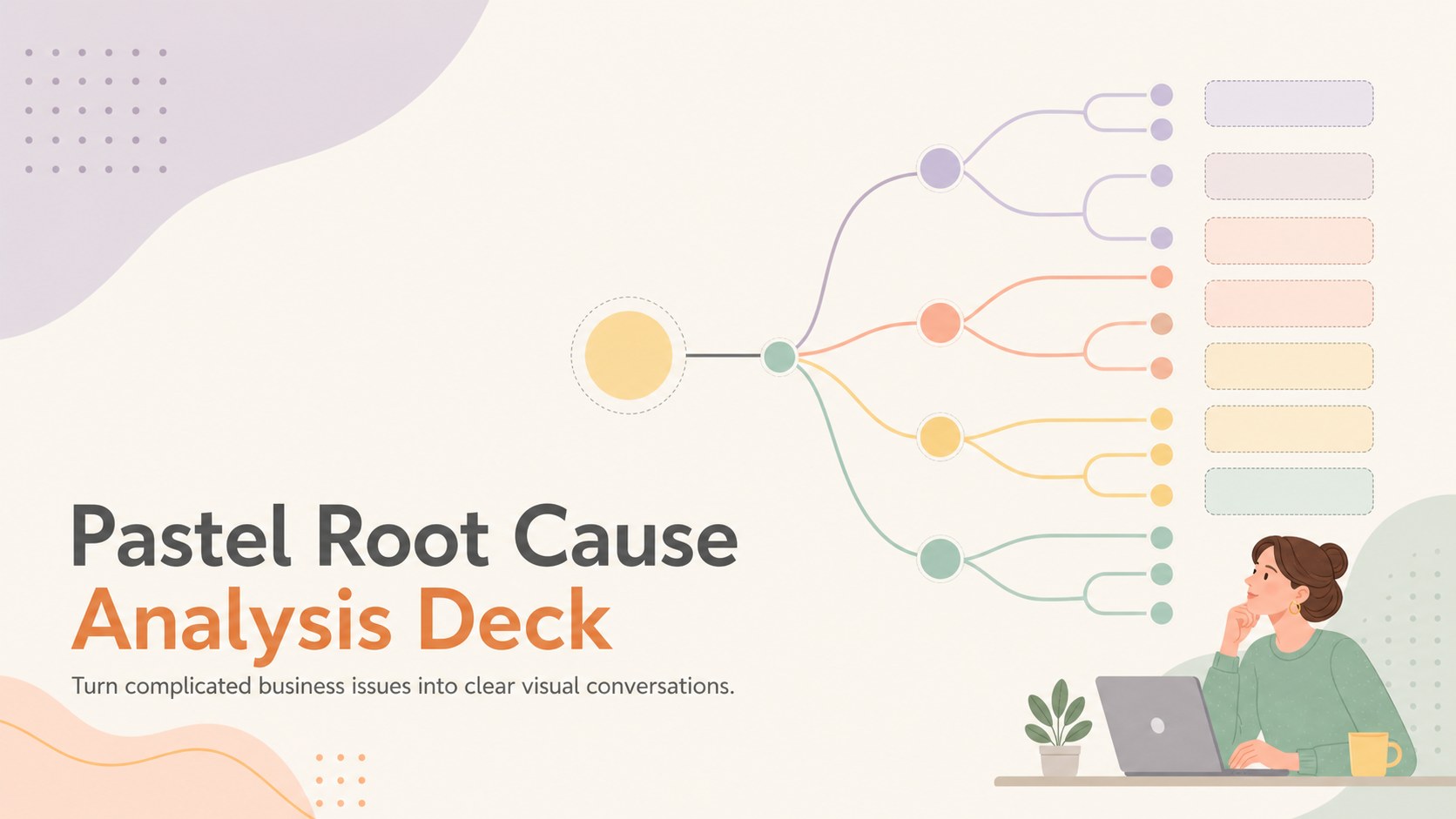
Turn complicated business issues into clear visual conversations with a soft pastel deck designed for team analysis and practical next steps. This pastel root cause analysis deck gives teams a structured way to connect symptoms, contributing factors, and corrective actions without overwhelming the audience with dense text.
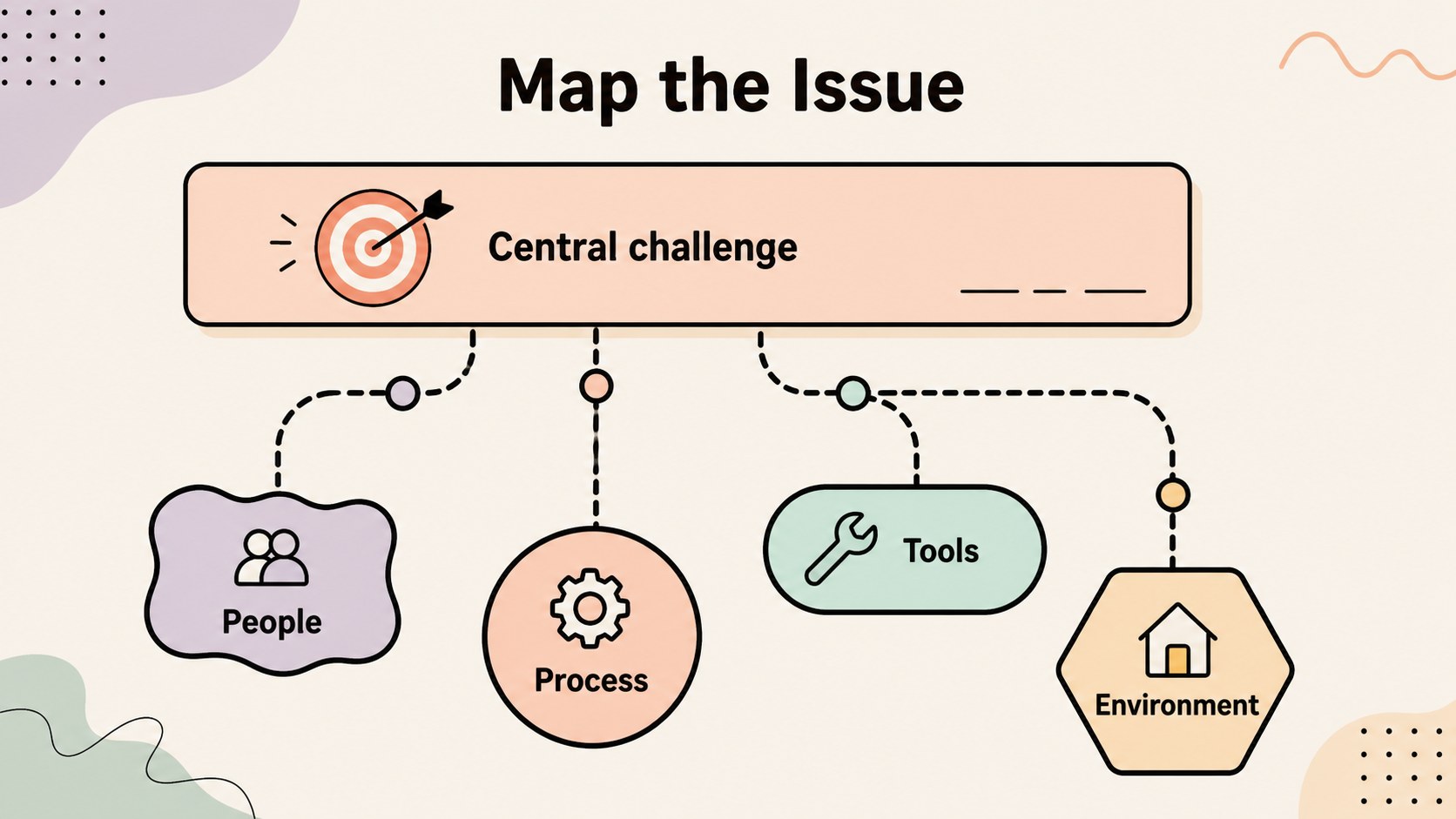
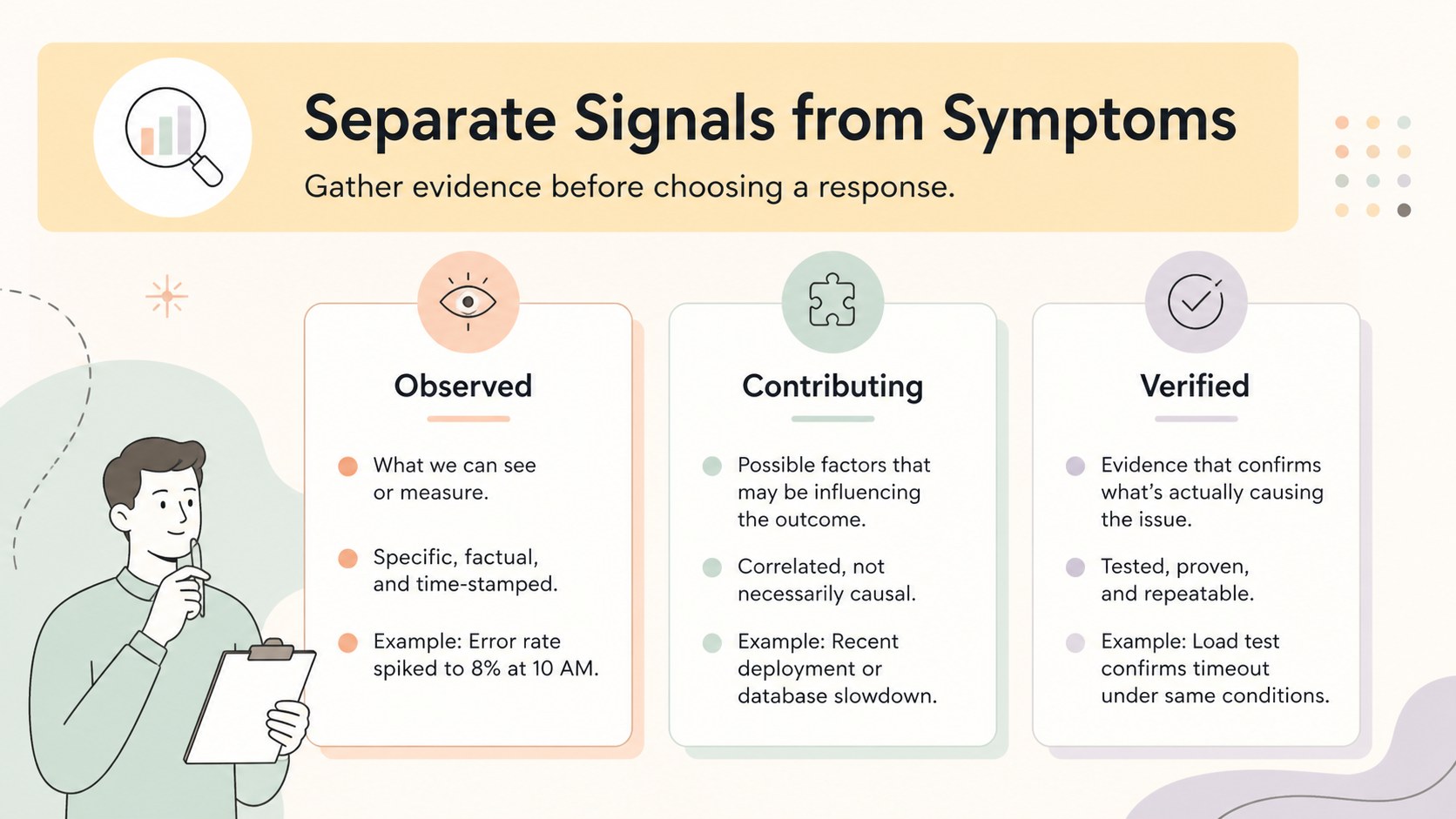
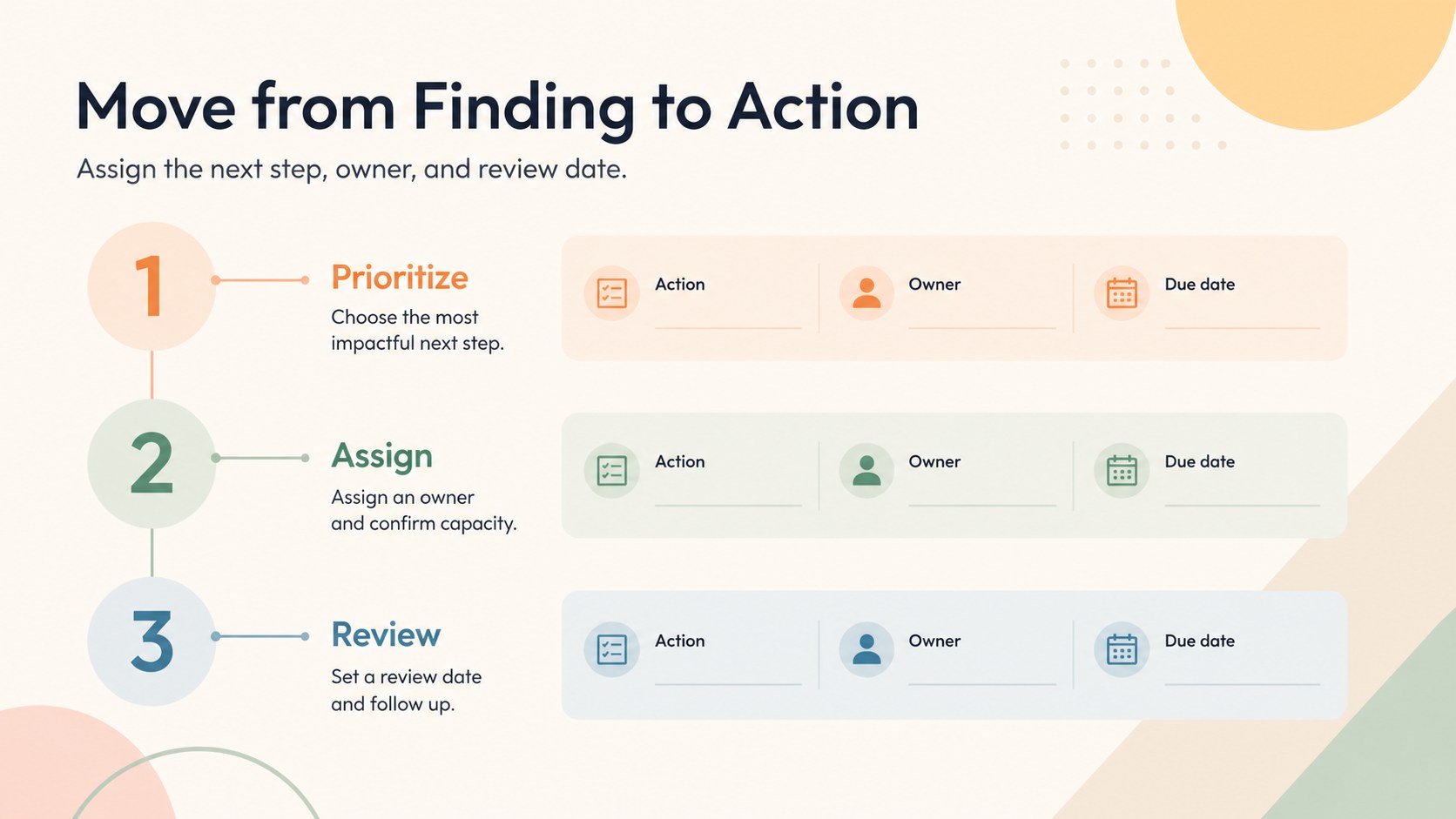
Inside, you’ll find four editable 16:9 diagram layouts for presenting an issue, organizing contributing factors, comparing evidence, and translating findings into an action plan. Use the visual framework for a root cause workshop, a project retrospective, a quality review, or an operations update. The balanced beige base, muted pastel accents, and clean typography keep the subject approachable while preserving a professional business feel.
The deck is built for managers, analysts, consultants, educators, and project teams who need an editable fishbone diagram presentation or a polished visual problem analysis template. Customize labels, shapes, colors, icons, and supporting notes in PowerPoint or Google Slides. Add your own data, process details, and recommendations to create a focused narrative from the initial challenge through the proposed response. The layouts are suitable for internal meetings, stakeholder briefings, process improvement sessions, and training materials.
Perfect for: project retrospective; quality improvement review; operations team meeting; root cause workshop; stakeholder briefing.
Frequently asked questions
Can I edit the diagrams in PowerPoint? Yes. The layouts use editable text boxes, shapes, lines, and color elements in PowerPoint. Replace the sample labels with your own issue categories, evidence, and action items.
Practical details
Yes. The layouts use editable text boxes, shapes, lines, and color elements in PowerPoint. Replace the sample labels with your own issue categories, evidence, and action items.
Yes, the presentation can be opened and customized in Google Slides. You can update fonts, colors, diagram labels, and supporting content after importing it.
It is suited to structured issue analysis, process reviews, quality discussions, project retrospectives, and corrective action planning. The diagrams help connect a central problem with contributing factors and follow-up steps.
Yes. The beige foundation and muted pastel accents can be adjusted to match your organization or presentation topic. Keep the contrast between labels, connectors, and background elements strong for easy reading.
Keep exploring
15Shape your publishing concept with an indie magazine startup pitch deck featuring pastel gradients, bold collage layouts, and editable planning slides.
 16
16Build clear project stories with the Icon Grid Teamwork Theme, a flexible blue illustrated deck for proposals, strategy updates, and team meetings.
 3
3Turn priorities into an actionable plan with an annual goals roadmap infographic, featuring editable orange and teal layouts for PowerPoint and Google Slides.
 15
15Create an Annual Achievement Report Presentation with colorful geometric layouts for milestones, results, lessons, and priorities in PowerPoint or Google Slides.
 15
15Turn results into a focused annual performance evaluation report with dark 3D slides for KPIs, achievements, feedback, and next-step goals for teams.
 15
15Guide a focused annual recap with Business Results Retrospective Slides, a muted brown-and-blue template for PowerPoint and Google Slides.
 6
6Turn complex plans into clear visual stories with Color-Coded Workflow Path Slides, an editable set for project updates, roadmaps, and team briefings.
 6
6Compare regional performance at a glance with Global Data Heatmap Slides, a clean multicolor deck designed for editable PowerPoint and Google Slides.