
 15
15presentation
Indie Magazine Startup Pitch Deck
Shape your publishing concept with an indie magazine startup pitch deck featuring pastel gradients, bold collage layouts, and editable planning slides.
Google SlidesPowerPoint
presentation · English
Turn connected ideas into clear visuals with pastel radial mapping slides for lessons, strategy sessions, project planning, and polished team presentations.

Design notes
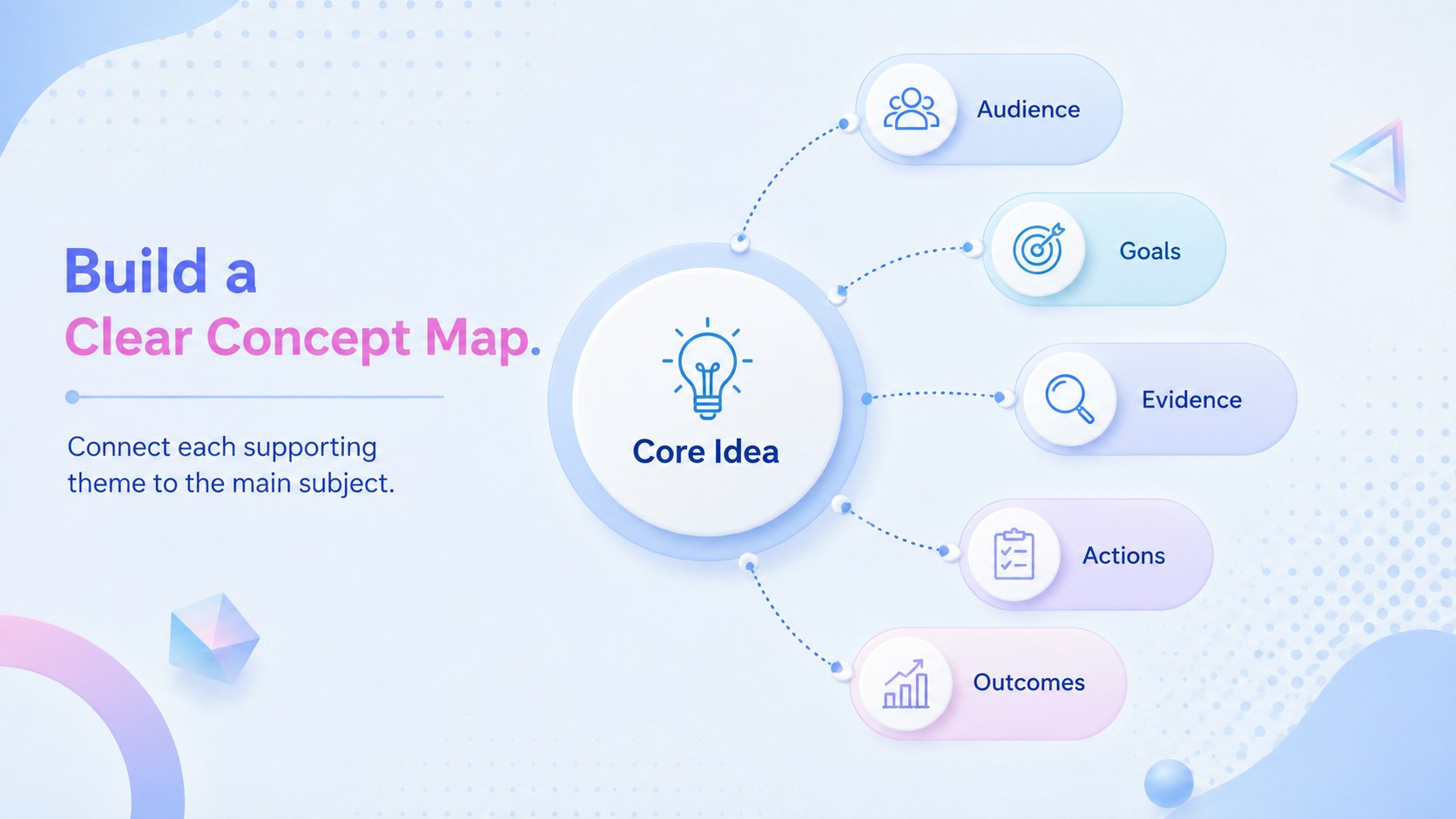
Turn scattered thoughts into structured visual stories with pastel radial mapping slides designed for clear, engaging communication. Soft blue tones, gentle gradients, and playful dimensional details give each diagram a friendly modern look while preserving the clarity needed for professional and educational presentations.
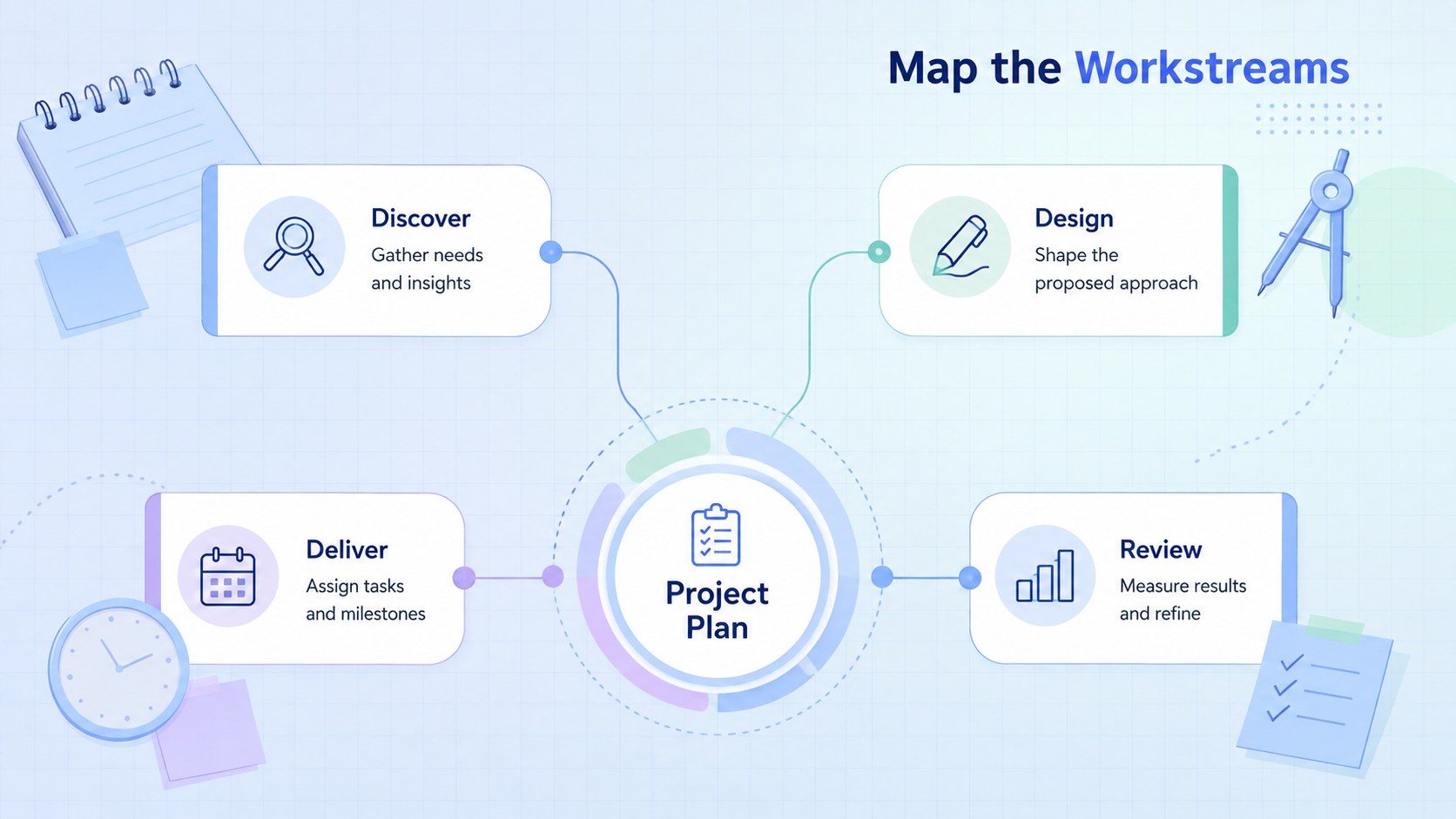
The deck includes three editable layouts: a central concept map, a radial topic breakdown, and a connected planning diagram. Use the pastel radial diagram presentation to arrange categories around one main idea, show relationships between teams, or unpack a complex subject into manageable points. Each layout provides space for concise labels and supporting notes, with shapes, colors, typography, and connectors that can be customized in PowerPoint or Google Slides.
This blue pastel concept map template is well suited to educators introducing new subjects, marketers organizing campaign themes, project managers defining workstreams, and workshop leaders guiding group discussions. It can also serve as a kid friendly brainstorming slide deck for classroom activities without feeling overly juvenile. Adapt the diagrams for lesson planning, content strategy, product discovery, stakeholder mapping, or meeting recaps, then add animation or transitions using the tools available in your chosen presentation platform.
Perfect for: classroom concept mapping; campaign theme planning; project workstream overview; workshop brainstorming session; stakeholder relationship mapping.
Frequently asked questions
Can I edit every part of the diagrams? Yes. You can change the labels, colors, fonts, connectors, and diagram shapes to match your subject or visual identity. Elements can also be duplicated or removed when you need more or fewer branches.
Practical details
Yes. You can change the labels, colors, fonts, connectors, and diagram shapes to match your subject or visual identity. Elements can also be duplicated or removed when you need more or fewer branches.
Yes. The deck is designed for editing in both PowerPoint and Google Slides. Minor differences in fonts, transitions, or object positioning may occur between platforms, so review the final presentation before sharing.
Place your main subject in the central shape, then assign one category or theme to each surrounding branch. Keep labels brief and use the supporting text areas for definitions, examples, tasks, or evidence.
Yes. Apply simple entrance animations to reveal the center first and then introduce each branch in sequence. Subtle effects usually provide better readability than animating every decorative element.
Keep exploring
15Shape your publishing concept with an indie magazine startup pitch deck featuring pastel gradients, bold collage layouts, and editable planning slides.
 16
16Build clear project stories with the Icon Grid Teamwork Theme, a flexible blue illustrated deck for proposals, strategy updates, and team meetings.
 3
3Turn priorities into an actionable plan with an annual goals roadmap infographic, featuring editable orange and teal layouts for PowerPoint and Google Slides.
 15
15Create an Annual Achievement Report Presentation with colorful geometric layouts for milestones, results, lessons, and priorities in PowerPoint or Google Slides.
 15
15Turn results into a focused annual performance evaluation report with dark 3D slides for KPIs, achievements, feedback, and next-step goals for teams.
 15
15Guide a focused annual recap with Business Results Retrospective Slides, a muted brown-and-blue template for PowerPoint and Google Slides.
 6
6Turn complex plans into clear visual stories with Color-Coded Workflow Path Slides, an editable set for project updates, roadmaps, and team briefings.
 6
6Compare regional performance at a glance with Global Data Heatmap Slides, a clean multicolor deck designed for editable PowerPoint and Google Slides.