
 15
15presentation
Indie Magazine Startup Pitch Deck
Shape your publishing concept with an indie magazine startup pitch deck featuring pastel gradients, bold collage layouts, and editable planning slides.
Google SlidesPowerPoint
presentation · English
Organize proposals, reports, and team updates with a Pastel Grid Project Presentation featuring colorful layouts for PowerPoint and Google Slides.
Design notes
The Pastel Grid Project Presentation turns detailed information into a bright, orderly story. Its modular square layouts, crisp typography, and balanced mix of gray, blue, green, yellow, pink, and orange create an upbeat professional look without distracting from your message. Use this pastel geometric presentation template when you need clear visual hierarchy for meetings, proposals, or client-ready documents.
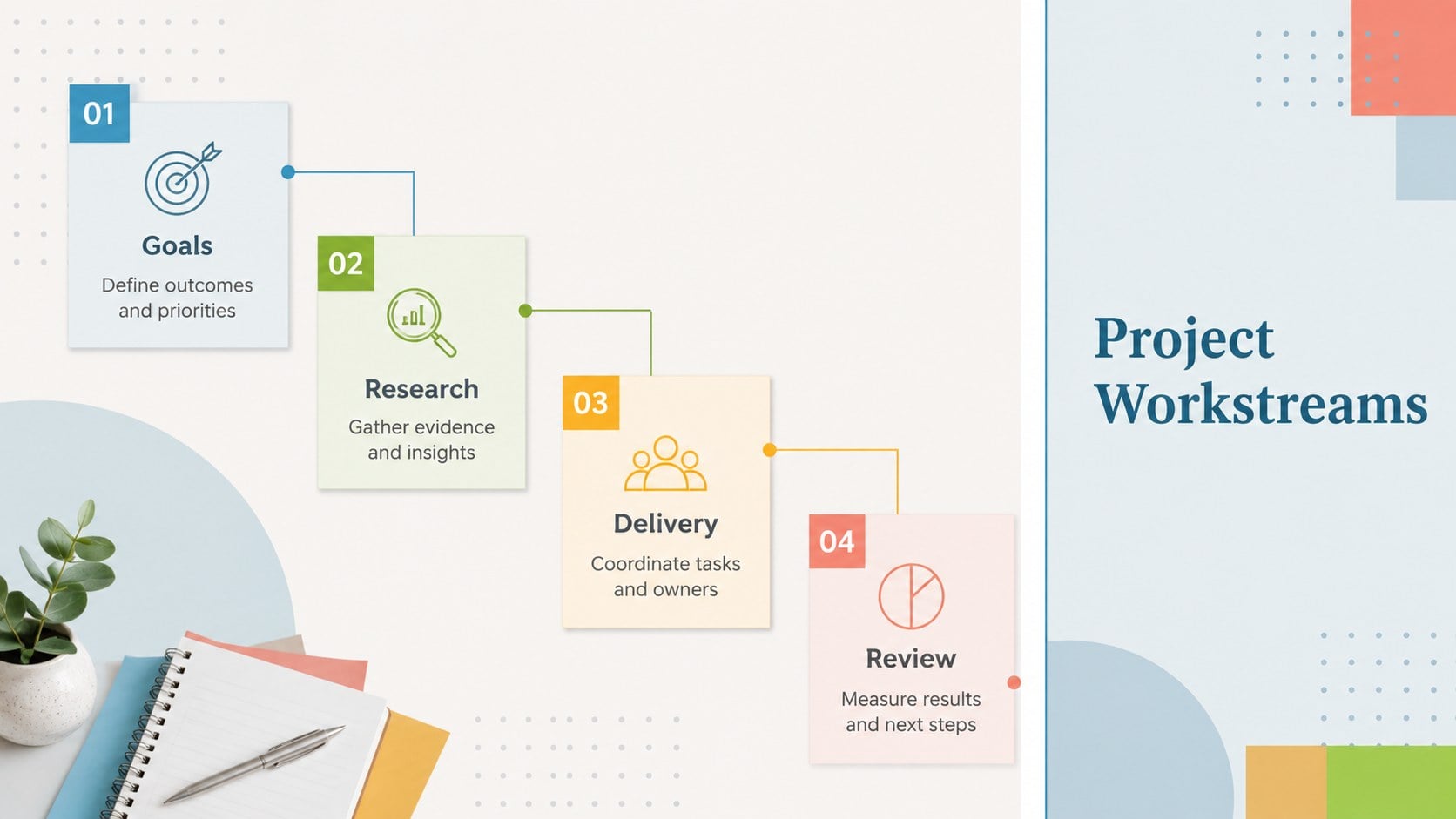
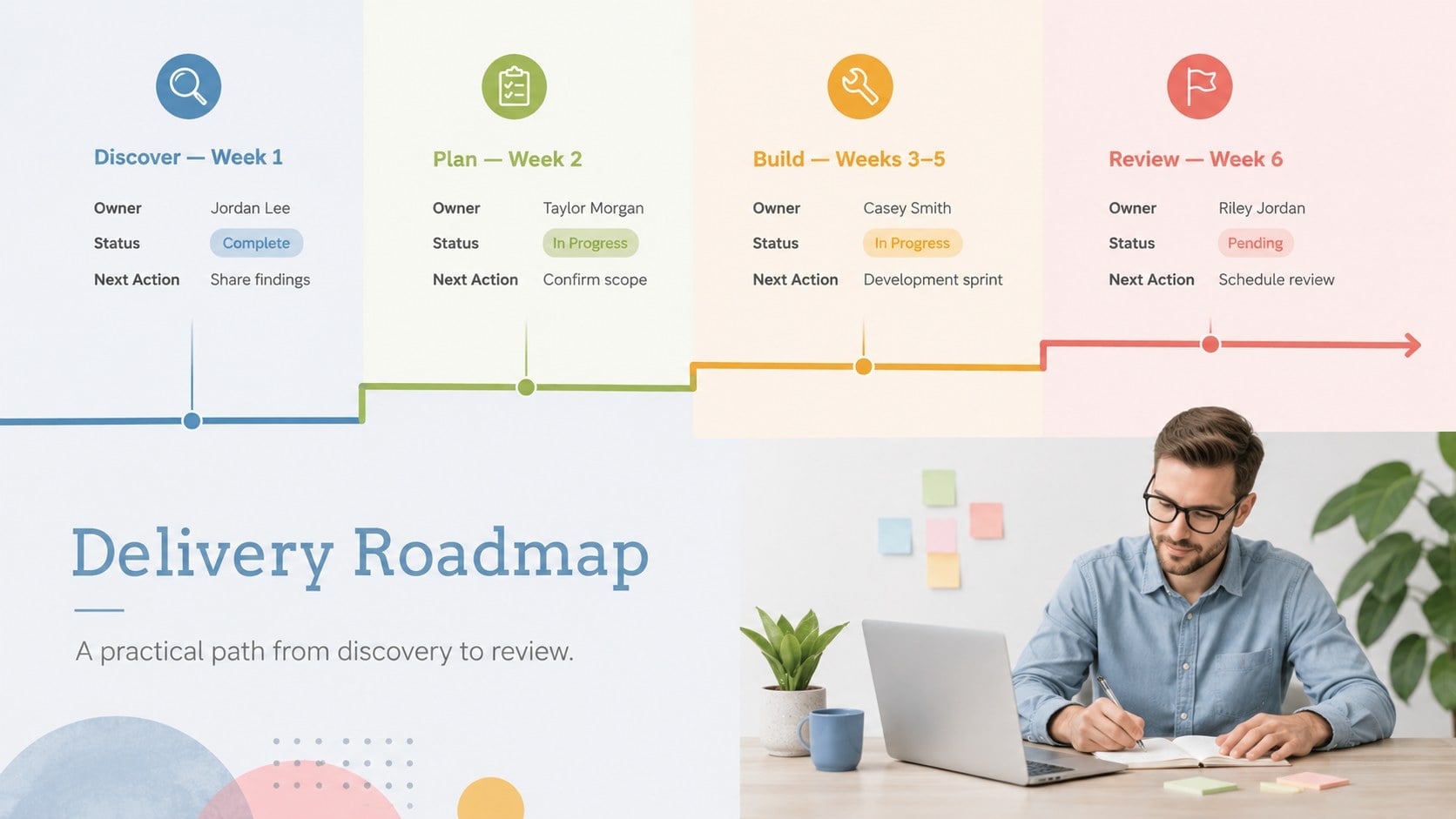
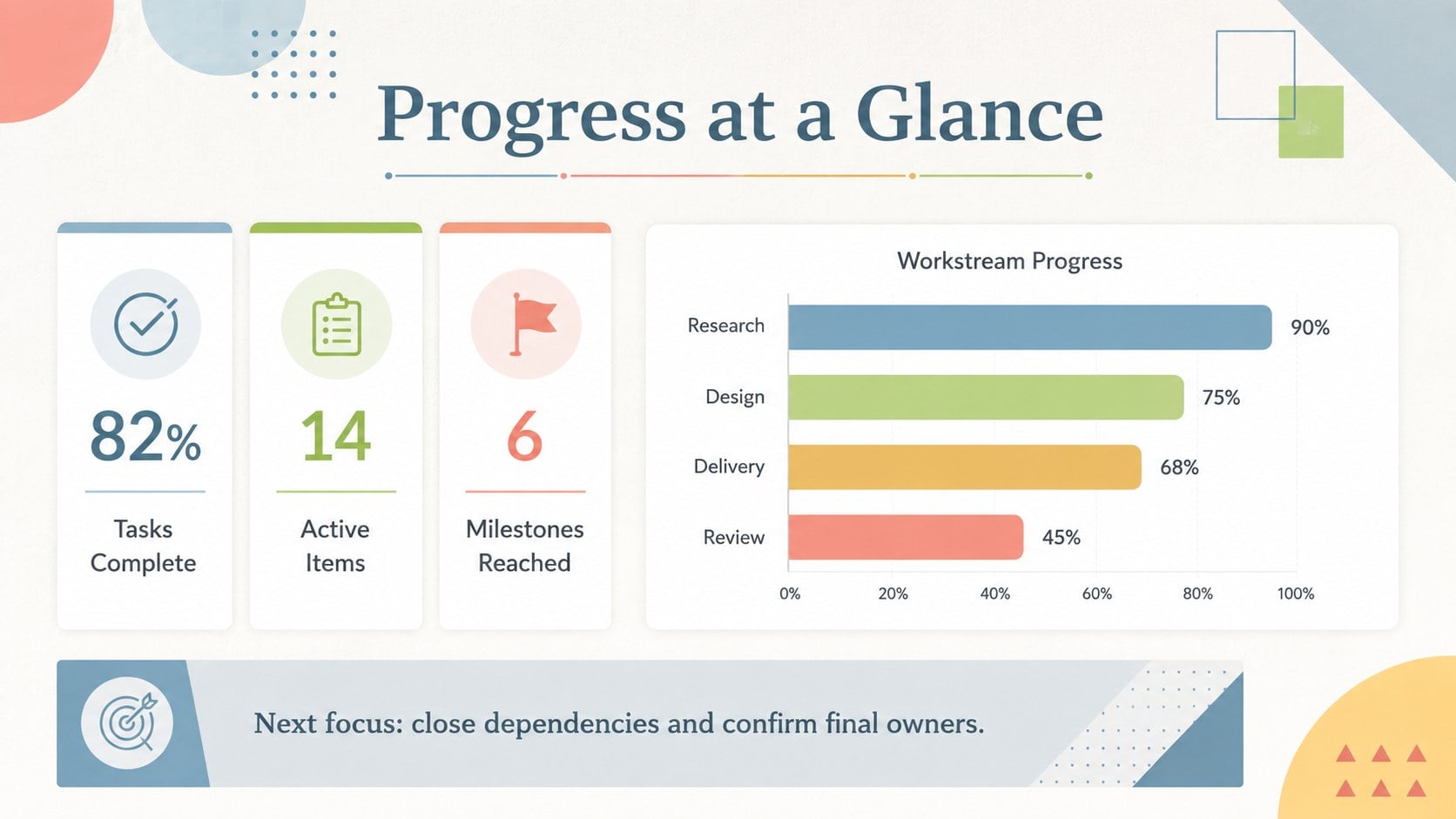
Inside, you will find 25 editable 16:9 slides with layouts for introductions, project goals, comparisons, timelines, process diagrams, KPI summaries, SWOT analysis, roadmaps, charts, and closing remarks. Photo frames, geometric accents, and flexible content blocks make it easy to combine images with concise explanations. The print-friendly project report slides also work well when exported as PDF and shared by email.
This deck is suited to project managers, creative agencies, startup teams, marketers, educators, nonprofit coordinators, and HR departments. Customize the colors, fonts, photographs, shapes, charts, and transitions in PowerPoint or Google Slides. Whether you are building an editable project status deck, presenting a campaign plan, or documenting quarterly progress, the consistent grid system keeps every section connected and easy to scan.
Perfect for: project status meeting; creative agency proposal; quarterly KPI report; startup planning workshop; marketing campaign review; nonprofit program update.
Frequently asked questions
Can I edit every element in this presentation? Yes. The text, colors, shapes, charts, image frames, and layout elements can be adjusted to match your content and visual identity.
Practical details
Yes. The text, colors, shapes, charts, image frames, and layout elements can be adjusted to match your content and visual identity.
The template is designed for Microsoft PowerPoint and Google Slides. Some fonts or transition effects may vary slightly between the two platforms.
Use the theme color controls in PowerPoint or Google Slides to update the palette across the deck. Individual shapes can also be recolored when a slide needs a special category or status indicator.
Yes. The structured layouts are suitable for on-screen presentations, printed handouts, and PDF reports distributed by email.
Keep exploring
15Shape your publishing concept with an indie magazine startup pitch deck featuring pastel gradients, bold collage layouts, and editable planning slides.
 16
16Build clear project stories with the Icon Grid Teamwork Theme, a flexible blue illustrated deck for proposals, strategy updates, and team meetings.
 3
3Turn priorities into an actionable plan with an annual goals roadmap infographic, featuring editable orange and teal layouts for PowerPoint and Google Slides.
 15
15Create an Annual Achievement Report Presentation with colorful geometric layouts for milestones, results, lessons, and priorities in PowerPoint or Google Slides.
 15
15Turn results into a focused annual performance evaluation report with dark 3D slides for KPIs, achievements, feedback, and next-step goals for teams.
 15
15Guide a focused annual recap with Business Results Retrospective Slides, a muted brown-and-blue template for PowerPoint and Google Slides.
 6
6Turn complex plans into clear visual stories with Color-Coded Workflow Path Slides, an editable set for project updates, roadmaps, and team briefings.
 6
6Compare regional performance at a glance with Global Data Heatmap Slides, a clean multicolor deck designed for editable PowerPoint and Google Slides.