
 15
15presentation
Indie Magazine Startup Pitch Deck
Shape your publishing concept with an indie magazine startup pitch deck featuring pastel gradients, bold collage layouts, and editable planning slides.
Google SlidesPowerPoint
presentation · English
Turn milestones into clear visual stories with Pastel Geometric Timeline Slides, an editable deck for PowerPoint and Google Slides for projects and lessons.


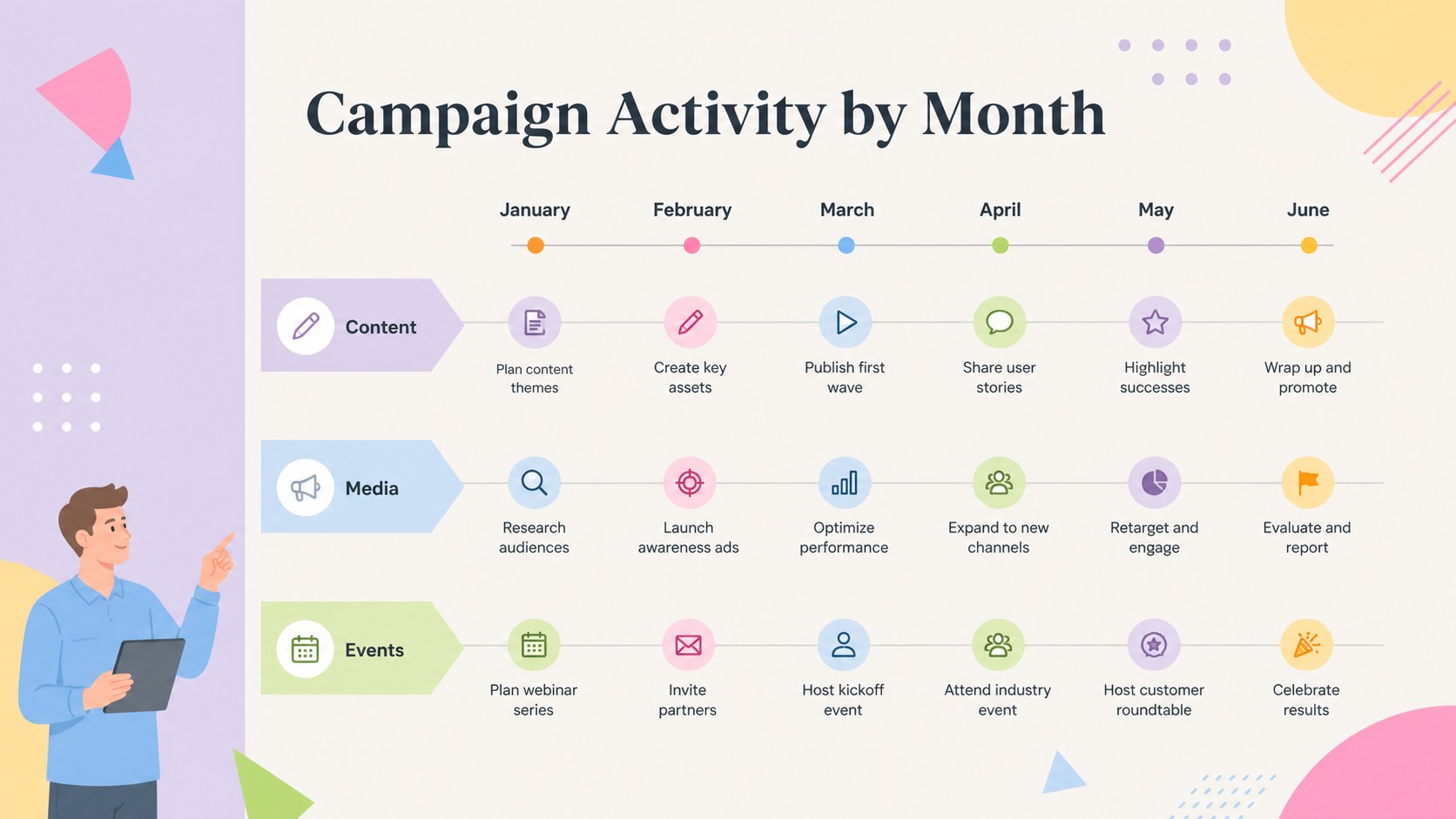
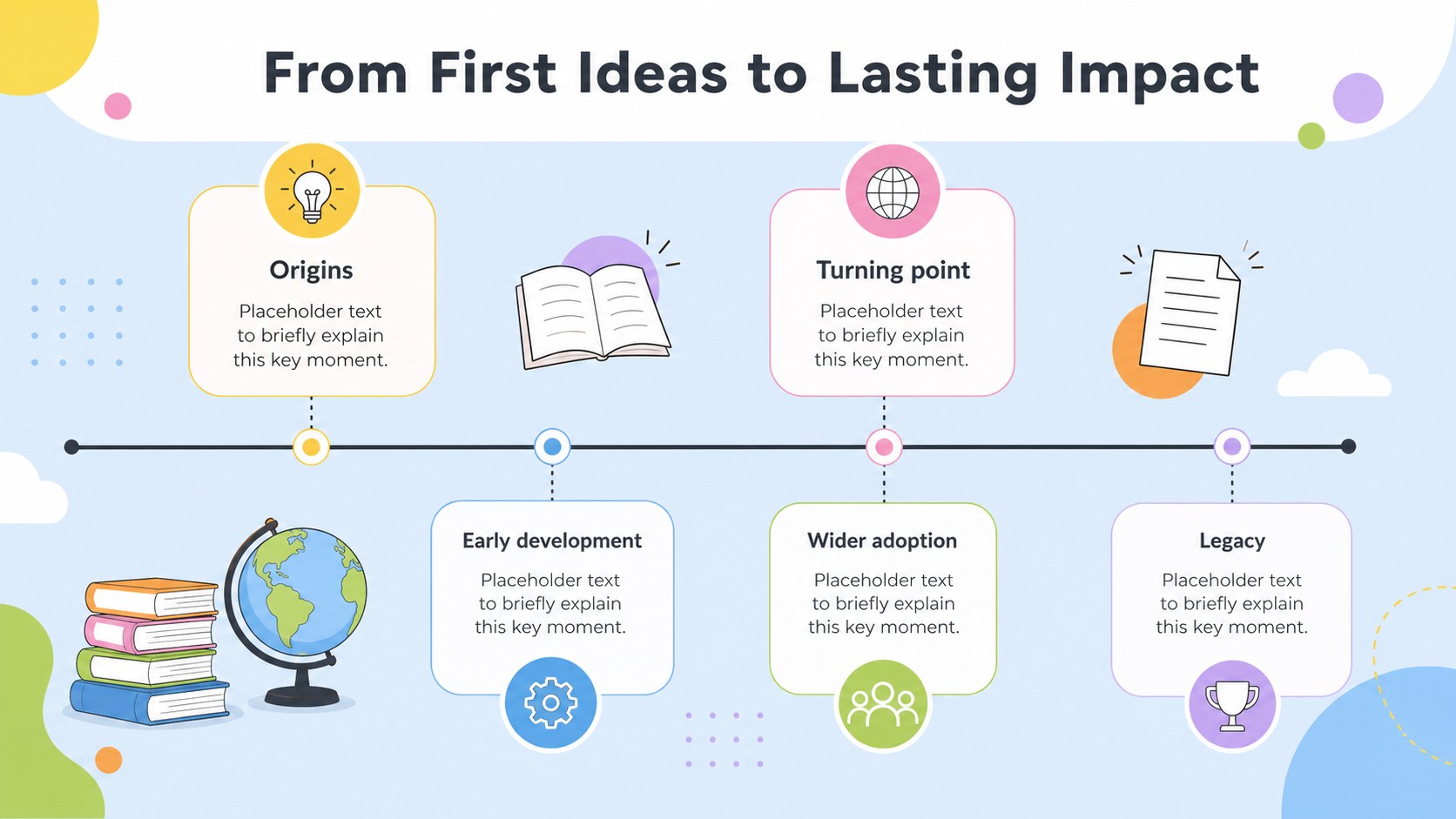
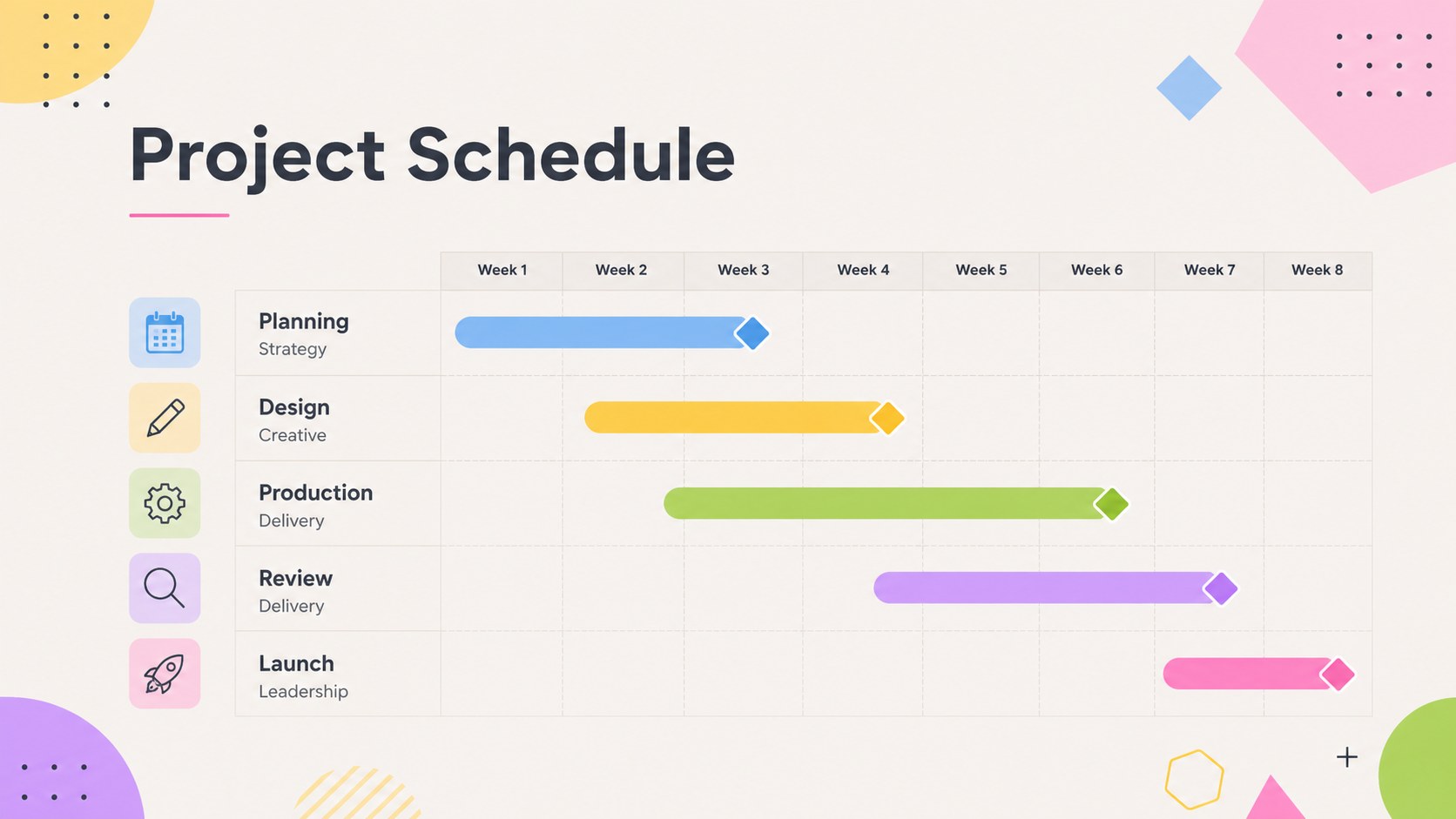
Design notes
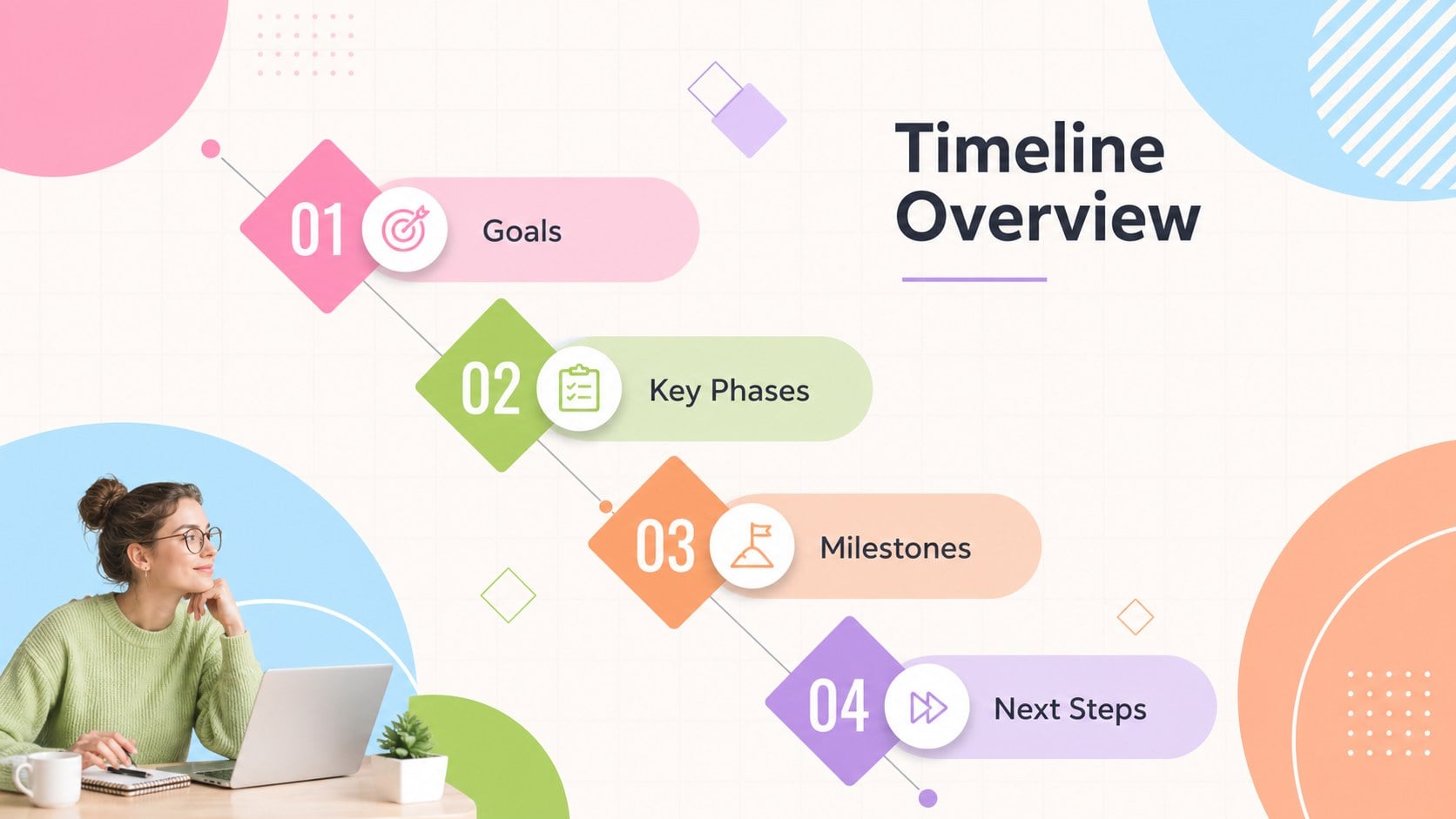
Pastel Geometric Timeline Slides help turn dates, milestones, and multi-step plans into visual stories that audiences can follow at a glance. The clean geometric style pairs crisp shapes with a lively pastel palette, giving business updates, classroom topics, and personal projects a polished look without making the information feel overly formal.
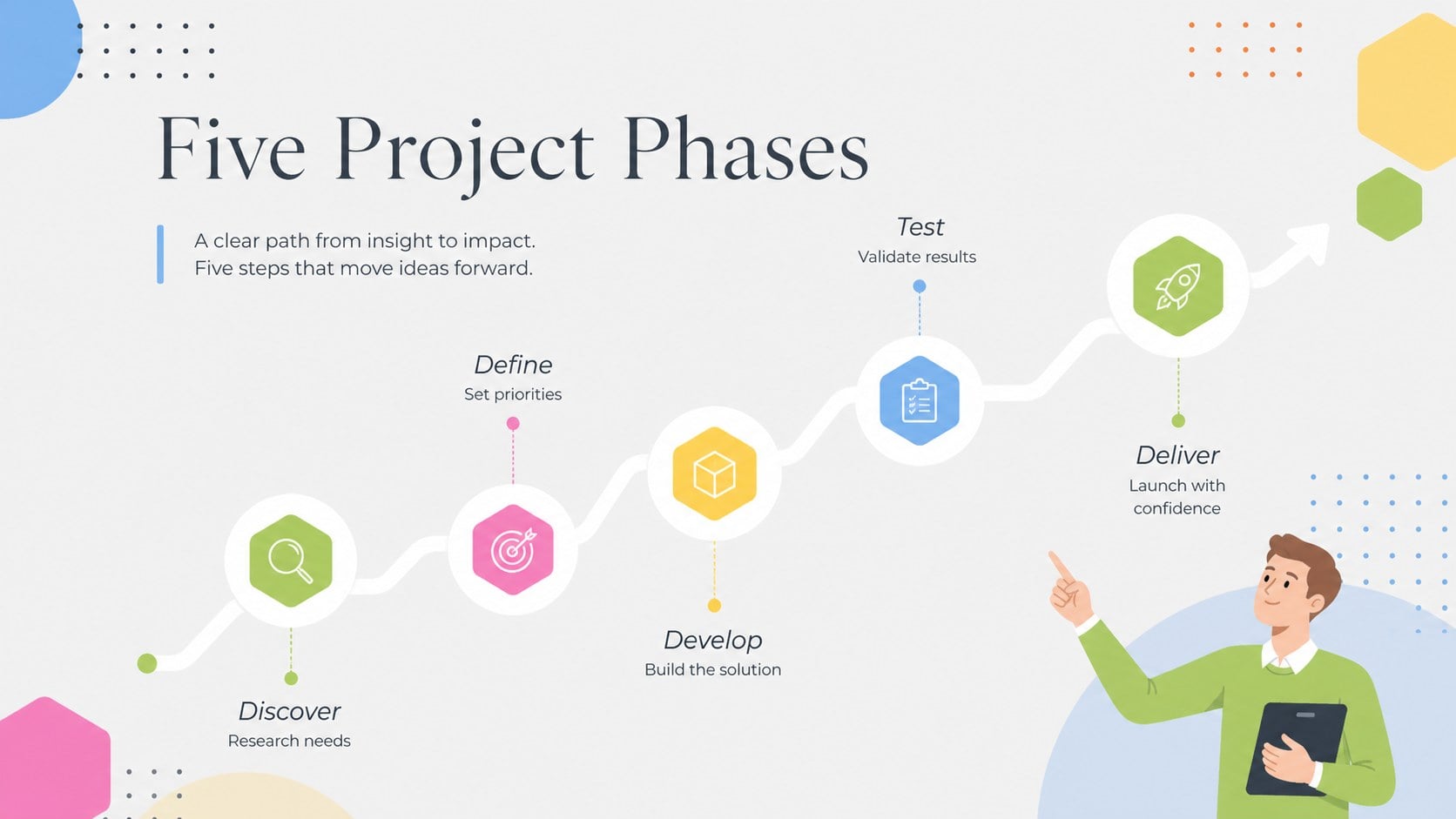
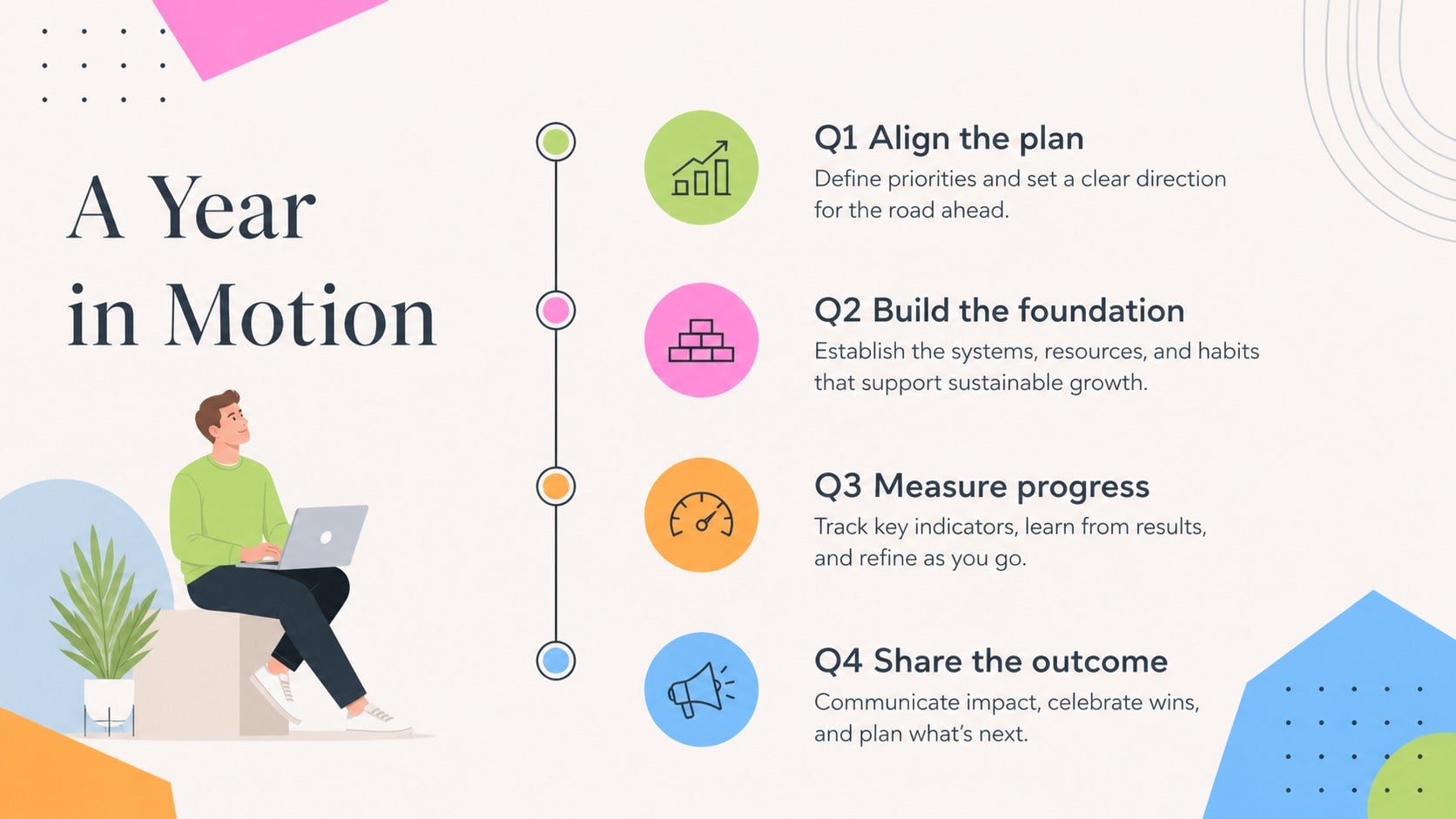
Inside this editable milestone presentation template, you will find 15 widescreen layouts for chronological sequences, phased roadmaps, annual overviews, parallel workstreams, project checkpoints, and process summaries. Use the pastel project timeline deck to compare stages, explain how an idea developed, or show what comes next. Modular text areas, icons, lines, and geometric markers can be adjusted to match the length and complexity of your story.
The slides are designed for PowerPoint and Google Slides, making it straightforward to update labels, recolor elements, move milestones, and add your own data. Project managers can present schedules and launch plans, marketers can map campaign activity, educators can build a classroom history timeline template, and students can organize research or historical events. Whether you need a compact three-step sequence or a detailed year-long overview, the varied layouts keep progress clear, colorful, and easy to discuss.
Perfect for: quarterly project milestone review; product launch schedule; classroom history lesson; campaign activity roadmap; company growth story; research project chronology.
Frequently asked questions
Can I edit these timeline layouts in PowerPoint? Yes. You can change milestone labels, dates, colors, shapes, icons, and connector lines directly in PowerPoint. Duplicate or remove stages to fit the length of your timeline.
Practical details
Yes. You can change milestone labels, dates, colors, shapes, icons, and connector lines directly in PowerPoint. Duplicate or remove stages to fit the length of your timeline.
Yes. Upload the presentation to Google Drive and open it with Google Slides to edit and present online. Minor font or spacing adjustments may be needed if your device substitutes a typeface.
Select individual geometric elements and apply colors that match your organization, course, or project. For consistency, assign one color to each phase, team, category, or workstream throughout the deck.
Yes. The text areas can hold dates, task names, owners, status notes, or short results. Keep each entry concise and use the parallel timeline layouts when several teams need to be compared.
Keep exploring
15Shape your publishing concept with an indie magazine startup pitch deck featuring pastel gradients, bold collage layouts, and editable planning slides.
 16
16Build clear project stories with the Icon Grid Teamwork Theme, a flexible blue illustrated deck for proposals, strategy updates, and team meetings.
 3
3Turn priorities into an actionable plan with an annual goals roadmap infographic, featuring editable orange and teal layouts for PowerPoint and Google Slides.
 15
15Create an Annual Achievement Report Presentation with colorful geometric layouts for milestones, results, lessons, and priorities in PowerPoint or Google Slides.
 15
15Turn results into a focused annual performance evaluation report with dark 3D slides for KPIs, achievements, feedback, and next-step goals for teams.
 15
15Guide a focused annual recap with Business Results Retrospective Slides, a muted brown-and-blue template for PowerPoint and Google Slides.
 6
6Turn complex plans into clear visual stories with Color-Coded Workflow Path Slides, an editable set for project updates, roadmaps, and team briefings.
 6
6Compare regional performance at a glance with Global Data Heatmap Slides, a clean multicolor deck designed for editable PowerPoint and Google Slides.