
 15
15presentation
Indie Magazine Startup Pitch Deck
Shape your publishing concept with an indie magazine startup pitch deck featuring pastel gradients, bold collage layouts, and editable planning slides.
Google SlidesPowerPoint
presentation · English
Run check-ins with a Pastel Collaboration Huddle Planner built for clear priorities, ownership, decisions, and follow-up in PowerPoint or Google Slides.



Design notes
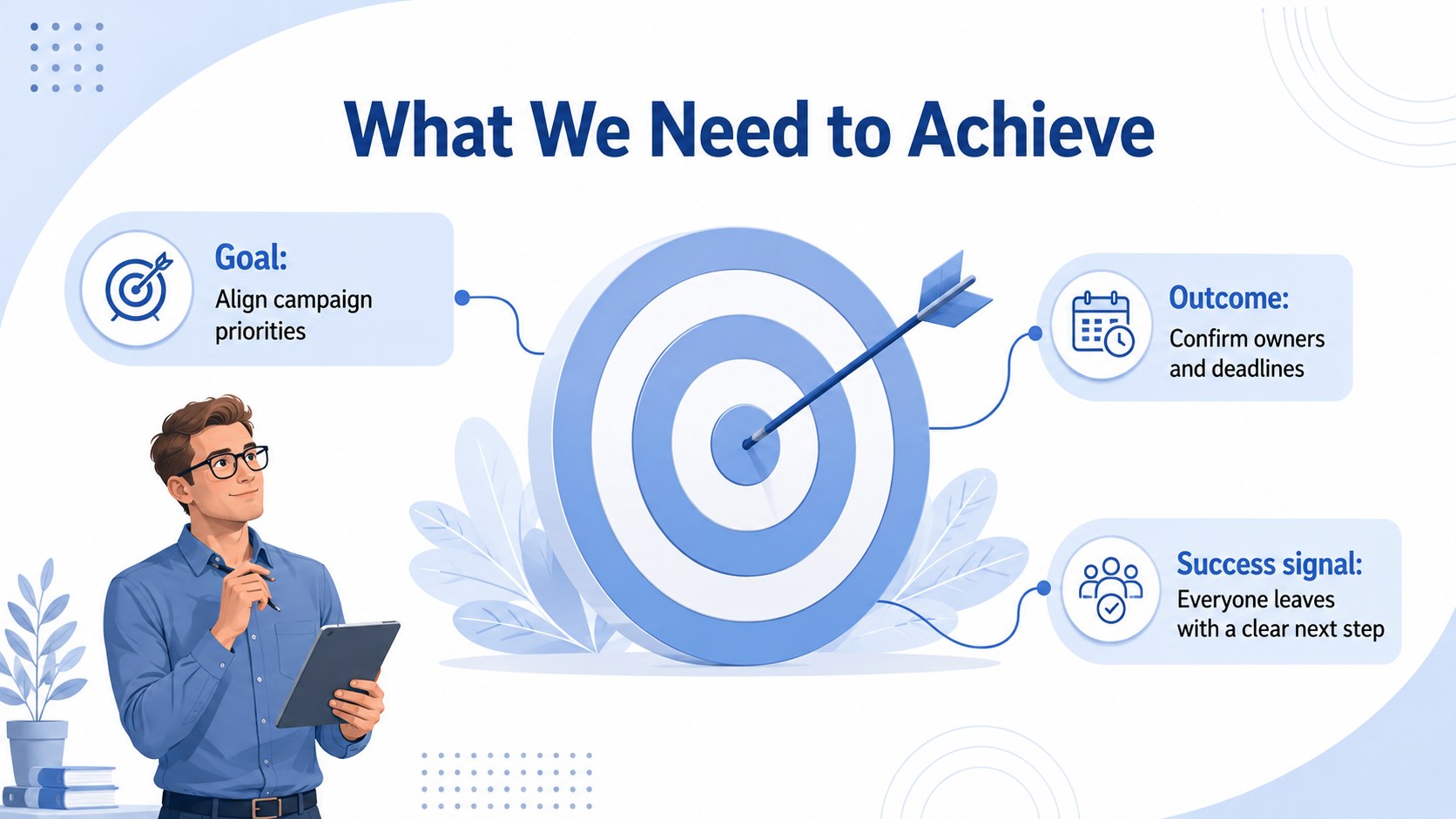
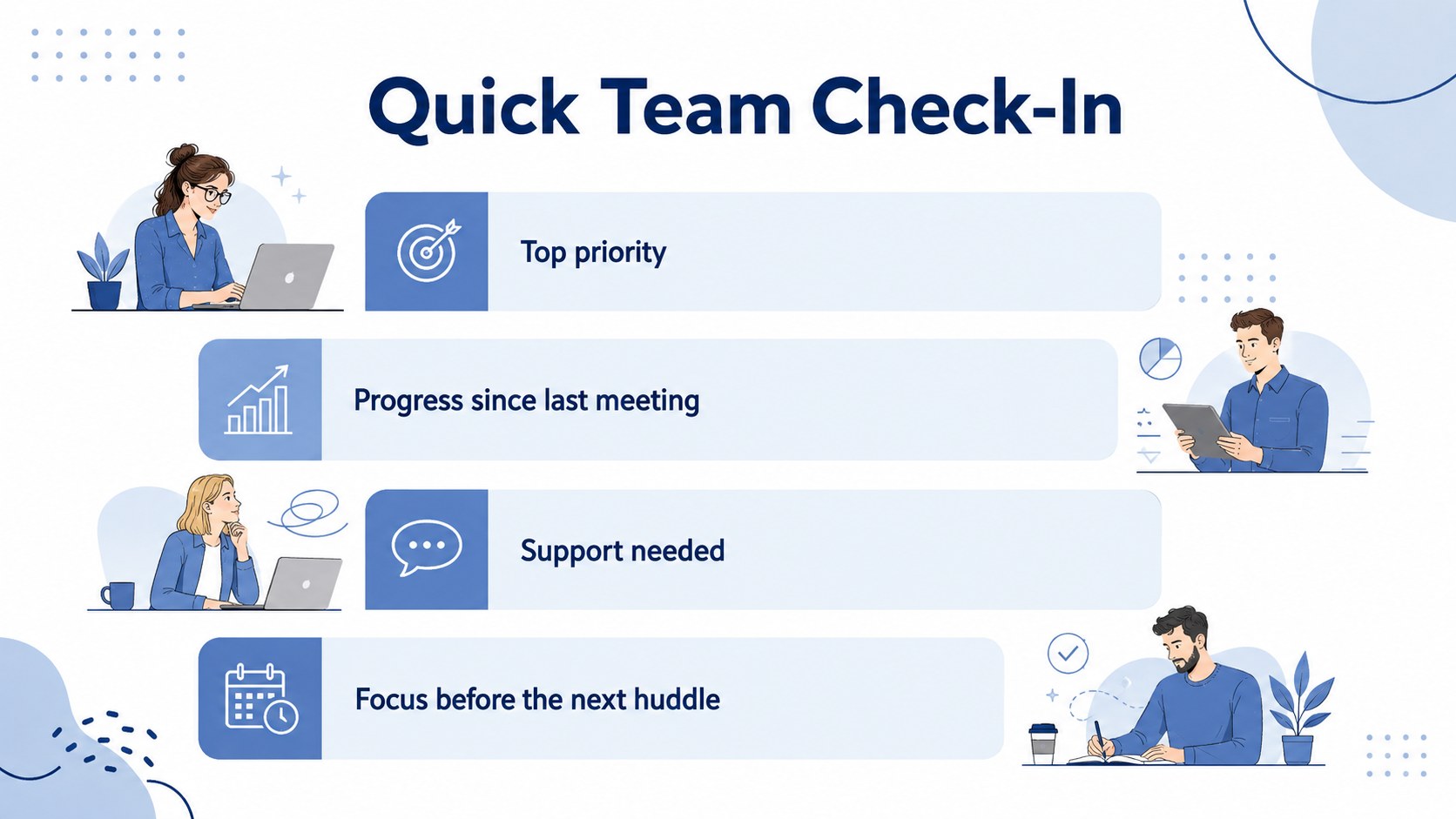
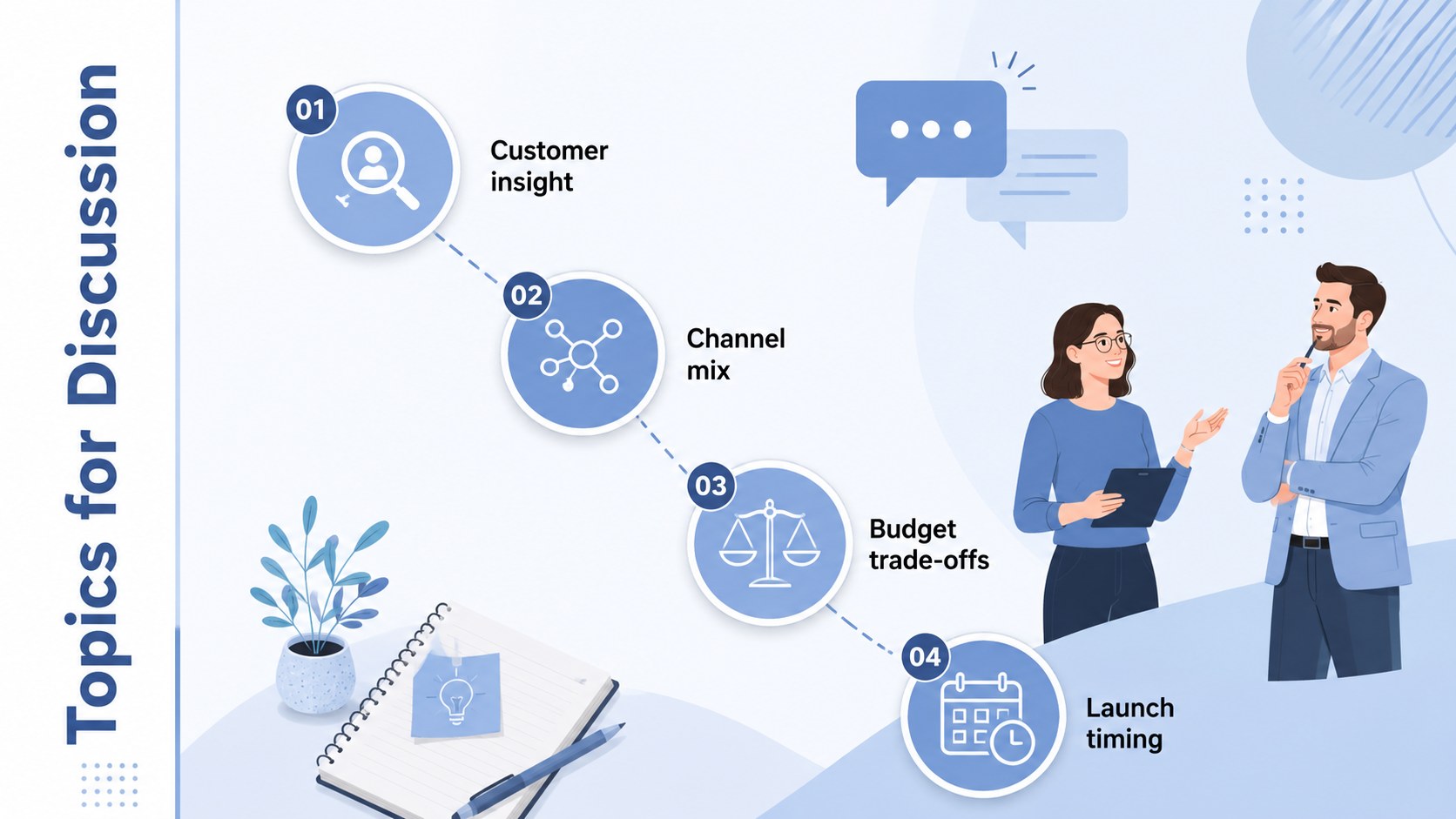
Make recurring discussions easier to lead with the Pastel Collaboration Huddle Planner. Its modern illustrated style, calm blue palette, and structured layouts help teams move from updates to decisions without losing sight of responsibilities. Use it as a weekly team check in slide deck for focused conversations across departments or project groups.
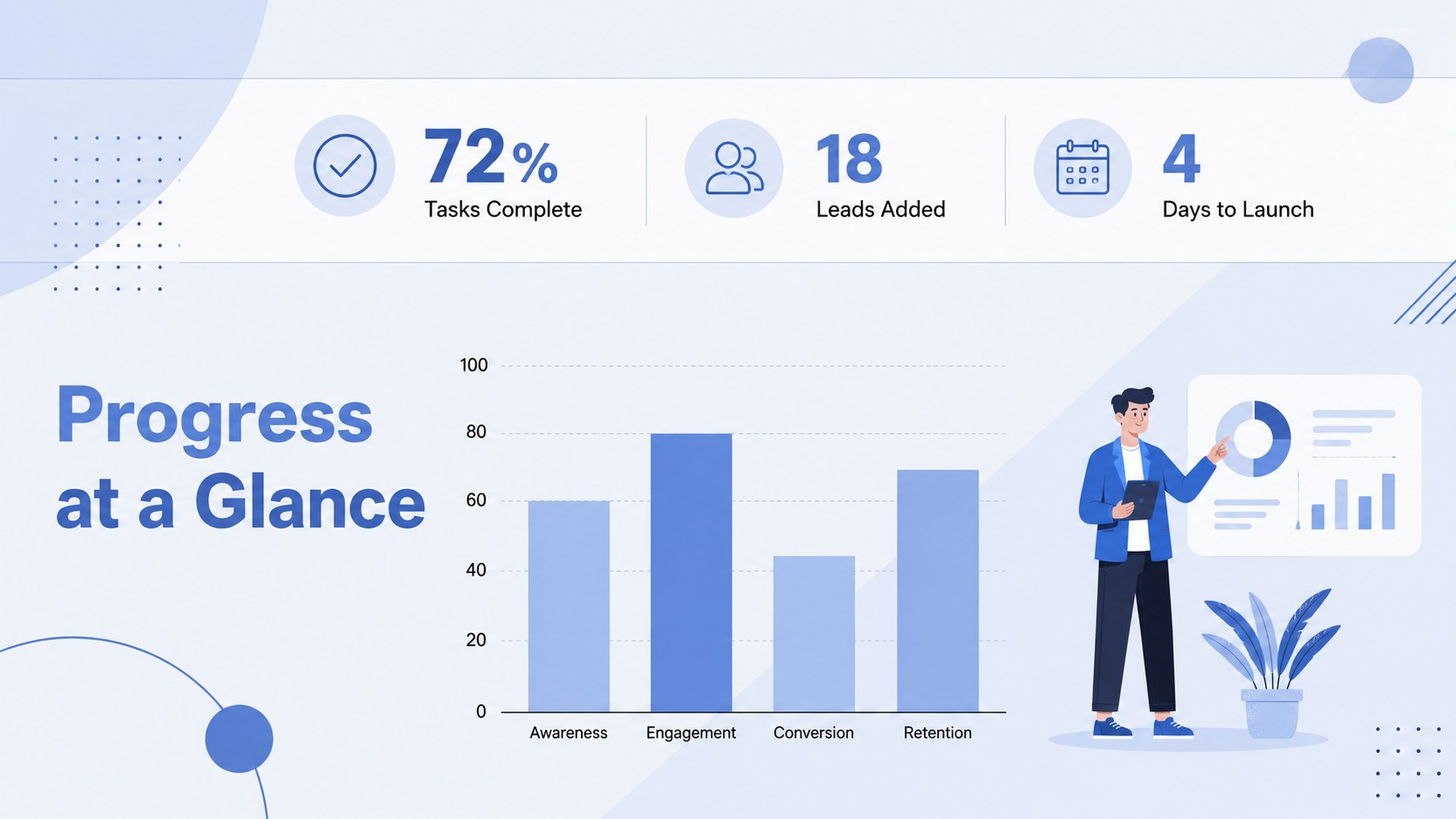
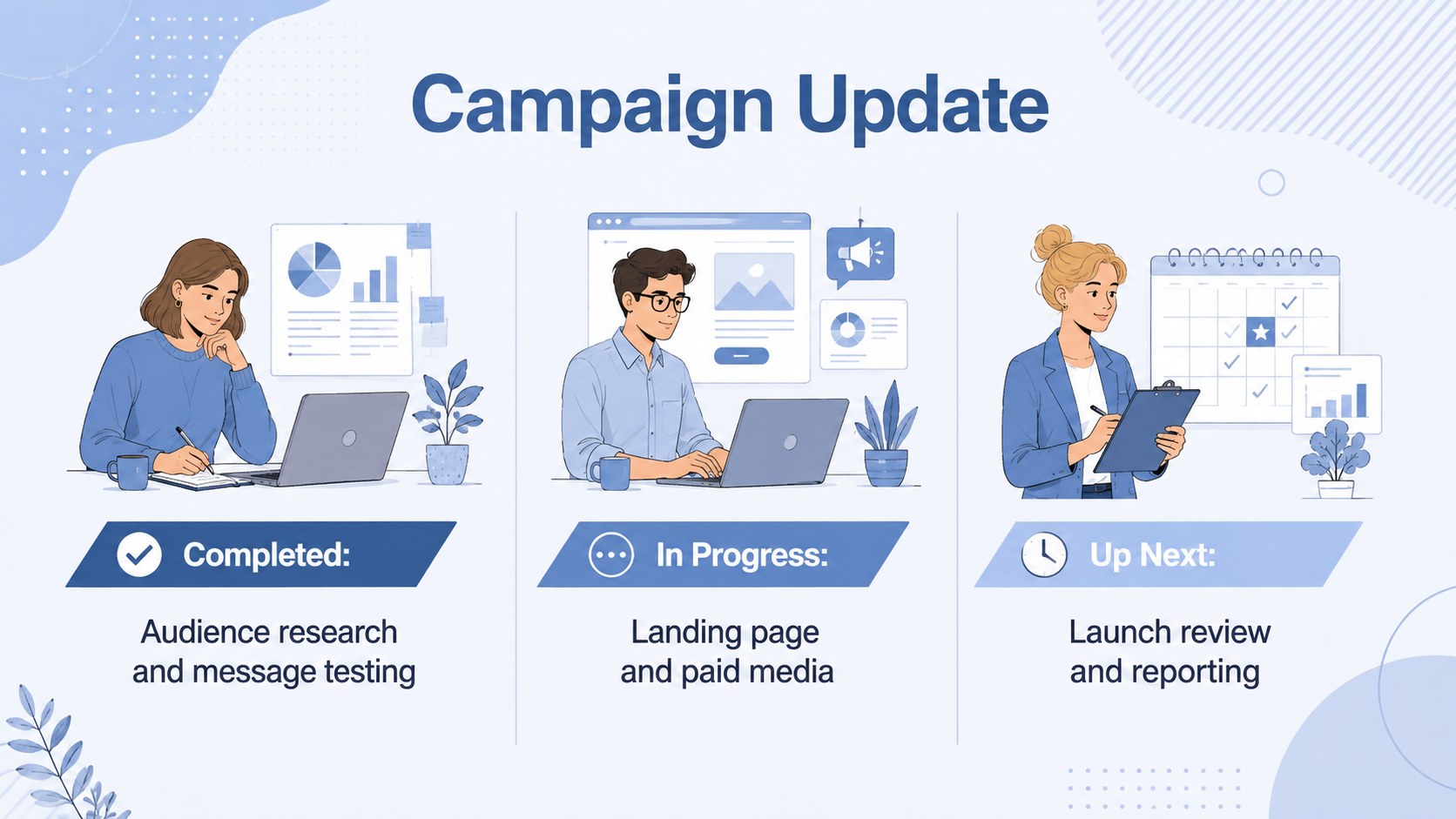
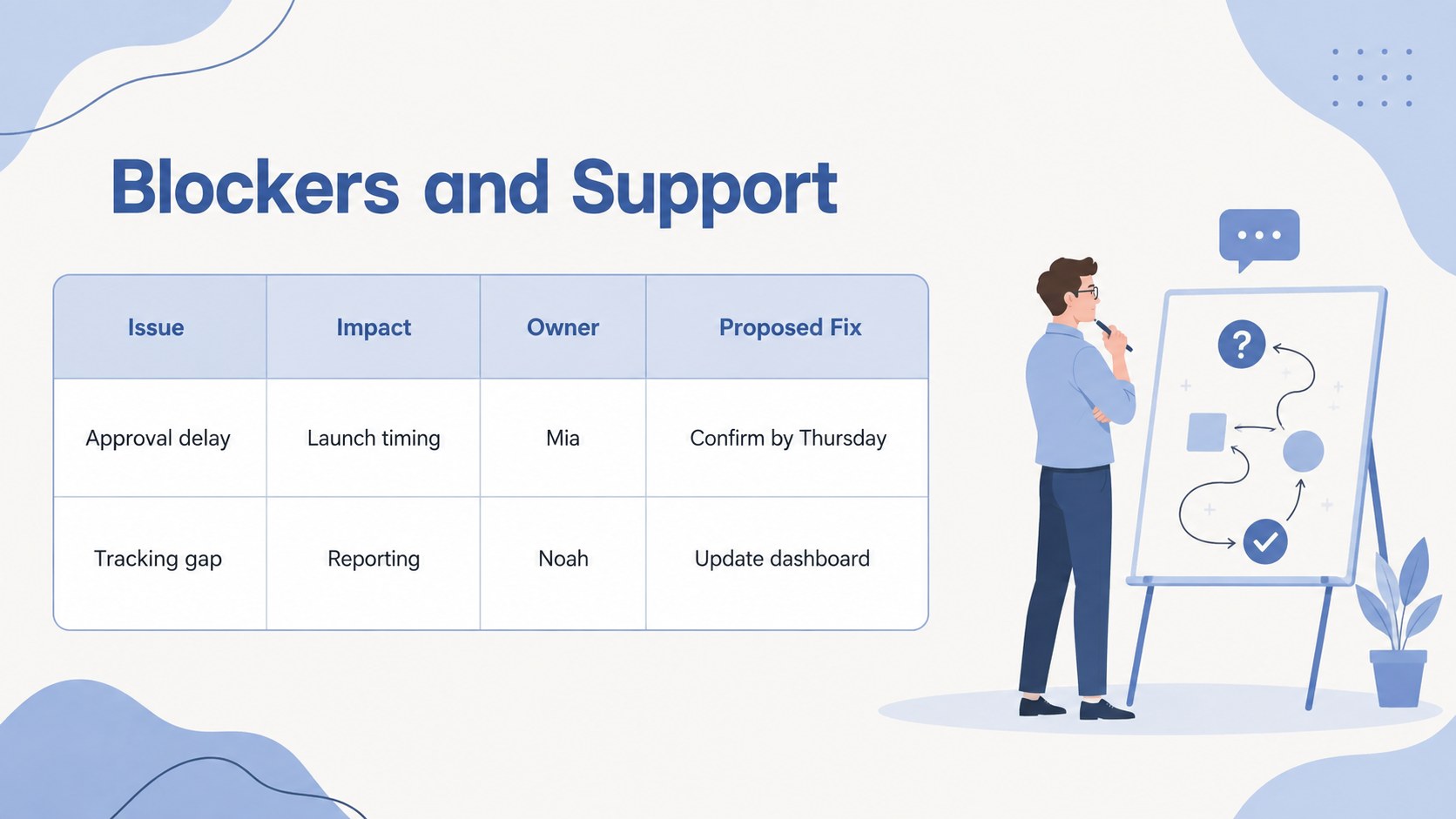
The 15-slide sequence covers meeting goals, priorities, performance snapshots, campaign updates, discussion points, blockers, decisions, and assigned tasks. Dedicated layouts provide space for a marketing meeting action items template, a visual schedule, a risk review, and a parking lot for topics that need further attention. Editable charts, timelines, tables, icons, and text areas make the presentation adaptable to short stand-ups or longer planning sessions.
This deck is suited to marketing leads, project managers, department heads, agency teams, and operations professionals who need polished project status meeting slides. Customize the wording, colors, illustrations, and data in PowerPoint or Google Slides, then reuse the presentation for weekly, monthly, or campaign-based meetings. The clear visual hierarchy helps participants scan information quickly while the approachable illustrations keep business discussions professional without feeling overly formal.
Perfect for: weekly marketing check-in; campaign status review; department planning session; project decision meeting; agency client coordination.
Frequently asked questions
Can I edit every part of the meeting planner? Yes. Text, colors, tables, charts, icons, and illustrations can be adjusted to match your meeting format and visual identity. You can also duplicate or remove layouts as the agenda changes.
Practical details
Yes. Text, colors, tables, charts, icons, and illustrations can be adjusted to match your meeting format and visual identity. You can also duplicate or remove layouts as the agenda changes.
The template is designed for PowerPoint and Google Slides. Some fonts, transitions, or spacing may vary slightly between the two platforms, so review the final deck before presenting.
Keep the goals, status, blockers, decisions, and action items layouts, then hide the remaining slides. This creates a concise sequence that still records ownership and next steps.
Yes. Replace the theme colors with your organization's palette and update accent shapes or chart colors for consistency. Maintain strong contrast between text and backgrounds for readability.
Keep exploring
15Shape your publishing concept with an indie magazine startup pitch deck featuring pastel gradients, bold collage layouts, and editable planning slides.
 16
16Build clear project stories with the Icon Grid Teamwork Theme, a flexible blue illustrated deck for proposals, strategy updates, and team meetings.
 3
3Turn priorities into an actionable plan with an annual goals roadmap infographic, featuring editable orange and teal layouts for PowerPoint and Google Slides.
 15
15Create an Annual Achievement Report Presentation with colorful geometric layouts for milestones, results, lessons, and priorities in PowerPoint or Google Slides.
 15
15Turn results into a focused annual performance evaluation report with dark 3D slides for KPIs, achievements, feedback, and next-step goals for teams.
 15
15Guide a focused annual recap with Business Results Retrospective Slides, a muted brown-and-blue template for PowerPoint and Google Slides.
 6
6Turn complex plans into clear visual stories with Color-Coded Workflow Path Slides, an editable set for project updates, roadmaps, and team briefings.
 6
6Compare regional performance at a glance with Global Data Heatmap Slides, a clean multicolor deck designed for editable PowerPoint and Google Slides.