
 15
15presentation
Indie Magazine Startup Pitch Deck
Shape your publishing concept with an indie magazine startup pitch deck featuring pastel gradients, bold collage layouts, and editable planning slides.
Google SlidesPowerPoint
document · English
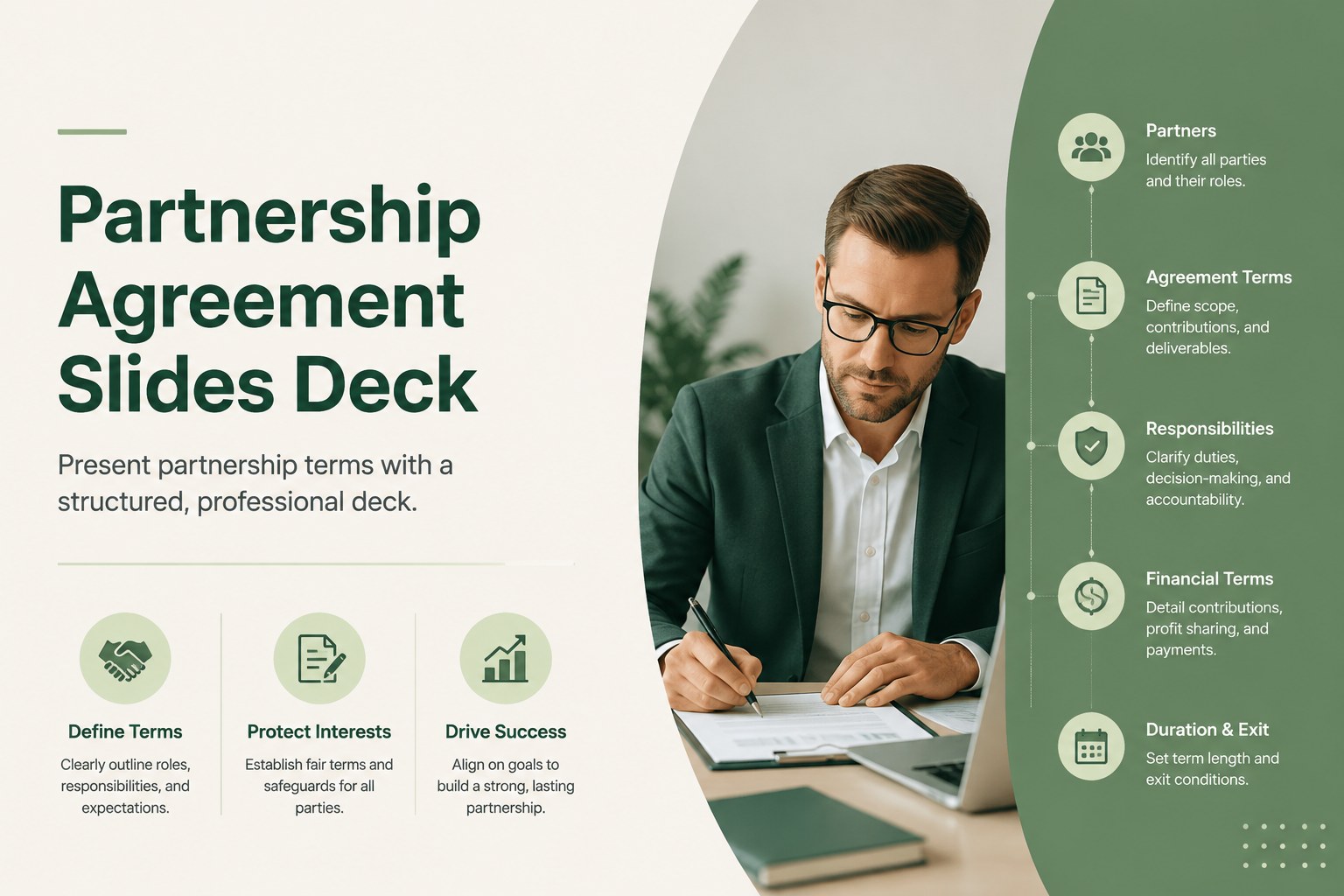
Build a clear partnership agreement slides deck in a clean green style. Edit roles, ownership, and key terms in PowerPoint or Google Slides.
Design notes
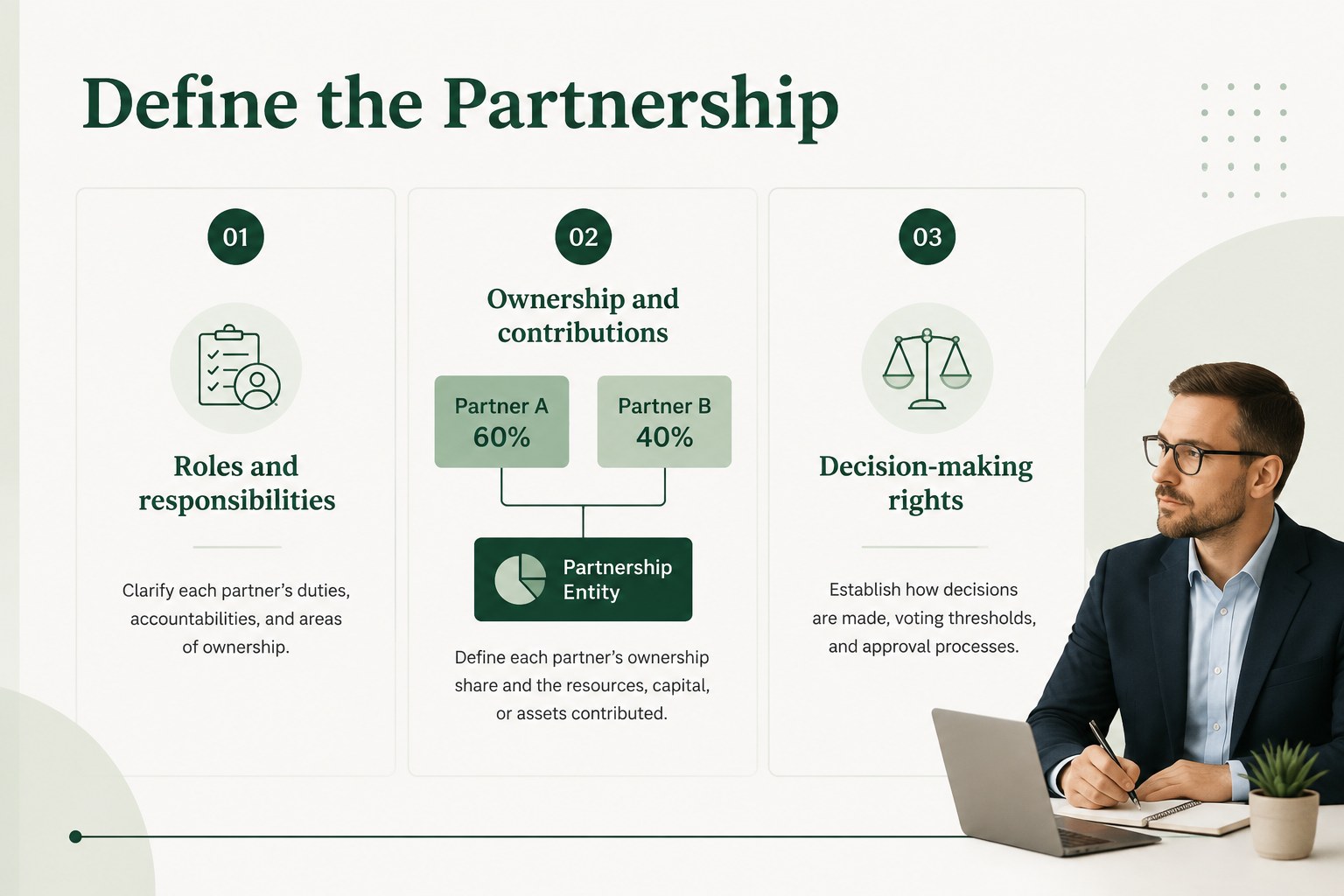
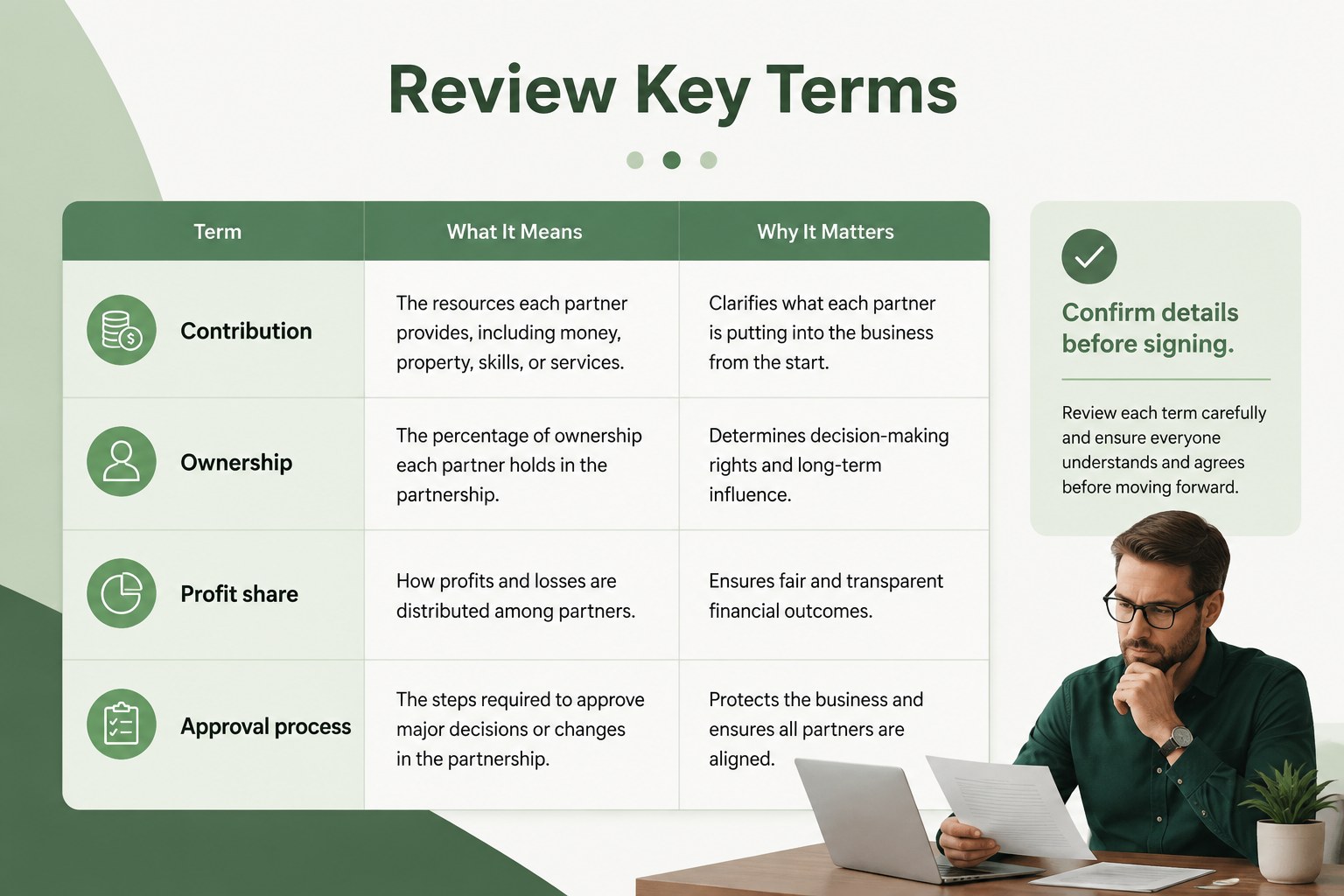
Build a partnership agreement slides deck that helps founders, business partners, and advisors discuss essential terms with clarity. Its restrained green palette, simple typography, and organized layouts create a professional setting for reviewing ownership, responsibilities, contributions, decision rights, and exit provisions. Use the deck before signing a formal contract or as a visual companion during partnership negotiations.
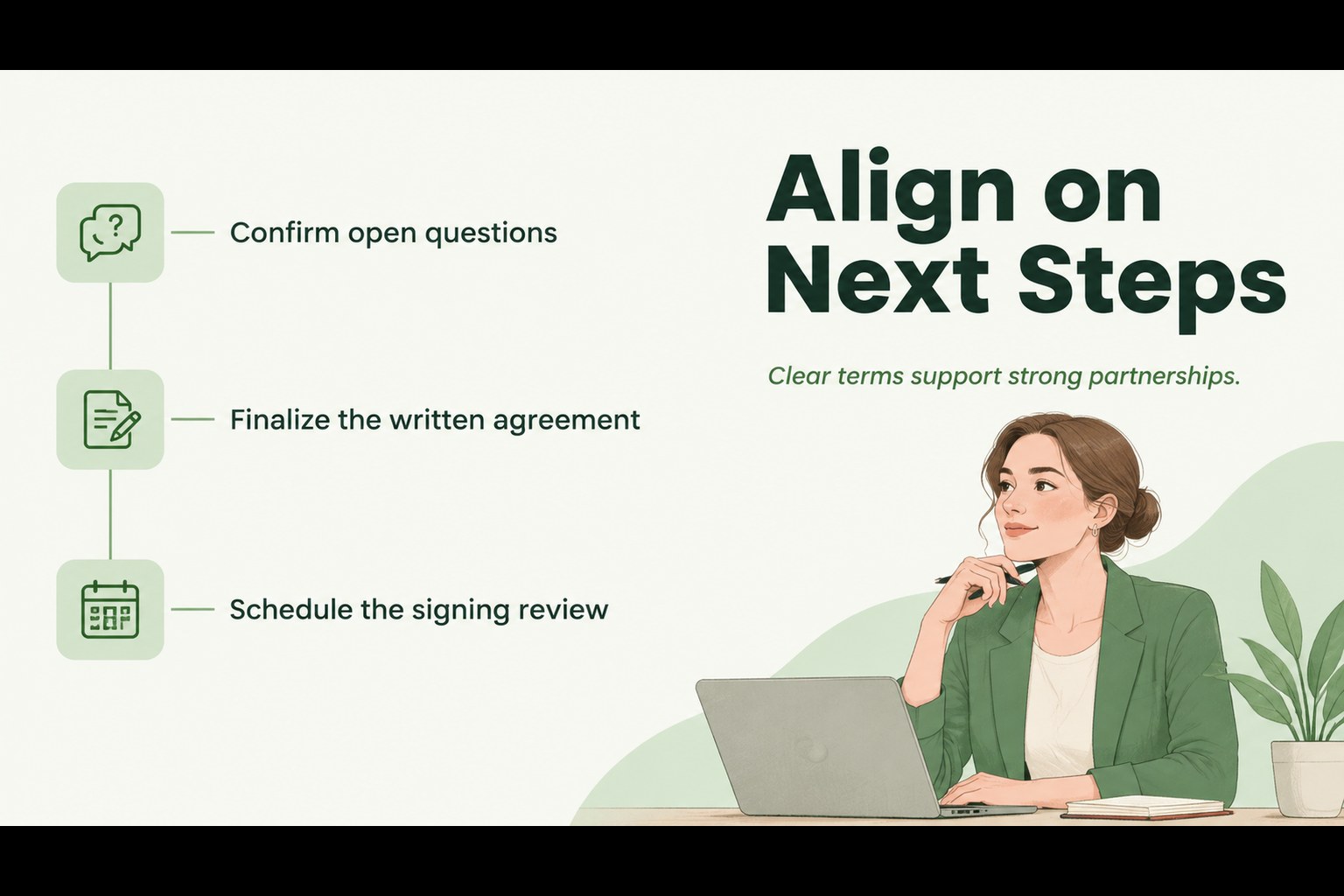
Inside, you will find a cover slide, an overview of the proposed arrangement, a structured terms page, and a closing summary for next steps. The layouts are designed for concise explanations, comparison points, and clearly labeled agreement details. They work well as a partnership contract presentation, a pre-signing discussion deck, or a visual business collaboration proposal. Replace the sample wording, adjust the section order, and add your own legal or financial notes as needed.
This template is intended for startups, small businesses, consultants, agencies, and professional advisors. It can be edited in PowerPoint or Google Slides and adapted for internal reviews, client meetings, or partner onboarding. Use it to save preparation time while keeping important decisions easy to follow. The deck supports business communication without distracting decoration, helping every participant focus on the terms that shape the relationship.
Perfect for: startup co-founder agreement review; small business partner negotiation; agency collaboration proposal; client contract walkthrough; partner onboarding meeting.
Frequently asked questions
Can I edit this deck in PowerPoint? Yes. The layouts can be customized in PowerPoint, including text, colors, fonts, shapes, and section order. Replace the sample terms with details that match your partnership.
Practical details
Yes. The layouts can be customized in PowerPoint, including text, colors, fonts, shapes, and section order. Replace the sample terms with details that match your partnership.
Yes, you can open and edit the presentation in Google Slides. Review imported fonts and spacing after conversion, then update the document with your own agreement content.
Use the slides for ownership percentages, partner responsibilities, capital contributions, voting rights, profit distribution, confidentiality, and exit terms. Have qualified legal counsel review the final agreement before signing.
Yes. Update the accent color to match your brand while keeping the neutral text and background tones for readability. You can also duplicate layouts to create additional terms or summary pages.
Keep exploring
15Shape your publishing concept with an indie magazine startup pitch deck featuring pastel gradients, bold collage layouts, and editable planning slides.
 16
16Build clear project stories with the Icon Grid Teamwork Theme, a flexible blue illustrated deck for proposals, strategy updates, and team meetings.
 3
3Turn priorities into an actionable plan with an annual goals roadmap infographic, featuring editable orange and teal layouts for PowerPoint and Google Slides.
 15
15Create an Annual Achievement Report Presentation with colorful geometric layouts for milestones, results, lessons, and priorities in PowerPoint or Google Slides.
 15
15Turn results into a focused annual performance evaluation report with dark 3D slides for KPIs, achievements, feedback, and next-step goals for teams.
 15
15Guide a focused annual recap with Business Results Retrospective Slides, a muted brown-and-blue template for PowerPoint and Google Slides.
 6
6Turn complex plans into clear visual stories with Color-Coded Workflow Path Slides, an editable set for project updates, roadmaps, and team briefings.
 6
6Compare regional performance at a glance with Global Data Heatmap Slides, a clean multicolor deck designed for editable PowerPoint and Google Slides.