
 15
15presentation
Indie Magazine Startup Pitch Deck
Shape your publishing concept with an indie magazine startup pitch deck featuring pastel gradients, bold collage layouts, and editable planning slides.
Google SlidesPowerPoint
presentation · English
Build a clean paper craft business deck for meetings, proposals, and workshops, with editable layouts, neutral styling, and PowerPoint or Google Slides…


Design notes
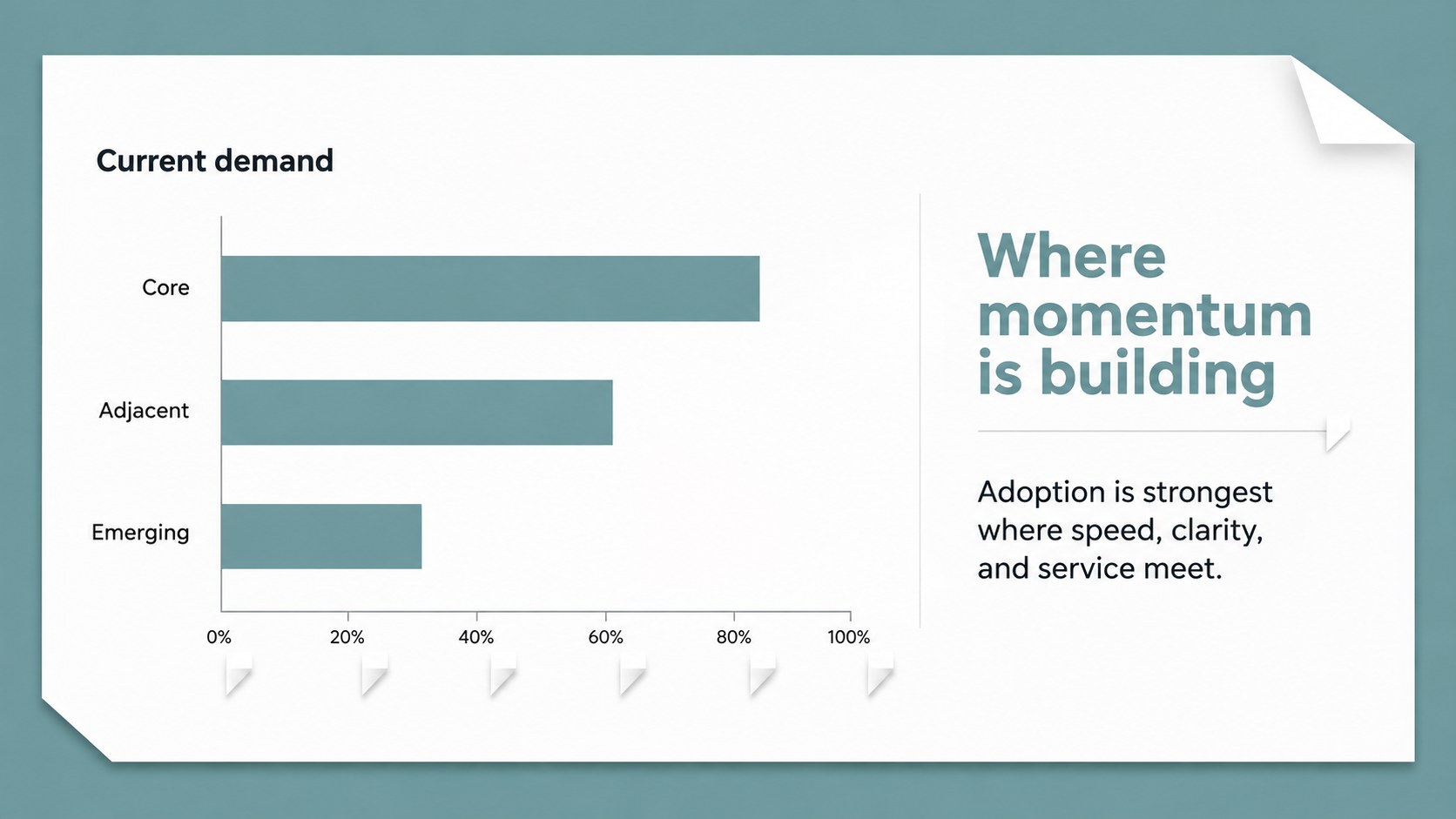
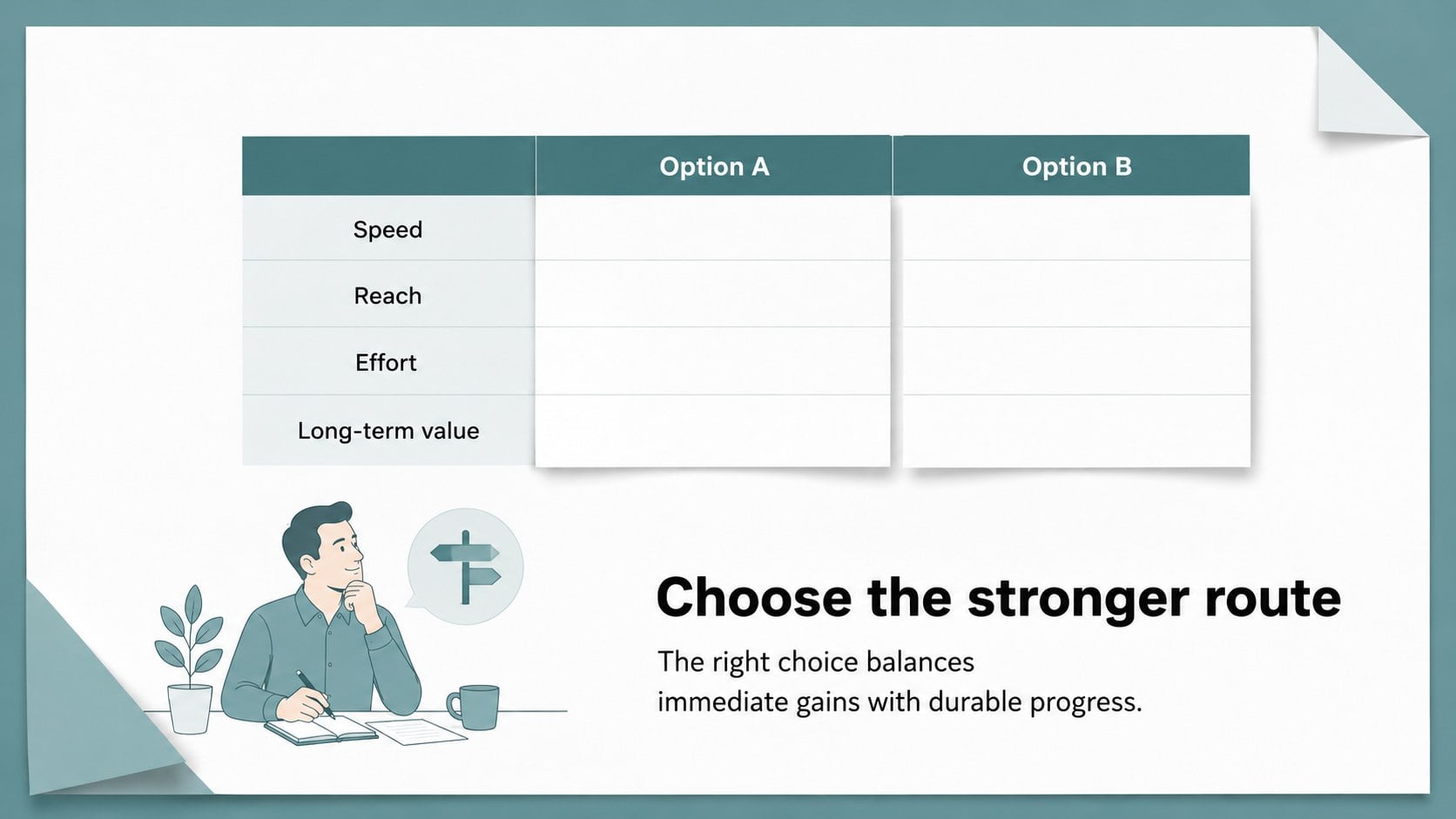
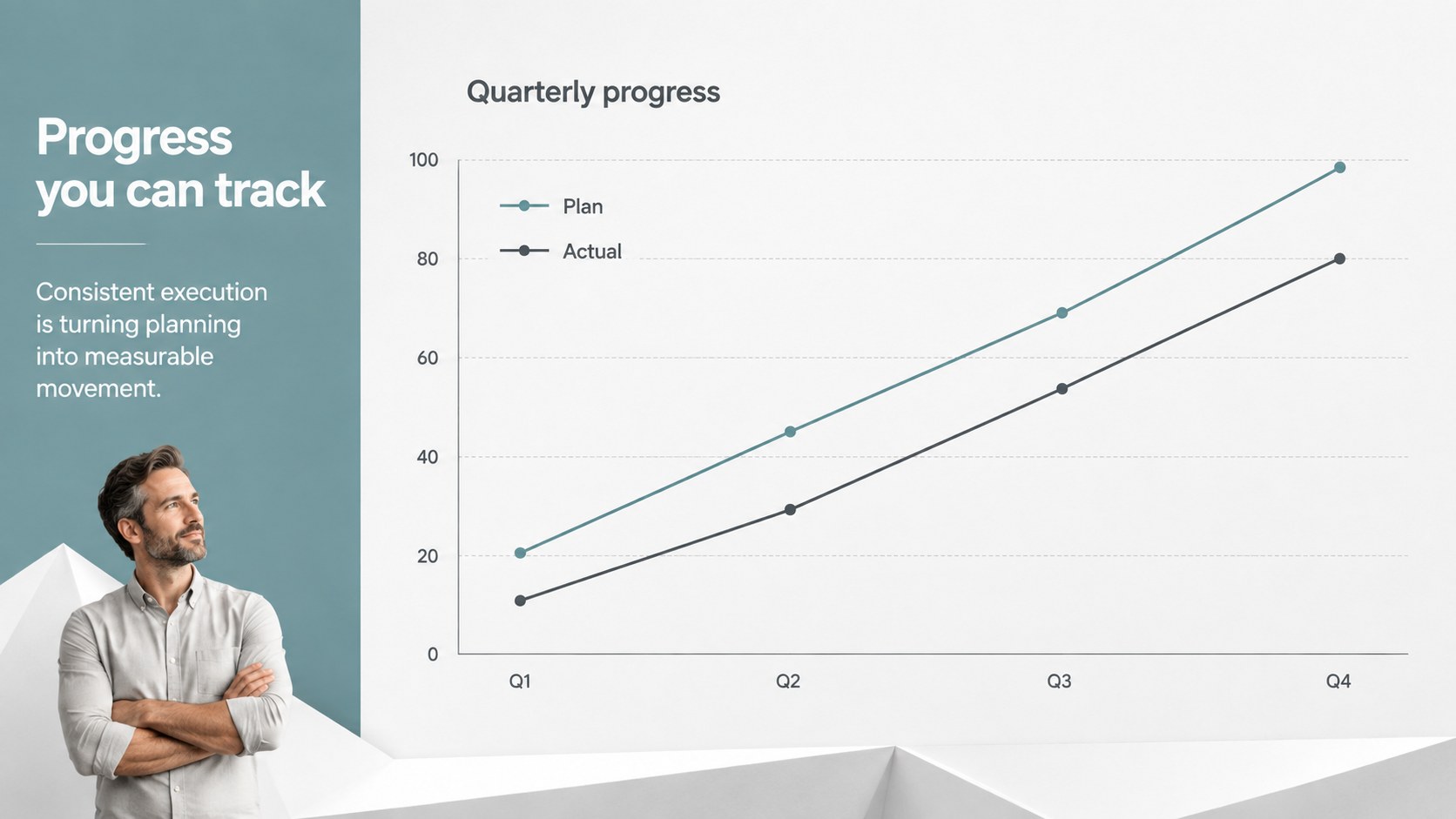
Bring structure to meetings, proposals, and workshops with a paper craft business deck built around calm layouts and tactile folded-paper details. The restrained visual system gives your message a polished setting without overpowering charts, photos, or supporting text. Neutral paper surfaces and simple sans-serif typography make the deck easy to adapt to many industries.
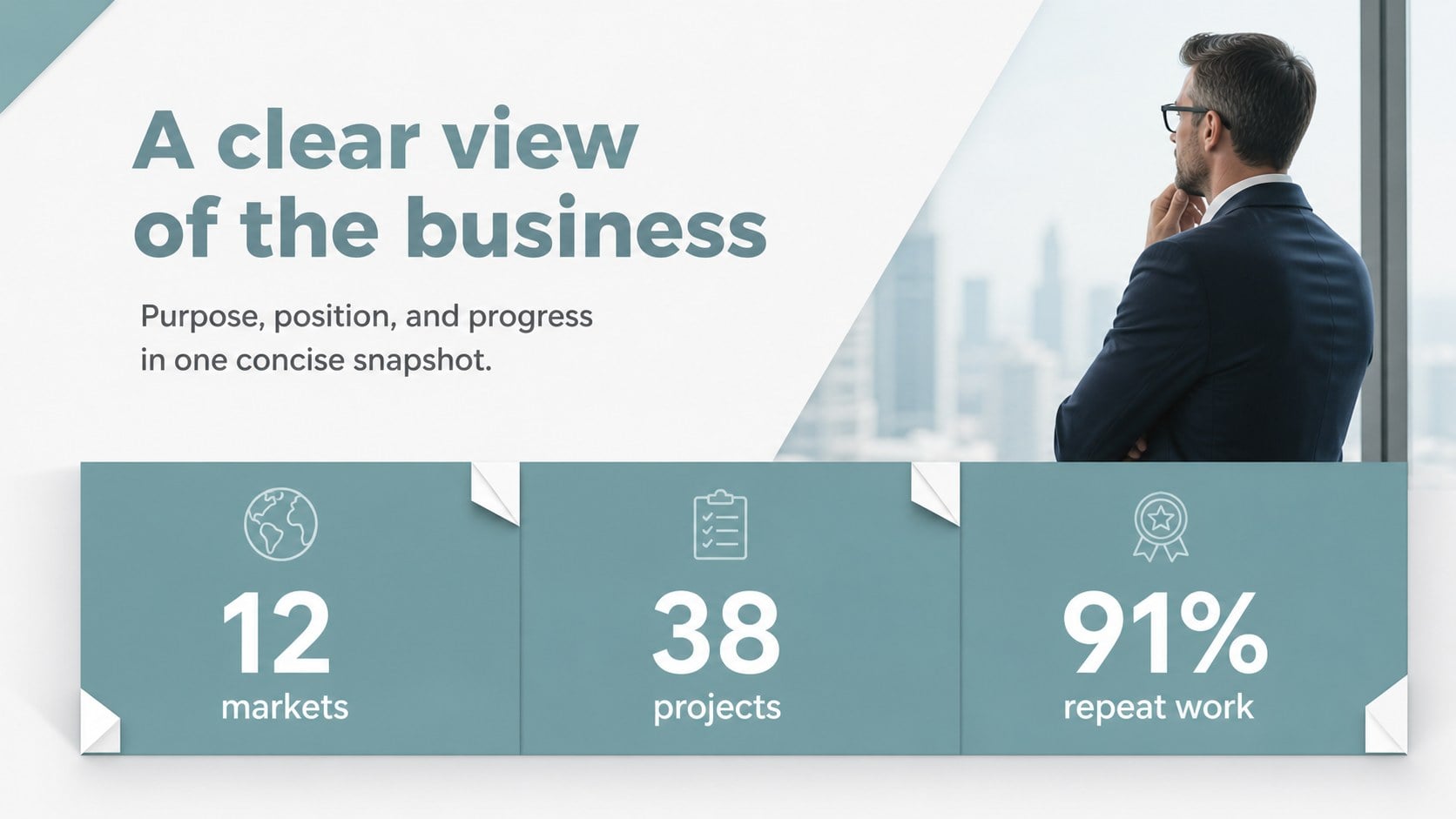
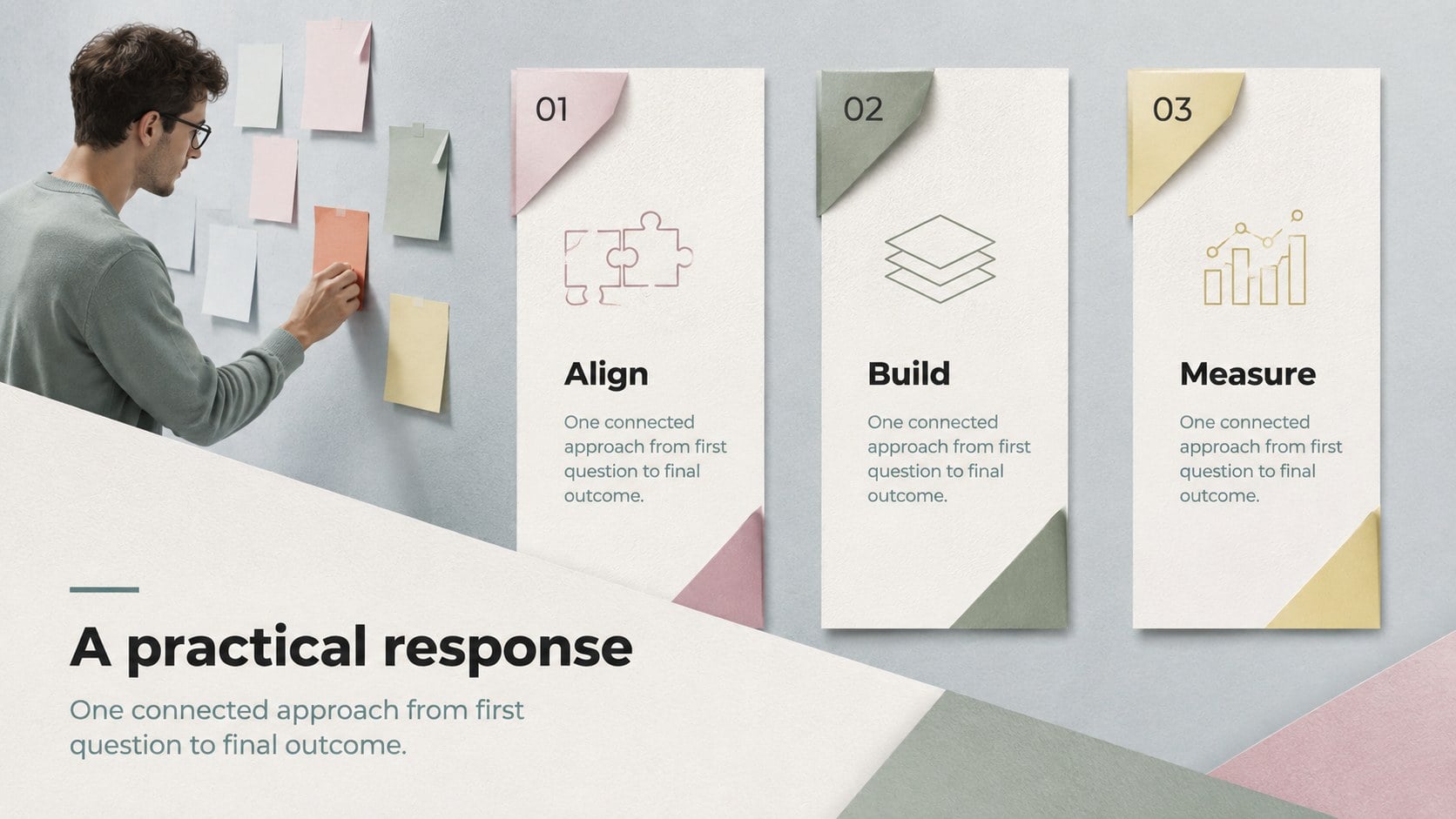
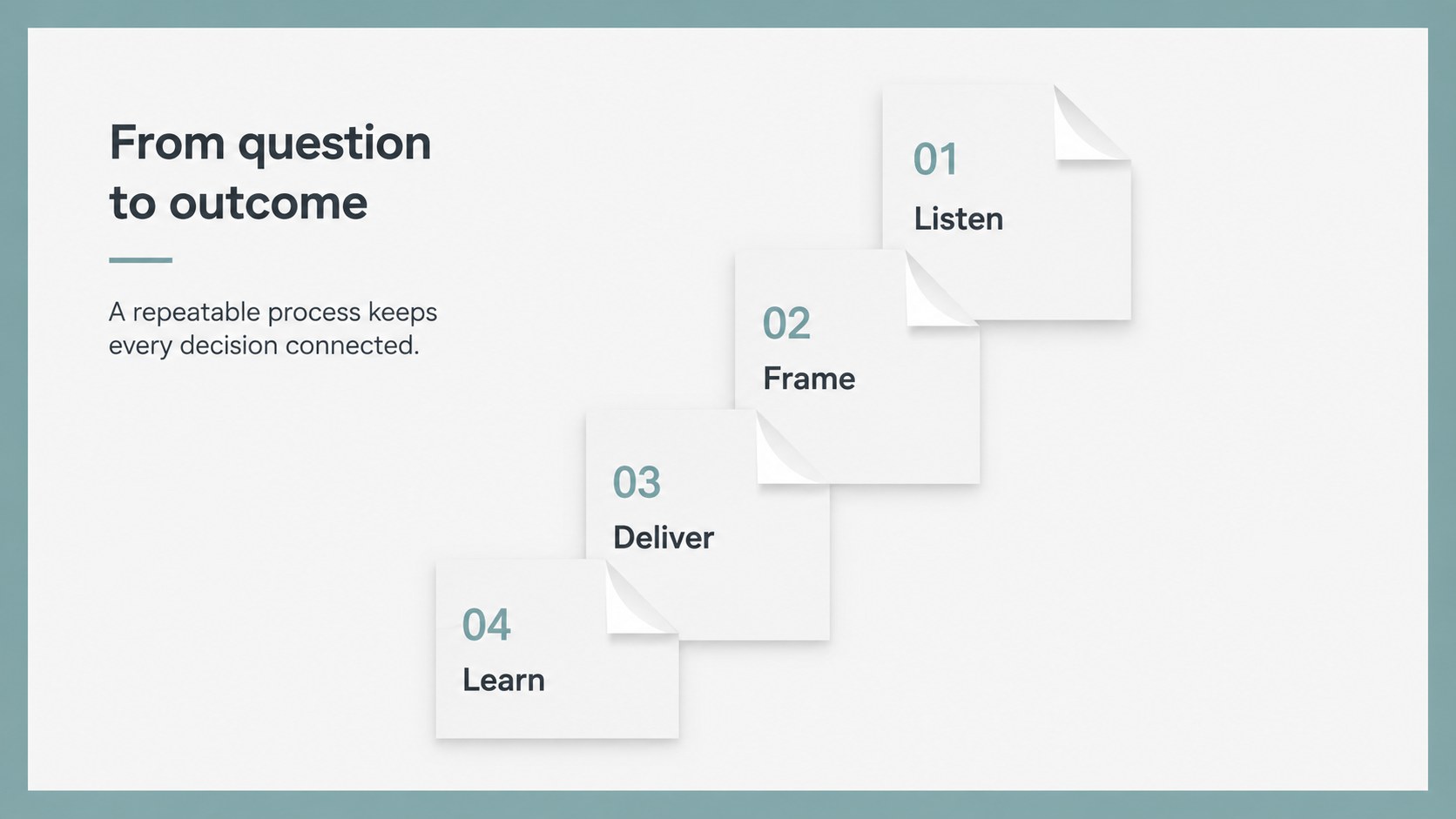
Inside, you will find 16:9 slides for an opening statement, agenda, company overview, challenge and solution, service breakdown, process timeline, market snapshot, comparison table, data chart, team profile, case study, roadmap, pricing, next steps, and closing message. Editable text, colors, images, diagrams, tables, icons, and a world map help you shape a complete presentation without rebuilding common business layouts. The structure also works well as a clean proposal slide deck or a modern consulting presentation template.
Use it for startup investor pitches, client briefings, internal planning sessions, training workshops, and conference talks. The files work in PowerPoint and Google Slides, with a flexible 16:9 format that can be adjusted for 4:3 projects when needed. Export the finished presentation to PDF or JPG for sharing and review.
Perfect for: startup investor pitch; client proposal meeting; internal strategy review; consulting workshop; company overview presentation.
Frequently asked questions
Can I edit this deck in PowerPoint? Yes. The presentation is designed for PowerPoint, and its text, shapes, colors, images, charts, tables, and icons can be edited. You can also export the finished file as a PDF or JPG.
Practical details
Yes. The presentation is designed for PowerPoint, and its text, shapes, colors, images, charts, tables, and icons can be edited. You can also export the finished file as a PDF or JPG.
Yes, you can use it as a Google Slides theme. Upload the PowerPoint file to Google Drive, open it with Google Slides, and adjust any imported elements that need minor formatting changes.
Yes. The paper backgrounds, accent colors, text, and imagery are customizable, so you can align the deck with your brand. The design uses a simple sans-serif approach to keep edits consistent across slides.
It suits business proposals, consulting engagements, investor updates, workshops, and internal planning. The combination of structured layouts and understated paper details also works well for company overviews and case studies.
Keep exploring
15Shape your publishing concept with an indie magazine startup pitch deck featuring pastel gradients, bold collage layouts, and editable planning slides.
 16
16Build clear project stories with the Icon Grid Teamwork Theme, a flexible blue illustrated deck for proposals, strategy updates, and team meetings.
 3
3Turn priorities into an actionable plan with an annual goals roadmap infographic, featuring editable orange and teal layouts for PowerPoint and Google Slides.
 15
15Create an Annual Achievement Report Presentation with colorful geometric layouts for milestones, results, lessons, and priorities in PowerPoint or Google Slides.
 15
15Turn results into a focused annual performance evaluation report with dark 3D slides for KPIs, achievements, feedback, and next-step goals for teams.
 15
15Guide a focused annual recap with Business Results Retrospective Slides, a muted brown-and-blue template for PowerPoint and Google Slides.
 6
6Turn complex plans into clear visual stories with Color-Coded Workflow Path Slides, an editable set for project updates, roadmaps, and team briefings.
 6
6Compare regional performance at a glance with Global Data Heatmap Slides, a clean multicolor deck designed for editable PowerPoint and Google Slides.