
 15
15presentation
Indie Magazine Startup Pitch Deck
Shape your publishing concept with an indie magazine startup pitch deck featuring pastel gradients, bold collage layouts, and editable planning slides.
Google SlidesPowerPoint
presentation · English
Map teams and reporting lines with an organizational structure infographic deck featuring editable, colorful layouts for PowerPoint and Google Slides.

Design notes
Clarify roles, departments, and reporting paths with an organizational structure infographic deck designed for quick communication. Its colorful, modern minimal style helps audiences understand how a business is organized without getting lost in dense labels or complicated diagrams. Use the layouts to introduce leadership, explain departmental relationships, or present a planned reorganization.
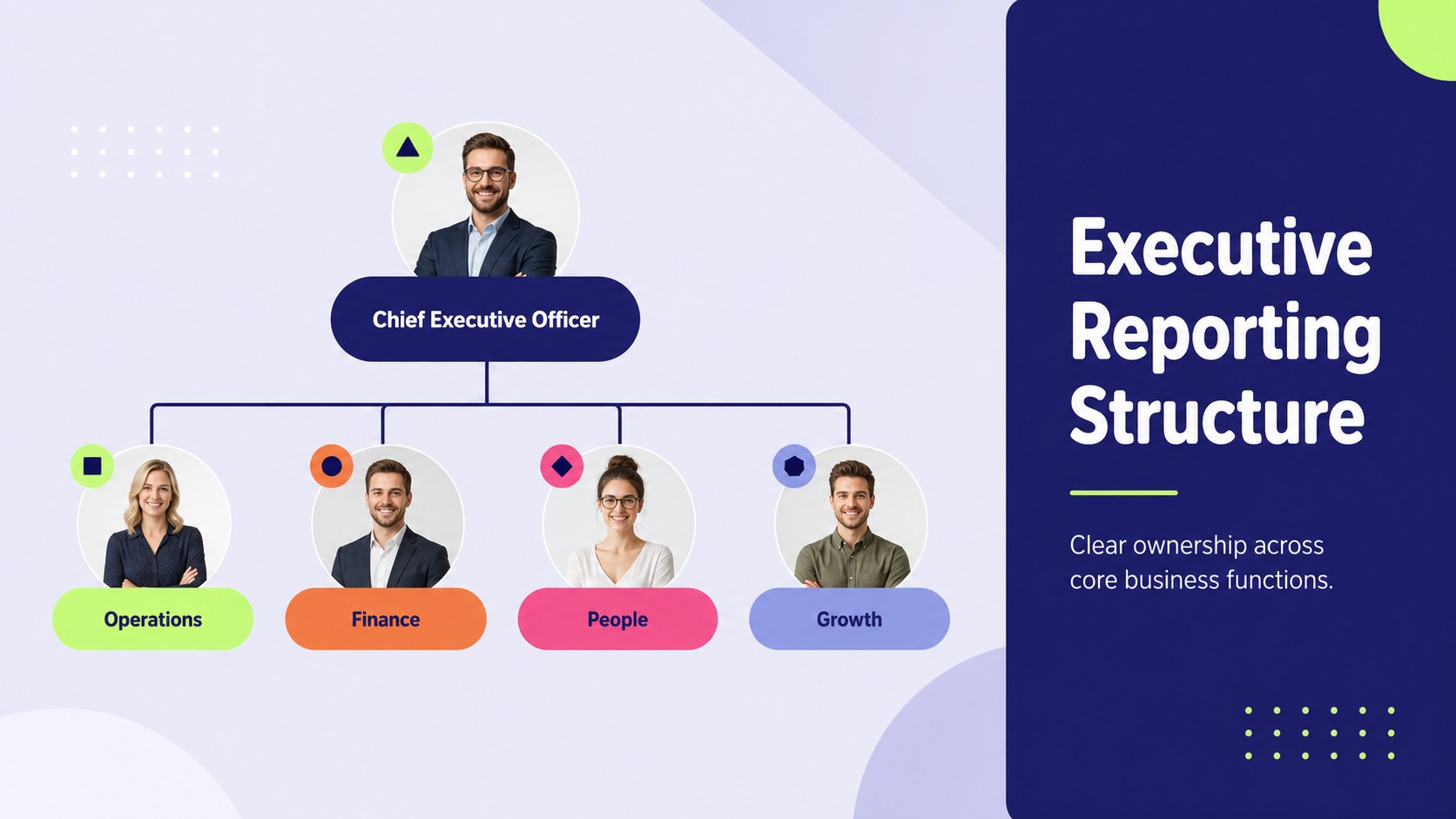
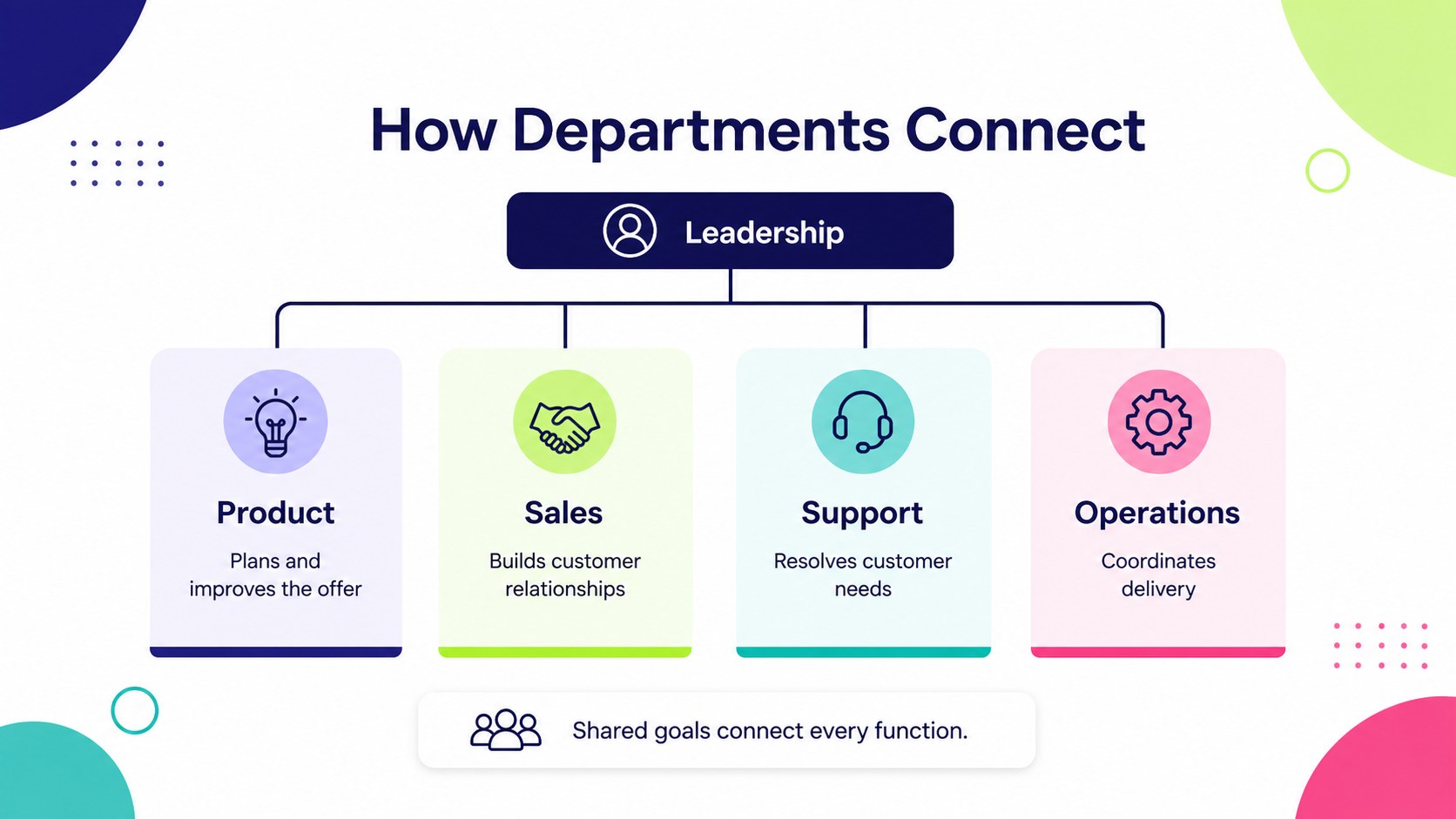
The deck includes four editable infographic layouts with varied structures for executive teams, departments, functional groups, and multi-level reporting lines. Adapt the editable organizational chart slides with your own role titles, names, colors, connectors, and supporting notes. A reporting line diagram template provides a practical starting point for showing direct reports, while the department hierarchy visualization helps compare teams within a wider organization. Every layout is built for straightforward editing in PowerPoint and Google Slides.
This template suits HR professionals, operations managers, founders, consultants, and team leaders preparing onboarding sessions, internal reviews, board updates, or workforce planning meetings. It can also support proposals that need to explain accountability, decision-making paths, or collaboration between business units. The clean typography, bright accents, and spacious composition keep detailed information readable while maintaining a confident professional tone.
Perfect for: new employee onboarding; department structure review; company reorganization proposal; board reporting update; workforce planning meeting.
Frequently asked questions
Can I edit the roles and reporting lines? Yes. Replace every name, job title, department label, and connector with your own information, then adjust the hierarchy to match your organization.
Practical details
Yes. Replace every name, job title, department label, and connector with your own information, then adjust the hierarchy to match your organization.
The deck is designed for PowerPoint and Google Slides. Layouts, text, colors, and diagram elements can be edited in either platform.
Yes. Update the accent colors, backgrounds, typography, and diagram shapes to align with your brand guidelines while preserving the clear visual hierarchy.
The slides can be duplicated and adapted for individual divisions or reporting levels. For complex organizations, use one overview followed by separate department charts to maintain readability.
Keep exploring
15Shape your publishing concept with an indie magazine startup pitch deck featuring pastel gradients, bold collage layouts, and editable planning slides.
 16
16Build clear project stories with the Icon Grid Teamwork Theme, a flexible blue illustrated deck for proposals, strategy updates, and team meetings.
 3
3Turn priorities into an actionable plan with an annual goals roadmap infographic, featuring editable orange and teal layouts for PowerPoint and Google Slides.
 15
15Create an Annual Achievement Report Presentation with colorful geometric layouts for milestones, results, lessons, and priorities in PowerPoint or Google Slides.
 15
15Turn results into a focused annual performance evaluation report with dark 3D slides for KPIs, achievements, feedback, and next-step goals for teams.
 15
15Guide a focused annual recap with Business Results Retrospective Slides, a muted brown-and-blue template for PowerPoint and Google Slides.
 6
6Turn complex plans into clear visual stories with Color-Coded Workflow Path Slides, an editable set for project updates, roadmaps, and team briefings.
 6
6Compare regional performance at a glance with Global Data Heatmap Slides, a clean multicolor deck designed for editable PowerPoint and Google Slides.