
 15
15presentation
Indie Magazine Startup Pitch Deck
Shape your publishing concept with an indie magazine startup pitch deck featuring pastel gradients, bold collage layouts, and editable planning slides.
Google SlidesPowerPoint
presentation · English
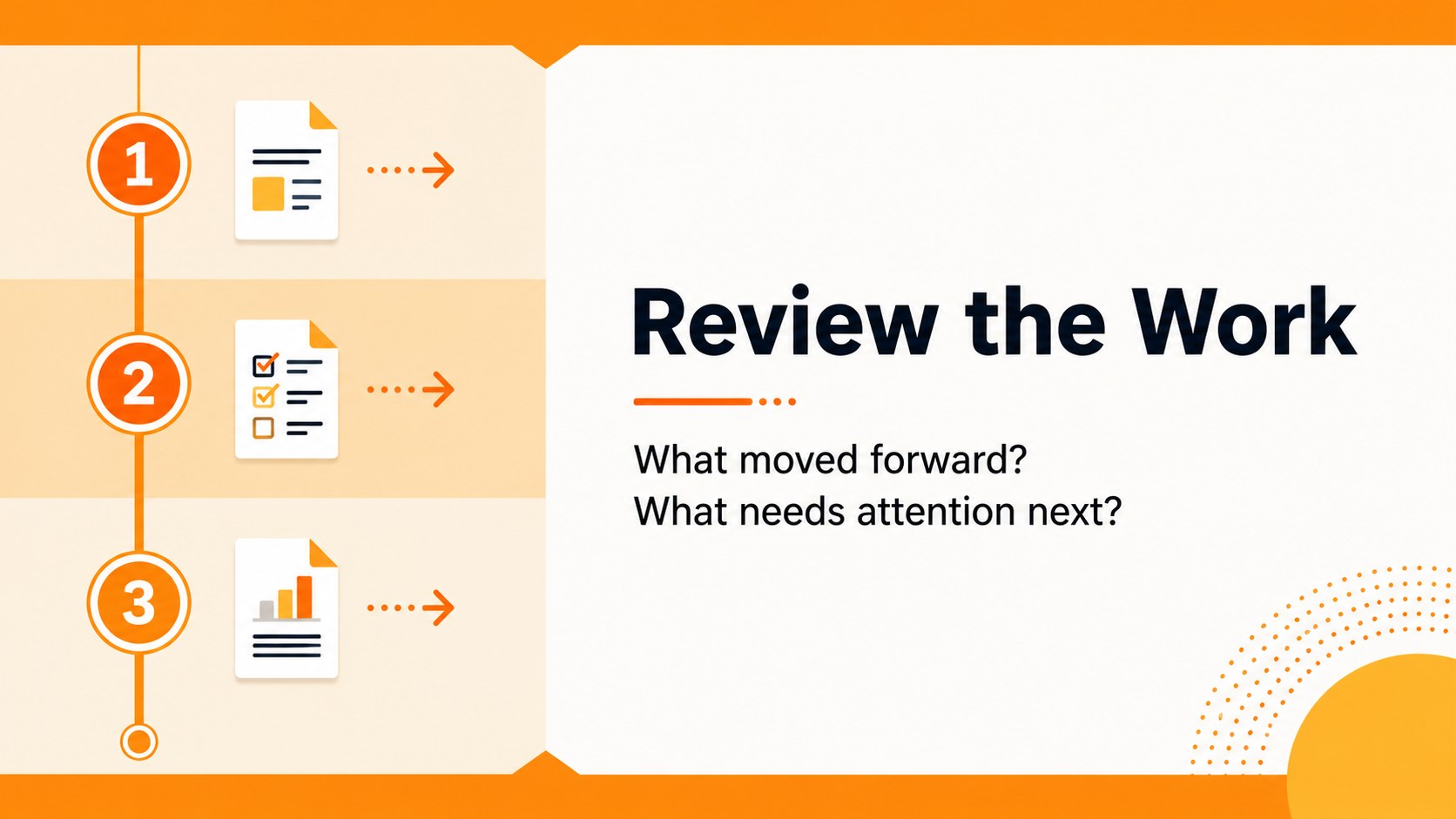
Run focused team reviews with orange sprint review workshop slides for project lessons, action items, and next steps in PowerPoint or Google Slides.

Design notes
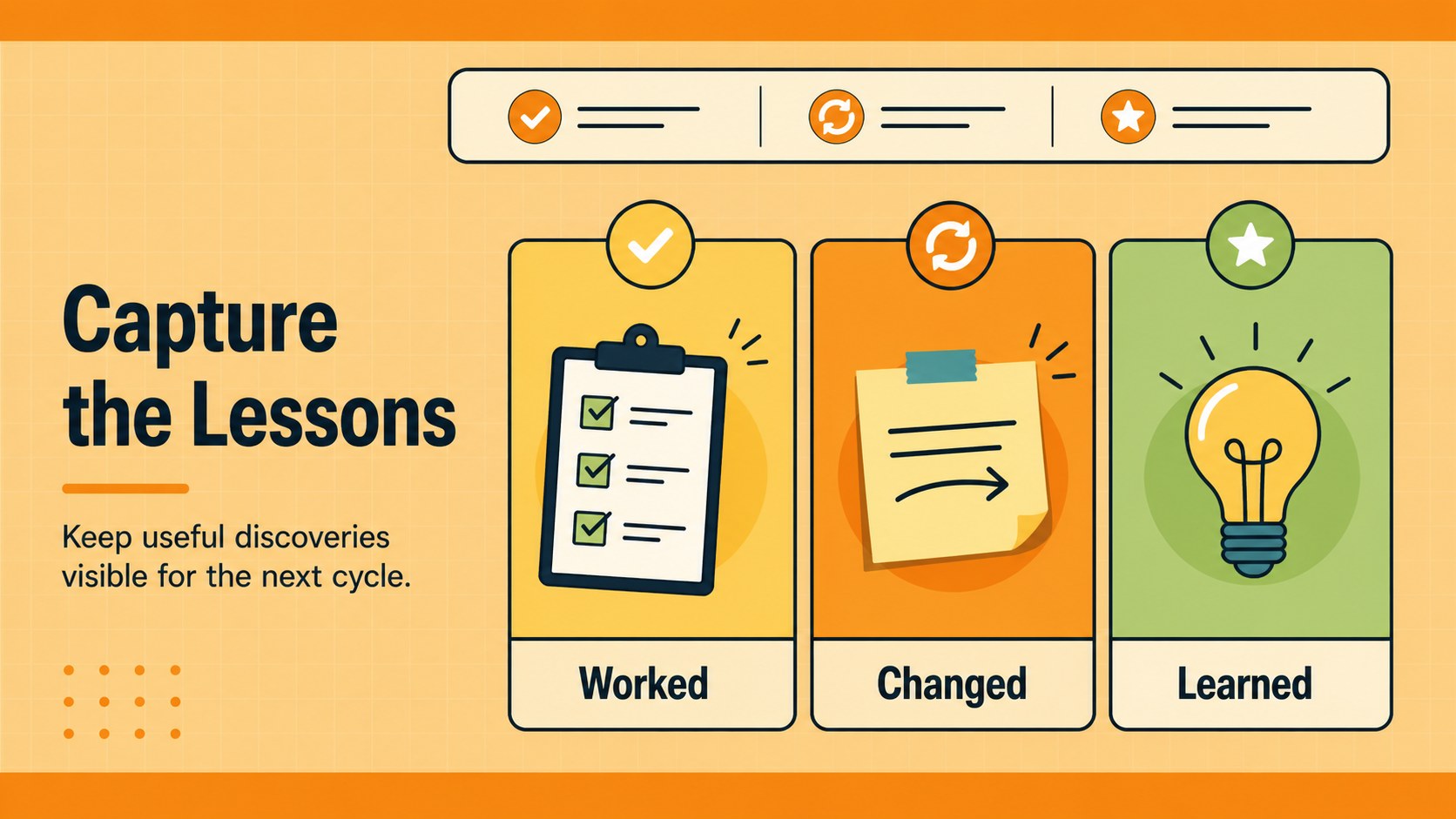
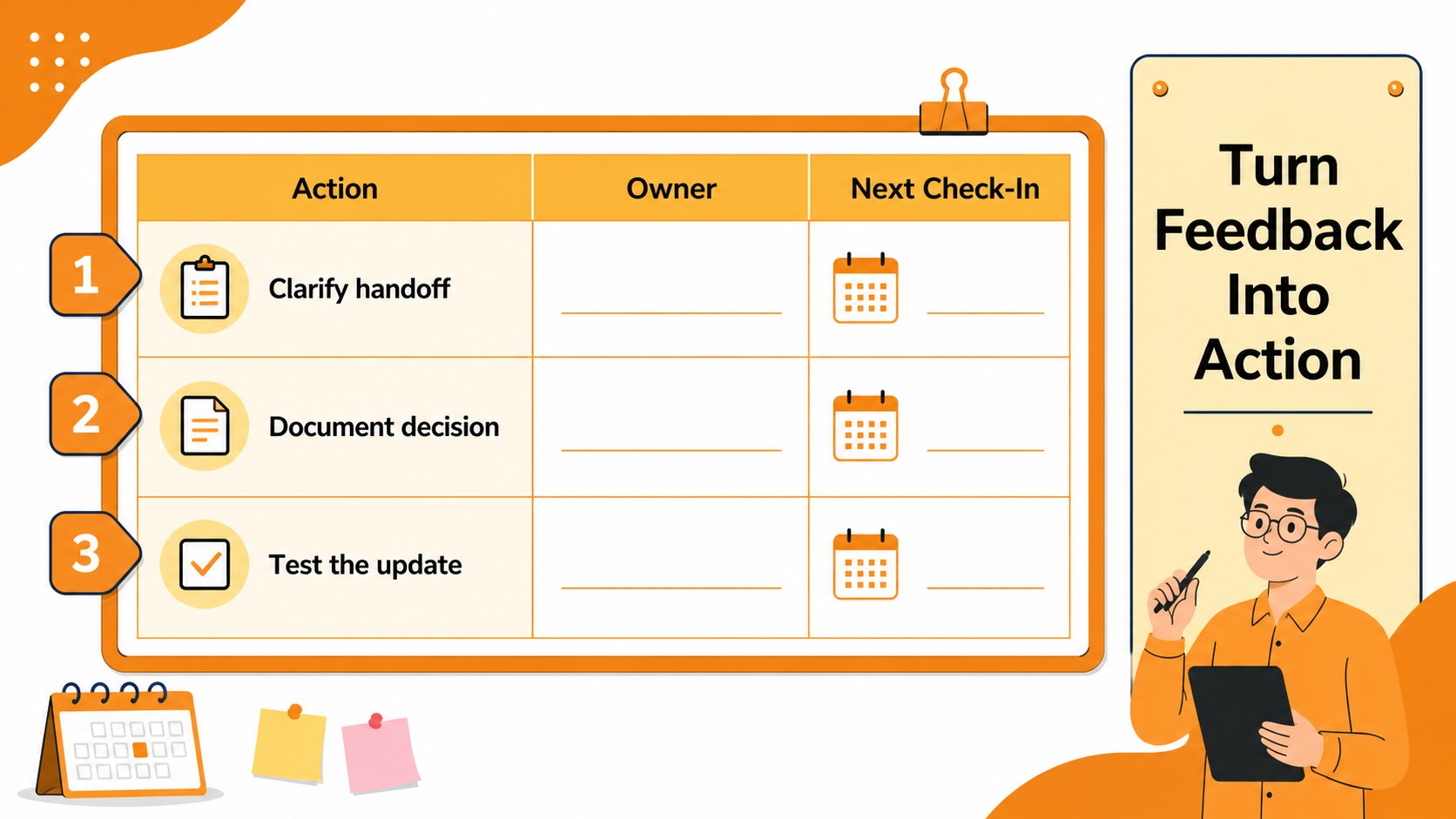
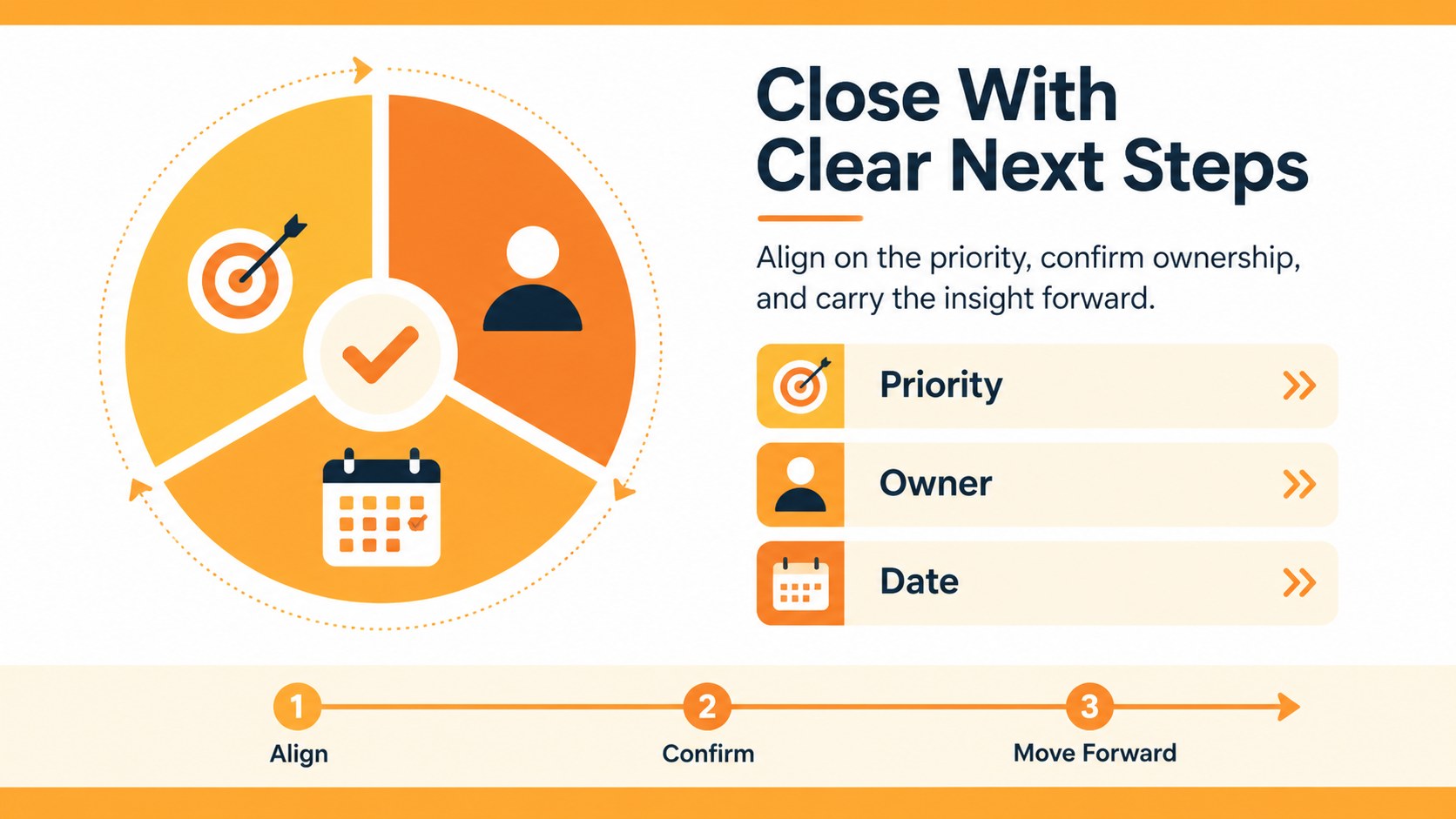
Orange sprint review workshop slides help teams turn end-of-cycle discussions into clear decisions and useful follow-up. Built for agile teams, project managers, facilitators, and business professionals, this bright orange presentation theme provides a structured way to review progress, identify blockers, capture lessons learned, and assign next steps without overwhelming the audience.
The deck includes five ready-to-use A4 infographic layouts that can be fully customized for different review formats. Use editable charts, frames, lines, shapes, sticky-note areas, and action-plan sections to organize feedback and highlight priorities. Animation and transition features support polished delivery, while the simple Roboto typography and orange palette keep information easy to scan. The layouts are suitable for sprint review meeting slides, retrospective workshops, project closeouts, and internal team presentations.
Download the template for PowerPoint or Google Slides, or adapt it with drag-and-drop editing, color palettes, font sets, emojis, image libraries, page animation, collaboration tools, notes, and presentation practice features. Use the orange sprint review workshop slides to guide conversation, summarize team insights, and keep responsibilities visible after the meeting.
Perfect for: weekly sprint review meeting; agile retrospective workshop; project closeout presentation; team lessons learned session; action planning meeting.
Frequently asked questions
Can I edit these sprint review slides? Yes. The template is available with editable text, shapes, colors, charts, and layout elements. You can also add images, notes, animations, and collaboration comments.
Practical details
Yes. The template is available with editable text, shapes, colors, charts, and layout elements. You can also add images, notes, animations, and collaboration comments.
Yes. You can use the deck in both PowerPoint and Google Slides, as well as. Edit the wording, rearrange visual blocks, and adapt the layouts to your team's review process.
Use the layouts for completed work, progress highlights, blockers, team feedback, lessons learned, and assigned action items. The infographic sections can be rearranged to match your meeting agenda.
Yes. Every slide is customizable, so you can replace the orange accents, update the Roboto font settings, and apply your team's visual identity. Editable charts and shapes make it easy to maintain a consistent presentation style.
Keep exploring
15Shape your publishing concept with an indie magazine startup pitch deck featuring pastel gradients, bold collage layouts, and editable planning slides.
 16
16Build clear project stories with the Icon Grid Teamwork Theme, a flexible blue illustrated deck for proposals, strategy updates, and team meetings.
 3
3Turn priorities into an actionable plan with an annual goals roadmap infographic, featuring editable orange and teal layouts for PowerPoint and Google Slides.
 15
15Create an Annual Achievement Report Presentation with colorful geometric layouts for milestones, results, lessons, and priorities in PowerPoint or Google Slides.
 15
15Turn results into a focused annual performance evaluation report with dark 3D slides for KPIs, achievements, feedback, and next-step goals for teams.
 15
15Guide a focused annual recap with Business Results Retrospective Slides, a muted brown-and-blue template for PowerPoint and Google Slides.
 6
6Turn complex plans into clear visual stories with Color-Coded Workflow Path Slides, an editable set for project updates, roadmaps, and team briefings.
 6
6Compare regional performance at a glance with Global Data Heatmap Slides, a clean multicolor deck designed for editable PowerPoint and Google Slides.