
 15
15presentation
Indie Magazine Startup Pitch Deck
Shape your publishing concept with an indie magazine startup pitch deck featuring pastel gradients, bold collage layouts, and editable planning slides.
Google SlidesPowerPoint
presentation · English
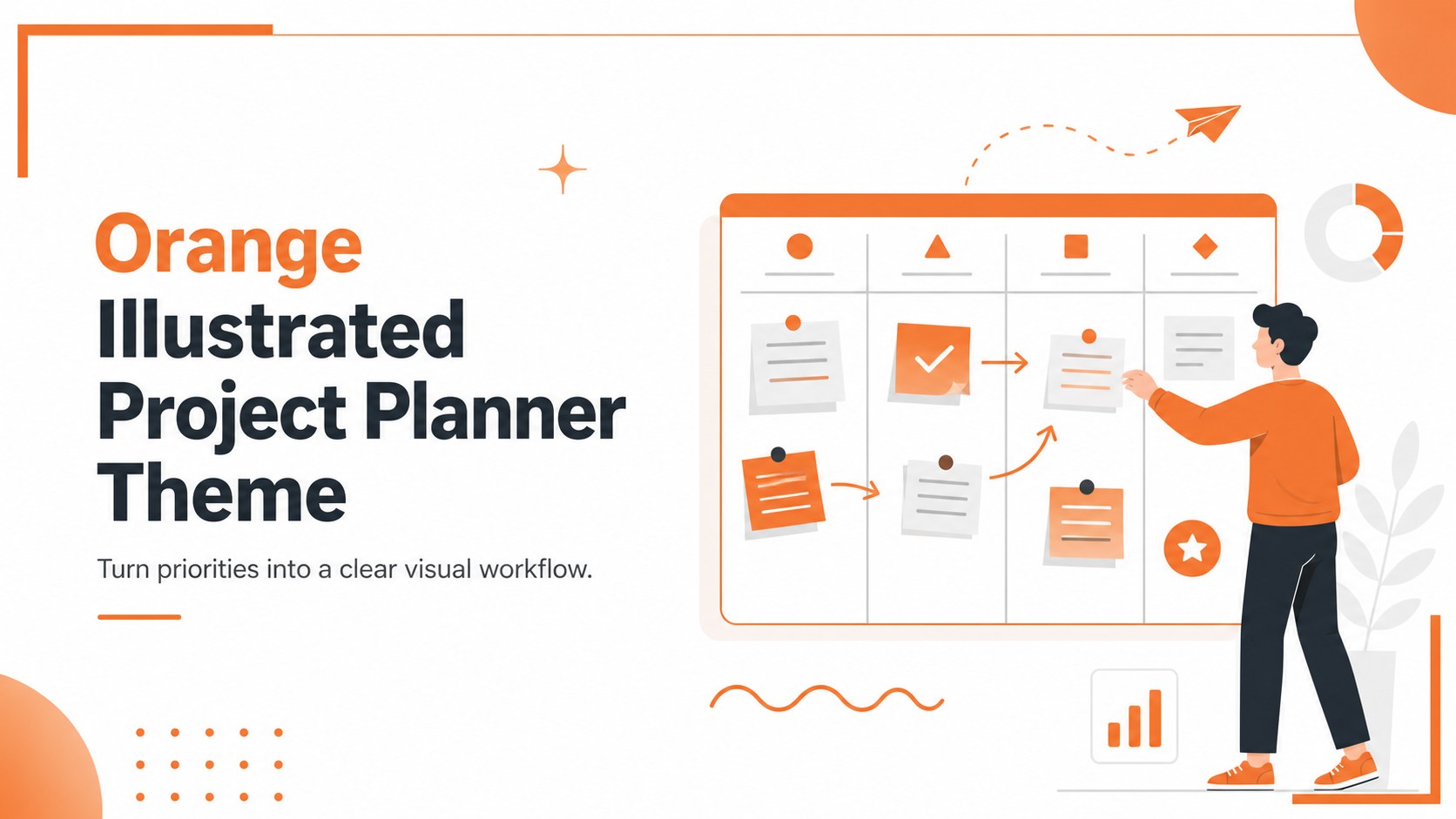
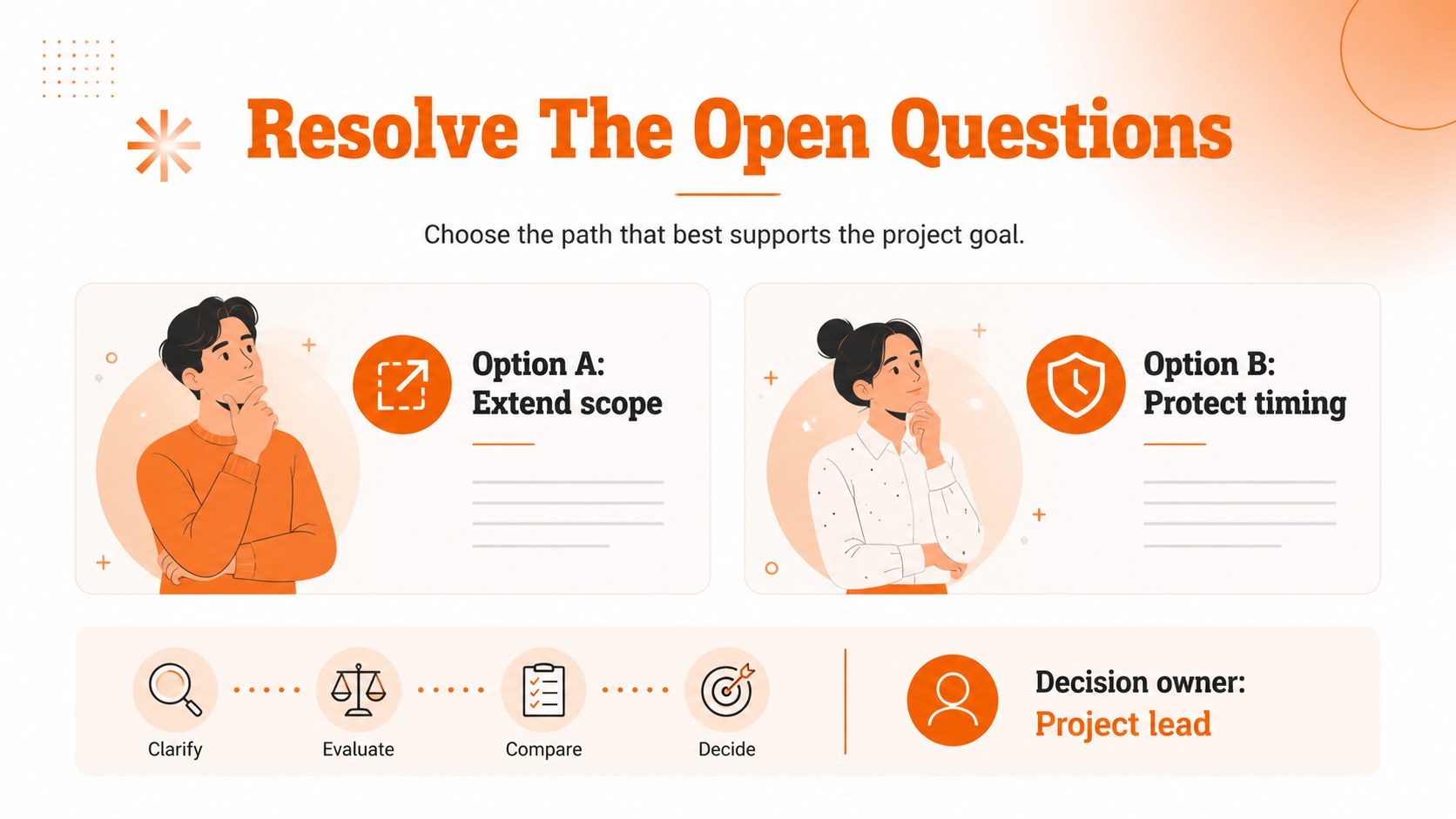
Build clearer team workflows with an orange project planner theme featuring illustrated layouts for goals, milestones, owners, timelines, and next steps.
Design notes
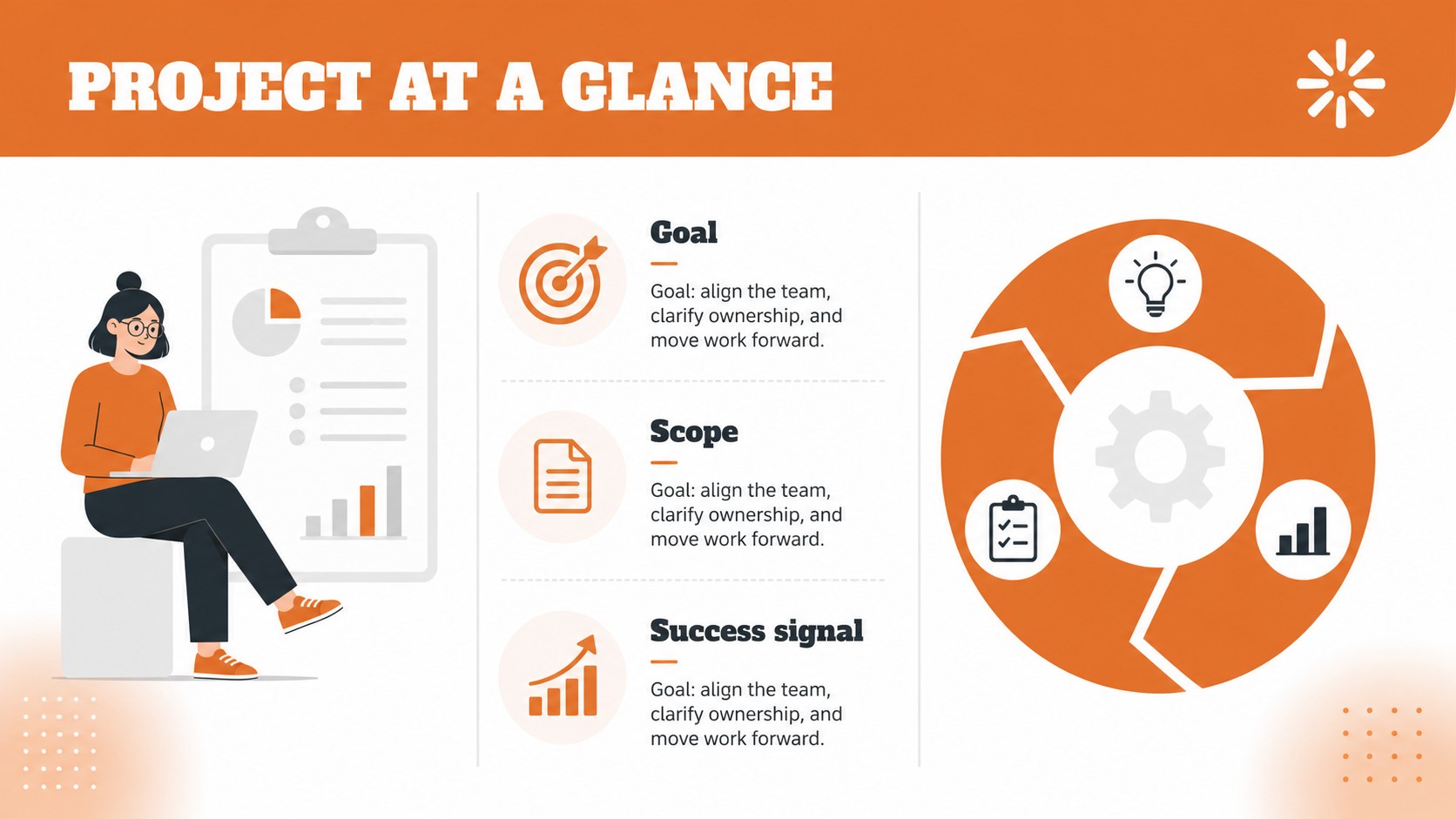
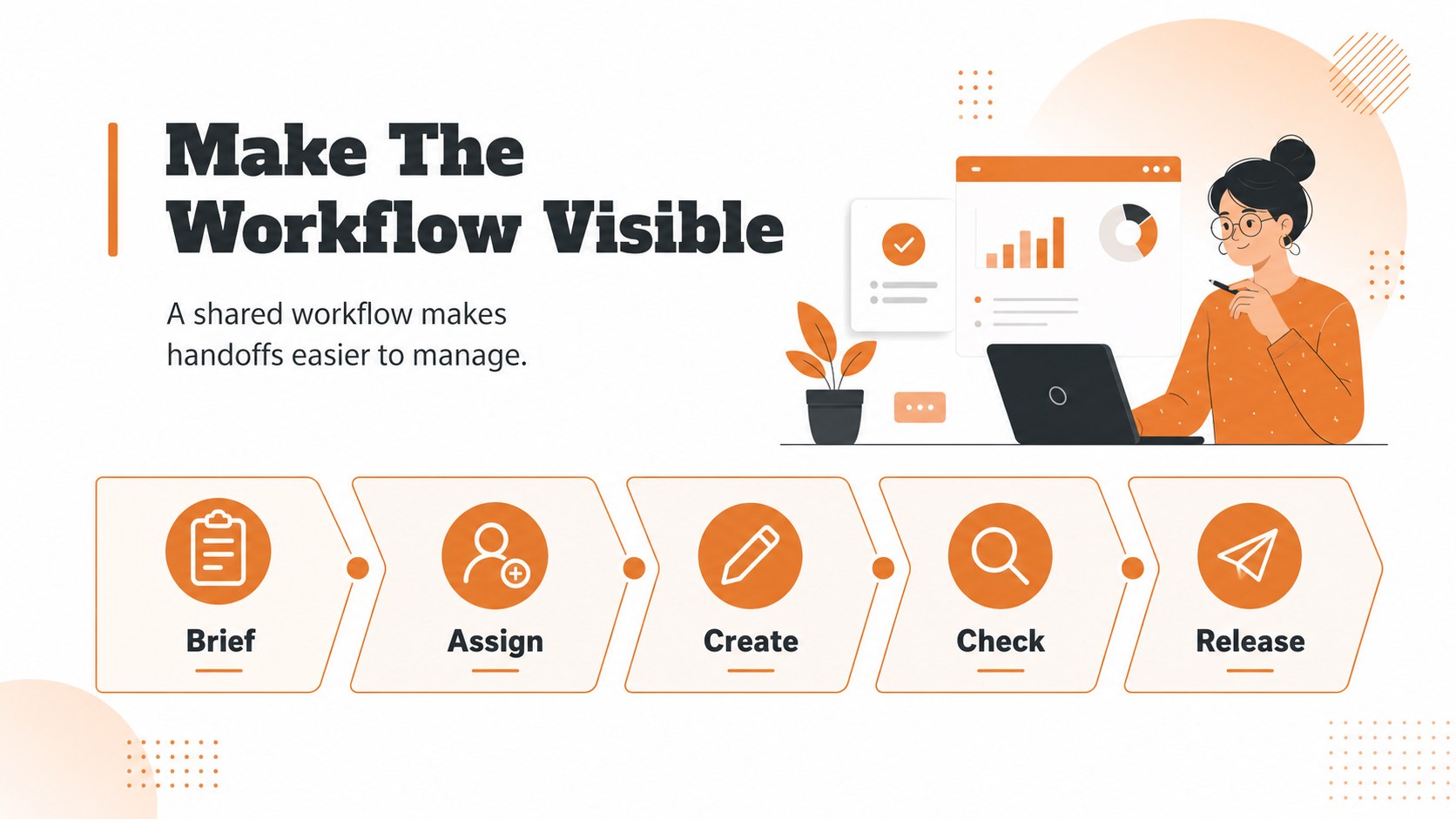
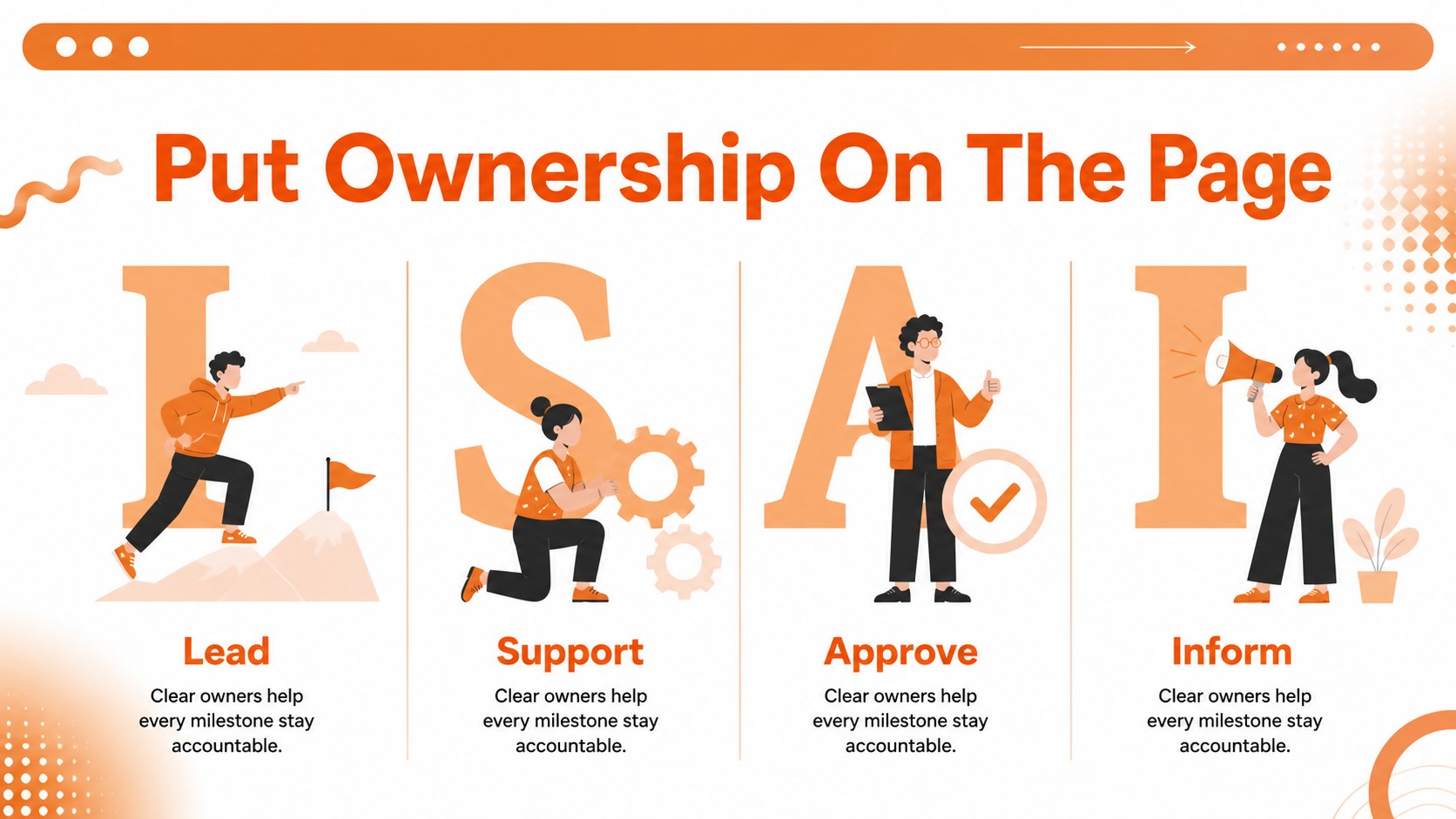
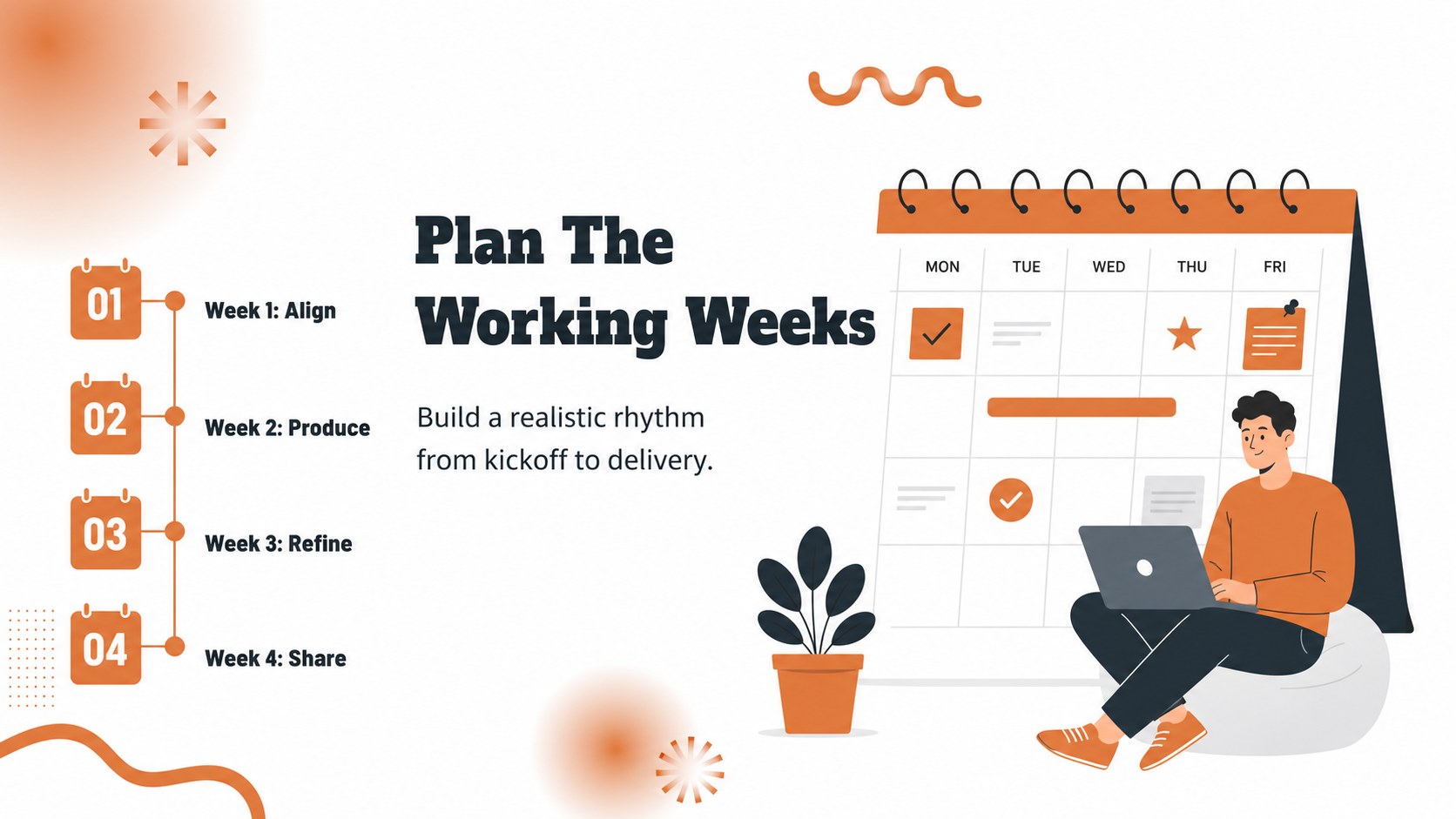
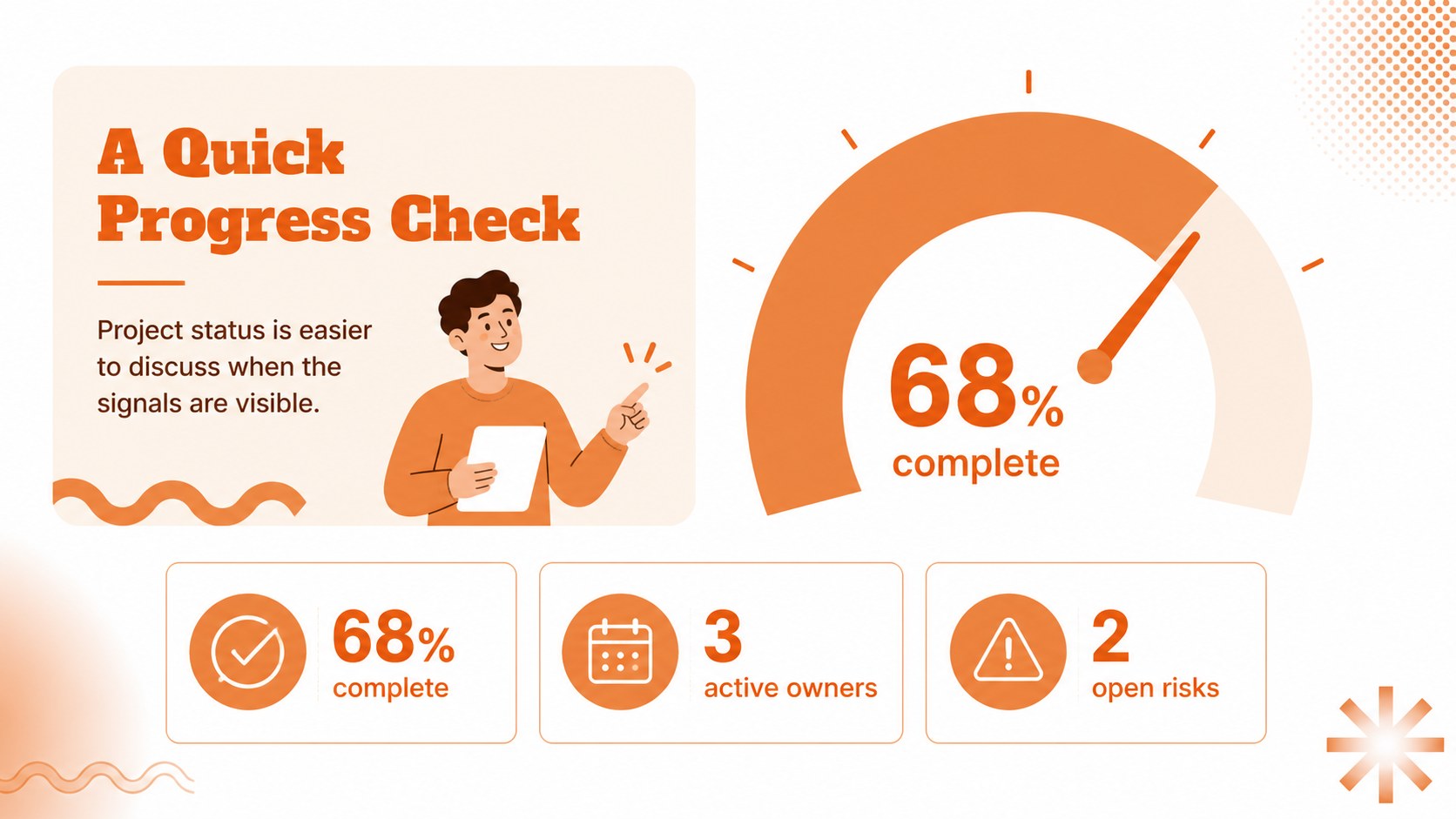
Turn scattered priorities into a clear visual workflow with this orange project planner theme. Its energetic orange-and-white palette, bold Alfa Slab One typography, and friendly illustrations give team meetings a confident visual rhythm without overwhelming the information. Use the deck to frame goals, organize milestones, assign ownership, and show how each task moves a project forward.
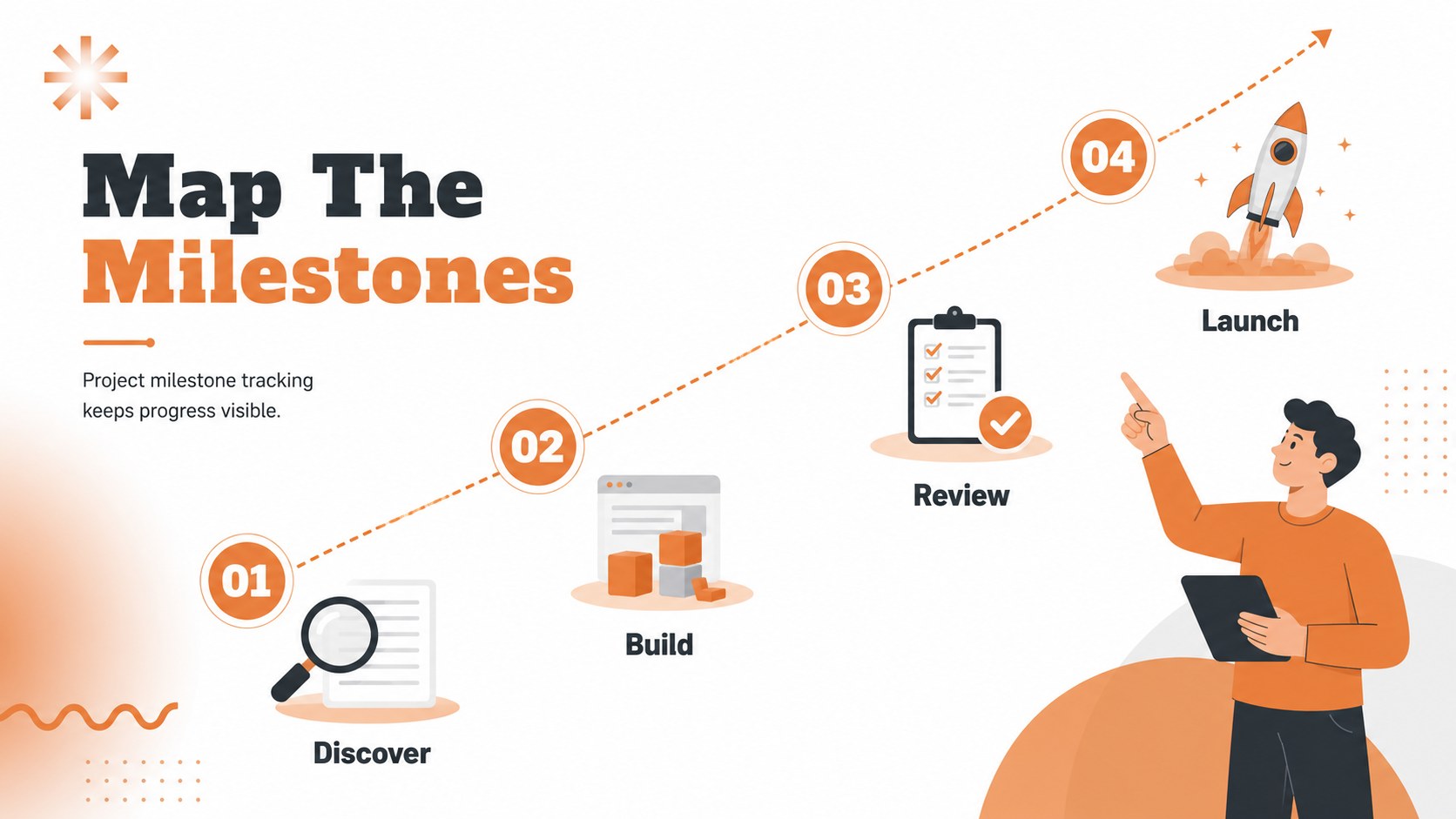
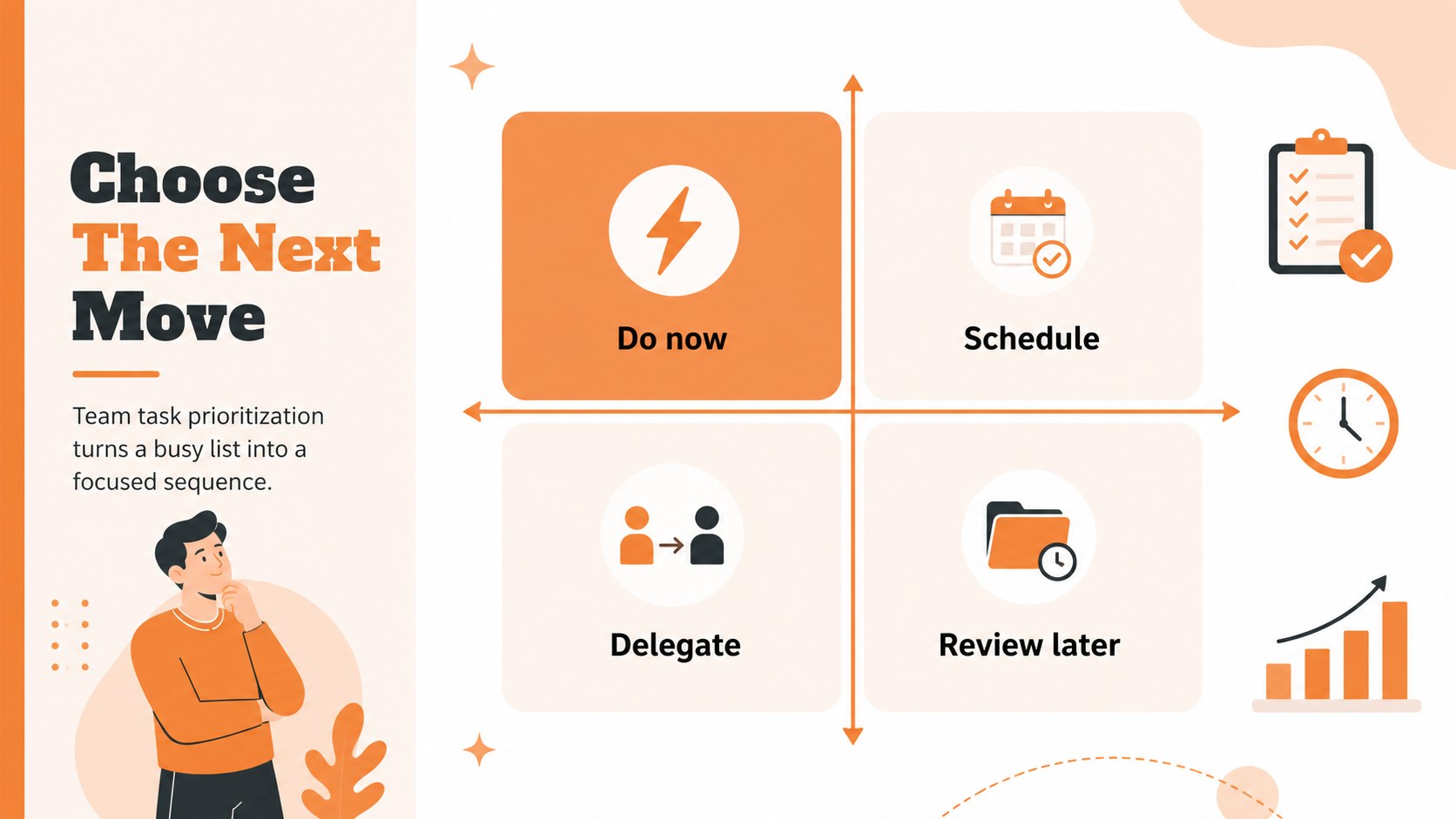
Inside, you’ll find 10 adaptable 16:9 layouts for project kickoff meetings, team planning sessions, business updates, and strategy reviews. The structure supports project milestone tracking, team task prioritization, workflow mapping, progress summaries, and concise decision-making. Mix illustrated overview slides with timelines, task boards, status panels, and closing action summaries to create a presentation that fits your process.
This template suits project managers, operations teams, startup founders, consultants, educators, and anyone who needs to turn planning details into an audience-friendly story. Edit the text, charts, shapes, colors, and illustrations, then export the finished deck for PowerPoint or Google Slides. The layouts are fully customizable, so you can adapt the visual language for a client presentation, internal review, launch plan, or recurring team check-in.
Perfect for: project kickoff meeting; quarterly team planning; client implementation review; product launch timeline; startup operations update.
Frequently asked questions
Can I edit this project planner theme? Yes. You can change the wording, colors, illustrations, charts, and layout elements using its drag-and-drop editor. Duplicate or remove slides as needed for your project.
Practical details
Yes. You can change the wording, colors, illustrations, charts, and layout elements using its drag-and-drop editor. Duplicate or remove slides as needed for your project.
Yes. After editing, export the presentation as a PowerPoint file or save an editable copy to Google Drive for Google Slides. Some -specific effects may need adjustment after export.
Yes. The layouts can present completed work, current blockers, upcoming milestones, owners, and next steps. Replace the sample content with your team’s project data for a focused status review.
Yes. The illustrated orange-and-white design works well for implementation plans, delivery timelines, and project proposals. Simplify internal notes and add client-specific milestones before presenting.
Keep exploring
15Shape your publishing concept with an indie magazine startup pitch deck featuring pastel gradients, bold collage layouts, and editable planning slides.
 16
16Build clear project stories with the Icon Grid Teamwork Theme, a flexible blue illustrated deck for proposals, strategy updates, and team meetings.
 3
3Turn priorities into an actionable plan with an annual goals roadmap infographic, featuring editable orange and teal layouts for PowerPoint and Google Slides.
 15
15Create an Annual Achievement Report Presentation with colorful geometric layouts for milestones, results, lessons, and priorities in PowerPoint or Google Slides.
 15
15Turn results into a focused annual performance evaluation report with dark 3D slides for KPIs, achievements, feedback, and next-step goals for teams.
 15
15Guide a focused annual recap with Business Results Retrospective Slides, a muted brown-and-blue template for PowerPoint and Google Slides.
 6
6Turn complex plans into clear visual stories with Color-Coded Workflow Path Slides, an editable set for project updates, roadmaps, and team briefings.
 6
6Compare regional performance at a glance with Global Data Heatmap Slides, a clean multicolor deck designed for editable PowerPoint and Google Slides.