
 15
15presentation
Indie Magazine Startup Pitch Deck
Shape your publishing concept with an indie magazine startup pitch deck featuring pastel gradients, bold collage layouts, and editable planning slides.
Google SlidesPowerPoint
document · English
Build an operational handover planning deck for mergers, restructuring, or leadership changes, with editable slides for milestones, owners, risks, and next…
Design notes
An operational handover planning deck gives business professionals a practical visual system for managing change with less confusion. Use it to organize the transition of responsibilities, communicate decisions, and keep key contributors aligned during a merger, restructuring, departmental move, or leadership change. The clean blue and white design creates a professional setting for sensitive planning discussions.
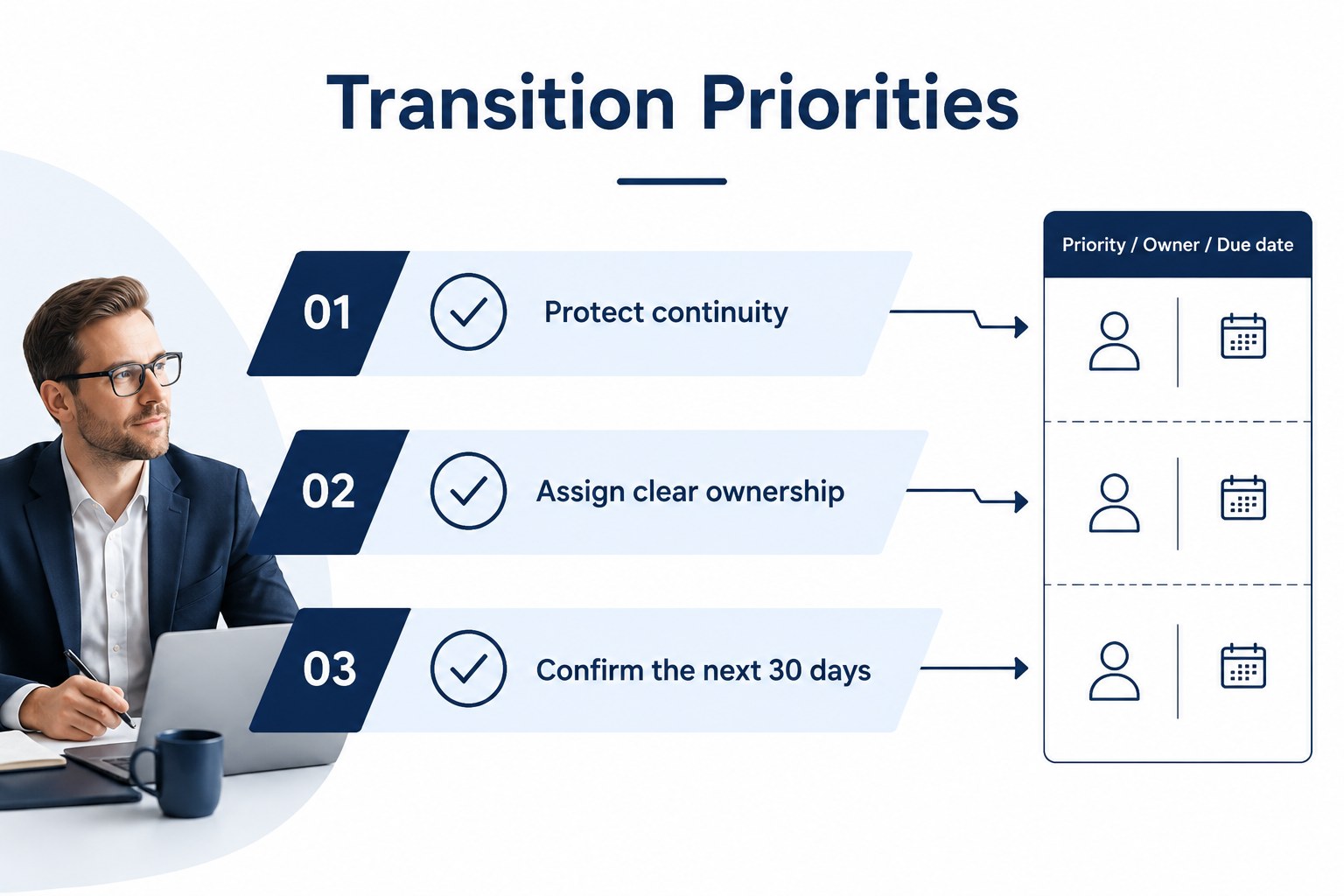
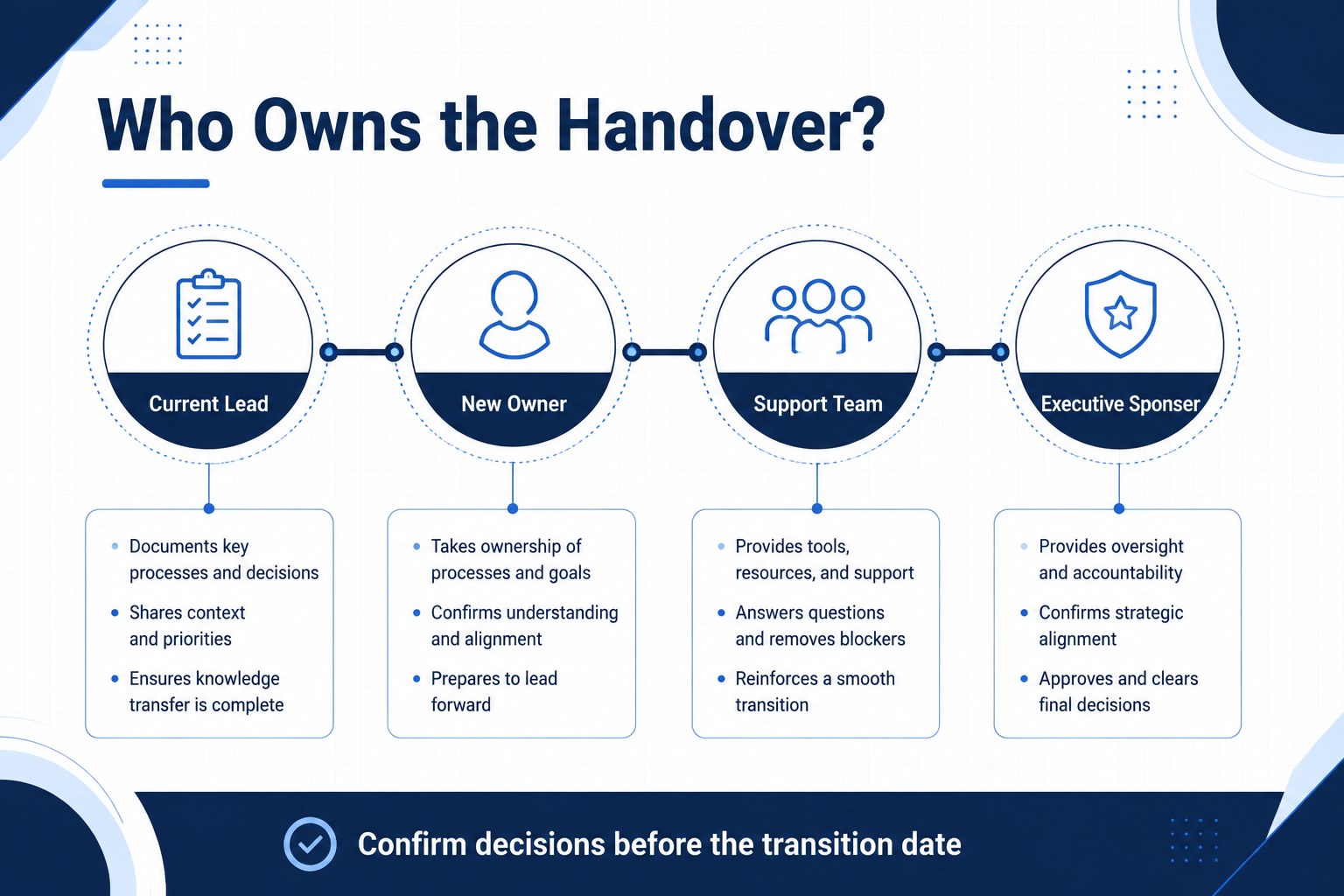
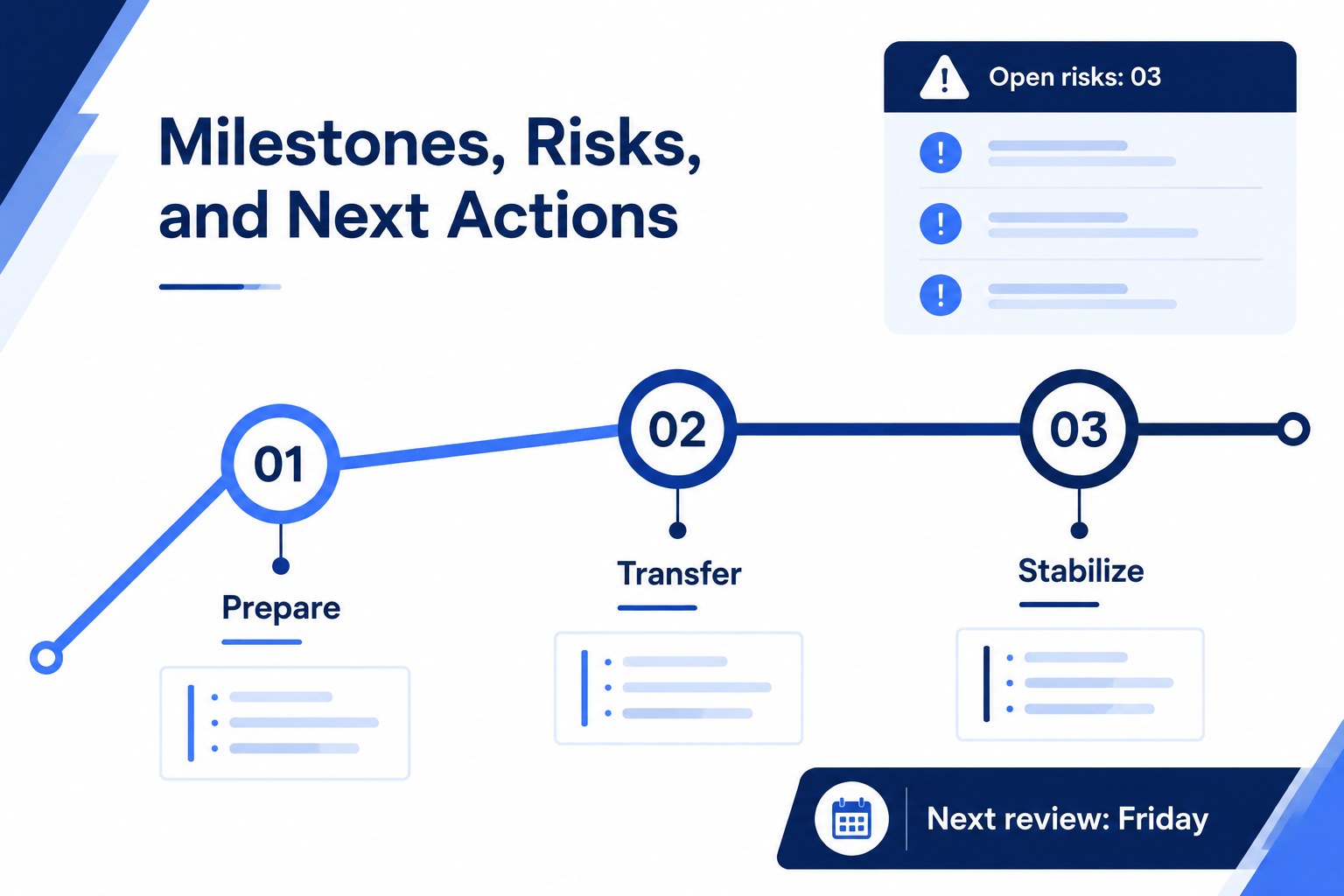
Inside, you will find an opening overview, transition priorities, responsibility mapping, milestone tracking, risk considerations, and space for action items. The layouts are designed to turn a detailed business handover plan template into a presentation that is easy to review in meetings and simple to update as plans evolve. Use charts, timelines, tables, and concise callouts to show progress without overwhelming stakeholders.
This resource suits project managers, operations leaders, HR teams, consultants, department heads, and executives preparing teams for a planned change. Edit the slides in PowerPoint or Google Slides, adjust the blue and white palette to match your organization, and add dates, owners, dependencies, or approval checkpoints. It works well for leadership briefings, transition workshops, internal communications, and collaborative planning sessions where everyone needs a shared view of the next phase.
Perfect for: merger integration briefing; leadership succession meeting; department restructuring workshop; project ownership transfer; operations continuity review.
Frequently asked questions
Can I edit this deck in PowerPoint? Yes. The layouts can be customized in PowerPoint with your own text, dates, charts, and company details. You can also change fonts and colors while keeping the blue and white visual system.
Practical details
Yes. The layouts can be customized in PowerPoint with your own text, dates, charts, and company details. You can also change fonts and colors while keeping the blue and white visual system.
Yes, you can import the presentation into Google Slides and continue editing online. Review spacing and font substitutions after import to ensure every slide displays as intended.
Include transition goals, named owners, key dates, dependencies, open risks, approval points, and immediate next actions. Keep each slide focused on decisions or responsibilities that stakeholders need to understand.
Yes. It can be adapted for mergers, restructuring, leadership changes, departmental transfers, and project ownership shifts. Replace the sample milestones and responsibility labels with the terminology used by your team.
Keep exploring
15Shape your publishing concept with an indie magazine startup pitch deck featuring pastel gradients, bold collage layouts, and editable planning slides.
 16
16Build clear project stories with the Icon Grid Teamwork Theme, a flexible blue illustrated deck for proposals, strategy updates, and team meetings.
 3
3Turn priorities into an actionable plan with an annual goals roadmap infographic, featuring editable orange and teal layouts for PowerPoint and Google Slides.
 15
15Create an Annual Achievement Report Presentation with colorful geometric layouts for milestones, results, lessons, and priorities in PowerPoint or Google Slides.
 15
15Turn results into a focused annual performance evaluation report with dark 3D slides for KPIs, achievements, feedback, and next-step goals for teams.
 15
15Guide a focused annual recap with Business Results Retrospective Slides, a muted brown-and-blue template for PowerPoint and Google Slides.
 6
6Turn complex plans into clear visual stories with Color-Coded Workflow Path Slides, an editable set for project updates, roadmaps, and team briefings.
 6
6Compare regional performance at a glance with Global Data Heatmap Slides, a clean multicolor deck designed for editable PowerPoint and Google Slides.