
 15
15presentation
Indie Magazine Startup Pitch Deck
Shape your publishing concept with an indie magazine startup pitch deck featuring pastel gradients, bold collage layouts, and editable planning slides.
Google SlidesPowerPoint
presentation · English
Build reports and proposals with the Onyx Motion Business Deck, featuring bold type, orange accents, and editable layouts for PowerPoint and Google Slides.








Design notes
The Onyx Motion Business Deck gives strategic ideas a focused, contemporary setting. Its deep black canvas, sharp orange accents, oversized headings, and directional linework create a strong visual rhythm without distracting from the message. Use this dark orange corporate presentation to communicate priorities, evidence, and recommendations with confidence.
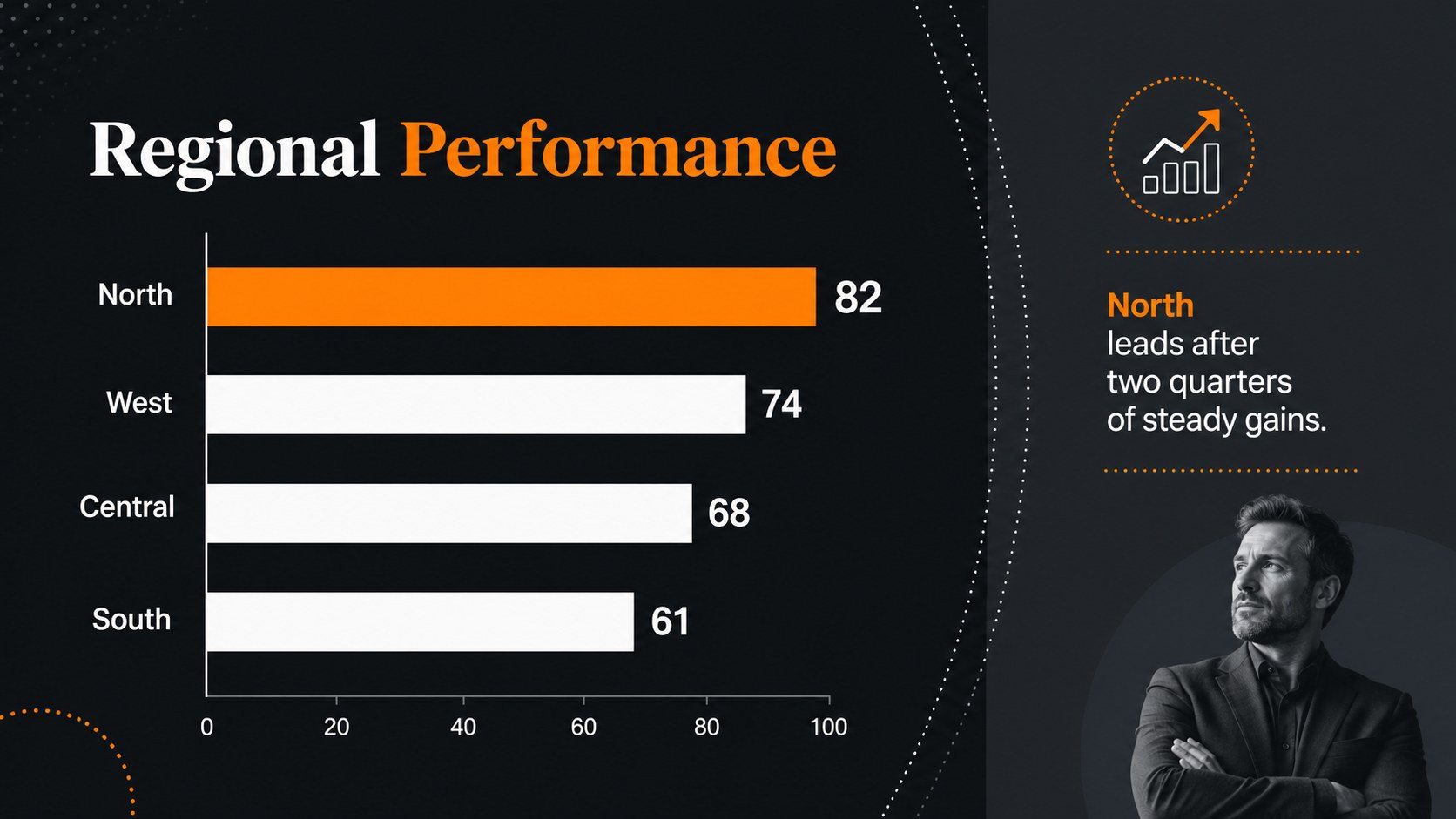
The collection includes 16 coordinated layouts for an opening statement, agenda, company profile, key metrics, service overview, process diagram, project timeline, data comparison, financial outlook, team introduction, and closing message. Editable charts, tables, icons, image areas, and text blocks help you adapt each page quickly. The widescreen format works in both PowerPoint and Google Slides, while the flexible color system makes it straightforward to replace the orange accents with an approved brand color.
Designed for consultants, founders, managers, analysts, and internal communications teams, this template supports investor discussions, client proposals, quarterly reviews, and planning sessions. It can serve as a set of geometric annual report slides or an executive project update presentation while maintaining a consistent, polished identity. Choose only the layouts your story needs, reorder them freely, and tailor every visual element to match your organization.
Perfect for: quarterly business review; client project proposal; executive strategy briefing; startup investor pitch; annual performance report.
Frequently asked questions
Can I edit every element in this presentation? Yes. Text, colors, shapes, charts, tables, icons, and image placeholders can be edited directly in PowerPoint or Google Slides. You can also duplicate, remove, or reorder layouts to fit your presentation.
Practical details
Yes. Text, colors, shapes, charts, tables, icons, and image placeholders can be edited directly in PowerPoint or Google Slides. You can also duplicate, remove, or reorder layouts to fit your presentation.
The deck is designed for Microsoft PowerPoint and Google Slides. Import the file into your preferred platform and review font availability before presenting.
Replace the orange accent through the theme colors, then add your approved fonts, imagery, and company information. The restrained black background makes most bright brand colors easy to introduce consistently.
Yes. After editing, you can export the presentation as a PDF or save individual pages as images using the export options available in PowerPoint or Google Slides.
Keep exploring
15Shape your publishing concept with an indie magazine startup pitch deck featuring pastel gradients, bold collage layouts, and editable planning slides.
 16
16Build clear project stories with the Icon Grid Teamwork Theme, a flexible blue illustrated deck for proposals, strategy updates, and team meetings.
 3
3Turn priorities into an actionable plan with an annual goals roadmap infographic, featuring editable orange and teal layouts for PowerPoint and Google Slides.
 15
15Create an Annual Achievement Report Presentation with colorful geometric layouts for milestones, results, lessons, and priorities in PowerPoint or Google Slides.
 15
15Turn results into a focused annual performance evaluation report with dark 3D slides for KPIs, achievements, feedback, and next-step goals for teams.
 15
15Guide a focused annual recap with Business Results Retrospective Slides, a muted brown-and-blue template for PowerPoint and Google Slides.
 6
6Turn complex plans into clear visual stories with Color-Coded Workflow Path Slides, an editable set for project updates, roadmaps, and team briefings.
 6
6Compare regional performance at a glance with Global Data Heatmap Slides, a clean multicolor deck designed for editable PowerPoint and Google Slides.