
 15
15presentation
Indie Magazine Startup Pitch Deck
Shape your publishing concept with an indie magazine startup pitch deck featuring pastel gradients, bold collage layouts, and editable planning slides.
Google SlidesPowerPoint
presentation · English
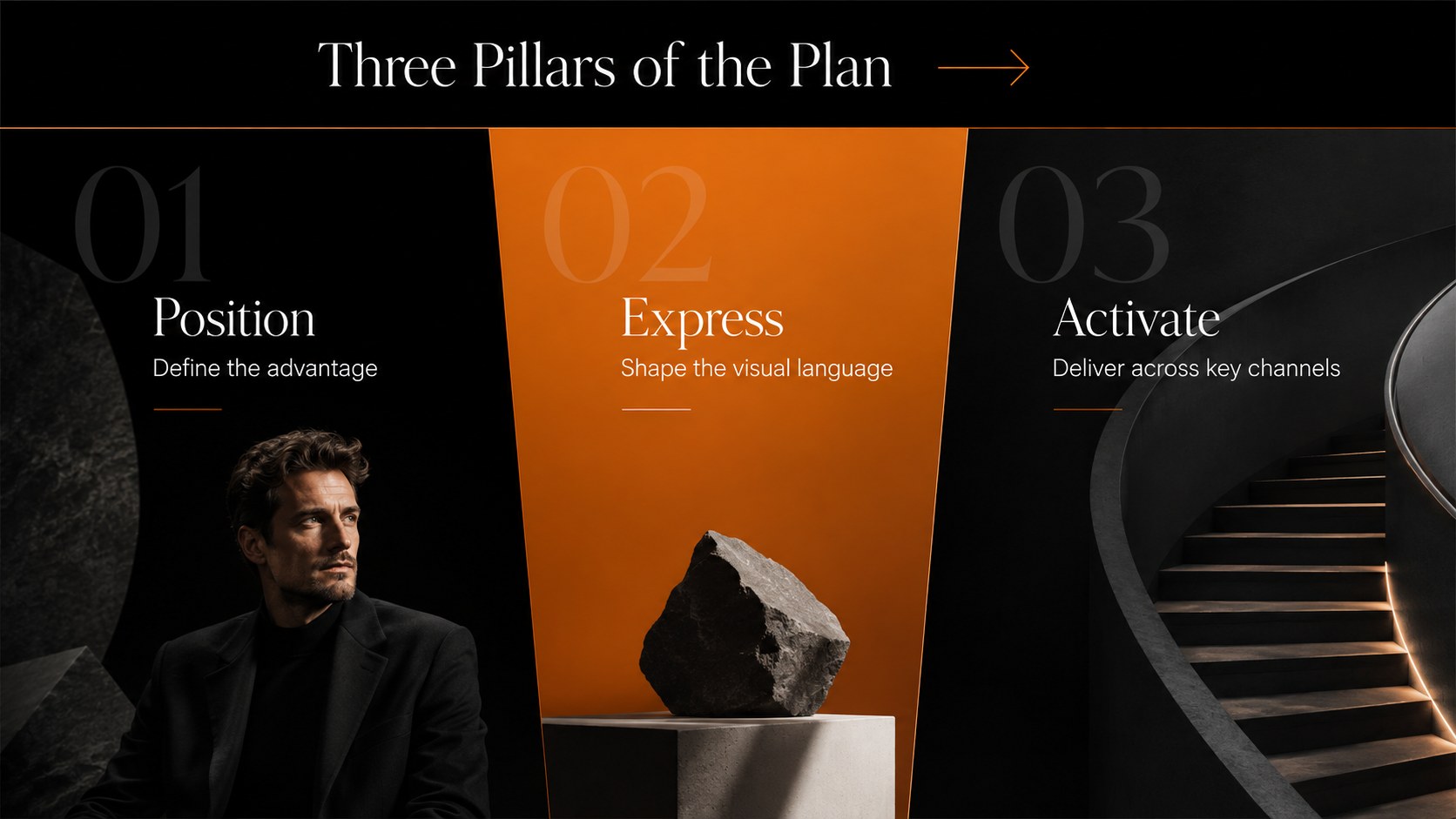
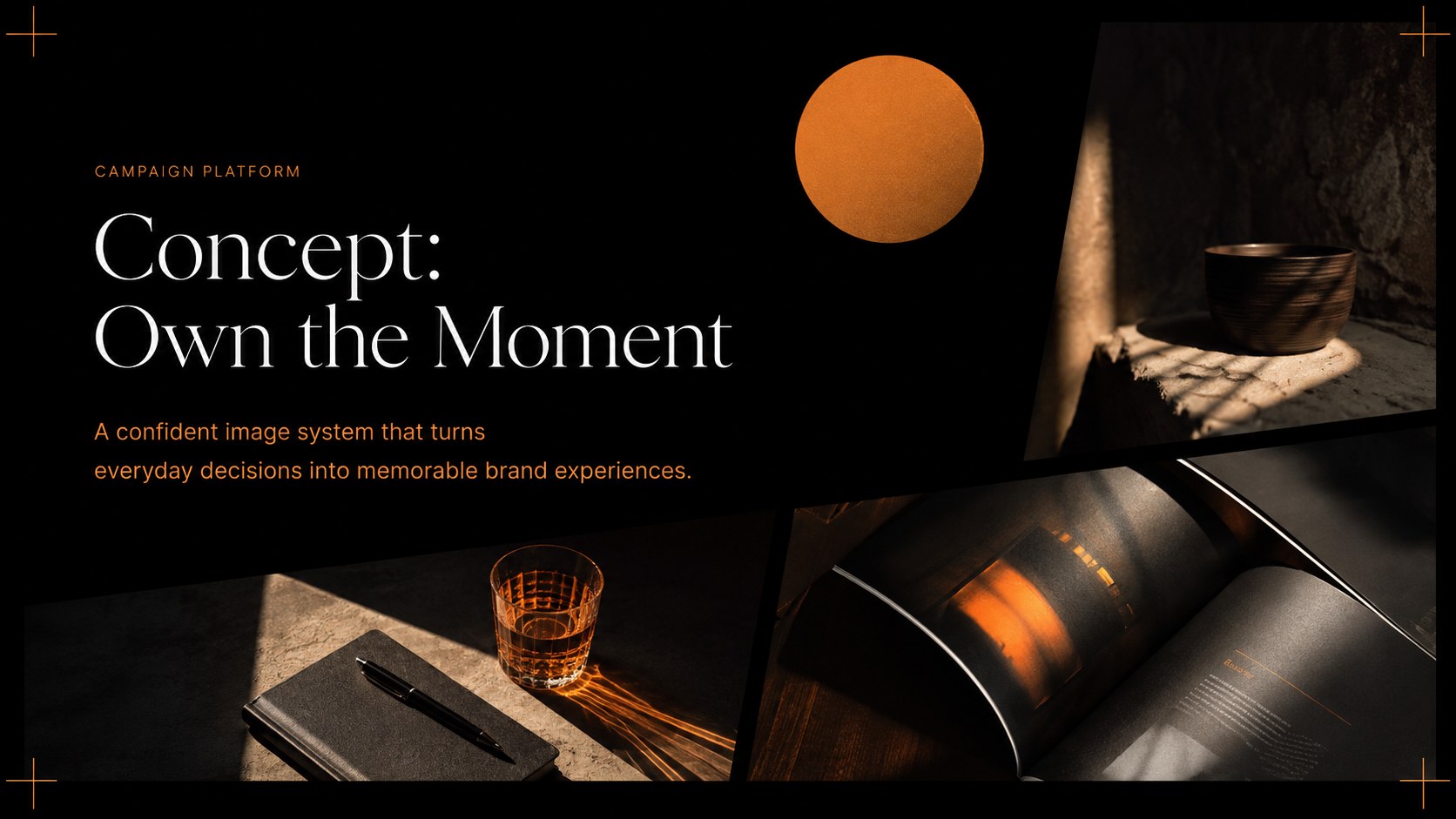
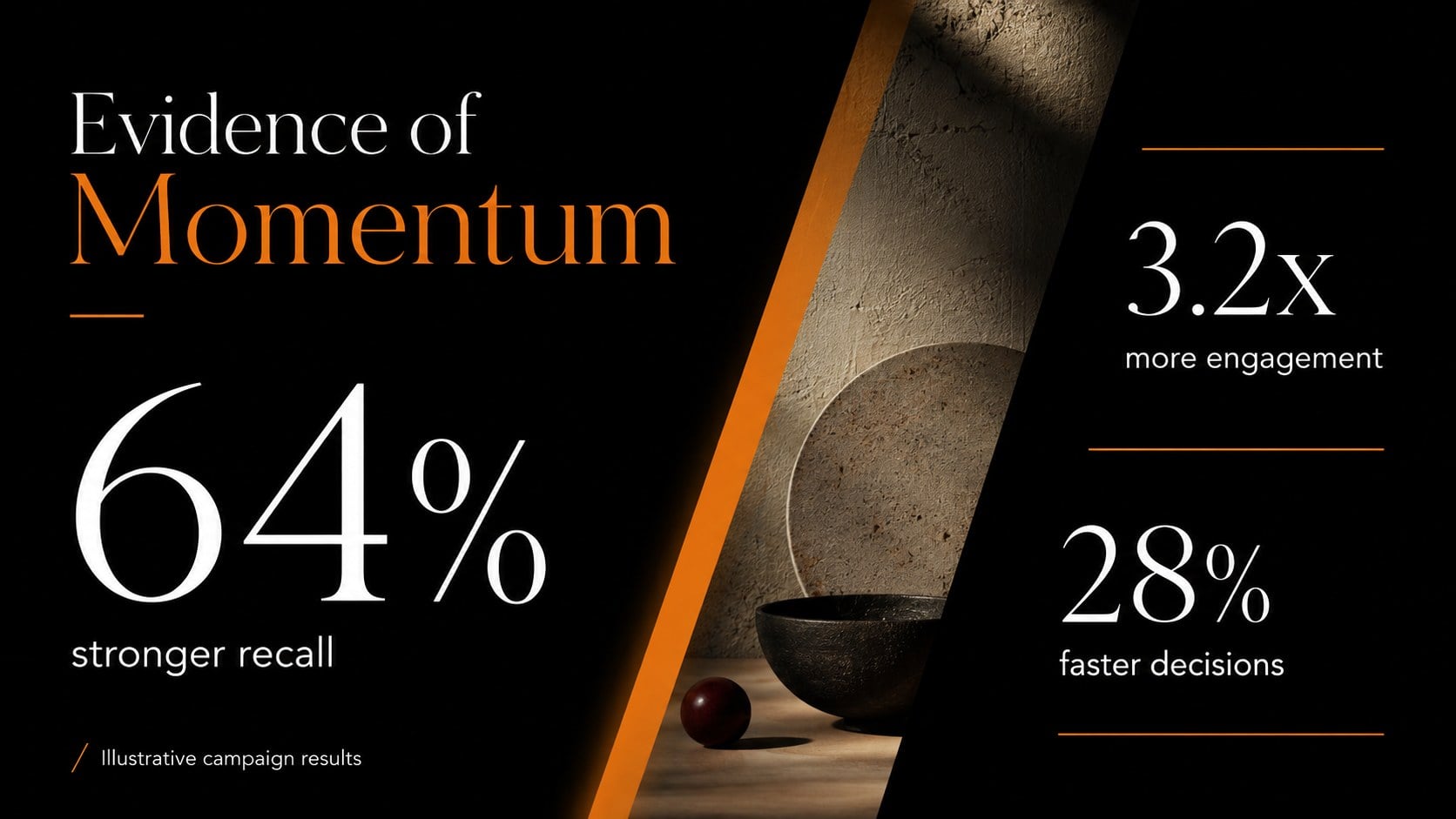
Build polished brand, fashion, and business stories with a noir editorial presentation theme, bold photography, crisp layouts, and vivid orange accents.






Design notes
Create a strong visual narrative with this noir editorial presentation theme for PowerPoint and Google Slides. Deep black backgrounds, generous white space, warm orange accents, and large-format photography give every page a polished magazine-inspired character. The versatile design works equally well for commercial proposals, classroom projects, campaign concepts, and creative portfolios.
The collection includes more than 25 customizable layouts for introductions, project summaries, image showcases, service profiles, statistics, comparisons, timelines, quotes, and closing messages. Use it as a dark photo centric slide deck for a brand launch, or adapt the black orange business presentation layouts to present research, performance data, and strategic recommendations. Clear visual hierarchy and restrained graphic details help audiences follow the story without distracting from the core message.
This theme is suited to marketers, educators, designers, photographers, fashion teams, agencies, and business presenters who want an editorial look with practical structure. Replace the sample photographs, adjust the typography, recolor individual accents, and edit charts or diagrams directly in PowerPoint or Google Slides. Whether you are assembling editorial fashion portfolio slides, introducing a creative direction, or reporting on a new initiative, the flexible layouts make it easy to maintain a consistent and professional presentation from opening statement to final takeaway.
Perfect for: creative agency proposal; fashion collection lookbook; brand strategy presentation; marketing campaign review; photography portfolio; business performance report.
Frequently asked questions
Can I edit this theme in PowerPoint and Google Slides? Yes. All text, colors, photographs, shapes, and charts can be edited in PowerPoint or Google Slides. Some fonts may be substituted automatically if they are not installed on your device.
Practical details
Yes. All text, colors, photographs, shapes, and charts can be edited in PowerPoint or Google Slides. Some fonts may be substituted automatically if they are not installed on your device.
Select an image placeholder and use the platform's replace-image command to insert your own photograph. Crop or reposition the new image within its frame to preserve the editorial composition.
Yes. Update the theme colors or select individual orange elements to apply a different accent. Retaining strong contrast against the black and white foundation will keep the slides clear and readable.
The layouts work well for portfolios, campaign proposals, company profiles, lookbooks, lessons, and performance reports. They are especially effective when the story relies on striking photography and concise text.
Keep exploring
15Shape your publishing concept with an indie magazine startup pitch deck featuring pastel gradients, bold collage layouts, and editable planning slides.
 16
16Build clear project stories with the Icon Grid Teamwork Theme, a flexible blue illustrated deck for proposals, strategy updates, and team meetings.
 3
3Turn priorities into an actionable plan with an annual goals roadmap infographic, featuring editable orange and teal layouts for PowerPoint and Google Slides.
 15
15Create an Annual Achievement Report Presentation with colorful geometric layouts for milestones, results, lessons, and priorities in PowerPoint or Google Slides.
 15
15Turn results into a focused annual performance evaluation report with dark 3D slides for KPIs, achievements, feedback, and next-step goals for teams.
 15
15Guide a focused annual recap with Business Results Retrospective Slides, a muted brown-and-blue template for PowerPoint and Google Slides.
 6
6Turn complex plans into clear visual stories with Color-Coded Workflow Path Slides, an editable set for project updates, roadmaps, and team briefings.
 6
6Compare regional performance at a glance with Global Data Heatmap Slides, a clean multicolor deck designed for editable PowerPoint and Google Slides.