
 15
15presentation
Indie Magazine Startup Pitch Deck
Shape your publishing concept with an indie magazine startup pitch deck featuring pastel gradients, bold collage layouts, and editable planning slides.
Google SlidesPowerPoint
presentation · English
Build a clear newsroom briefing deck for live updates, executive reports, and team alerts with editable blue-and-red slides for fast storytelling.


Design notes
Turn fast-moving information into a focused newsroom briefing deck for company updates, media-style reports, operational alerts, and stakeholder communication. The bold blue-and-red palette, crisp editorial hierarchy, and animated presentation style give urgent information a polished structure without making the content difficult to follow.
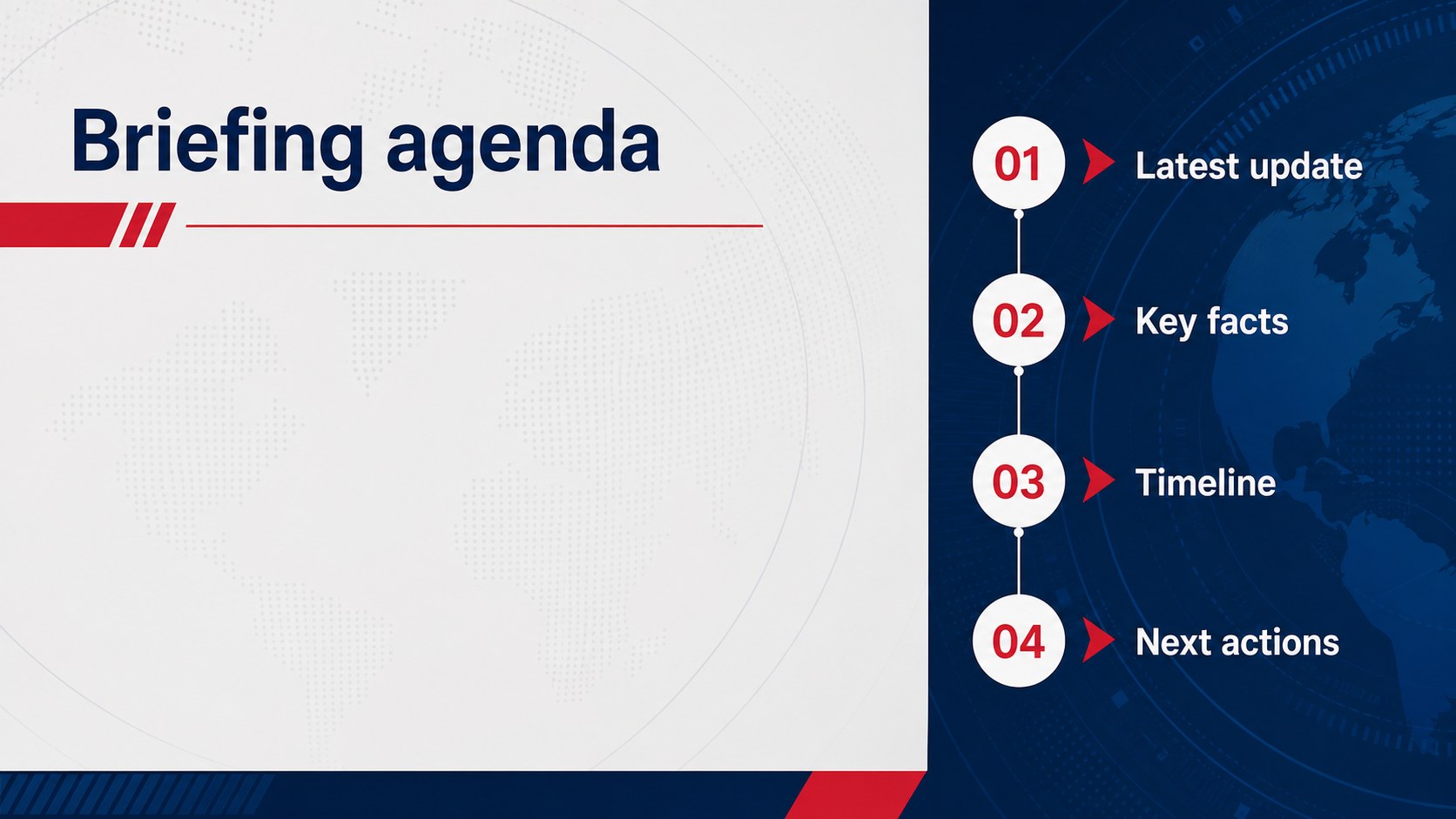
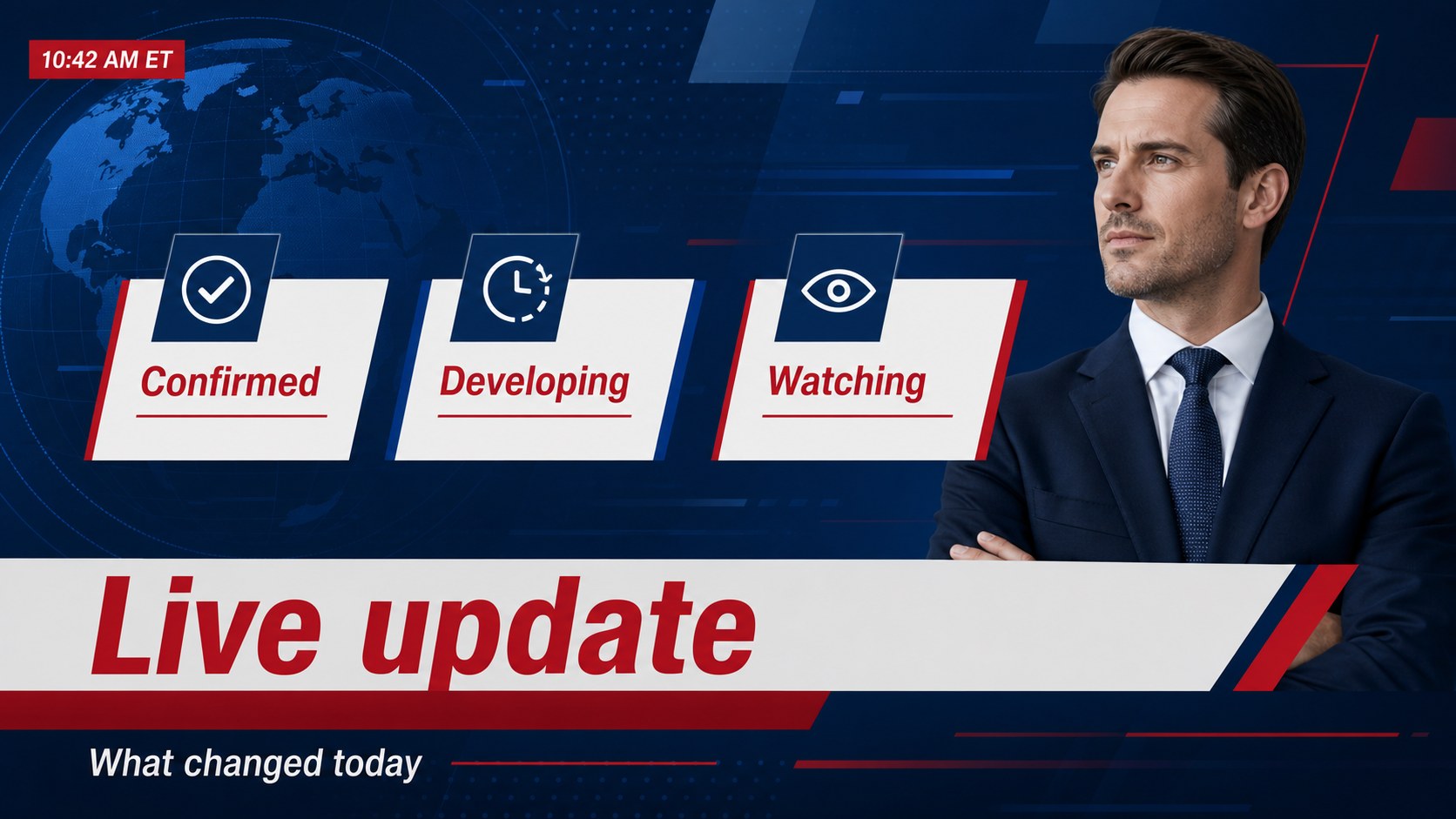
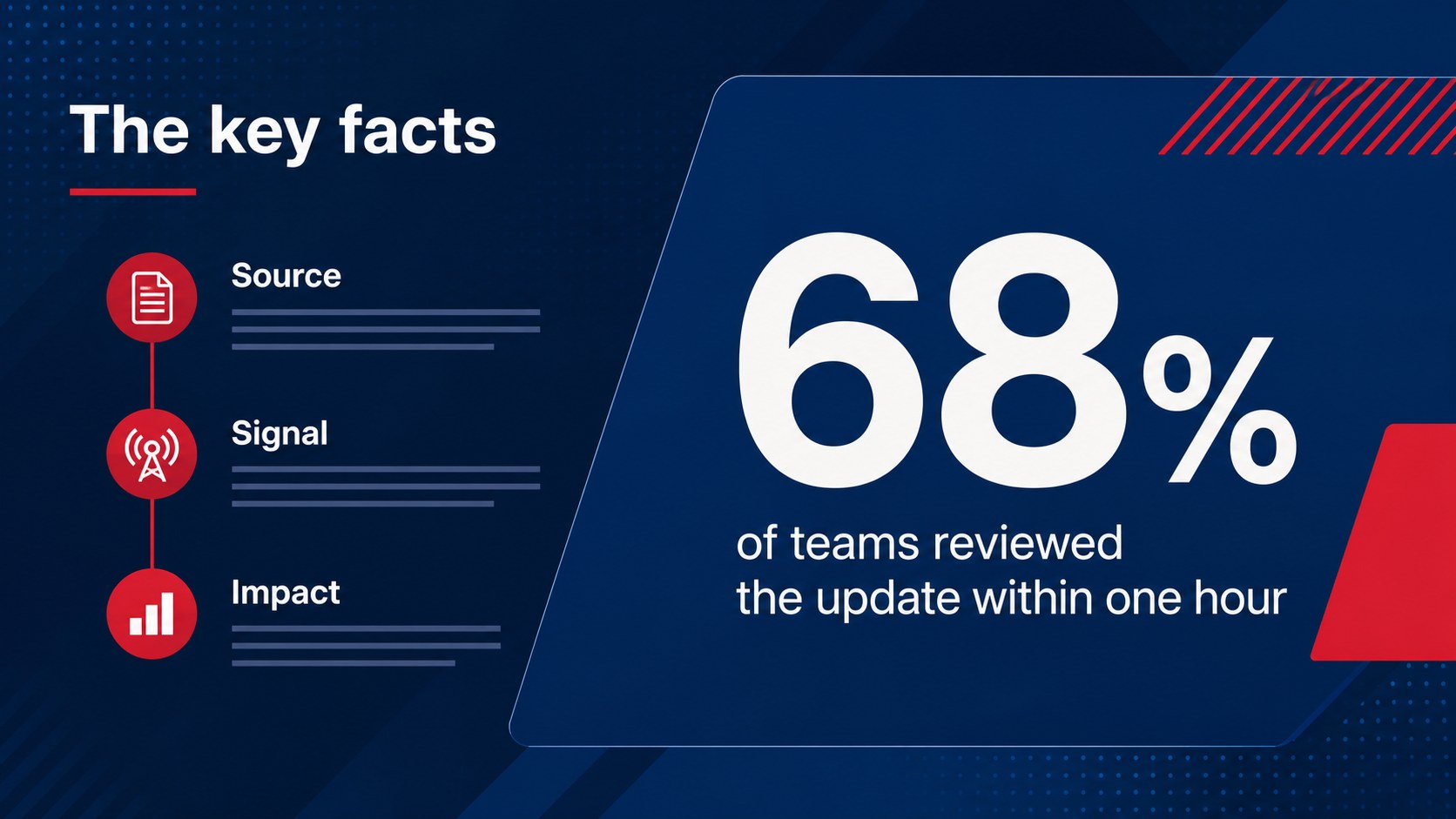
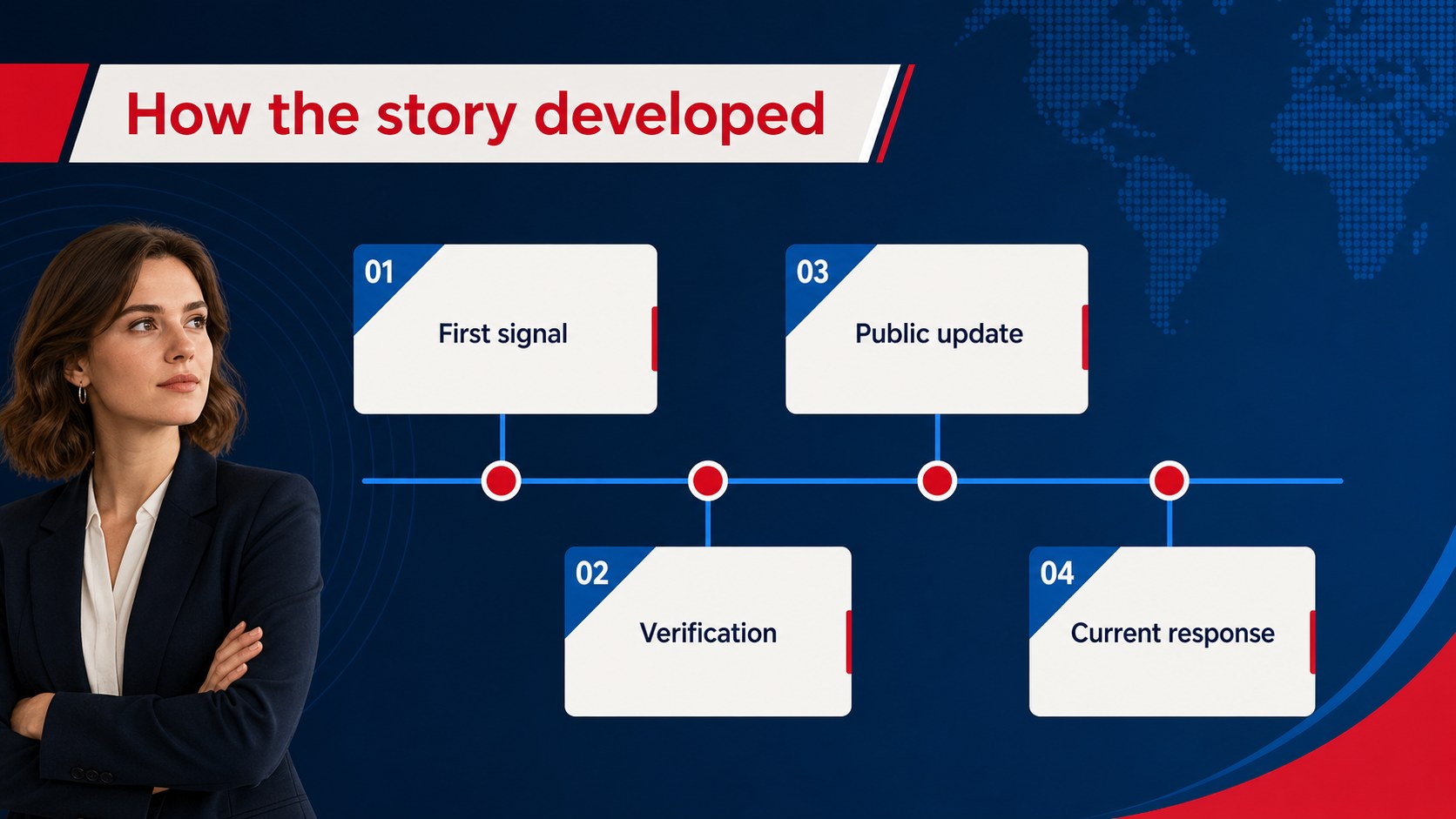
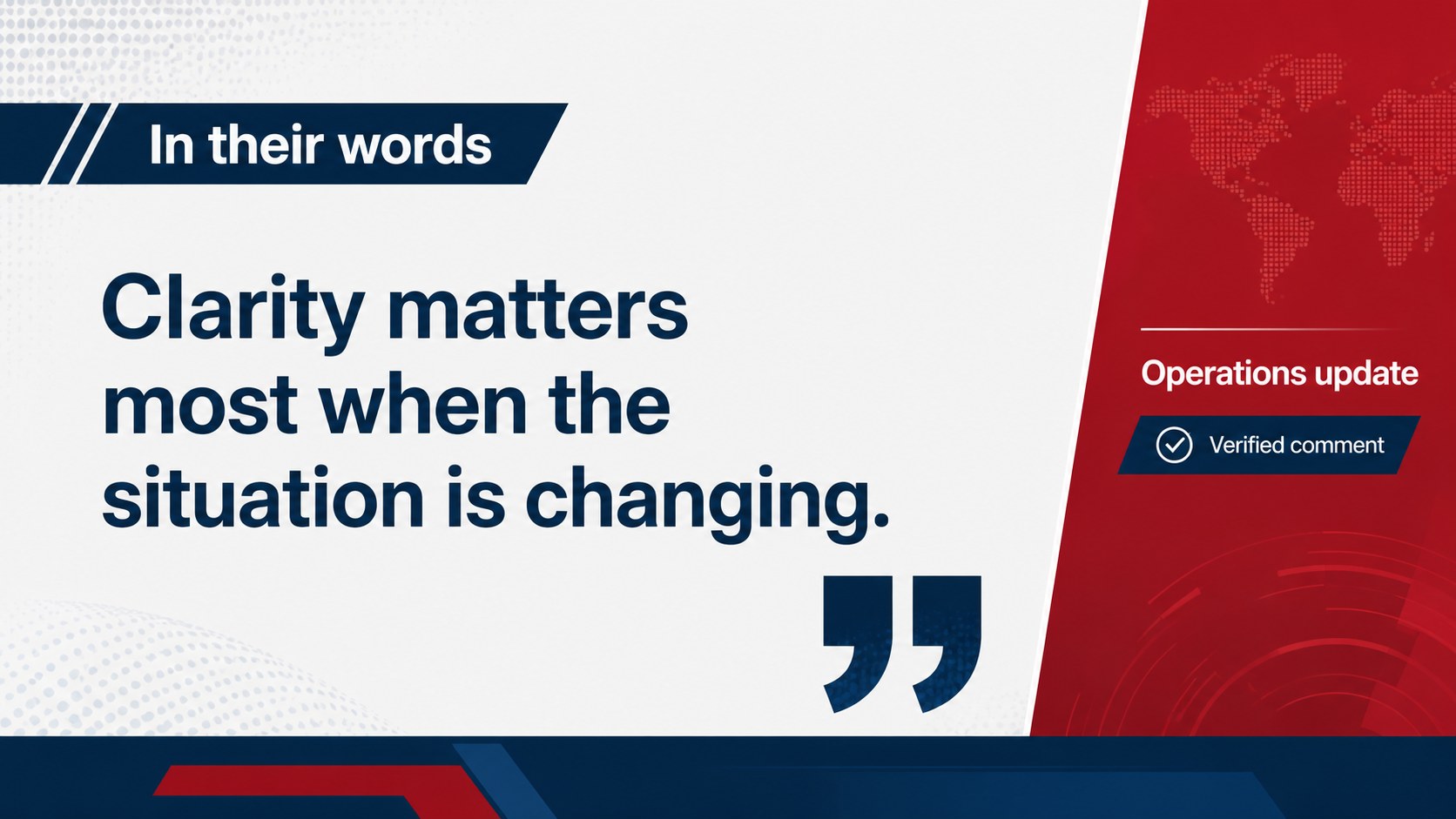
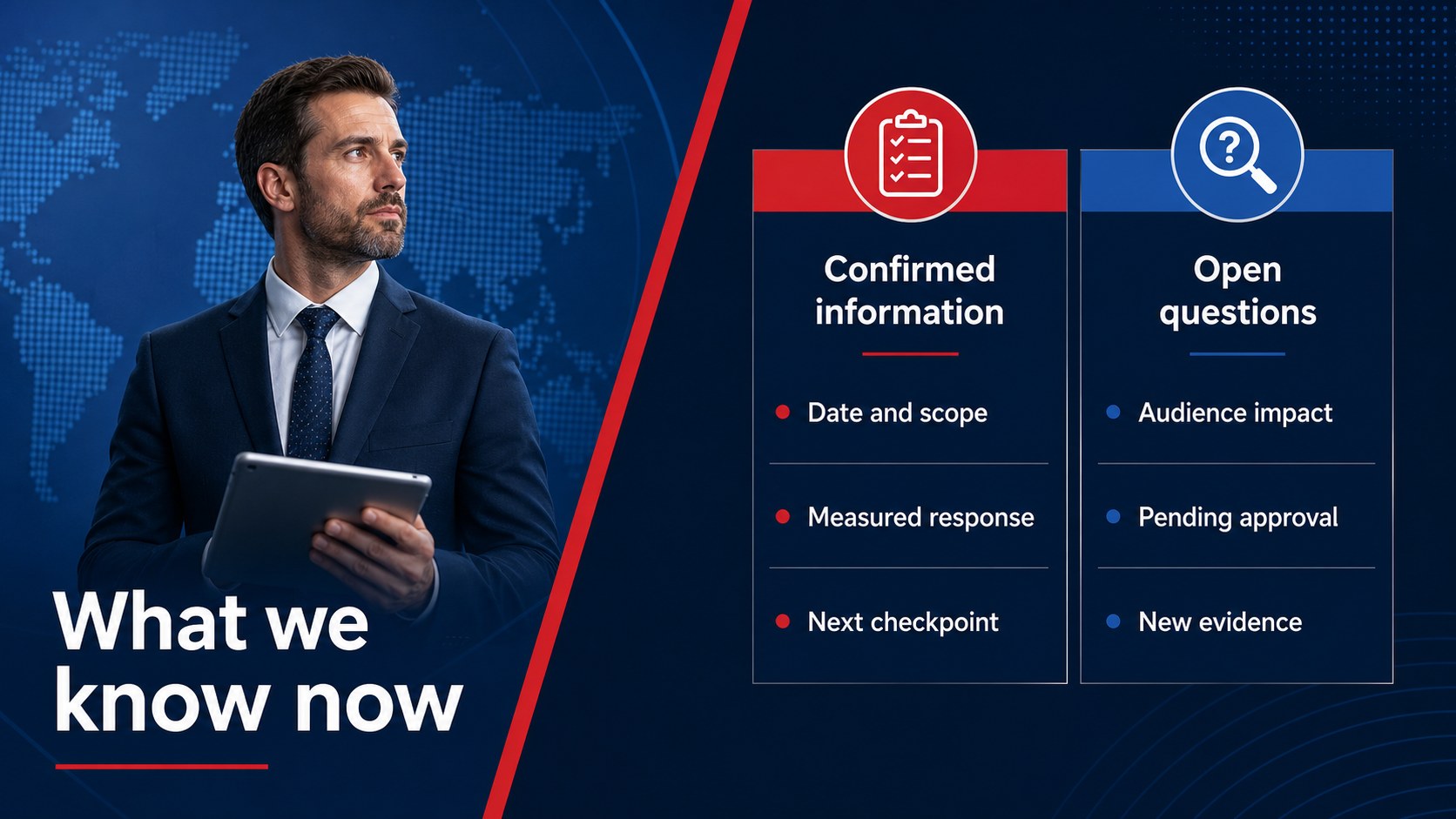
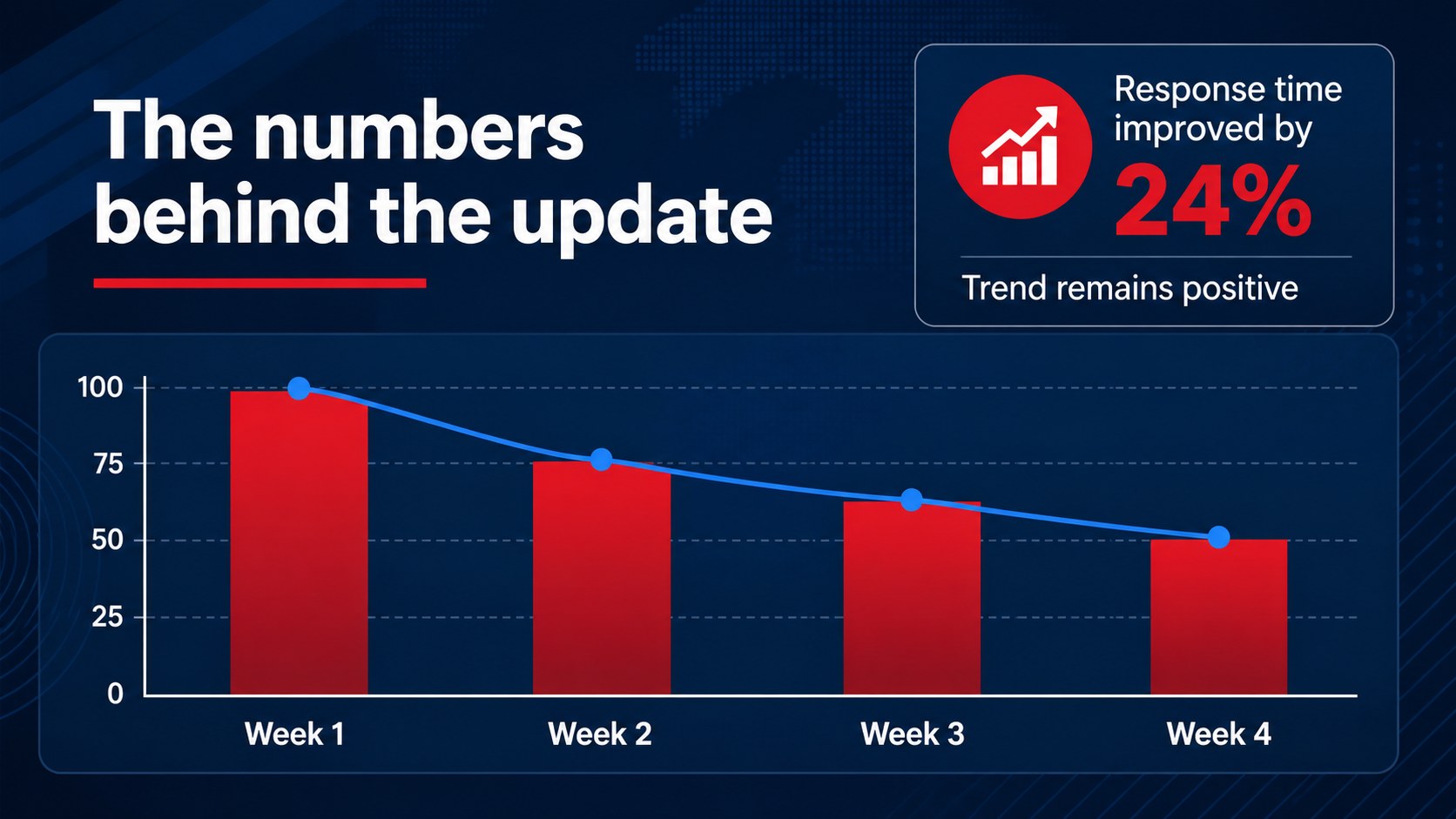
Inside, you will find 13 editable 16:9 slides for a cover, briefing agenda, headline summary, key figures, event timeline, quote callout, comparison layout, image-led report, data visualization, action tracker, and closing recap. Use the layouts to separate verified facts from commentary, highlight the most important developments, or organize a live update for a busy audience. editing tools make it simple to replace text, adjust colors, add charts, and insert photos or video.
This template is suited to communications teams, business leaders, analysts, educators, and project managers who need a fast news update presentation or an executive briefing presentation. It works well for daily standups, incident reporting, campaign monitoring, press-style internal communications, and weekly team reviews. Export the finished deck for PowerPoint or Google Slides, or present directly from.
Perfect for: daily executive update; incident response briefing; internal communications report; campaign monitoring review; weekly newsroom meeting.
Frequently asked questions
Can I edit this deck? Yes. The layouts are designed for, where you can replace text, images, charts, colors, and animations. The drag-and-drop editor also supports collaborative editing.
Practical details
Yes. The layouts are designed for, where you can replace text, images, charts, colors, and animations. The drag-and-drop editor also supports collaborative editing.
Yes. Open the design and use the Share menu to export a PowerPoint file or save an editable copy to Google Drive. Some animations and interactive elements may change during export.
Yes. Its summary, timeline, data, and action-tracking layouts help organize information that changes quickly. Update the key figures and headlines before each briefing to keep the presentation current.
Yes. lets you apply a new palette across text, shapes, charts, and backgrounds. Keep strong contrast between the primary and accent colors so urgent information remains easy to scan.
Keep exploring
15Shape your publishing concept with an indie magazine startup pitch deck featuring pastel gradients, bold collage layouts, and editable planning slides.
 16
16Build clear project stories with the Icon Grid Teamwork Theme, a flexible blue illustrated deck for proposals, strategy updates, and team meetings.
 3
3Turn priorities into an actionable plan with an annual goals roadmap infographic, featuring editable orange and teal layouts for PowerPoint and Google Slides.
 15
15Create an Annual Achievement Report Presentation with colorful geometric layouts for milestones, results, lessons, and priorities in PowerPoint or Google Slides.
 15
15Turn results into a focused annual performance evaluation report with dark 3D slides for KPIs, achievements, feedback, and next-step goals for teams.
 15
15Guide a focused annual recap with Business Results Retrospective Slides, a muted brown-and-blue template for PowerPoint and Google Slides.
 6
6Turn complex plans into clear visual stories with Color-Coded Workflow Path Slides, an editable set for project updates, roadmaps, and team briefings.
 6
6Compare regional performance at a glance with Global Data Heatmap Slides, a clean multicolor deck designed for editable PowerPoint and Google Slides.