
 15
15presentation
Indie Magazine Startup Pitch Deck
Shape your publishing concept with an indie magazine startup pitch deck featuring pastel gradients, bold collage layouts, and editable planning slides.
Google SlidesPowerPoint
presentation · English
Build a welcoming new hire welcome deck for first-week training, team introductions, policies, and benefits in a bright blue and red style.





Design notes
Help new employees feel prepared from day one with a new hire welcome deck built for clear, friendly onboarding. The bright blue and red palette, playful 3D-inspired illustrations, and approachable typography create an upbeat first-week experience while leaving room for practical details.
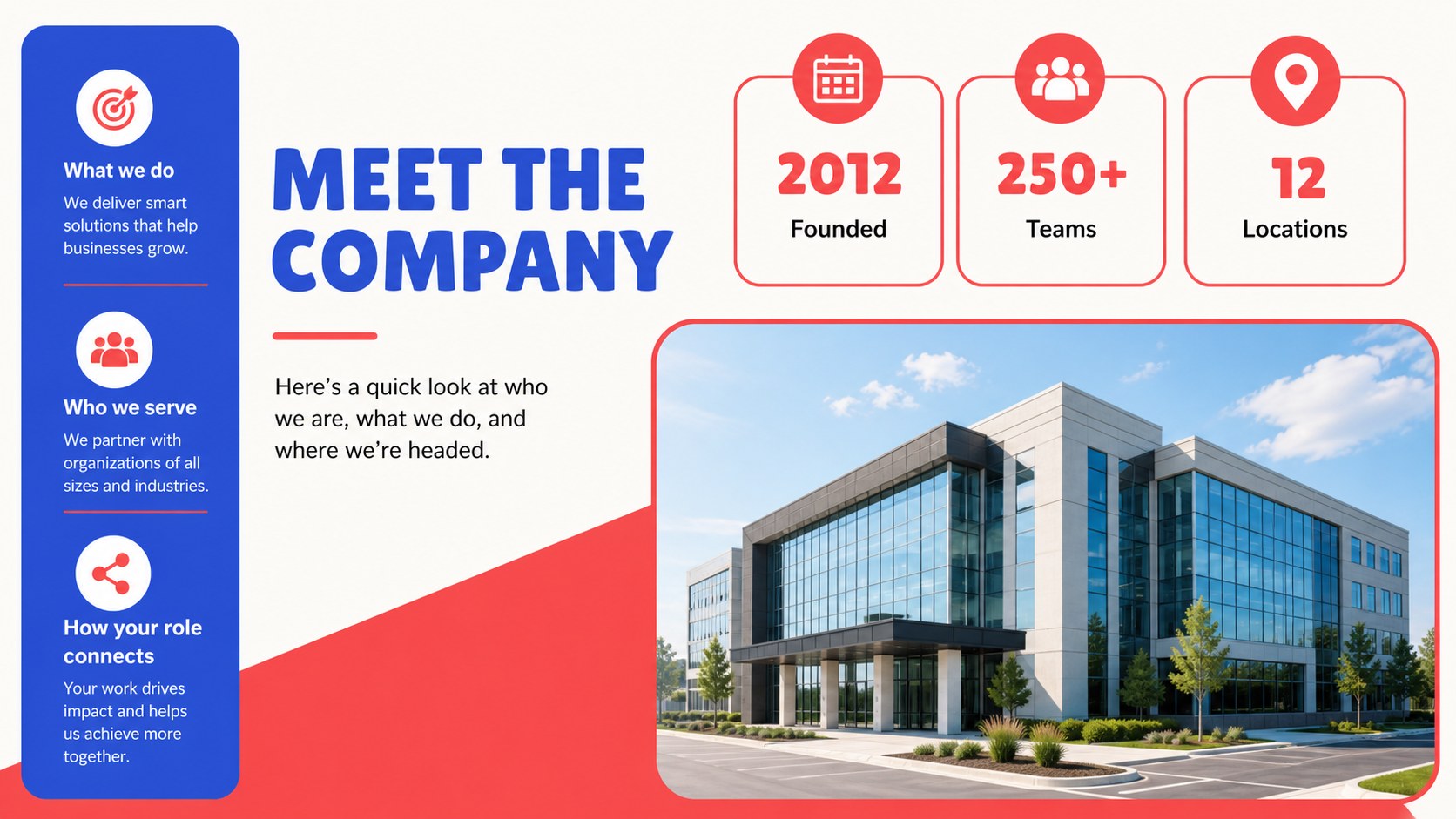
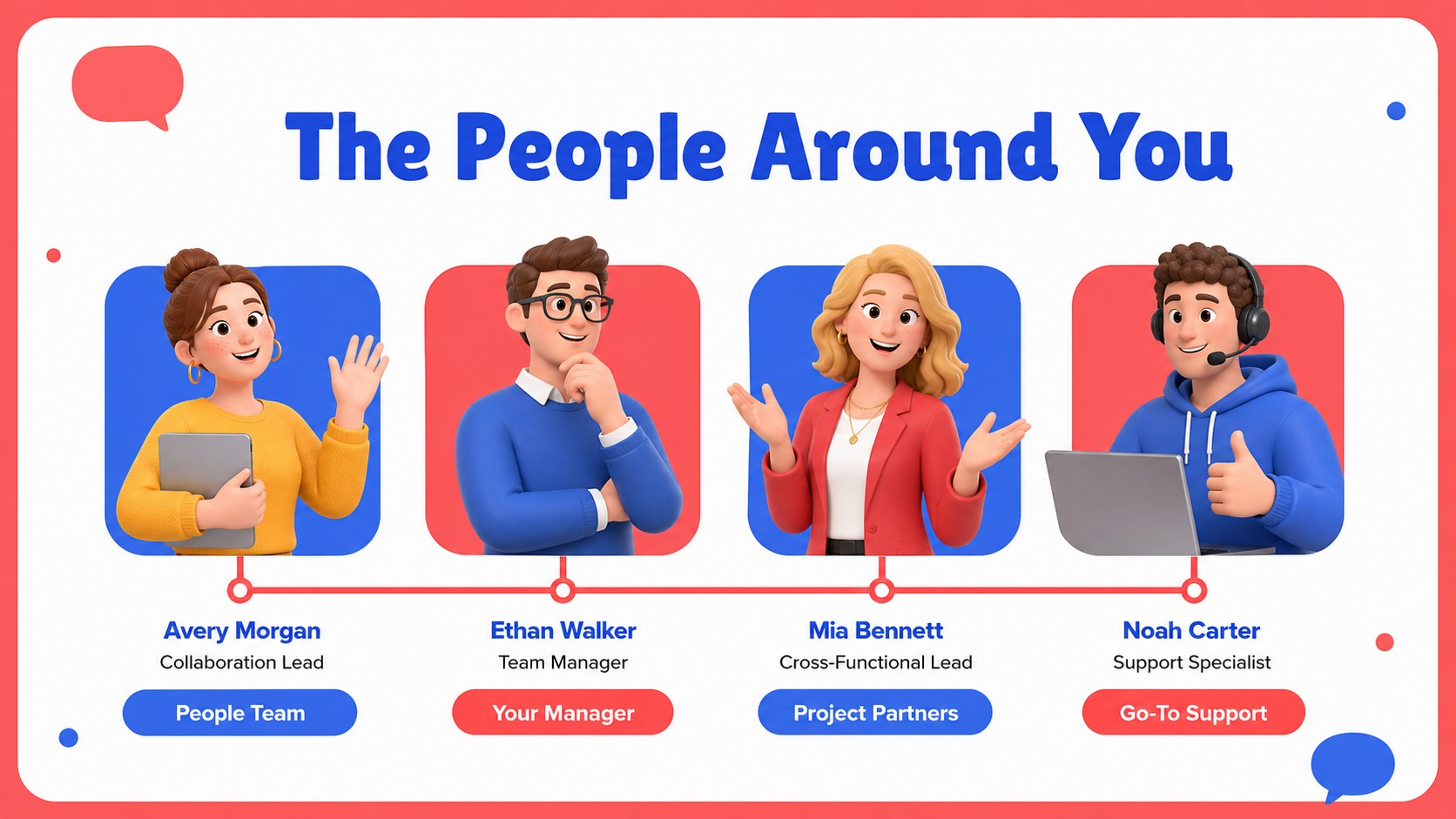
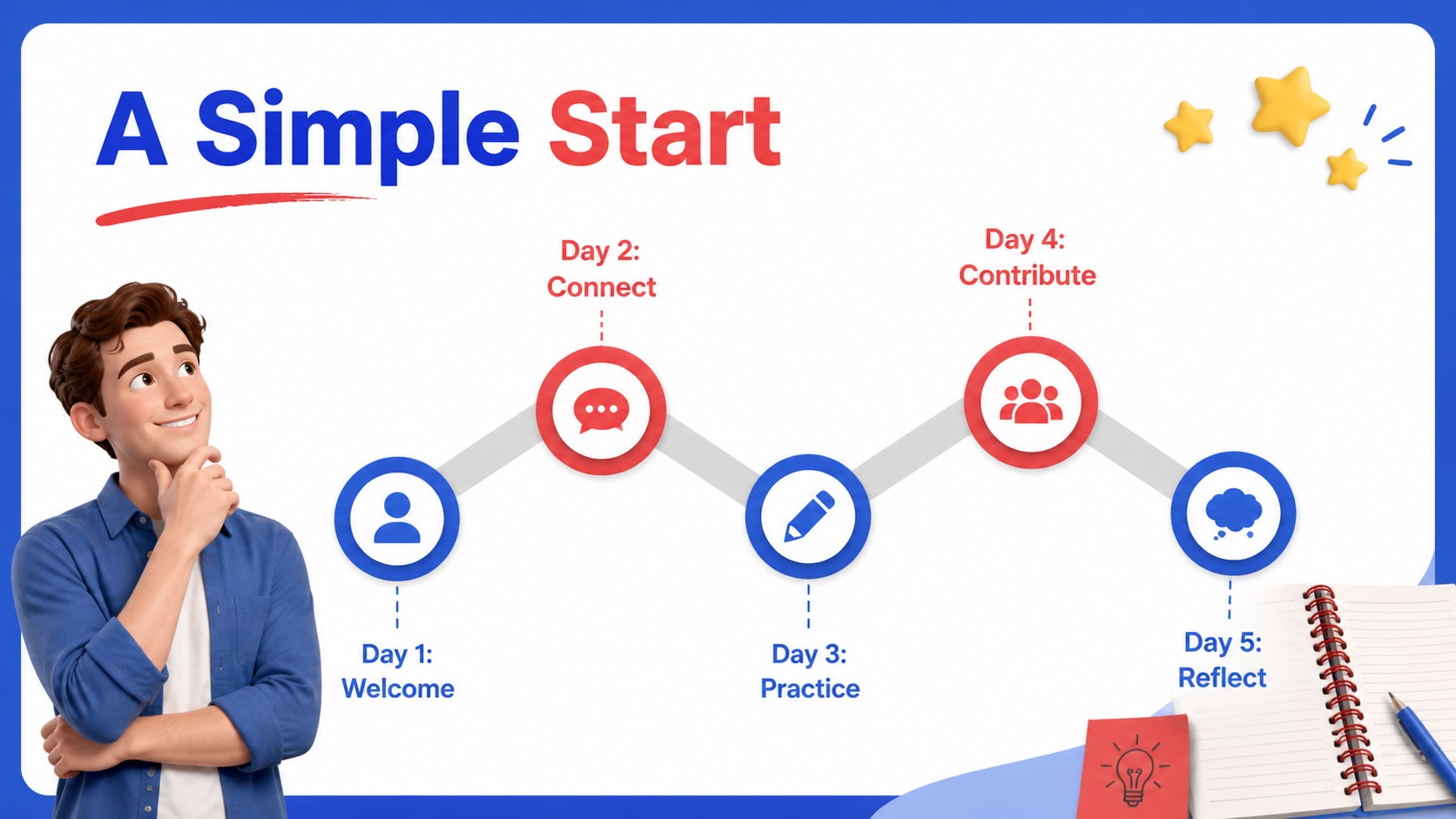
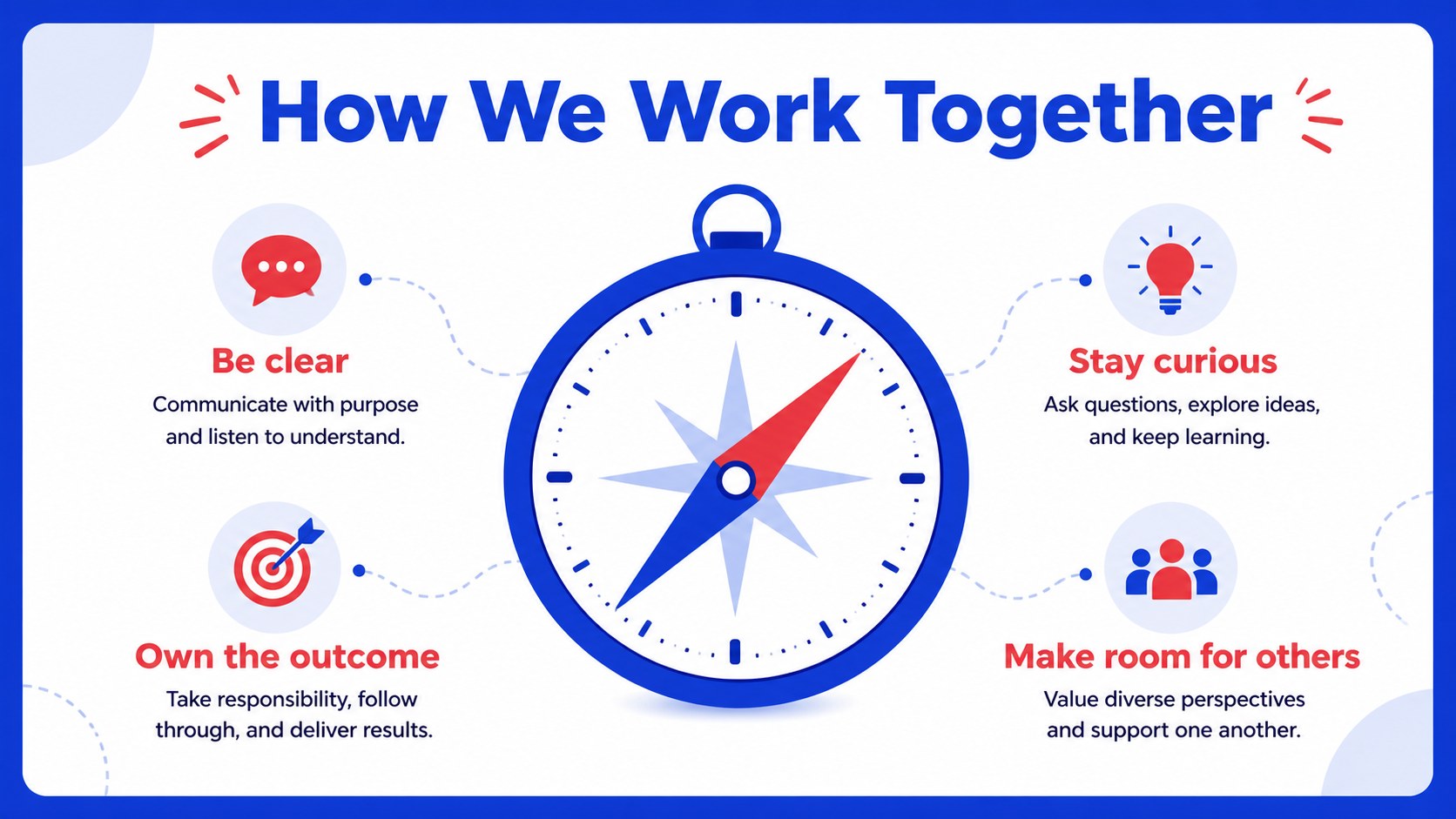
The 15-slide layout includes a welcome cover, onboarding agenda, company snapshot, team introduction, first-week schedule, workplace values, communication guidelines, company policies, benefits overview, tools and systems, learning milestones, support contacts, questions slide, checklist, and closing message. Replace the sample copy with your own names, dates, links, and employee resources. The structured layouts make it simple to balance short explanations with icons, charts, timelines, and visual callouts.
This new hire welcome deck suits HR coordinators, people operations teams, office managers, and department leads preparing an employee orientation presentation. Use it for remote onboarding, an in-person welcome session, a startup induction, or a repeatable first-day training package. Edit the files in PowerPoint or Google Slides, adjust the blue and red accents to match your workplace, and export a polished PDF when you need a shareable version.
Perfect for: first-day employee welcome; remote team onboarding; startup induction session; department orientation; benefits and policies briefing.
Frequently asked questions
Can I edit the deck in PowerPoint? Yes. The presentation is designed for PowerPoint editing, so you can update text, colors, illustrations, icons, and layouts. Replace the sample content with your own onboarding information before presenting.
Practical details
Yes. The presentation is designed for PowerPoint editing, so you can update text, colors, illustrations, icons, and layouts. Replace the sample content with your own onboarding information before presenting.
Yes, you can open and edit the presentation in Google Slides. Review font substitutions and image positioning after importing, then make any small adjustments needed for your organization.
Start with the company name, welcome message, team members, schedule, policies, benefits, tools, and support contacts. You can also adapt the checklist and milestones to match the role or department.
Yes. Add video-call links, digital workspace instructions, time-zone details, and remote communication expectations to the existing layouts. The agenda, tools, contacts, and checklist slides work especially well for distributed teams.
Keep exploring
15Shape your publishing concept with an indie magazine startup pitch deck featuring pastel gradients, bold collage layouts, and editable planning slides.
 16
16Build clear project stories with the Icon Grid Teamwork Theme, a flexible blue illustrated deck for proposals, strategy updates, and team meetings.
 3
3Turn priorities into an actionable plan with an annual goals roadmap infographic, featuring editable orange and teal layouts for PowerPoint and Google Slides.
 15
15Create an Annual Achievement Report Presentation with colorful geometric layouts for milestones, results, lessons, and priorities in PowerPoint or Google Slides.
 15
15Turn results into a focused annual performance evaluation report with dark 3D slides for KPIs, achievements, feedback, and next-step goals for teams.
 15
15Guide a focused annual recap with Business Results Retrospective Slides, a muted brown-and-blue template for PowerPoint and Google Slides.
 6
6Turn complex plans into clear visual stories with Color-Coded Workflow Path Slides, an editable set for project updates, roadmaps, and team briefings.
 6
6Compare regional performance at a glance with Global Data Heatmap Slides, a clean multicolor deck designed for editable PowerPoint and Google Slides.