
 15
15presentation
Indie Magazine Startup Pitch Deck
Shape your publishing concept with an indie magazine startup pitch deck featuring pastel gradients, bold collage layouts, and editable planning slides.
Google SlidesPowerPoint
document · English
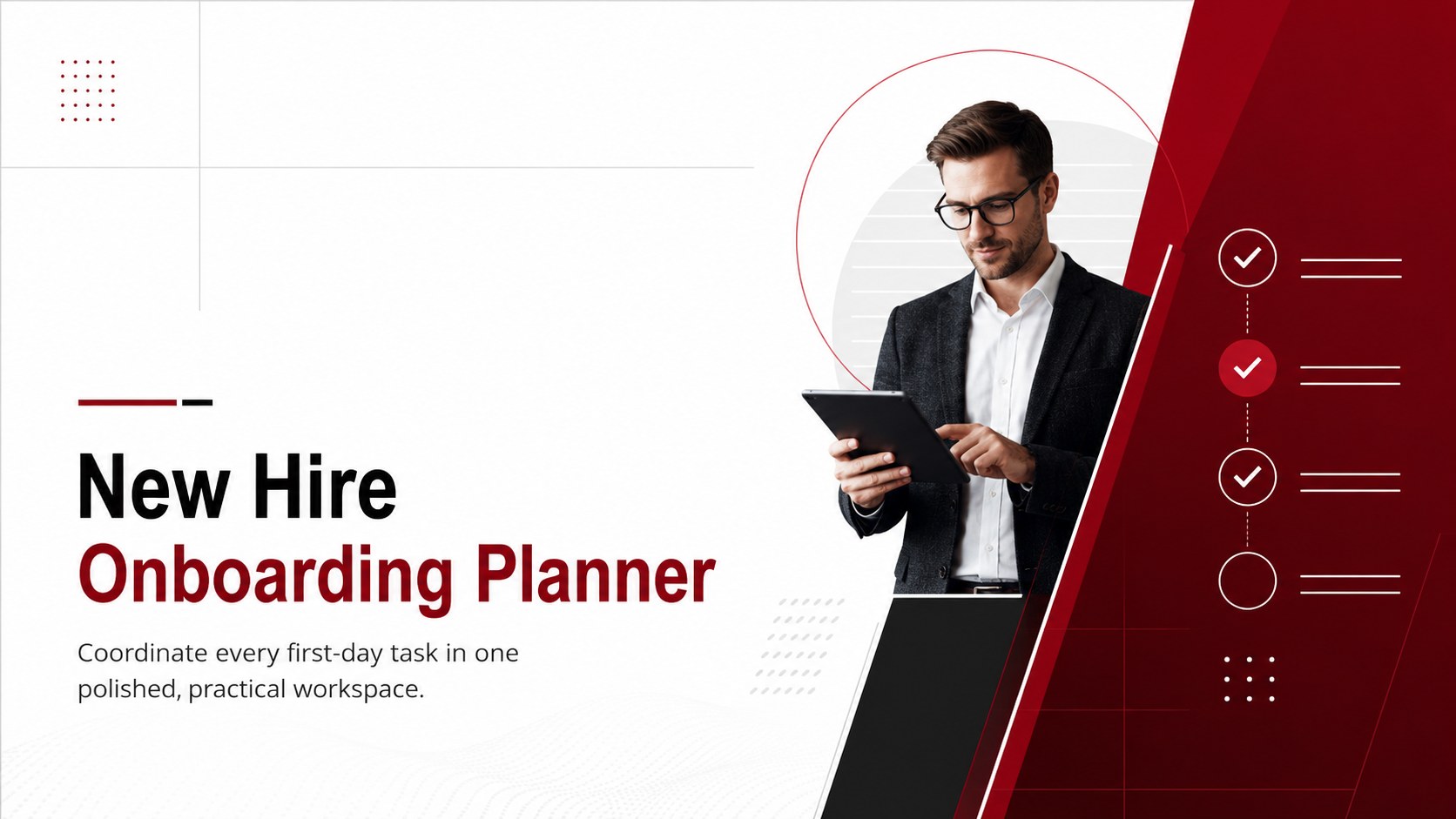
Guide every employee through a confident first week with this new hire onboarding planner, featuring editable tasks for PowerPoint and Google Slides.
Design notes
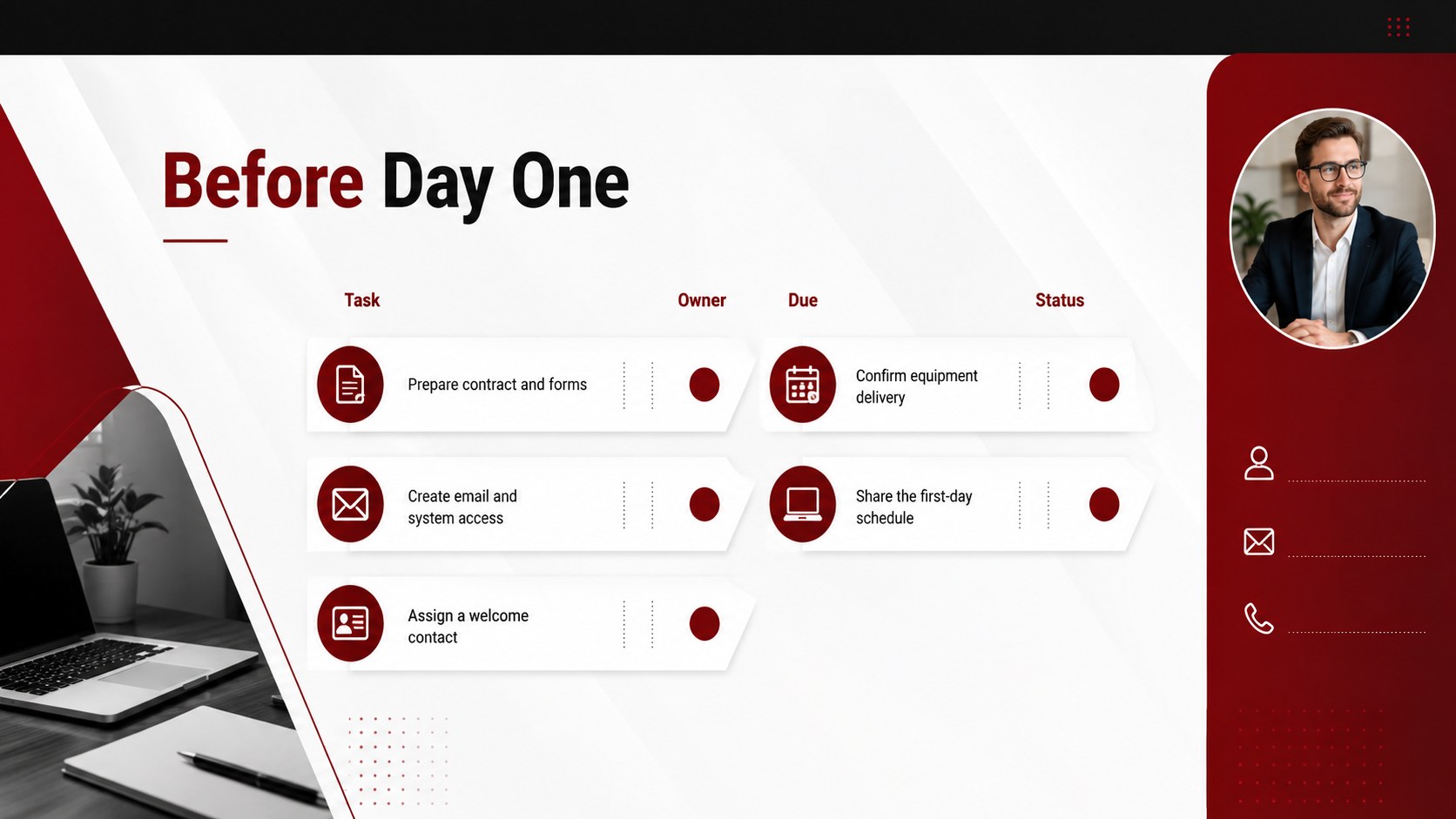
The New Hire Onboarding Planner gives HR teams and hiring managers a structured way to coordinate each employee’s arrival. Its modern red, black, and white design keeps assignments, deadlines, and progress easy to scan while presenting a polished welcome experience.
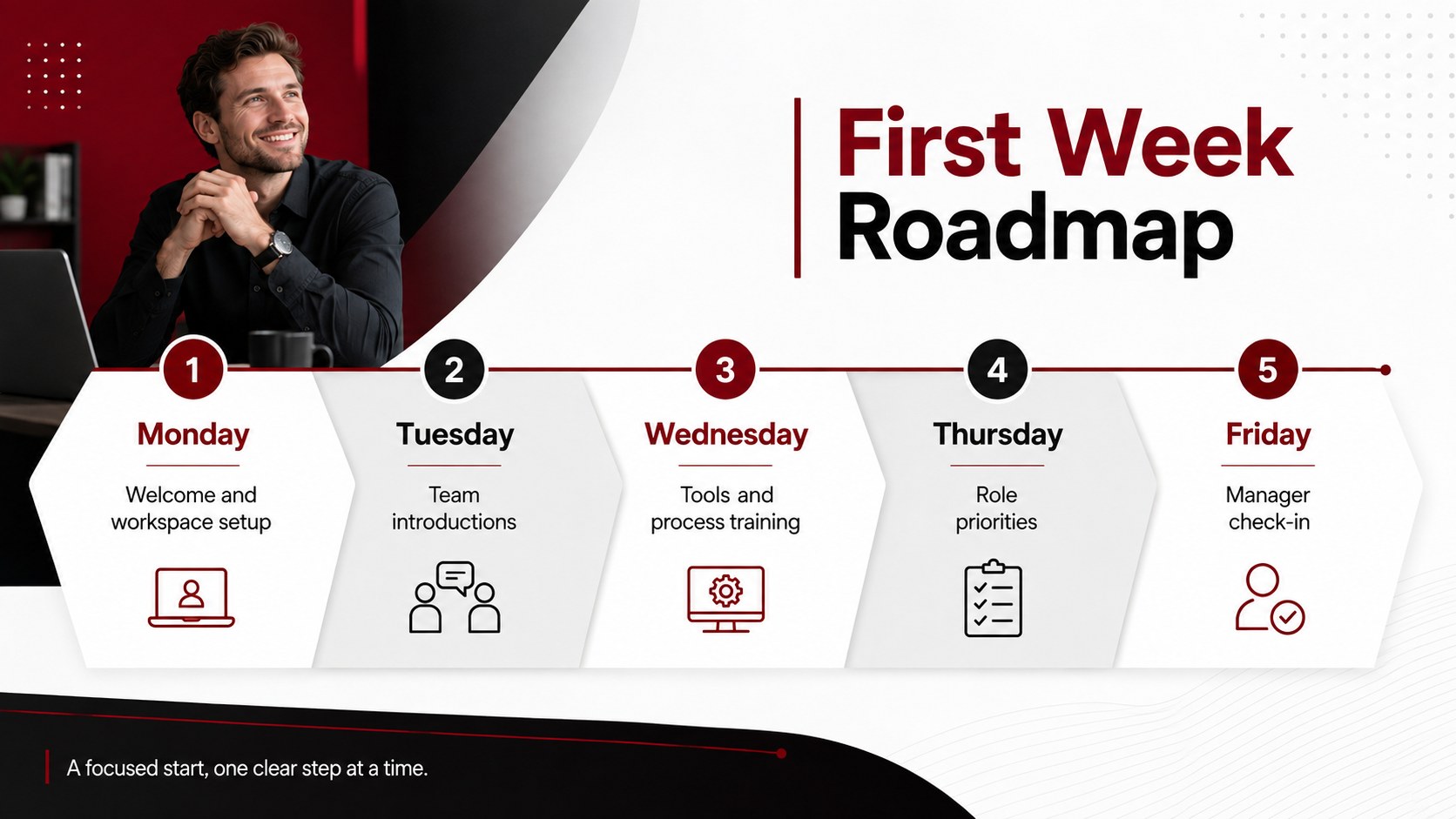
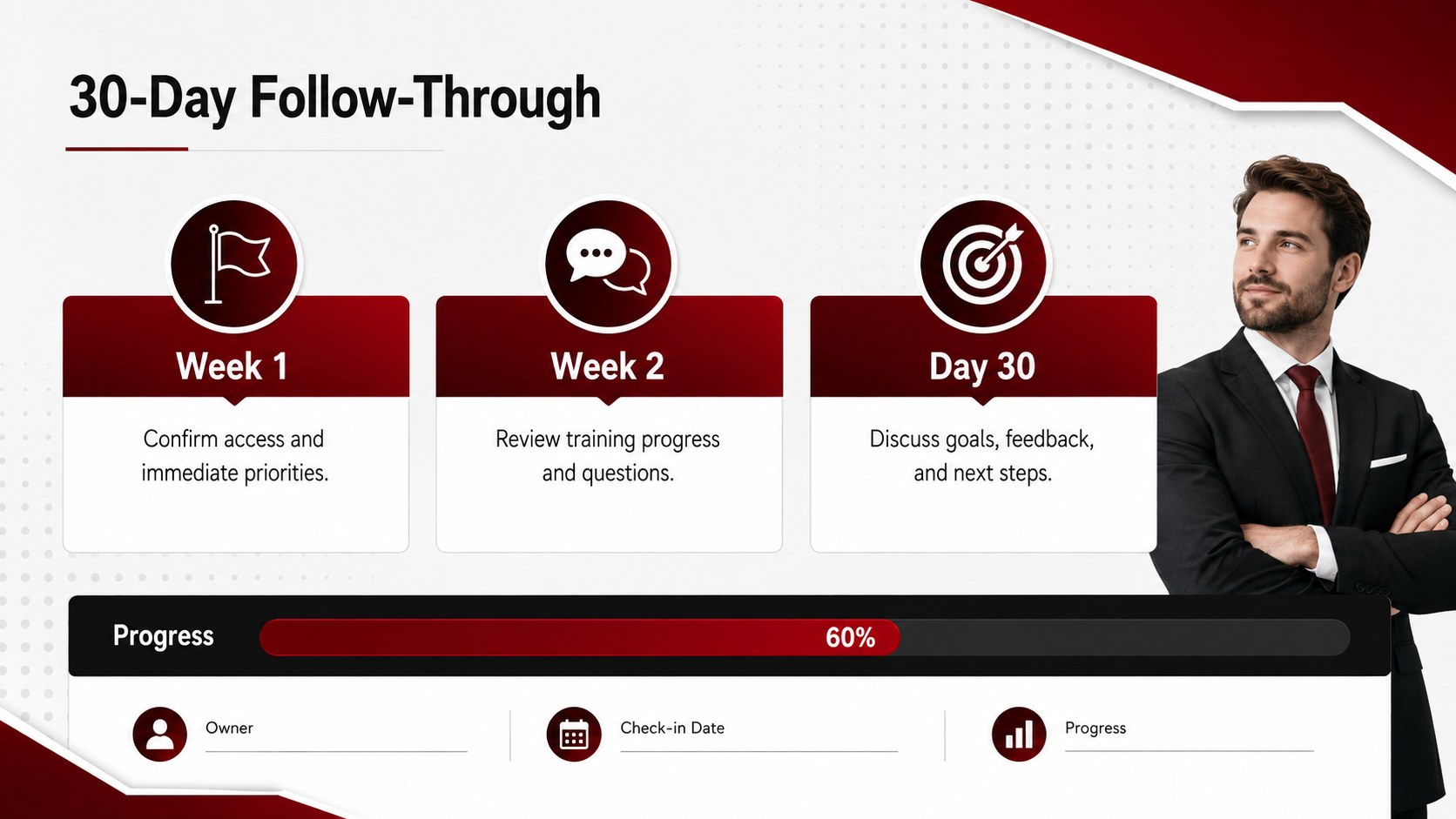
Inside, you will find employee onboarding checklist slides for pre-arrival preparation, first-day essentials, team introductions, equipment access, training, and follow-up milestones. A first week orientation task planner helps managers arrange activities in a sensible order, while ownership and status fields clarify who is responsible for every step. The layouts can also be expanded into a 30-day schedule for roles that require longer training periods.
Built for PowerPoint and Google Slides, every page can be edited to reflect your policies, departments, and brand standards. Change the wording, reorder tasks, add due dates, adjust colors, or duplicate sections for different roles. This HR new starter workflow template is useful for corporate HR departments, small business owners, operations teams, department leaders, and recruiters who need a repeatable process. Use it for office hires, remote employees, seasonal staff, interns, or cross-department transfers without rebuilding your onboarding materials from scratch.
Perfect for: new employee first week; remote staff orientation; intern onboarding; department transfer planning; seasonal employee setup.
Frequently asked questions
Can I edit every task in the planner? Yes. You can replace the sample tasks, change deadlines and owners, reorder sections, and duplicate layouts to support different roles or departments.
Practical details
Yes. You can replace the sample tasks, change deadlines and owners, reorder sections, and duplicate layouts to support different roles or departments.
The template is designed for PowerPoint and Google Slides. Text, colors, shapes, and checklist items remain editable in both platforms.
Yes. Replace the sample color accents, typefaces, and headings with your organization’s approved brand styles while preserving the clear checklist structure.
Yes. Adapt the tasks to include equipment delivery, account activation, virtual introductions, security training, and scheduled online check-ins.
Keep exploring
15Shape your publishing concept with an indie magazine startup pitch deck featuring pastel gradients, bold collage layouts, and editable planning slides.
 16
16Build clear project stories with the Icon Grid Teamwork Theme, a flexible blue illustrated deck for proposals, strategy updates, and team meetings.
 3
3Turn priorities into an actionable plan with an annual goals roadmap infographic, featuring editable orange and teal layouts for PowerPoint and Google Slides.
 15
15Create an Annual Achievement Report Presentation with colorful geometric layouts for milestones, results, lessons, and priorities in PowerPoint or Google Slides.
 15
15Turn results into a focused annual performance evaluation report with dark 3D slides for KPIs, achievements, feedback, and next-step goals for teams.
 15
15Guide a focused annual recap with Business Results Retrospective Slides, a muted brown-and-blue template for PowerPoint and Google Slides.
 6
6Turn complex plans into clear visual stories with Color-Coded Workflow Path Slides, an editable set for project updates, roadmaps, and team briefings.
 6
6Compare regional performance at a glance with Global Data Heatmap Slides, a clean multicolor deck designed for editable PowerPoint and Google Slides.