
 15
15presentation
Indie Magazine Startup Pitch Deck
Shape your publishing concept with an indie magazine startup pitch deck featuring pastel gradients, bold collage layouts, and editable planning slides.
Google SlidesPowerPoint
presentation · English
Build sharper pitches with a neon future business pitch deck featuring animated purple-on-black layouts for PowerPoint and Google Slides presentations.



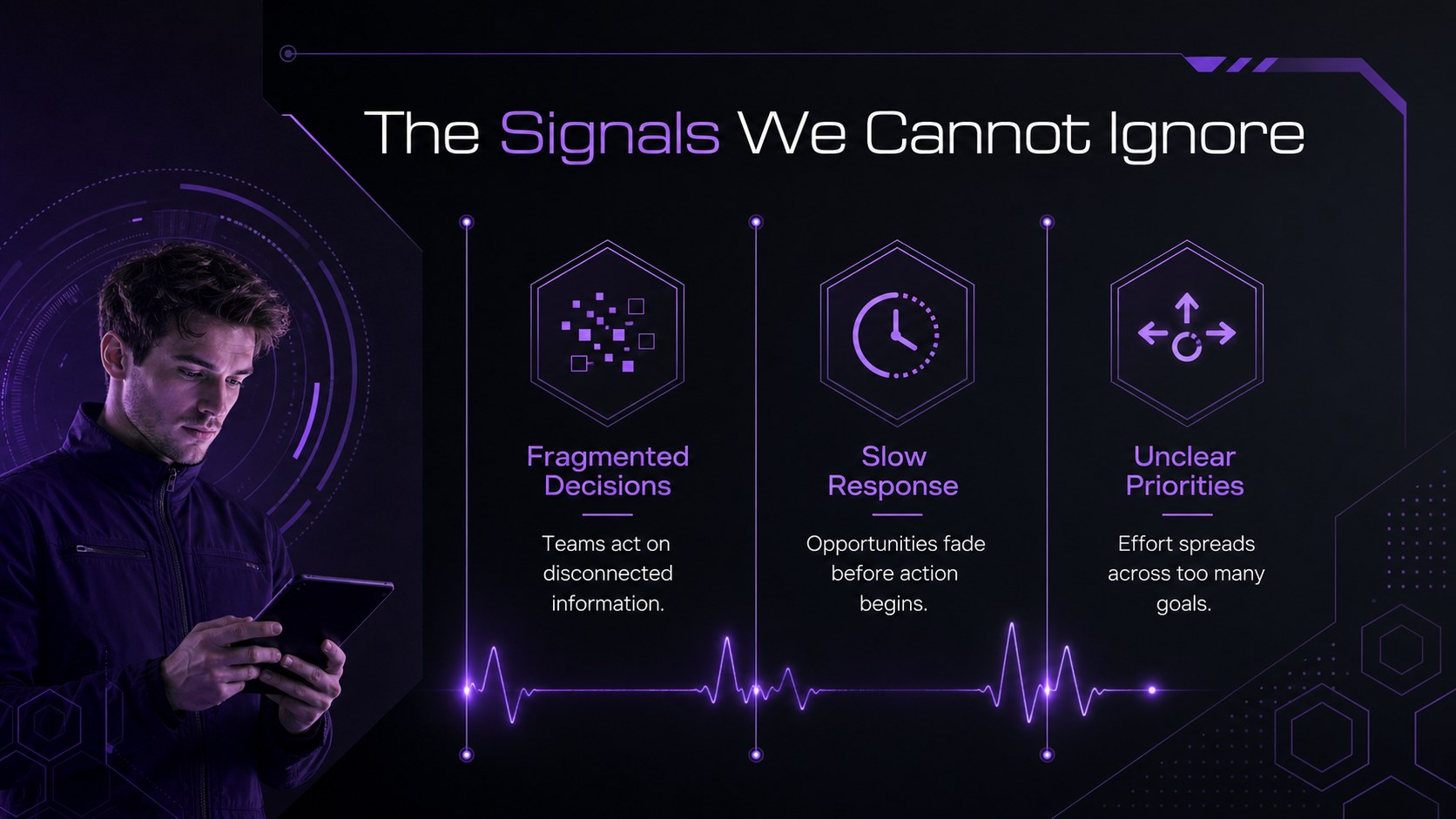

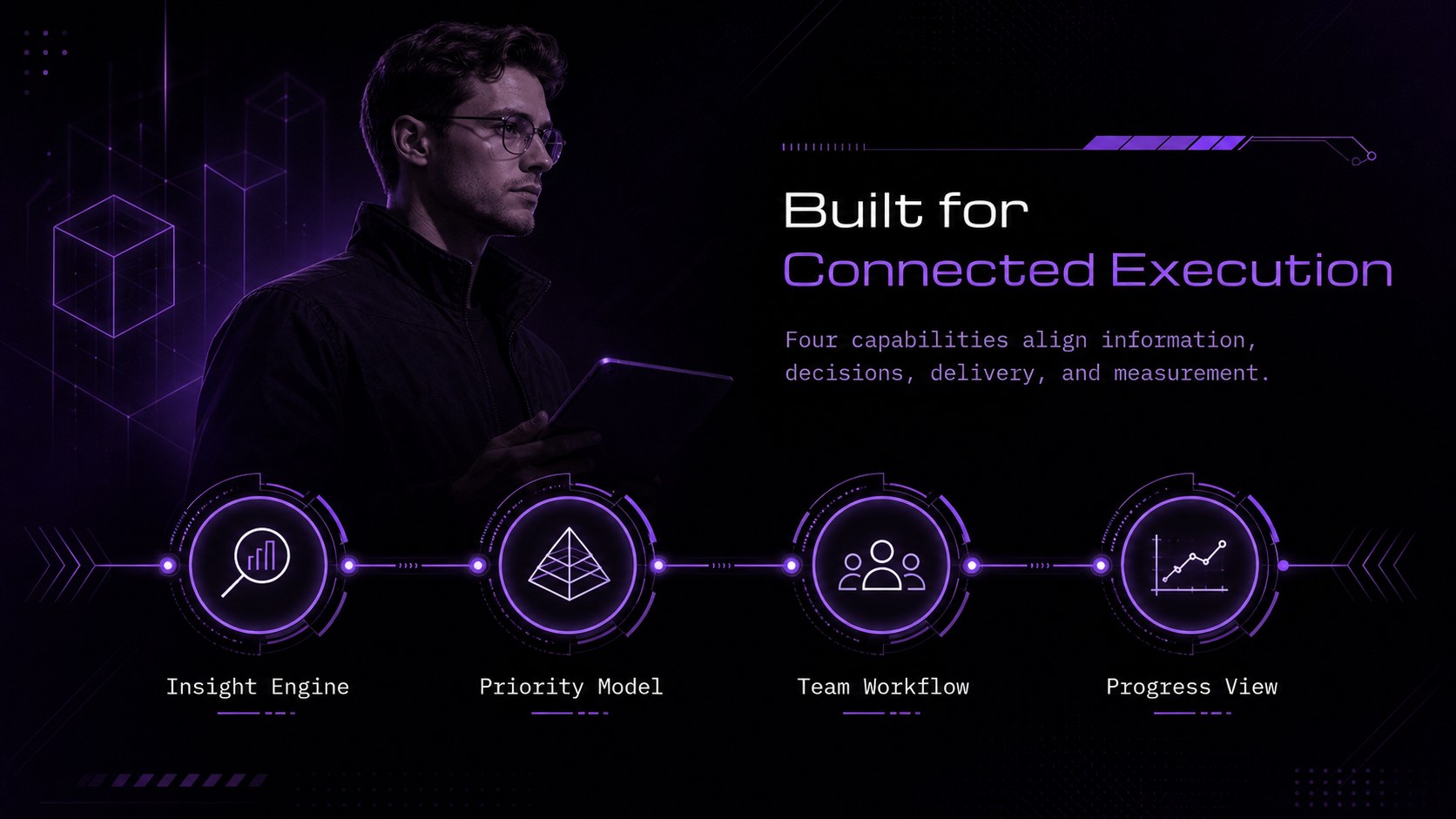


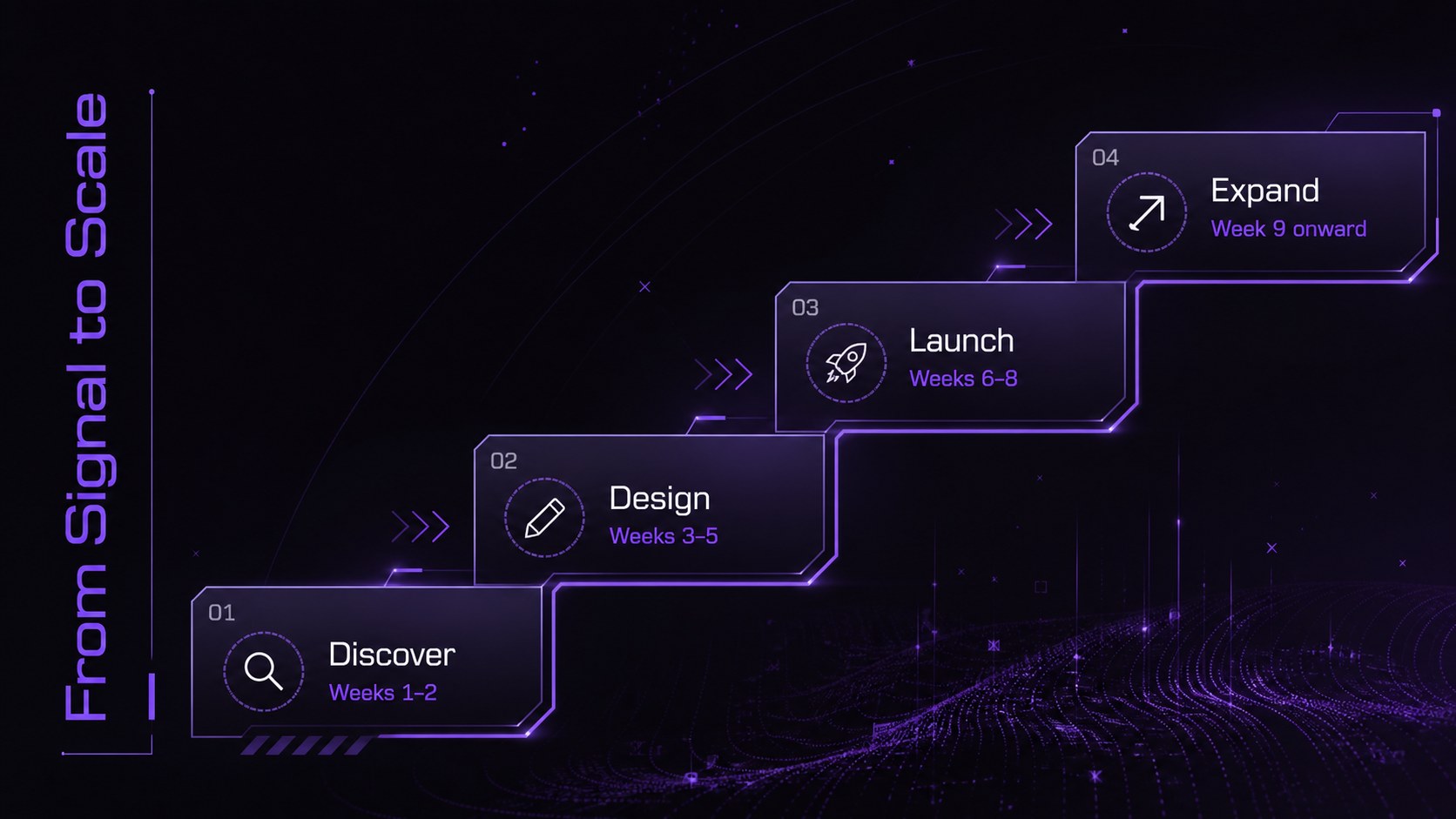
Design notes
The neon future business pitch deck gives professionals a polished stage for ambitious ideas, strategic updates, and forward-looking proposals. Its black canvas, vivid purple accents, precise linework, and restrained neon details create a sophisticated technology aesthetic without distracting from the message. Use this purple and black technology presentation to introduce a new venture, explain an innovation, or give an important client briefing.
Inside are 22 editable 16:9 layouts for opening statements, agendas, challenges, solutions, audience insights, timelines, performance metrics, team profiles, and closing calls to action. Charts, frames, geometric shapes, and modular text areas make complex information easier to organize. Subtle transitions add movement where it supports the narrative, making this an animated business presentation template suited to concise, confident delivery.
Designed for founders, consultants, product leaders, project managers, and corporate strategy teams, these futuristic startup pitch slides work equally well for investor conversations, quarterly reviews, conference talks, and internal planning sessions. Every slide can be adapted in PowerPoint or Google Slides: replace the sample copy, adjust the purple accents, insert company imagery, and reshape the data displays to match your story. The consistent visual system helps teams build a cohesive presentation quickly while preserving enough flexibility for different industries and objectives.
Perfect for: startup investor pitch; technology product launch; quarterly strategy review; client innovation proposal; industry conference talk.
Frequently asked questions
Can I edit this deck in PowerPoint and Google Slides? Yes. The layouts, text, colors, and visual elements are designed for editing in both PowerPoint and Google Slides. Some transition effects may vary slightly between the two platforms.
Practical details
Yes. The layouts, text, colors, and visual elements are designed for editing in both PowerPoint and Google Slides. Some transition effects may vary slightly between the two platforms.
Select the accent shapes, lines, and chart elements to replace the purple with your brand color. Keep the dark background and strong contrast if you want to preserve the deck's futuristic character.
Yes. Update the chart values directly or rebuild the visualizations with your preferred chart tools. Use concise labels and a limited number of highlighted figures to maintain the clean layout.
It is primarily designed for screens and projected presentations. For printing, test a sample page first because dark backgrounds use more ink and neon colors may appear less vivid on paper.
Keep exploring
15Shape your publishing concept with an indie magazine startup pitch deck featuring pastel gradients, bold collage layouts, and editable planning slides.
 16
16Build clear project stories with the Icon Grid Teamwork Theme, a flexible blue illustrated deck for proposals, strategy updates, and team meetings.
 3
3Turn priorities into an actionable plan with an annual goals roadmap infographic, featuring editable orange and teal layouts for PowerPoint and Google Slides.
 15
15Create an Annual Achievement Report Presentation with colorful geometric layouts for milestones, results, lessons, and priorities in PowerPoint or Google Slides.
 15
15Turn results into a focused annual performance evaluation report with dark 3D slides for KPIs, achievements, feedback, and next-step goals for teams.
 15
15Guide a focused annual recap with Business Results Retrospective Slides, a muted brown-and-blue template for PowerPoint and Google Slides.
 6
6Turn complex plans into clear visual stories with Color-Coded Workflow Path Slides, an editable set for project updates, roadmaps, and team briefings.
 6
6Compare regional performance at a glance with Global Data Heatmap Slides, a clean multicolor deck designed for editable PowerPoint and Google Slides.