
 15
15presentation
Indie Magazine Startup Pitch Deck
Shape your publishing concept with an indie magazine startup pitch deck featuring pastel gradients, bold collage layouts, and editable planning slides.
Google SlidesPowerPoint
presentation · English
Run sharper leadership reviews with Monthly Strategy Check-In Slides, a cream, black and yellow deck for priorities, metrics, risks and next steps.





Design notes
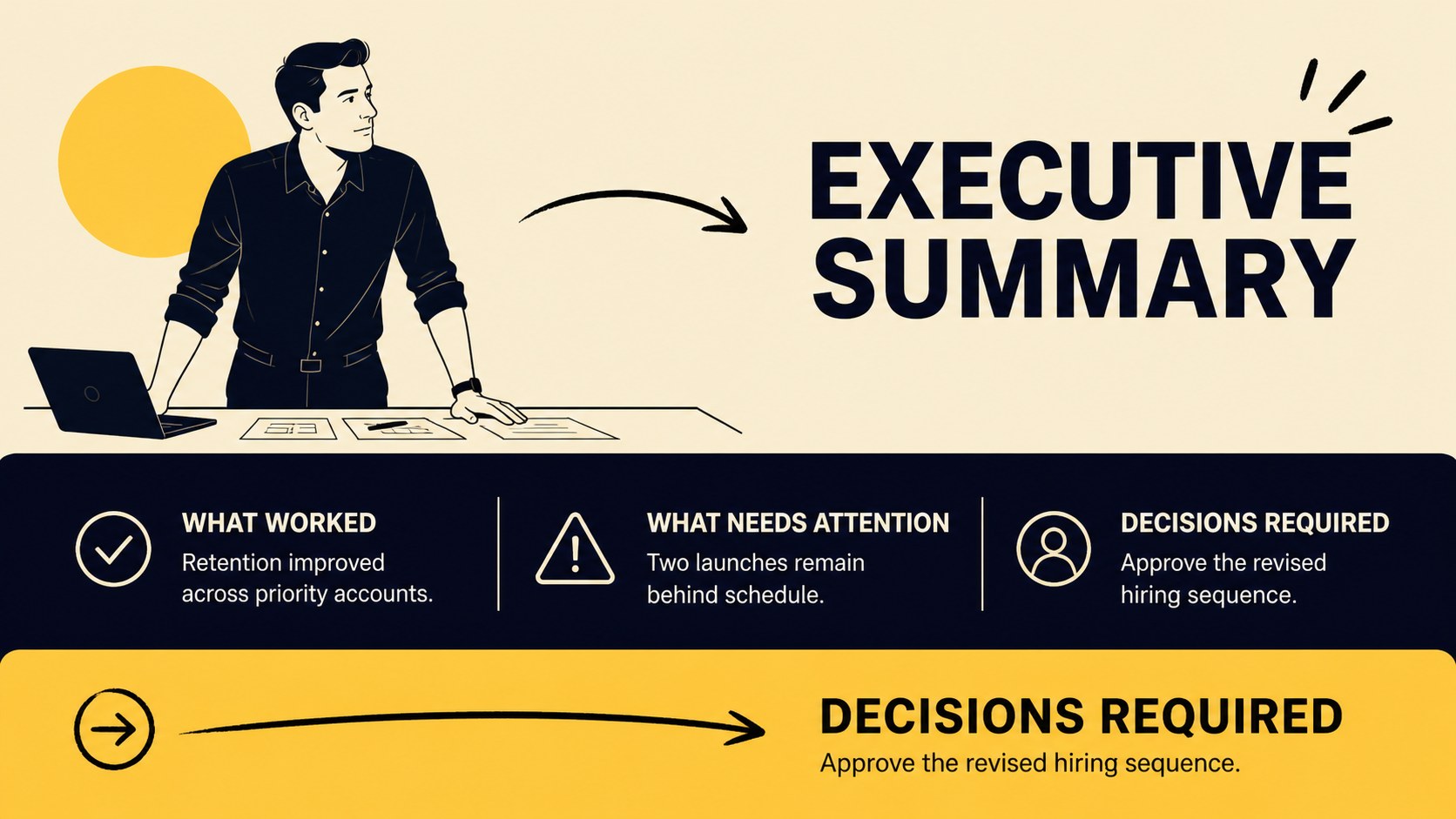
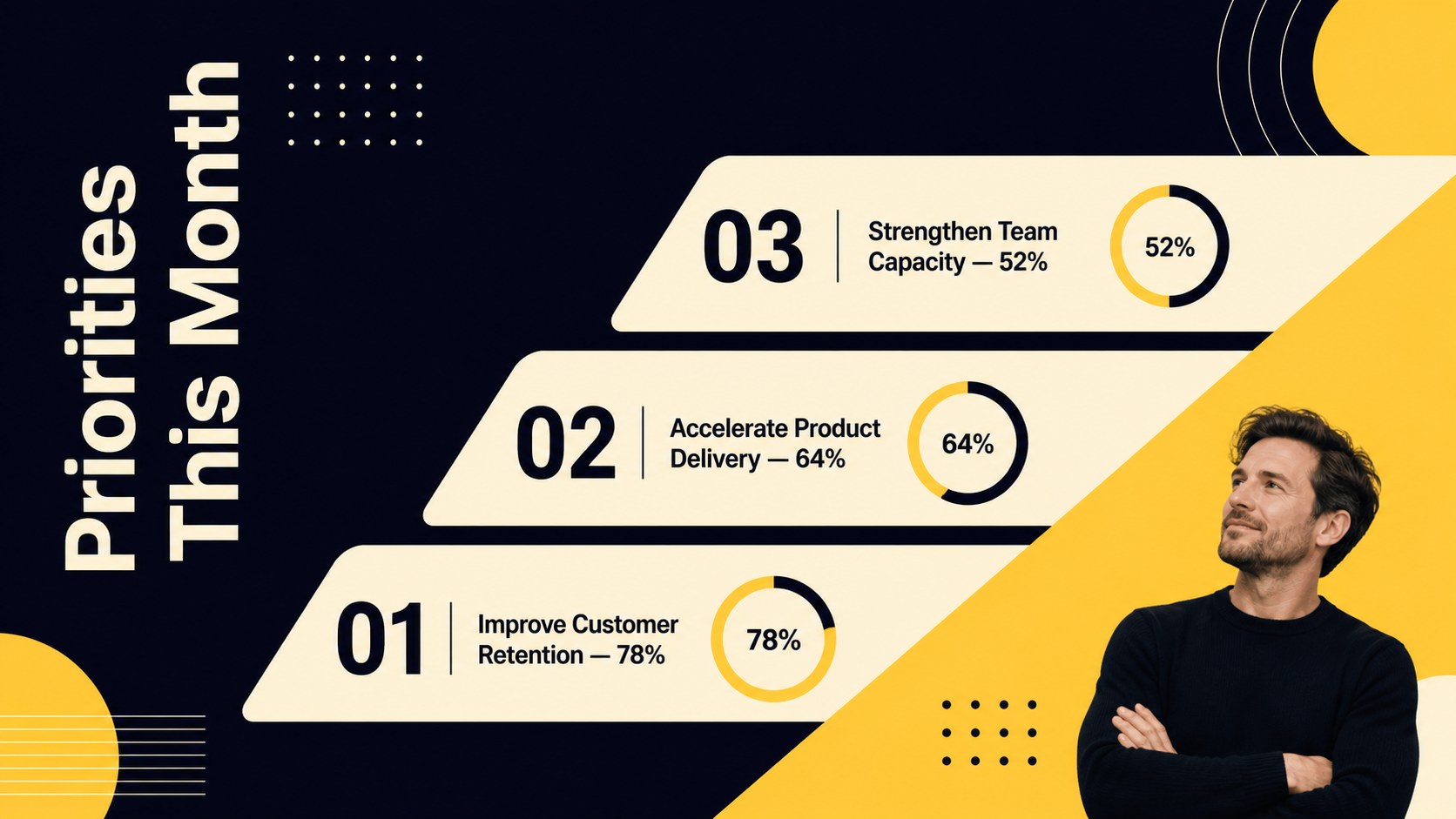
Monthly Strategy Check-In Slides gives leadership teams a practical framework for reviewing progress without losing the room in dense reports. The cream, black and yellow visual system combines minimal typography with original editorial illustrations, helping priorities, results and decisions remain easy to scan. Use this monthly leadership meeting presentation to keep conversations focused on evidence, accountability and the work ahead.
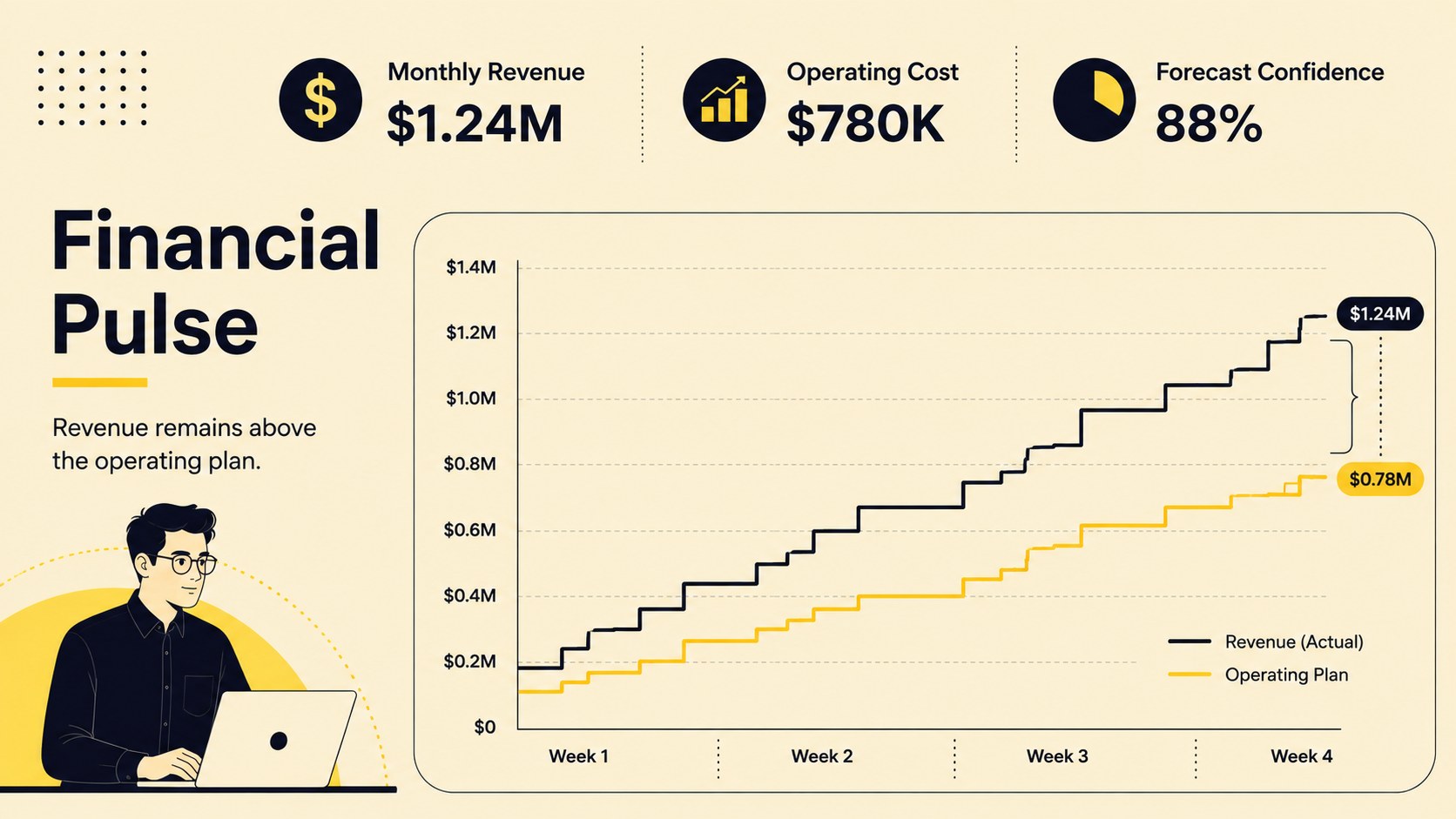
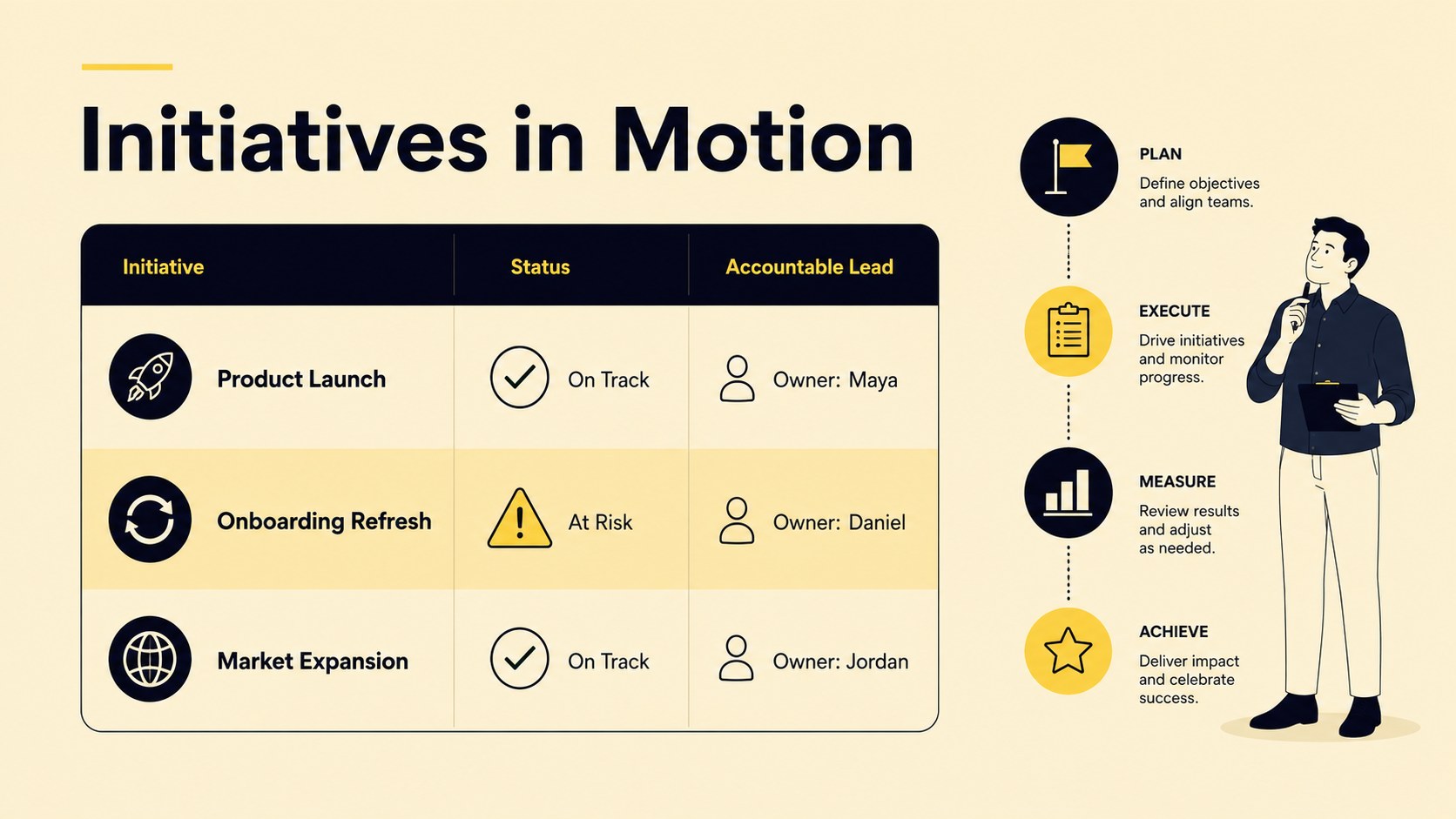
Inside the deck, you will find layouts for an executive summary, strategic priorities, KPI snapshots, financial performance, initiative updates, customer insights and competitive developments. Additional slides cover project health, emerging risks, resource allocation, a decision log and a 30-day action plan. Together, these formats create a complete monthly business review slide deck that can be adapted to different departments, reporting cycles and levels of detail.
Built for PowerPoint and Google Slides, the 16:9 presentation is suitable for executives, strategy teams, department heads, consultants and startup operators. Every page can be customized with your own figures, labels, charts and illustrations while preserving the restrained cream, black and yellow palette. Whether you need an executive strategy check-in template for a recurring leadership session or a concise update for stakeholders, this deck turns scattered reporting into a clear path from performance to action.
Perfect for: monthly leadership check-in; executive performance review; department strategy update; quarter-to-date progress meeting; consulting client review; startup management session.
Frequently asked questions
Can I edit these slides in PowerPoint and Google Slides? Yes. Every slide can be edited in PowerPoint and Google Slides, including text, colors, charts, shapes and layout elements. Font substitutions may vary slightly depending on the fonts installed on your device.
Practical details
Yes. Every slide can be edited in PowerPoint and Google Slides, including text, colors, charts, shapes and layout elements. Font substitutions may vary slightly depending on the fonts installed on your device.
Replace the sample metrics, priorities and action items with your own content, then adjust the accent colors and typography to match your visual identity. Keep the cream backgrounds and strong black contrast if you want to preserve the original minimal style.
Gather your latest KPI results, initiative updates, financial figures, known risks and decisions requiring leadership input. Assign an owner to each action item so the final plan is immediately usable after the meeting.
Yes. The modular layouts work for shorter weekly check-ins and broader quarterly reviews. Duplicate, remove or reorder slides to match the reporting period and the amount of information your audience needs.
Keep exploring
15Shape your publishing concept with an indie magazine startup pitch deck featuring pastel gradients, bold collage layouts, and editable planning slides.
 16
16Build clear project stories with the Icon Grid Teamwork Theme, a flexible blue illustrated deck for proposals, strategy updates, and team meetings.
 3
3Turn priorities into an actionable plan with an annual goals roadmap infographic, featuring editable orange and teal layouts for PowerPoint and Google Slides.
 15
15Create an Annual Achievement Report Presentation with colorful geometric layouts for milestones, results, lessons, and priorities in PowerPoint or Google Slides.
 15
15Turn results into a focused annual performance evaluation report with dark 3D slides for KPIs, achievements, feedback, and next-step goals for teams.
 15
15Guide a focused annual recap with Business Results Retrospective Slides, a muted brown-and-blue template for PowerPoint and Google Slides.
 6
6Turn complex plans into clear visual stories with Color-Coded Workflow Path Slides, an editable set for project updates, roadmaps, and team briefings.
 6
6Compare regional performance at a glance with Global Data Heatmap Slides, a clean multicolor deck designed for editable PowerPoint and Google Slides.