
 15
15presentation
Indie Magazine Startup Pitch Deck
Shape your publishing concept with an indie magazine startup pitch deck featuring pastel gradients, bold collage layouts, and editable planning slides.
Google SlidesPowerPoint
spreadsheet · English
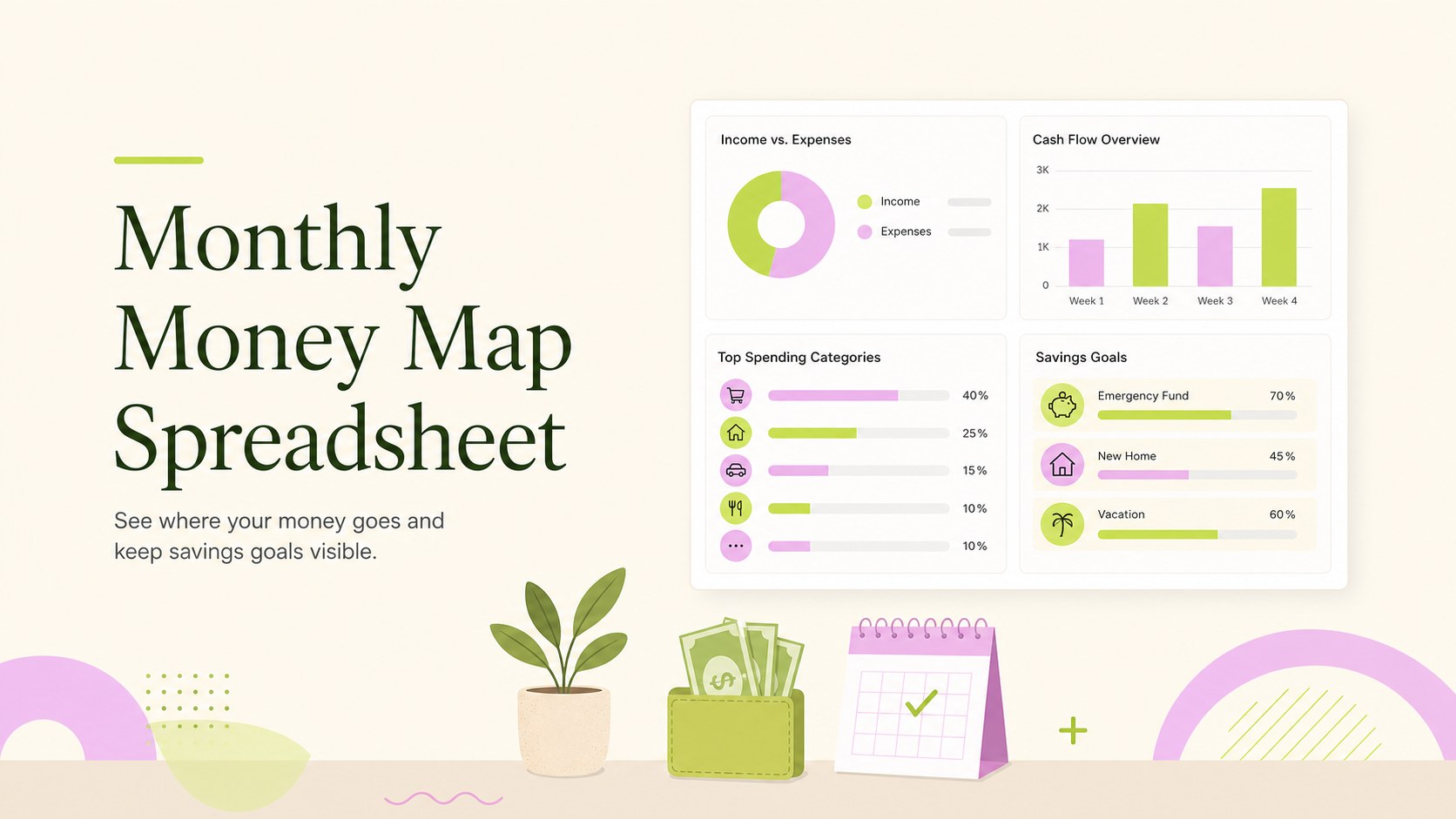
Plan monthly spending with a modern monthly money map spreadsheet for Google Sheets, Excel, PowerPoint, and Google Slides. Track bills, savings, and goals.
Design notes
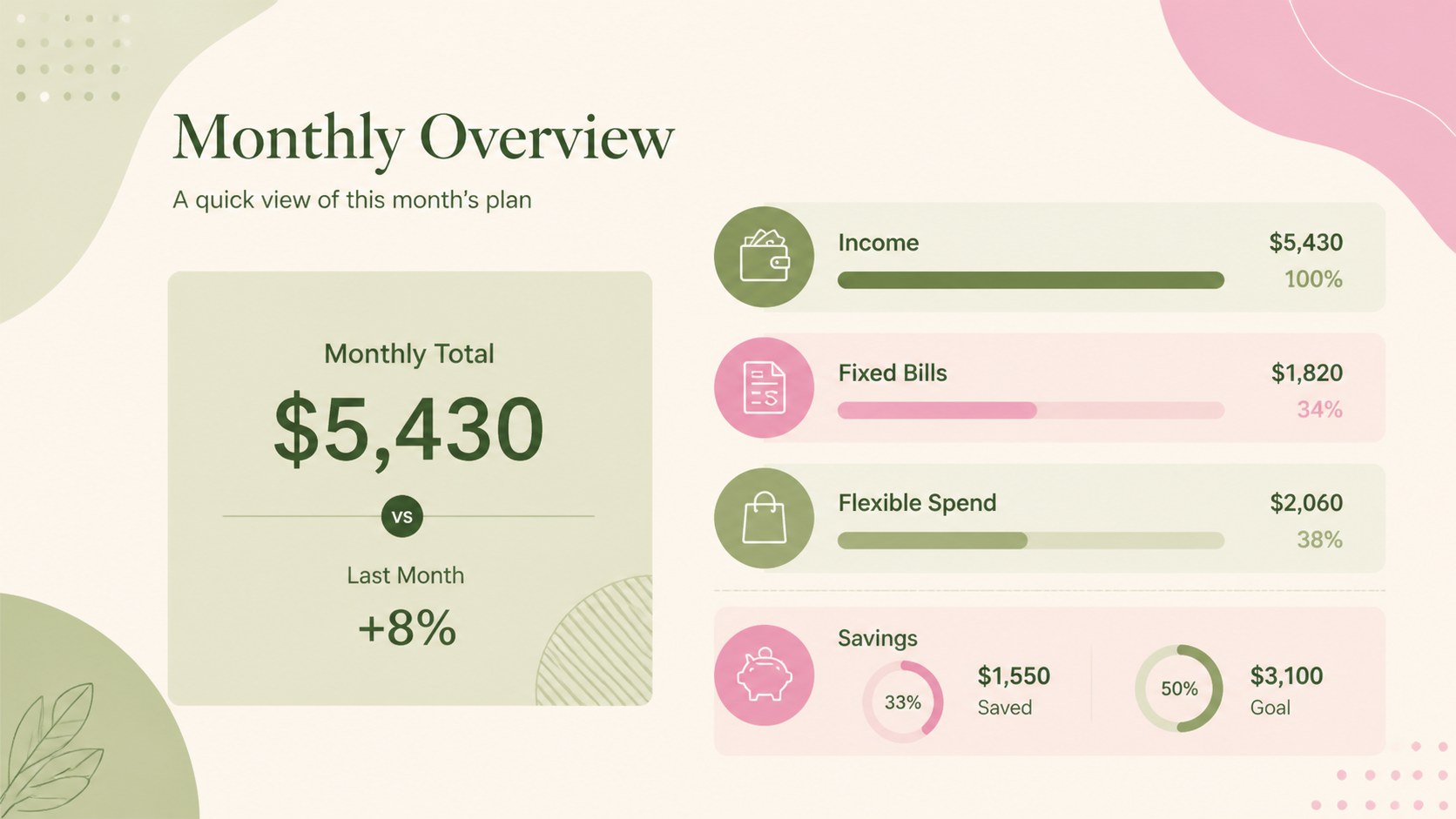
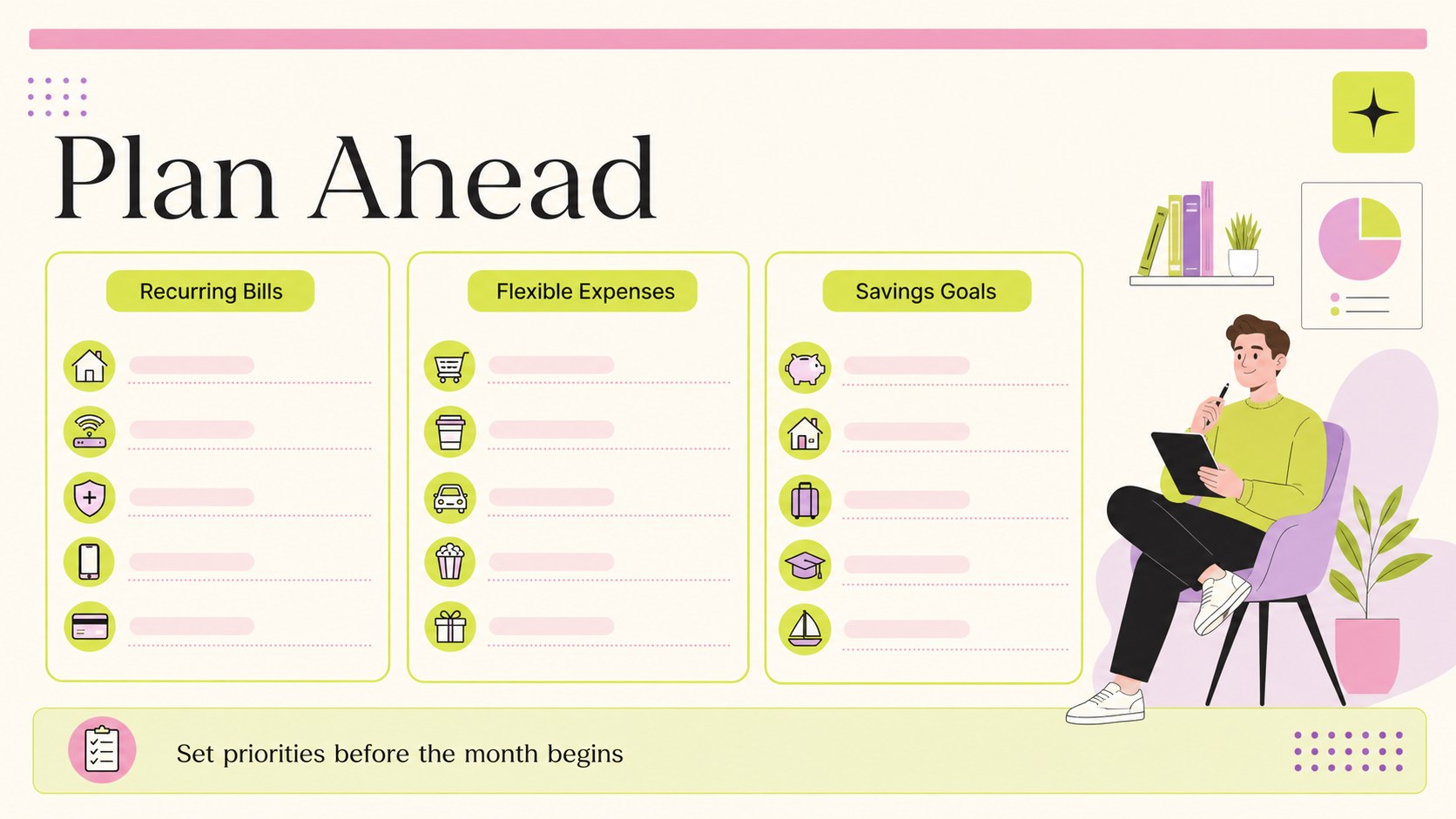
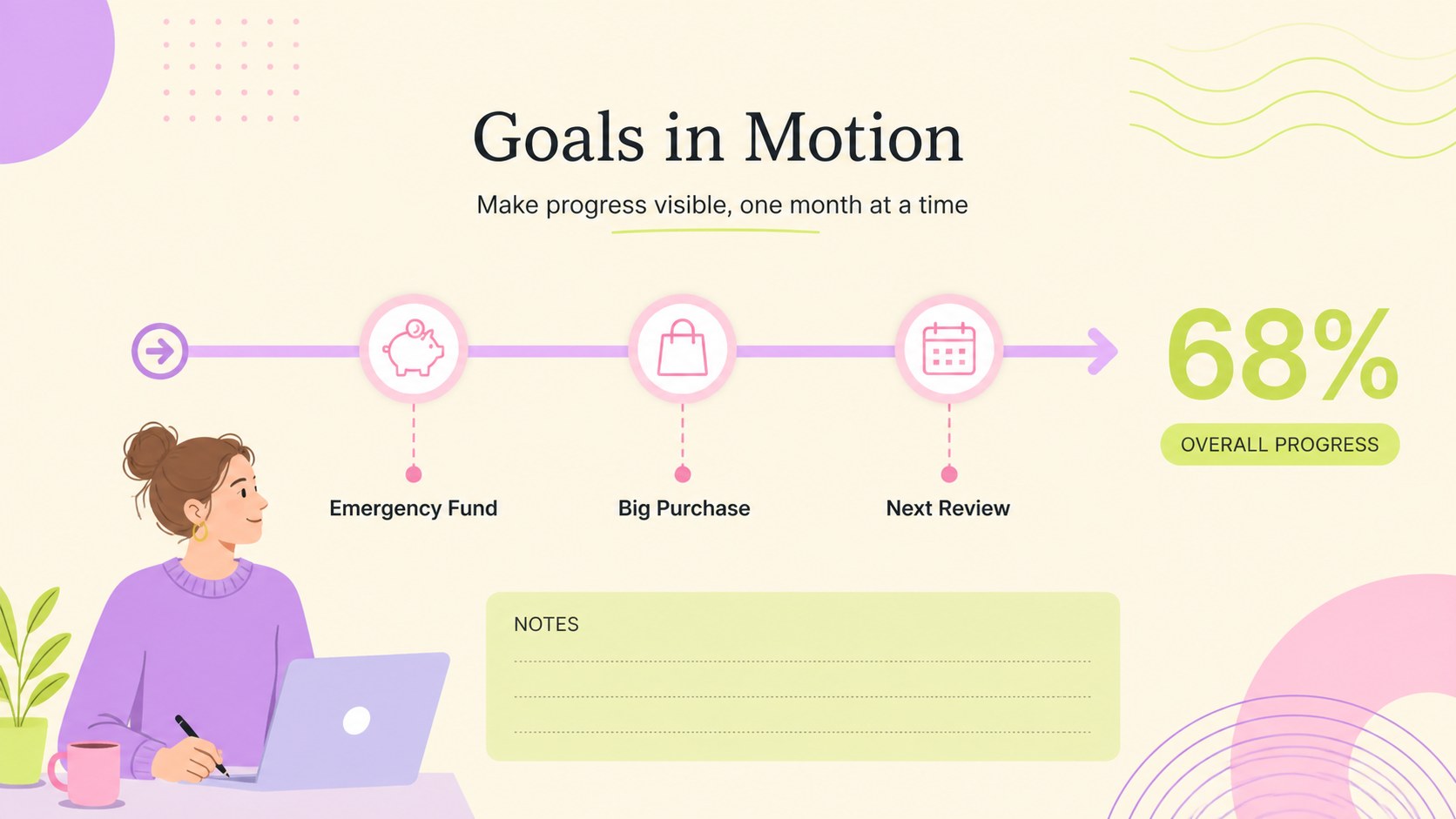
Bring everyday finances into one clear view with the Monthly Money Map Spreadsheet. Designed for practical planning, this modern workbook helps you organize income, recurring bills, flexible spending, savings contributions, and larger purchase goals without making the process feel overwhelming. Its refreshing green, pink, and beige palette adds a polished aesthetic touch while keeping key figures easy to scan.
Inside, you’ll find structured areas for monthly income, fixed and variable expenses, savings progress, spending categories, and end-of-month review notes. Use it as a monthly expense planning spreadsheet, a shared finance dashboard, or an editable money management worksheet for personal and family decisions. The layout can be adjusted for different currencies, categories, income schedules, and financial priorities.
This template suits individuals, couples, families, students, and small teams that need a straightforward way to monitor spending and plan ahead. Edit it in Google Sheets or Excel, or adapt the visual layouts in PowerPoint and Google Slides for a financial review or planning meeting. Update labels, colors, charts, and numbers to match your system, then share a clean snapshot with the people involved in reaching each goal.
Perfect for: monthly household planning; couples sharing expenses; family savings goals; personal spending reviews; planning a major purchase.
Frequently asked questions
Which platforms can I use for this template? The spreadsheet layout can be edited in Google Sheets and Excel. The presentation-style visuals can also be adapted in PowerPoint and Google Slides.
Practical details
The spreadsheet layout can be edited in Google Sheets and Excel. The presentation-style visuals can also be adapted in PowerPoint and Google Slides.
Yes. Replace the sample labels, income sources, expense categories, goals, and figures with your own information. You can also adjust colors and chart data to suit your planning method.
Yes. It can organize shared bills, individual spending, savings contributions, and joint goals. Add or rename sections so the workbook matches how your household manages money.
Yes. Prepare the data in Google Sheets or Excel, then use the presentation layouts in PowerPoint or Google Slides to summarize spending, savings, and upcoming priorities.
Keep exploring
15Shape your publishing concept with an indie magazine startup pitch deck featuring pastel gradients, bold collage layouts, and editable planning slides.
 16
16Build clear project stories with the Icon Grid Teamwork Theme, a flexible blue illustrated deck for proposals, strategy updates, and team meetings.
 3
3Turn priorities into an actionable plan with an annual goals roadmap infographic, featuring editable orange and teal layouts for PowerPoint and Google Slides.
 15
15Create an Annual Achievement Report Presentation with colorful geometric layouts for milestones, results, lessons, and priorities in PowerPoint or Google Slides.
 15
15Turn results into a focused annual performance evaluation report with dark 3D slides for KPIs, achievements, feedback, and next-step goals for teams.
 15
15Guide a focused annual recap with Business Results Retrospective Slides, a muted brown-and-blue template for PowerPoint and Google Slides.
 6
6Turn complex plans into clear visual stories with Color-Coded Workflow Path Slides, an editable set for project updates, roadmaps, and team briefings.
 6
6Compare regional performance at a glance with Global Data Heatmap Slides, a clean multicolor deck designed for editable PowerPoint and Google Slides.