
 15
15presentation
Indie Magazine Startup Pitch Deck
Shape your publishing concept with an indie magazine startup pitch deck featuring pastel gradients, bold collage layouts, and editable planning slides.
Google SlidesPowerPoint
presentation · English
Turn complex procedures into clear visual stories with a monochrome workflow infographic deck for project planning, training, and process reviews.
Design notes
Bring structure to complicated procedures with the Monochrome Workflow Infographic Deck, a focused collection of diagrams for communicating sequences, responsibilities, milestones, and decisions. Its high-contrast black-and-white styling gives every page a polished, professional appearance while keeping attention on the information that matters.
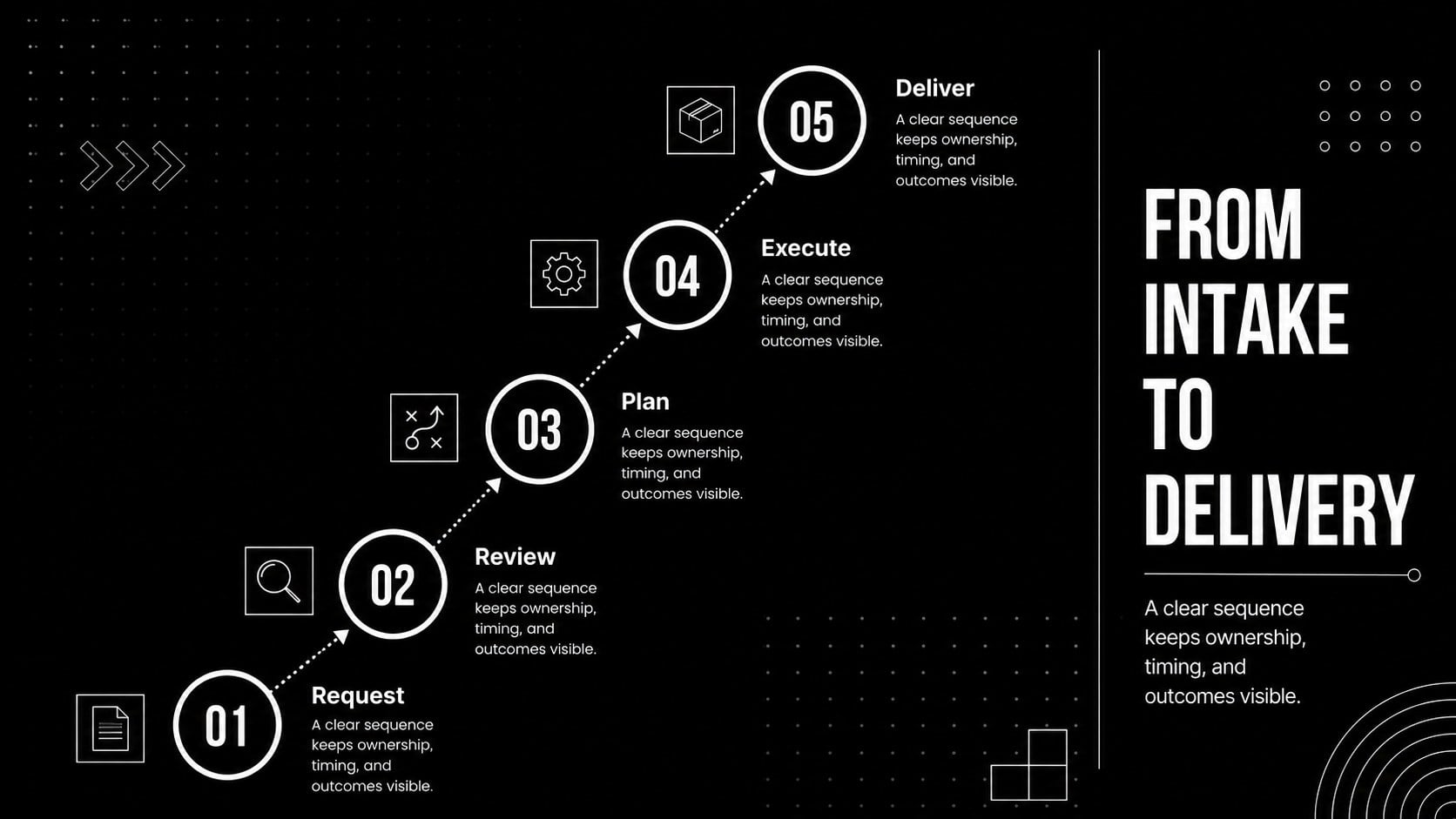
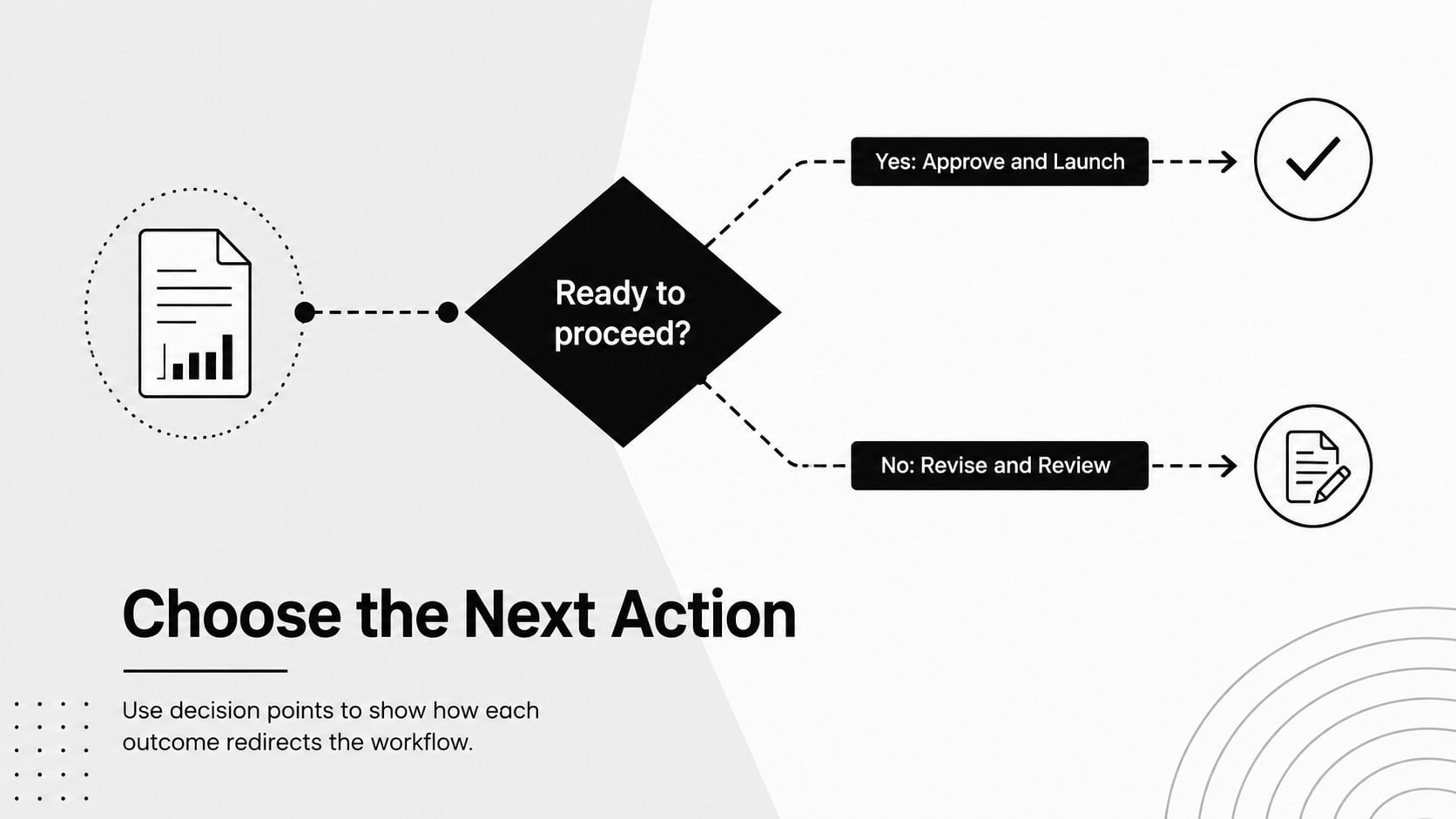
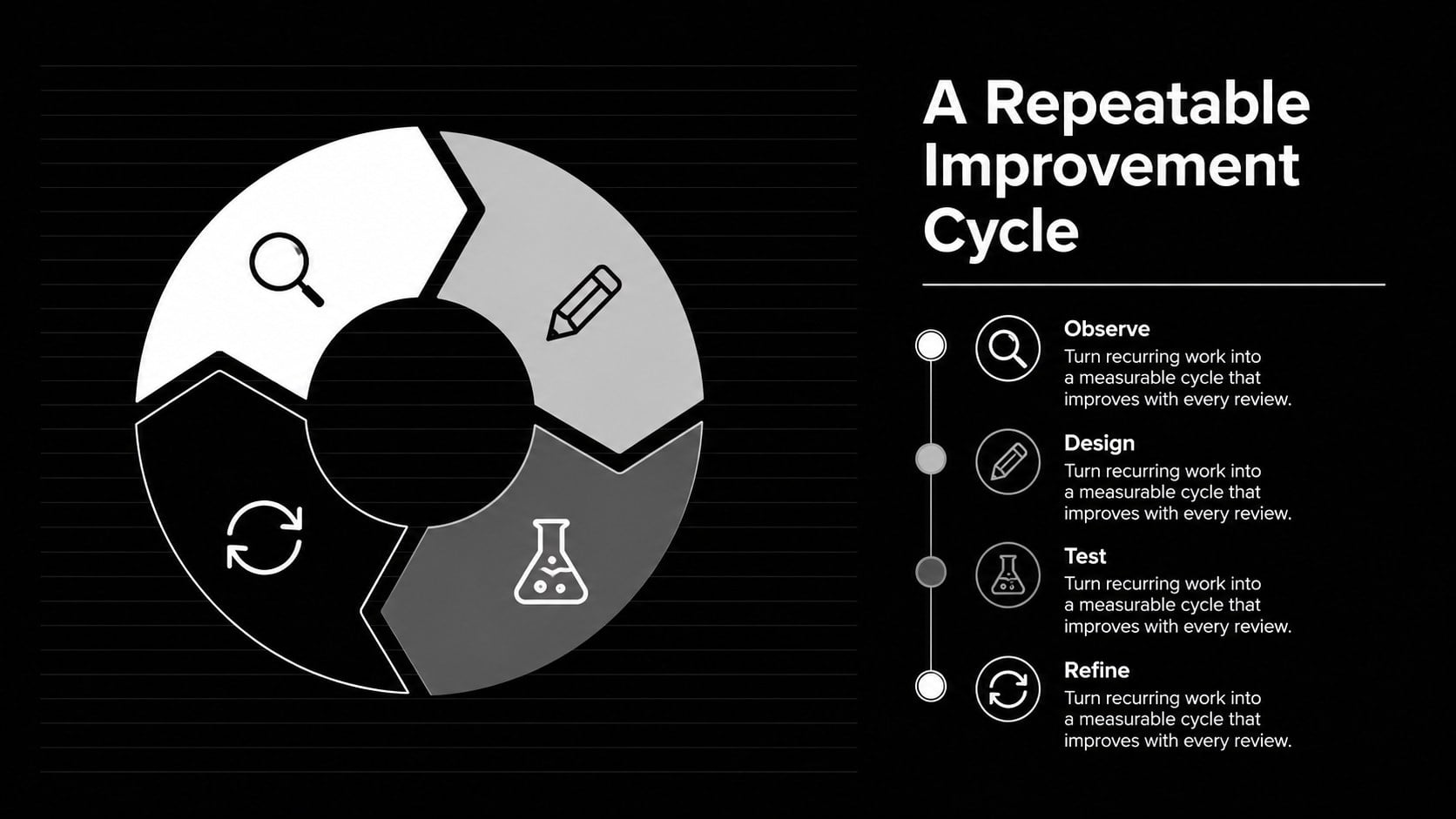
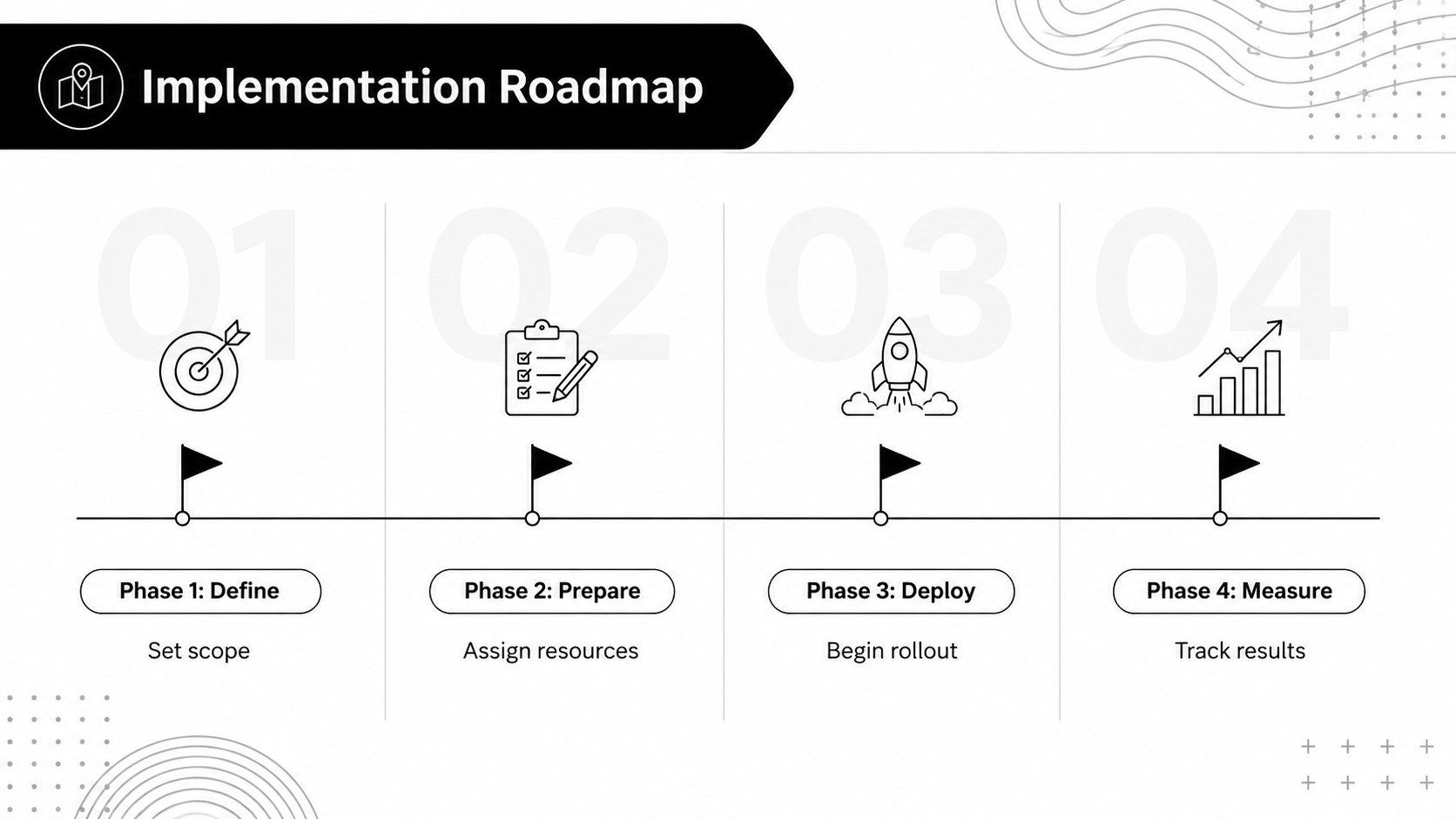
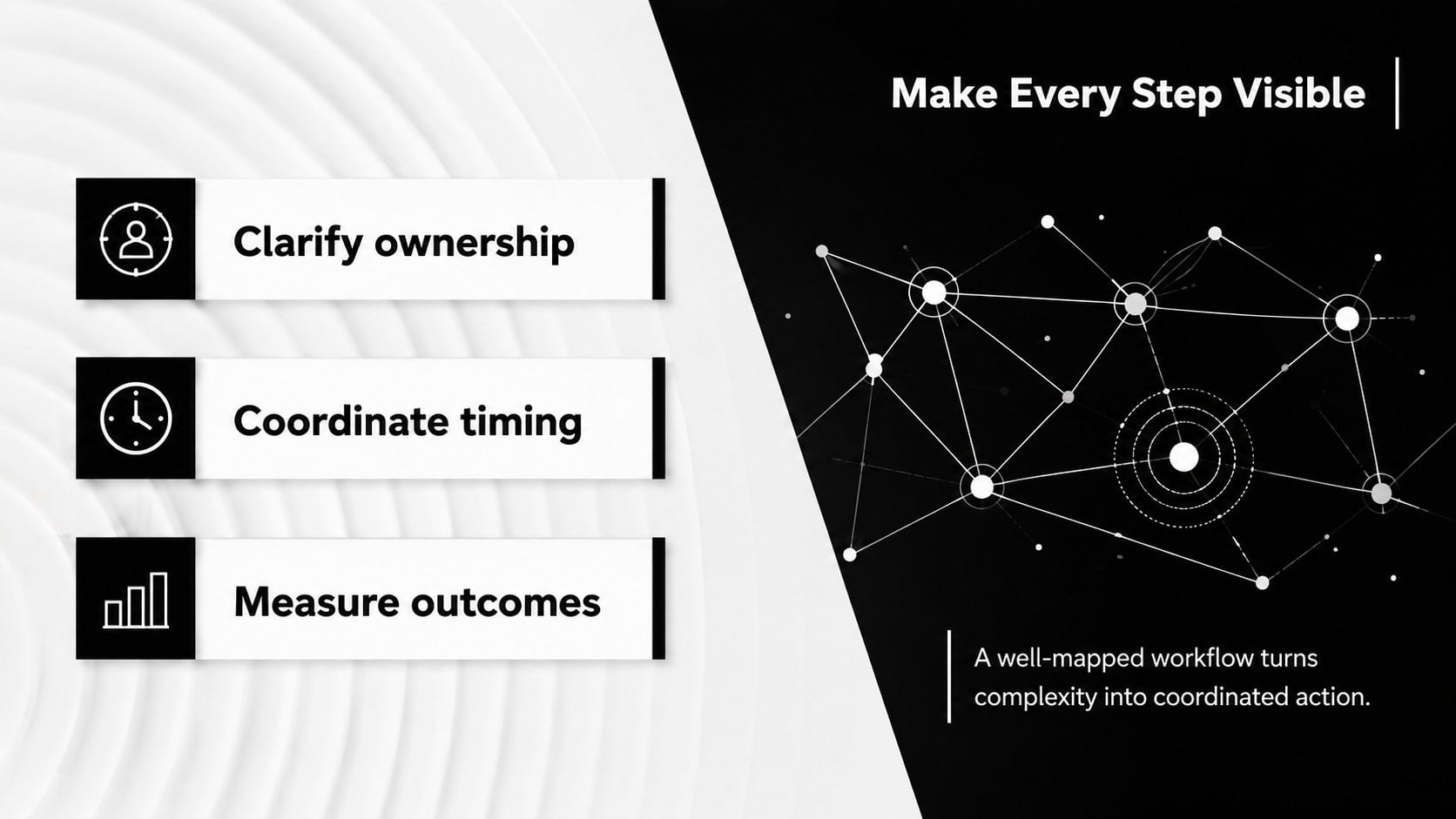
The deck includes six editable 16:9 layouts covering an opening overview, a linear workflow, a branching decision path, a circular operating cycle, a phased implementation roadmap, and a concise closing summary. Use these editable workflow diagram slides to replace dense instructions with visual steps, show dependencies between teams, or clarify how a project moves from intake to delivery. Consistent typography, bold connectors, and spacious content areas make the diagrams readable in meetings and virtual presentations.
Designed for project managers, operations teams, consultants, educators, and students, this black and white workflow presentation works well for onboarding, process reviews, classroom explanations, client proposals, and internal planning. Every element can be adjusted in PowerPoint or Google Slides, including labels, shapes, icons, lines, fonts, and timing. Adapt the layouts as operational process mapping slides, simplify them for a short briefing, or expand each stage into a more detailed presentation without losing visual consistency.
Perfect for: employee onboarding workflow; project delivery roadmap; operational process review; classroom concept explanation; client implementation proposal; decision pathway briefing.
Frequently asked questions
Can I edit every workflow stage and connector? Yes. The text, shapes, icons, arrows, lines, and stage labels can all be edited to match your own procedure or project.
Practical details
Yes. The text, shapes, icons, arrows, lines, and stage labels can all be edited to match your own procedure or project.
The slides are designed for PowerPoint and Google Slides. Minor font or spacing adjustments may be needed when moving a file between platforms.
Yes. Replace the black, white, and gray fills with brand colors while preserving strong contrast between labels, connectors, and backgrounds.
Duplicate an existing stage, update its label, and reconnect the arrows to extend the sequence. For longer procedures, split the workflow across multiple slides to maintain readability.
Keep exploring
15Shape your publishing concept with an indie magazine startup pitch deck featuring pastel gradients, bold collage layouts, and editable planning slides.
 16
16Build clear project stories with the Icon Grid Teamwork Theme, a flexible blue illustrated deck for proposals, strategy updates, and team meetings.
 3
3Turn priorities into an actionable plan with an annual goals roadmap infographic, featuring editable orange and teal layouts for PowerPoint and Google Slides.
 15
15Create an Annual Achievement Report Presentation with colorful geometric layouts for milestones, results, lessons, and priorities in PowerPoint or Google Slides.
 15
15Turn results into a focused annual performance evaluation report with dark 3D slides for KPIs, achievements, feedback, and next-step goals for teams.
 15
15Guide a focused annual recap with Business Results Retrospective Slides, a muted brown-and-blue template for PowerPoint and Google Slides.
 6
6Turn complex plans into clear visual stories with Color-Coded Workflow Path Slides, an editable set for project updates, roadmaps, and team briefings.
 6
6Compare regional performance at a glance with Global Data Heatmap Slides, a clean multicolor deck designed for editable PowerPoint and Google Slides.