
 15
15presentation
Indie Magazine Startup Pitch Deck
Shape your publishing concept with an indie magazine startup pitch deck featuring pastel gradients, bold collage layouts, and editable planning slides.
Google SlidesPowerPoint
presentation · English
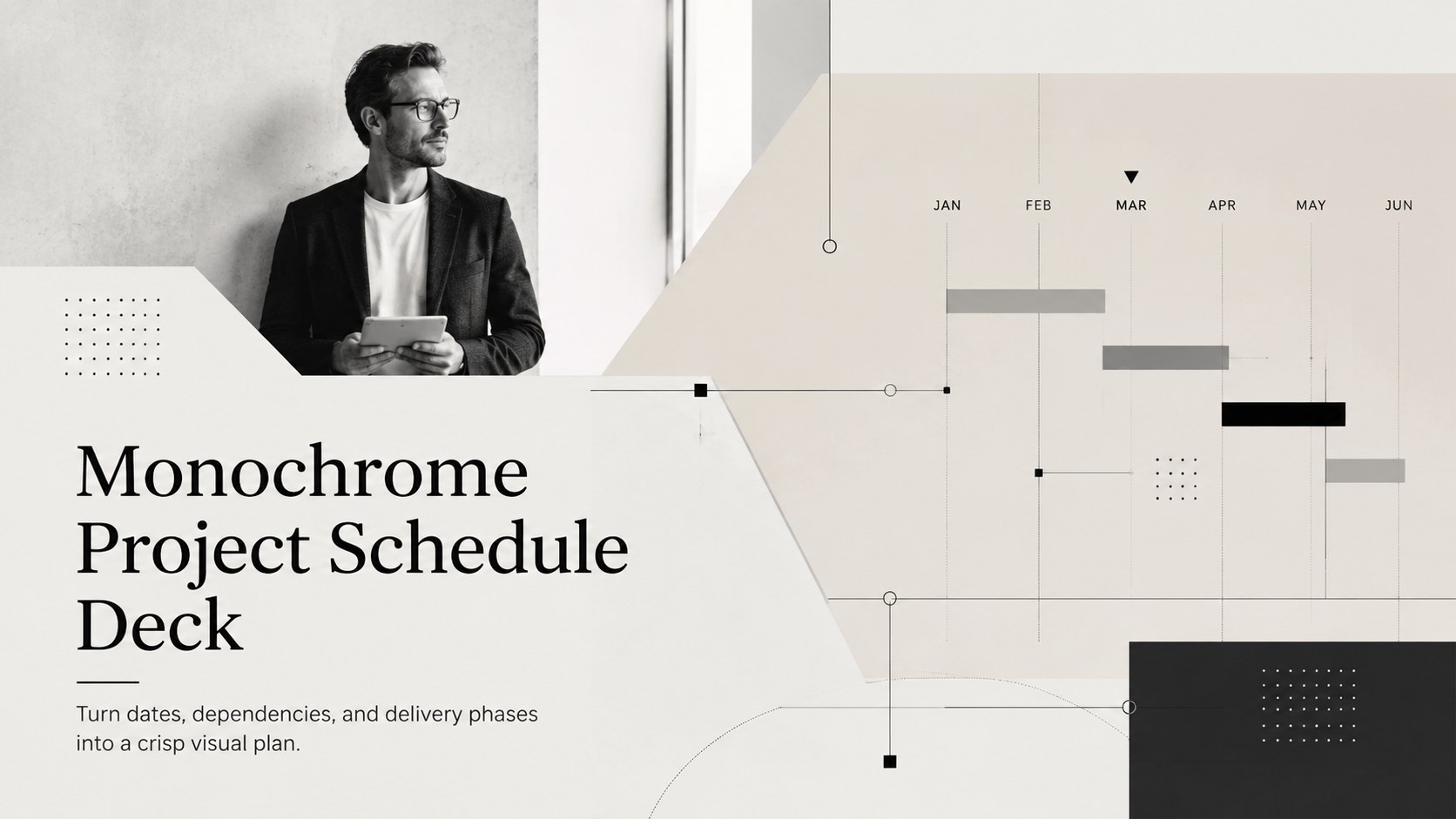
Build a clear delivery story with a monochrome project schedule deck for PowerPoint and Google Slides, featuring phases, milestones, owners, and risks.
Design notes
When dates, owners, and dependencies need to make sense at a glance, the monochrome project schedule deck turns a complex delivery plan into a focused visual narrative. Its black, beige, white, and grey palette creates a calm, professional backdrop for leadership reviews, client meetings, and recurring status updates in PowerPoint or Google Slides.
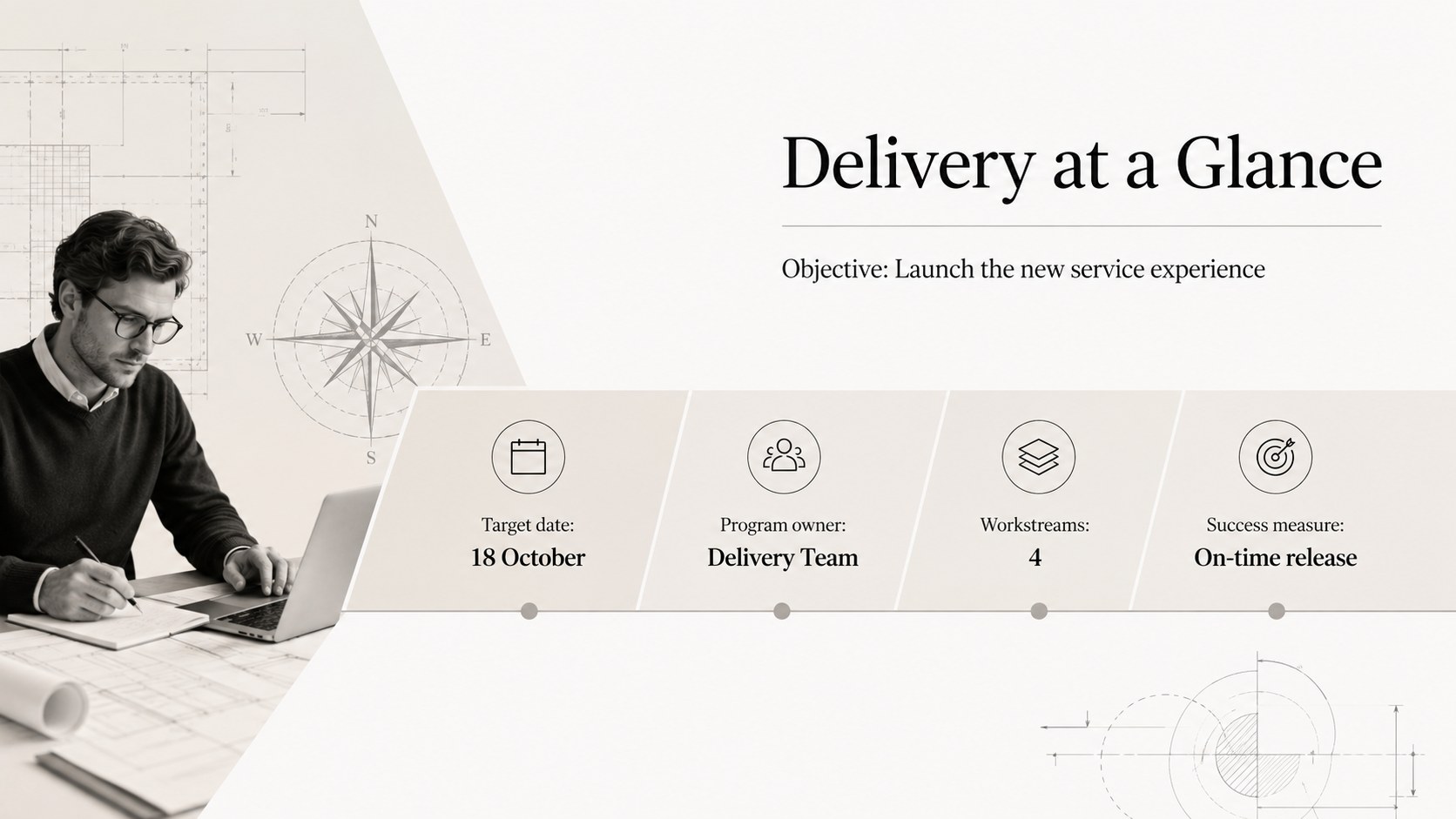
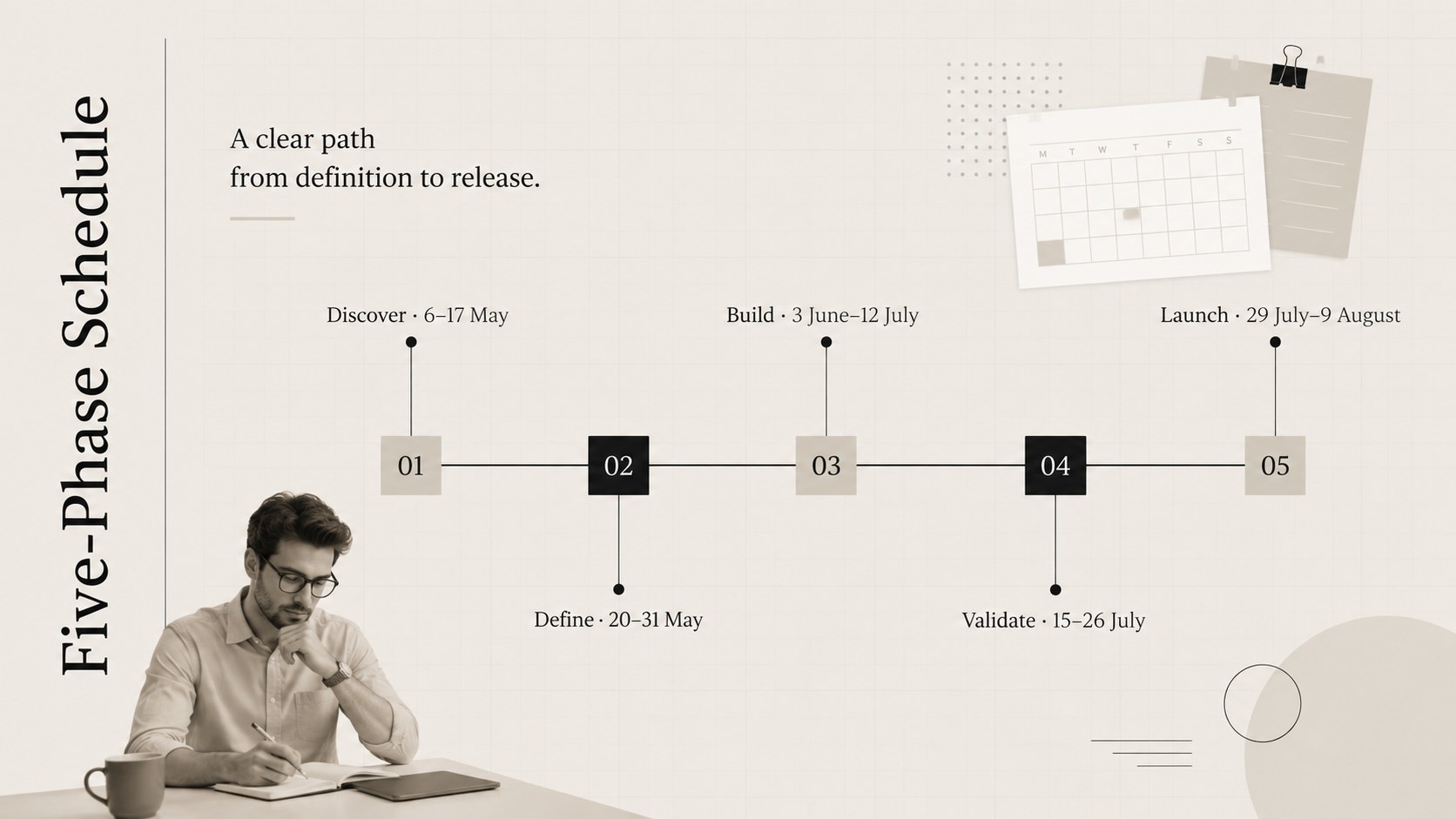
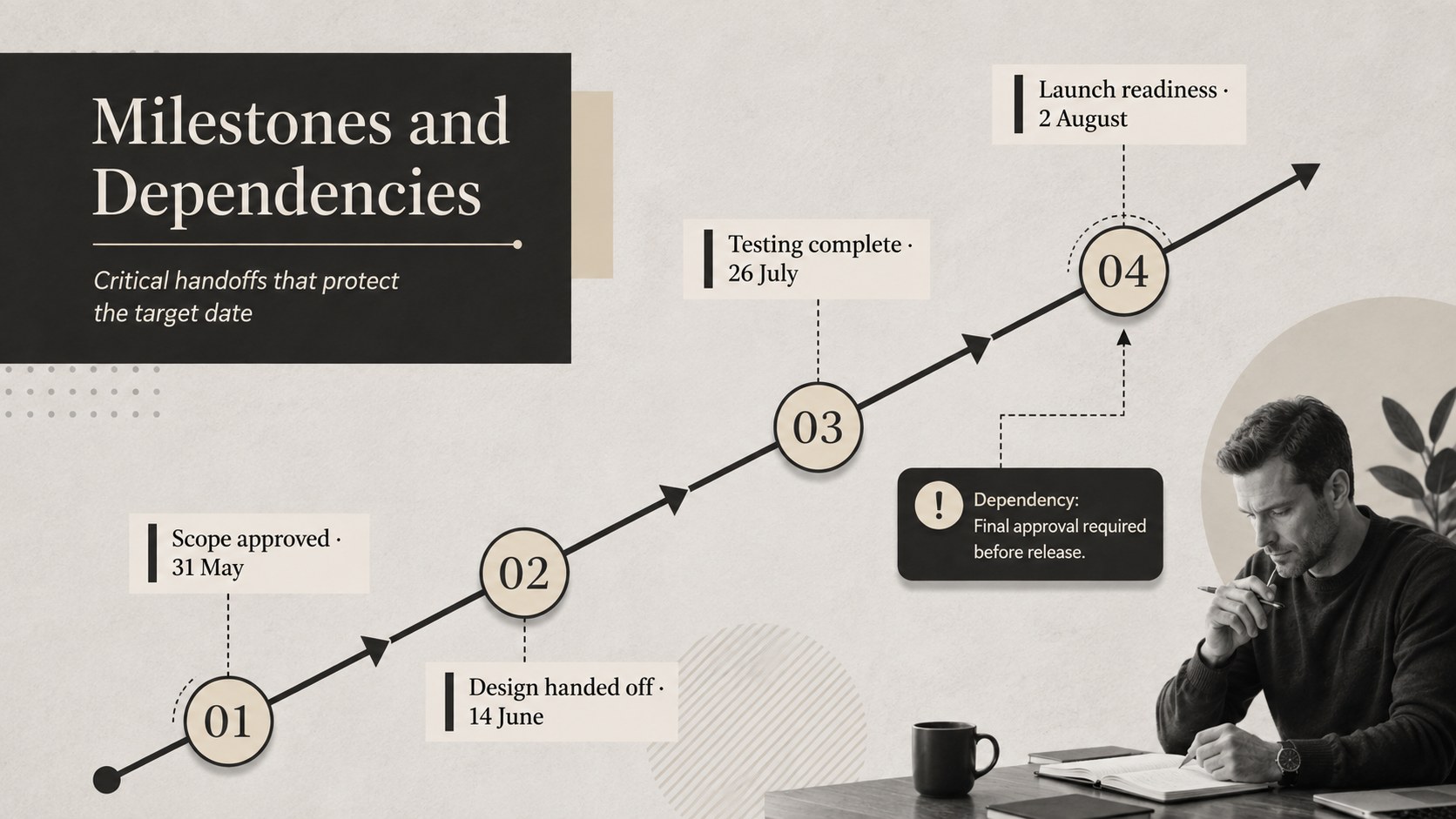
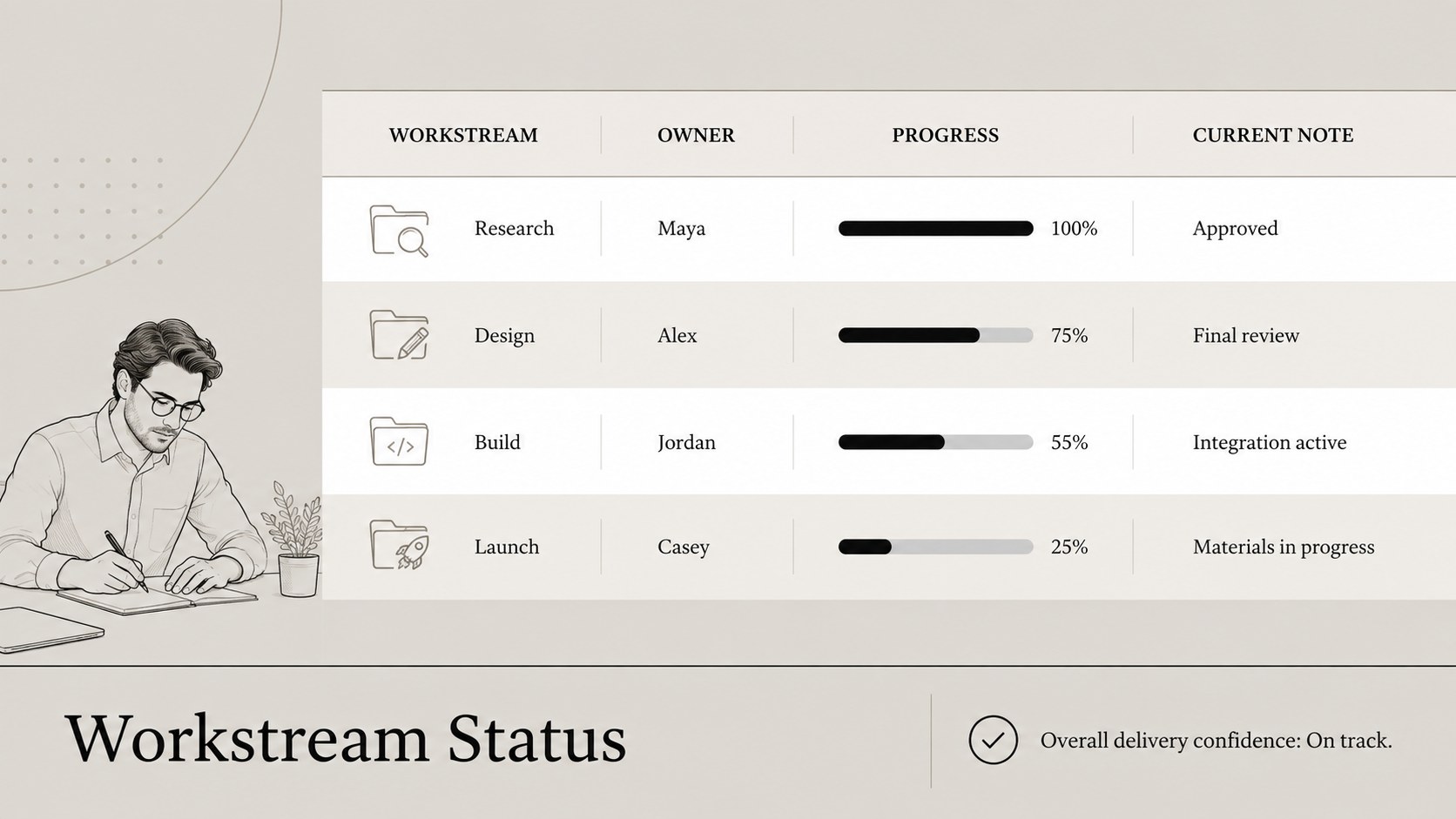
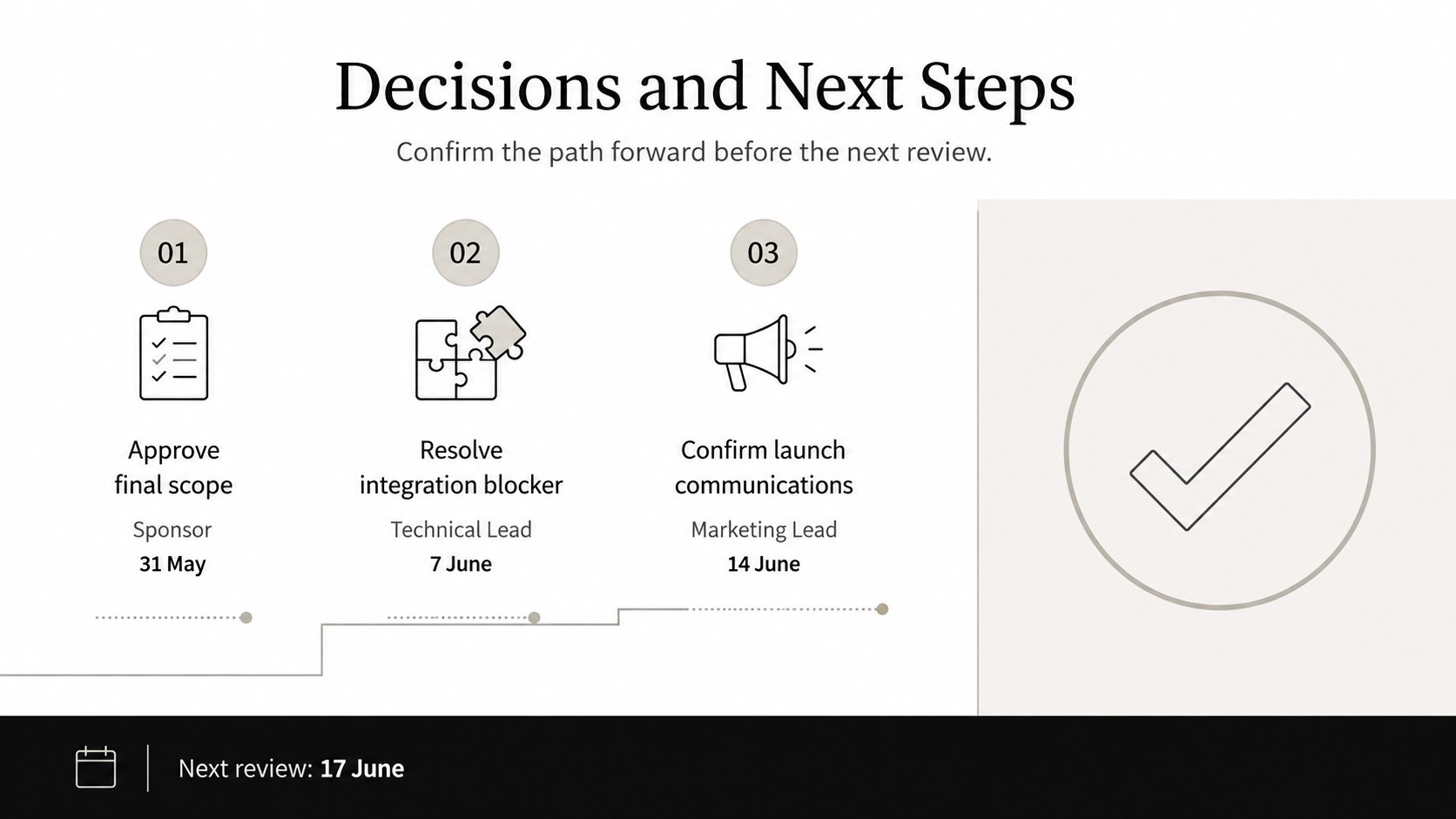
The deck includes a project overview, phased schedule, milestone path, workstream view, risk and dependency summary, and decision-ready closing page. Structured labels and editable shapes make it useful as an editable project schedule presentation, while restrained typography and architectural line details preserve the formal, minimalist character. Use the layouts to identify owners, map target dates, flag blockers, compare planned versus current progress, and clarify the next approval point.
Designed for project managers, consultants, operations leads, product teams, and agency partners, this stakeholder timeline update deck supports concise executive briefings and detailed working sessions. Every slide can be adapted with your own dates, phase names, metrics, and notes without disrupting the visual hierarchy. The result also works as a milestone and dependency presentation for launches, implementation programs, construction planning, process changes, or cross-functional initiatives. Duplicate schedule segments for longer programs, remove unused sections for a short sprint, and apply transitions selectively to guide attention through the plan.
Perfect for: executive project review; client delivery briefing; product launch planning; implementation schedule update; cross-functional milestone meeting.
Frequently asked questions
Can I edit the schedule dates and phases? Yes. Replace the sample dates, phase names, owners, and milestone labels with your project details. Timeline blocks and text fields can also be duplicated or removed to match the length of your plan.
Practical details
Yes. Replace the sample dates, phase names, owners, and milestone labels with your project details. Timeline blocks and text fields can also be duplicated or removed to match the length of your plan.
The deck is designed for PowerPoint and Google Slides. Standard text, shape, and layout elements remain editable in both platforms.
Yes. Update the black, beige, white, and grey theme colors to reflect your organization or client. For clear hierarchy, keep strong contrast between the background, schedule blocks, and milestone labels.
Duplicate an existing row, phase block, or milestone marker, then adjust its label and date. Keep spacing consistent so the expanded schedule remains readable during presentations.
Keep exploring
15Shape your publishing concept with an indie magazine startup pitch deck featuring pastel gradients, bold collage layouts, and editable planning slides.
 16
16Build clear project stories with the Icon Grid Teamwork Theme, a flexible blue illustrated deck for proposals, strategy updates, and team meetings.
 3
3Turn priorities into an actionable plan with an annual goals roadmap infographic, featuring editable orange and teal layouts for PowerPoint and Google Slides.
 15
15Create an Annual Achievement Report Presentation with colorful geometric layouts for milestones, results, lessons, and priorities in PowerPoint or Google Slides.
 15
15Turn results into a focused annual performance evaluation report with dark 3D slides for KPIs, achievements, feedback, and next-step goals for teams.
 15
15Guide a focused annual recap with Business Results Retrospective Slides, a muted brown-and-blue template for PowerPoint and Google Slides.
 6
6Turn complex plans into clear visual stories with Color-Coded Workflow Path Slides, an editable set for project updates, roadmaps, and team briefings.
 6
6Compare regional performance at a glance with Global Data Heatmap Slides, a clean multicolor deck designed for editable PowerPoint and Google Slides.