
 15
15presentation
Indie Magazine Startup Pitch Deck
Shape your publishing concept with an indie magazine startup pitch deck featuring pastel gradients, bold collage layouts, and editable planning slides.
Google SlidesPowerPoint
presentation · English
Build sharper pitches and reports with this Monochrome Multimedia Storytelling Deck, featuring 19 editable layouts for PowerPoint and Google Slides.


Design notes
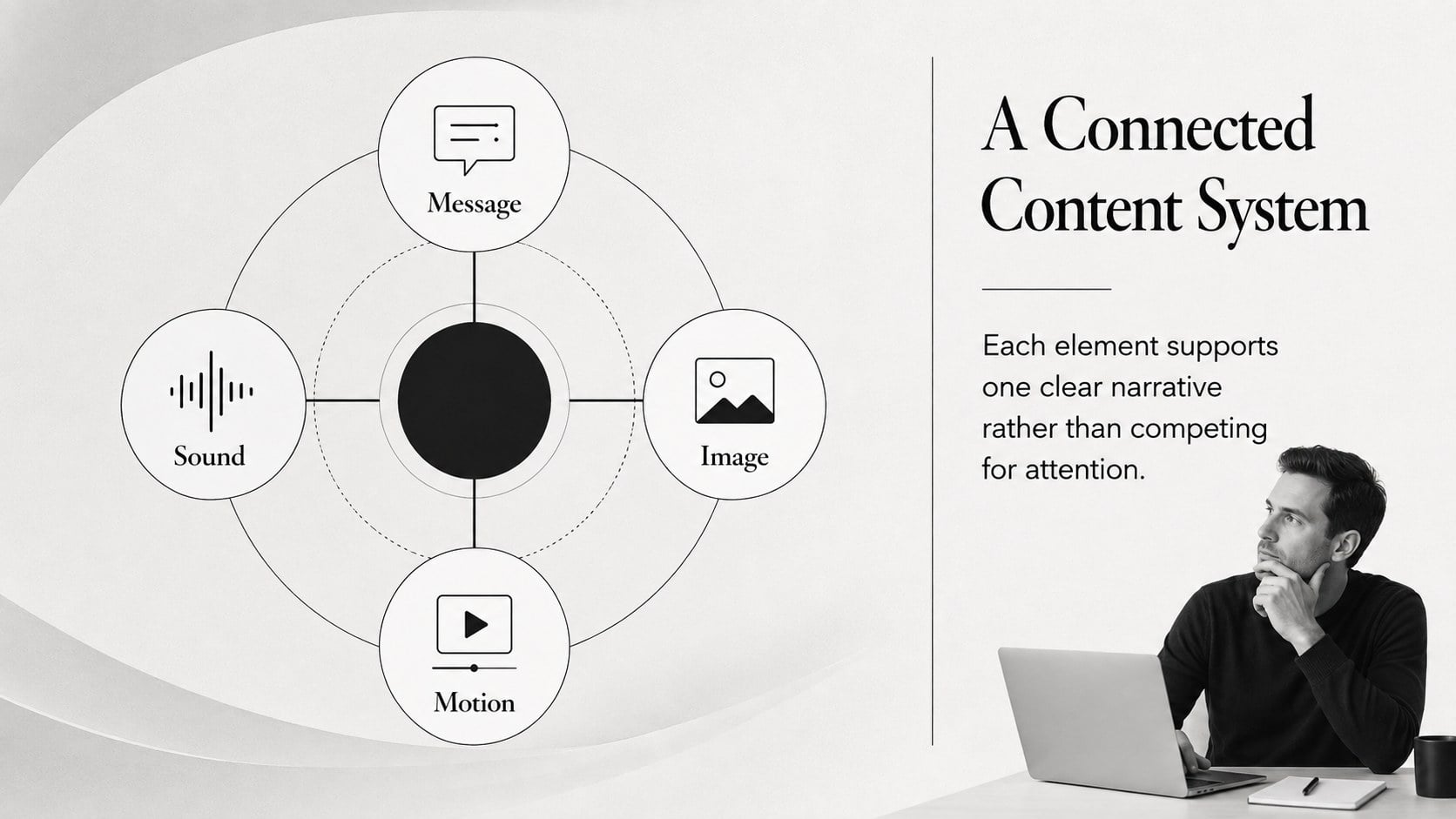
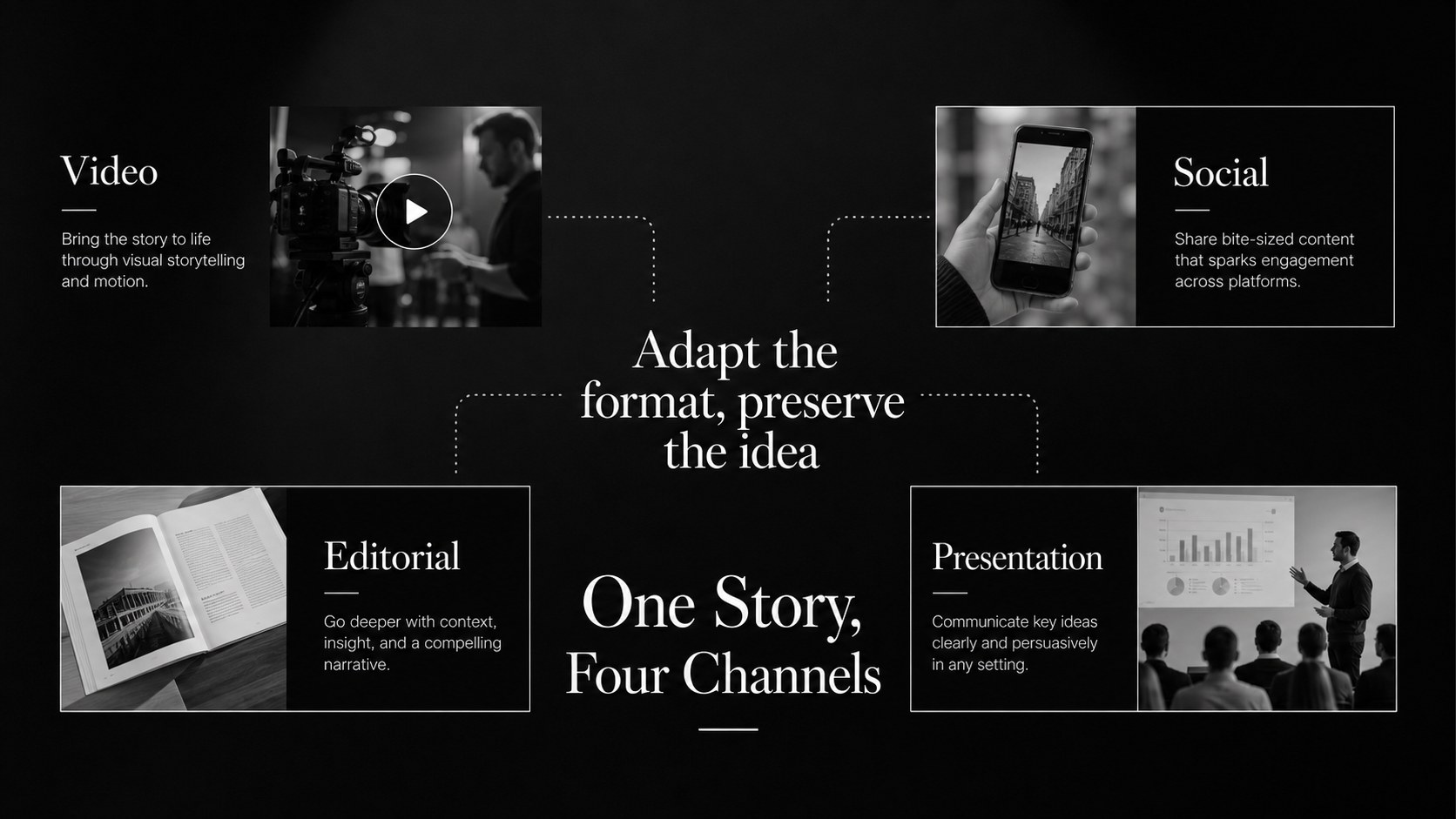
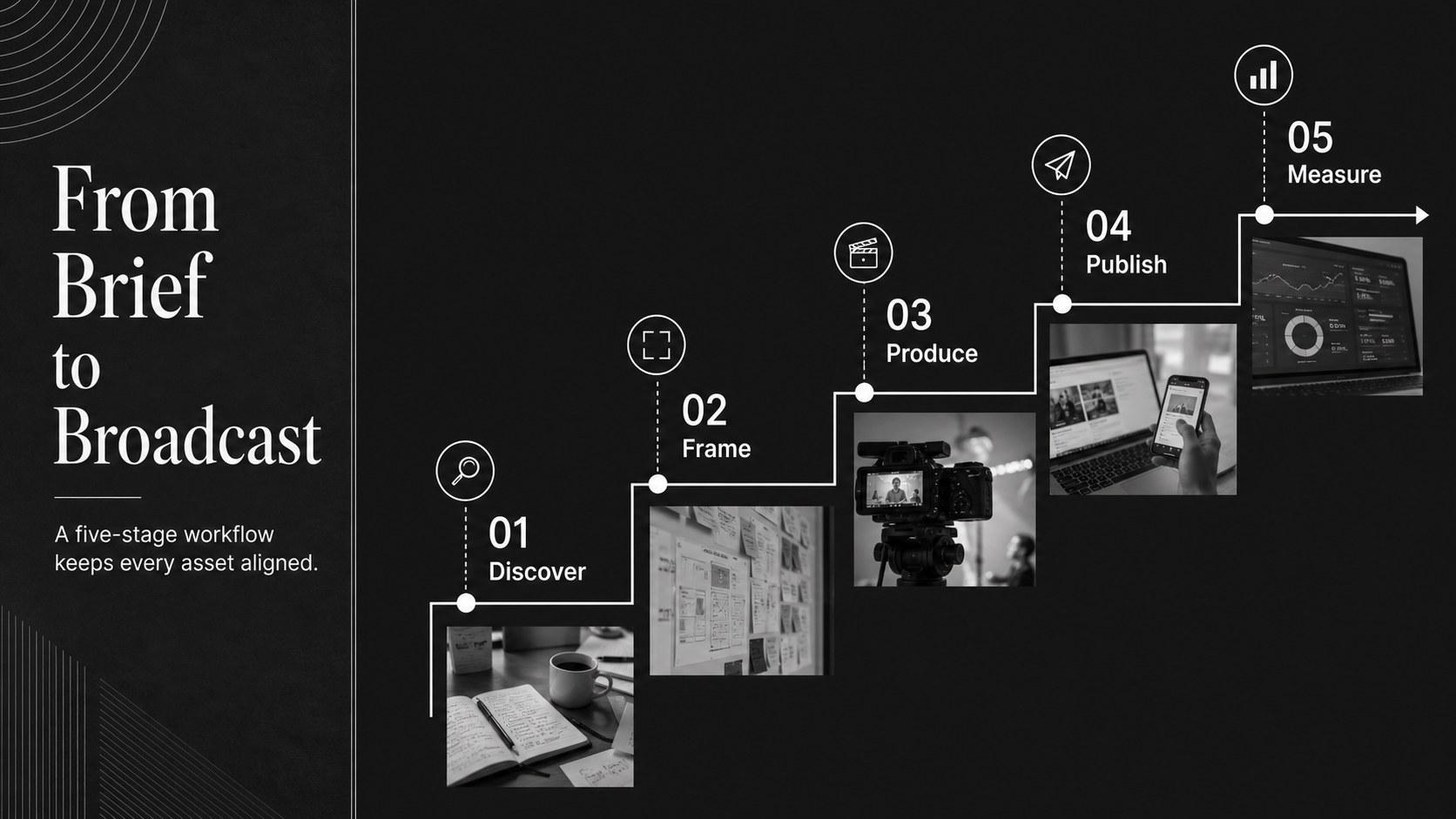
The Monochrome Multimedia Storytelling Deck gives visual content a polished editorial framework. Designed for business professionals, marketers, consultants, and creative teams, its restrained black-and-white palette keeps attention on photography, video concepts, campaign messages, and essential data. Use it to develop an impressive pitch, present a seminar, summarize a project, or explain a media strategy without visual clutter.
The deck includes 19 ready-to-edit widescreen layouts for PowerPoint and Google Slides. Choose from title pages, section dividers, image showcases, comparison layouts, timelines, charts, quote pages, team profiles, and closing slides. Built-in frames, lines, shapes, and text styles make it easy to assemble editorial business storytelling slides while maintaining a consistent hierarchy. Transitions and animations can also be adjusted to match the pace of your presentation.
This versatile visual campaign report slide template works well for agency reviews, content performance updates, brand proposals, and internal communications. It can also serve as a multimedia project proposal slides resource for photographers, production teams, publishers, and digital strategists. Replace the sample copy, insert your own images, adjust charts, and refine the typography to suit your message. The elegant serif and clean sans-serif pairing creates a professional contrast, while the minimal color scheme supports both screen presentations and exported PDF documents.
Perfect for: creative agency pitch; multimedia project proposal; content campaign review; visual performance report; professional seminar presentation; photo and video portfolio.
Frequently asked questions
Which presentation platforms support this deck? The layouts are designed for PowerPoint and Google Slides. You can edit the text, images, shapes, charts, and colors in either platform.
Practical details
The layouts are designed for PowerPoint and Google Slides. You can edit the text, images, shapes, charts, and colors in either platform.
Yes. The monochrome palette can be replaced with your brand colors by editing the theme colors and individual design elements.
Replace the sample images inside the provided media frames and add video links or embedded files using your presentation platform's media tools. Crop each asset to preserve the clean editorial layout.
Yes. Its charts, comparisons, timelines, image layouts, and summary pages support campaign reports, proposals, seminars, and executive presentations.
Keep exploring
15Shape your publishing concept with an indie magazine startup pitch deck featuring pastel gradients, bold collage layouts, and editable planning slides.
 16
16Build clear project stories with the Icon Grid Teamwork Theme, a flexible blue illustrated deck for proposals, strategy updates, and team meetings.
 3
3Turn priorities into an actionable plan with an annual goals roadmap infographic, featuring editable orange and teal layouts for PowerPoint and Google Slides.
 15
15Create an Annual Achievement Report Presentation with colorful geometric layouts for milestones, results, lessons, and priorities in PowerPoint or Google Slides.
 15
15Turn results into a focused annual performance evaluation report with dark 3D slides for KPIs, achievements, feedback, and next-step goals for teams.
 15
15Guide a focused annual recap with Business Results Retrospective Slides, a muted brown-and-blue template for PowerPoint and Google Slides.
 6
6Turn complex plans into clear visual stories with Color-Coded Workflow Path Slides, an editable set for project updates, roadmaps, and team briefings.
 6
6Compare regional performance at a glance with Global Data Heatmap Slides, a clean multicolor deck designed for editable PowerPoint and Google Slides.