
 15
15presentation
Indie Magazine Startup Pitch Deck
Shape your publishing concept with an indie magazine startup pitch deck featuring pastel gradients, bold collage layouts, and editable planning slides.
Google SlidesPowerPoint
presentation · English
Create a Monochrome Executive Briefing Slides deck for sharp proposals, reports, and talks, with editable PowerPoint and Google Slides layouts.

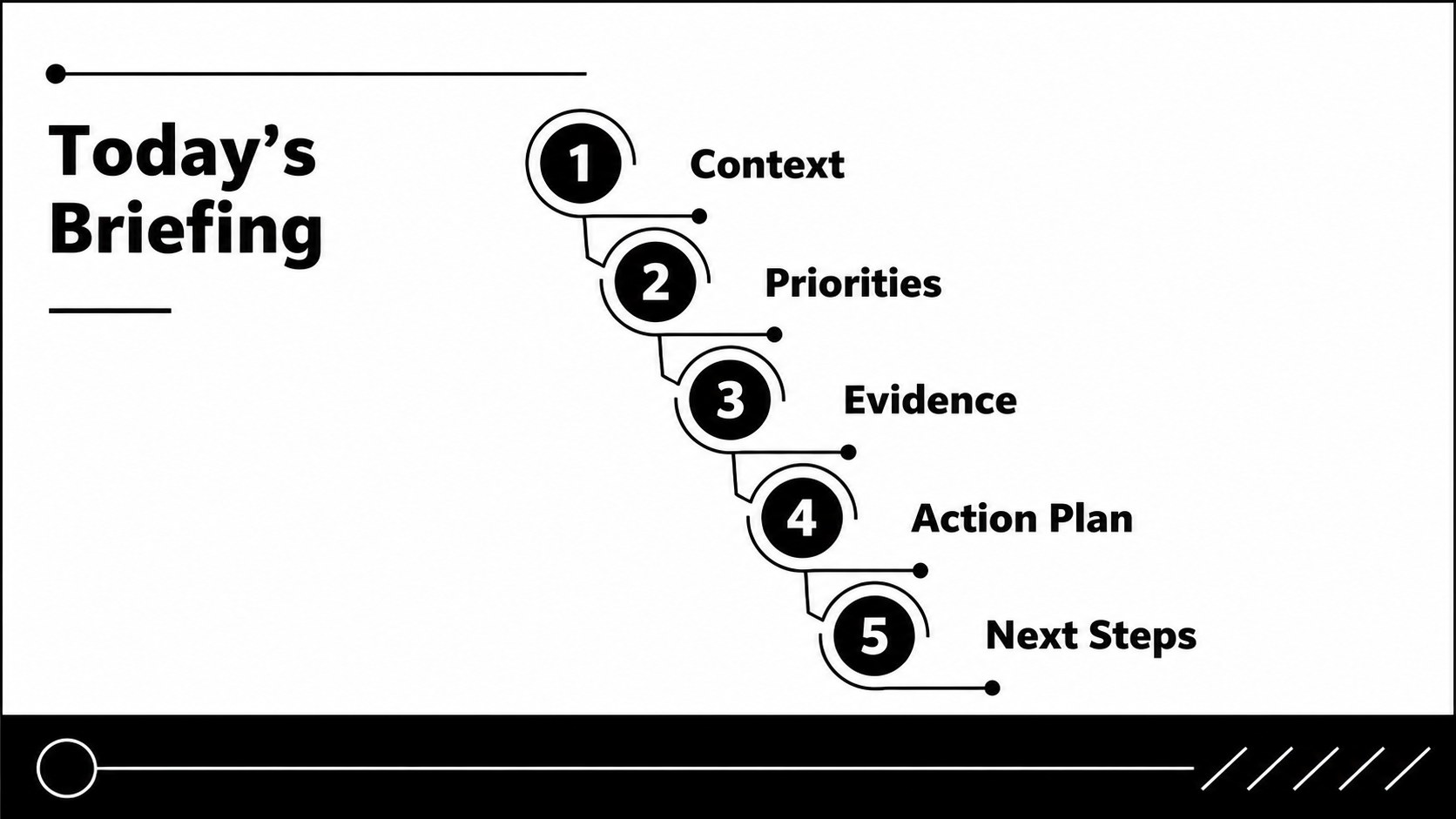
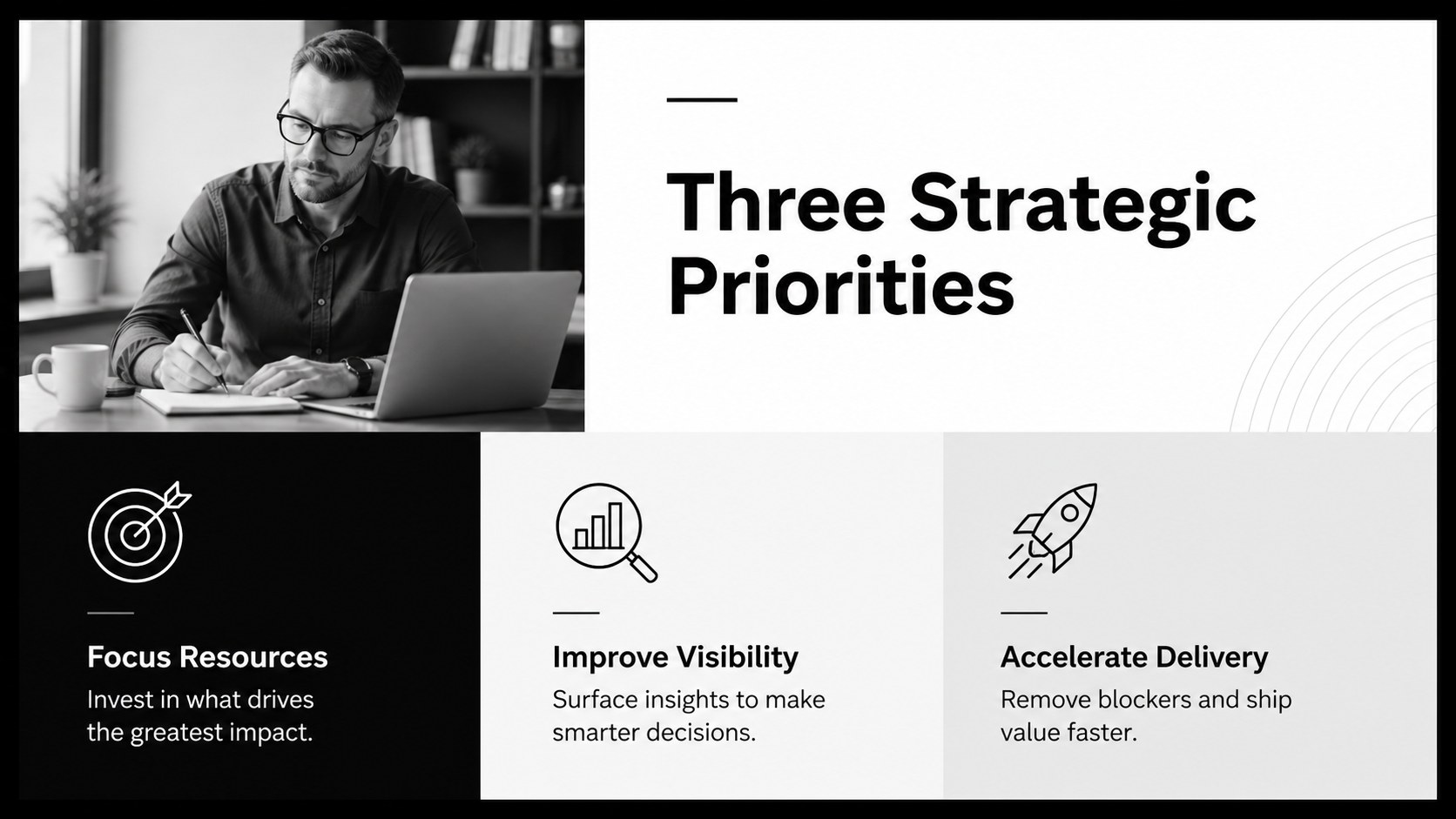
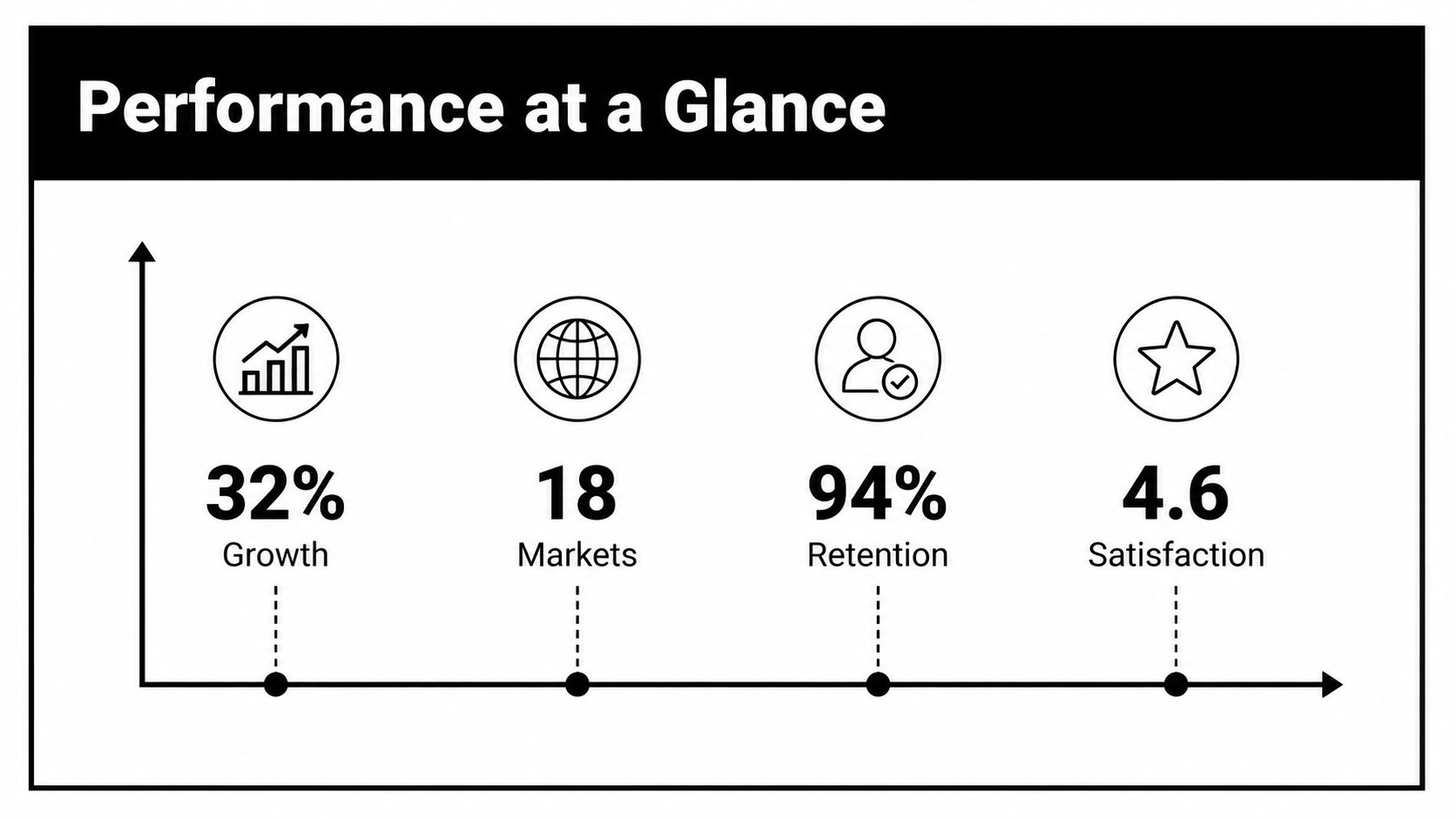
Design notes
Monochrome Executive Briefing Slides bring clarity and restraint to presentations that need to feel credible from the first page. The high-contrast black and white system directs attention toward your message, making this monochrome business briefing template a practical choice for proposals, leadership updates, strategic plans, and professional talks.
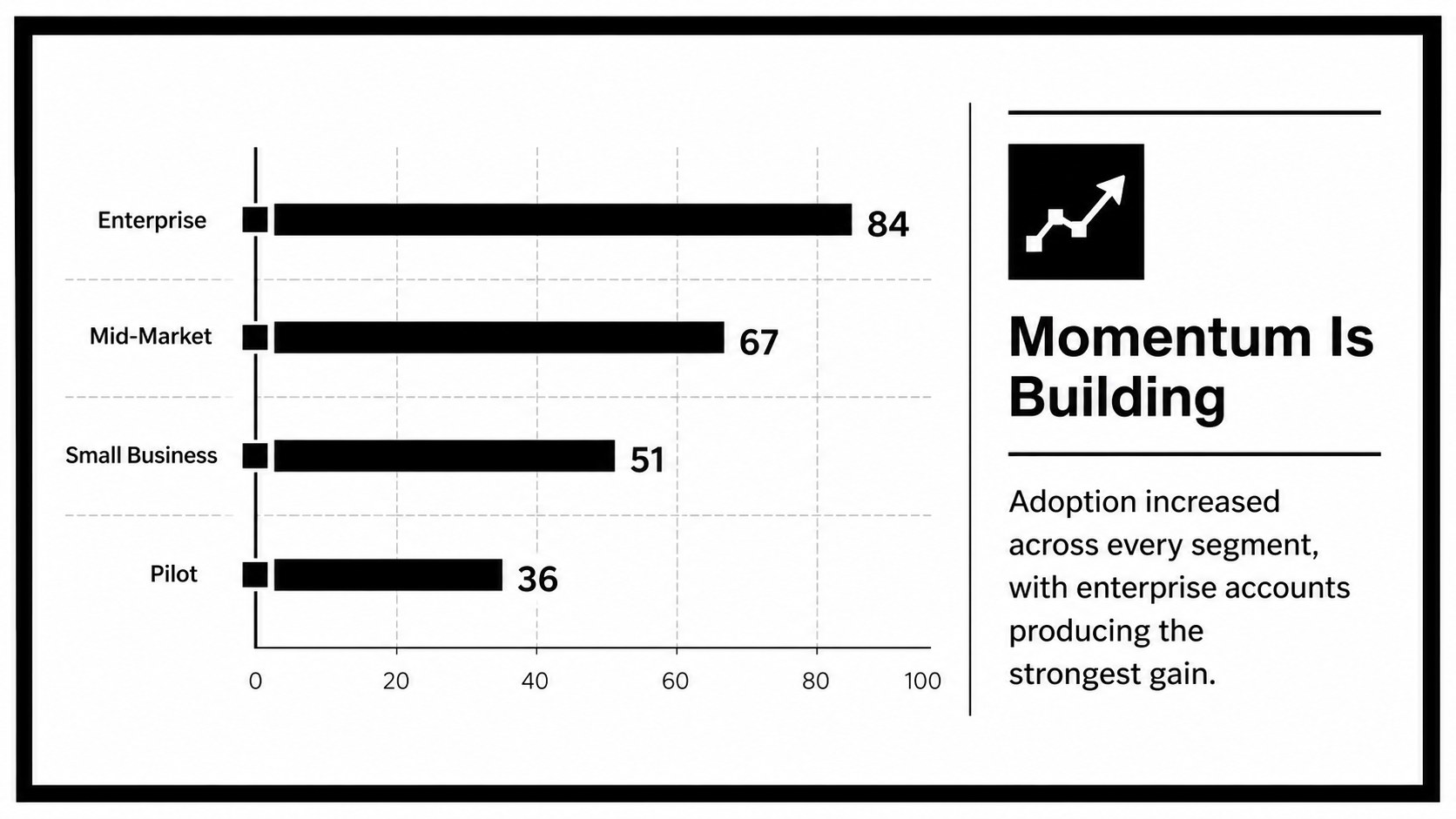
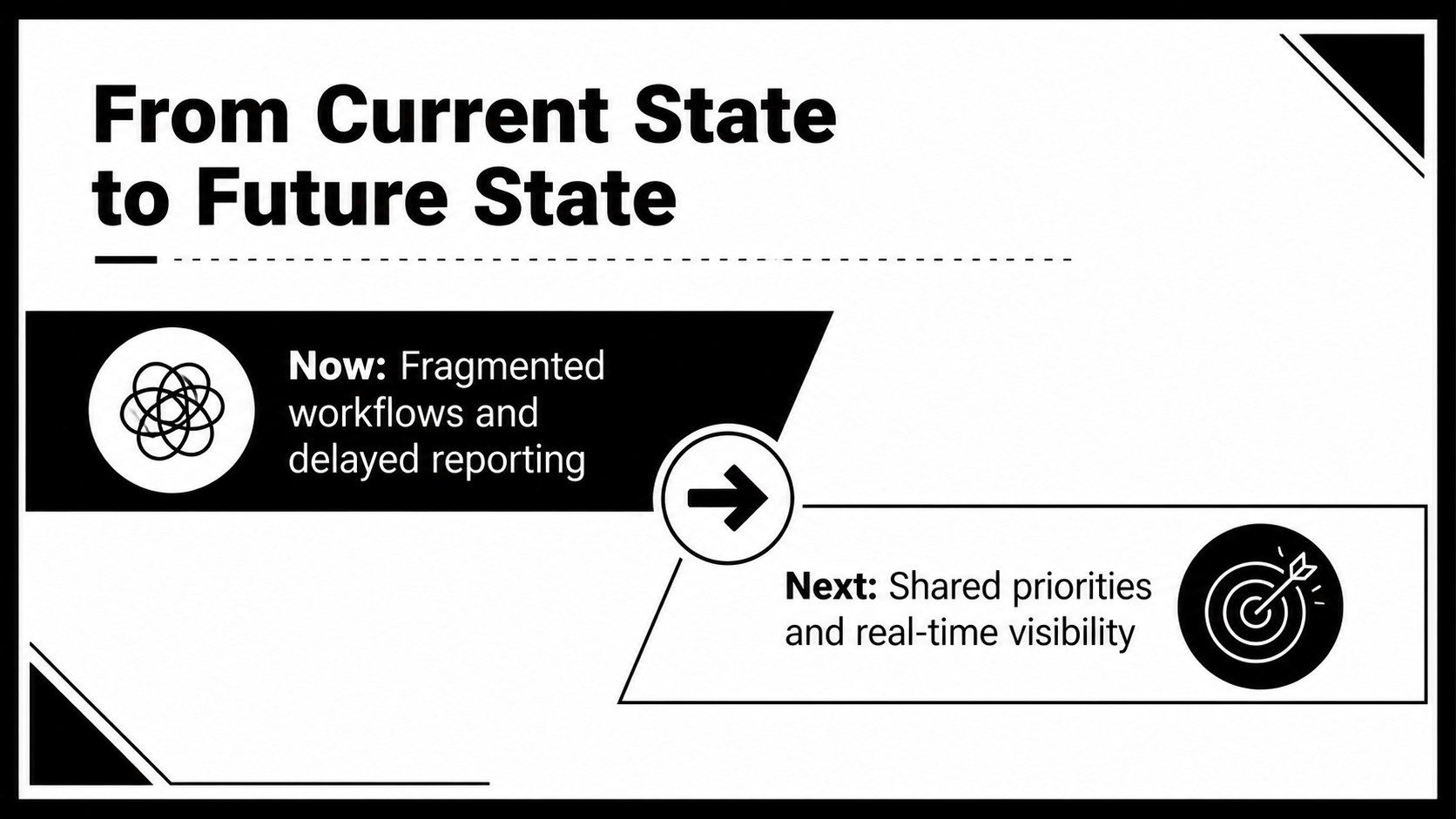
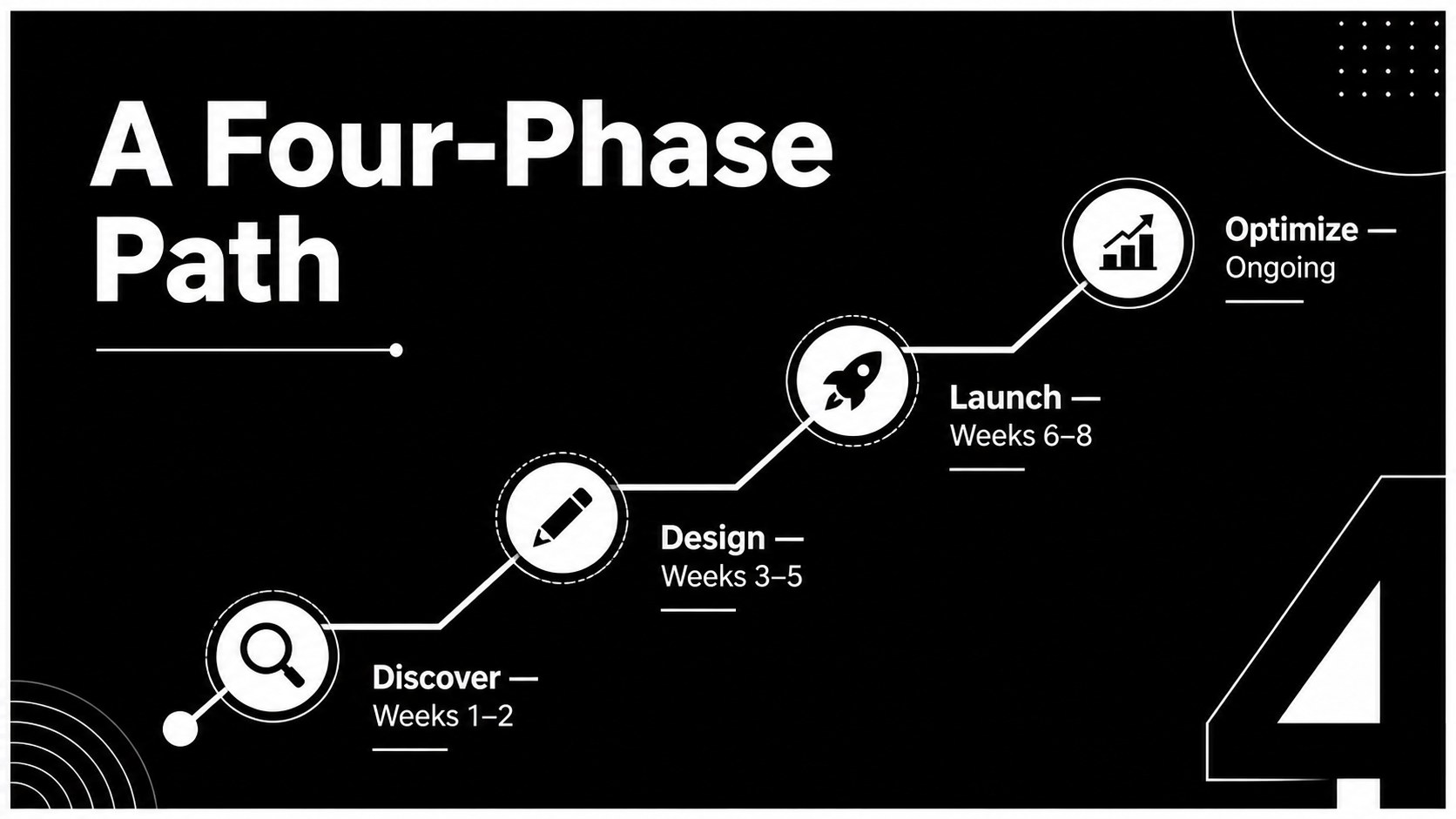
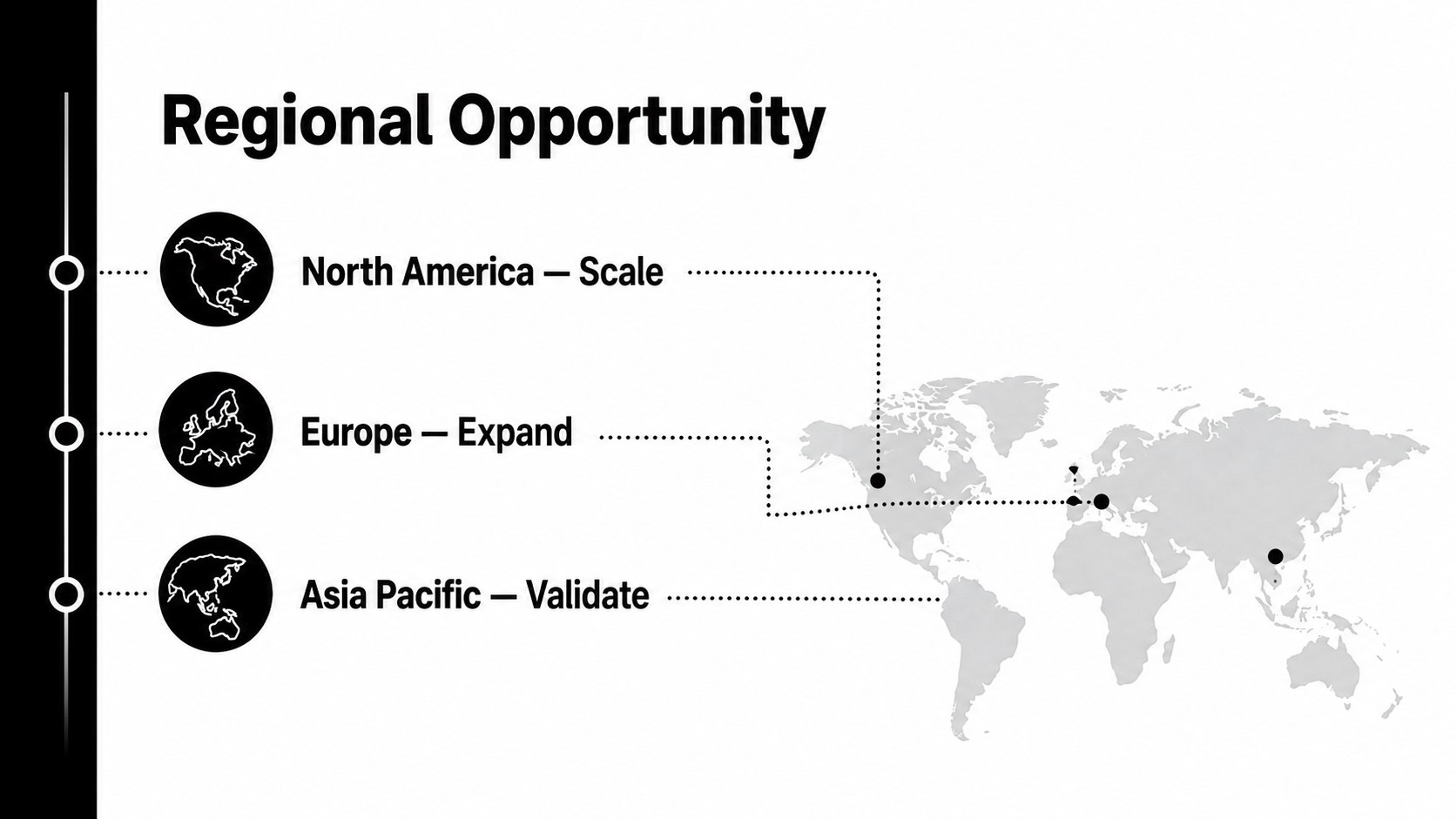
The deck includes flexible layouts for opening statements, agendas, key figures, timelines, comparisons, team profiles, quotations, maps, tables, charts, and closing remarks. Icons and visual elements can be resized or recolored, while editable placeholders make it straightforward to add your own copy and photography. Use the master layouts to adjust the monochrome palette to match an established identity. Work Sans typography, generous spacing, and a 16:9 format keep every page readable on meeting-room screens and laptops.
Designed for executives, consultants, founders, educators, and project leads, this clean board meeting slide deck works equally well as an editable grayscale pitch presentation or a structured internal report. Open it in PowerPoint or Google Slides, select only the layouts your story requires, and rearrange them around your narrative. The restrained design supports detailed data without looking crowded, helping audiences scan information quickly while keeping the speaker and content at the center of the presentation.
Perfect for: executive board briefing; startup proposal presentation; quarterly performance report; consulting strategy review; professional conference talk; internal project update.
Frequently asked questions
Can I edit these slides in PowerPoint and Google Slides? Yes. All text, shapes, charts, icons, and image placeholders are editable in PowerPoint and Google Slides. Minor font or spacing adjustments may be needed when switching between platforms.
Practical details
Yes. All text, shapes, charts, icons, and image placeholders are editable in PowerPoint and Google Slides. Minor font or spacing adjustments may be needed when switching between platforms.
Change the theme colors or edit the master layouts to apply your organization’s palette throughout the deck. Check charts and icons after making the change to maintain readable contrast.
Yes. Duplicate, delete, and reorder slides to match the sequence of your briefing. Each layout is designed to work independently while retaining a consistent visual system.
Yes. The deck provides editable examples for data visualization, comparisons, geographic information, and supporting symbols. Replace the sample values and labels with your own content.
Keep exploring
15Shape your publishing concept with an indie magazine startup pitch deck featuring pastel gradients, bold collage layouts, and editable planning slides.
 16
16Build clear project stories with the Icon Grid Teamwork Theme, a flexible blue illustrated deck for proposals, strategy updates, and team meetings.
 3
3Turn priorities into an actionable plan with an annual goals roadmap infographic, featuring editable orange and teal layouts for PowerPoint and Google Slides.
 15
15Create an Annual Achievement Report Presentation with colorful geometric layouts for milestones, results, lessons, and priorities in PowerPoint or Google Slides.
 15
15Turn results into a focused annual performance evaluation report with dark 3D slides for KPIs, achievements, feedback, and next-step goals for teams.
 15
15Guide a focused annual recap with Business Results Retrospective Slides, a muted brown-and-blue template for PowerPoint and Google Slides.
 6
6Turn complex plans into clear visual stories with Color-Coded Workflow Path Slides, an editable set for project updates, roadmaps, and team briefings.
 6
6Compare regional performance at a glance with Global Data Heatmap Slides, a clean multicolor deck designed for editable PowerPoint and Google Slides.