
 15
15presentation
Indie Magazine Startup Pitch Deck
Shape your publishing concept with an indie magazine startup pitch deck featuring pastel gradients, bold collage layouts, and editable planning slides.
Google SlidesPowerPoint
presentation · English
Turn reports and current events into a crisp editorial story with Modern Newspaper Briefing Slides for PowerPoint and Google Slides in a bold gray style.


Design notes
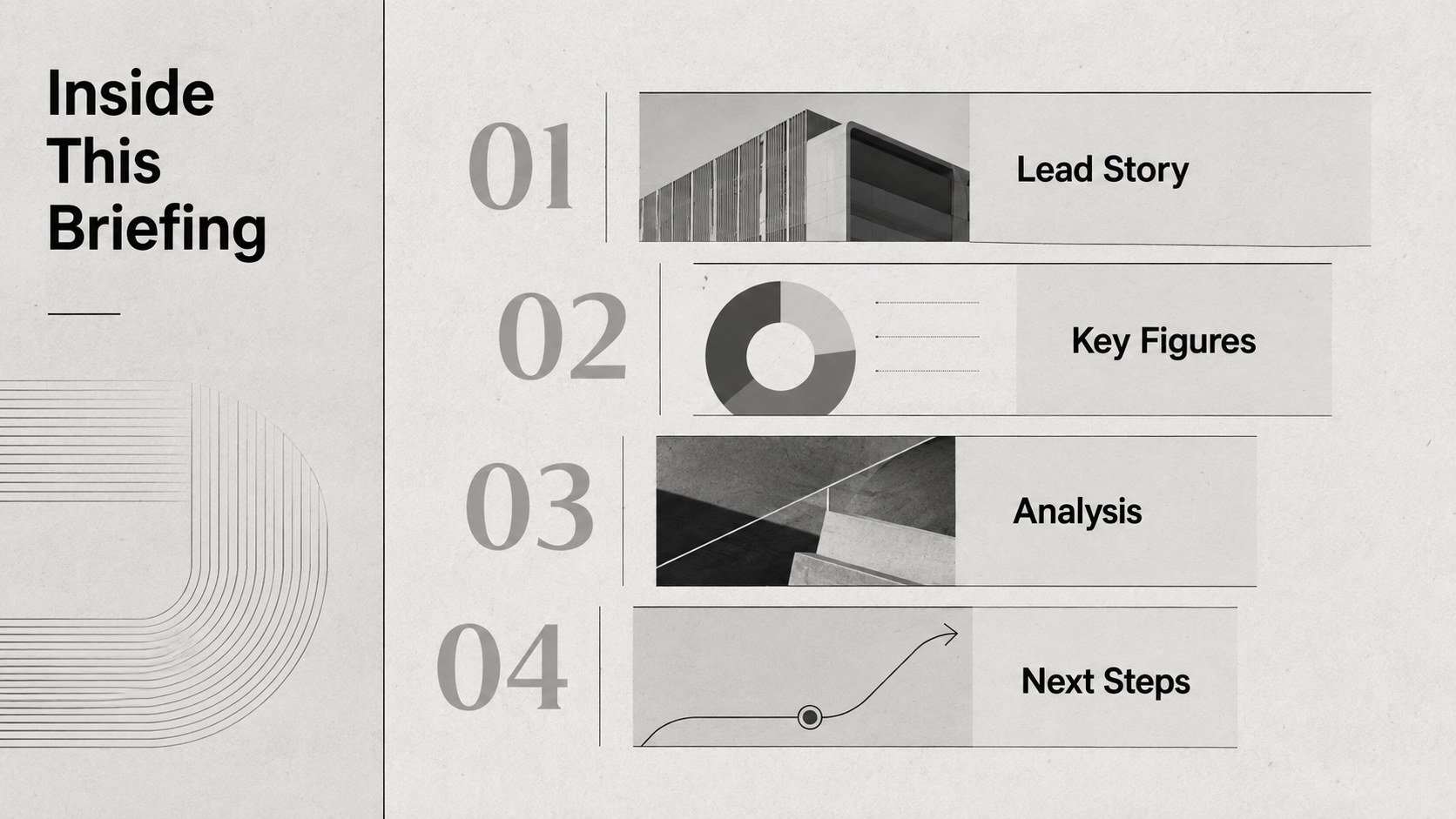
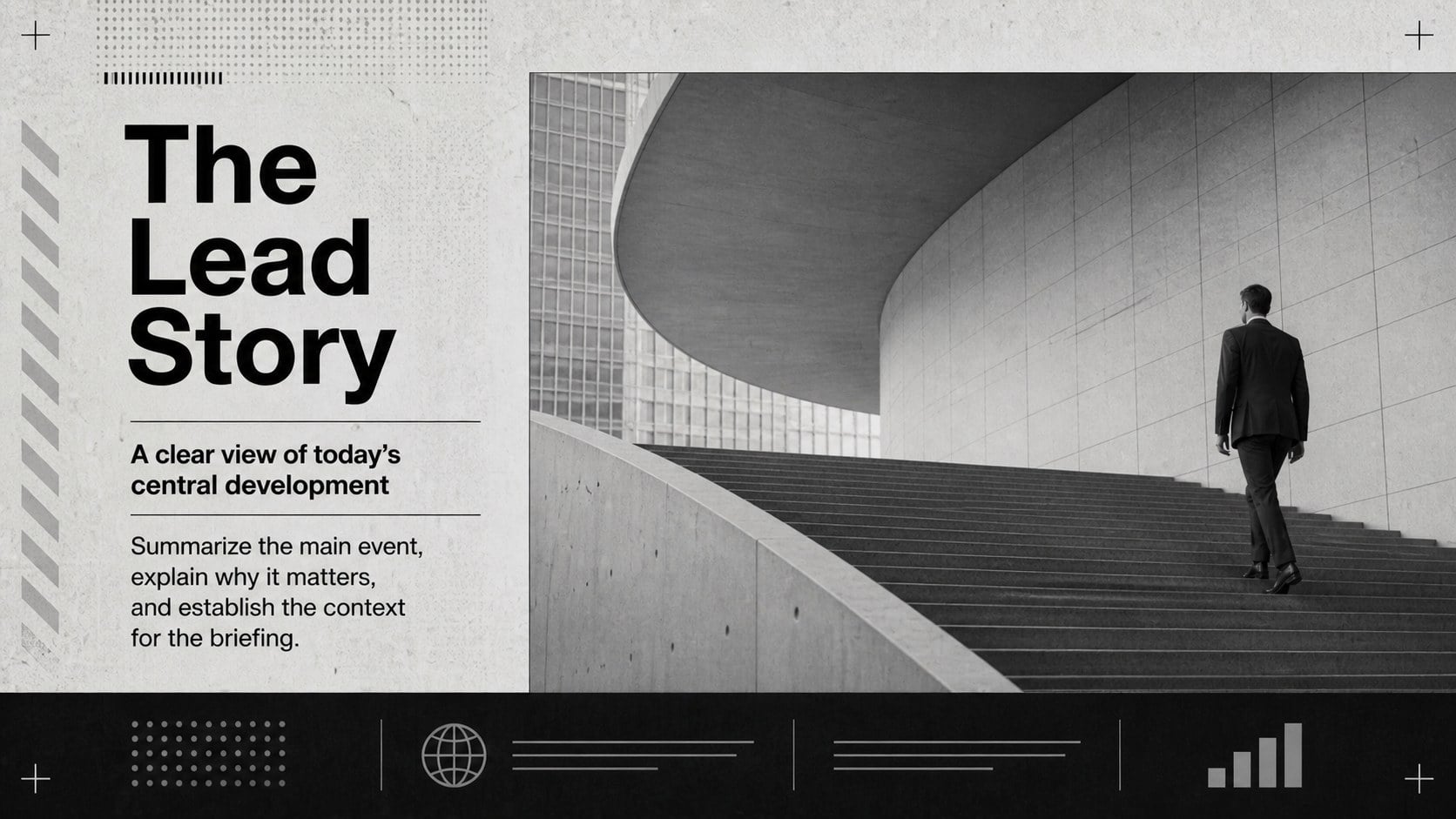
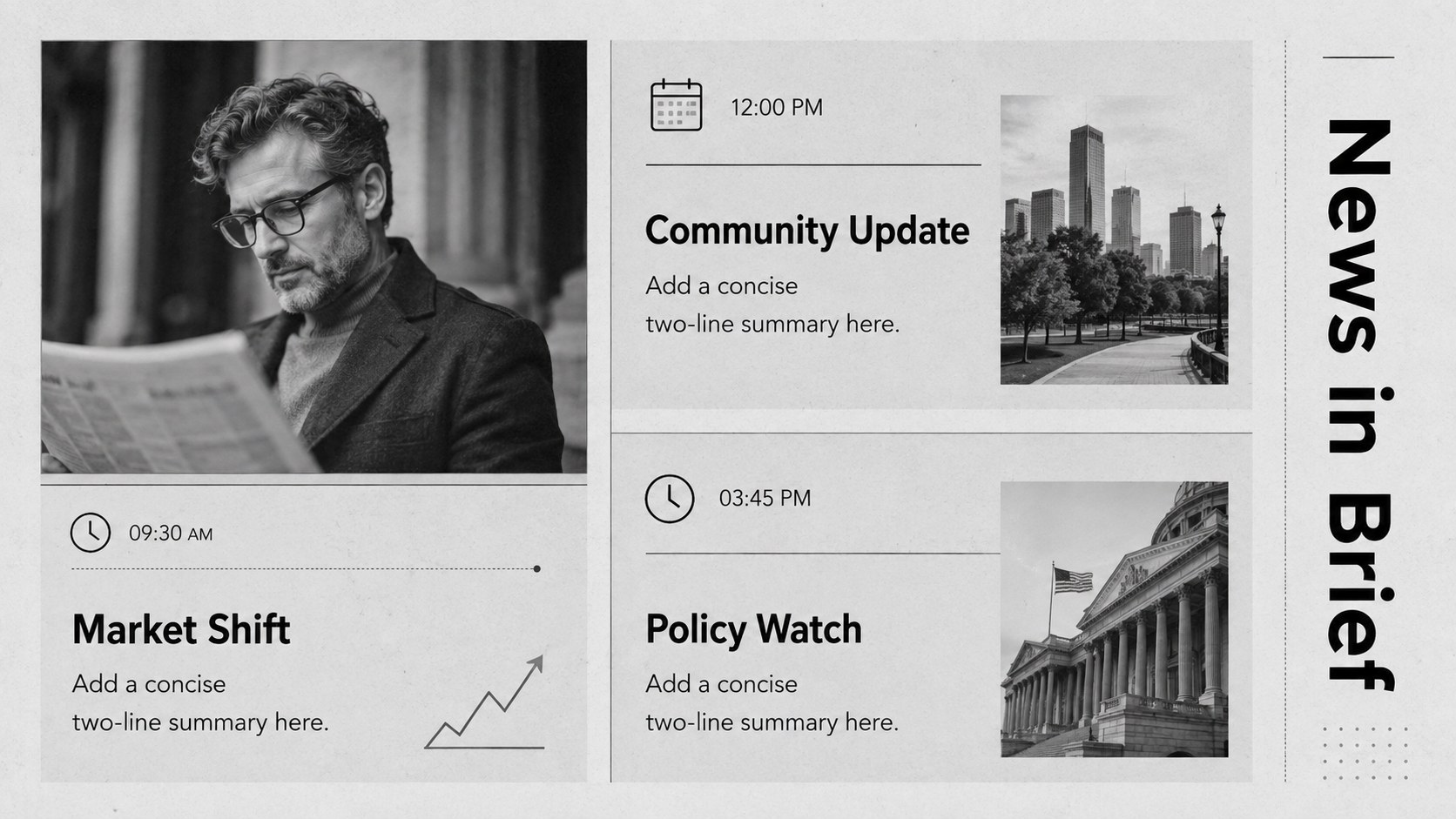
Modern Newspaper Briefing Slides turn detailed information into a focused editorial story. Inspired by contemporary print journalism, this minimal newspaper presentation template combines bold typography, structured columns, restrained gray tones, and generous spacing. Use it to make important facts easy to scan without sacrificing a polished, professional atmosphere.
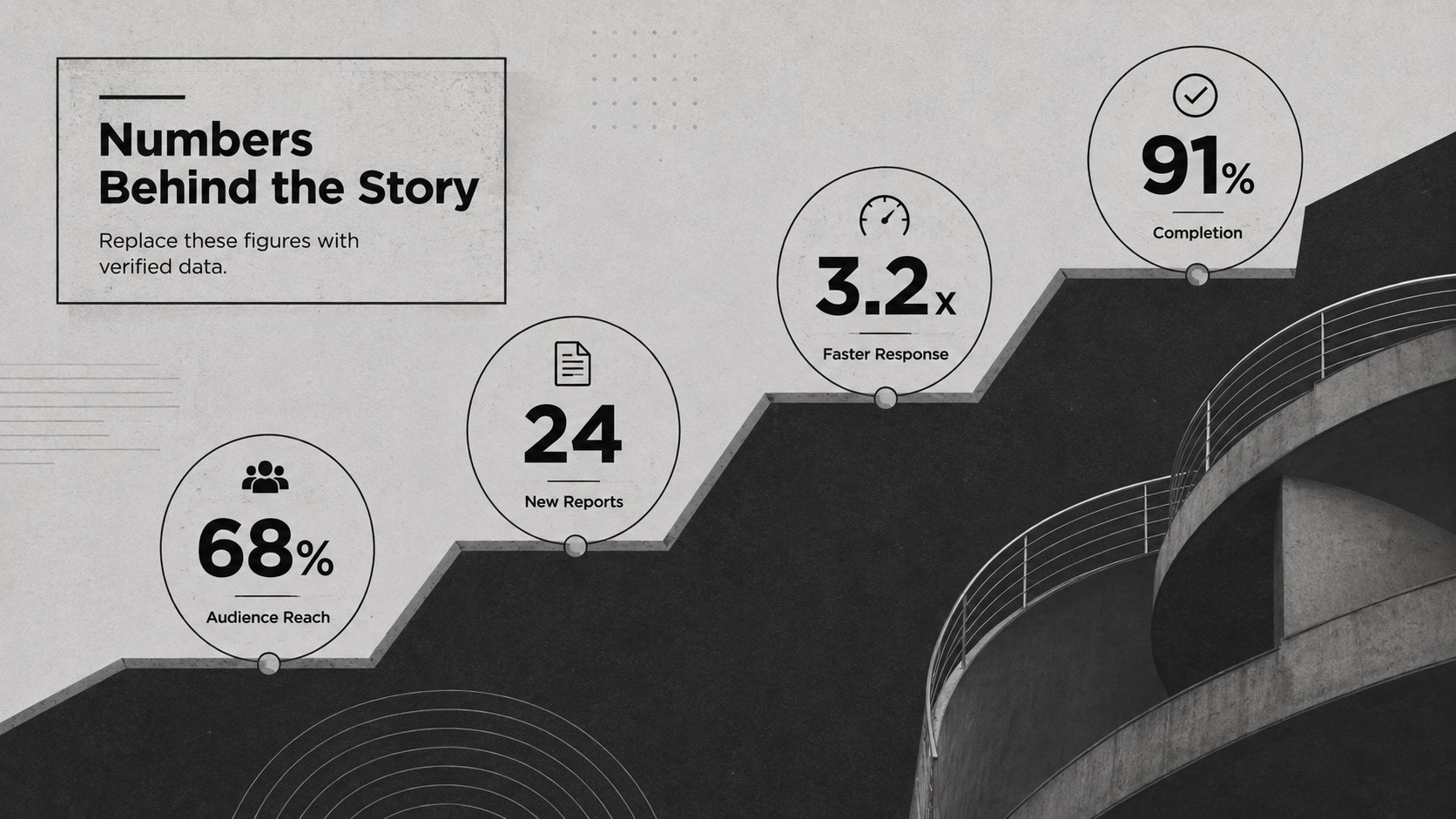
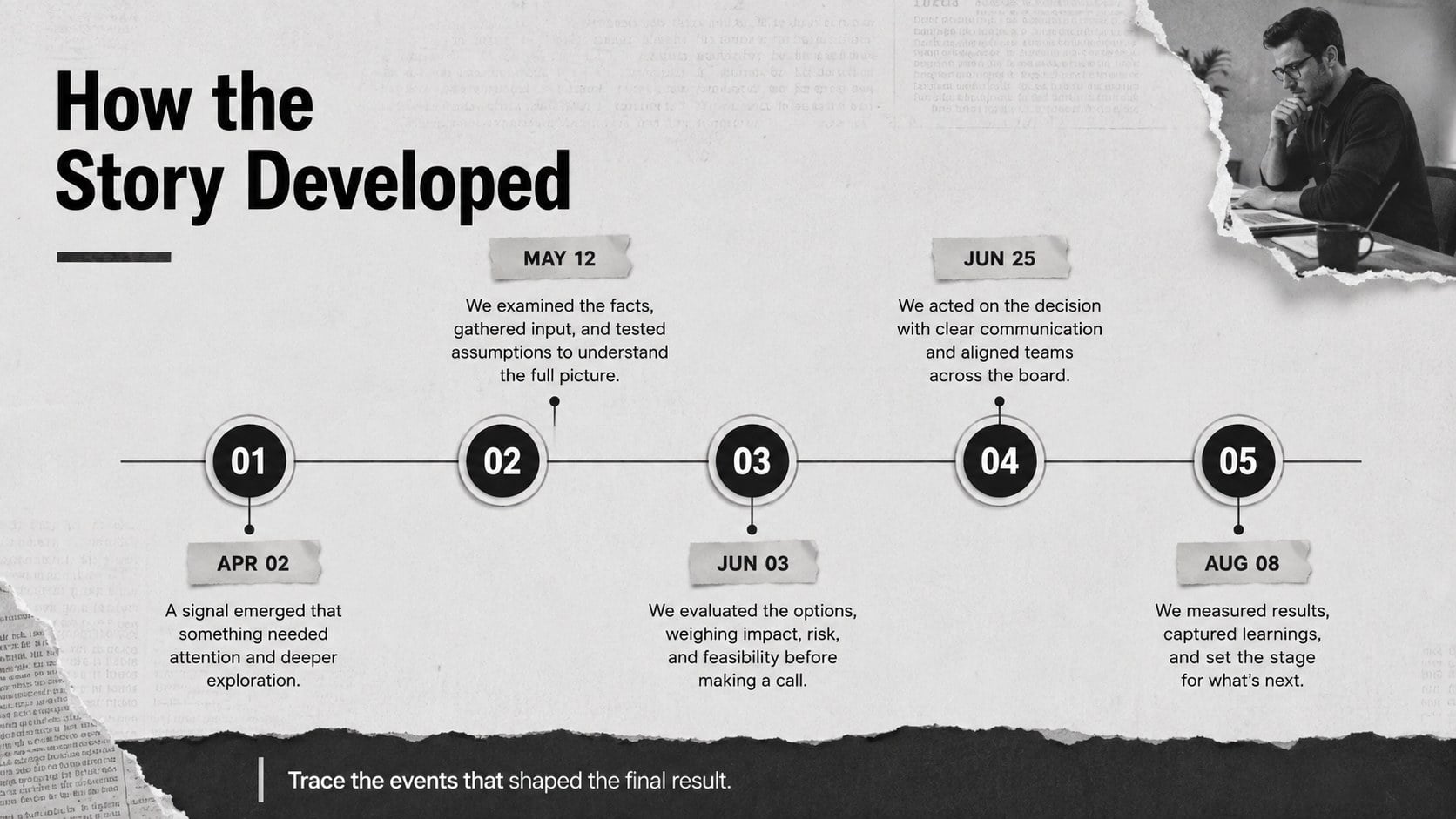
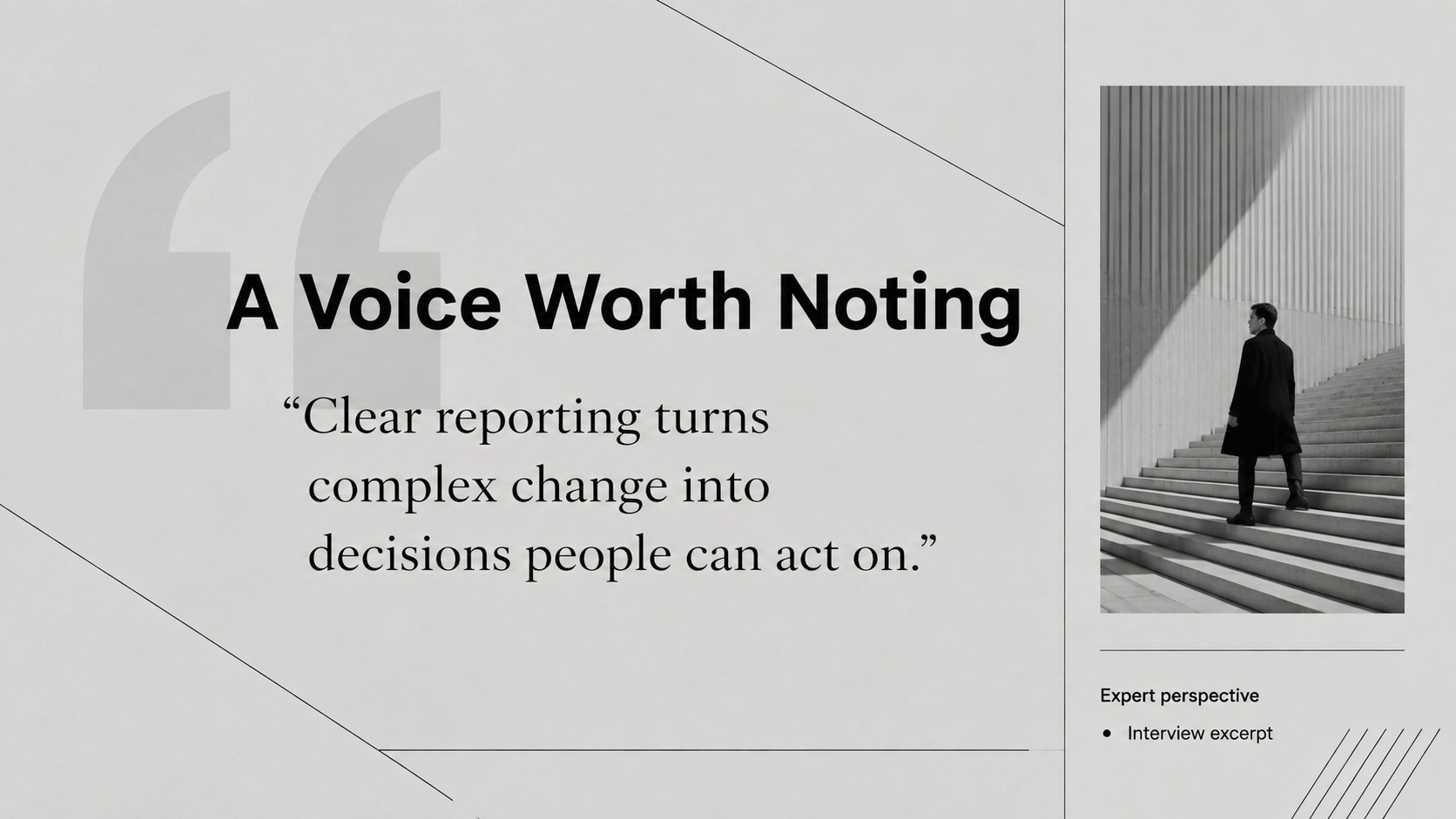
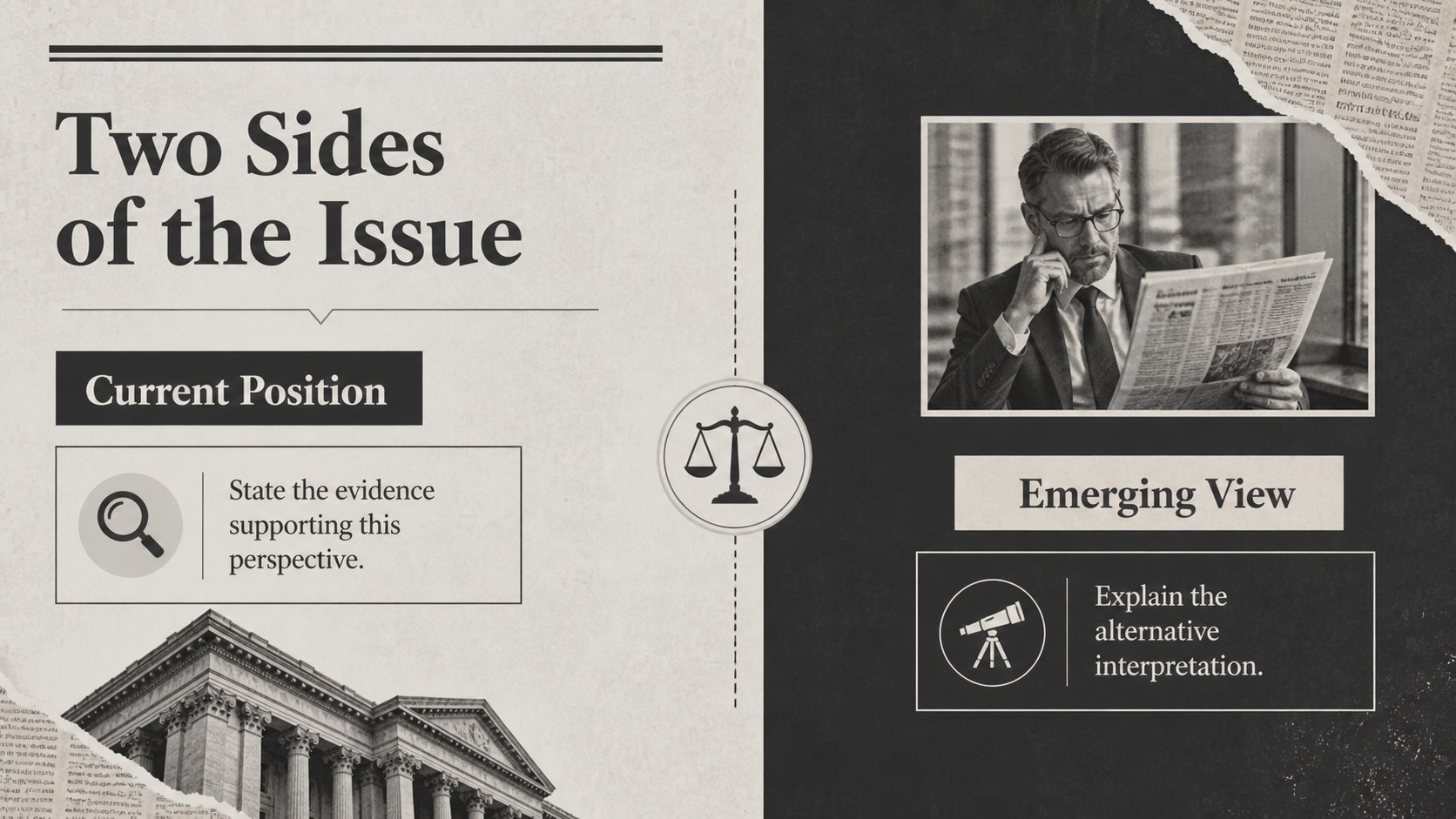
The 15-slide preview covers a front-page opener, briefing agenda, lead story, quick updates, key statistics, timeline, quotation, comparison, image feature, research findings, team report, action plan, sources, and closing page. Flexible layouts support headlines, short summaries, charts, photographs, and supporting evidence. Every element can be adjusted in PowerPoint or Google Slides, including type, colors, images, shapes, and data displays.
These editorial news briefing slides suit students presenting current events, communications teams sharing company updates, researchers summarizing findings, and project leads delivering concise status reports. The gray newsroom report deck also works for media studies, internal newsletters, industry analysis, and formal meeting recaps. Its monochrome palette keeps attention on the message while the varied page structures help each section feel distinct. Add your own reporting, reorder the pages, and adapt the layouts for a one-time presentation or a recurring briefing series.
Perfect for: weekly company news briefing; student current events report; research findings presentation; industry trend roundup; internal communications update; media studies assignment.
Frequently asked questions
Can I edit these slides in PowerPoint and Google Slides? Yes. The layouts are designed for editing in both PowerPoint and Google Slides, where you can replace text, move elements, and update images.
Practical details
Yes. The layouts are designed for editing in both PowerPoint and Google Slides, where you can replace text, move elements, and update images.
Change the headline fonts, column lengths, photographs, and gray accents to match your subject. Keep a strong type hierarchy and short text blocks to preserve the editorial look.
Yes. Replace the sample statistics with your figures and edit chart labels directly in your chosen platform. The monochrome styling can also be expanded with one accent color for emphasis.
Yes. Duplicate the story, statistics, and timeline layouts to create weekly or monthly editions. Reordering the sections makes it easy to adapt the deck to changing priorities.
Keep exploring
15Shape your publishing concept with an indie magazine startup pitch deck featuring pastel gradients, bold collage layouts, and editable planning slides.
 16
16Build clear project stories with the Icon Grid Teamwork Theme, a flexible blue illustrated deck for proposals, strategy updates, and team meetings.
 3
3Turn priorities into an actionable plan with an annual goals roadmap infographic, featuring editable orange and teal layouts for PowerPoint and Google Slides.
 15
15Create an Annual Achievement Report Presentation with colorful geometric layouts for milestones, results, lessons, and priorities in PowerPoint or Google Slides.
 15
15Turn results into a focused annual performance evaluation report with dark 3D slides for KPIs, achievements, feedback, and next-step goals for teams.
 15
15Guide a focused annual recap with Business Results Retrospective Slides, a muted brown-and-blue template for PowerPoint and Google Slides.
 6
6Turn complex plans into clear visual stories with Color-Coded Workflow Path Slides, an editable set for project updates, roadmaps, and team briefings.
 6
6Compare regional performance at a glance with Global Data Heatmap Slides, a clean multicolor deck designed for editable PowerPoint and Google Slides.