
 15
15presentation
Indie Magazine Startup Pitch Deck
Shape your publishing concept with an indie magazine startup pitch deck featuring pastel gradients, bold collage layouts, and editable planning slides.
Google SlidesPowerPoint
presentation · English
Lead focused HR training with a modern hiring webinar deck in textured beige, purple, and violet, ready to edit in PowerPoint or Google Slides.

Design notes
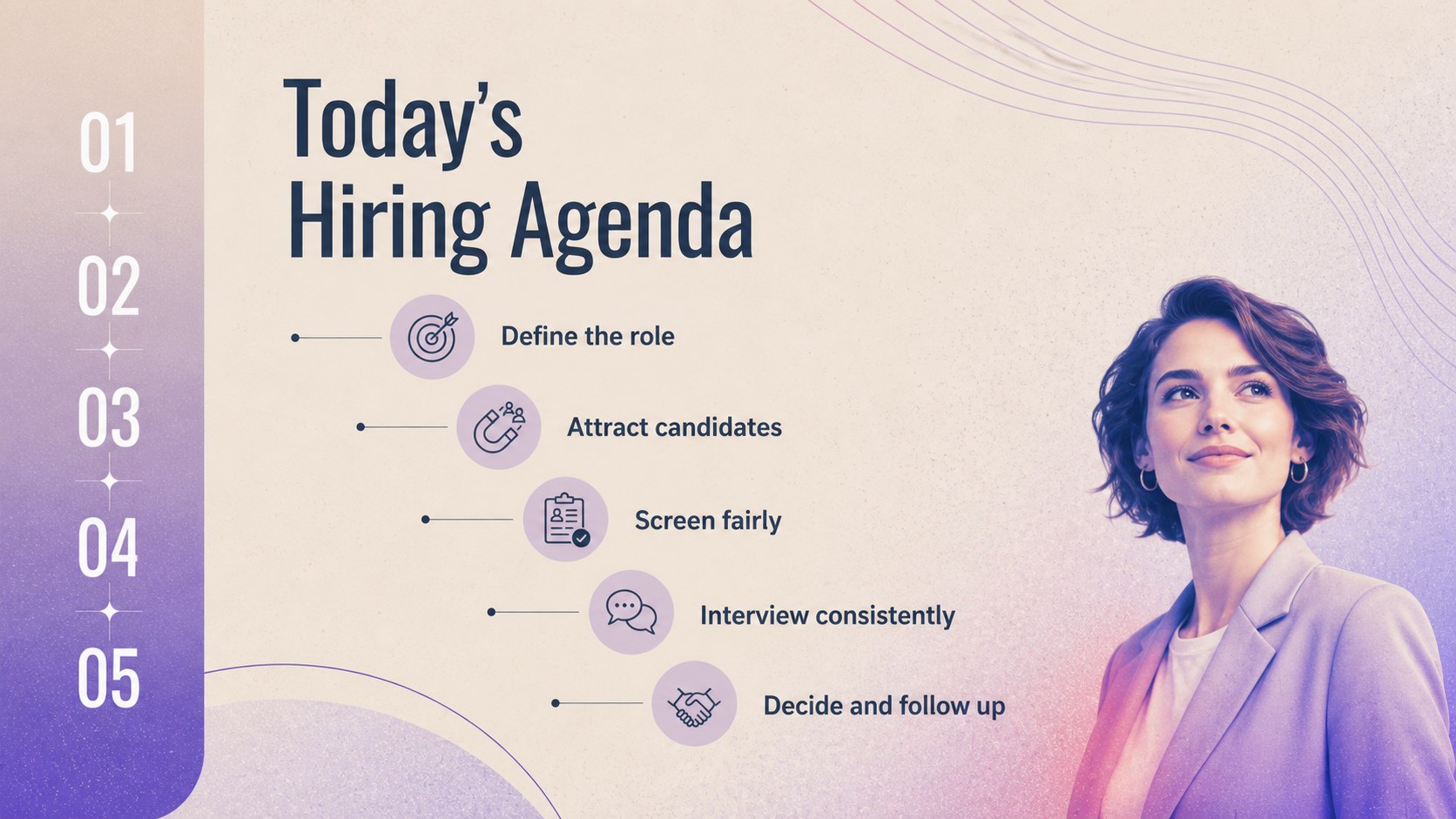
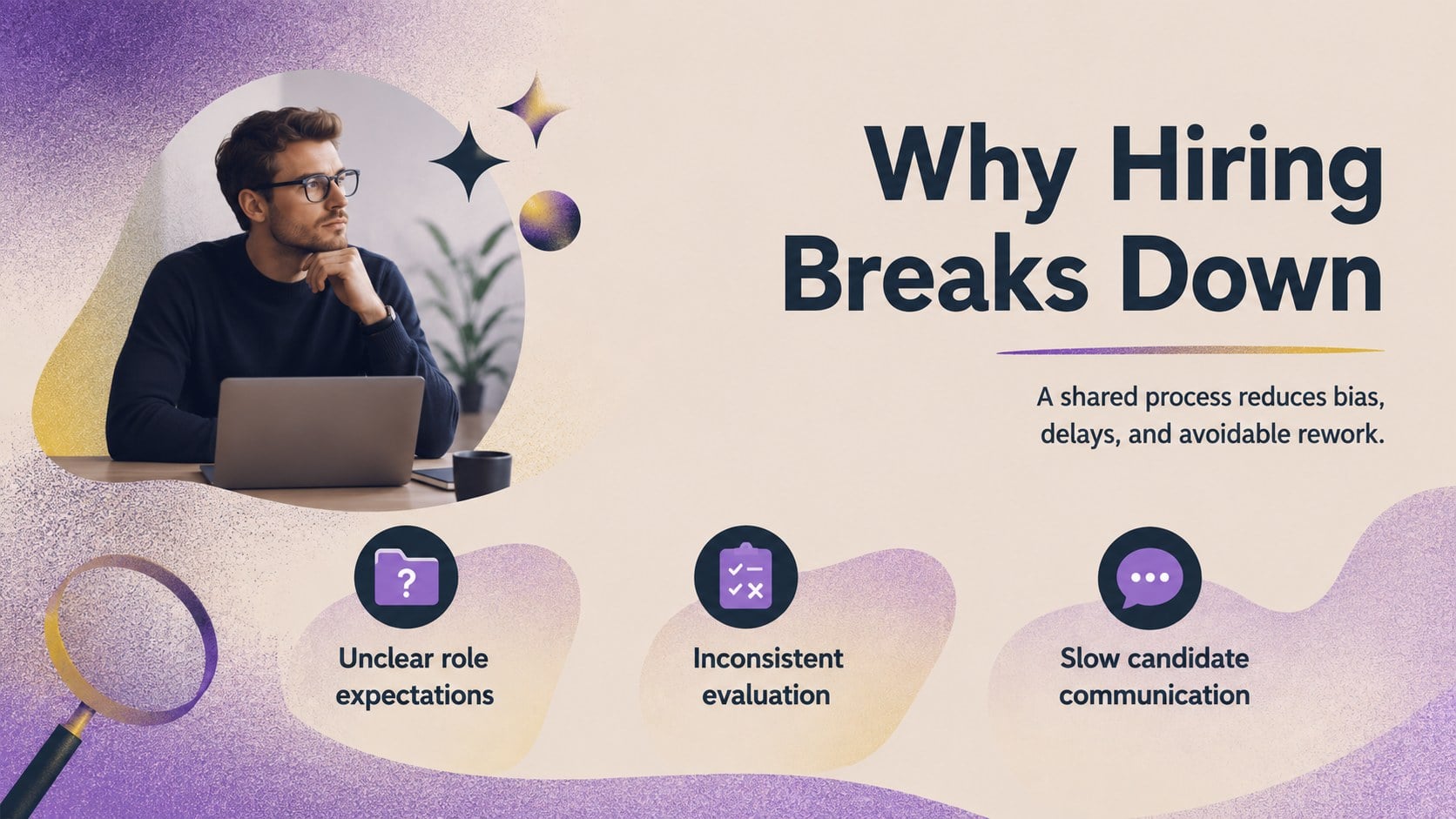
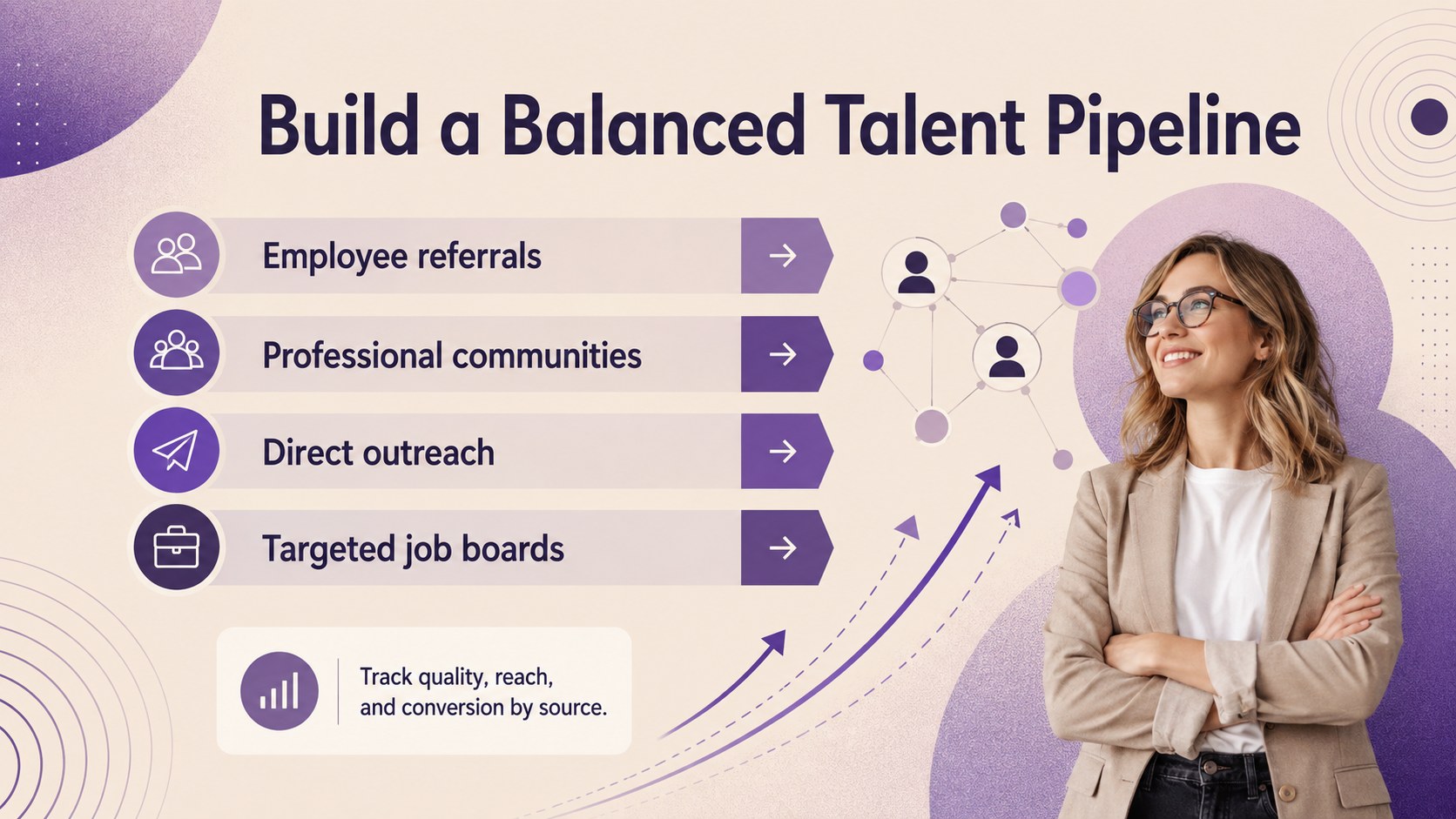
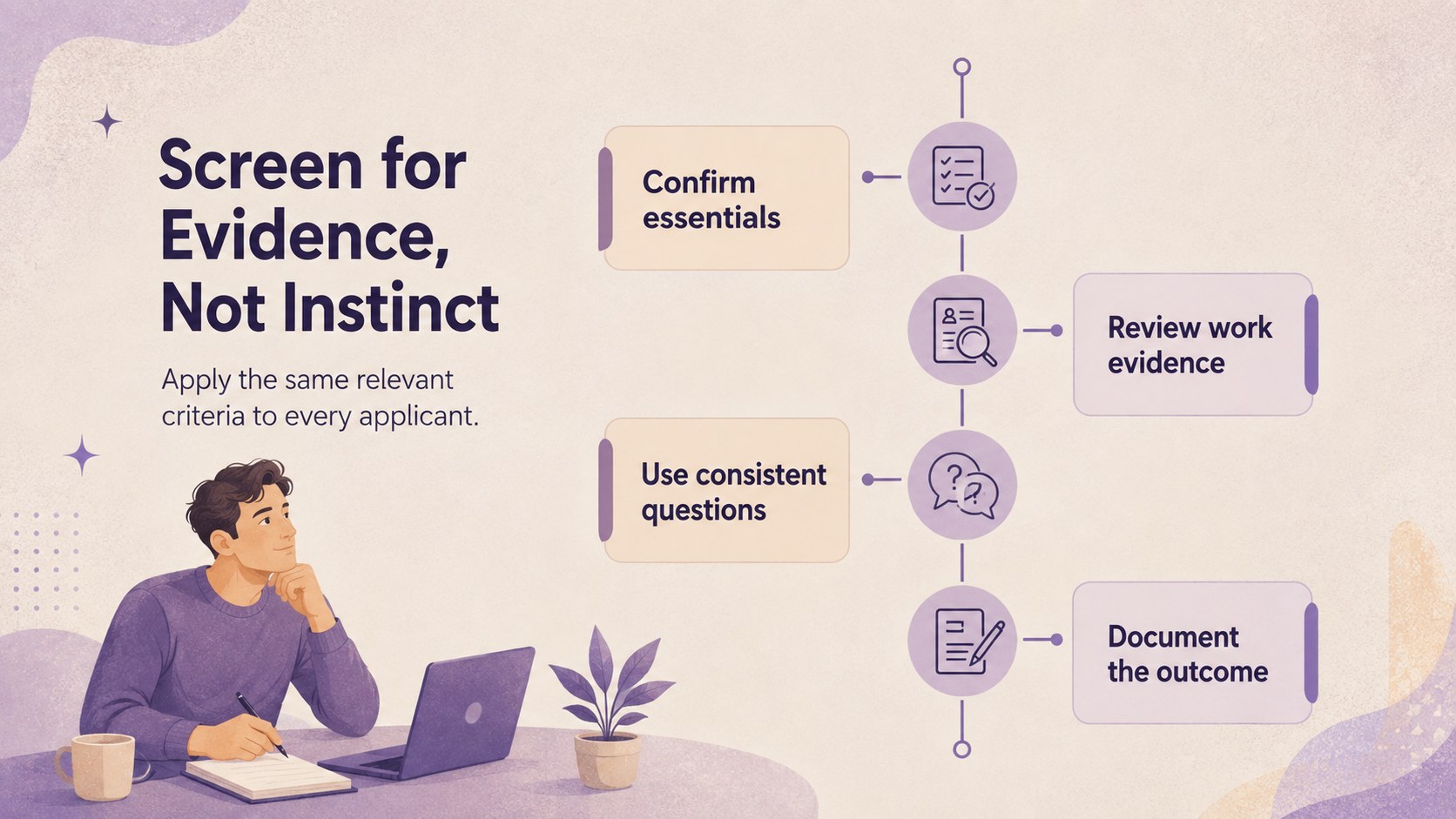
Turn a complex recruitment workflow into a focused learning experience with this modern hiring webinar deck. Textured beige backgrounds, violet gradients, and expressive spray-paint details create a contemporary look that feels professional without becoming overly formal. The layouts are designed to keep HR discussions clear, visual, and easy to follow.
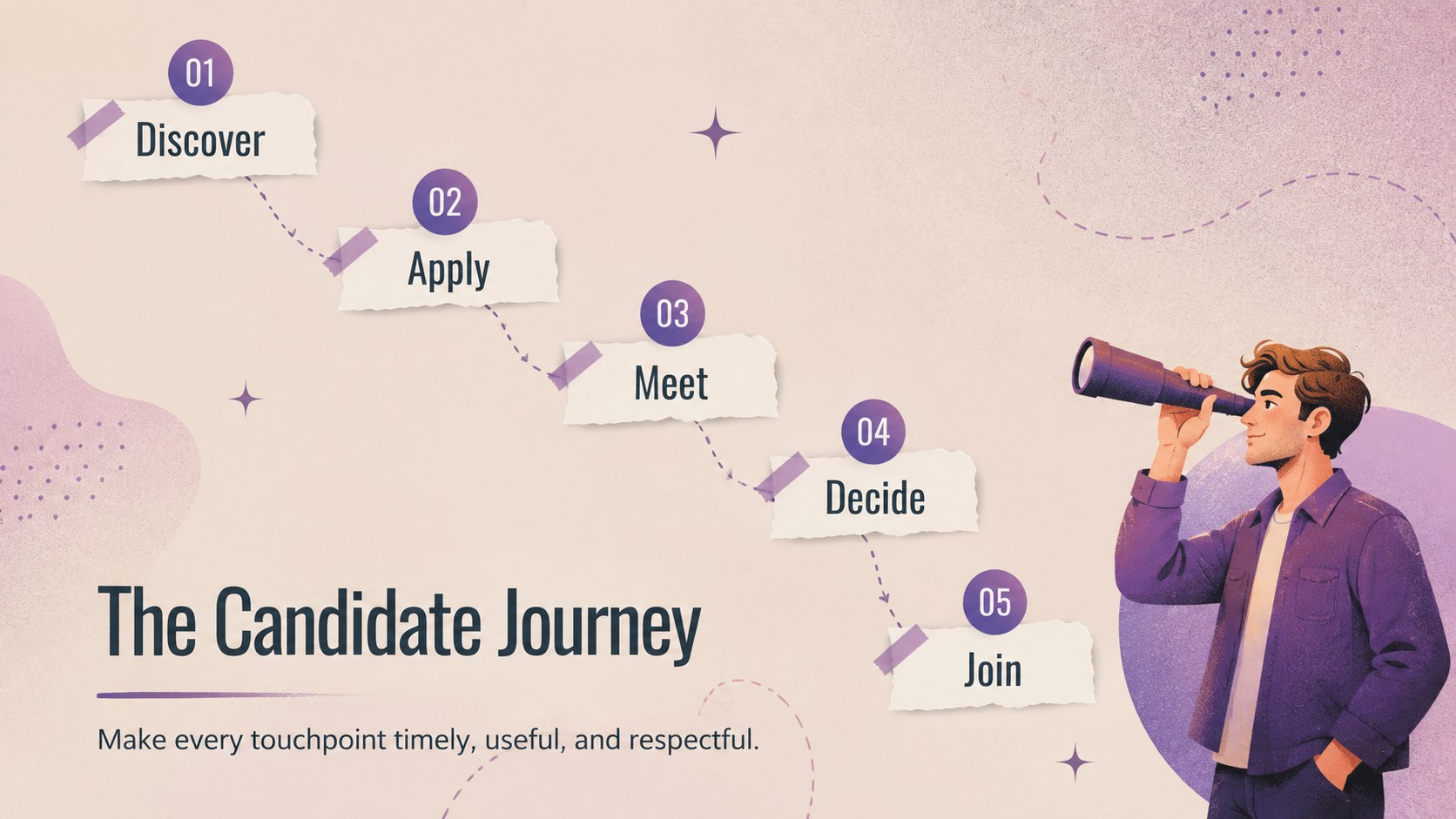
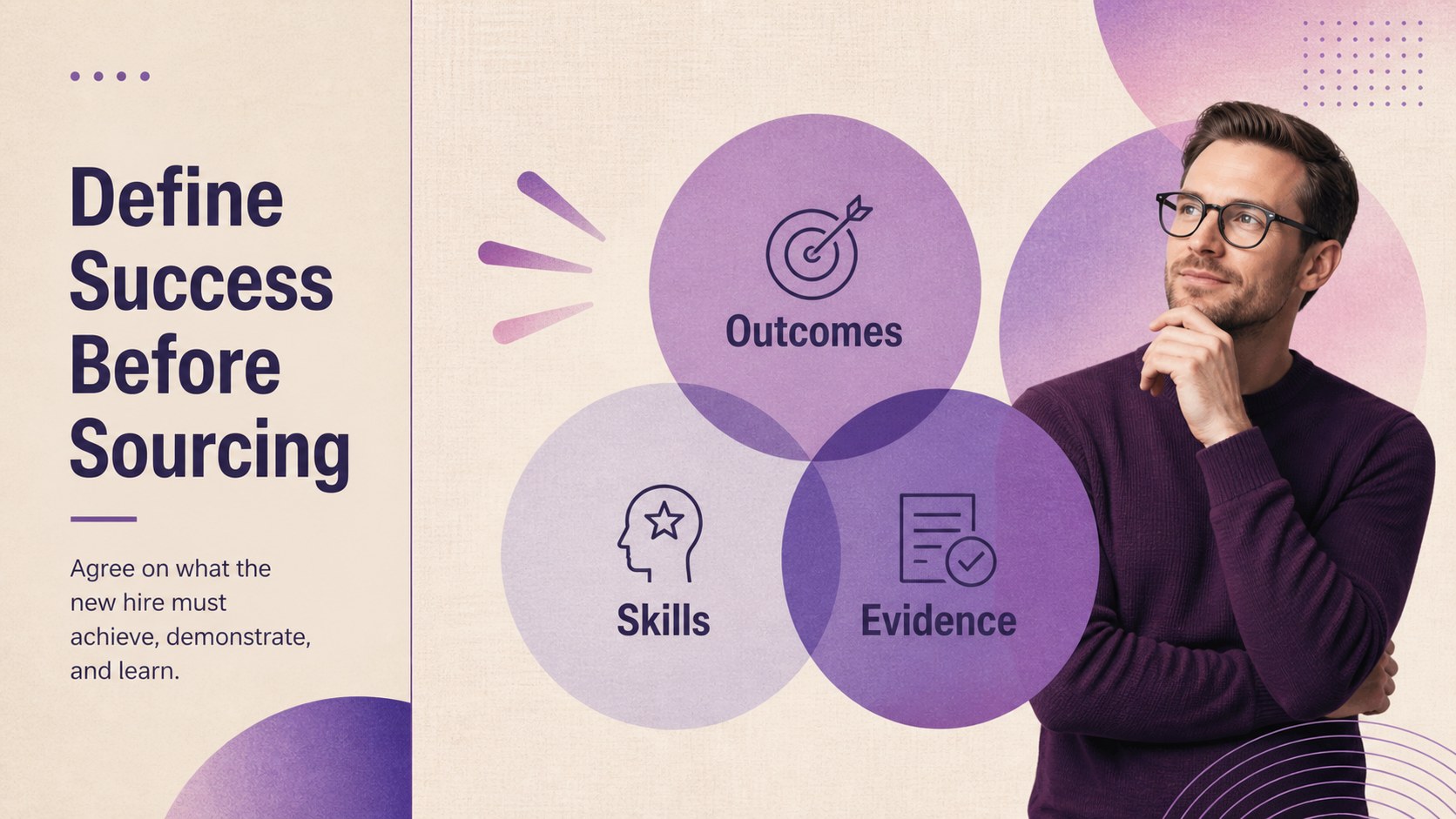
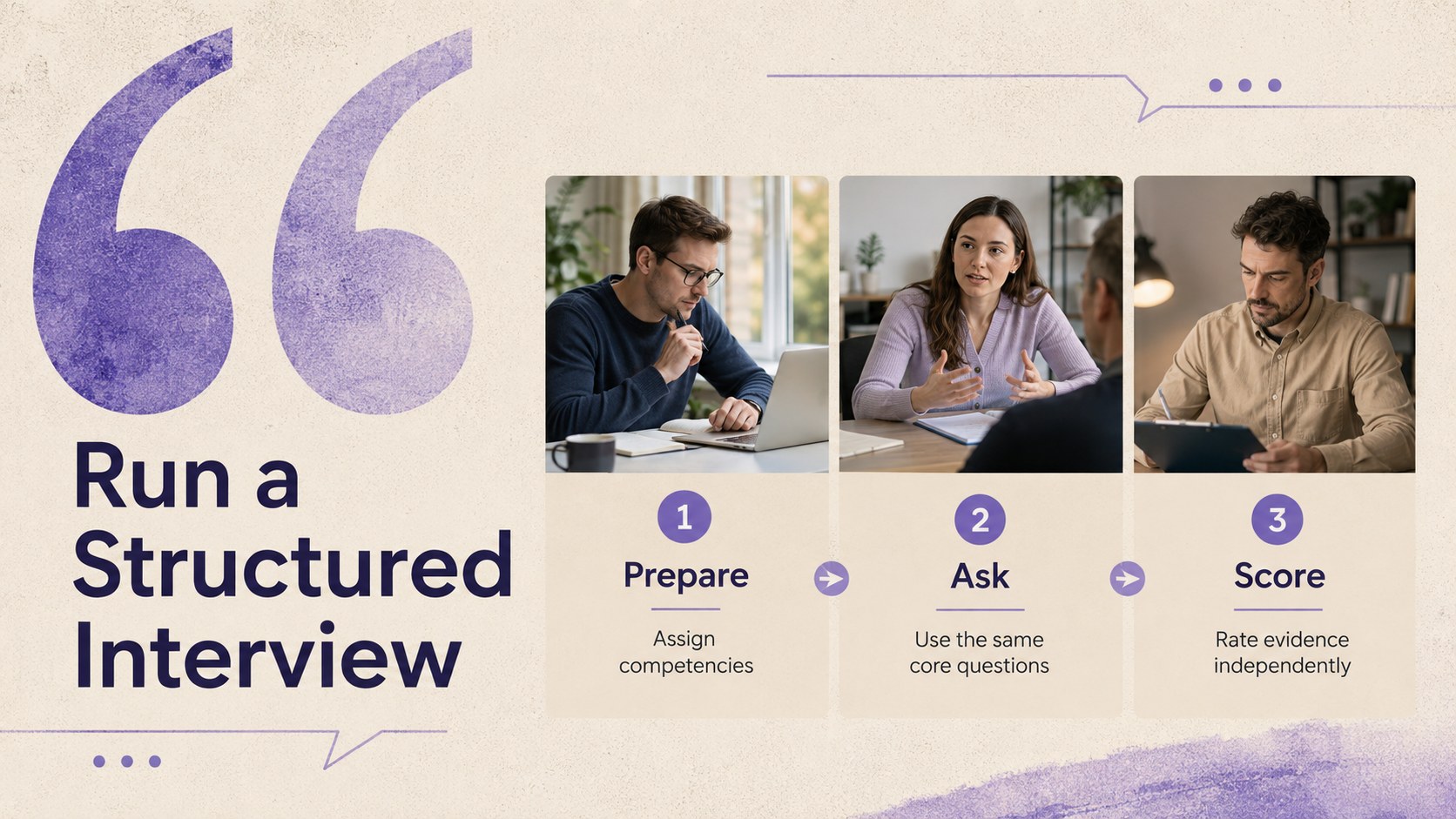
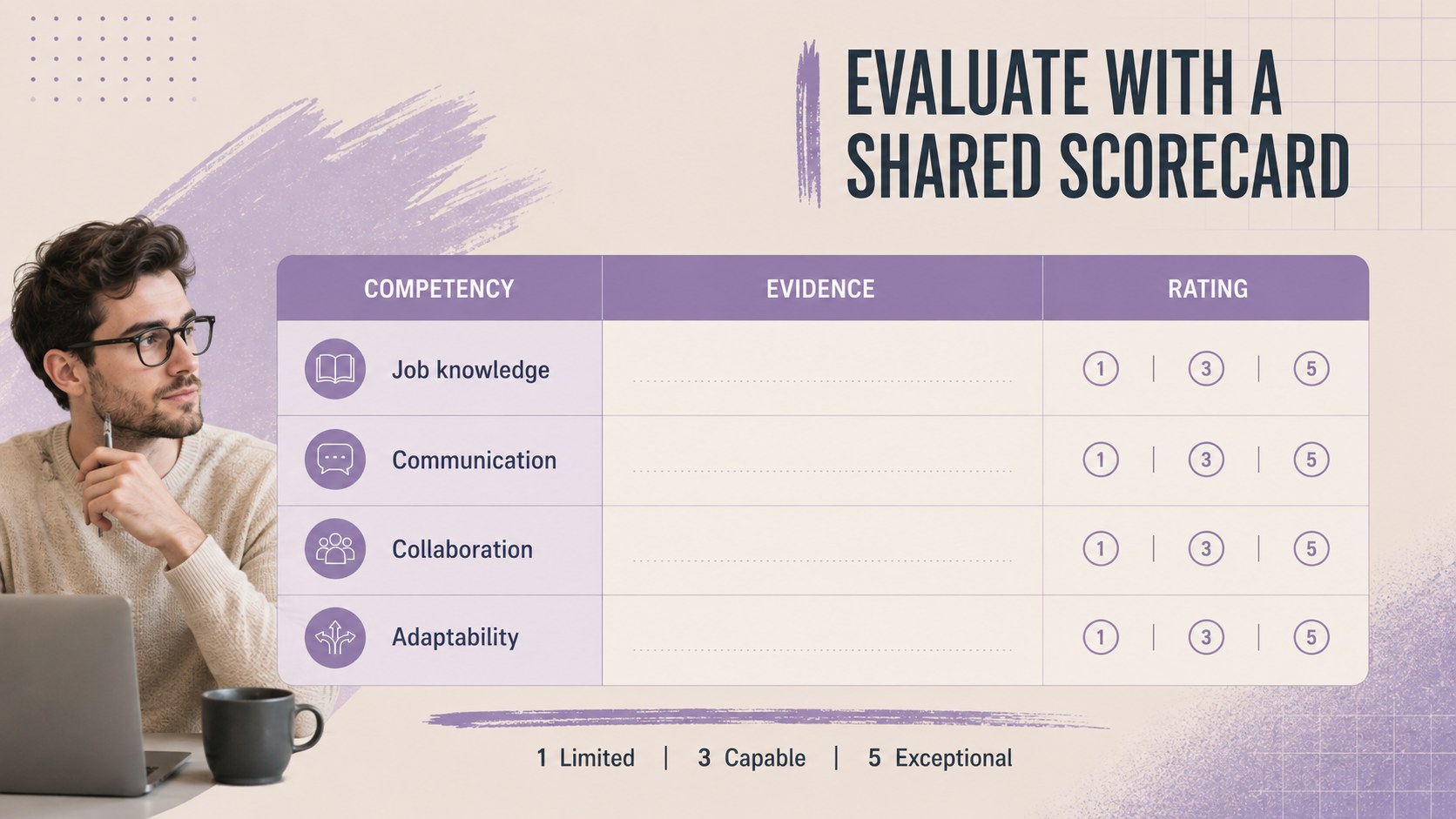
Inside, you will find slides for outlining hiring challenges, mapping the candidate journey, defining role requirements, comparing sourcing channels, explaining screening criteria, and planning structured interviews. Dedicated layouts for evaluation scorecards, recruitment timelines, funnel metrics, and next steps help you build a complete employee hiring process PowerPoint template without starting from scratch. The deck can also serve as a candidate journey Google Slides deck or a structured interview training presentation for internal workshops.
This template is suited to recruiters, talent acquisition leaders, HR consultants, hiring managers, and people operations teams. Use it for live webinars, interviewer onboarding, recruitment strategy meetings, or company-wide hiring updates. Every slide can be adapted in PowerPoint or Google Slides, including the colors, typography, charts, icons, and written content. Add your own policies, metrics, job requirements, and employer messaging to create a practical presentation that reflects how your organization hires.
Perfect for: recruiter onboarding webinar; hiring manager training; candidate journey review; talent acquisition workshop; recruitment strategy meeting.
Frequently asked questions
Can I edit this hiring webinar template in PowerPoint? Yes. You can change the text, colors, fonts, diagrams, charts, and slide order in PowerPoint. Replace the sample recruitment content with your organization's roles, policies, and hiring metrics.
Practical details
Yes. You can change the text, colors, fonts, diagrams, charts, and slide order in PowerPoint. Replace the sample recruitment content with your organization's roles, policies, and hiring metrics.
Yes. Upload or open the presentation in Google Slides to edit it in your browser and collaborate with colleagues. Review font substitutions and animation settings after importing.
Start by updating the candidate journey, interview stages, decision criteria, and timeline. You can then add your employer branding, sourcing channels, team responsibilities, and current hiring data.
Yes. The process, scorecard, and structured interview layouts are suitable for training hiring managers and interview panels. Add role-specific questions, evaluation standards, and examples of acceptable evidence.
Keep exploring
15Shape your publishing concept with an indie magazine startup pitch deck featuring pastel gradients, bold collage layouts, and editable planning slides.
 16
16Build clear project stories with the Icon Grid Teamwork Theme, a flexible blue illustrated deck for proposals, strategy updates, and team meetings.
 3
3Turn priorities into an actionable plan with an annual goals roadmap infographic, featuring editable orange and teal layouts for PowerPoint and Google Slides.
 15
15Create an Annual Achievement Report Presentation with colorful geometric layouts for milestones, results, lessons, and priorities in PowerPoint or Google Slides.
 15
15Turn results into a focused annual performance evaluation report with dark 3D slides for KPIs, achievements, feedback, and next-step goals for teams.
 15
15Guide a focused annual recap with Business Results Retrospective Slides, a muted brown-and-blue template for PowerPoint and Google Slides.
 6
6Turn complex plans into clear visual stories with Color-Coded Workflow Path Slides, an editable set for project updates, roadmaps, and team briefings.
 6
6Compare regional performance at a glance with Global Data Heatmap Slides, a clean multicolor deck designed for editable PowerPoint and Google Slides.