
 15
15presentation
Indie Magazine Startup Pitch Deck
Shape your publishing concept with an indie magazine startup pitch deck featuring pastel gradients, bold collage layouts, and editable planning slides.
Google SlidesPowerPoint
presentation · English
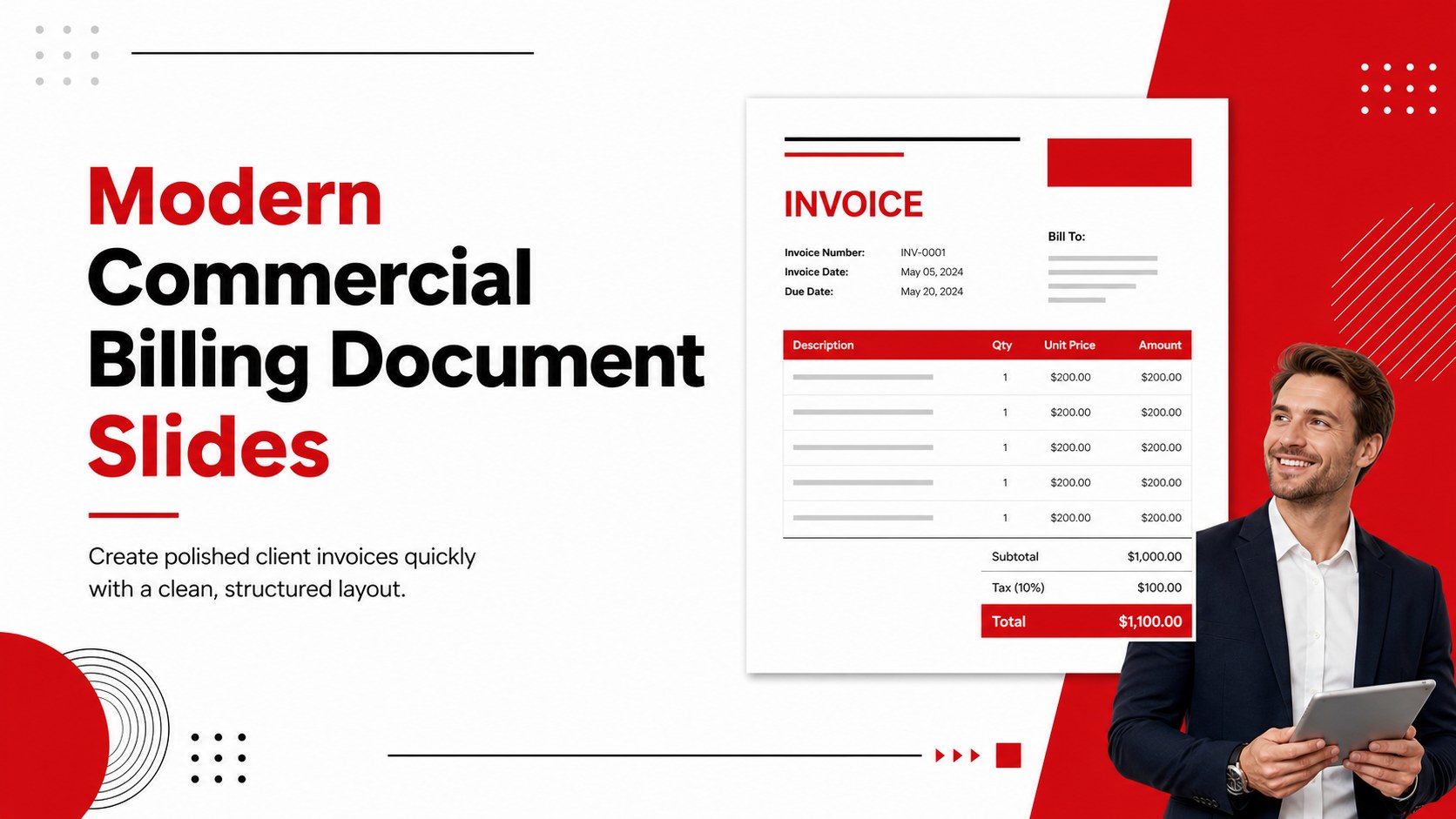
Create polished invoices faster with modern commercial billing document slides in red, white, and black, editable in PowerPoint and Google Slides.
Design notes
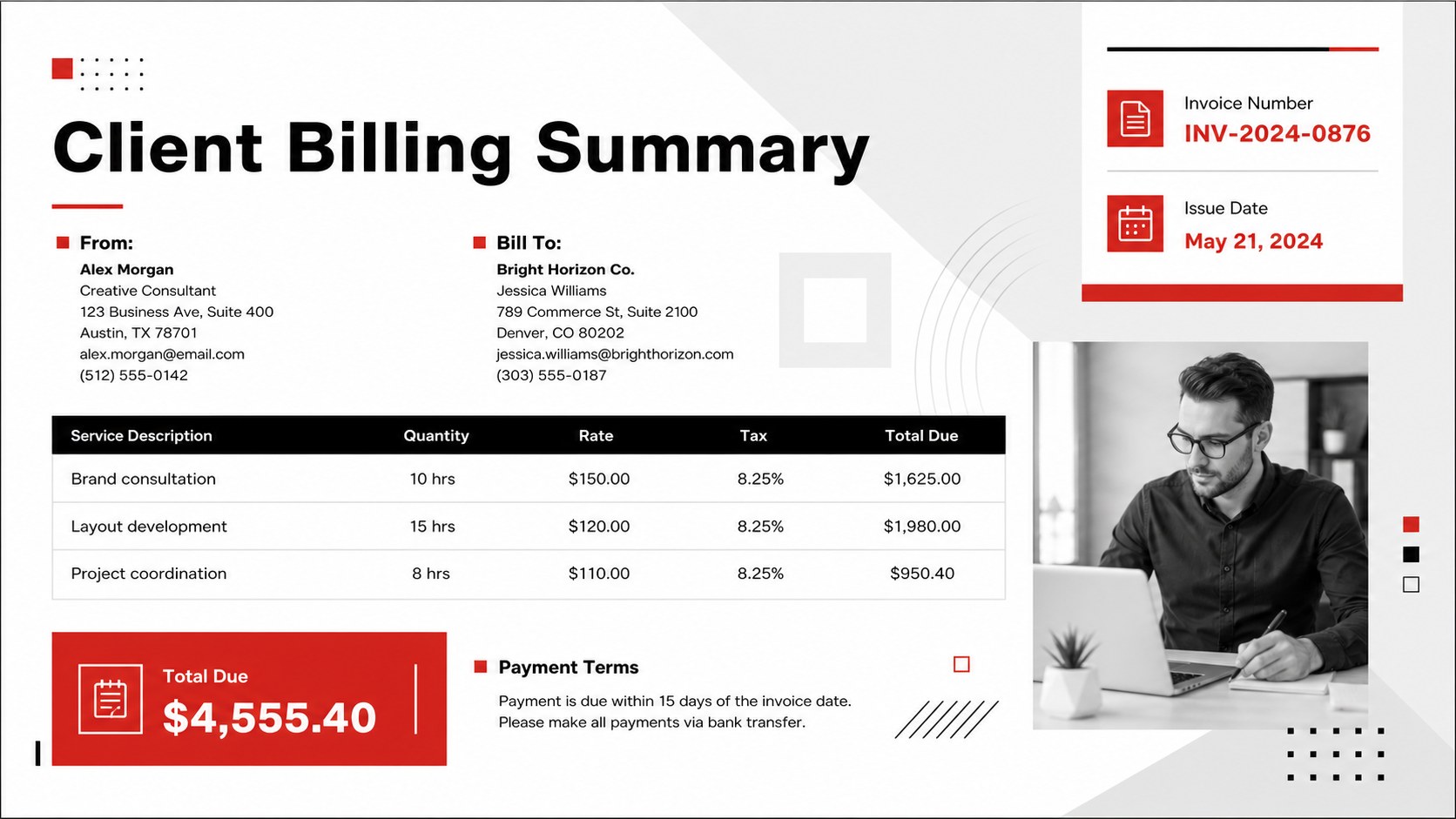
Modern Commercial Billing Document Slides give businesses a polished way to prepare and present client billing records. Designed for clarity and quick editing, this red, white, and black template combines a modern minimalist invoice layout with strong visual hierarchy. Use it in PowerPoint or Google Slides to organize charges, payment details, tax information, and customer records without building a document from scratch.
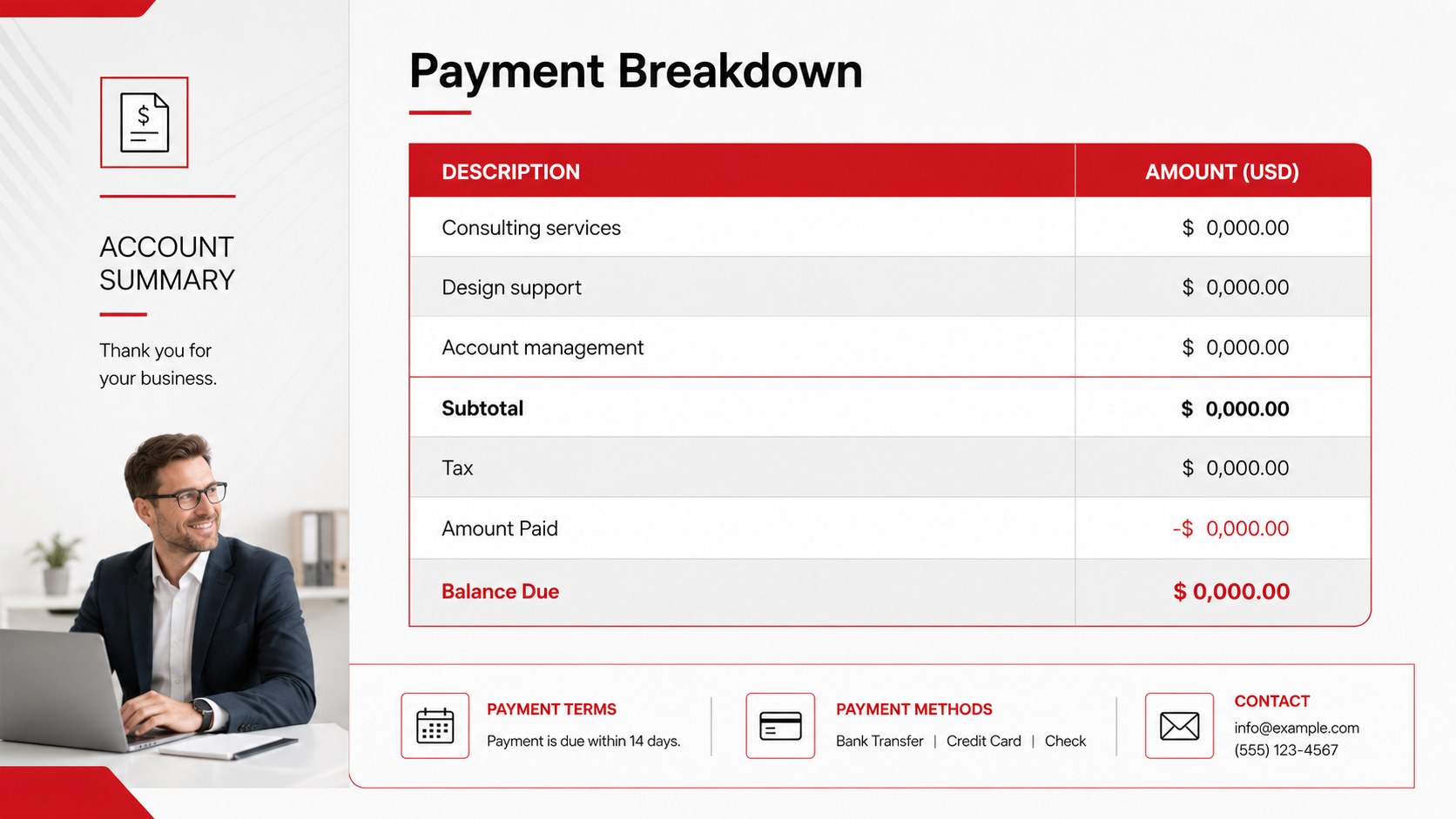
The set includes three coordinated invoice layouts with editable company details, billing and shipping fields, itemized service tables, totals, payment terms, and contact information. Gayathri and Inter typography supports a crisp business look, while geometric accents and restrained red highlights help important figures stand out. Each page can be adapted as an editable business invoice presentation, exported for digital delivery, or printed after adjusting the slide dimensions to suit your preferred document format.
These modern commercial billing document slides work well for freelancers, consultants, agencies, small retailers, and finance teams that need consistent client paperwork. Customize colors, type, table rows, currencies, and labels to create a professional invoice template for PowerPoint or a Google Slides billing statement template. The layouts can support project fees, product sales, recurring services, and other commercial transactions while maintaining a cohesive, credible appearance across every invoice.
Perfect for: freelance client invoicing; agency service billing; consulting fee statements; small business sales invoices; project payment summaries.
Frequently asked questions
Can I edit the invoice fields and itemized tables? Yes. Company details, client information, descriptions, quantities, rates, taxes, totals, and payment terms can all be changed. Table rows may also be duplicated or removed to match the number of billed items.
Practical details
Yes. Company details, client information, descriptions, quantities, rates, taxes, totals, and payment terms can all be changed. Table rows may also be duplicated or removed to match the number of billed items.
The template is designed for Microsoft PowerPoint and Google Slides. You can edit the layouts online or on desktop, depending on the platform you use.
Yes. Replace the red accents, black text, white backgrounds, and included fonts with your own brand choices. Keep sufficient contrast around totals and payment information so the invoice remains easy to scan.
Yes. After editing, export the invoice to a suitable format for email or printing. Review the page size, margins, figures, currency, and client information before final delivery.
Keep exploring
15Shape your publishing concept with an indie magazine startup pitch deck featuring pastel gradients, bold collage layouts, and editable planning slides.
 16
16Build clear project stories with the Icon Grid Teamwork Theme, a flexible blue illustrated deck for proposals, strategy updates, and team meetings.
 3
3Turn priorities into an actionable plan with an annual goals roadmap infographic, featuring editable orange and teal layouts for PowerPoint and Google Slides.
 15
15Create an Annual Achievement Report Presentation with colorful geometric layouts for milestones, results, lessons, and priorities in PowerPoint or Google Slides.
 15
15Turn results into a focused annual performance evaluation report with dark 3D slides for KPIs, achievements, feedback, and next-step goals for teams.
 15
15Guide a focused annual recap with Business Results Retrospective Slides, a muted brown-and-blue template for PowerPoint and Google Slides.
 6
6Turn complex plans into clear visual stories with Color-Coded Workflow Path Slides, an editable set for project updates, roadmaps, and team briefings.
 6
6Compare regional performance at a glance with Global Data Heatmap Slides, a clean multicolor deck designed for editable PowerPoint and Google Slides.