
 15
15presentation
Indie Magazine Startup Pitch Deck
Shape your publishing concept with an indie magazine startup pitch deck featuring pastel gradients, bold collage layouts, and editable planning slides.
Google SlidesPowerPoint
presentation · English
Build clear, confident military leadership briefings with a green professional slide deck for training, operations updates, command meetings, PowerPoint,…


Design notes
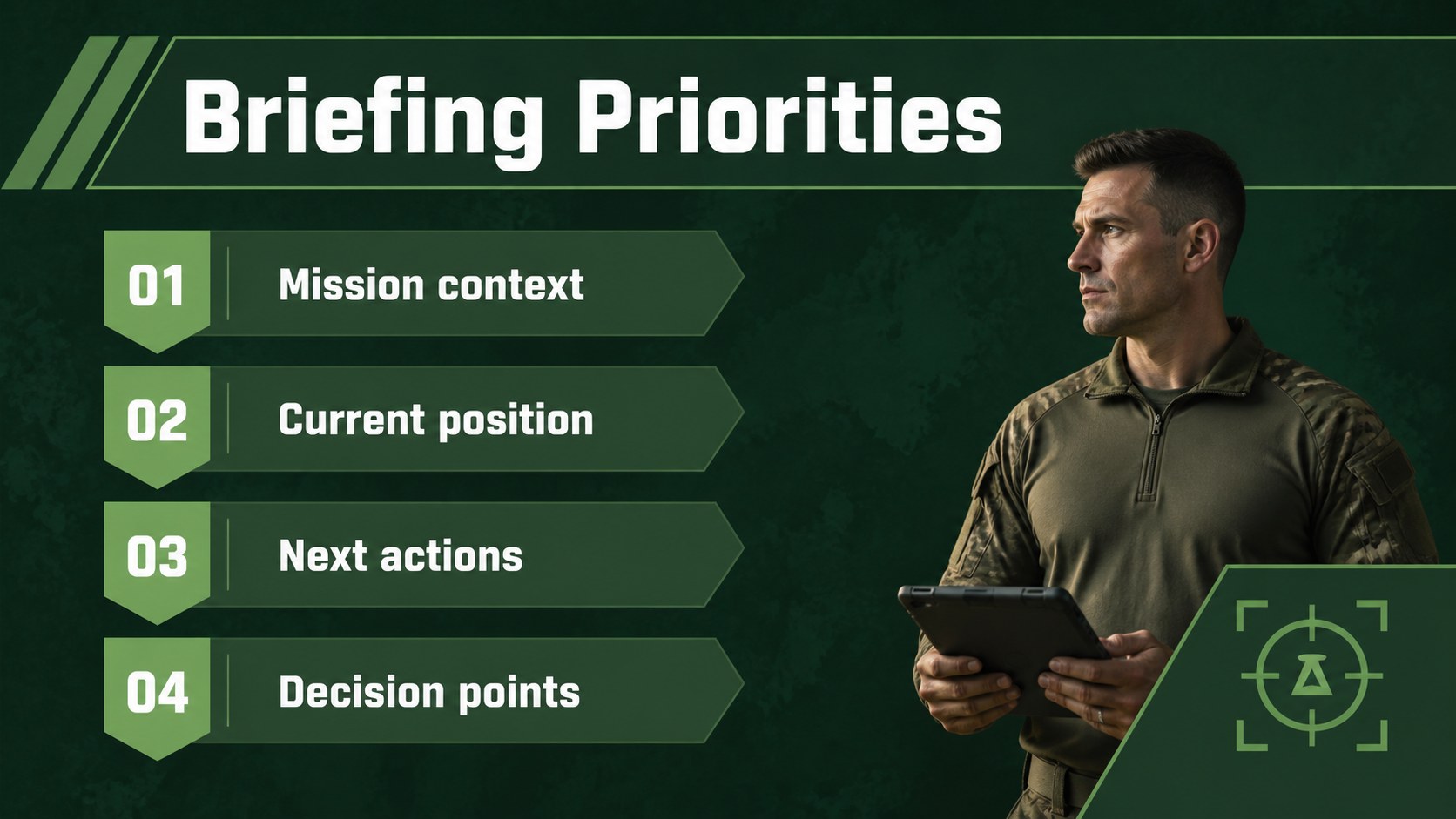
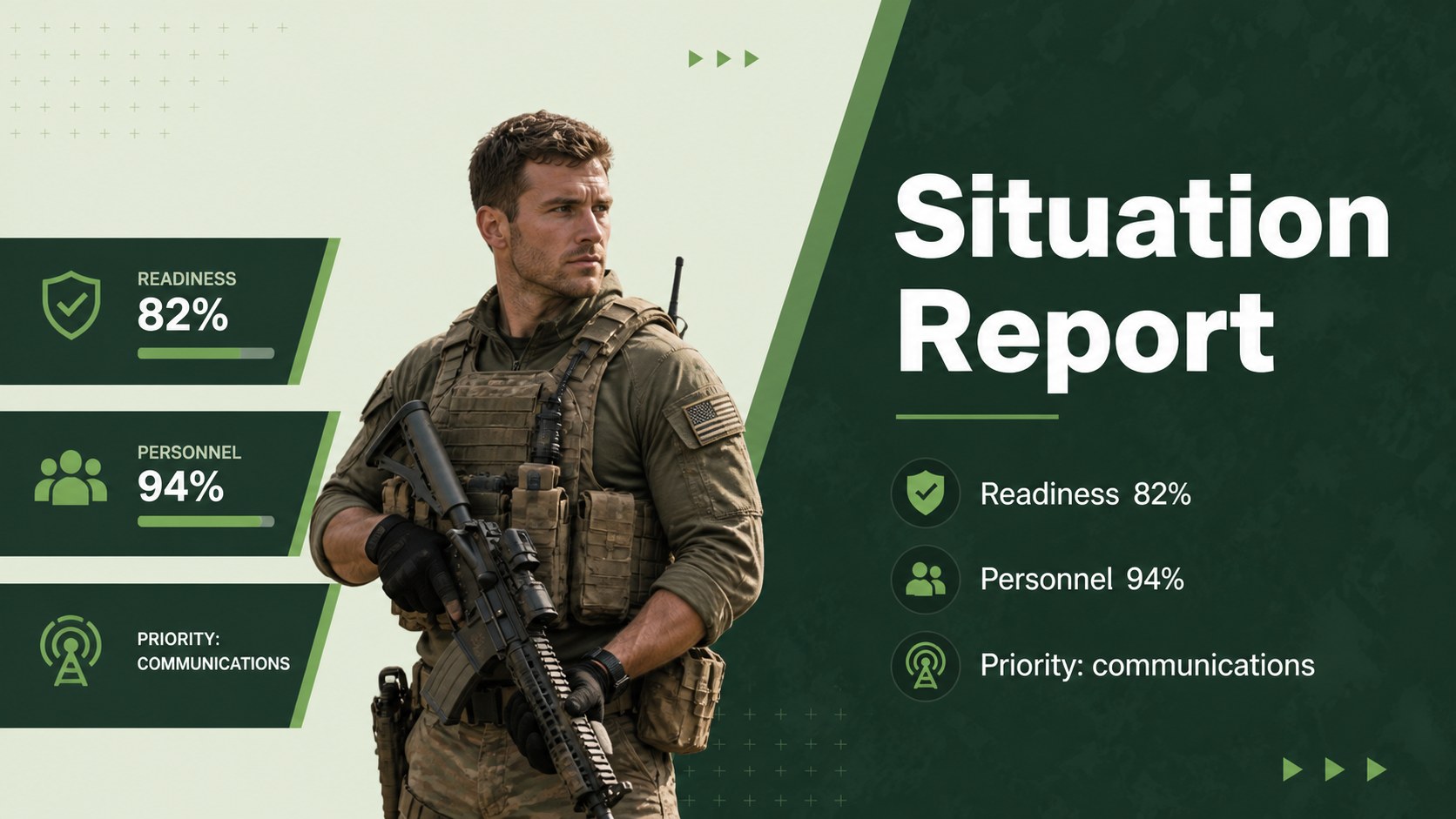
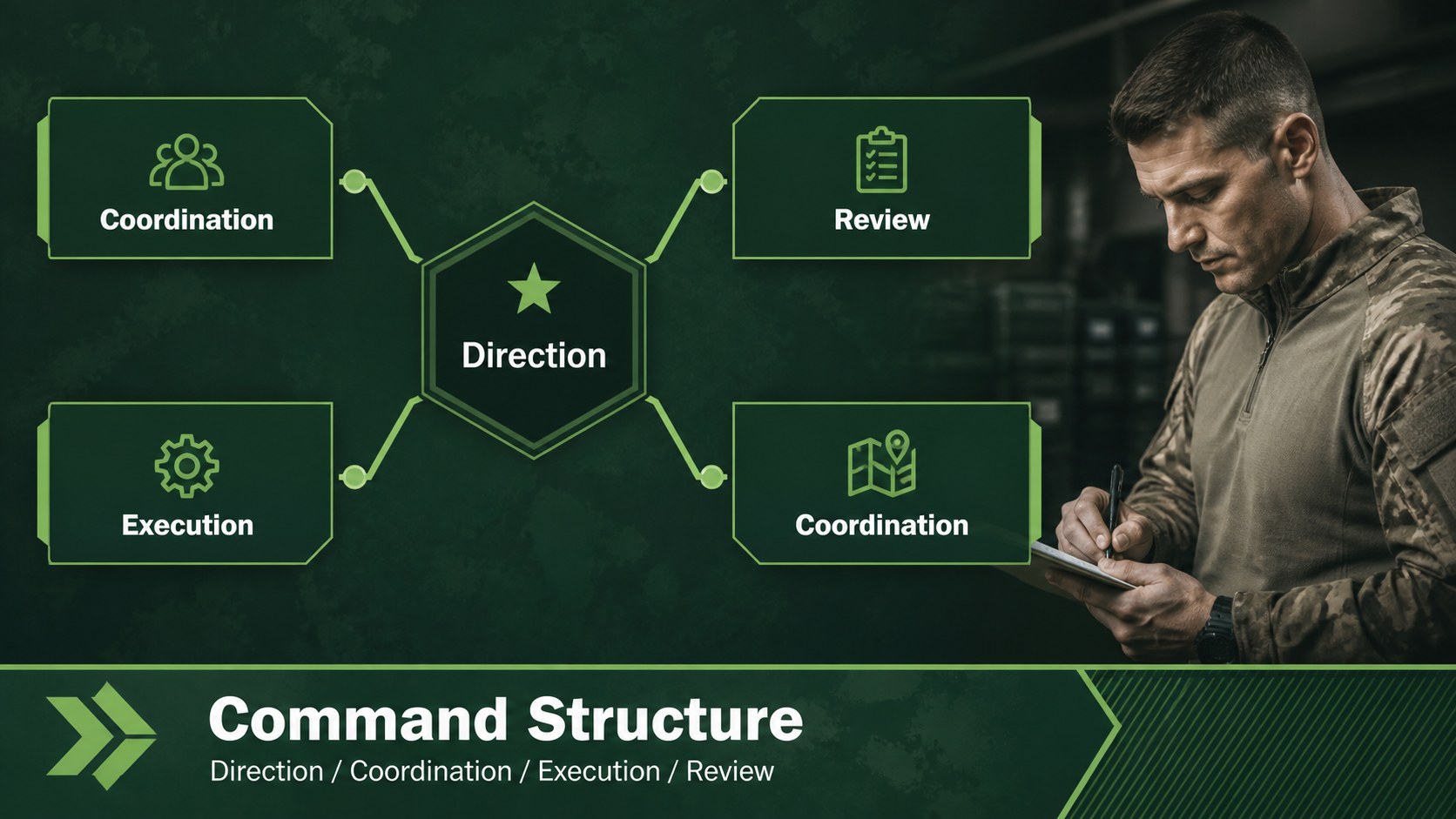
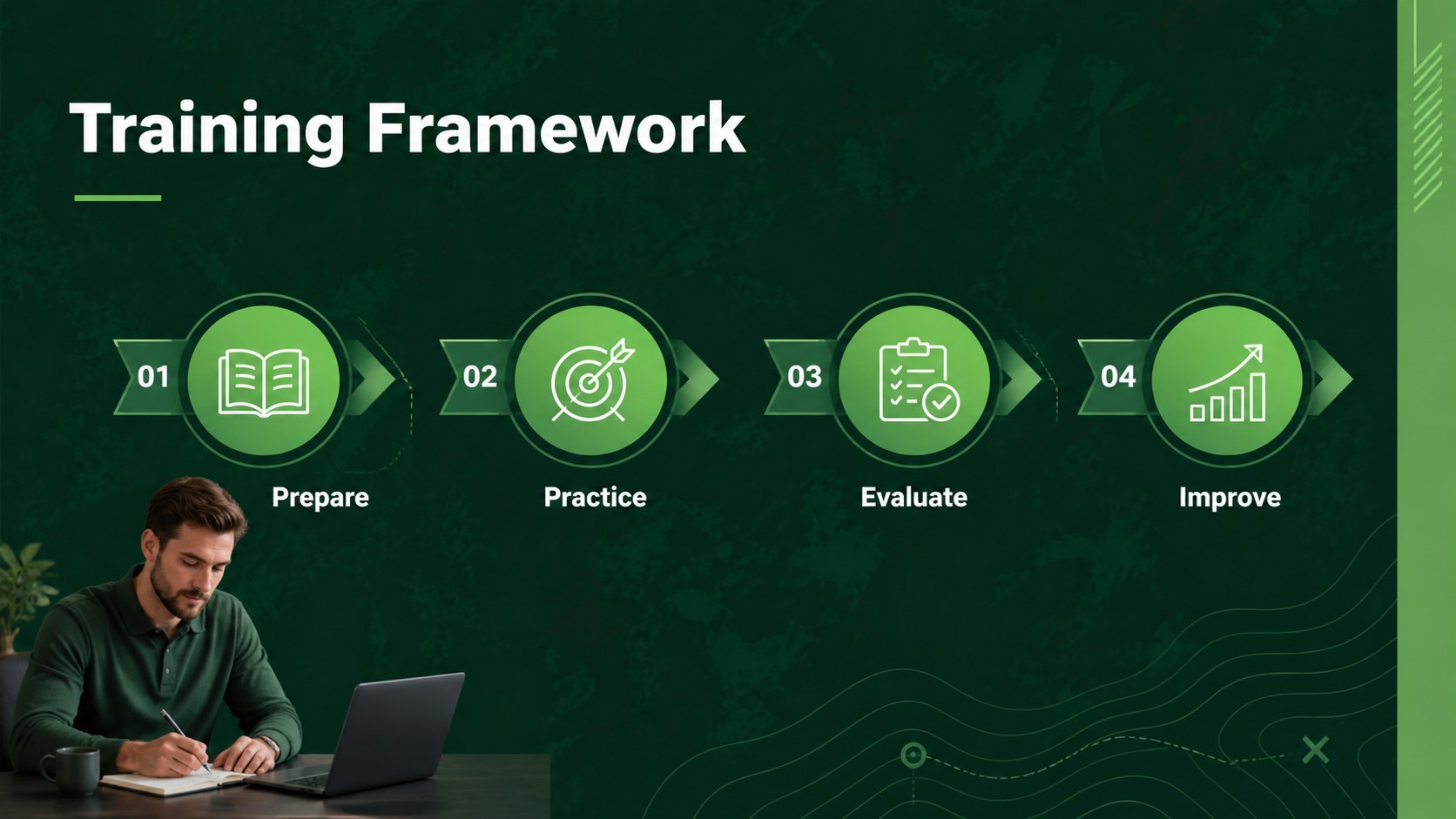
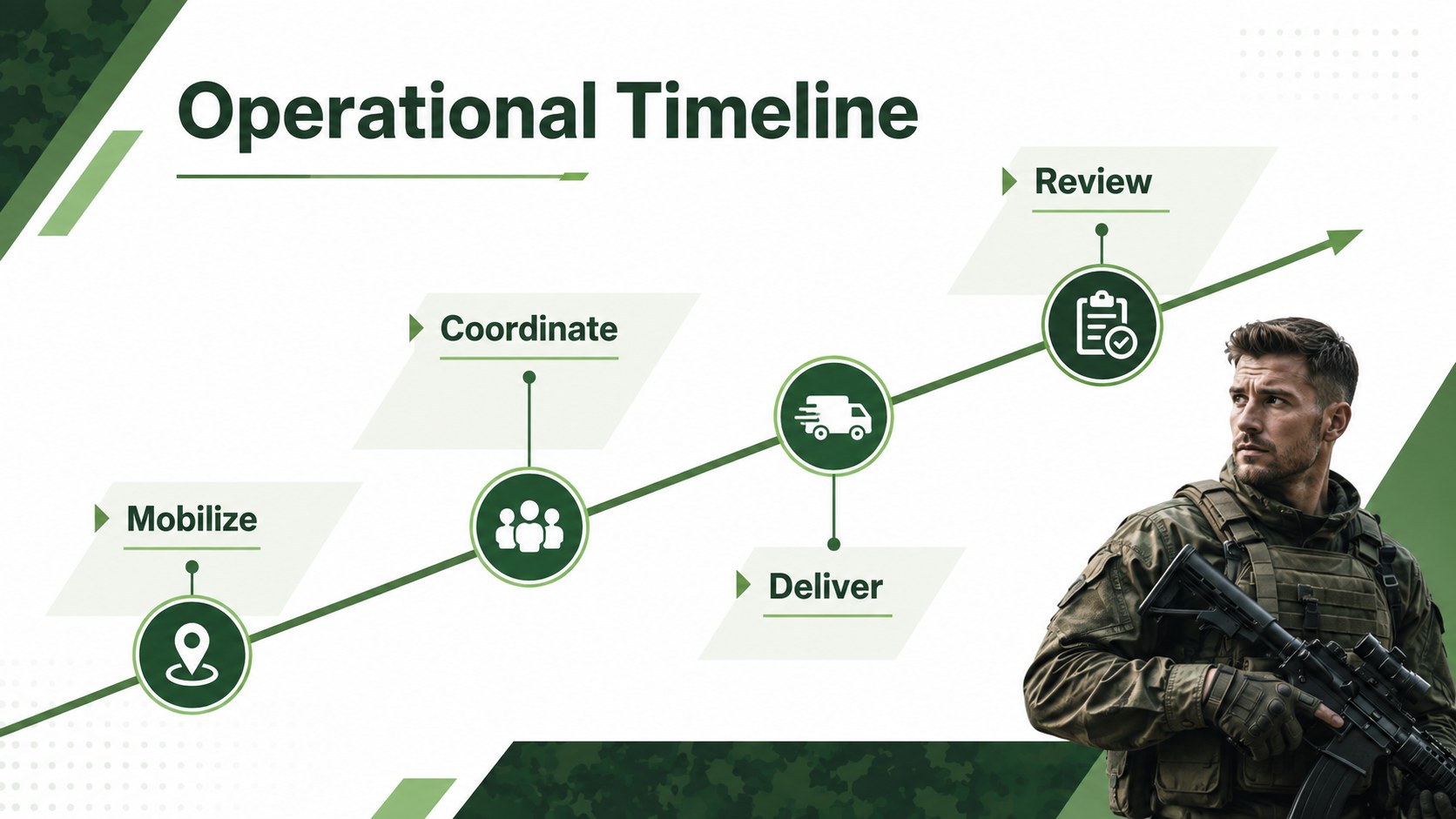
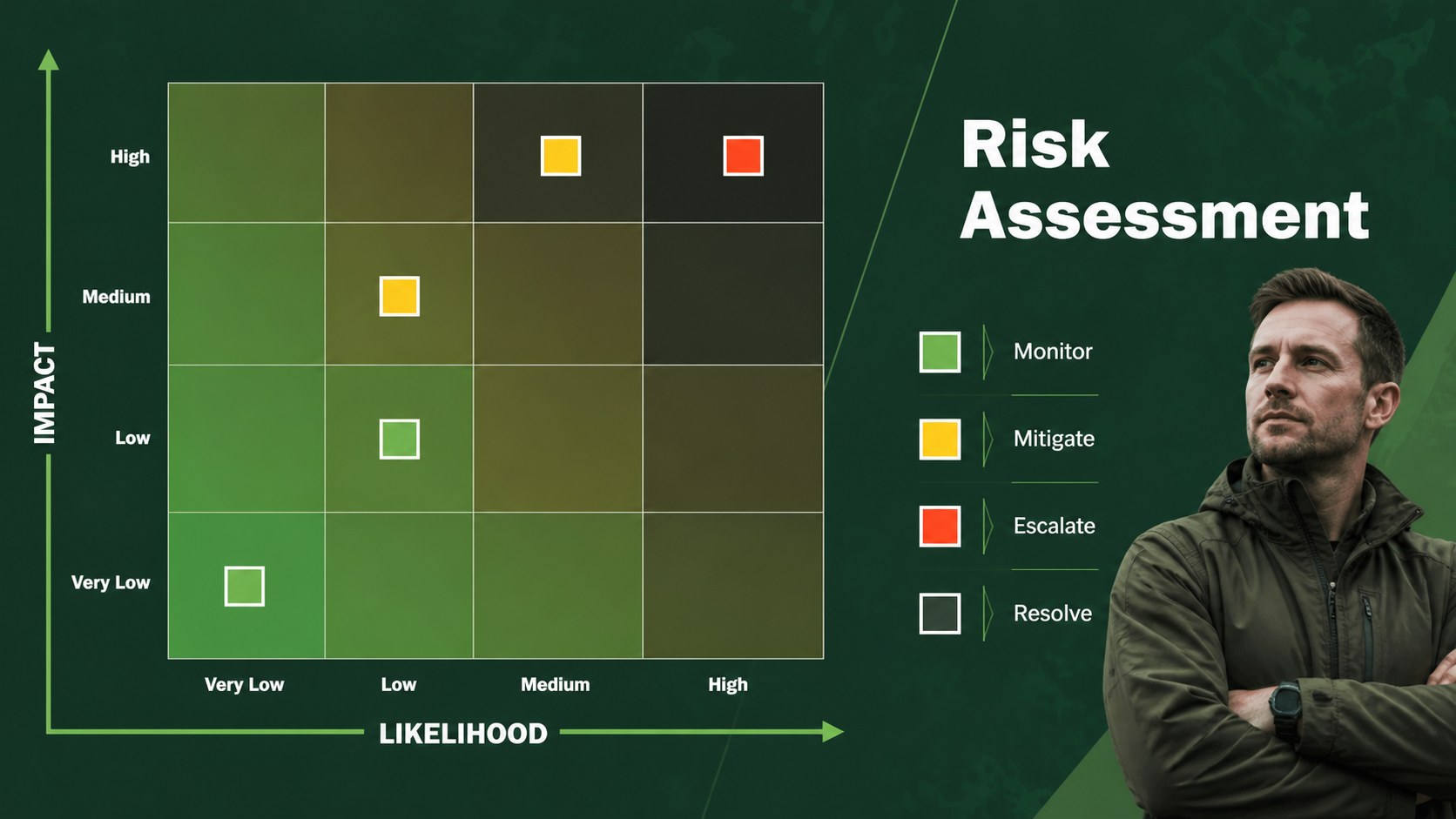
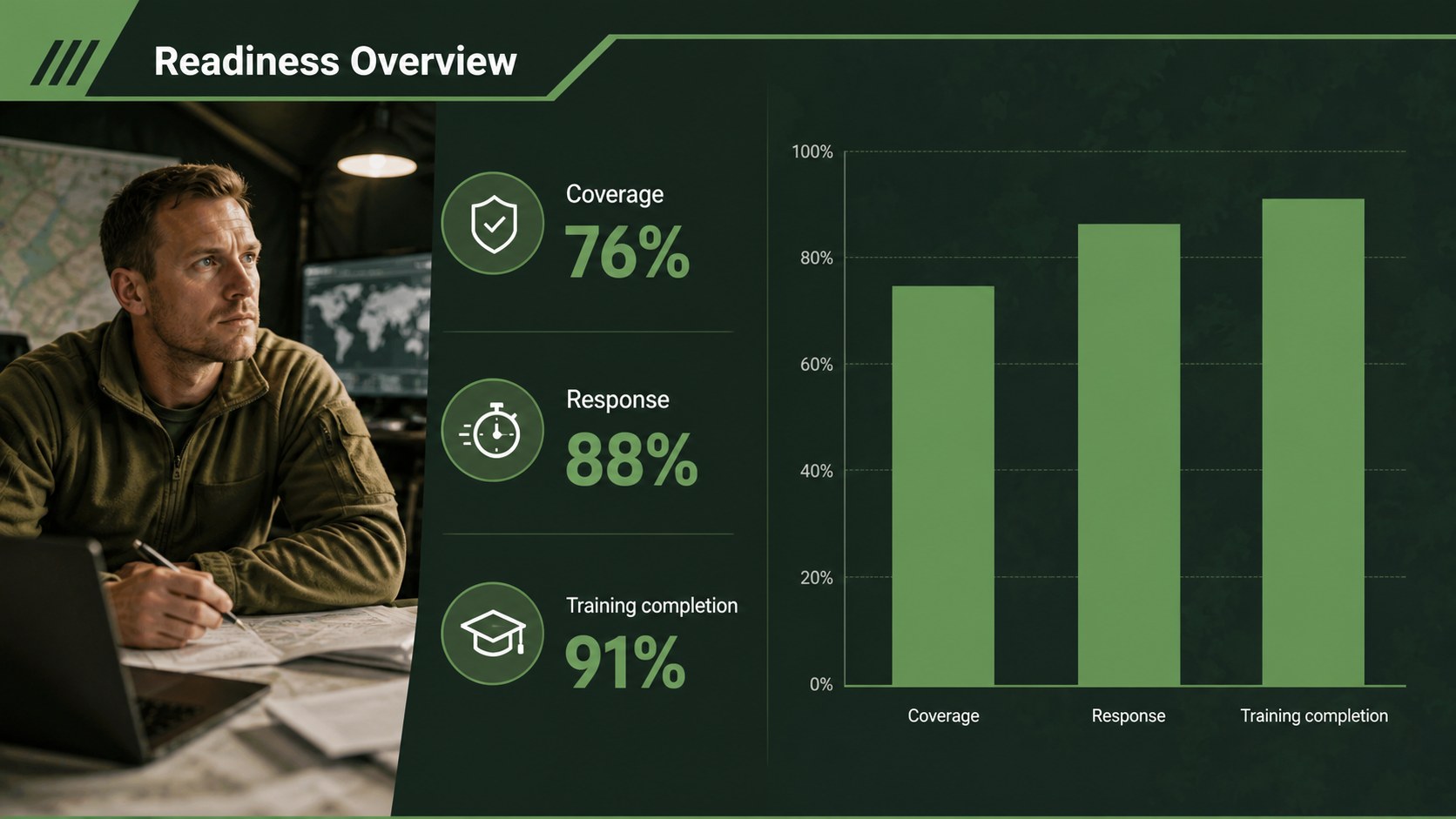
Military leadership briefing slides give commanders, instructors, and corporate presenters a structured way to communicate priorities, procedures, and decisions. The restrained green palette, geometric accents, and clean typography create a composed visual tone without distracting from the message. Use this editable deck for operational updates, leadership training, policy briefings, or professional presentations that require clarity and authority.
Inside, you will find 19 widescreen layouts for opening statements, agendas, objectives, situation reports, process explanations, data summaries, timelines, comparison tables, and closing recommendations. Modular charts, frames, lines, and shapes make it simple to adapt the visual hierarchy to your own material. The design works well for military leadership briefing slides, command training presentation layouts, and structured operations update decks.
Edit every element in PowerPoint or Google Slides, replace the sample copy, and adjust the green accents to match your organization. The 16:9 format supports screen sharing, classroom instruction, conference-room briefings, and exported PDF handouts. This template is suited to defense professionals, academy instructors, security teams, corporate managers, and anyone who needs a calm, precise presentation system.
Perfect for: command training session; operations status briefing; defense strategy presentation; security team workshop; leadership academy lesson.
Frequently asked questions
Can I edit these slides in PowerPoint? Yes. The deck is designed for PowerPoint editing, including text, colors, charts, shapes, and layout elements. You can replace the sample content with your own briefing material.
Practical details
Yes. The deck is designed for PowerPoint editing, including text, colors, charts, shapes, and layout elements. You can replace the sample content with your own briefing material.
Yes. Upload the presentation file to Google Drive and open it with Google Slides. Review fonts and animations after import, since some effects may render differently between platforms.
Yes. All major visual elements are customizable, so you can adjust the green accents to match a unit, department, or organization. Keep the contrast between the background and text strong for briefing-room readability.
It works for command updates, operational planning, leadership instruction, security training, and corporate management briefings. The included layouts support agendas, timelines, process diagrams, data summaries, and recommendations.
Keep exploring
15Shape your publishing concept with an indie magazine startup pitch deck featuring pastel gradients, bold collage layouts, and editable planning slides.
 16
16Build clear project stories with the Icon Grid Teamwork Theme, a flexible blue illustrated deck for proposals, strategy updates, and team meetings.
 3
3Turn priorities into an actionable plan with an annual goals roadmap infographic, featuring editable orange and teal layouts for PowerPoint and Google Slides.
 15
15Create an Annual Achievement Report Presentation with colorful geometric layouts for milestones, results, lessons, and priorities in PowerPoint or Google Slides.
 15
15Turn results into a focused annual performance evaluation report with dark 3D slides for KPIs, achievements, feedback, and next-step goals for teams.
 15
15Guide a focused annual recap with Business Results Retrospective Slides, a muted brown-and-blue template for PowerPoint and Google Slides.
 6
6Turn complex plans into clear visual stories with Color-Coded Workflow Path Slides, an editable set for project updates, roadmaps, and team briefings.
 6
6Compare regional performance at a glance with Global Data Heatmap Slides, a clean multicolor deck designed for editable PowerPoint and Google Slides.