
 15
15presentation
Indie Magazine Startup Pitch Deck
Shape your publishing concept with an indie magazine startup pitch deck featuring pastel gradients, bold collage layouts, and editable planning slides.
Google SlidesPowerPoint
presentation · English
Build a clear milestone roadmap with colorful flat visuals for projects, history, and strategy. Edit the 16:9 slides in PowerPoint or Google Slides.




Design notes
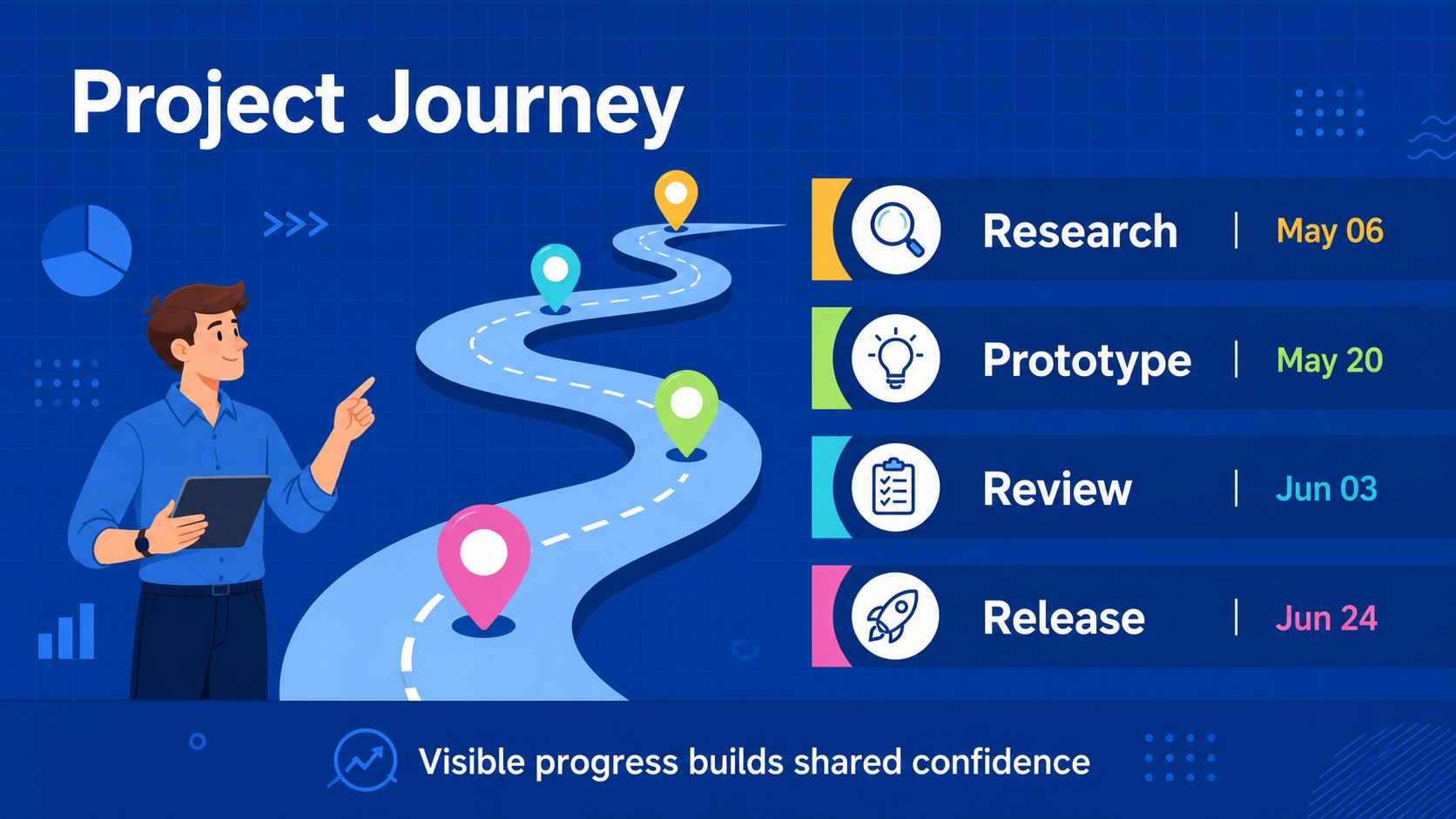
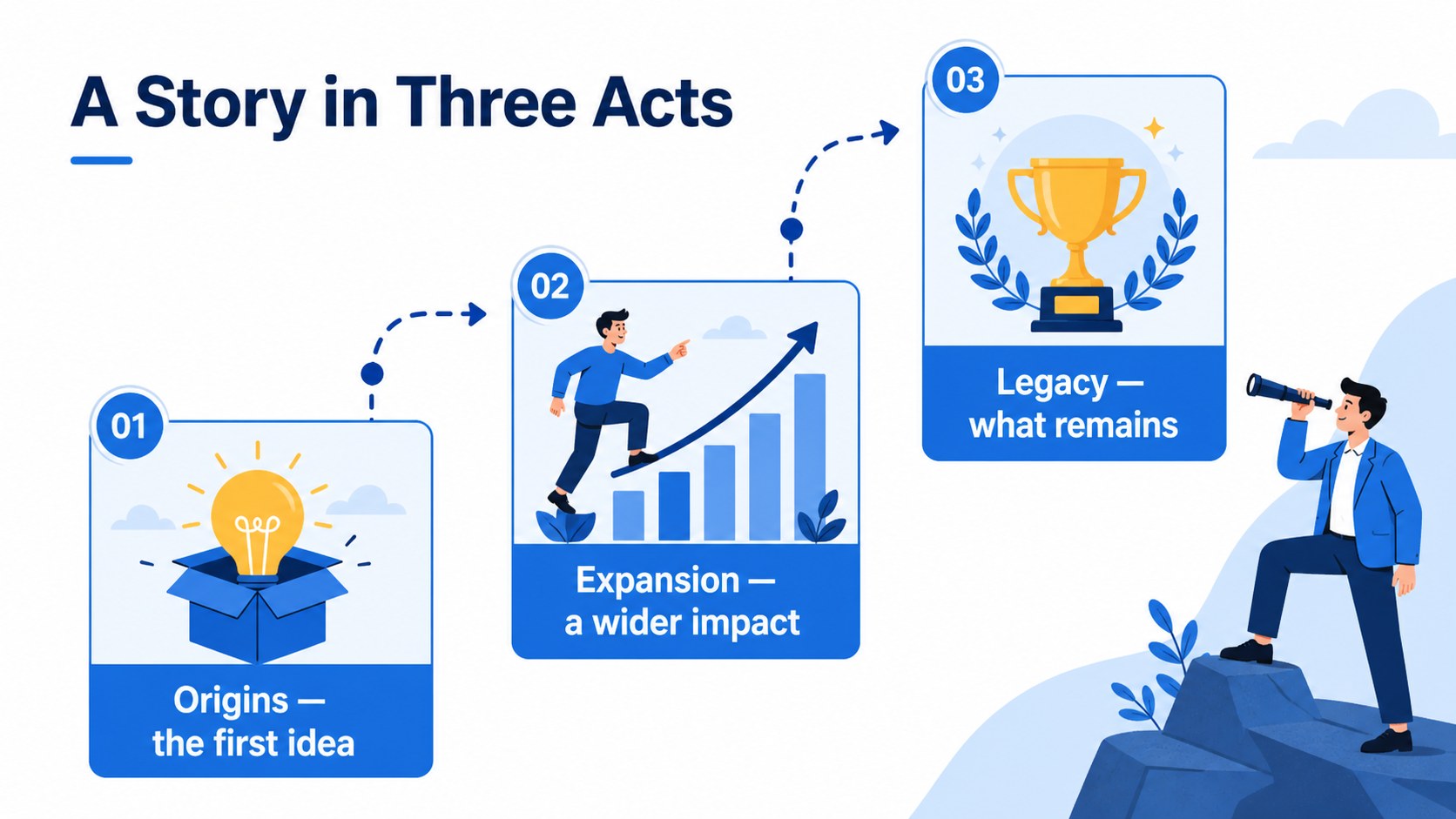
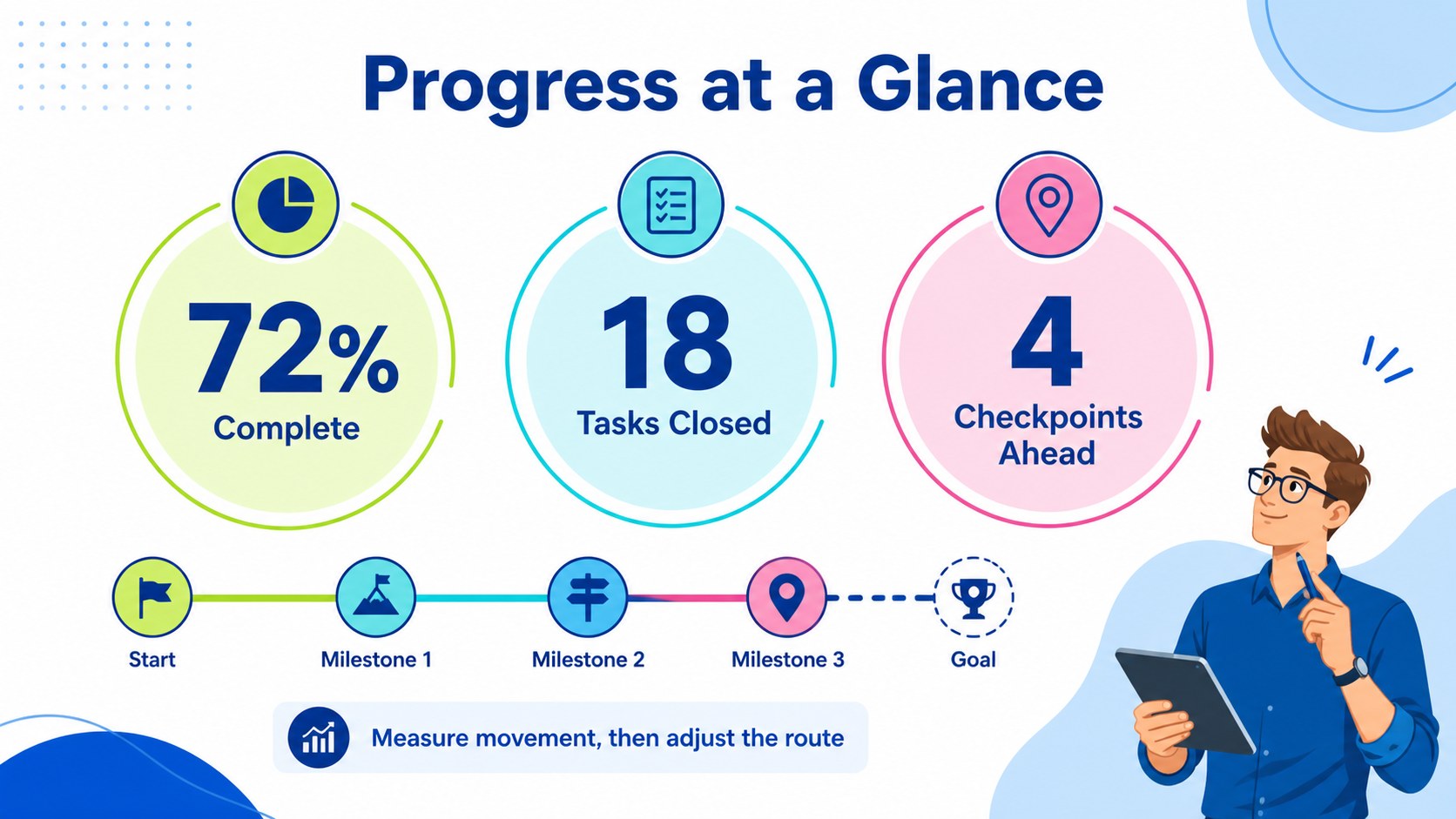
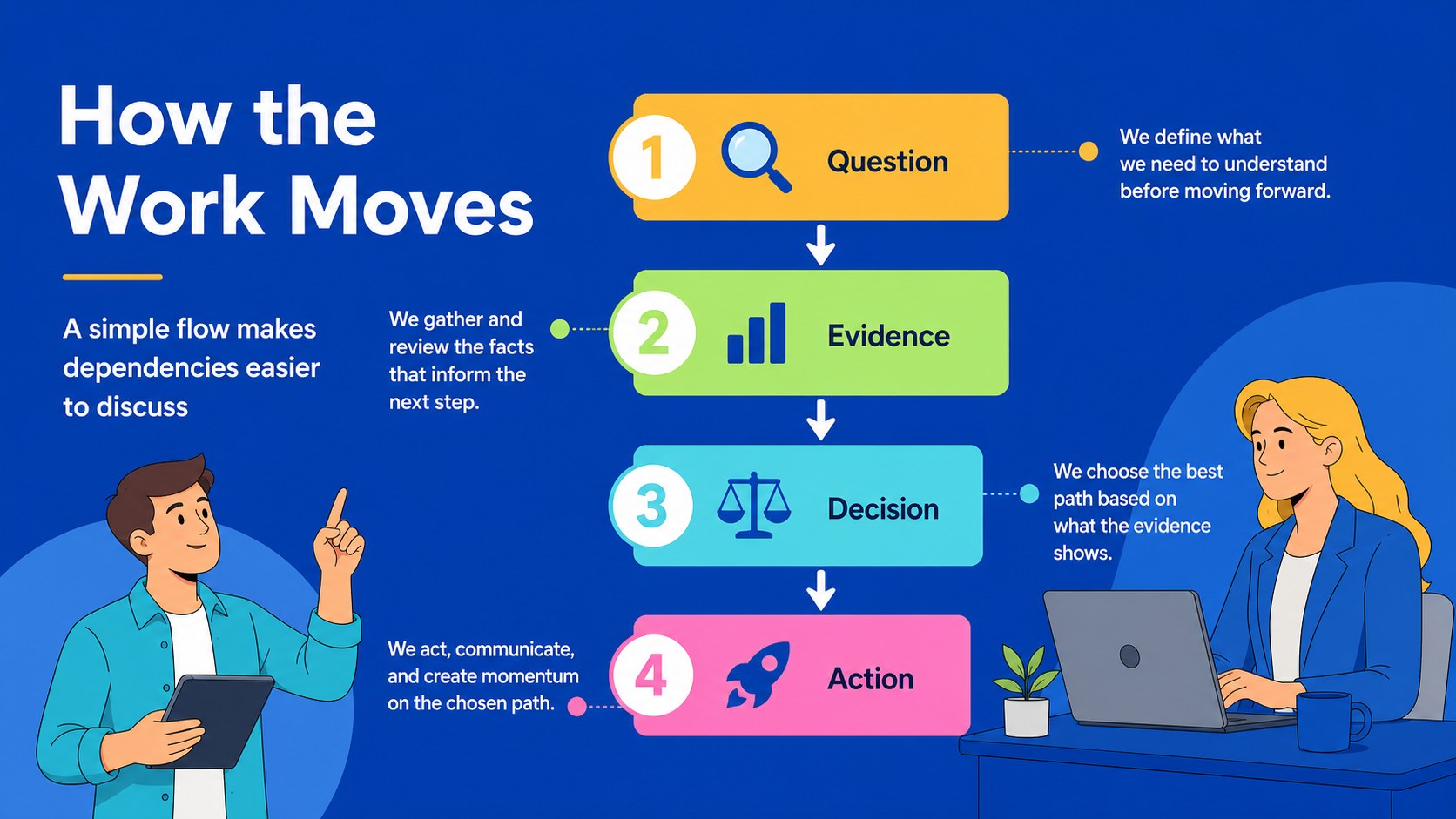
Milestone Roadmap Slides give projects, stories, and plans a clear visual route from beginning to destination. The colorful flat design combines blue accents, crisp typography, playful illustrations, and structured data elements, helping audiences understand sequence, timing, and progress at a glance. Use the deck for a project roadmap presentation, a historical overview, or a strategic planning session where each stage needs a memorable visual marker.
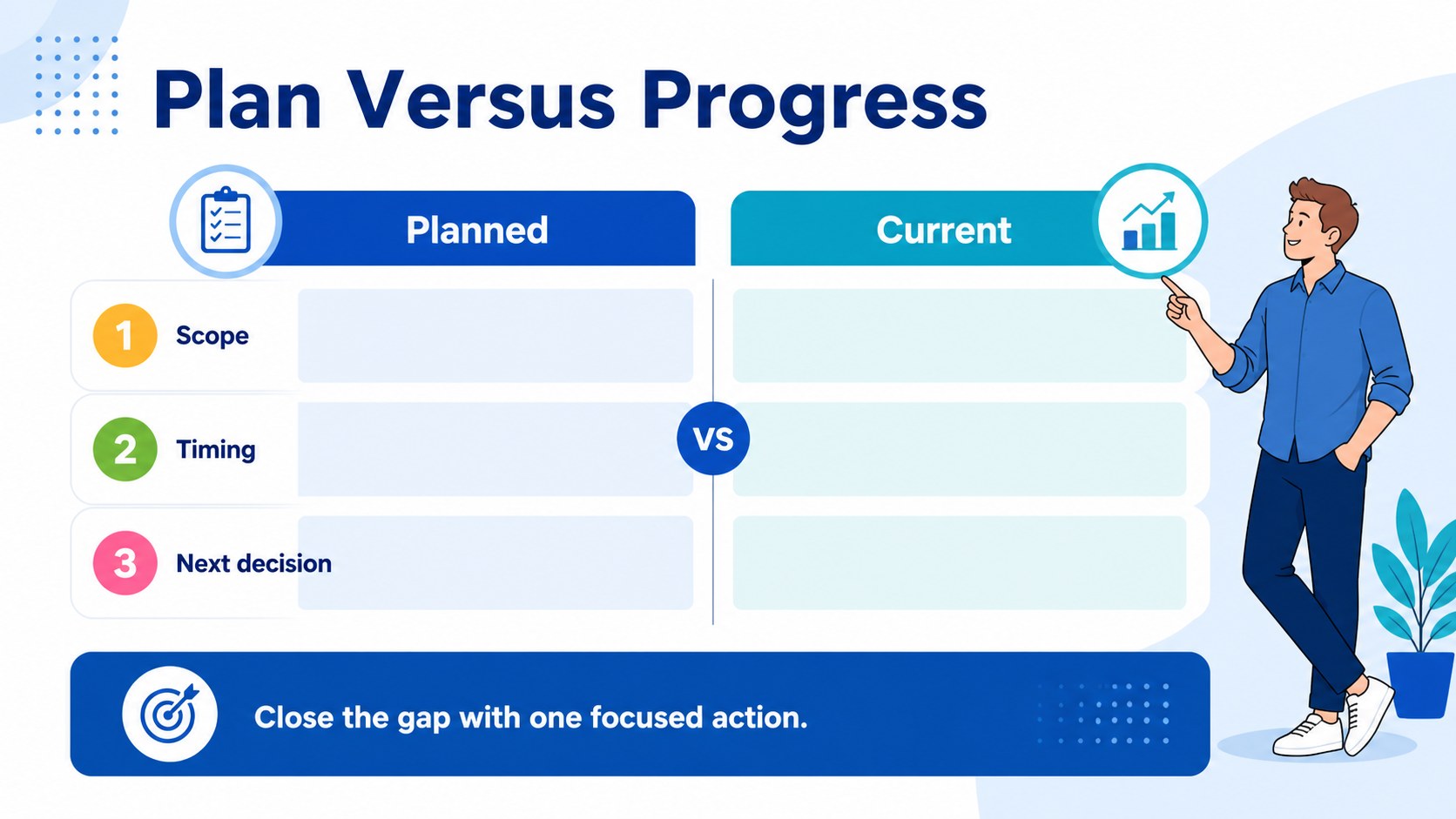
Inside, you will find 22 editable infographic layouts adapted for a 16:9 presentation, including milestone paths, process diagrams, KPI snapshots, comparison views, step-by-step flows, and roadmap summaries. Rearrange shapes, update labels, adjust colors, and add your own charts or images to match the story. Lato, Podkova, and Poppins provide a friendly but professional typographic system.
This template suits project managers, consultants, startup teams, teachers, students, and operations leaders. Present a product launch sequence, explain a multi-year history lesson, map quarterly objectives, or show how an initiative moves from research to delivery. The files work with PowerPoint and Google Slides, making collaboration and presenting straightforward across common workflows.
Perfect for: startup product launch plan; quarterly strategy review; historical events lesson; client project status update; operations process briefing.
Frequently asked questions
Can I edit these slides in PowerPoint? Yes. The presentation is designed for PowerPoint and includes editable text, shapes, diagrams, and color elements. Replace the sample milestones with your own dates, labels, metrics, and project details.
Practical details
Yes. The presentation is designed for PowerPoint and includes editable text, shapes, diagrams, and color elements. Replace the sample milestones with your own dates, labels, metrics, and project details.
Yes, you can open and adapt the deck in Google Slides. Check the fonts after importing and substitute equivalent fonts if your workspace does not have Lato, Podkova, or Poppins installed.
Use it for project phases, historical sequences, launch plans, strategic goals, process flows, and performance checkpoints. The layouts also support KPIs, comparisons, short explanations, and milestone summaries.
Yes. Update the palette, illustrations, labels, icons, and supporting graphics while keeping the flat visual system consistent. You can also duplicate layouts when a roadmap needs more stages than the original example.
Keep exploring
15Shape your publishing concept with an indie magazine startup pitch deck featuring pastel gradients, bold collage layouts, and editable planning slides.
 16
16Build clear project stories with the Icon Grid Teamwork Theme, a flexible blue illustrated deck for proposals, strategy updates, and team meetings.
 3
3Turn priorities into an actionable plan with an annual goals roadmap infographic, featuring editable orange and teal layouts for PowerPoint and Google Slides.
 15
15Create an Annual Achievement Report Presentation with colorful geometric layouts for milestones, results, lessons, and priorities in PowerPoint or Google Slides.
 15
15Turn results into a focused annual performance evaluation report with dark 3D slides for KPIs, achievements, feedback, and next-step goals for teams.
 15
15Guide a focused annual recap with Business Results Retrospective Slides, a muted brown-and-blue template for PowerPoint and Google Slides.
 6
6Turn complex plans into clear visual stories with Color-Coded Workflow Path Slides, an editable set for project updates, roadmaps, and team briefings.
 6
6Compare regional performance at a glance with Global Data Heatmap Slides, a clean multicolor deck designed for editable PowerPoint and Google Slides.