
 15
15presentation
Indie Magazine Startup Pitch Deck
Shape your publishing concept with an indie magazine startup pitch deck featuring pastel gradients, bold collage layouts, and editable planning slides.
Google SlidesPowerPoint
presentation · English
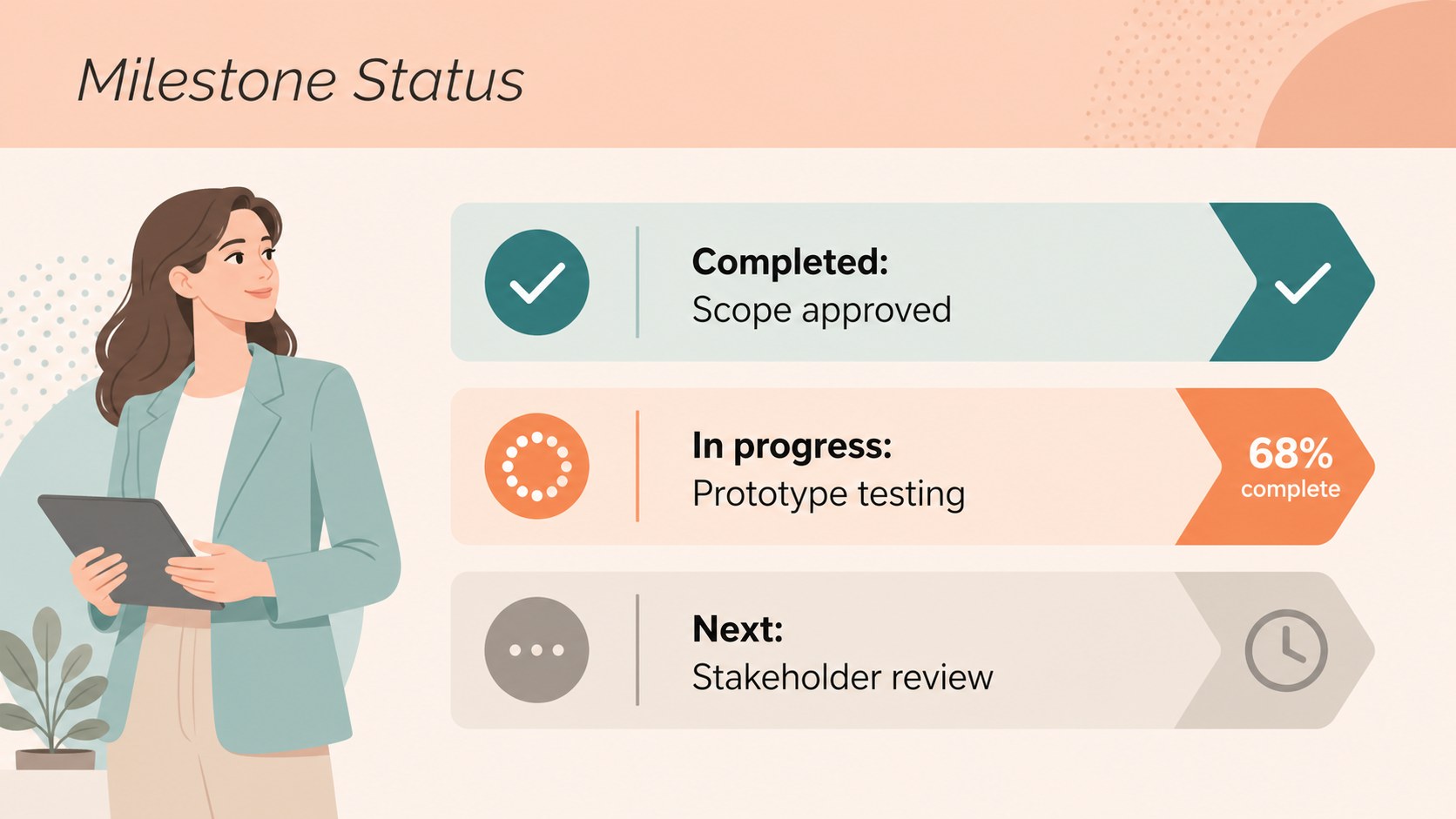
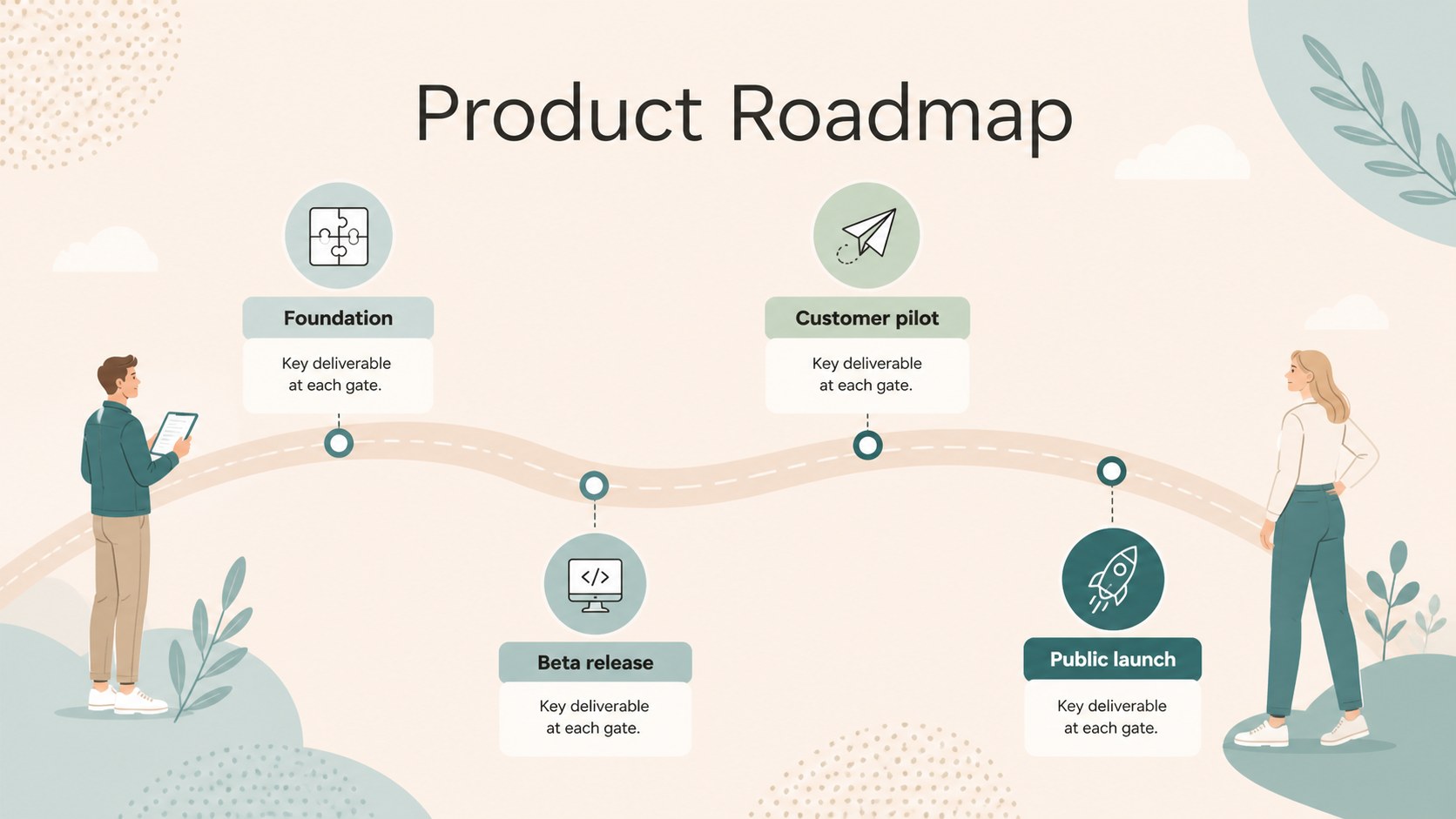
Build clearer project updates with milestone roadmap slides in a soft pastel style. Edit the layouts in PowerPoint or Google Slides.
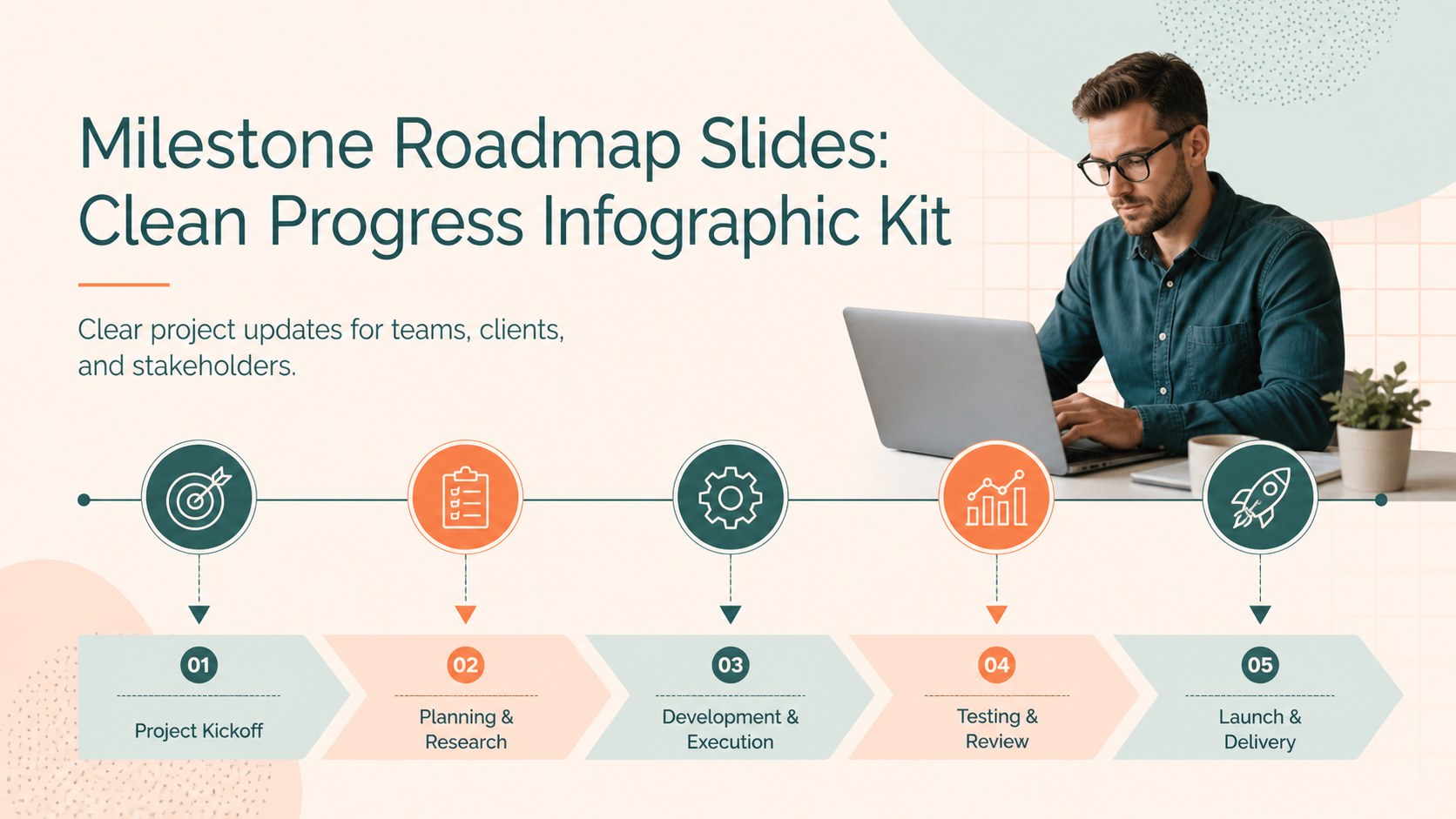
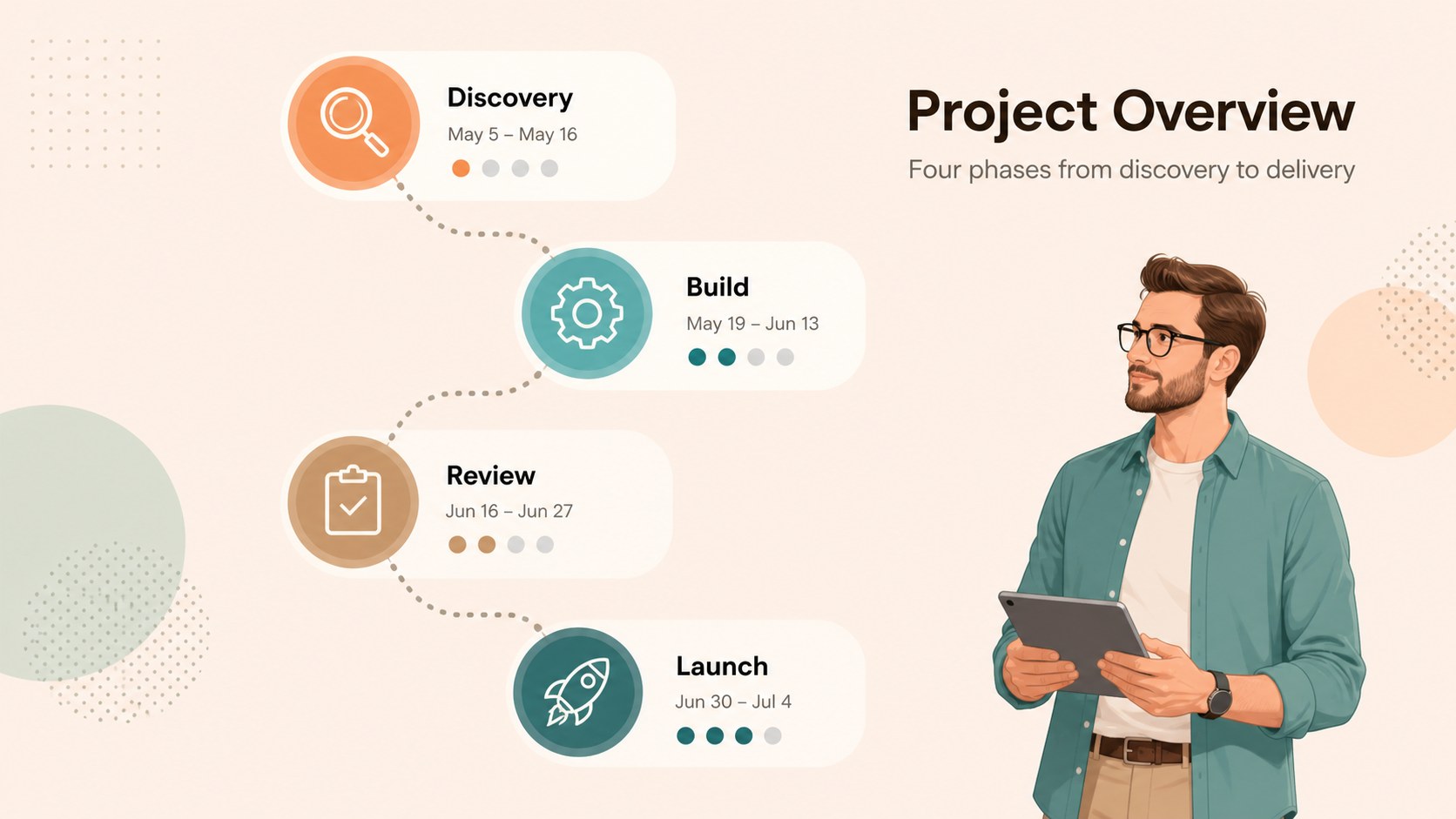
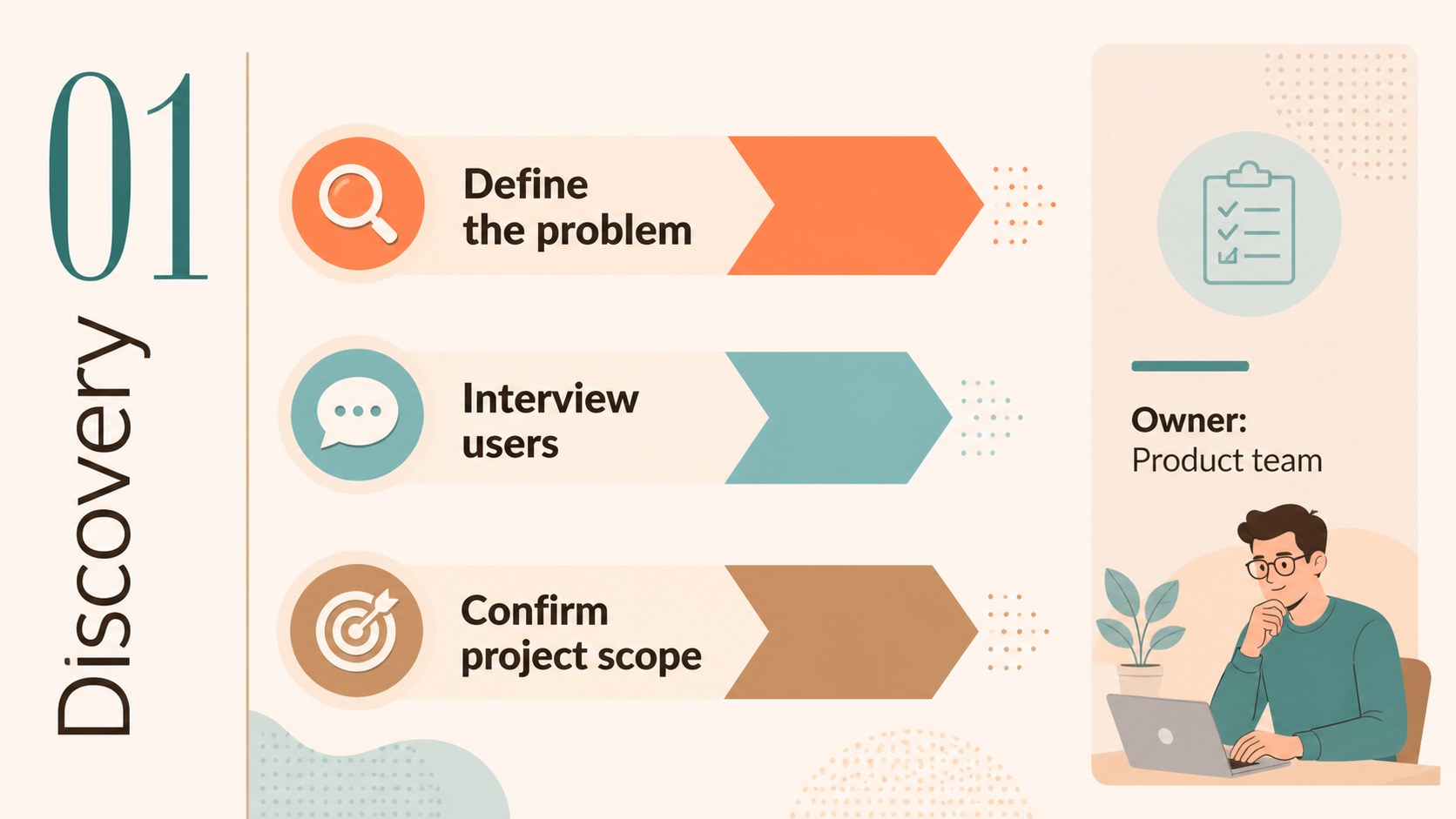
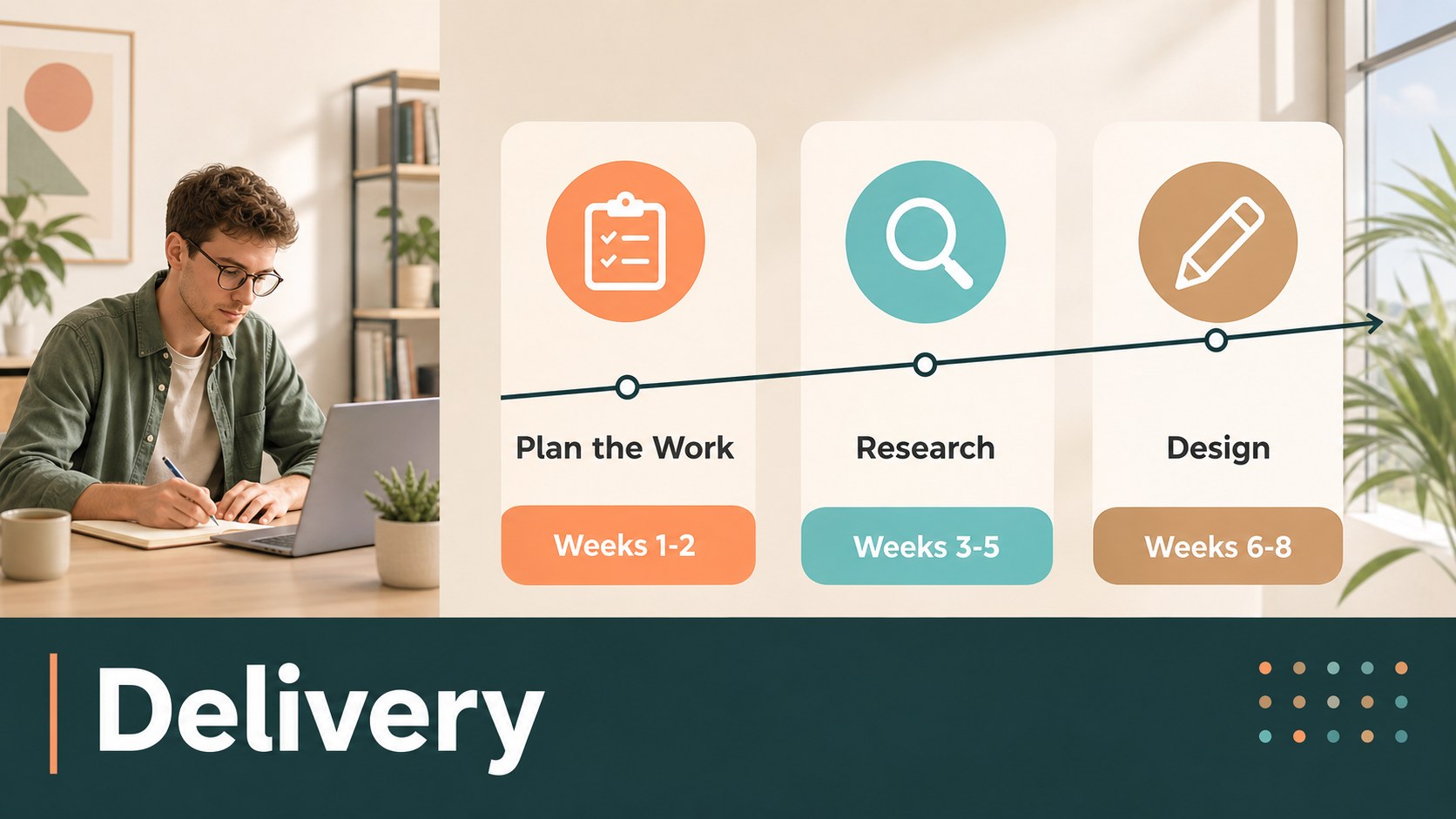
Design notes
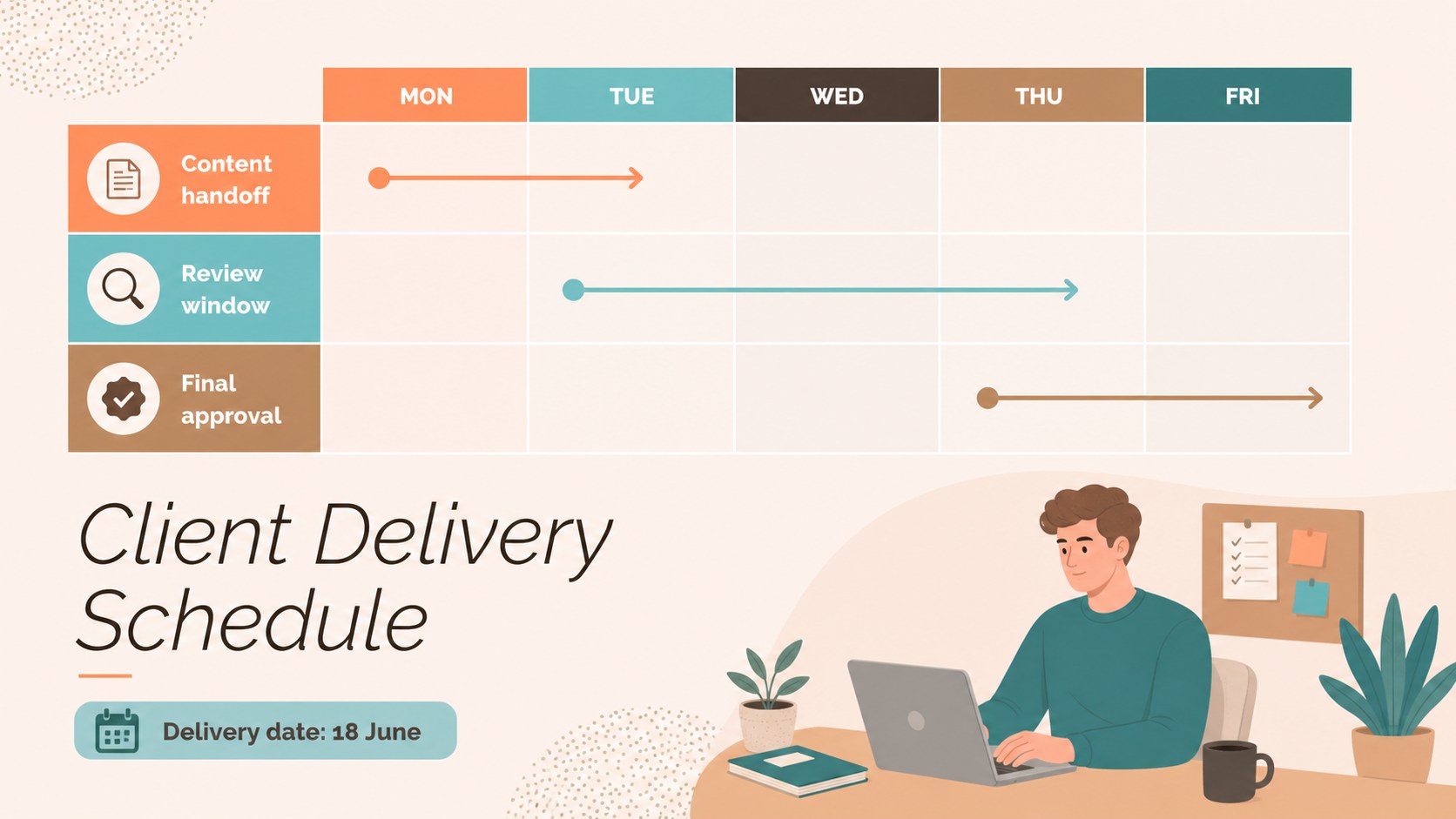
Make schedules, deliverables, and strategic progress easier to understand with milestone roadmap slides designed for polished project communication. The clean visual system uses directional shapes, gentle pastel accents, and generous spacing to help audiences follow a sequence without being overwhelmed. Use the layouts for a product rollout, implementation plan, quarterly initiative, or historical sequence, then adapt the wording and data to match your subject.
The kit includes 18 editable infographic layouts across a 15-slide preview deck, plus flexible charts, frames, lines, and shapes for building additional views. Every page is set up for 16:9 presentations and works across Google Slides and PowerPoint. Montserrat and Raleway provide a crisp, contemporary typographic pairing, while customizable colors make it simple to align the deck with your project or organization. Animation and transition controls can add movement when presenting live users can also access drag-and-drop imagery, icons, audio, notes, collaboration, and practice tools.
This template suits project managers, consultants, operations teams, educators, startup leaders, and anyone who needs to explain progress in a structured way. Use it for project milestone tracking, a product development roadmap, a client delivery schedule, or a strategic planning presentation.
Perfect for: project milestone tracking; product development roadmap; client delivery schedule; strategic planning presentation; quarterly initiative review.
Frequently asked questions
Can I edit these milestone roadmap slides in Google Slides? Yes. The layouts are designed for Google Slides and can be edited by changing text, colors, shapes, charts, and icons. You can also present online or export the finished deck in common formats.
Practical details
Yes. The layouts are designed for Google Slides and can be edited by changing text, colors, shapes, charts, and icons. You can also present online or export the finished deck in common formats.
Yes. Replace the sample labels with your project stages, add your logo-free brand colors, and adjust the typography to fit your visual identity. The modular shapes make it easy to show different numbers of milestones.
Yes. The template is available for PowerPoint and Google Slides. provides drag-and-drop editing, collaboration, notes, animation, and access to additional media tools.
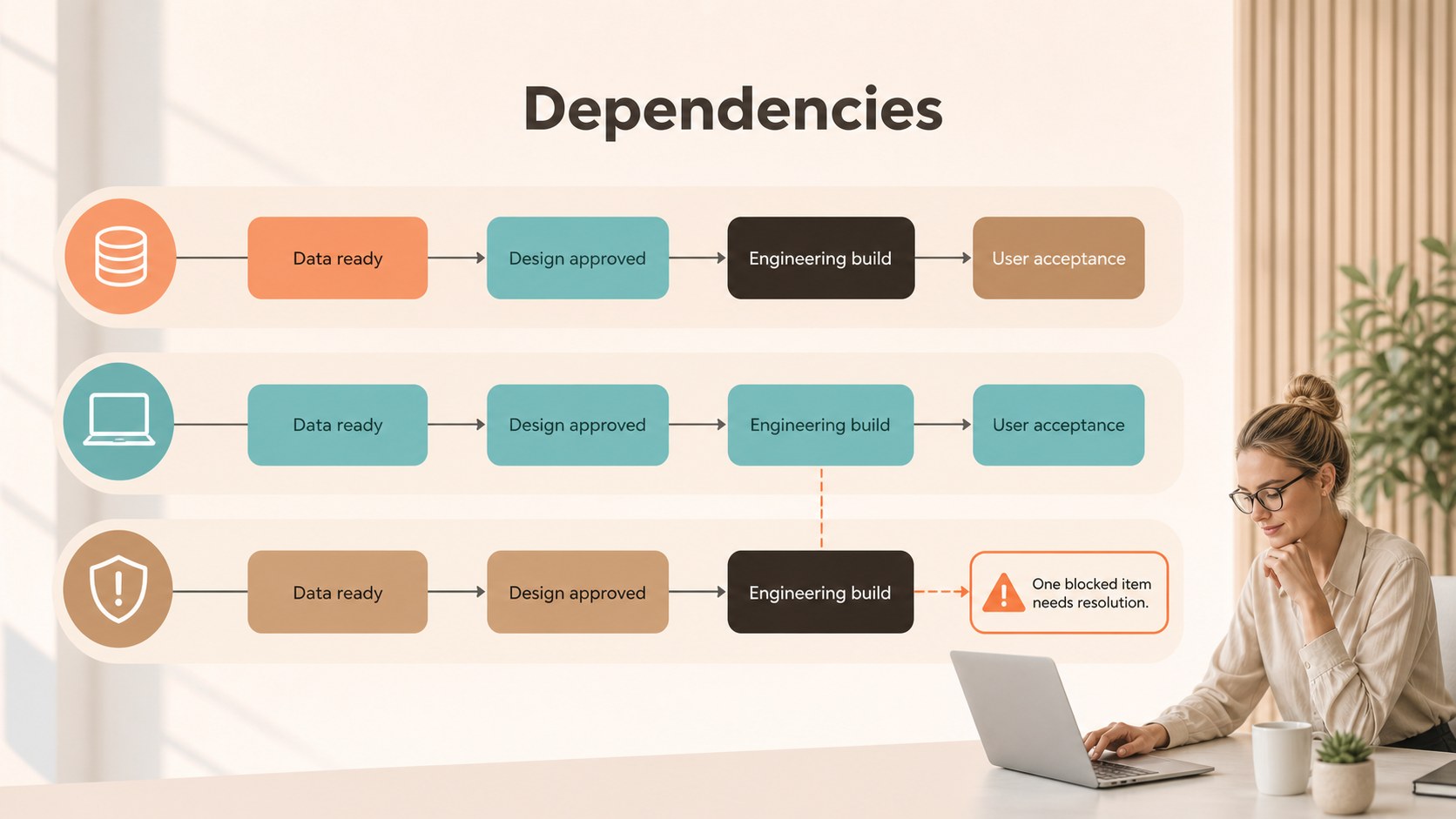
Use the diagrams for dates, dependencies, deliverables, owners, phases, KPIs, and status updates. They work well for project plans, product launches, implementation schedules, and strategic initiatives.
Keep exploring
15Shape your publishing concept with an indie magazine startup pitch deck featuring pastel gradients, bold collage layouts, and editable planning slides.
 16
16Build clear project stories with the Icon Grid Teamwork Theme, a flexible blue illustrated deck for proposals, strategy updates, and team meetings.
 3
3Turn priorities into an actionable plan with an annual goals roadmap infographic, featuring editable orange and teal layouts for PowerPoint and Google Slides.
 15
15Create an Annual Achievement Report Presentation with colorful geometric layouts for milestones, results, lessons, and priorities in PowerPoint or Google Slides.
 15
15Turn results into a focused annual performance evaluation report with dark 3D slides for KPIs, achievements, feedback, and next-step goals for teams.
 15
15Guide a focused annual recap with Business Results Retrospective Slides, a muted brown-and-blue template for PowerPoint and Google Slides.
 6
6Turn complex plans into clear visual stories with Color-Coded Workflow Path Slides, an editable set for project updates, roadmaps, and team briefings.
 6
6Compare regional performance at a glance with Global Data Heatmap Slides, a clean multicolor deck designed for editable PowerPoint and Google Slides.