
 15
15presentation
Indie Magazine Startup Pitch Deck
Shape your publishing concept with an indie magazine startup pitch deck featuring pastel gradients, bold collage layouts, and editable planning slides.
Google SlidesPowerPoint
presentation · English
Build a milestone journey infographic slides deck for project updates, growth plans, and progress reviews with colorful visuals for PowerPoint and Google…
Design notes
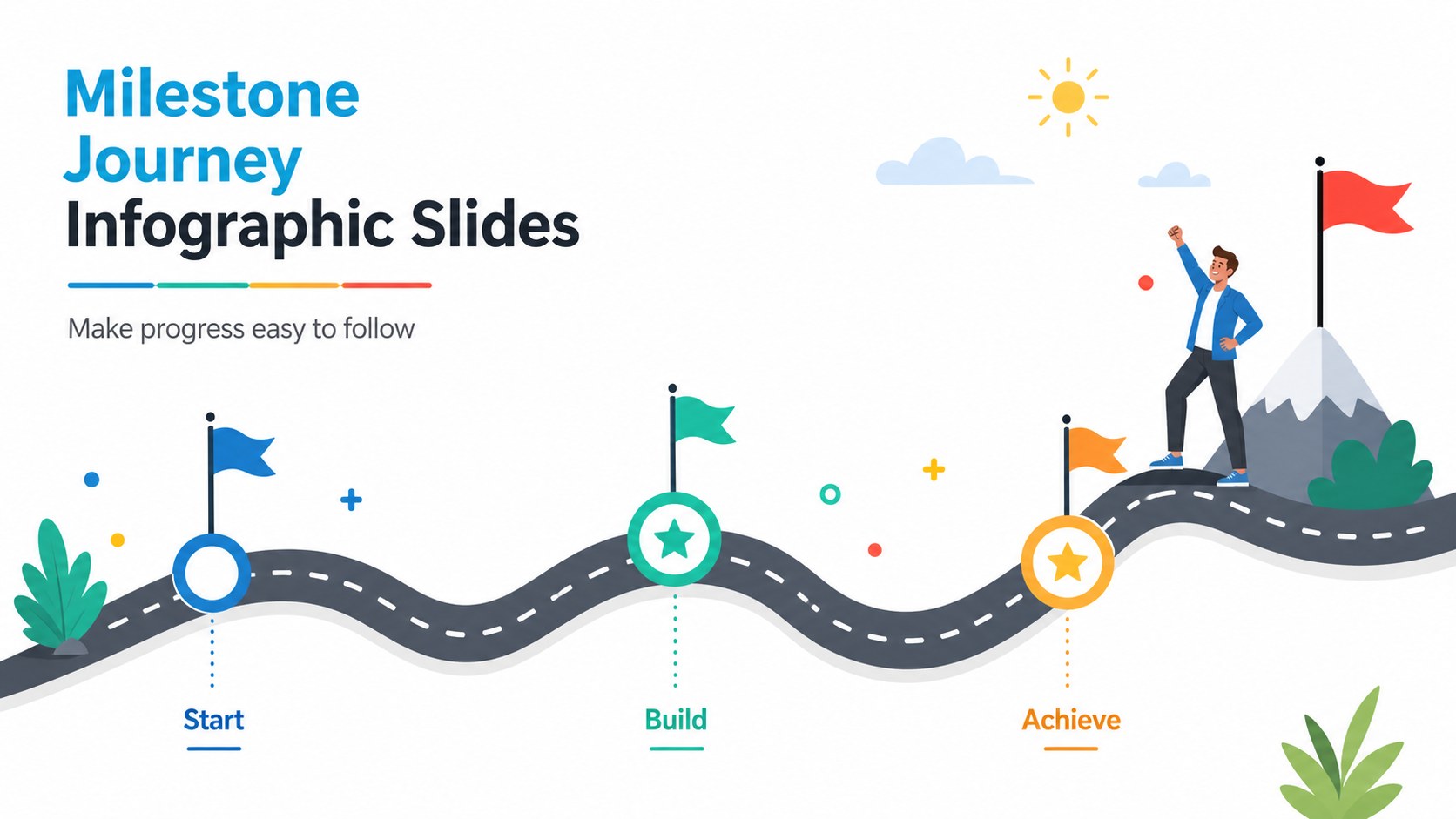
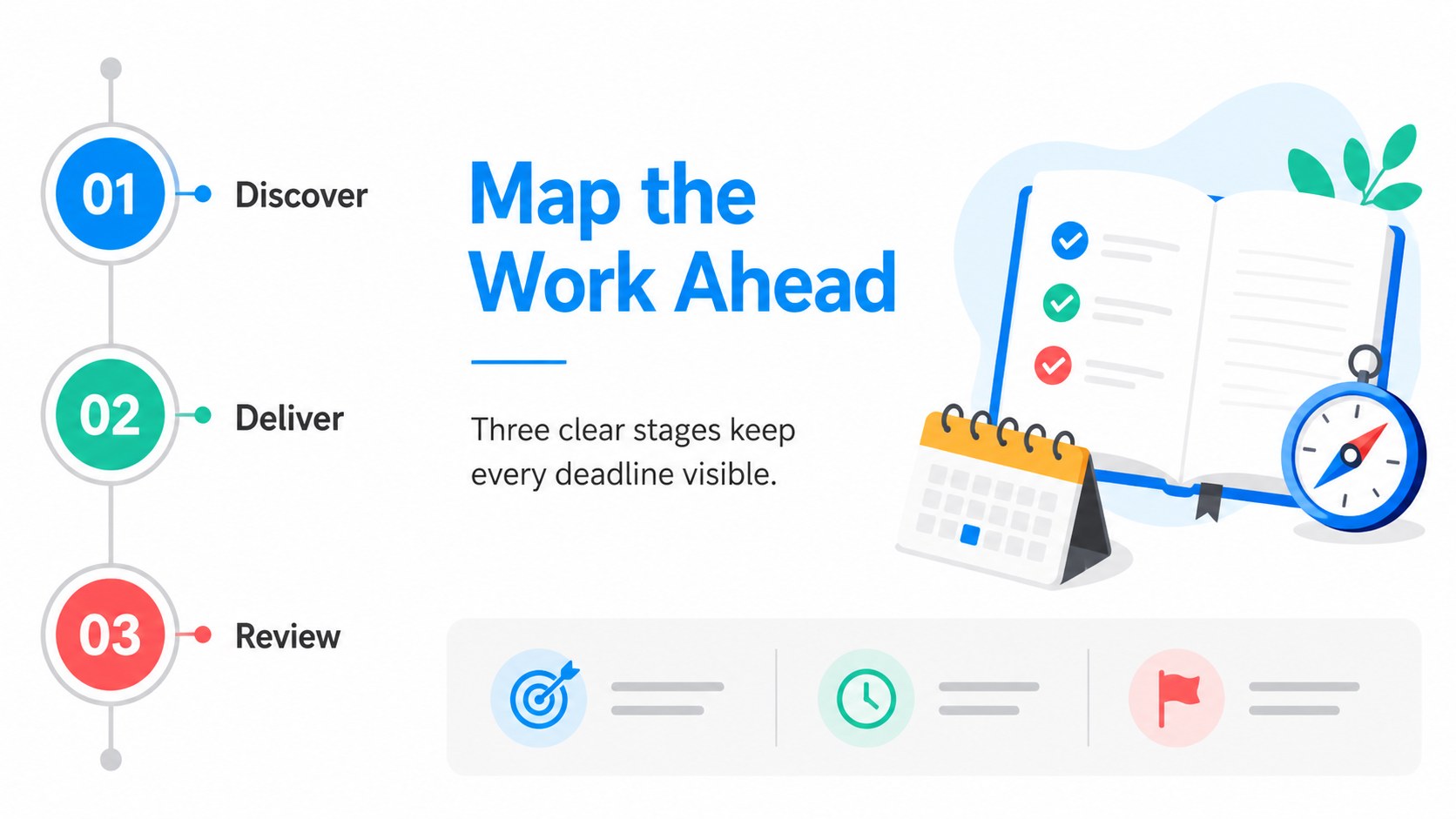
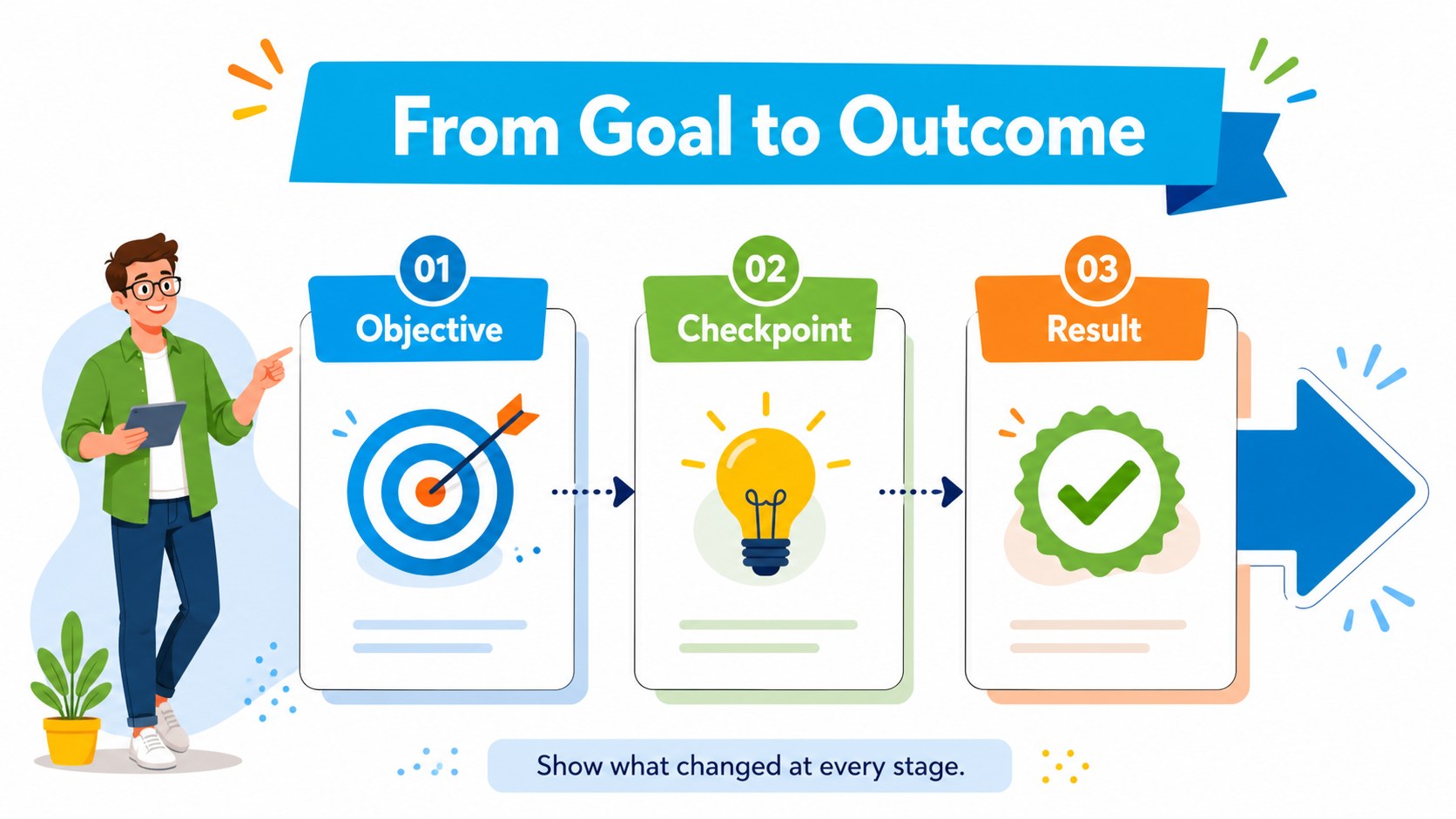
Milestone journey infographic slides help business teams turn scattered objectives and deadlines into a story that is easy to scan and remember. The colorful illustrated style combines a clean white background with playful curved routes, marker points, and bold visual cues, making progress feel approachable without losing its professional purpose. Use the deck to guide an audience from the starting point to the next major destination.
Inside, you’ll find three editable widescreen infographic layouts for presenting project phases, strategic priorities, launch plans, or business achievements. Each design can be adapted with your own labels, dates, icons, colors, and supporting notes. The layouts are especially useful when you need a project timeline presentation that shows sequence and momentum at a glance, or a visual roadmap for business planning that keeps teams aligned around shared outcomes.
This template suits project managers, consultants, startup founders, educators, and department leads preparing status meetings, investor updates, quarterly reviews, or workshop materials. Edit the files in PowerPoint or Google Slides, then export them for meetings, reports, or online sharing. Pair the route graphics with concise copy and measurable checkpoints to create a confident, engaging progress narrative.
Perfect for: startup investor progress update; quarterly project review; product launch roadmap; employee growth planning; consulting strategy workshop.
Frequently asked questions
Can I edit these slides in PowerPoint? Yes. The layouts are designed for PowerPoint editing, including changes to text, colors, shapes, icons, and timeline markers. You can also export the finished deck as a PDF or presentation file.
Practical details
Yes. The layouts are designed for PowerPoint editing, including changes to text, colors, shapes, icons, and timeline markers. You can also export the finished deck as a PDF or presentation file.
Yes, the presentation can be opened and customized in Google Slides. Check fonts and spacing after import, then replace the sample labels with your own project details.
Use short milestone names, dates, owners, and outcome-focused notes. The layouts work well for project phases, launch checkpoints, strategic goals, and achievement summaries.
Yes. Adjust the palette to match your organization while preserving the colorful visual hierarchy. Shapes, markers, and graphic elements can be rearranged or recolored to fit your story.
Keep exploring
15Shape your publishing concept with an indie magazine startup pitch deck featuring pastel gradients, bold collage layouts, and editable planning slides.
 16
16Build clear project stories with the Icon Grid Teamwork Theme, a flexible blue illustrated deck for proposals, strategy updates, and team meetings.
 3
3Turn priorities into an actionable plan with an annual goals roadmap infographic, featuring editable orange and teal layouts for PowerPoint and Google Slides.
 15
15Create an Annual Achievement Report Presentation with colorful geometric layouts for milestones, results, lessons, and priorities in PowerPoint or Google Slides.
 15
15Turn results into a focused annual performance evaluation report with dark 3D slides for KPIs, achievements, feedback, and next-step goals for teams.
 15
15Guide a focused annual recap with Business Results Retrospective Slides, a muted brown-and-blue template for PowerPoint and Google Slides.
 6
6Turn complex plans into clear visual stories with Color-Coded Workflow Path Slides, an editable set for project updates, roadmaps, and team briefings.
 6
6Compare regional performance at a glance with Global Data Heatmap Slides, a clean multicolor deck designed for editable PowerPoint and Google Slides.