
 15
15presentation
Indie Magazine Startup Pitch Deck
Shape your publishing concept with an indie magazine startup pitch deck featuring pastel gradients, bold collage layouts, and editable planning slides.
Google SlidesPowerPoint
presentation · English
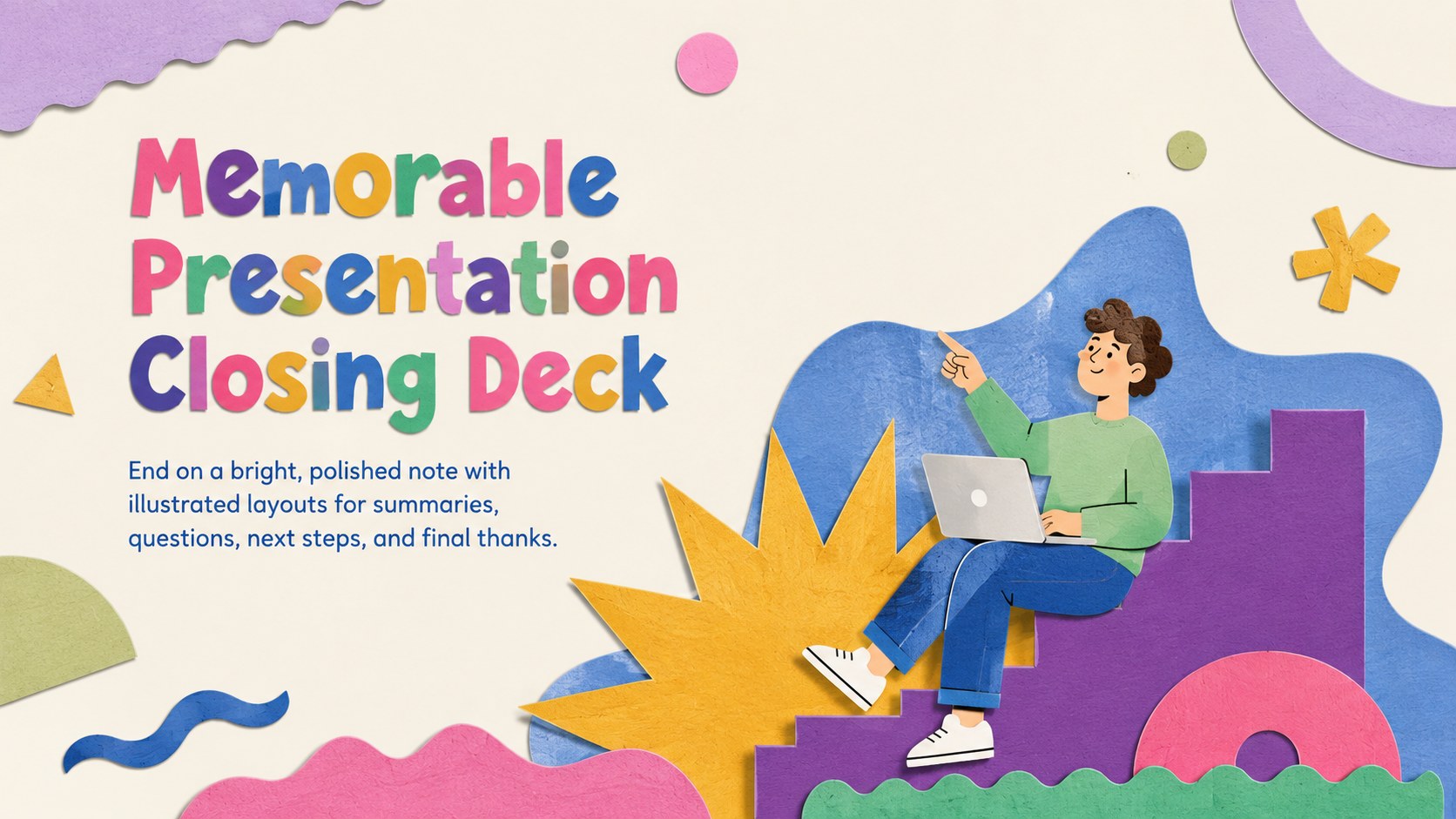
Finish talks with a memorable presentation closing deck featuring colorful illustrated layouts for polished final messages in PowerPoint and Google Slides.



Design notes
Give every talk a confident finish with this memorable presentation closing deck. Its lively illustrations, expressive typography, and multicolored palette help your final message stand out without losing clarity. Use the layouts to reinforce essential ideas, invite audience questions, share next steps, or end with a warm acknowledgment.
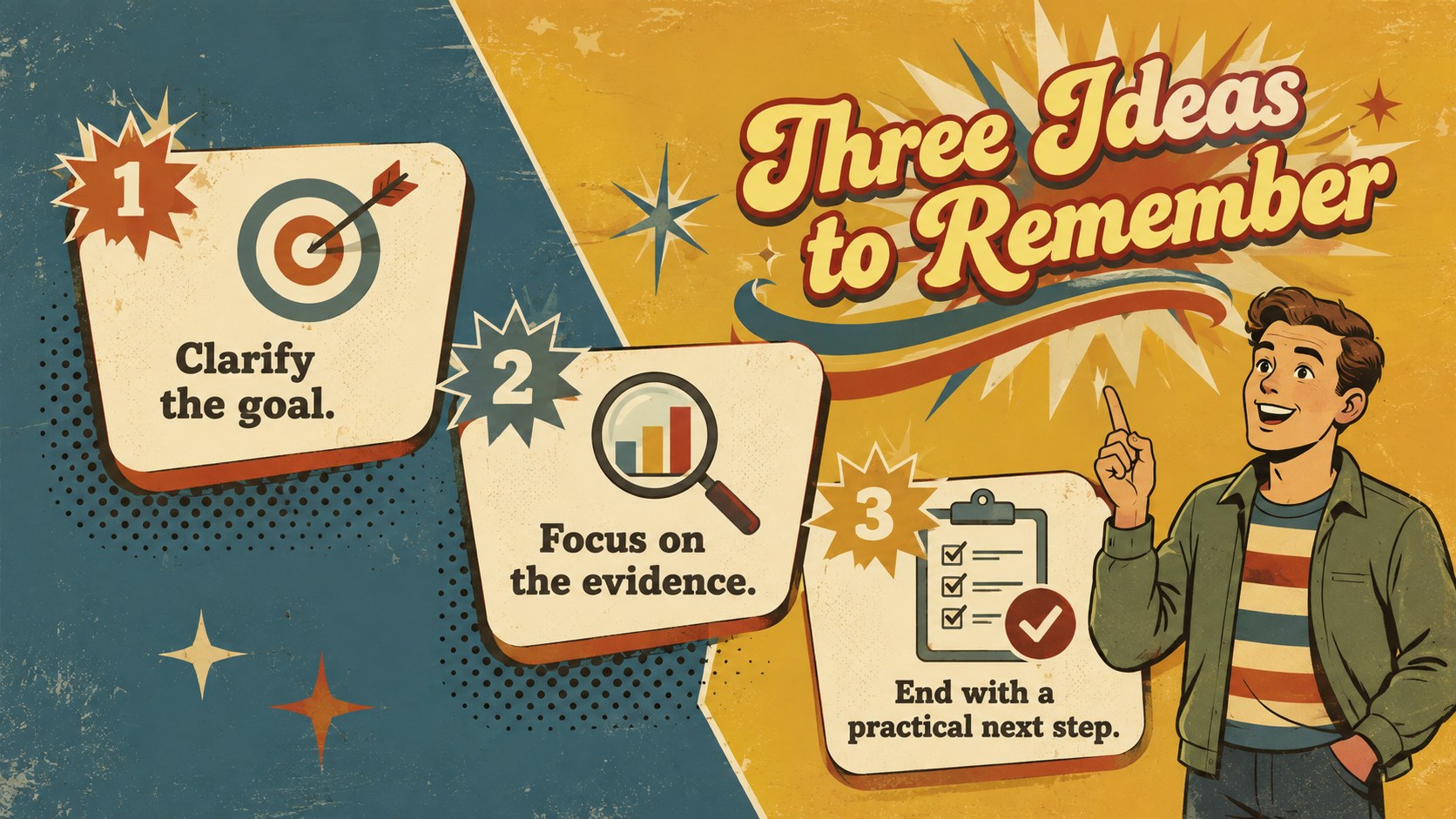
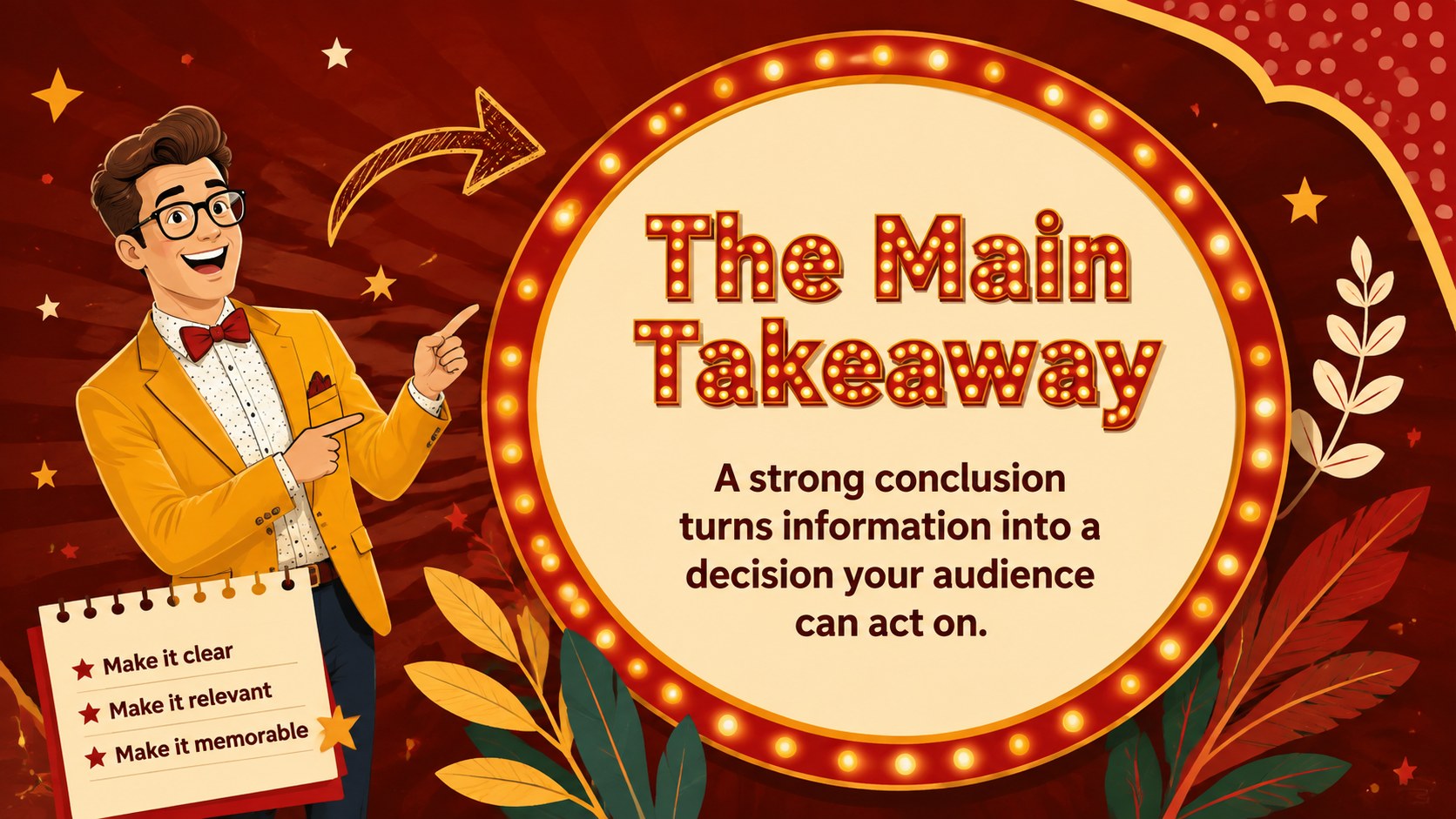
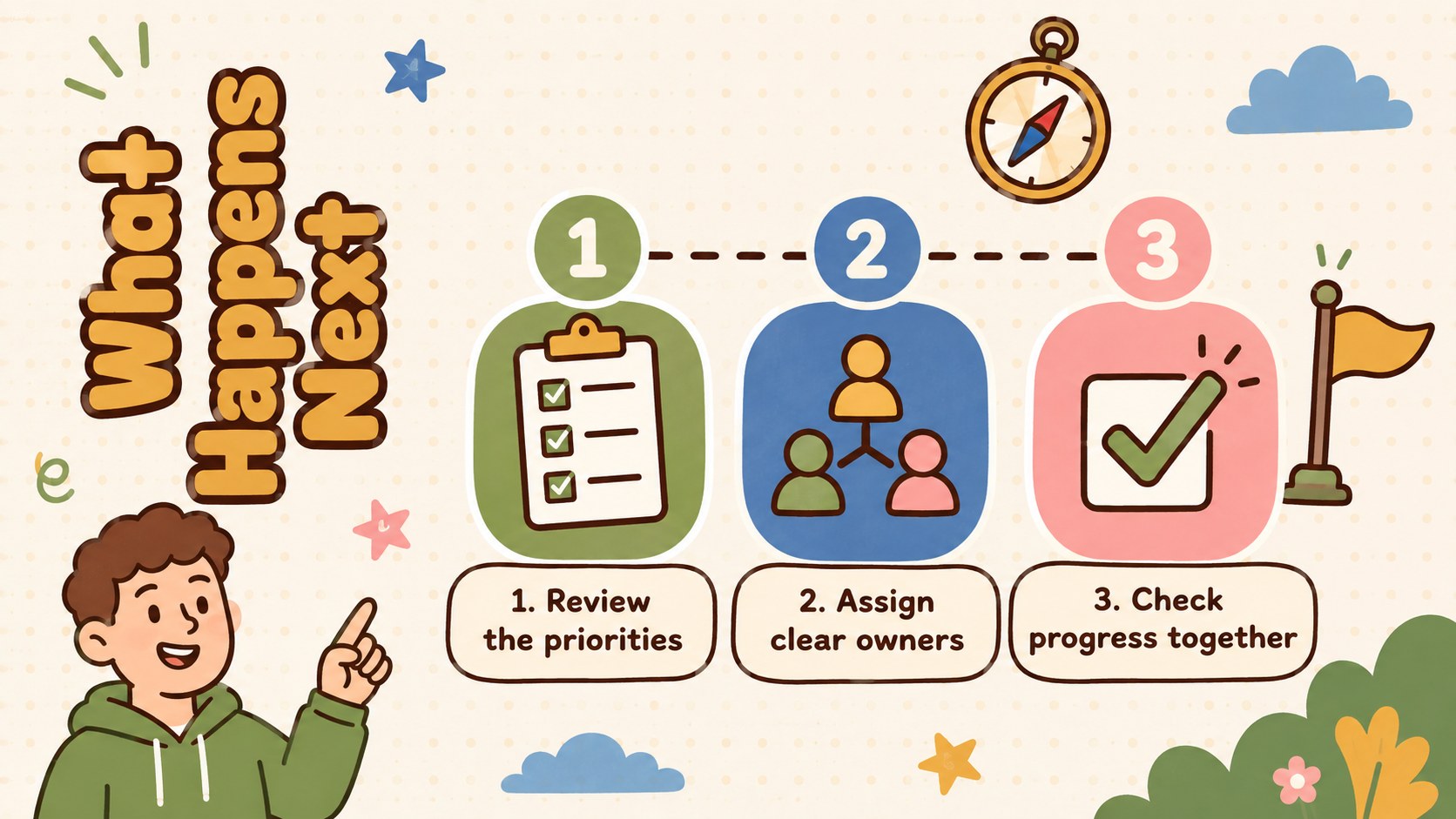
The deck includes seven editable 16:9 layouts covering an opening title, key-point recap, central takeaway, action plan, Q&A prompt, contact details, and closing message. It works as a colorful presentation ending template for business updates, classroom lessons, academic talks, workshops, and creative pitches. Each layout provides flexible text areas and visual accents that can be adjusted while preserving the playful design system.
Customize the wording, fonts, colors, illustrations, and arrangement in PowerPoint or Google Slides. Add your own icons, charts, photos, transitions, and speaker notes as needed. These closing slides for PowerPoint and Google Slides are especially useful for presenters who want more than a single thank-you page. Together, the coordinated layouts form an illustrated final slide deck that guides listeners from recap to response, leaving them with a clear takeaway and an easy way to continue the conversation.
Perfect for: business report conclusion; academic lecture wrap-up; creative pitch finale; workshop question session; classroom lesson recap.
Frequently asked questions
Can I edit every part of this closing deck? Yes. Text, colors, fonts, illustrations, shapes, and layout elements can be customized to match your topic and visual identity.
Practical details
Yes. Text, colors, fonts, illustrations, shapes, and layout elements can be customized to match your topic and visual identity.
The template is designed for PowerPoint and Google Slides. Some fonts or effects may vary slightly between platforms, so review the final deck before presenting.
Yes. Choose a single final message slide or combine the recap, Q&A, next steps, and contact layouts into a complete closing sequence.
Replace decorative artwork with relevant icons, photos, or original illustrations while retaining the colorful palette. Keep the text concise so the final message remains easy to scan.
Keep exploring
15Shape your publishing concept with an indie magazine startup pitch deck featuring pastel gradients, bold collage layouts, and editable planning slides.
 16
16Build clear project stories with the Icon Grid Teamwork Theme, a flexible blue illustrated deck for proposals, strategy updates, and team meetings.
 3
3Turn priorities into an actionable plan with an annual goals roadmap infographic, featuring editable orange and teal layouts for PowerPoint and Google Slides.
 15
15Create an Annual Achievement Report Presentation with colorful geometric layouts for milestones, results, lessons, and priorities in PowerPoint or Google Slides.
 15
15Turn results into a focused annual performance evaluation report with dark 3D slides for KPIs, achievements, feedback, and next-step goals for teams.
 15
15Guide a focused annual recap with Business Results Retrospective Slides, a muted brown-and-blue template for PowerPoint and Google Slides.
 6
6Turn complex plans into clear visual stories with Color-Coded Workflow Path Slides, an editable set for project updates, roadmaps, and team briefings.
 6
6Compare regional performance at a glance with Global Data Heatmap Slides, a clean multicolor deck designed for editable PowerPoint and Google Slides.