
 15
15presentation
Indie Magazine Startup Pitch Deck
Shape your publishing concept with an indie magazine startup pitch deck featuring pastel gradients, bold collage layouts, and editable planning slides.
Google SlidesPowerPoint
spreadsheet · English
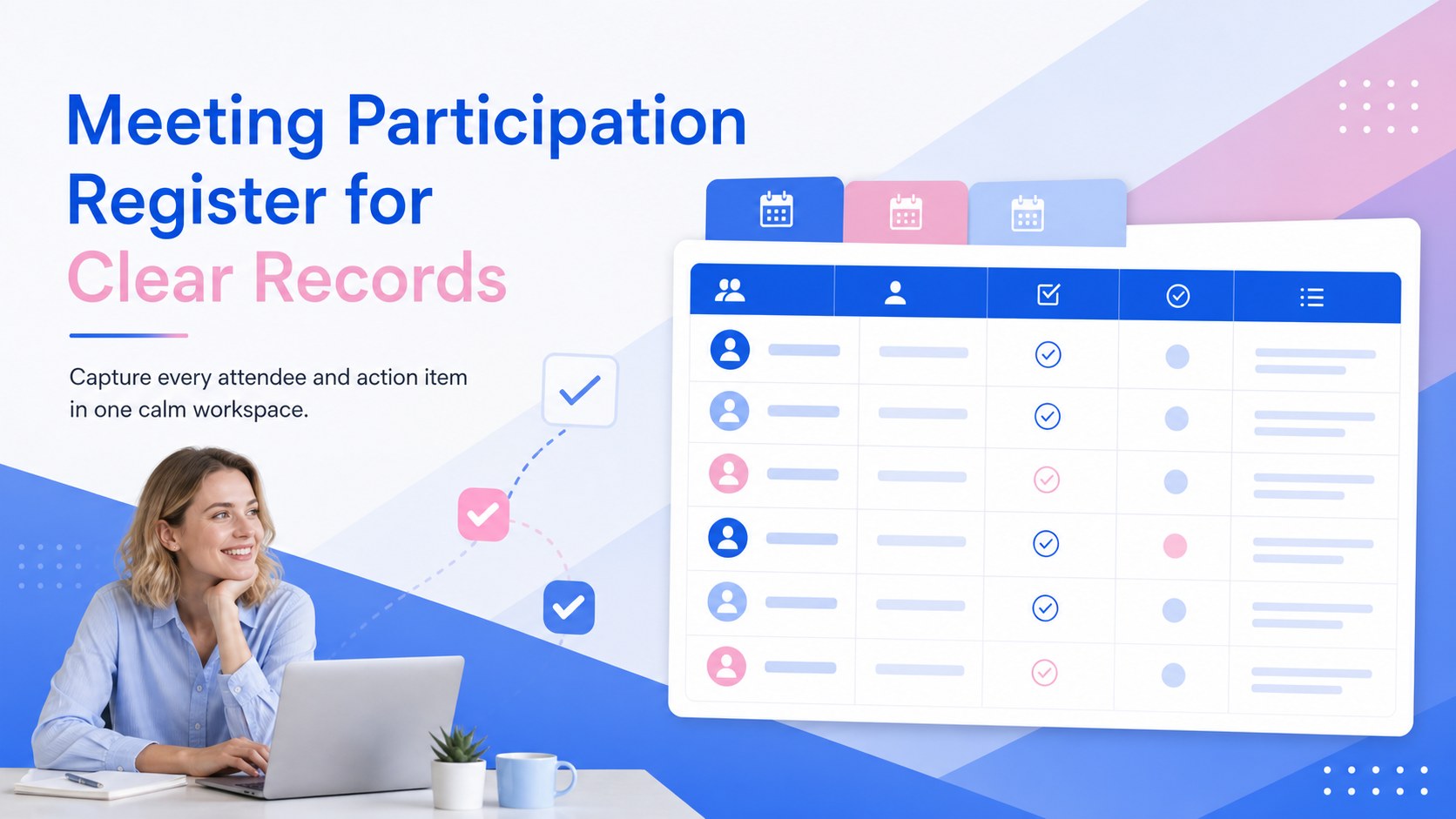
Document who joined every session with a meeting participation register designed for quick updates, clear follow-ups, and reliable team records.
Design notes
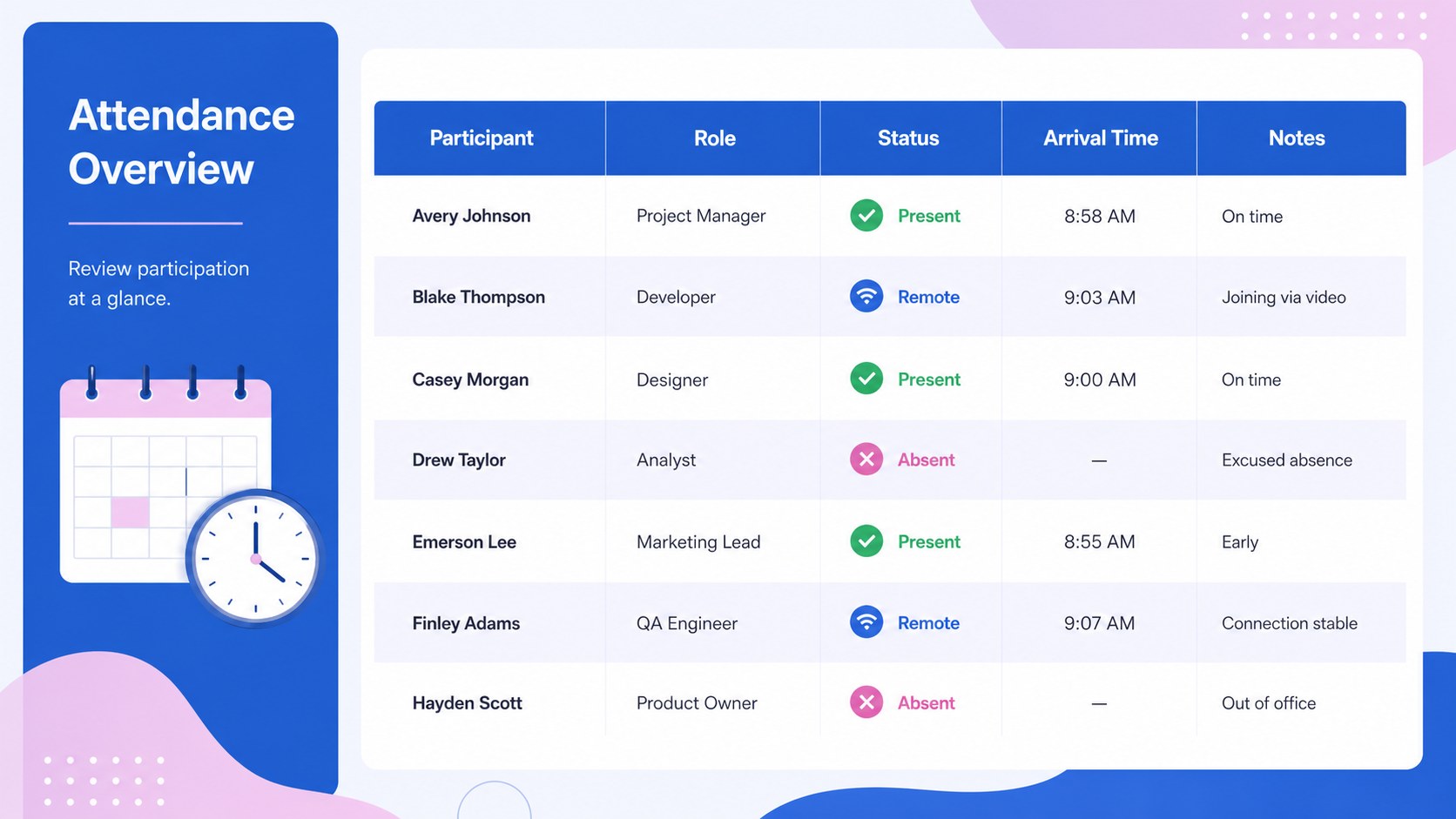
Bring consistency to every attendance record with this meeting participation register for recurring team sessions, client discussions, workshops, and larger events. Its clean structure gives organizers one reliable place to document names, roles, attendance status, arrival details, and notes without overcrowding the page. A soft blue, pink, and white gradient keeps the workbook polished while preserving the clarity expected from a professional meeting attendee tracking spreadsheet.
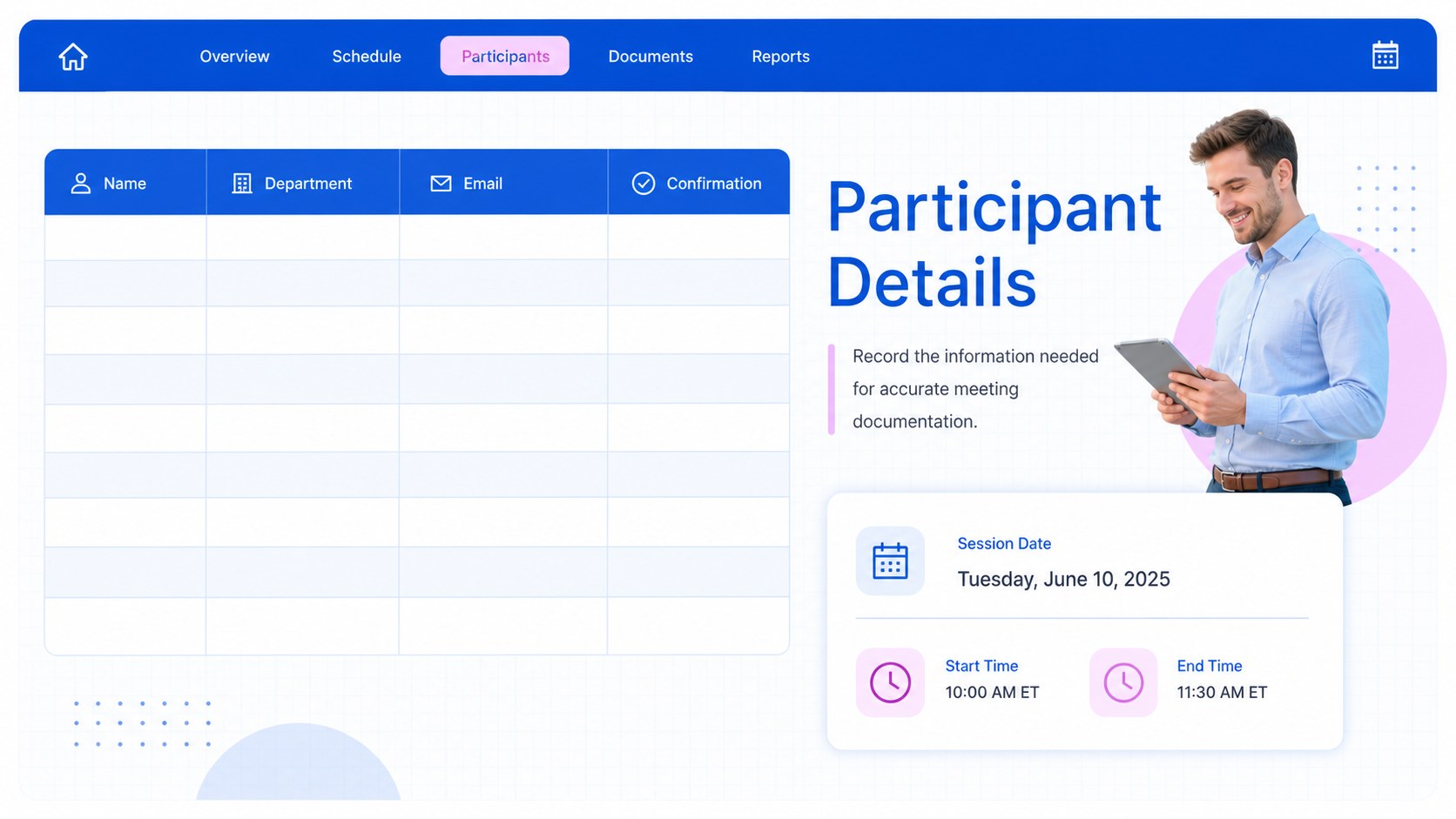
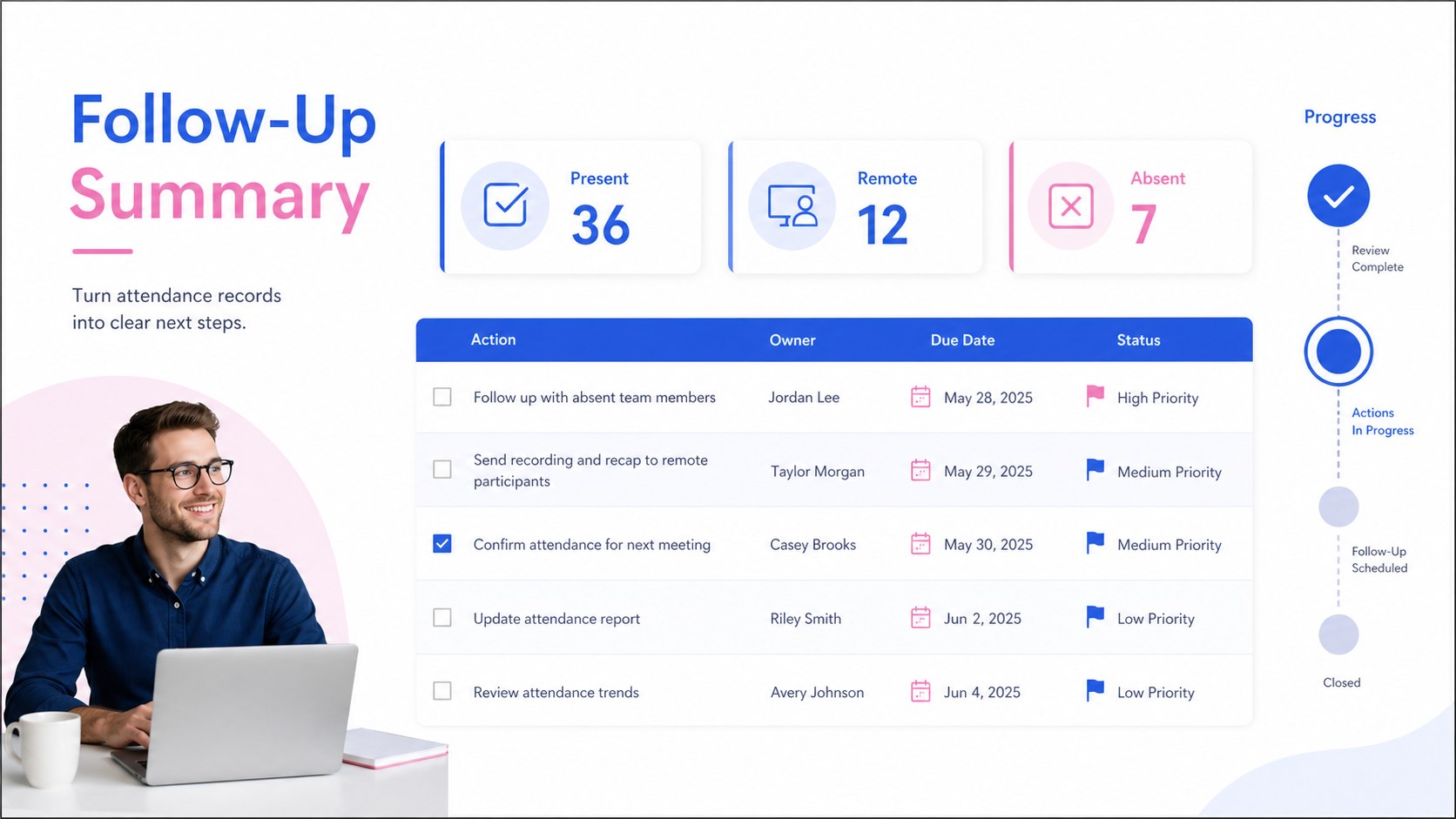
Inside, you will find a coordinated cover, an attendance overview, a detailed participant register, and a follow-up summary. Clearly labeled fields support meeting dates, session topics, departments, contact details, confirmation status, arrival times, and assigned actions. Use the business meeting sign in template as provided or customize headings, colors, rows, formulas, and status options in Excel or Google Sheets. The 16:9 layouts can also be adapted for meeting reports in PowerPoint and Google Slides.
This resource suits office managers, project coordinators, event planners, HR teams, educators, nonprofit organizers, and department leads. It works equally well as a conference attendance tracking sheet, a workshop check-in list, or a recurring committee record. With organized participant data and a dedicated space for next steps, teams can identify absences, confirm responsibilities, and maintain dependable documentation after each session.
Perfect for: weekly team meeting records; client workshop check-in; conference attendee tracking; committee participation log; staff training attendance.
Frequently asked questions
Can I customize the attendance fields? Yes. You can rename columns, add participant categories, create status options, and adjust colors to match your organization or event.
Practical details
Yes. You can rename columns, add participant categories, create status options, and adjust colors to match your organization or event.
The workbook can be edited in Microsoft Excel and Google Sheets. Its 16:9 layouts can also be adapted for reporting or presentation use in PowerPoint and Google Slides.
Yes. Duplicate the participant page for each session or add dated rows to maintain an ongoing record in one workbook.
Use the follow-up summary to assign actions, owners, due dates, and completion statuses. The fields can be expanded to include priorities or project references.
Keep exploring
15Shape your publishing concept with an indie magazine startup pitch deck featuring pastel gradients, bold collage layouts, and editable planning slides.
 16
16Build clear project stories with the Icon Grid Teamwork Theme, a flexible blue illustrated deck for proposals, strategy updates, and team meetings.
 3
3Turn priorities into an actionable plan with an annual goals roadmap infographic, featuring editable orange and teal layouts for PowerPoint and Google Slides.
 15
15Create an Annual Achievement Report Presentation with colorful geometric layouts for milestones, results, lessons, and priorities in PowerPoint or Google Slides.
 15
15Turn results into a focused annual performance evaluation report with dark 3D slides for KPIs, achievements, feedback, and next-step goals for teams.
 15
15Guide a focused annual recap with Business Results Retrospective Slides, a muted brown-and-blue template for PowerPoint and Google Slides.
 6
6Turn complex plans into clear visual stories with Color-Coded Workflow Path Slides, an editable set for project updates, roadmaps, and team briefings.
 6
6Compare regional performance at a glance with Global Data Heatmap Slides, a clean multicolor deck designed for editable PowerPoint and Google Slides.