
 15
15presentation
Indie Magazine Startup Pitch Deck
Shape your publishing concept with an indie magazine startup pitch deck featuring pastel gradients, bold collage layouts, and editable planning slides.
Google SlidesPowerPoint
document · English
Build sharper questions with a market research survey deck for PowerPoint and Google Slides, designed for customer, product, pricing, and campaign insights.

Design notes
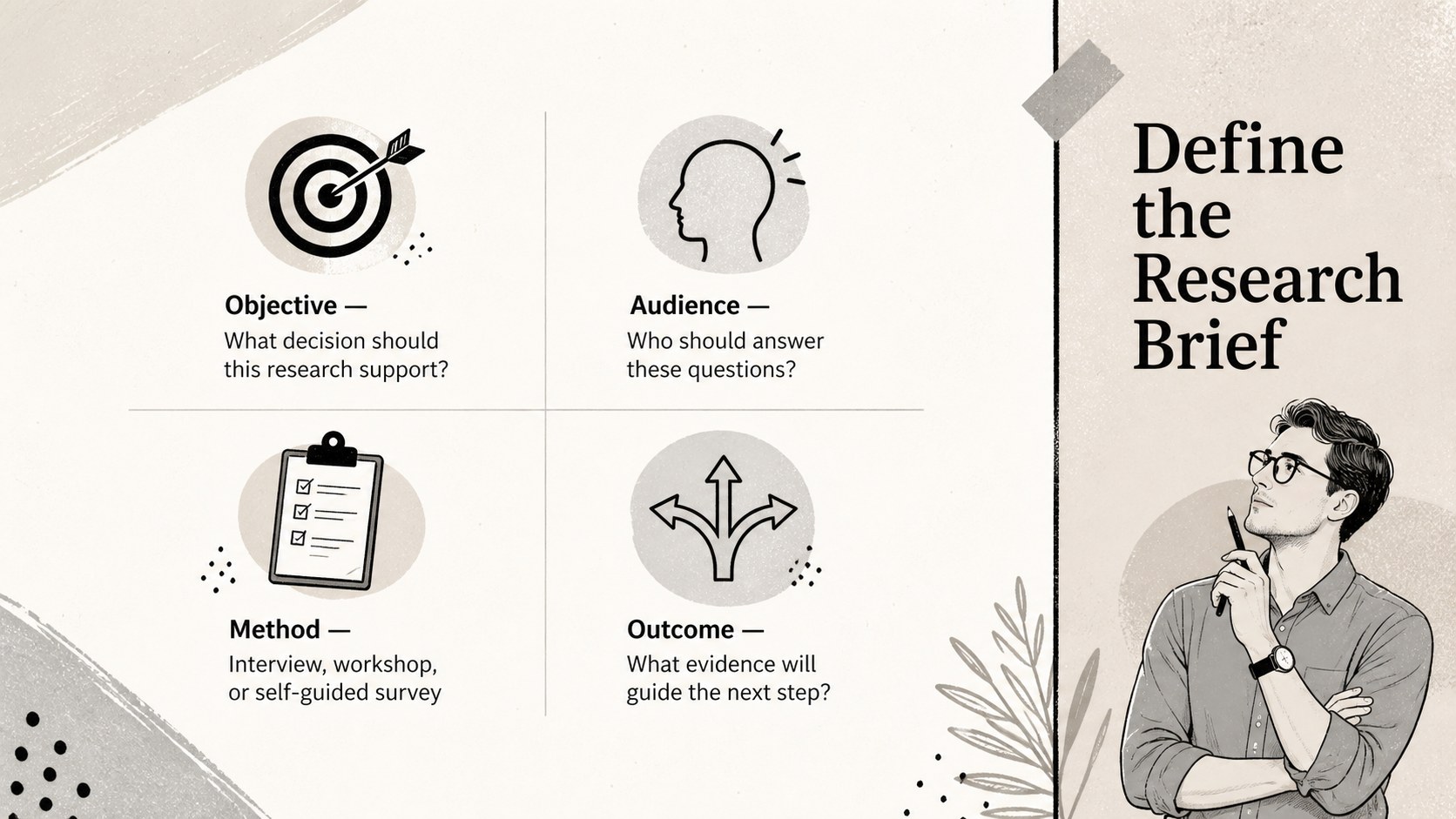
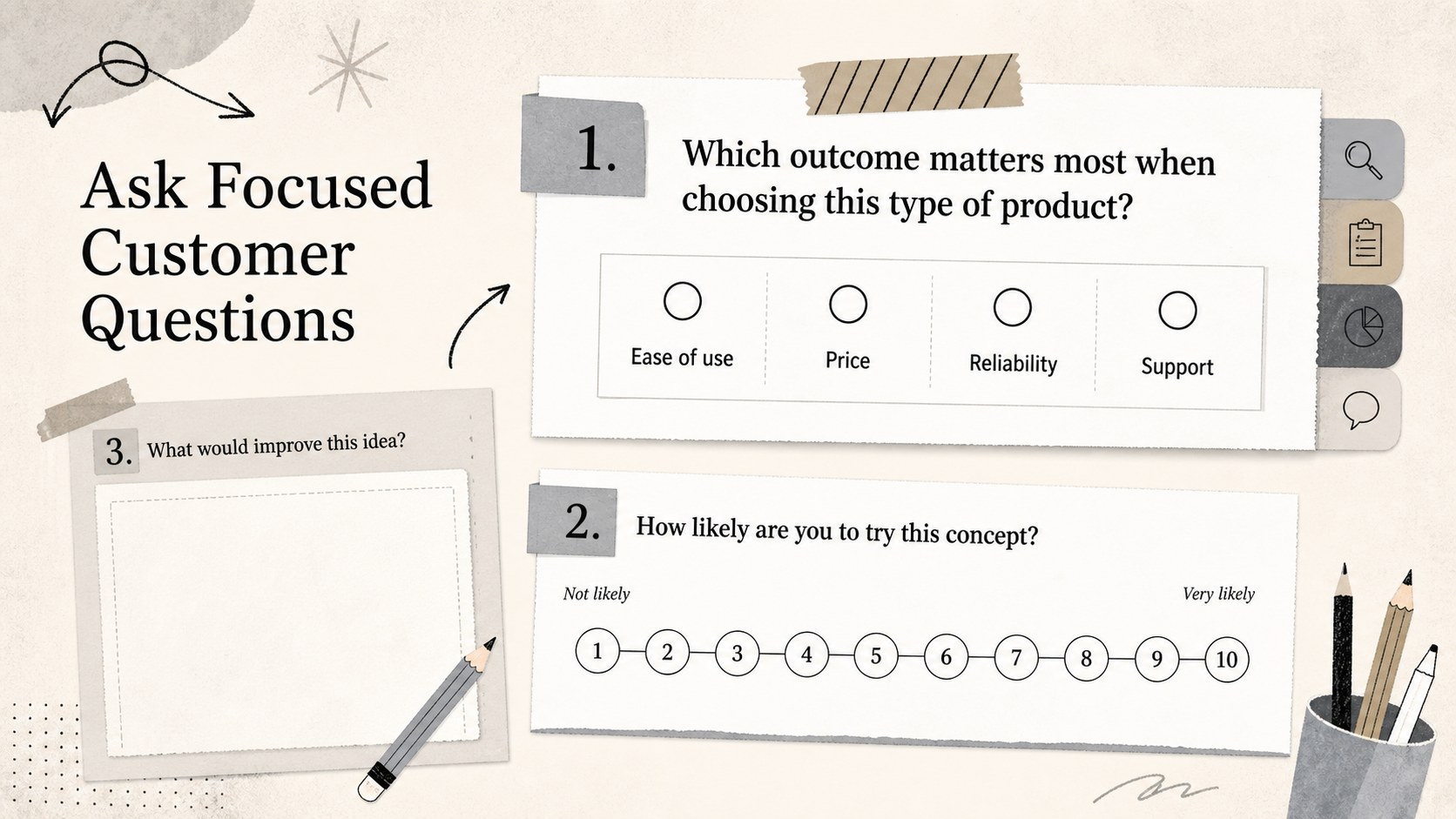
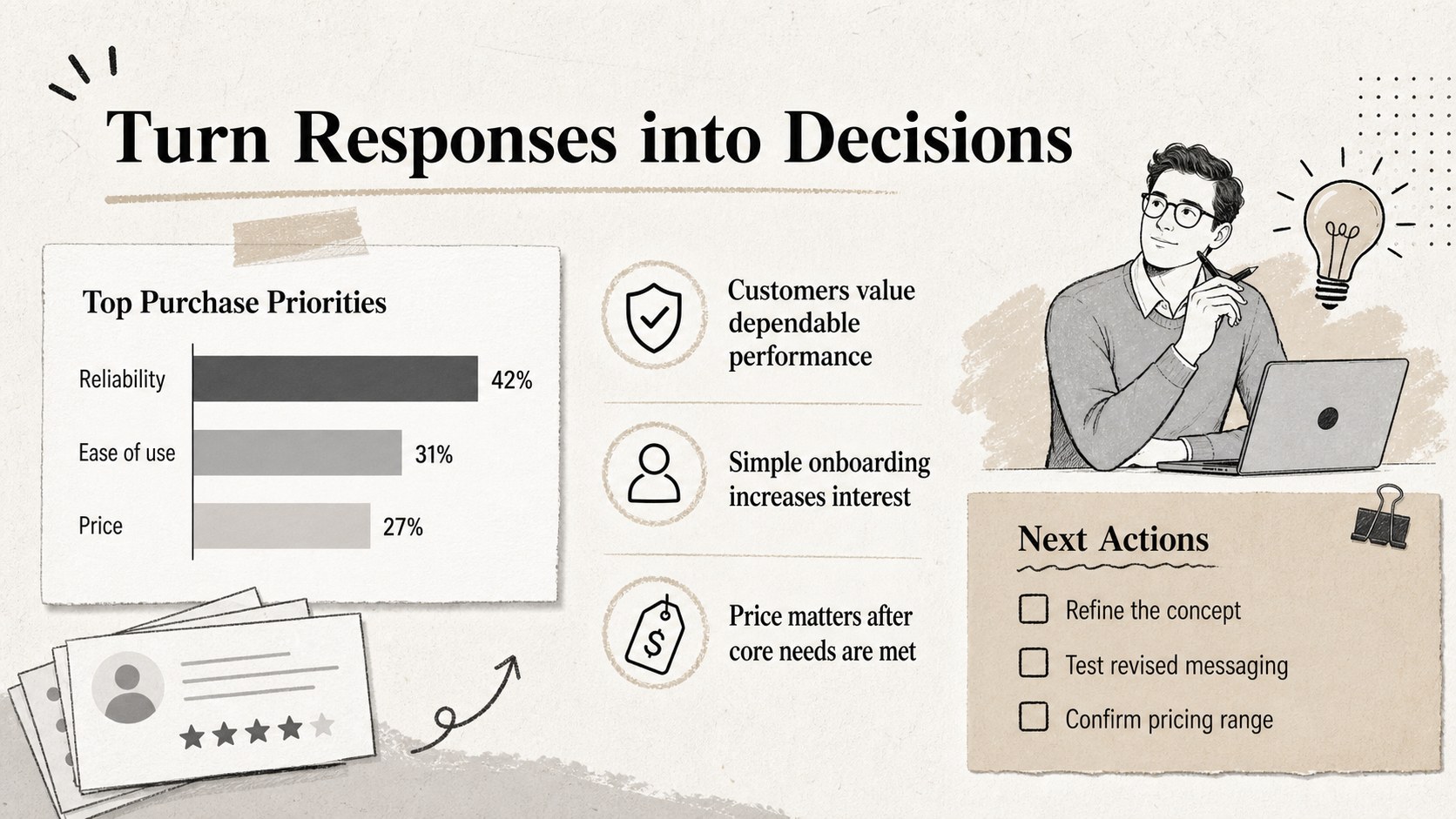
Turn scattered research ideas into a clear questionnaire with this market research survey deck for PowerPoint and Google Slides. Its structured layouts help you define the study objective, introduce respondents to the survey, organize questions by topic, and select response formats that produce useful evidence. A textured beige, gray, black, and white palette gives the presentation a polished editorial character, while illustrated details keep each page approachable.
The deck includes a title page, research brief, respondent profile prompts, multiple-choice questions, rating scales, open-response fields, and a simple results-planning section. Use it as customer feedback questionnaire slides, adapt it into a product validation survey template, or create an audience research presentation for a campaign review. Every section can be reordered, duplicated, or removed to match the scope of your study.
This template is designed for marketing teams, founders, consultants, researchers, educators, and students who need a practical way to gather comparable feedback. Customize the wording, answer options, scale labels, typography, colors, and illustrations directly in PowerPoint or Google Slides. You can present the questions during an interview, share the deck with collaborators, export pages for distribution, or print selected layouts for an in-person session. The vertical-inspired editorial styling remains easy to scan when presented in a standard 16:9 format.
Perfect for: new product concept testing; customer satisfaction interviews; pricing sensitivity research; campaign audience analysis; brand perception surveys; student research projects.
Frequently asked questions
Can I edit every question and response option? Yes. All question wording, answer choices, rating labels, headings, colors, and visual elements can be edited in PowerPoint or Google Slides. You can also duplicate or remove layouts to fit the length of your study.
Practical details
Yes. All question wording, answer choices, rating labels, headings, colors, and visual elements can be edited in PowerPoint or Google Slides. You can also duplicate or remove layouts to fit the length of your study.
The template is designed for Microsoft PowerPoint and Google Slides. Upload the presentation to Google Drive for browser-based editing or open it directly in PowerPoint for desktop use.
Yes. The layouts work for moderated interviews, concept tests, customer feedback sessions, classroom research, and self-guided surveys. Replace the sample prompts and choose the question formats that match your methodology.
Replace the sample typography and palette with your approved fonts and colors, then add your logo where needed. The restrained beige, gray, black, and white design also works well without additional branding.
Keep exploring
15Shape your publishing concept with an indie magazine startup pitch deck featuring pastel gradients, bold collage layouts, and editable planning slides.
 16
16Build clear project stories with the Icon Grid Teamwork Theme, a flexible blue illustrated deck for proposals, strategy updates, and team meetings.
 3
3Turn priorities into an actionable plan with an annual goals roadmap infographic, featuring editable orange and teal layouts for PowerPoint and Google Slides.
 15
15Create an Annual Achievement Report Presentation with colorful geometric layouts for milestones, results, lessons, and priorities in PowerPoint or Google Slides.
 15
15Turn results into a focused annual performance evaluation report with dark 3D slides for KPIs, achievements, feedback, and next-step goals for teams.
 15
15Guide a focused annual recap with Business Results Retrospective Slides, a muted brown-and-blue template for PowerPoint and Google Slides.
 6
6Turn complex plans into clear visual stories with Color-Coded Workflow Path Slides, an editable set for project updates, roadmaps, and team briefings.
 6
6Compare regional performance at a glance with Global Data Heatmap Slides, a clean multicolor deck designed for editable PowerPoint and Google Slides.