
 15
15presentation
Indie Magazine Startup Pitch Deck
Shape your publishing concept with an indie magazine startup pitch deck featuring pastel gradients, bold collage layouts, and editable planning slides.
Google SlidesPowerPoint
presentation · English
Build polished legal team meeting presentation slides with a calm green corporate theme, editable layouts, and ready-made visuals for case reviews and…





Design notes
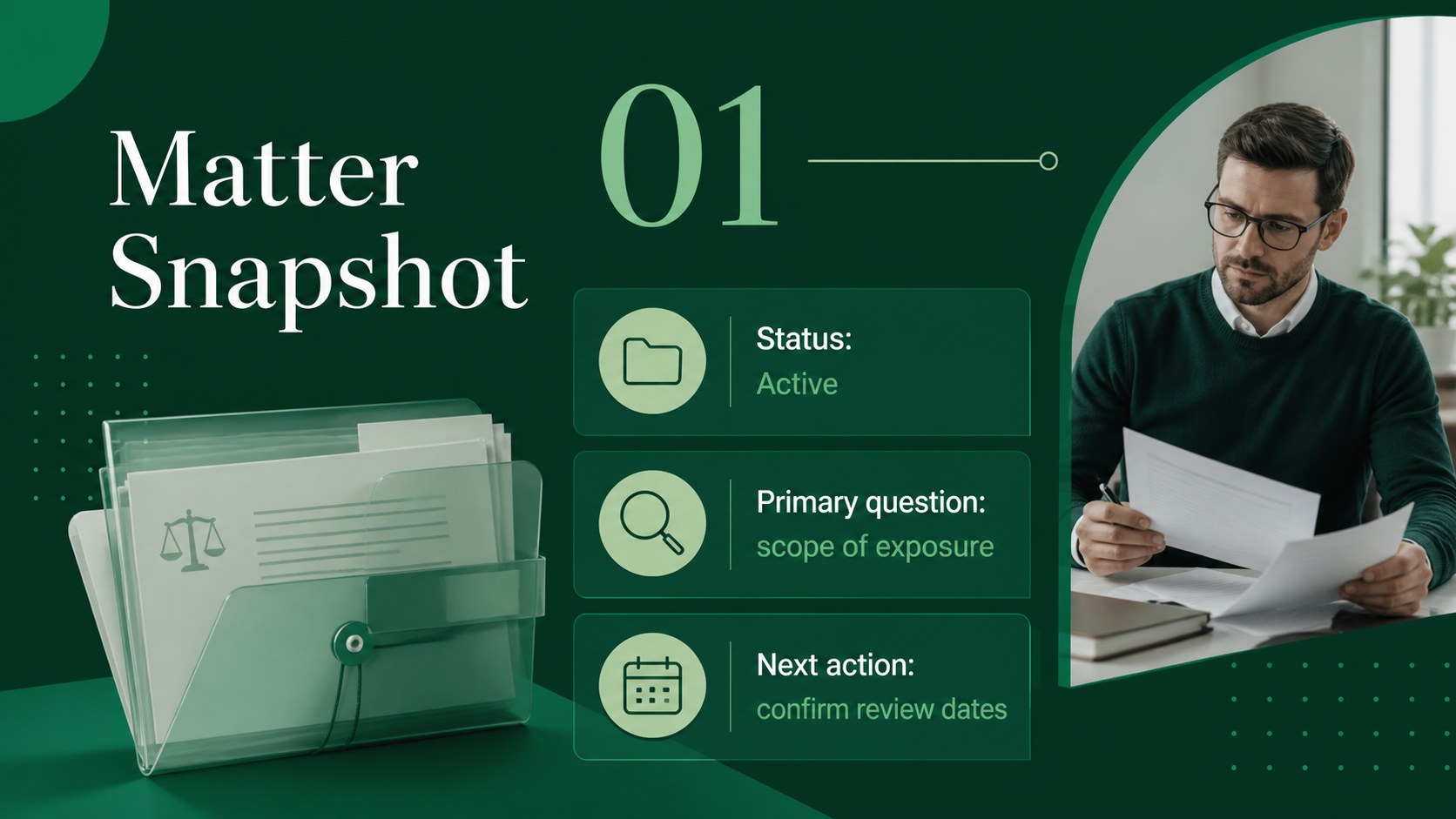
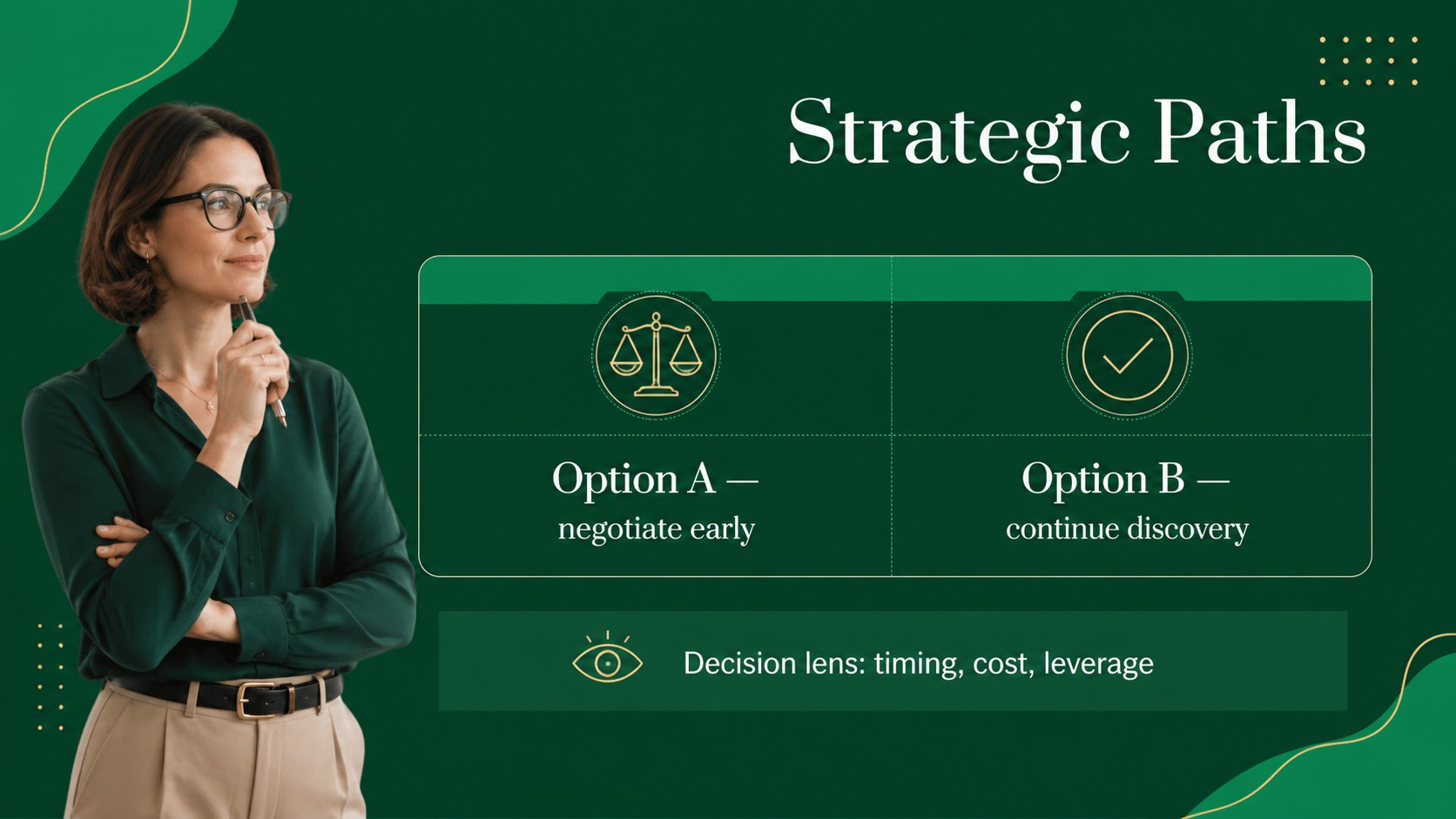
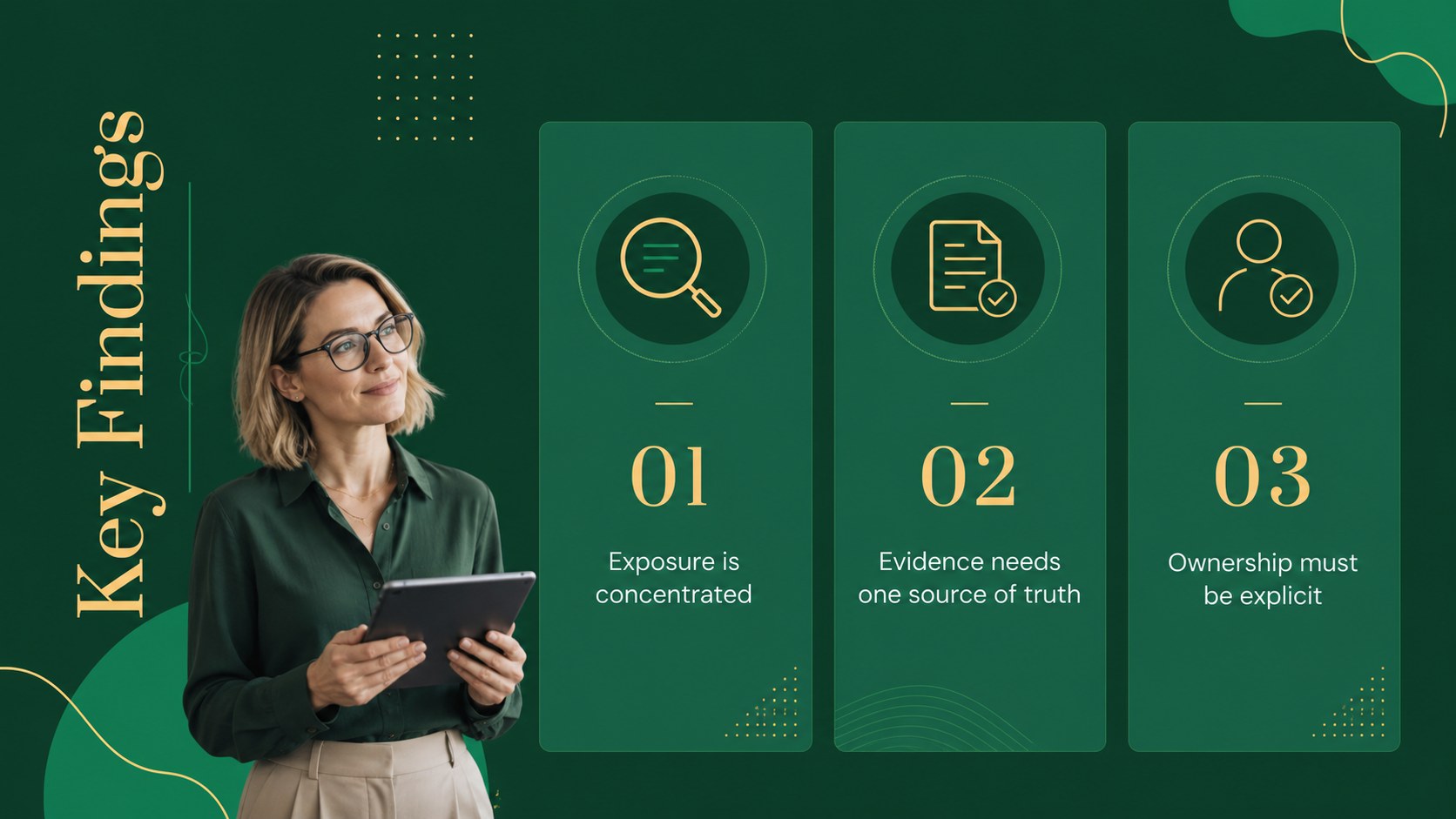
Make internal briefings and client-facing discussions easier to follow with this legal team meeting presentation theme. Designed for attorneys, paralegals, compliance teams, and professional services groups, the deck pairs a calm green palette with refined typography, fine line accents, and uncluttered corporate layouts. Use it to frame legal priorities, summarize case developments, compare strategic options, or guide a collaborative planning session.
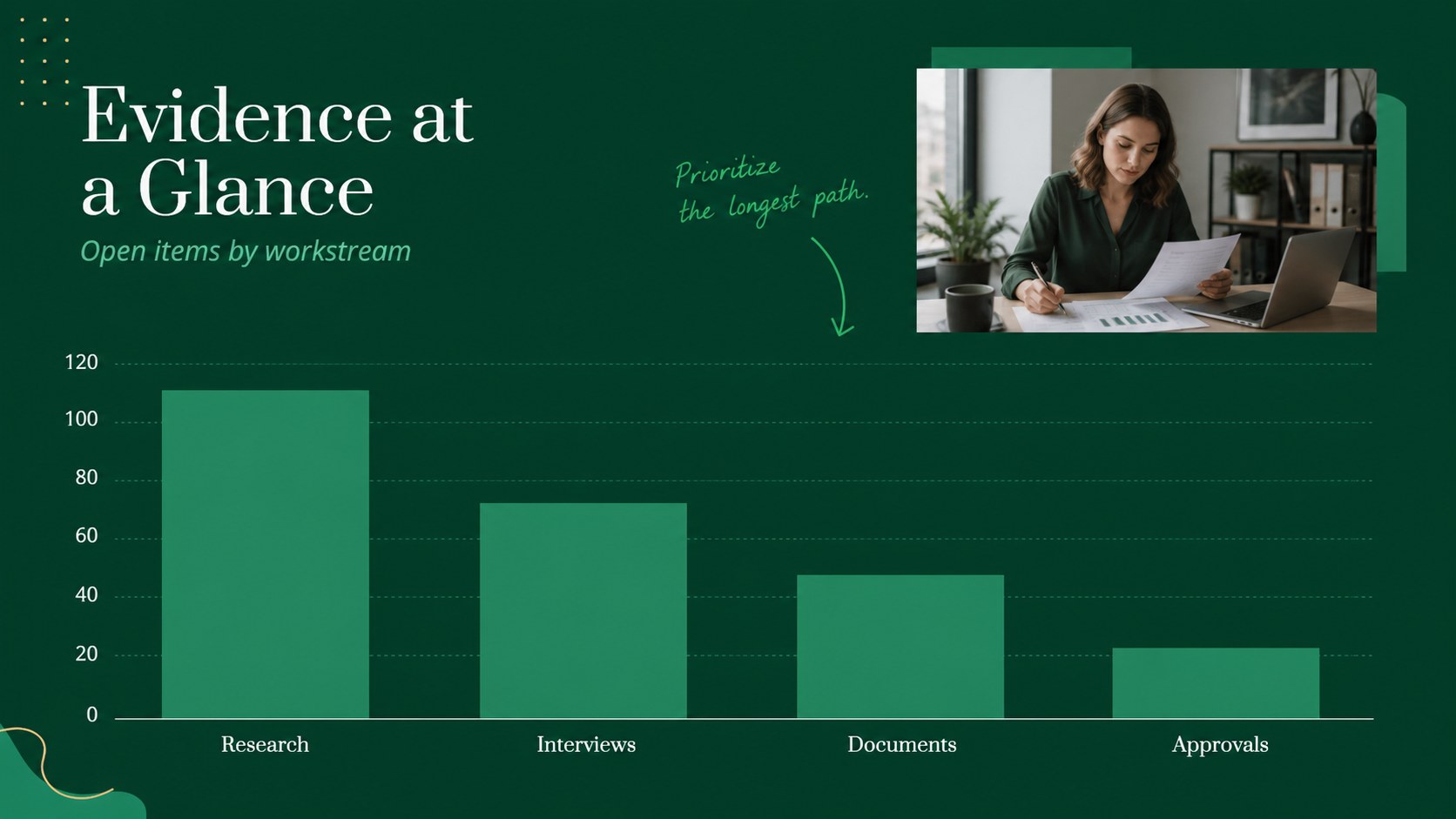
The download includes 19 editable 16:9 slides for PowerPoint and Google Slides, with layouts for agendas, speaker introductions, case snapshots, issue analysis, timelines, data highlights, action plans, and closing summaries. Charts, shapes, frames, and text blocks can be rearranged to match your firm’s visual identity. The design uses Neuton, Prata, and Satisfy, while the green color system creates a consistent visual thread across every section.
This legal case review slide deck works well for weekly practice-group meetings, litigation preparation, regulatory briefings, client consultations, and onboarding sessions. Replace the sample copy with matter-specific information, add your own charts or evidence summaries, and export the finished presentation as PPTX or share it through Google Slides.
Perfect for: weekly law firm team meeting; litigation case review; client consultation briefing; regulatory compliance update; legal strategy workshop.
Frequently asked questions
Can I edit the presentation in PowerPoint? Yes. The layouts, text, colors, shapes, and charts are designed to be edited in PowerPoint. Download the PPTX file, then replace the sample content with your own case or meeting details.
Practical details
Yes. The layouts, text, colors, shapes, and charts are designed to be edited in PowerPoint. Download the PPTX file, then replace the sample content with your own case or meeting details.
Yes, you can import the presentation into Google Slides and adjust the editable elements there. Check the typography after importing and substitute matching fonts if a listed typeface is unavailable.
Absolutely. Update the theme colors to match your firm or client brand while keeping the existing layout system intact. You can also recolor lines, icons, charts, and accent blocks individually.
The layouts support case summaries, legal strategies, issue breakdowns, timelines, meeting agendas, performance data, and action plans. They can be adapted for internal reviews as well as client-facing briefings.
Keep exploring
15Shape your publishing concept with an indie magazine startup pitch deck featuring pastel gradients, bold collage layouts, and editable planning slides.
 16
16Build clear project stories with the Icon Grid Teamwork Theme, a flexible blue illustrated deck for proposals, strategy updates, and team meetings.
 3
3Turn priorities into an actionable plan with an annual goals roadmap infographic, featuring editable orange and teal layouts for PowerPoint and Google Slides.
 15
15Create an Annual Achievement Report Presentation with colorful geometric layouts for milestones, results, lessons, and priorities in PowerPoint or Google Slides.
 15
15Turn results into a focused annual performance evaluation report with dark 3D slides for KPIs, achievements, feedback, and next-step goals for teams.
 15
15Guide a focused annual recap with Business Results Retrospective Slides, a muted brown-and-blue template for PowerPoint and Google Slides.
 6
6Turn complex plans into clear visual stories with Color-Coded Workflow Path Slides, an editable set for project updates, roadmaps, and team briefings.
 6
6Compare regional performance at a glance with Global Data Heatmap Slides, a clean multicolor deck designed for editable PowerPoint and Google Slides.