
 15
15presentation
Indie Magazine Startup Pitch Deck
Shape your publishing concept with an indie magazine startup pitch deck featuring pastel gradients, bold collage layouts, and editable planning slides.
Google SlidesPowerPoint
presentation · English
Turn complex matters into clear client briefings with this legal advisory presentation toolkit for PowerPoint and Google Slides in brown, black, and white.

Design notes
Present legal findings with precision using this legal advisory presentation toolkit for PowerPoint and Google Slides. Its modern corporate design combines warm brown, crisp white, and strong black accents with geometric details, creating a composed setting for sensitive topics, detailed arguments, and practical recommendations.
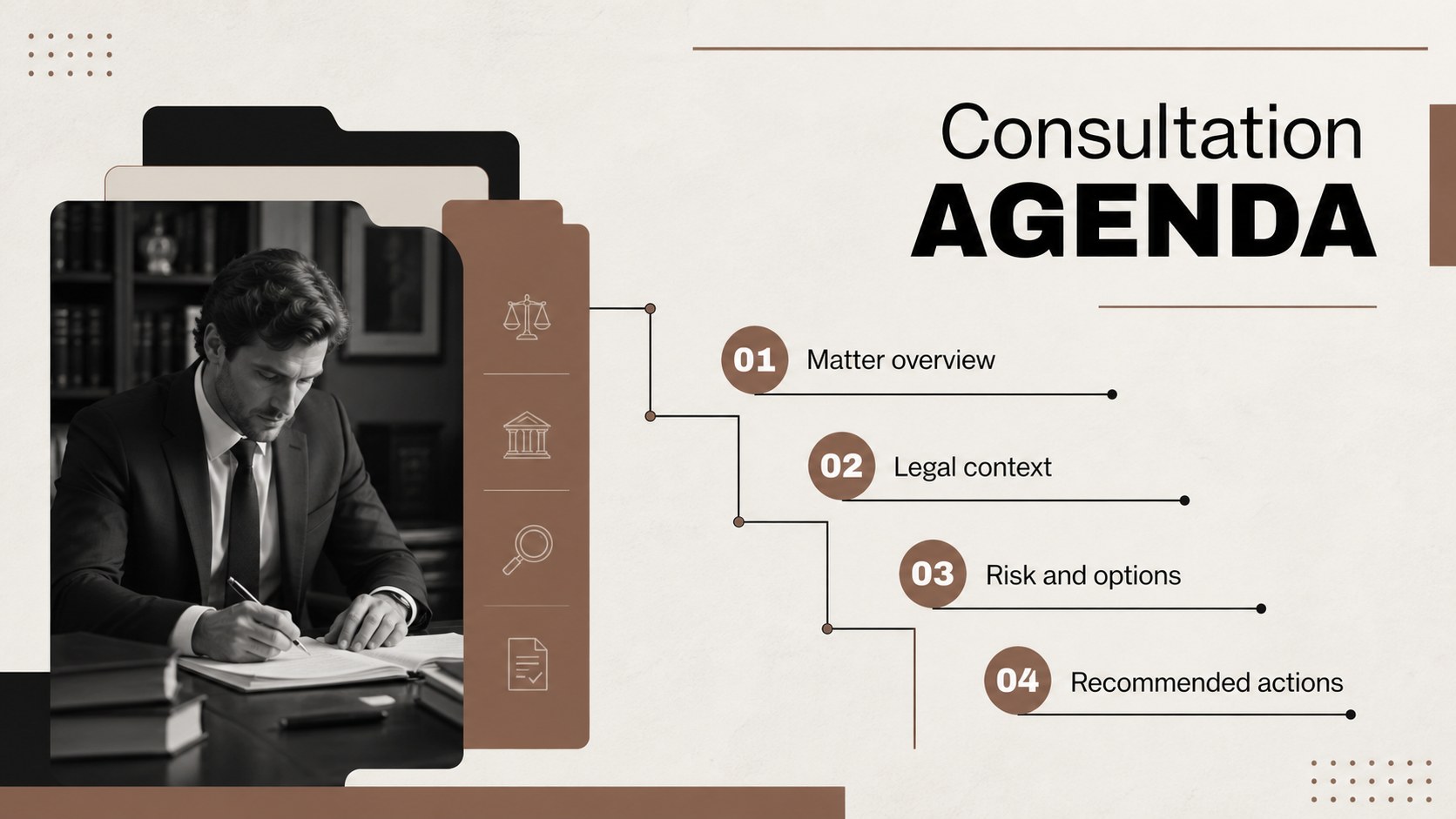
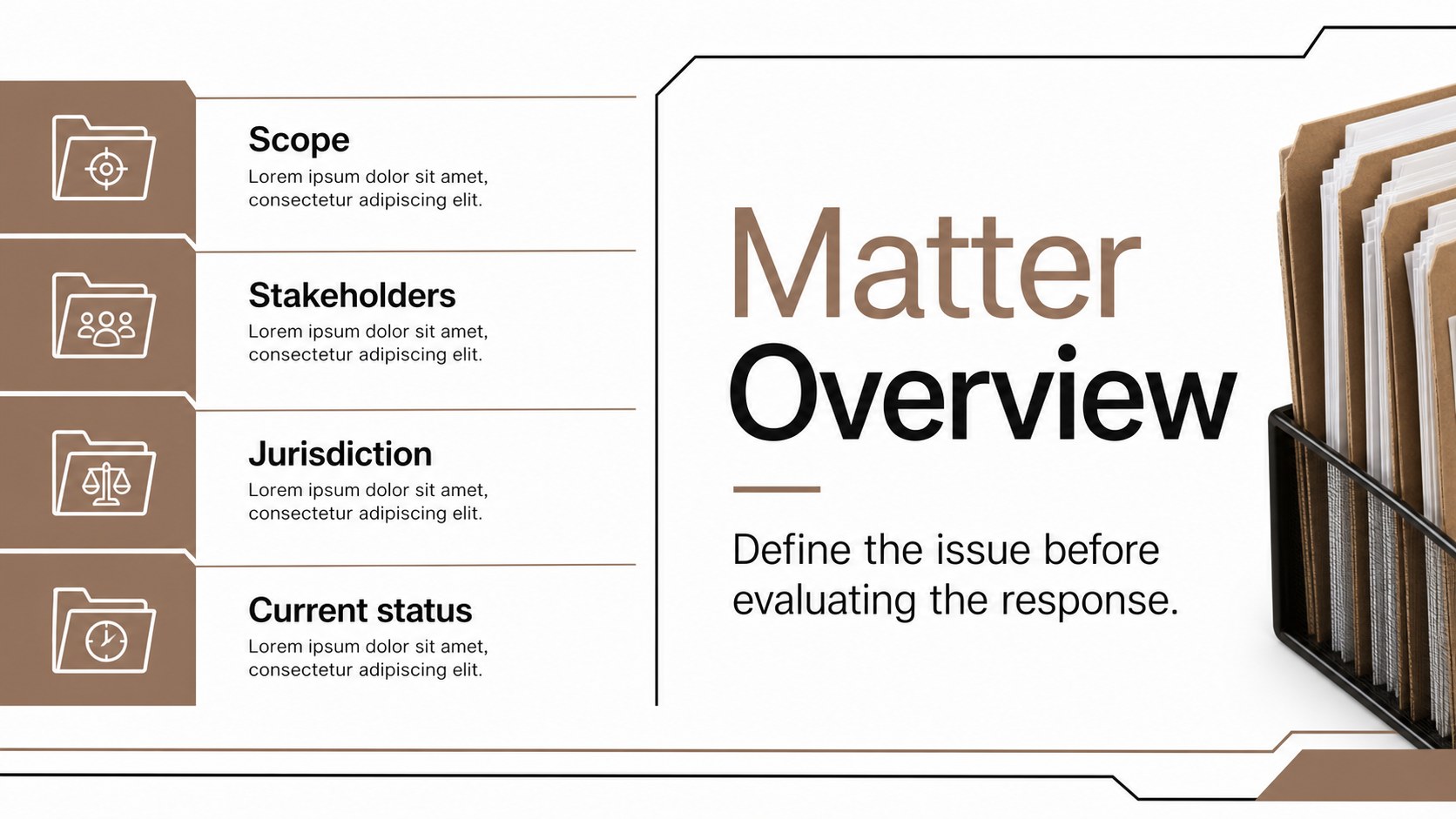
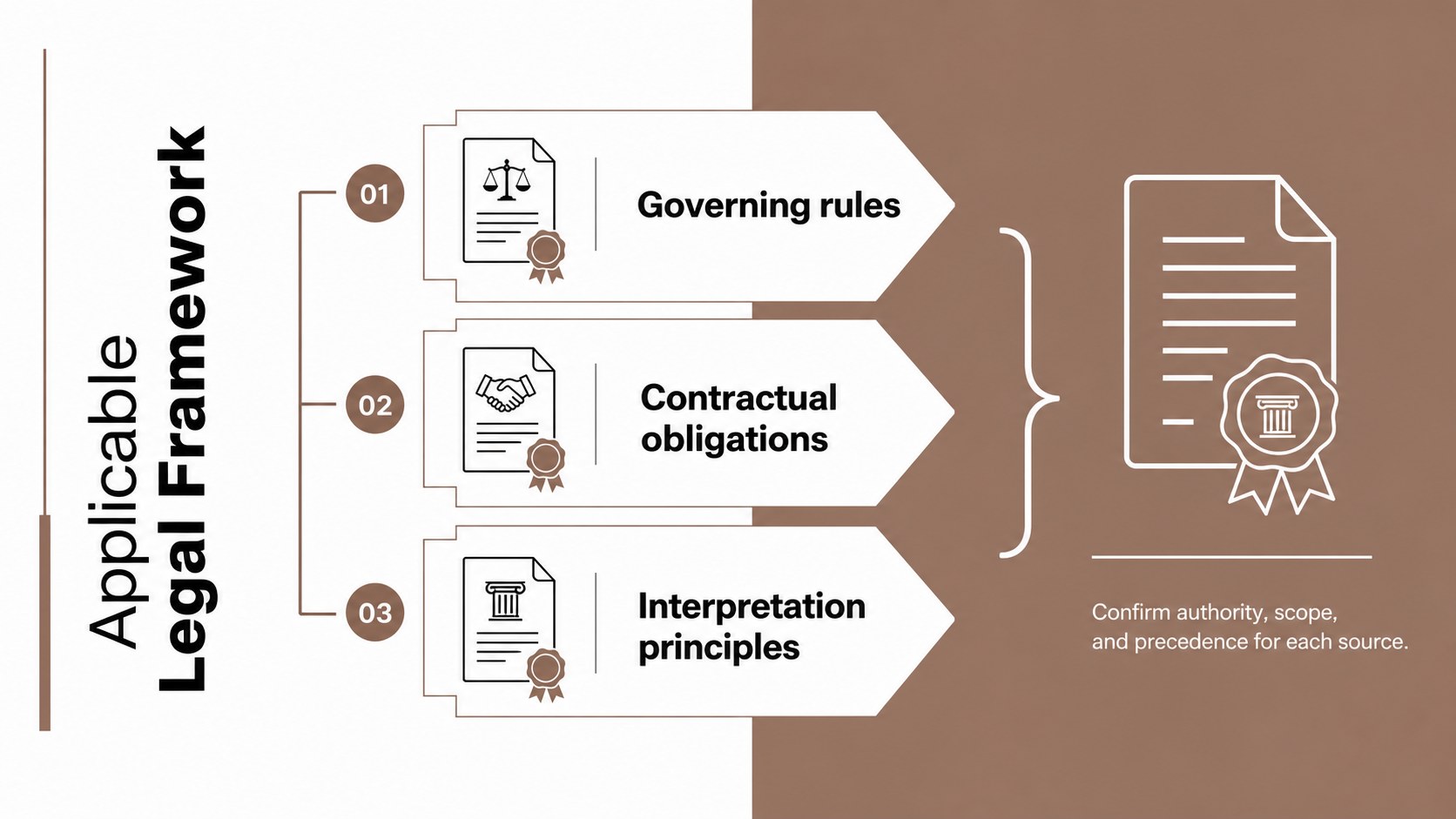
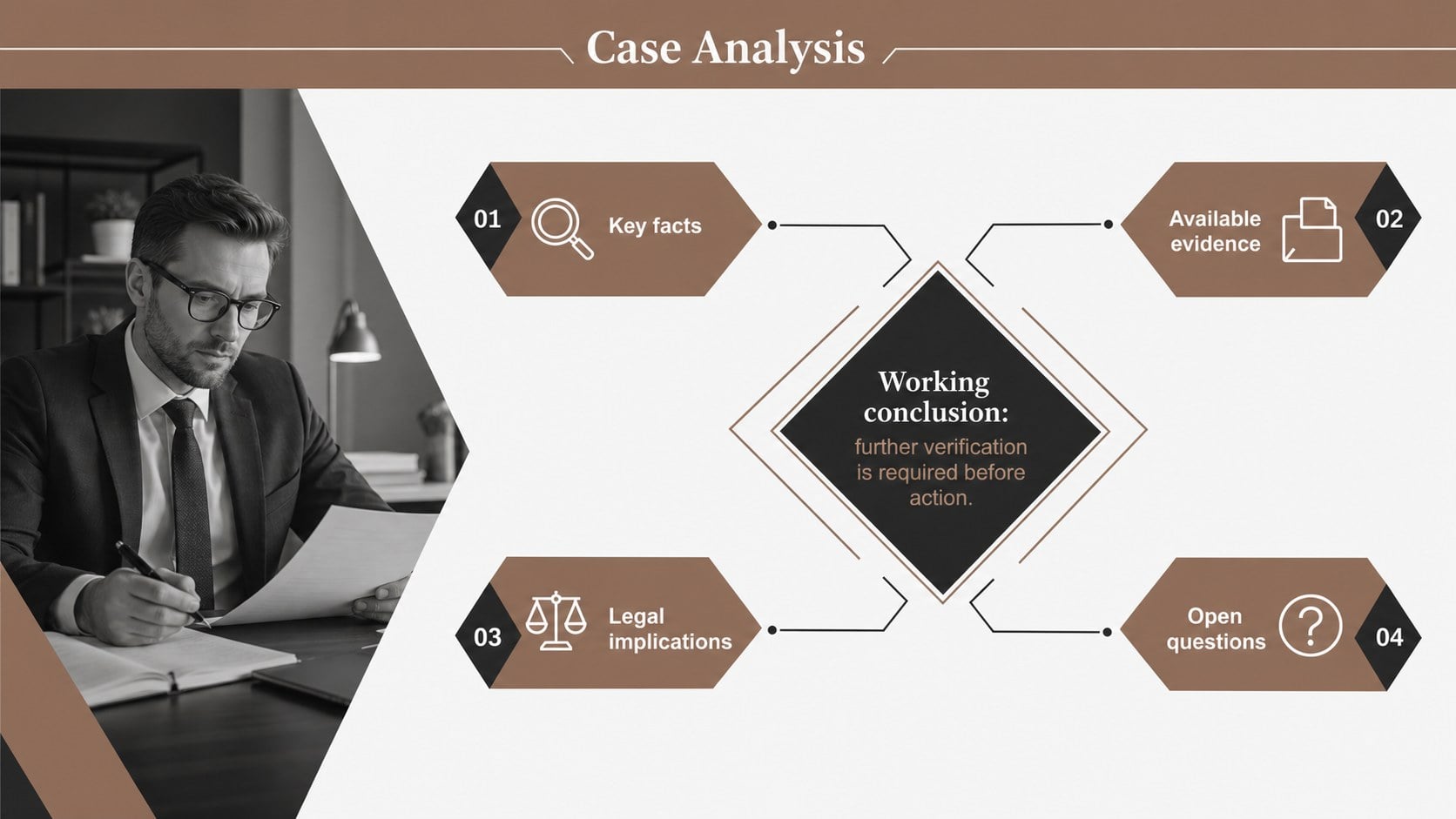
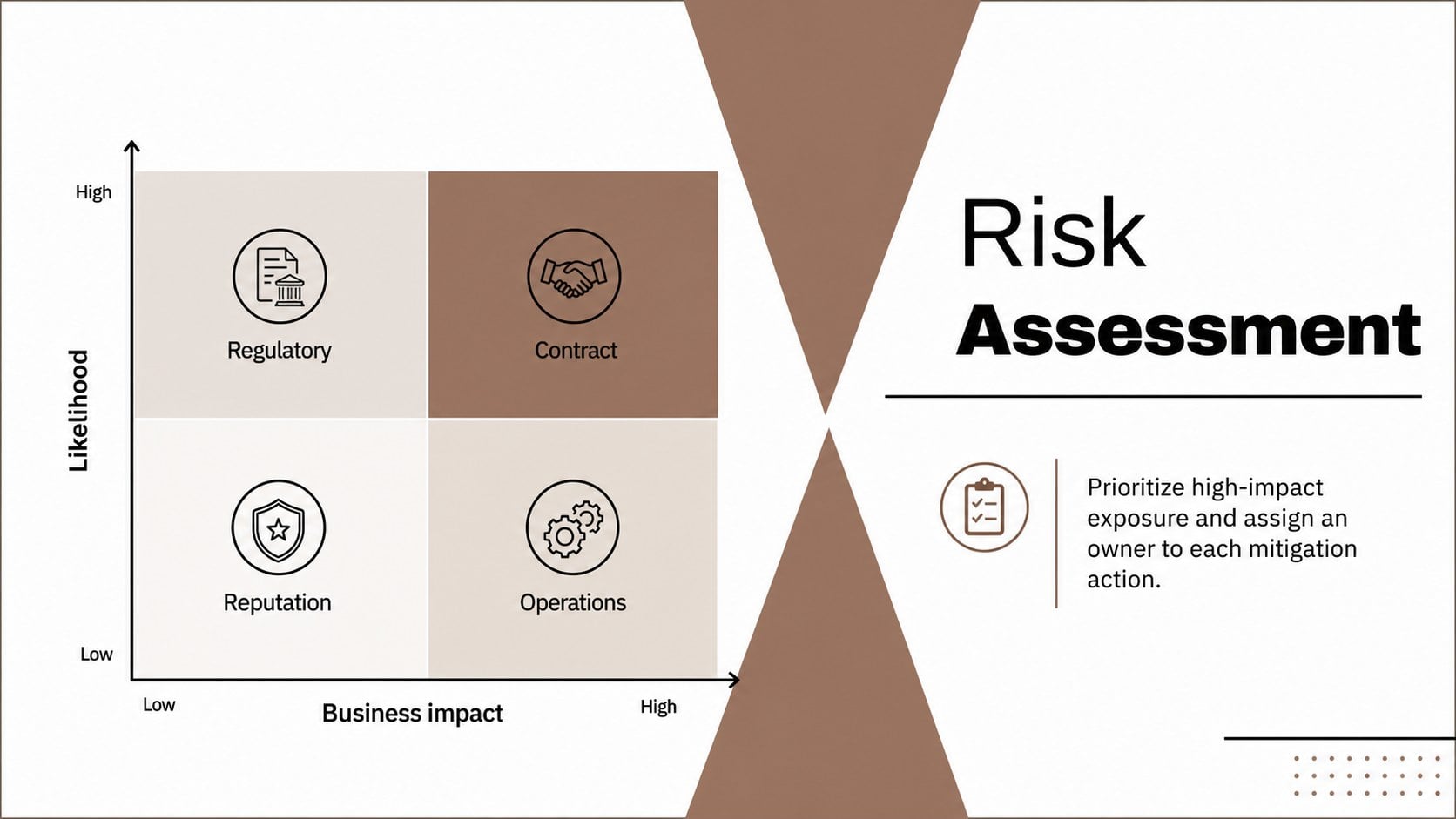
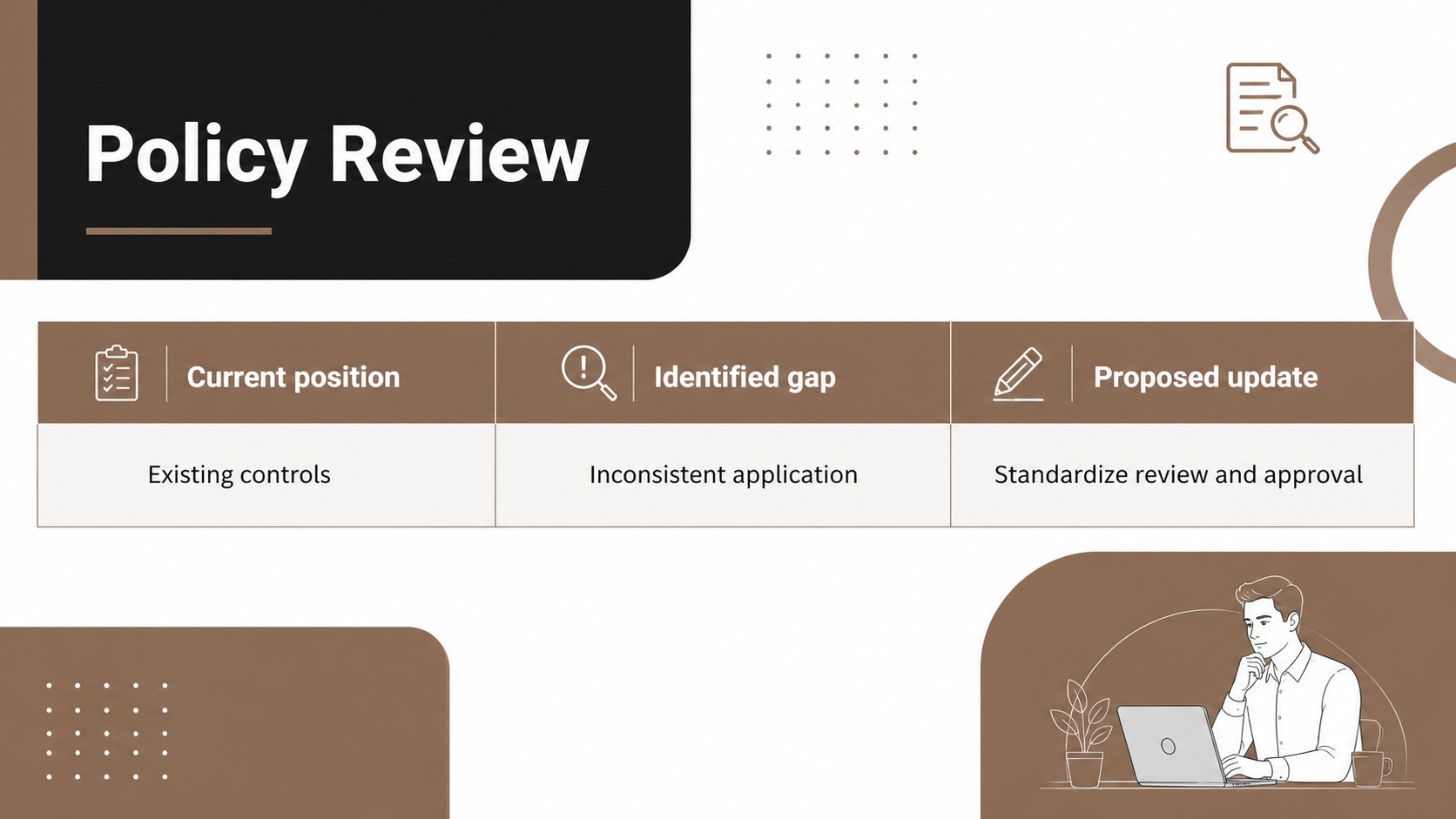
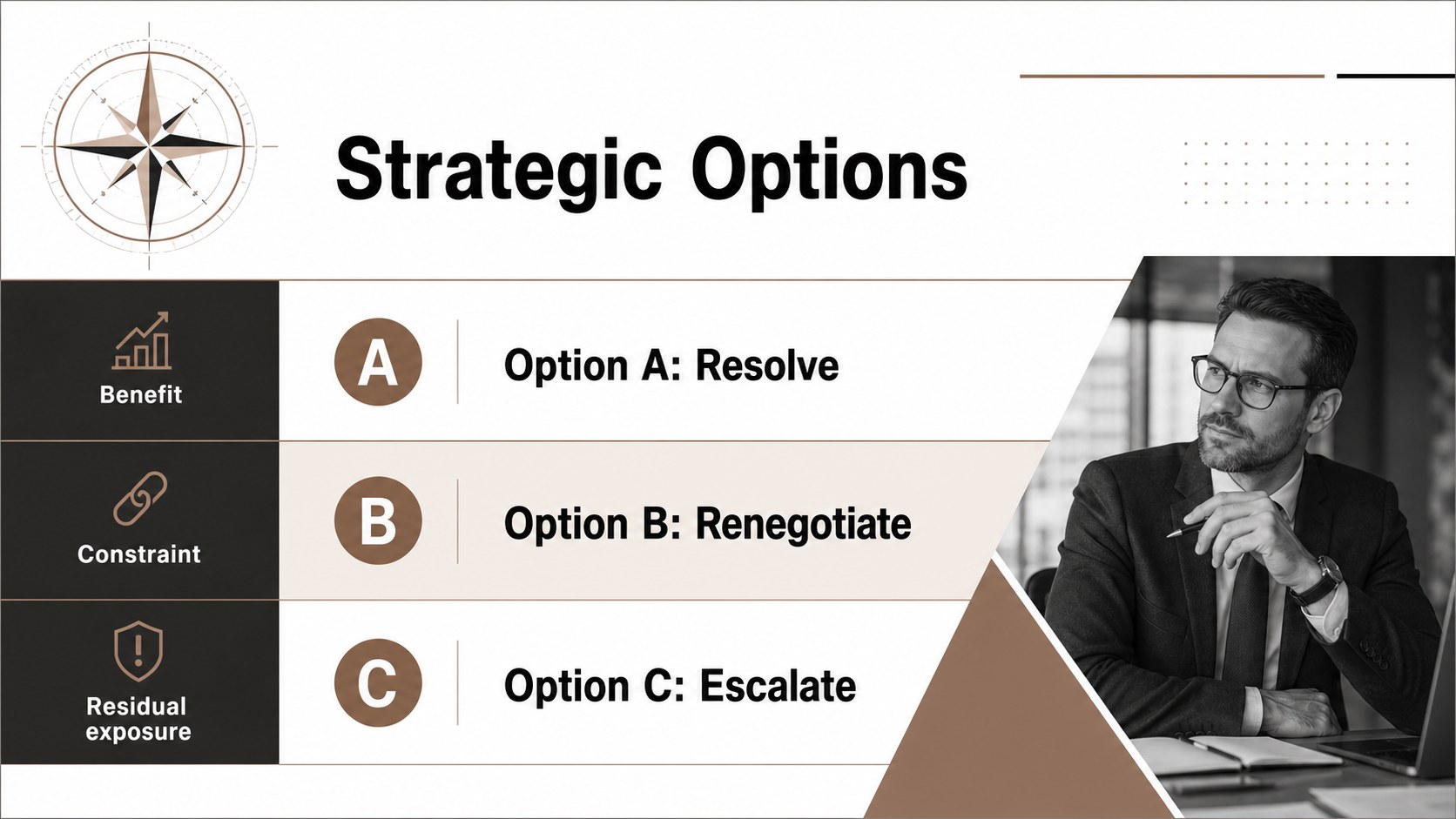
The deck includes layouts for an executive summary, consultation agenda, legal framework, matter overview, case analysis, risk matrix, policy review, strategic options, implementation timeline, service scope, and closing recommendations. Adapt the visual system into a corporate legal strategy presentation, build persuasive law firm client proposal slides, or organize a legal case analysis deck without sacrificing readability. Charts, process diagrams, comparison tables, and section dividers help transform dense material into a clear narrative for decision-makers.
Designed for attorneys, legal consultants, compliance teams, policy advisors, and corporate counsel, these slides support both internal planning and client-facing communication. Every page can be edited to reflect your organization, matter, jurisdiction, and terminology. Replace sample wording, adjust the brown accent shades, insert approved imagery, and modify tables or diagrams while retaining a consistent professional style. The 16:9 format is suitable for conference rooms, remote consultations, training sessions, and formal proposal meetings.
Perfect for: law firm client proposal; corporate counsel briefing; legal risk assessment; case strategy review; policy and compliance analysis; legal services consultation.
Frequently asked questions
Can I edit every part of the presentation? Yes. Text, colors, diagrams, tables, and image placeholders can be customized in PowerPoint or Google Slides. You can also duplicate, remove, or reorder pages to match the scope of a legal matter.
Practical details
Yes. Text, colors, diagrams, tables, and image placeholders can be customized in PowerPoint or Google Slides. You can also duplicate, remove, or reorder pages to match the scope of a legal matter.
The toolkit is designed for PowerPoint and Google Slides. After opening the file in your preferred platform, review font availability and minor spacing before presenting.
Yes. Replace the brown accents with your approved brand colors while preserving strong contrast against the white and black elements. Master layouts can help apply those changes consistently across the deck.
The layouts can be used for confidential briefings, but sample content should be replaced with authorized information. Follow your organization's privacy, retention, and document-sharing requirements when adding client or case details.
Keep exploring
15Shape your publishing concept with an indie magazine startup pitch deck featuring pastel gradients, bold collage layouts, and editable planning slides.
 16
16Build clear project stories with the Icon Grid Teamwork Theme, a flexible blue illustrated deck for proposals, strategy updates, and team meetings.
 3
3Turn priorities into an actionable plan with an annual goals roadmap infographic, featuring editable orange and teal layouts for PowerPoint and Google Slides.
 15
15Create an Annual Achievement Report Presentation with colorful geometric layouts for milestones, results, lessons, and priorities in PowerPoint or Google Slides.
 15
15Turn results into a focused annual performance evaluation report with dark 3D slides for KPIs, achievements, feedback, and next-step goals for teams.
 15
15Guide a focused annual recap with Business Results Retrospective Slides, a muted brown-and-blue template for PowerPoint and Google Slides.
 6
6Turn complex plans into clear visual stories with Color-Coded Workflow Path Slides, an editable set for project updates, roadmaps, and team briefings.
 6
6Compare regional performance at a glance with Global Data Heatmap Slides, a clean multicolor deck designed for editable PowerPoint and Google Slides.