
 15
15presentation
Indie Magazine Startup Pitch Deck
Shape your publishing concept with an indie magazine startup pitch deck featuring pastel gradients, bold collage layouts, and editable planning slides.
Google SlidesPowerPoint
presentation · English
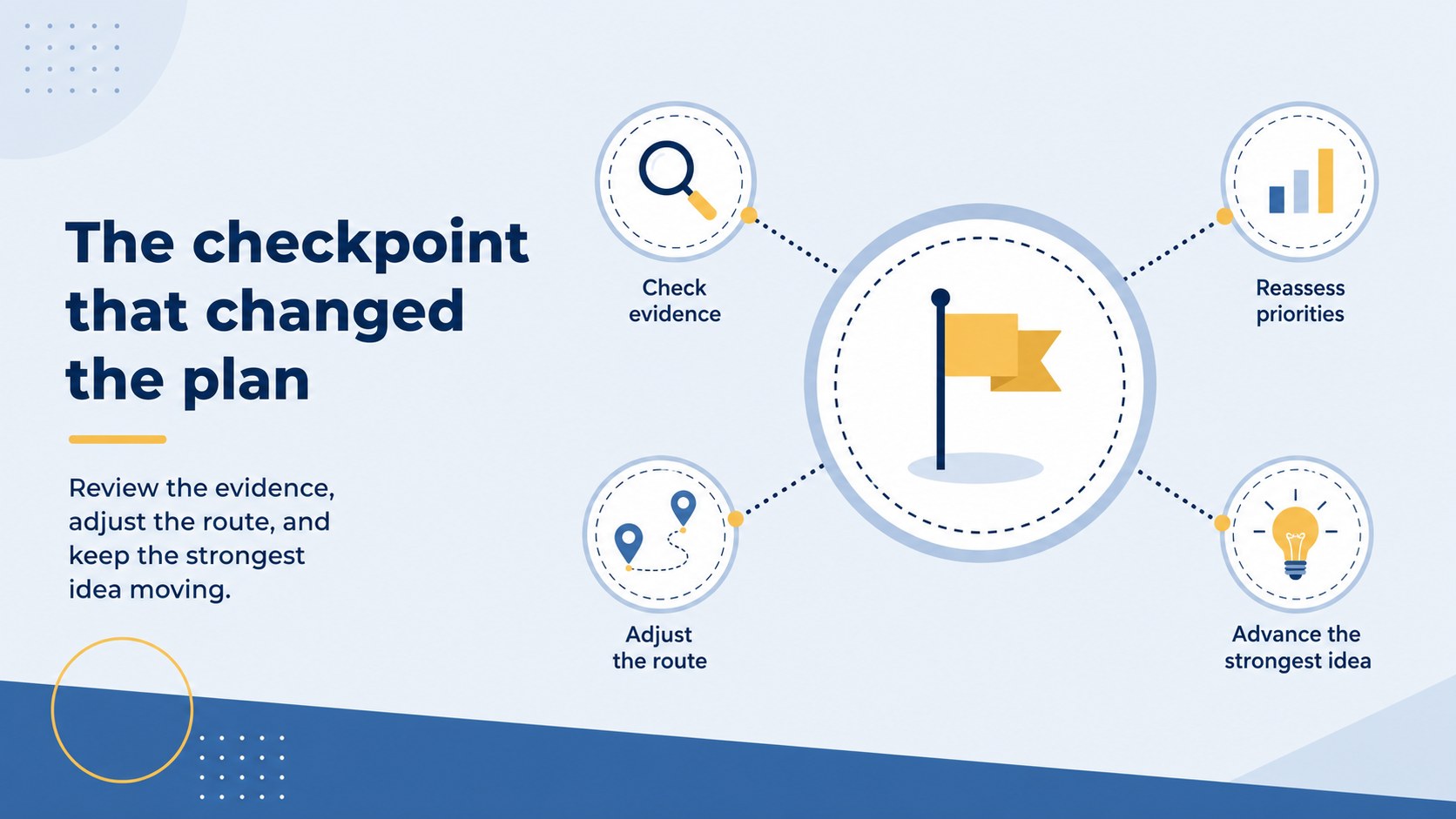
Map progress clearly with journey milestone roadmap slides for PowerPoint and Google Slides. Edit blue and yellow layouts for school, work, or project…




Design notes
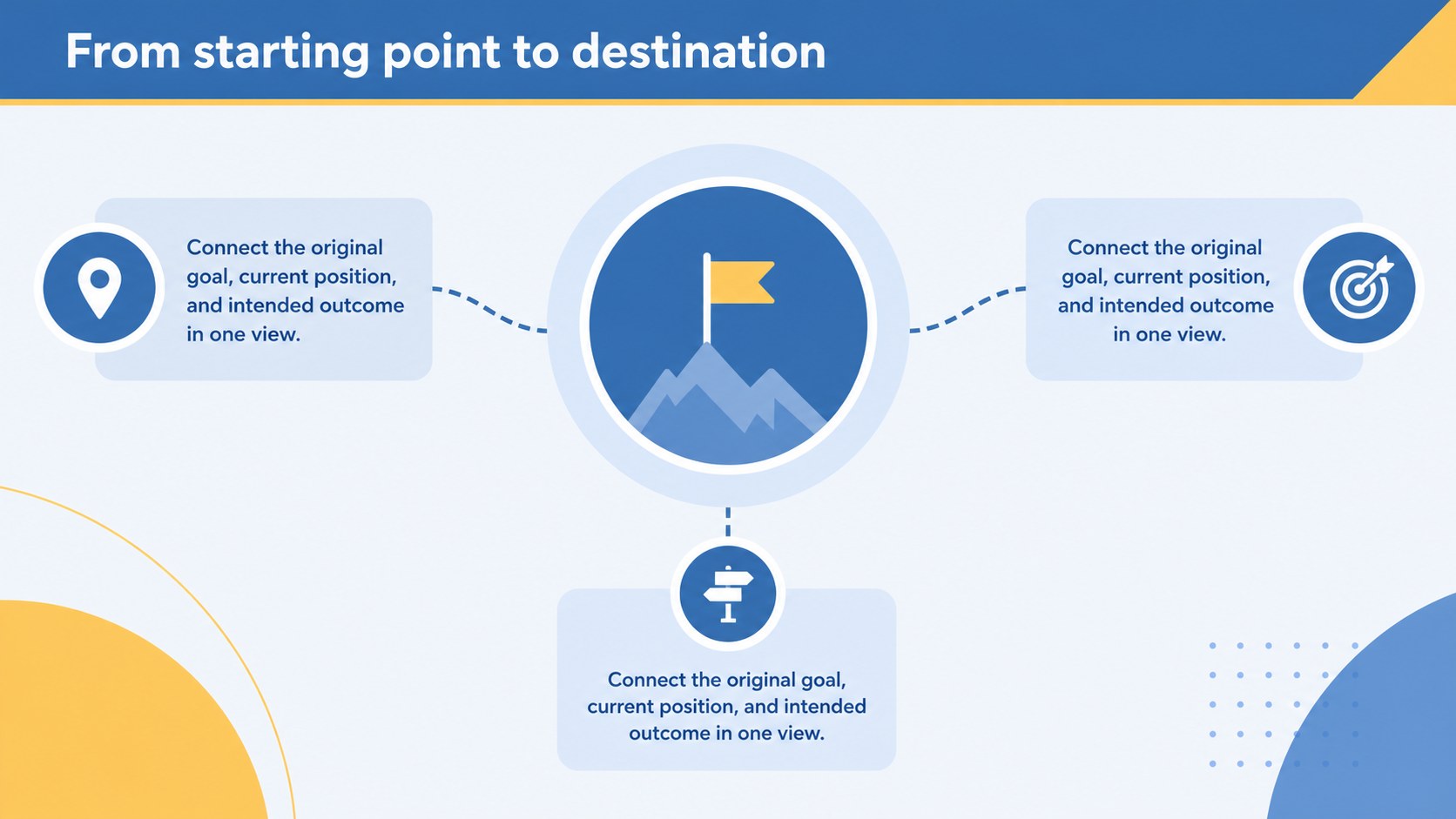
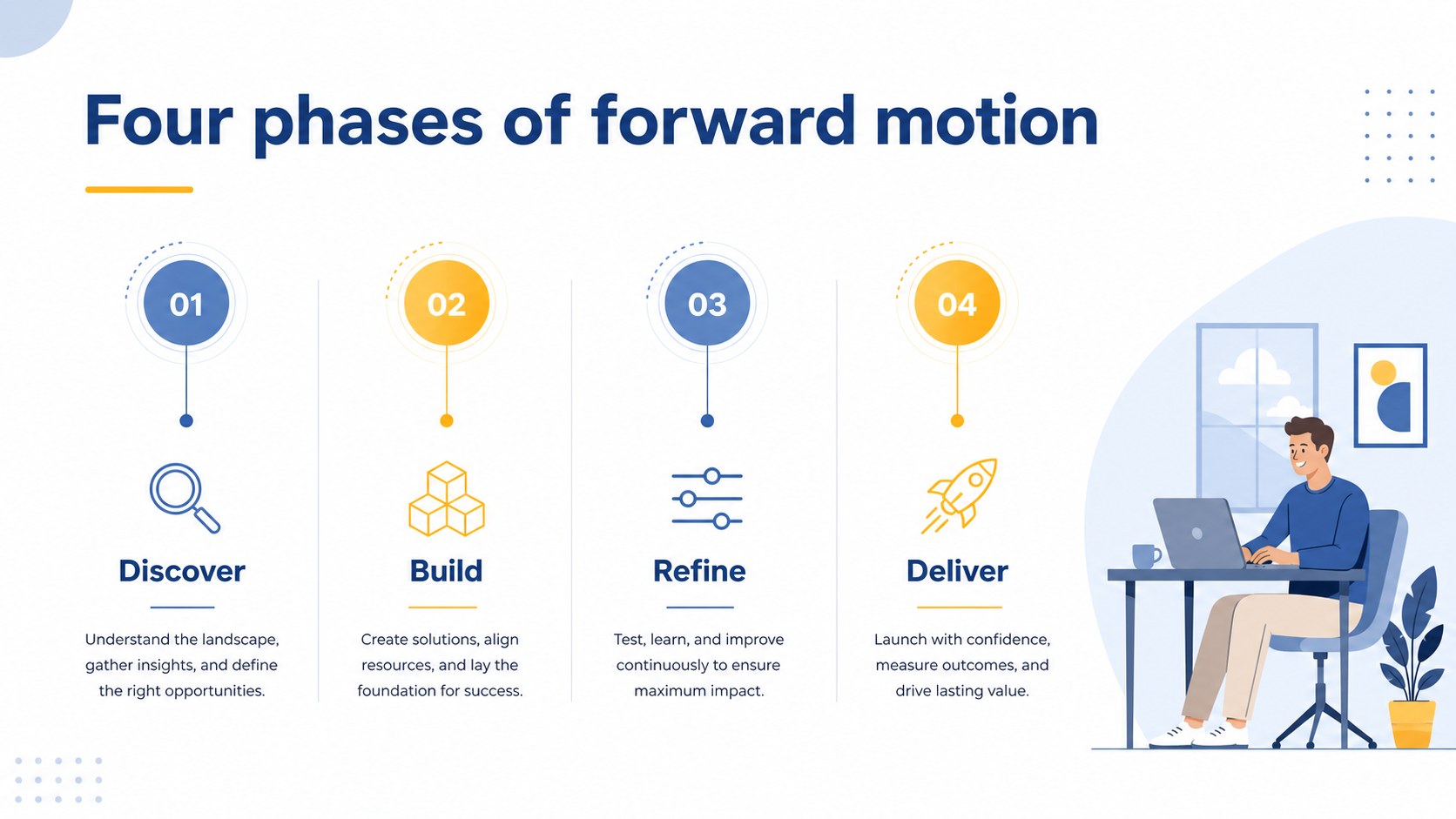
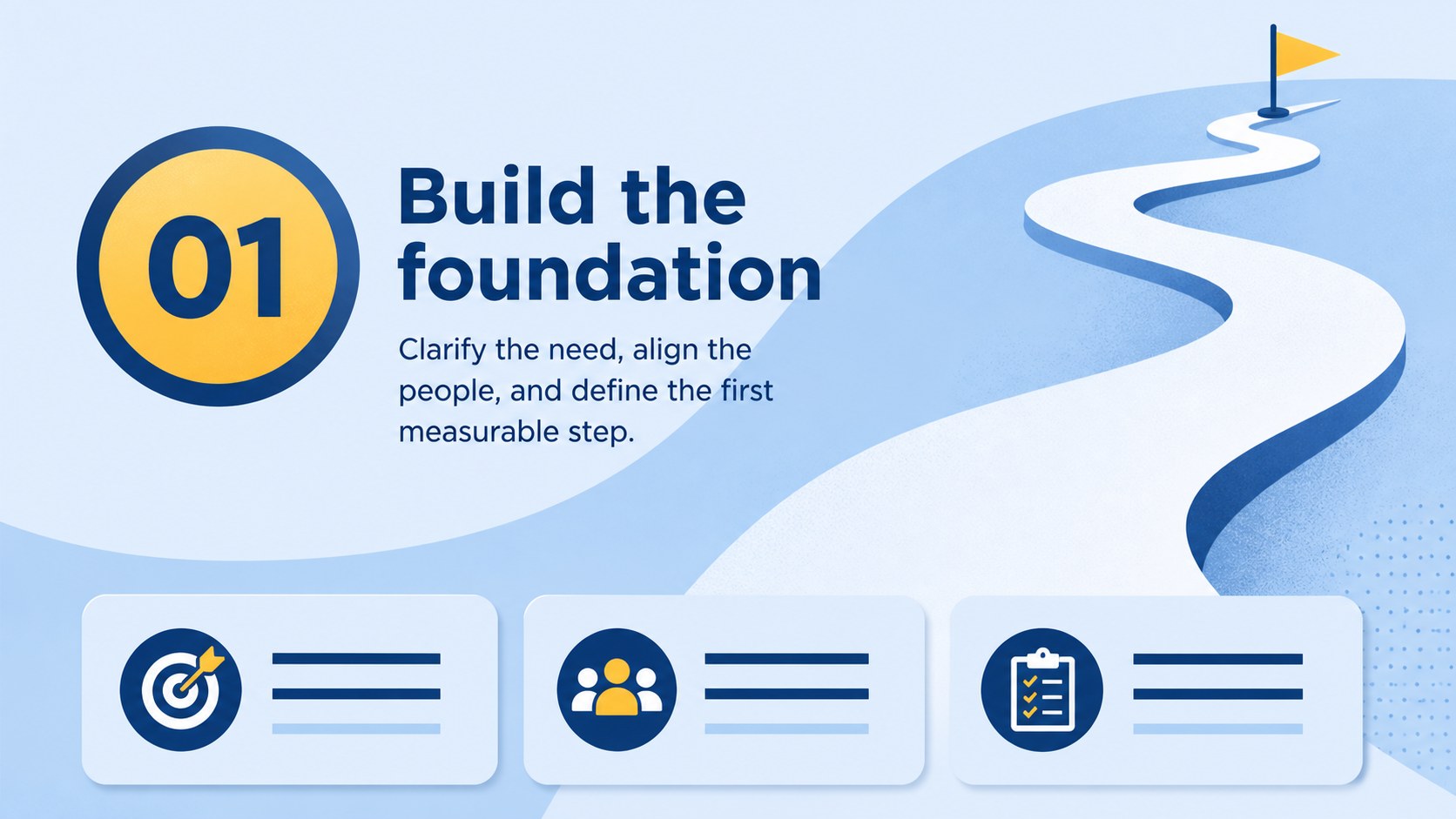
Make progress easier to understand with journey milestone roadmap slides designed for clear storytelling. The deck combines curved paths, milestone markers, short text blocks, simple charts, and illustrated accents in a polished blue and yellow palette. Use it to explain where a project began, what has changed, and which steps come next.
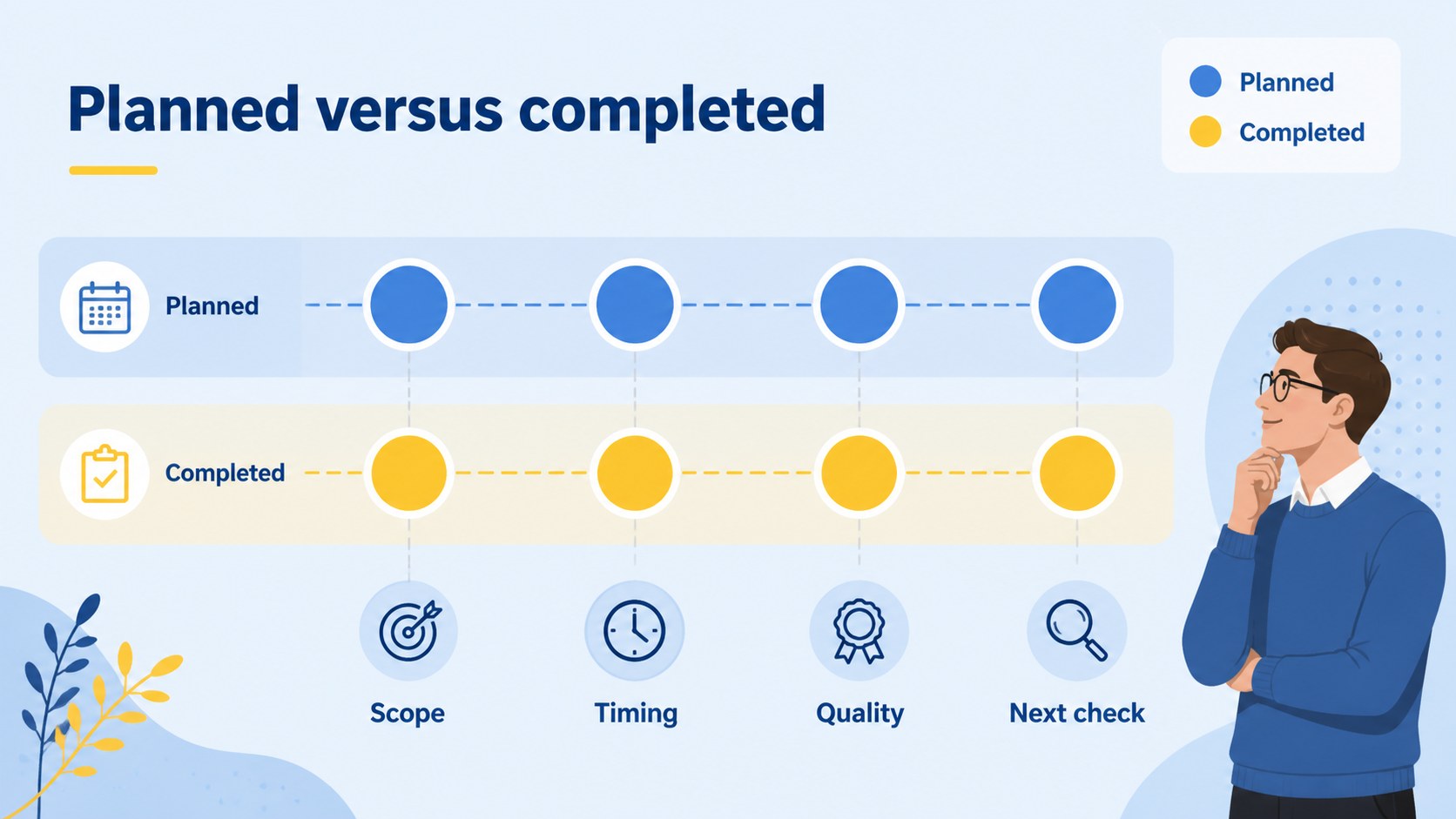
Inside, you will find a cover, agenda, overview layouts, sequential roadmap pages, comparison slides, data visuals, reflection prompts, and a closing summary. The varied layouts support a project milestone presentation, a professional development update, a classroom journey map, or a personal goals review. Each slide is fully editable in PowerPoint and Google Slides, so you can adjust colors, labels, icons, dates, and supporting details without rebuilding the visual system.
This template is suitable for students, teachers, project managers, team leads, consultants, and anyone who needs an easy-to-follow progress narrative. Replace the sample content with launch phases, research stages, career goals, learning checkpoints, or daily routines. Use the included timeline layouts to turn scattered information into a focused, presentation-ready story.
Perfect for: startup project milestone review; student learning journey; employee development presentation; product launch roadmap; personal goals planning.
Frequently asked questions
Can I edit the roadmap layouts in PowerPoint? Yes. The slides are designed for editing in PowerPoint, including text, shapes, icons, colors, and milestone labels. You can duplicate or remove sections to match the length of your project.
Practical details
Yes. The slides are designed for editing in PowerPoint, including text, shapes, icons, colors, and milestone labels. You can duplicate or remove sections to match the length of your project.
Yes, the presentation can be opened and customized in Google Slides. Update the sample dates, headings, graphics, and palette elements directly in your browser.
You can show project phases, career development, learning checkpoints, product launches, or personal goals. The layouts support both sequential milestones and broader progress summaries.
Yes. All major color elements are editable, allowing you to apply brand colors or create a softer classroom palette. Keep the contrast between the path, markers, and text so the sequence remains easy to follow.
Keep exploring
15Shape your publishing concept with an indie magazine startup pitch deck featuring pastel gradients, bold collage layouts, and editable planning slides.
 16
16Build clear project stories with the Icon Grid Teamwork Theme, a flexible blue illustrated deck for proposals, strategy updates, and team meetings.
 3
3Turn priorities into an actionable plan with an annual goals roadmap infographic, featuring editable orange and teal layouts for PowerPoint and Google Slides.
 15
15Create an Annual Achievement Report Presentation with colorful geometric layouts for milestones, results, lessons, and priorities in PowerPoint or Google Slides.
 15
15Turn results into a focused annual performance evaluation report with dark 3D slides for KPIs, achievements, feedback, and next-step goals for teams.
 15
15Guide a focused annual recap with Business Results Retrospective Slides, a muted brown-and-blue template for PowerPoint and Google Slides.
 6
6Turn complex plans into clear visual stories with Color-Coded Workflow Path Slides, an editable set for project updates, roadmaps, and team briefings.
 6
6Compare regional performance at a glance with Global Data Heatmap Slides, a clean multicolor deck designed for editable PowerPoint and Google Slides.